Screen · Onboarding screen · MyDyson · Android
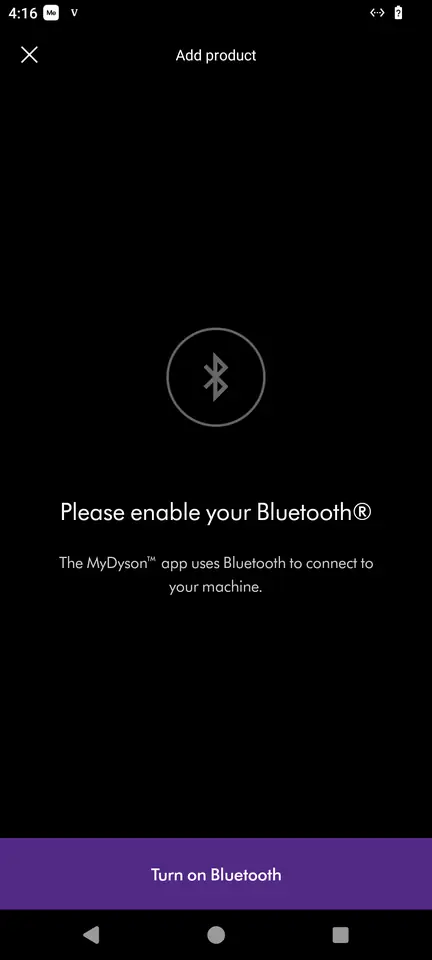
MyDyson onboarding screen: “Please enable your Bluetooth®”
An onboarding screen from MyDyson for Android, captured on a real device — step 8 of 8 in MyDyson's onboarding flow. It uses 3 detected UI components, outlined on the screen below.
AndroidOnboardingstep 8 of 83 componentsfree & ungated
- App
- MyDyson · Productivity & tools
- Screen type
- Onboarding
- Flow
- MyDyson onboarding flow — step 8 of 8
UI text on this screen
Navigate up
Add product
Please enable your Bluetooth®
The MyDyson™ app uses Bluetooth to connect to your machine.
Turn on Bluetooth
UI components
Located from the app's Android view hierarchy and outlined on the screen.
More MyDyson screens
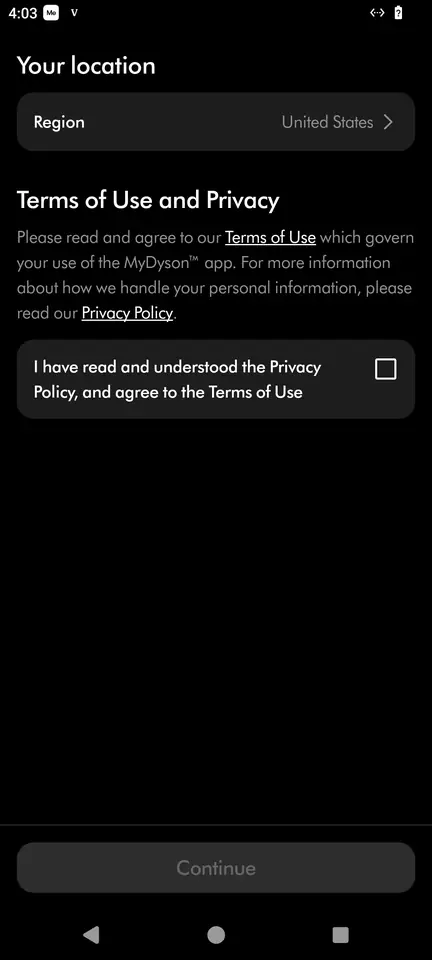
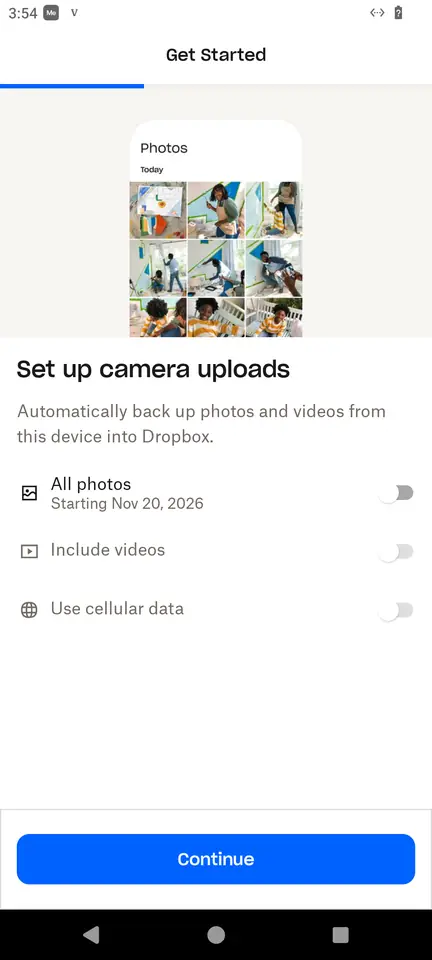
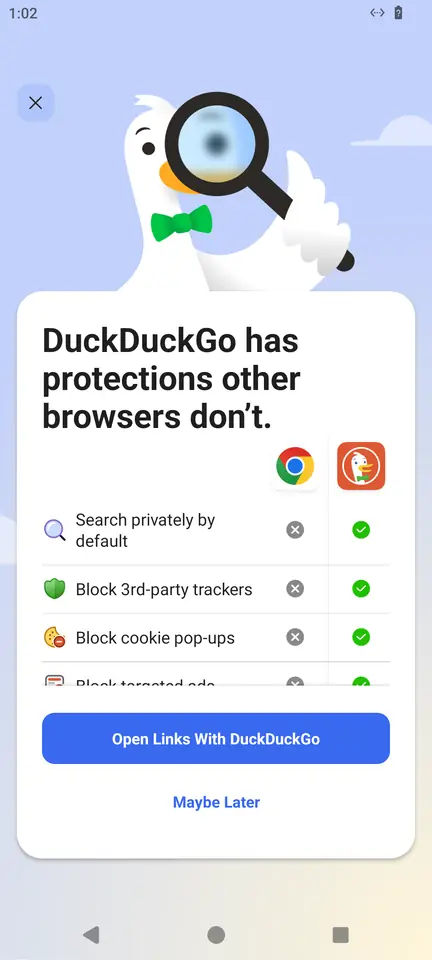
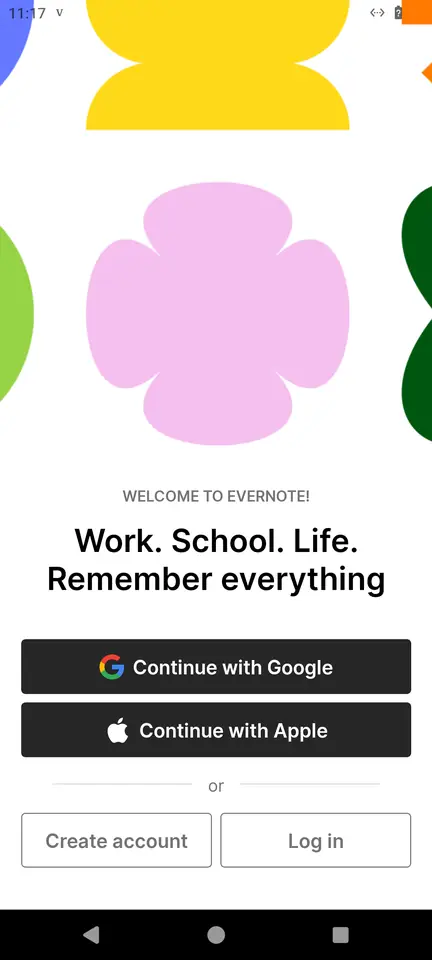
Onboarding screens from other apps
All onboarding screens →
Captured on a real Android device · last updated 2026-11-14