Onboarding flow · SimpMusic · Android
SimpMusic onboarding flow
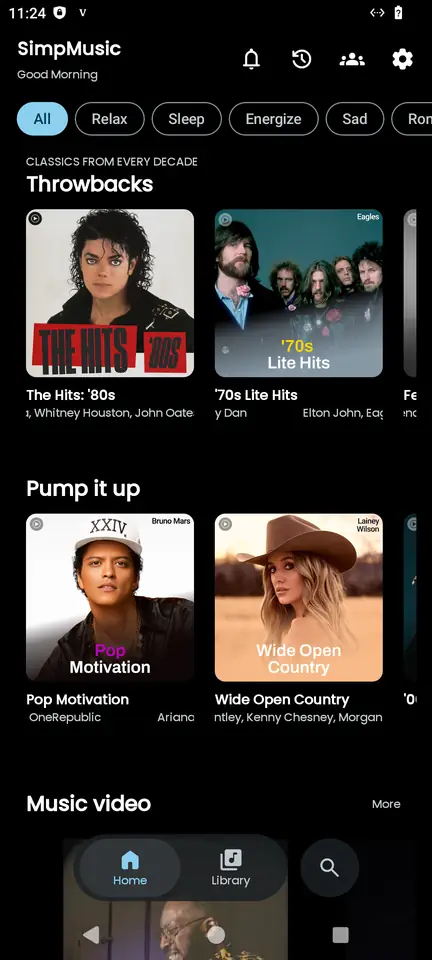
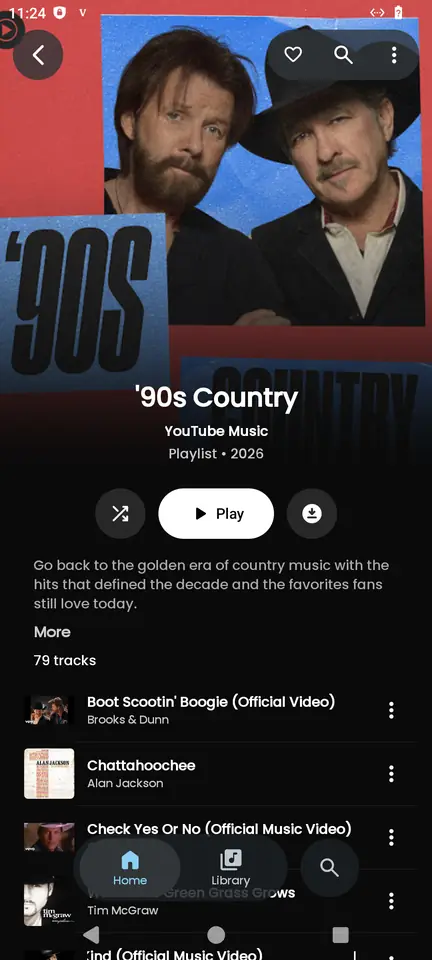
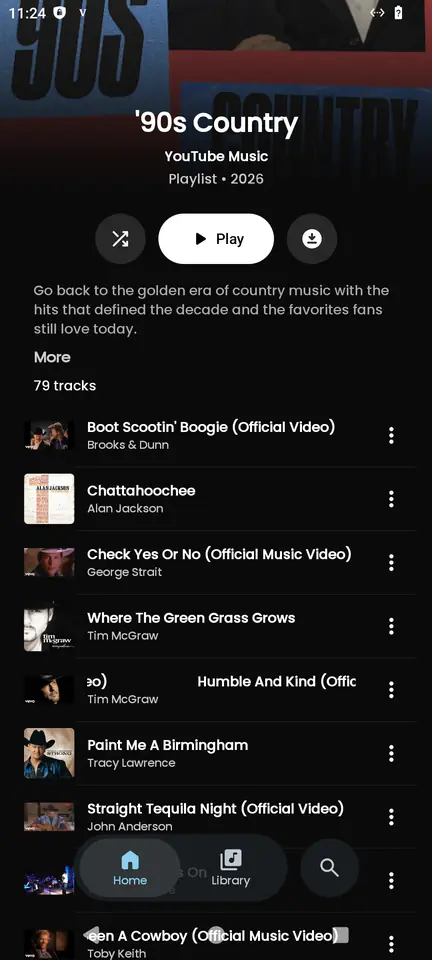
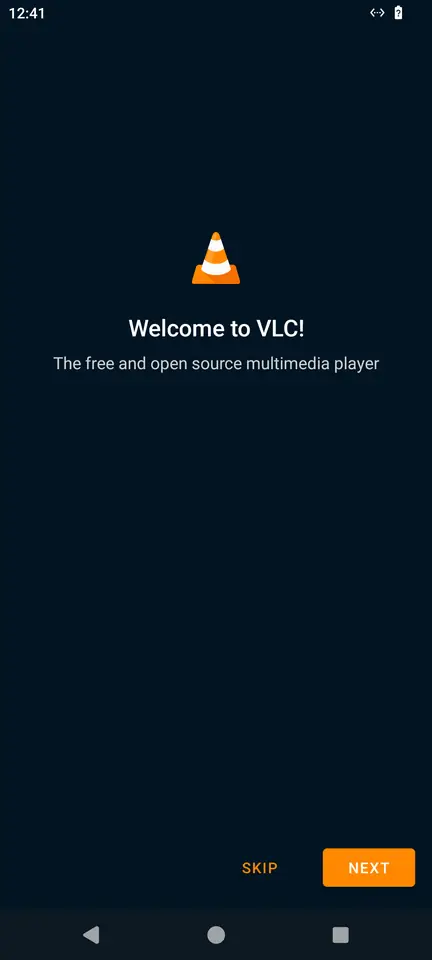
Every screen of SimpMusic's onboarding flow on Android, in order: 4 steps, recorded on a real device. SimpMusic's onboarding opens with a system permission request and shows no sign-up form in the 4 screens we captured. At 4 screens it sits at the library's median for onboarding flows (152 captured).
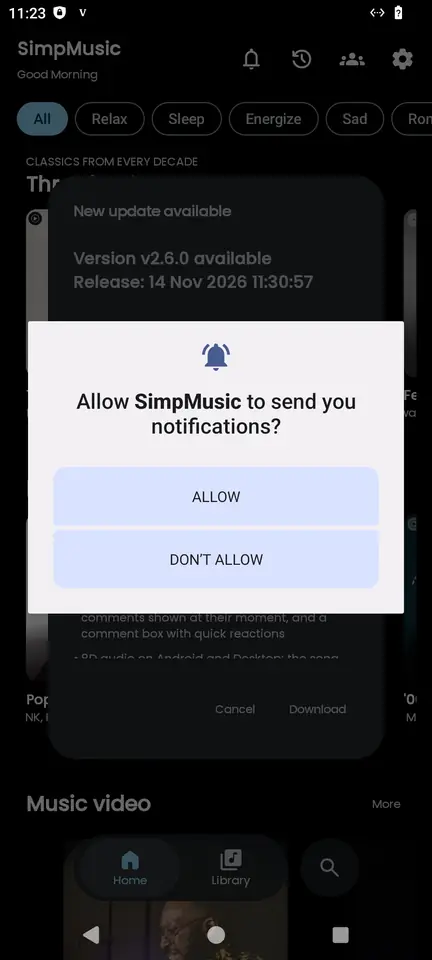 01 Permissions · tap “Allow”
Allow SimpMusic to send you notifications? — ALLOW
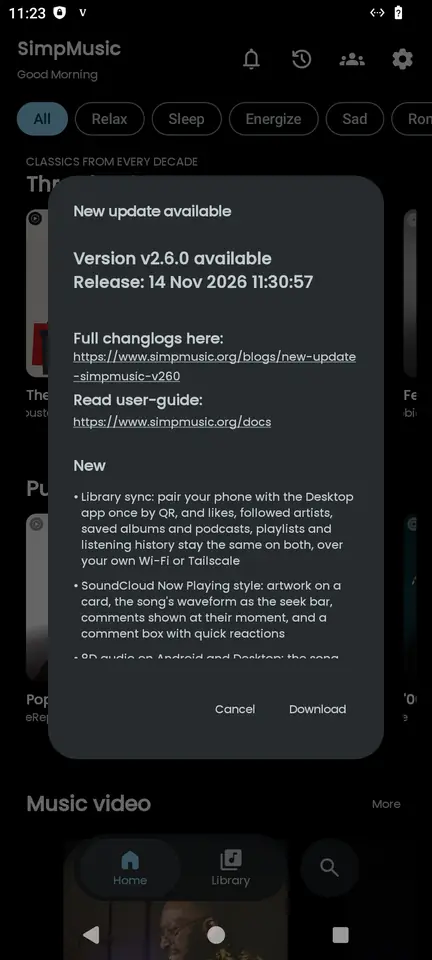 02 Onboarding · tap “Cancel”
New update available — Version v2.6.0 available Release: 14 Nov 2026 11:30:57
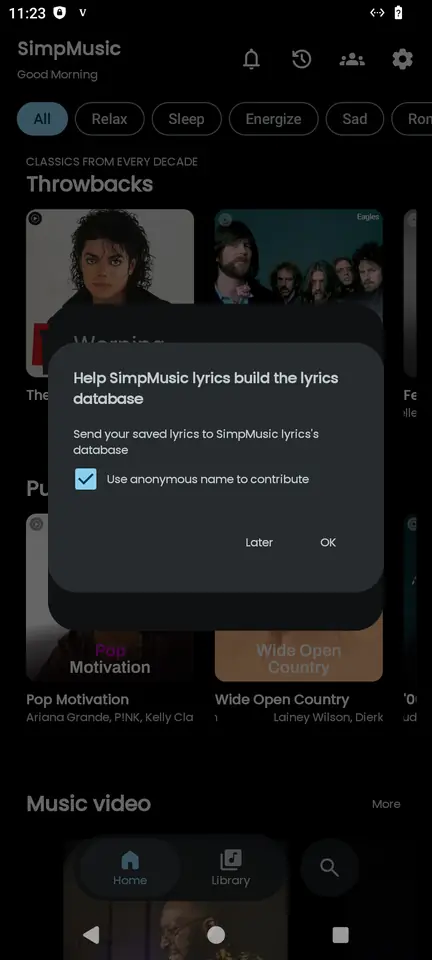 03 Onboarding · tap “OK”
Help SimpMusic lyrics build the lyrics database — Send your saved lyrics to SimpMusic lyrics's database
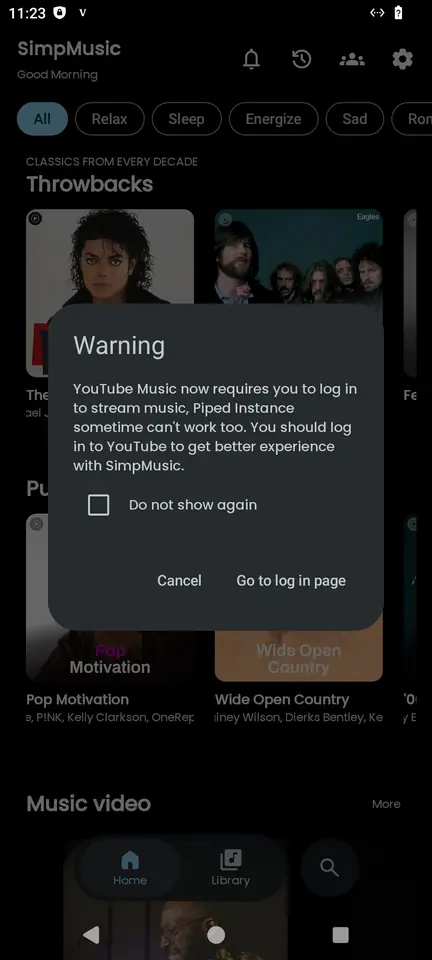 04 Onboarding · tap “Cancel”
Warning — Do not show again
What SimpMusic's onboarding flow does
- 4 screens in order, opening on “Allow SimpMusic to send you notifications?” and ending at “Warning”.
- Taps along the way: “Allow” → “Cancel” → “OK” → “Cancel”.
- Includes a system permission prompt inside the flow.
- Gives users an exit: a “Later” option.
Read the step-by-step UX teardown of this flow →
Captured on a real Android device · last updated 2026-11-14