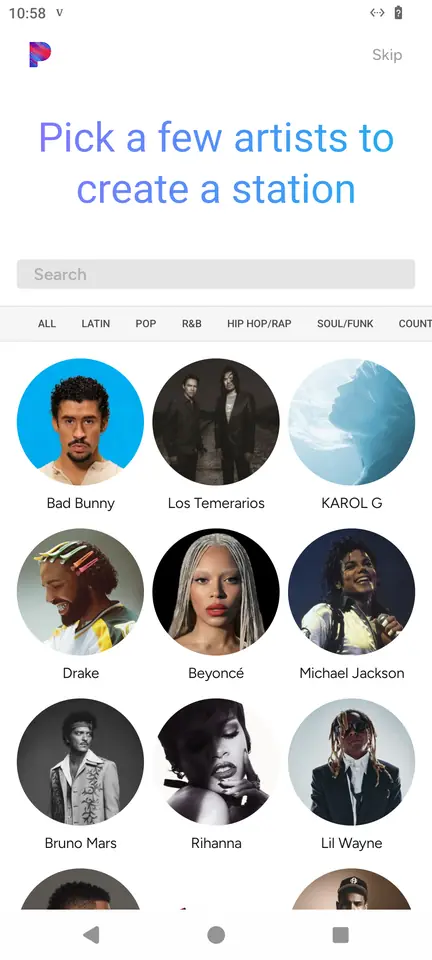
Onboarding flow · iHeartRadio · Android
iHeartRadio onboarding flow
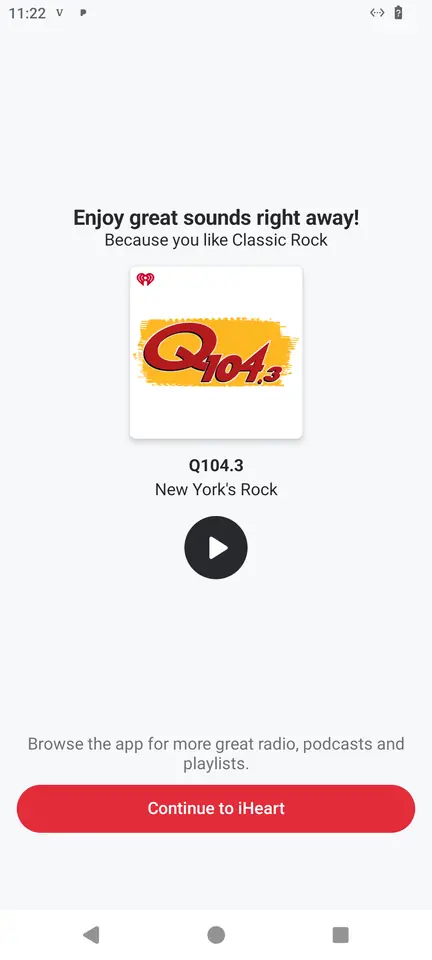
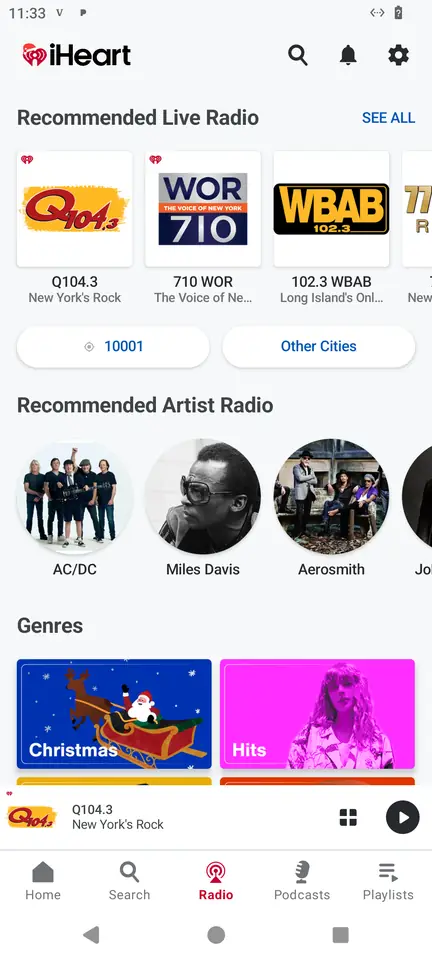
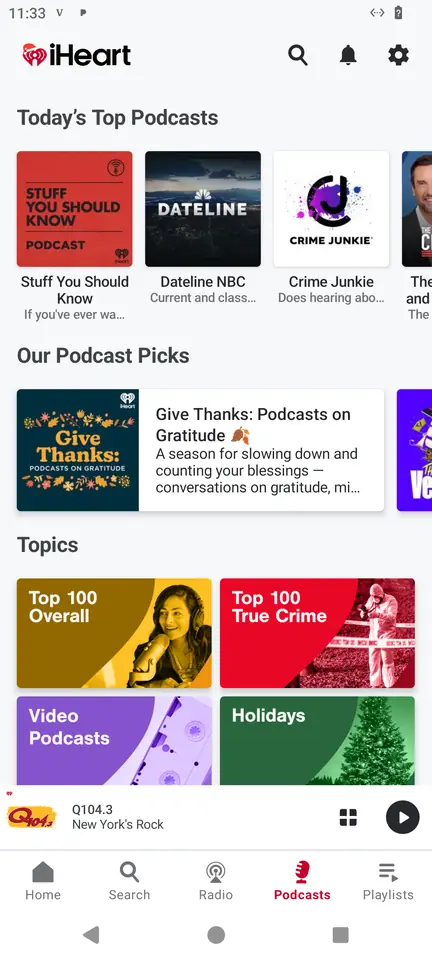
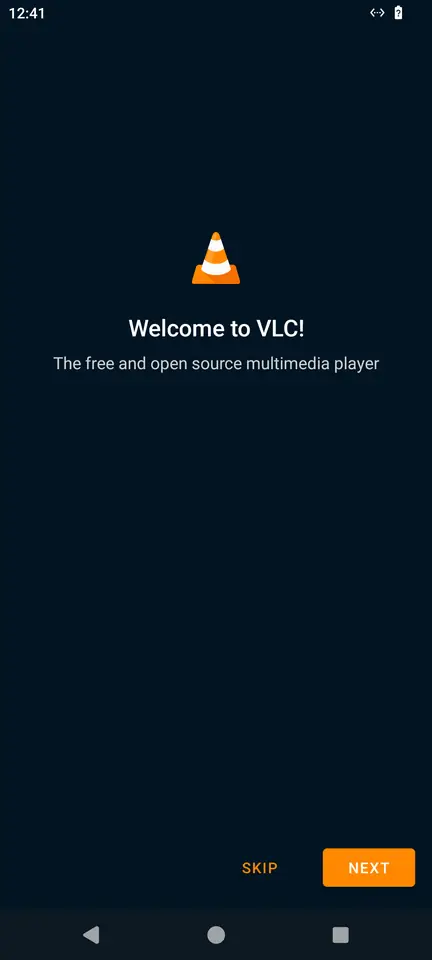
Every screen of iHeartRadio's onboarding flow on Android, in order: 5 steps, recorded on a real device. iHeartRadio's onboarding opens on a privacy-consent screen, asks 3 questions about the user, shows no sign-up form in the 5 screens we captured and requests a system permission at step 4. At 5 screens it is the joint 61st-longest of the 153 onboarding flows in the library (median 4). A progress indicator shows on 2 of 5 screens and a skip option on 1.
Welcome screenOnboarding progress indicatorSkip buttonOnboarding surveyPermission primingLocation & store pickerCookie consent bannerSocial login buttonsEmail sign-up formTerms and conditions agreement
UI components:
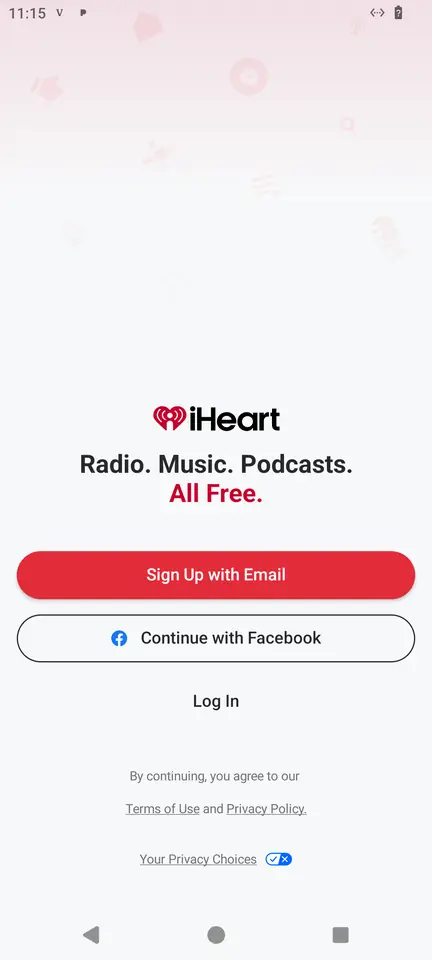 01 Onboarding
iHeart logo — Radio. Music. Podcasts.
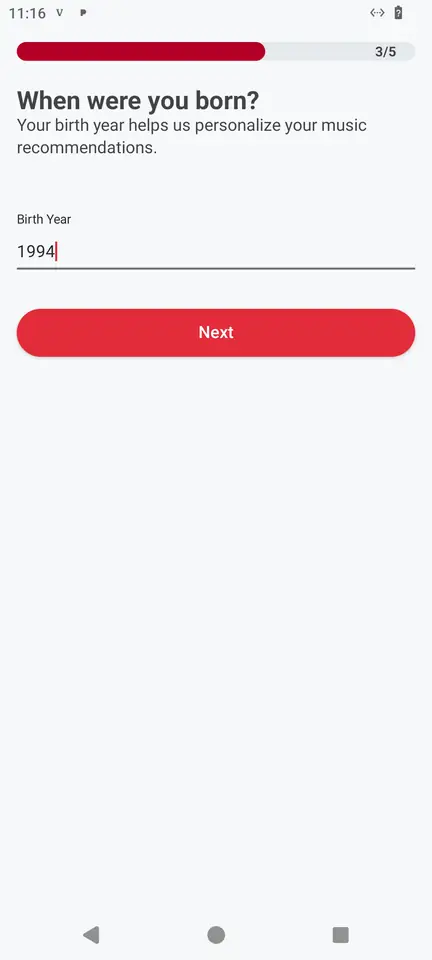 02 Onboarding
3/5 — Step 3
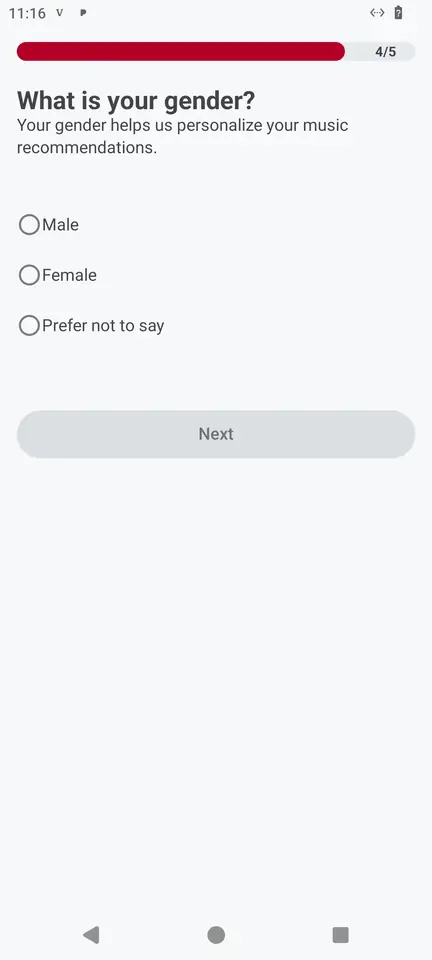 03 Onboarding
4/5 — Step 4
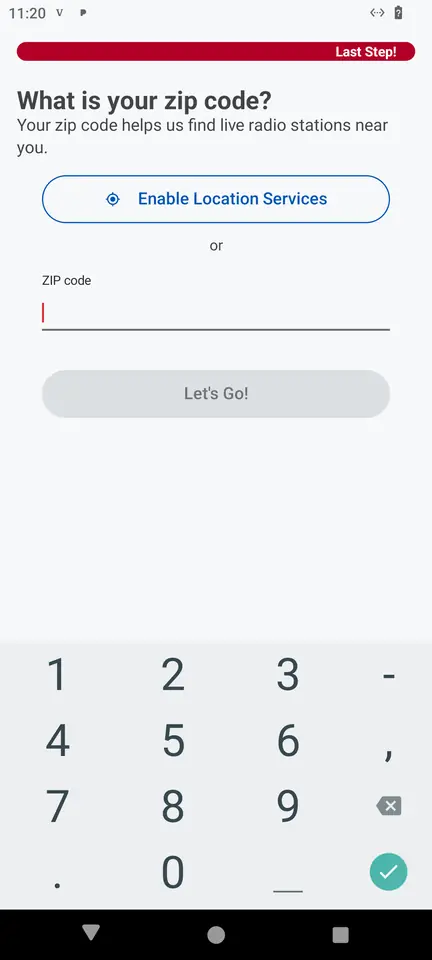 04 Onboarding
Last Step! — What is your zip code?
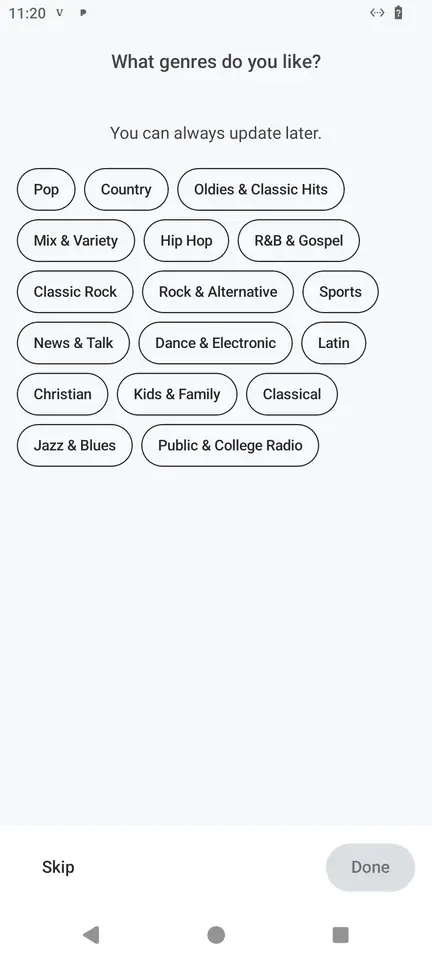 05 Onboarding
Skip — Done
What iHeartRadio's onboarding flow does
- 5 screens in order, opening on “iHeart logo” and ending at “What genres do you like?”.
- Shows a step counter (“3/5”) so users always know how far along they are.
- Offers 2 sign-in options: Email, Facebook.
- Gives users an exit: a “Skip” option.
Read the step-by-step UX teardown of this flow →
Captured on a real Android device · last updated 2026-11-14