Home/Apps/The News Leader/Hi, Casey
Screen · Home screen · The News Leader · Android

The News Leader home screen: “Hi, Casey”

A home screen from The News Leader for Android, captured on a real device — step 1 of 3 in The News Leader's home & browsing screens. It uses 2 detected UI components, outlined on the screen below.

AndroidHome & browsingstep 1 of 32 componentsfree & ungated
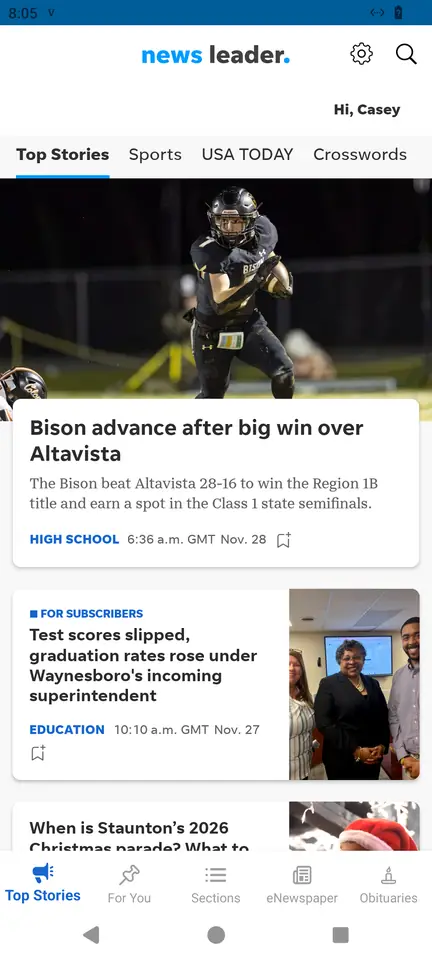
The News Leader Android screen 1 — home & browsing: settings
ToolbarCard
App
The News Leader · Books & reading
Screen type
Home & browsing
Flow
The News Leader home & browsing screens — step 1 of 3

UI text on this screen

  • settings
  • Search for news and sections
  • Hi, Casey
  • Top Stories
  • Sports
  • USA TODAY
  • Crosswords
  • Bison advance after big win over Altavista

UI components

Located from the app's Android view hierarchy and outlined on the screen.

UI patterns

More The News Leader screens
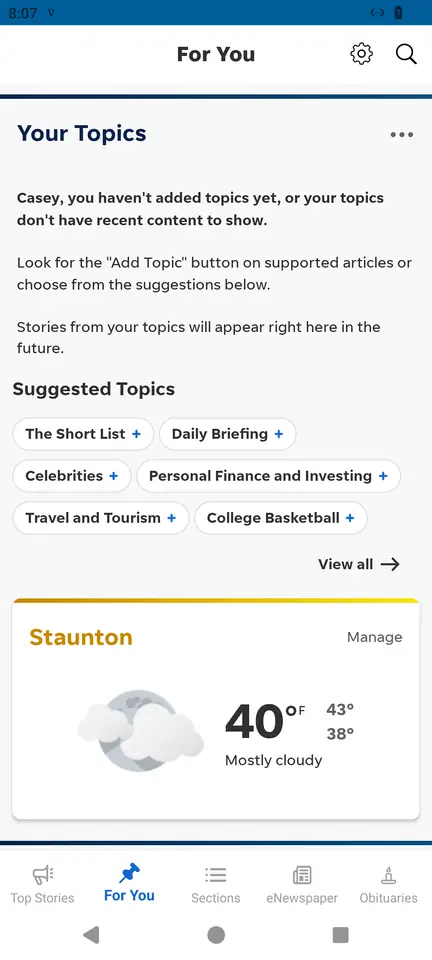
The News Leader Android screen 2 — home & browsing: For You
Home & browsing · For You
The News Leader Android screen 3 — home & browsing: Sections
Home & browsing · Sections
The News Leader Android screen 4 — onboarding: Welcome screen, use buttons at the bottom of the screen to…
Onboarding · Welcome screen, use buttons at the…
The News Leader Android screen 5 — sign-in: Welcome screen, use buttons at the bottom of the screen to…
Sign-in · Welcome screen, use buttons at the…

Home screens from other apps

All home screens →
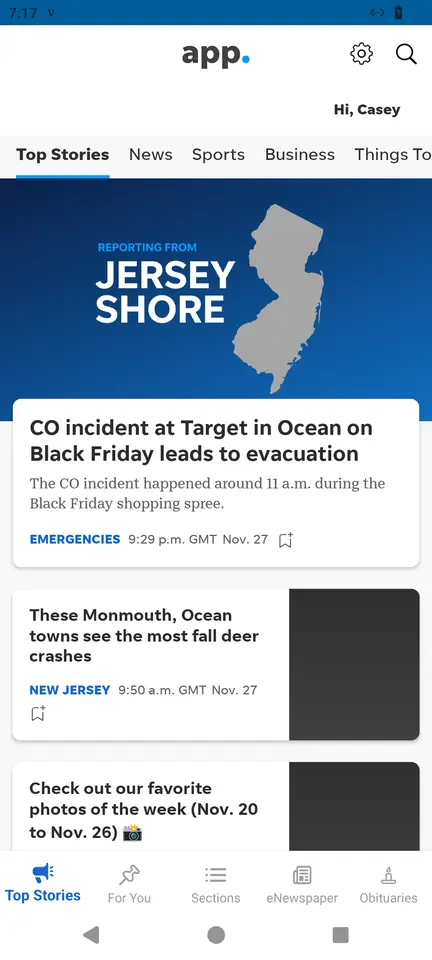
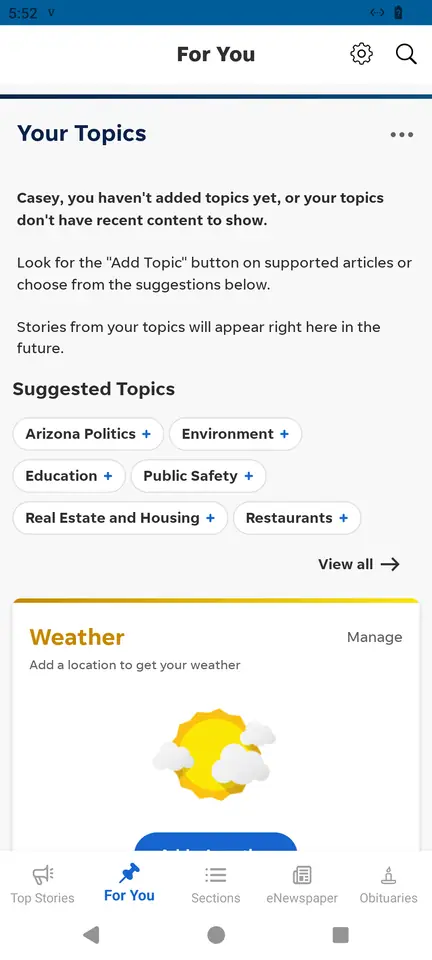
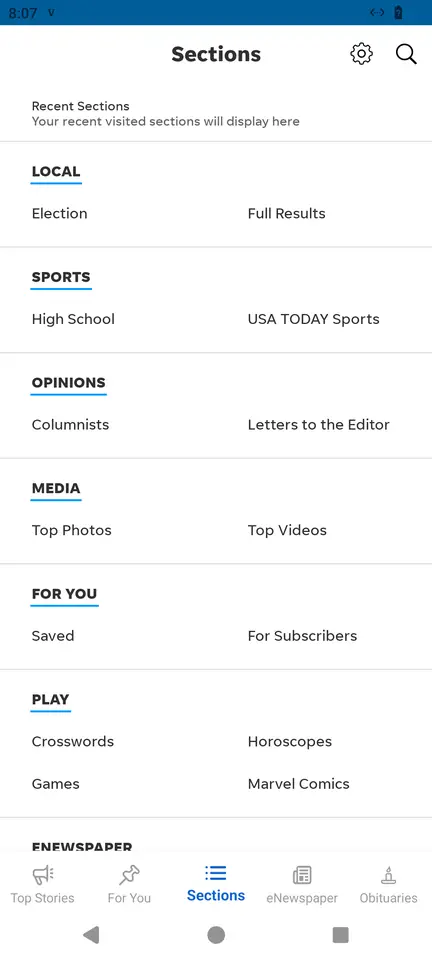
Asbury Park Press Android screen 1 — home & browsing: settings
Asbury Park Press · settings
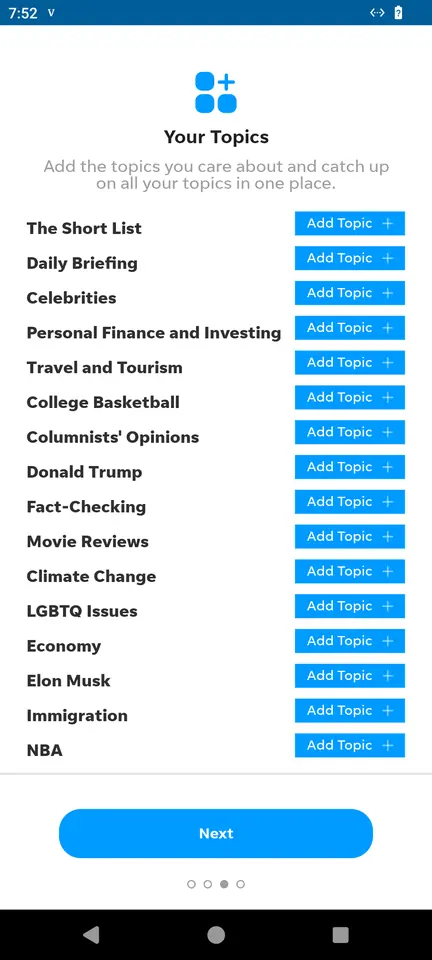
azcentral Android screen 3 — home & browsing: For You
azcentral · For You
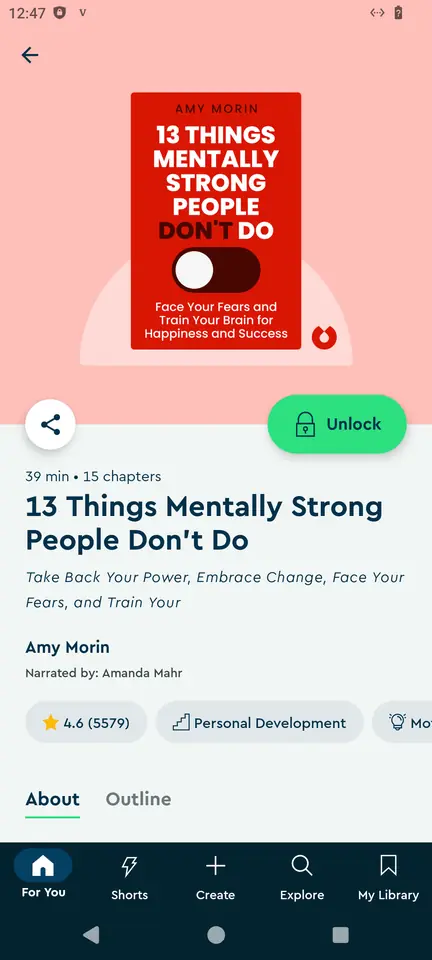
Blinkist Android screen 25 — home & browsing: 39 min • 15 chapters
Blinkist · 39 min • 15 chapters
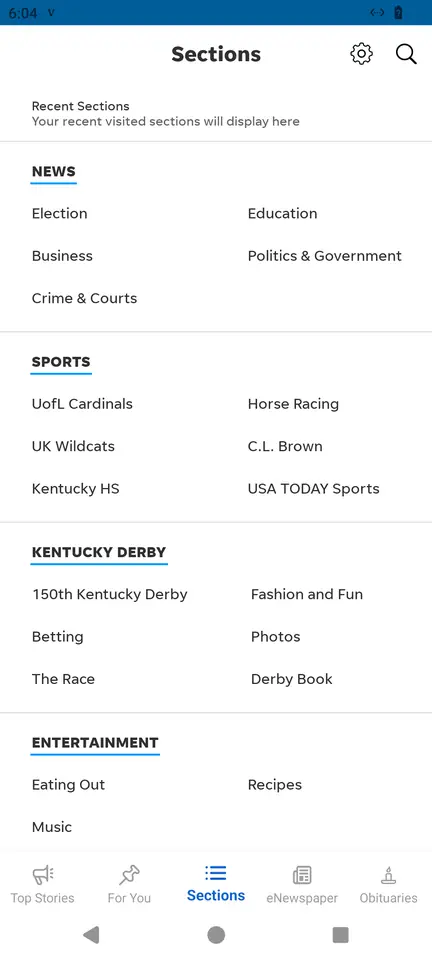
Courier Journal Android screen 4 — home & browsing: Sections
Courier Journal · Sections
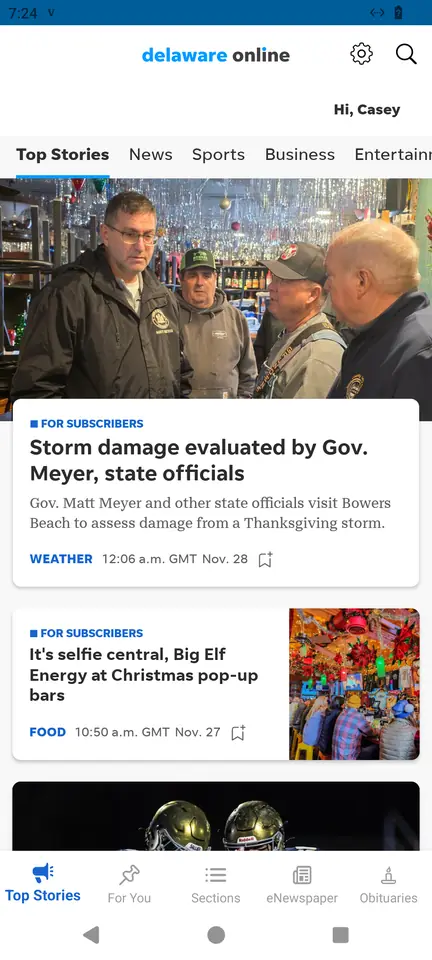
Delaware Online Android screen 1 — home & browsing: settings
Delaware Online · settings
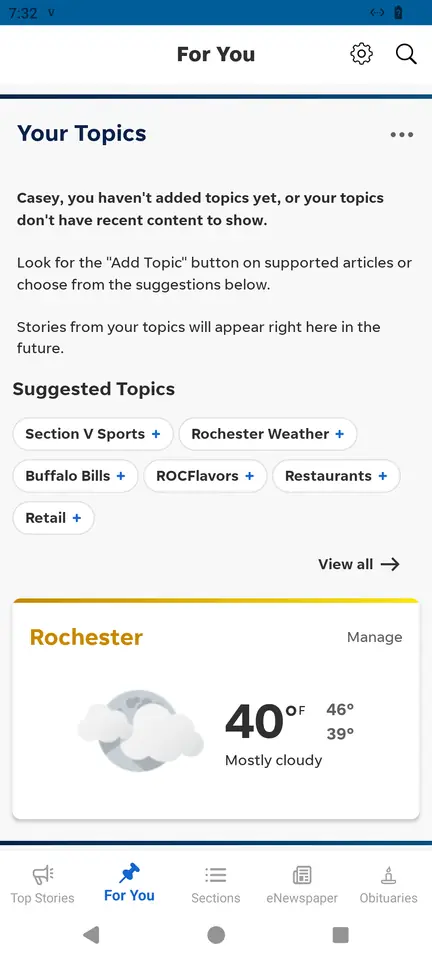
Democrat & Chronicle Android screen 2 — home & browsing: For You
Democrat & Chronicle · For You

Captured on a real Android device · last updated 2026-11-14