Search bar: 67 real Android examples
A search bar is the text field users type into to find content — usually with placeholder text that says what can be searched (“Search womenswear”, “Search teams”). On Android it often sits at the top of the home screen or opens as a full-screen search view.
Search bar examples from 67 Android apps

Search…

Search artworks, artists, museums, or…
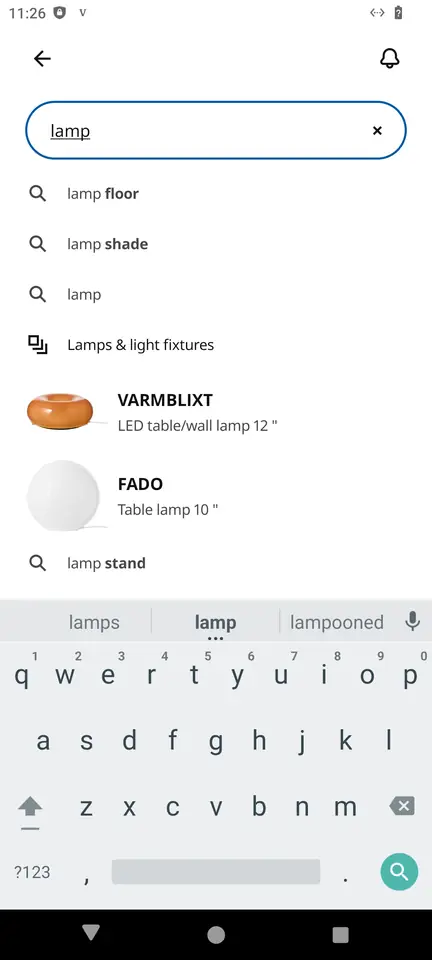
Search, Lamp floor
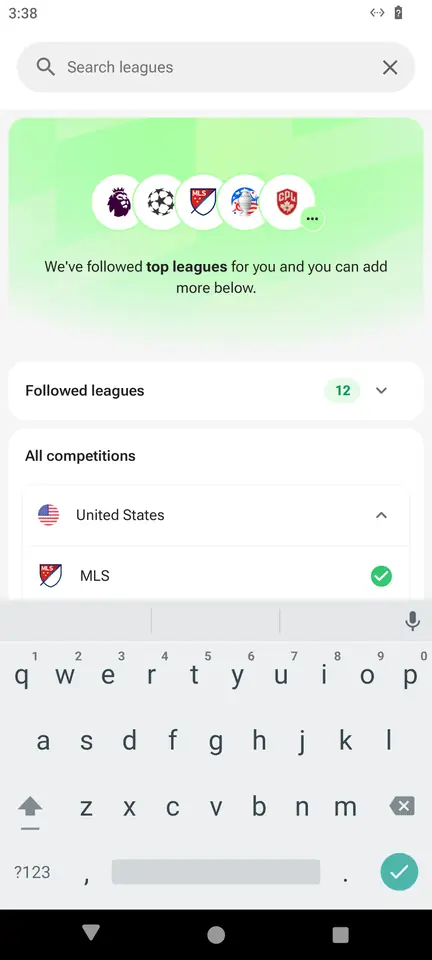
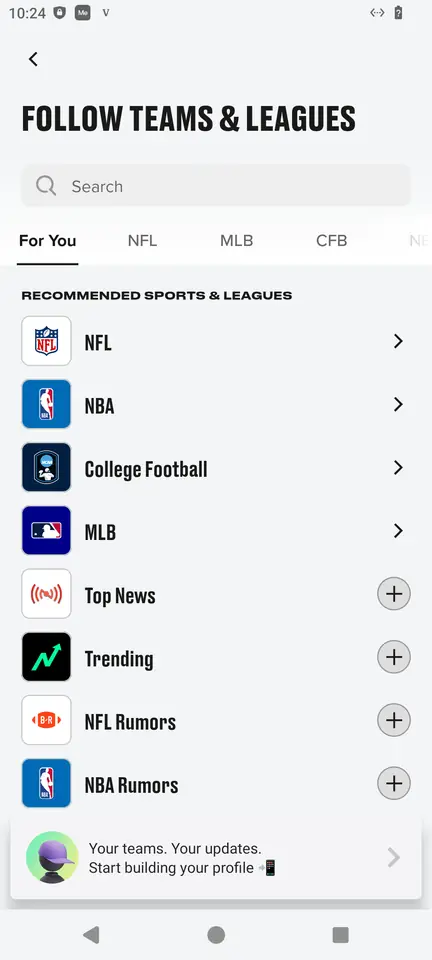
Search leagues
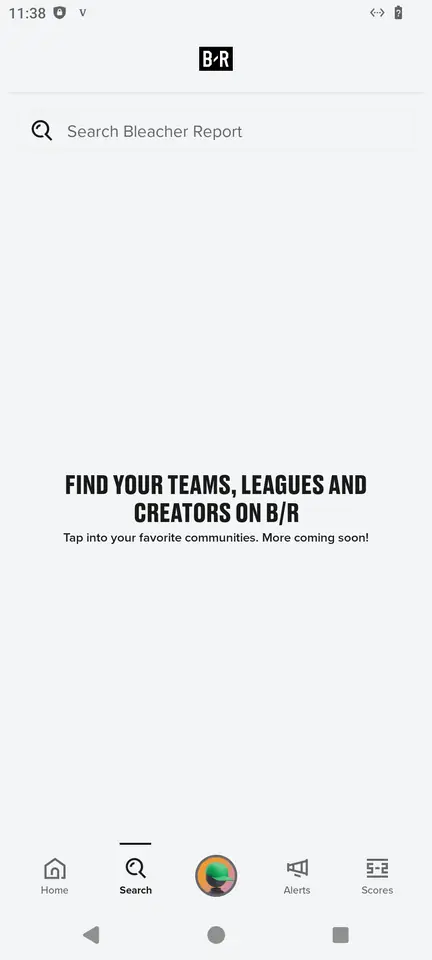
Search Bleacher Report

Search blog
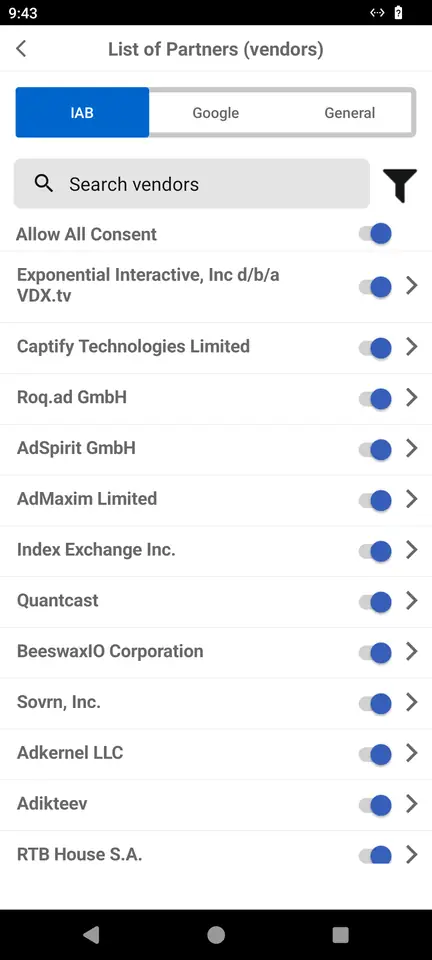
Search vendors

Search, back
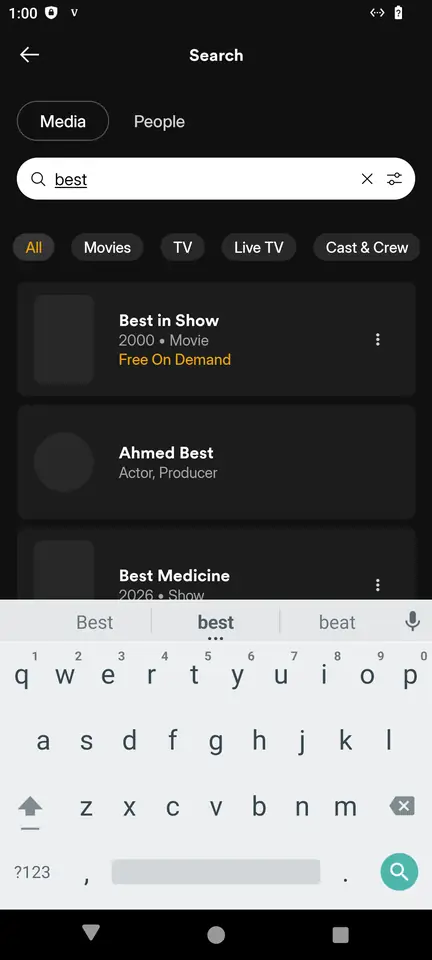
Search input, best

Search for news and sections
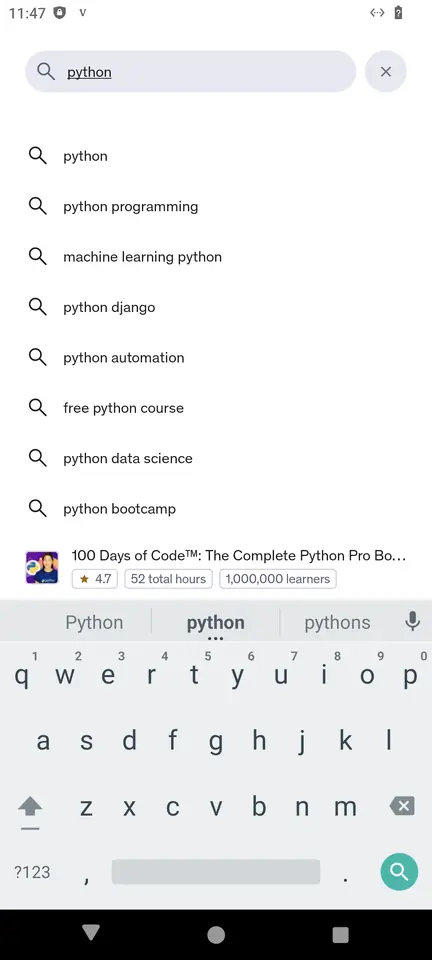
Search suggestion
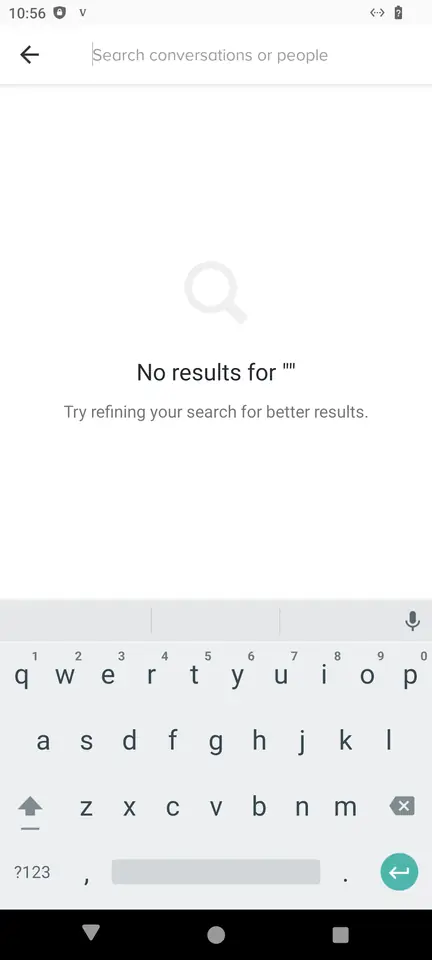
Search conversations or people
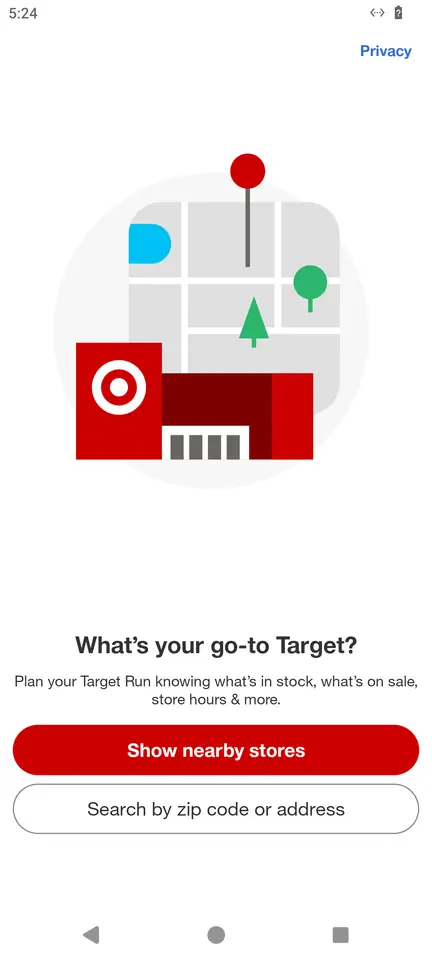
Search by zip code or address
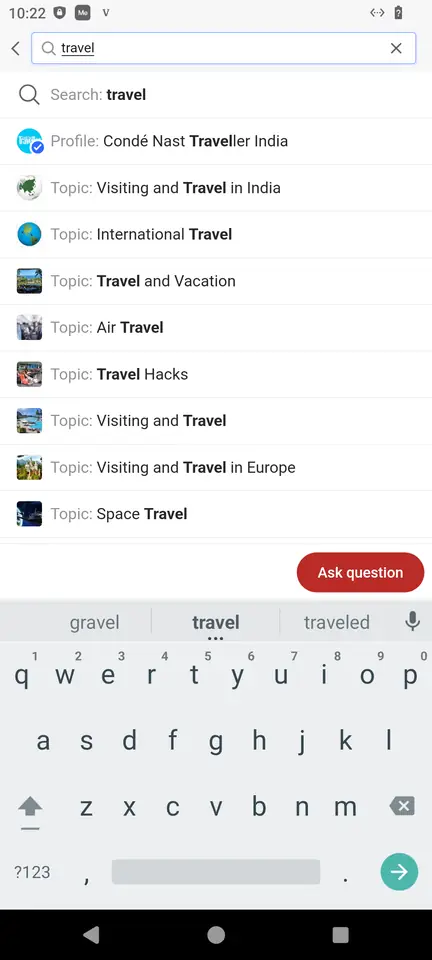
Search: travel

Search for items and brands
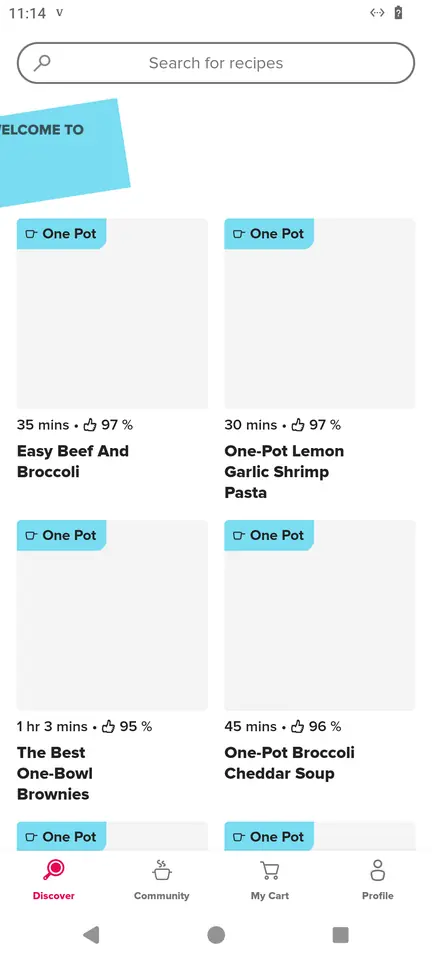
Search for recipes
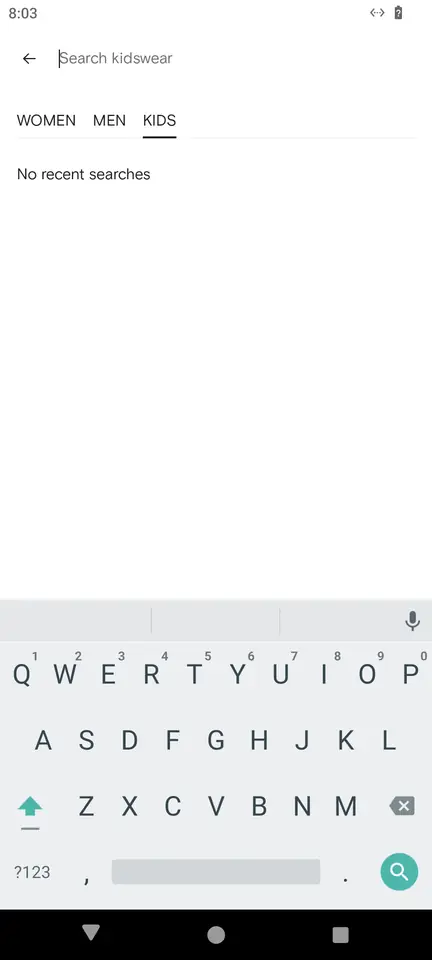
Search kidswear
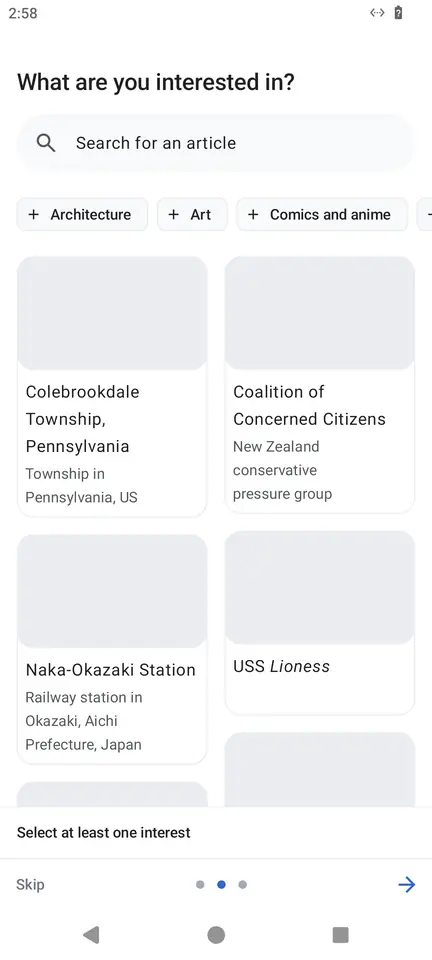
Search Wikipedia
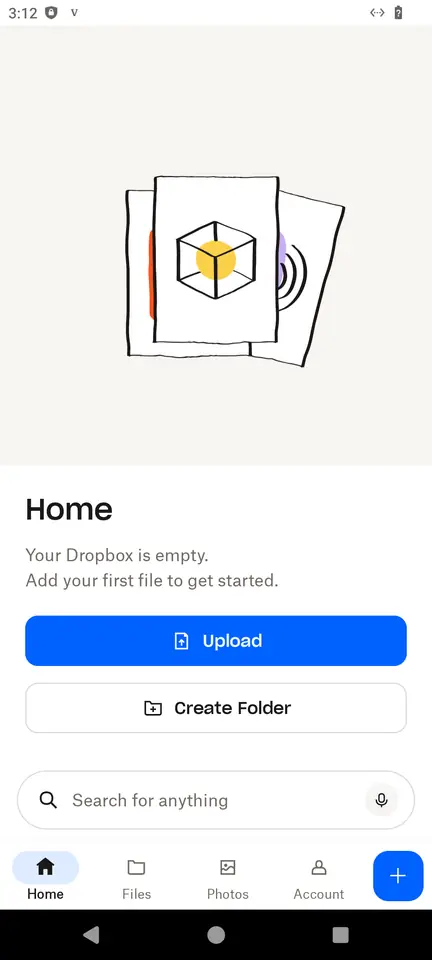
Search for anything

Search any artist or select one below
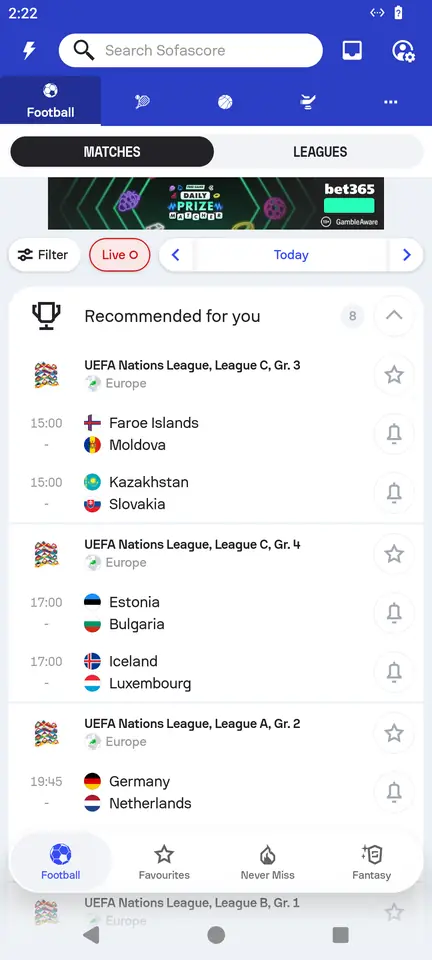
Search Sofascore
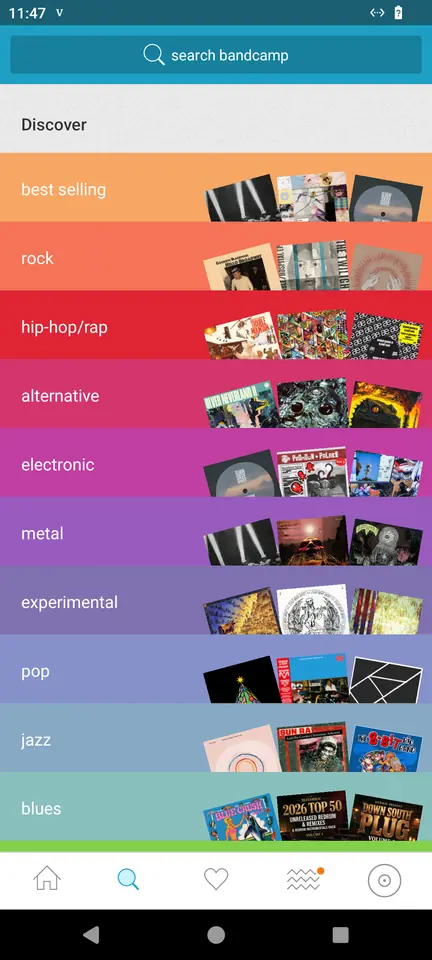
search bandcamp
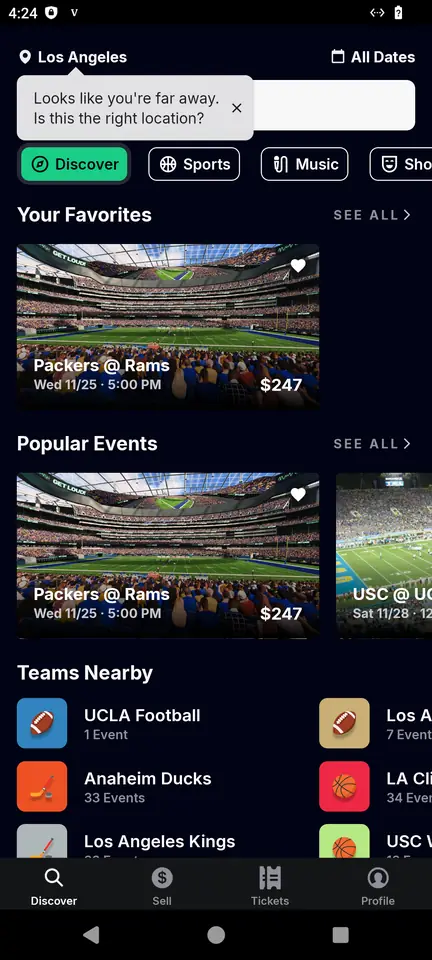
Search Gametime
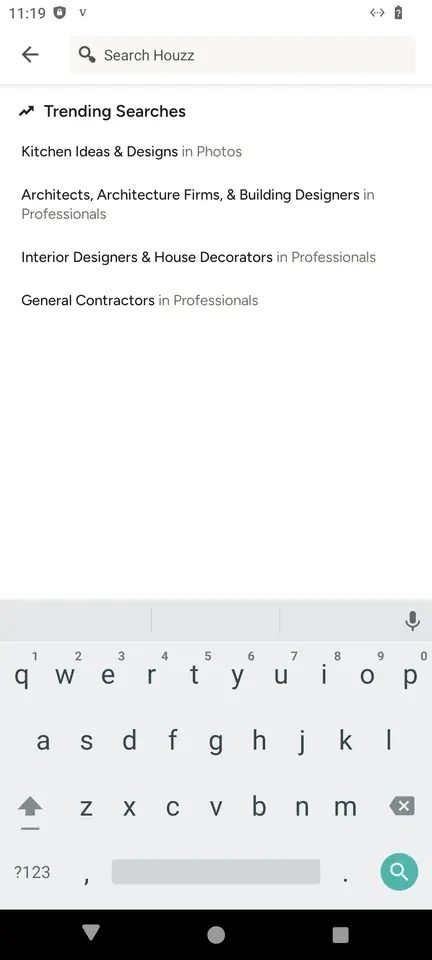
Search Houzz
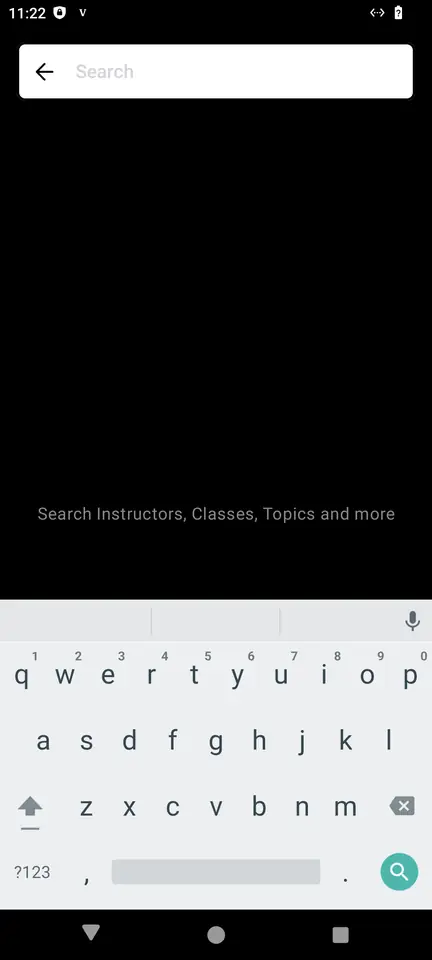
Search Instructors, Classes, Topics and more
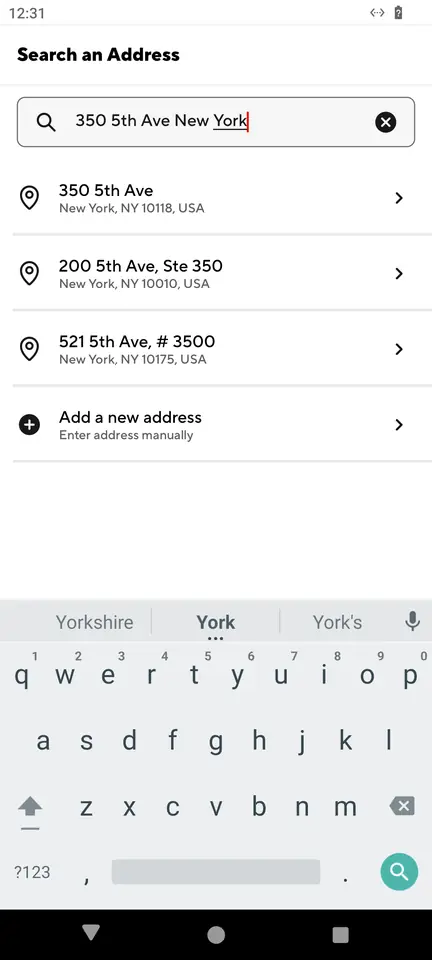
Search an Address
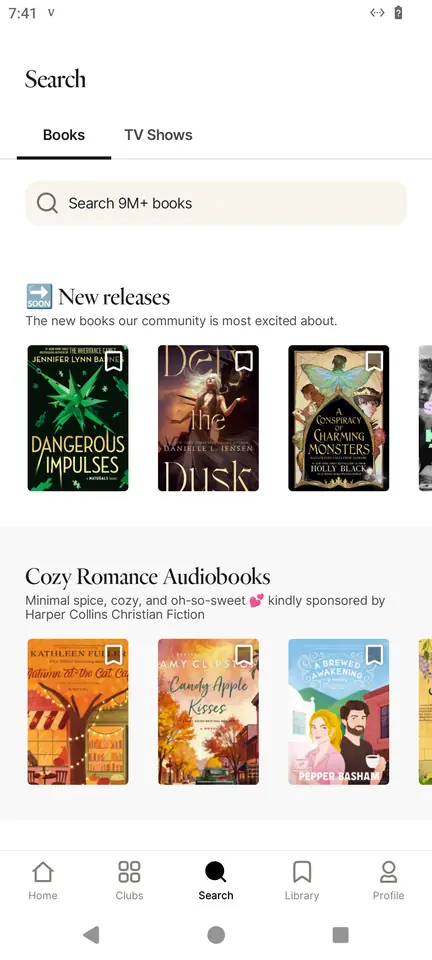
Search 9M+ books
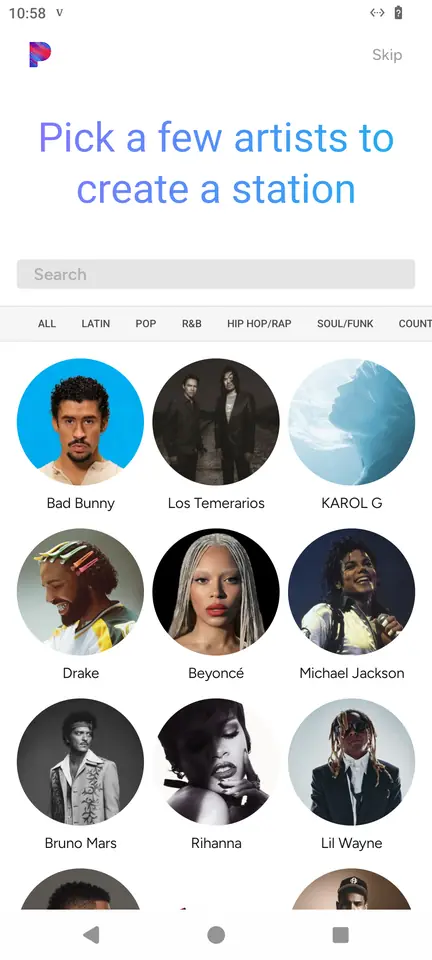
Search for artist or select from a list
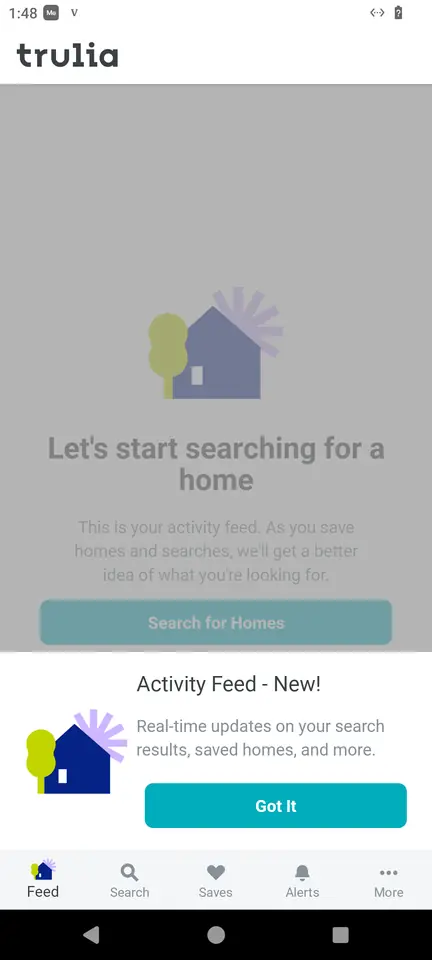
Search for Homes
Search privately by default
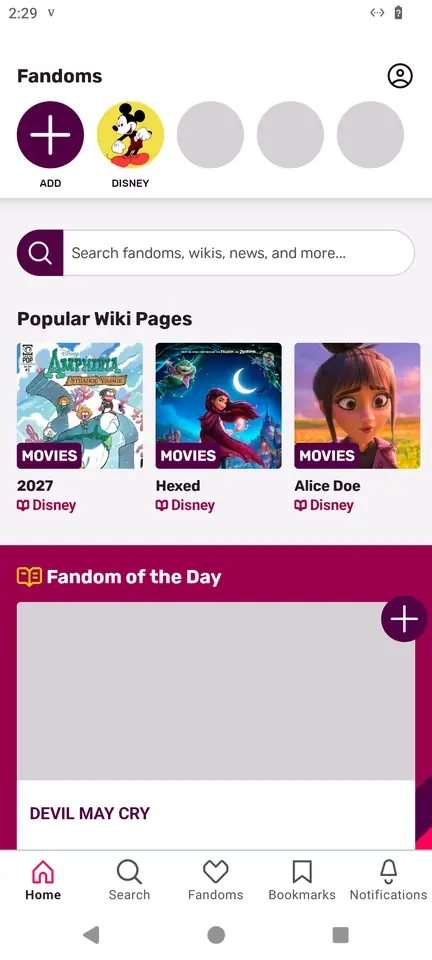
Search fandoms, wikis, news, and more...
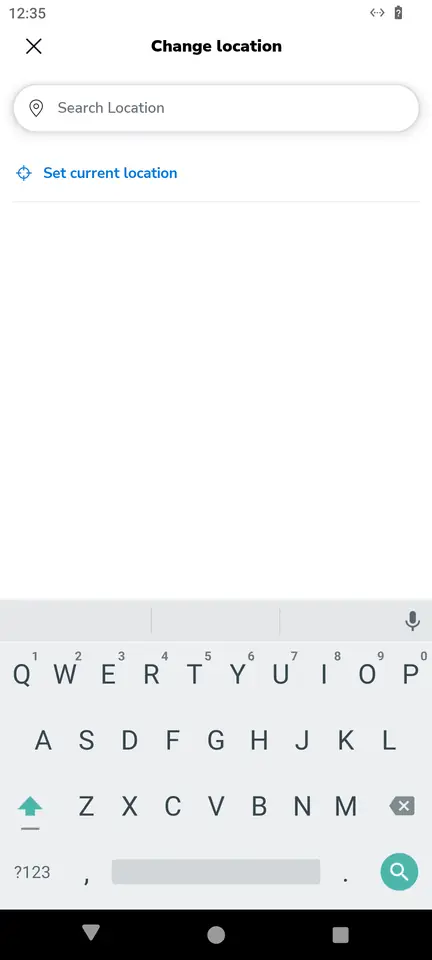
Search Location
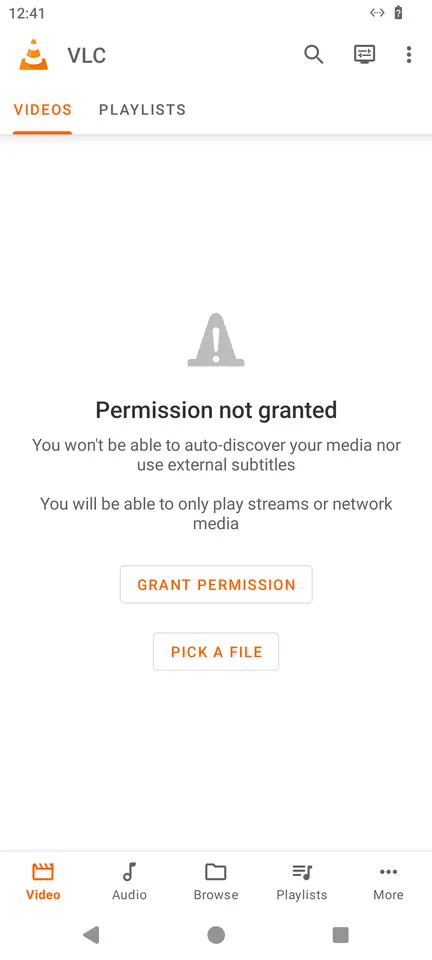
Search…
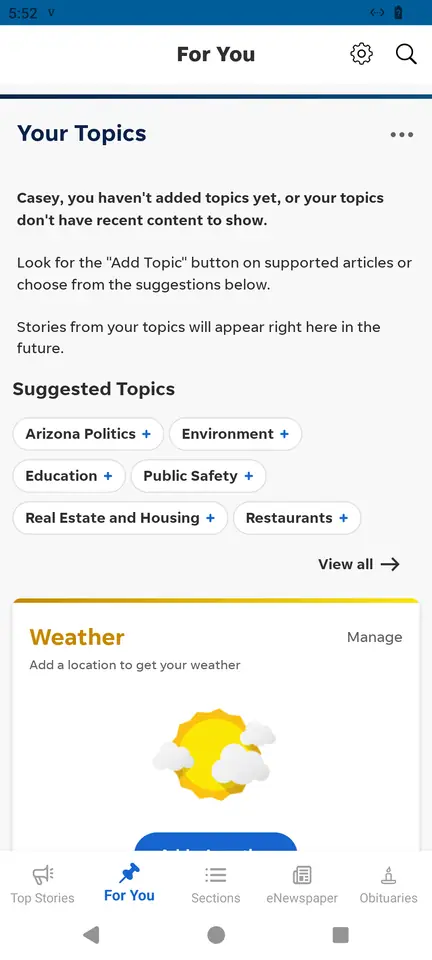
Search for news and sections
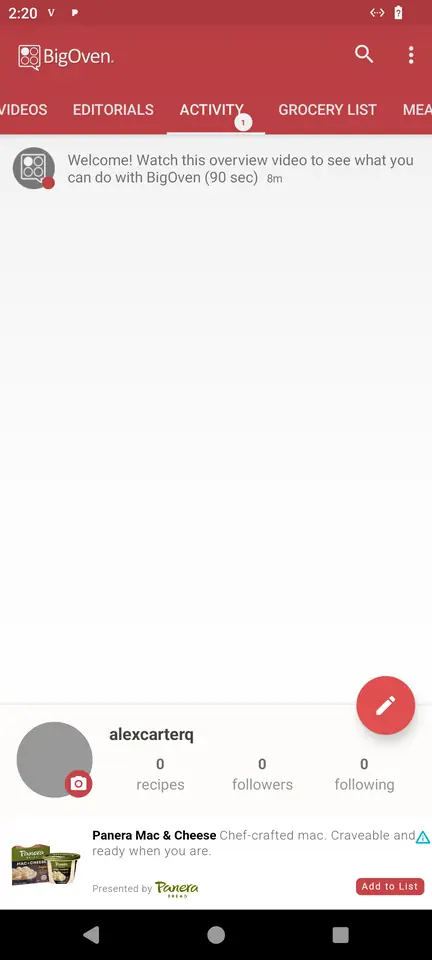
Search Cooks
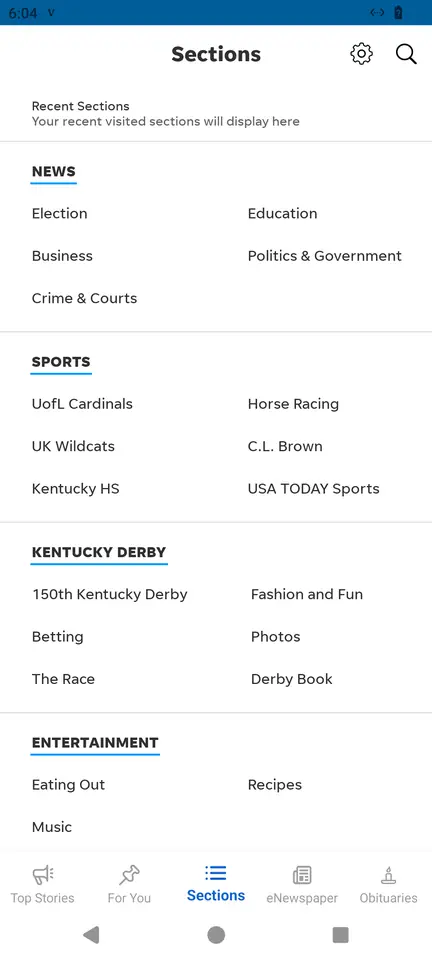
Search for news and sections

Search our 3000+ courses

Search for something special
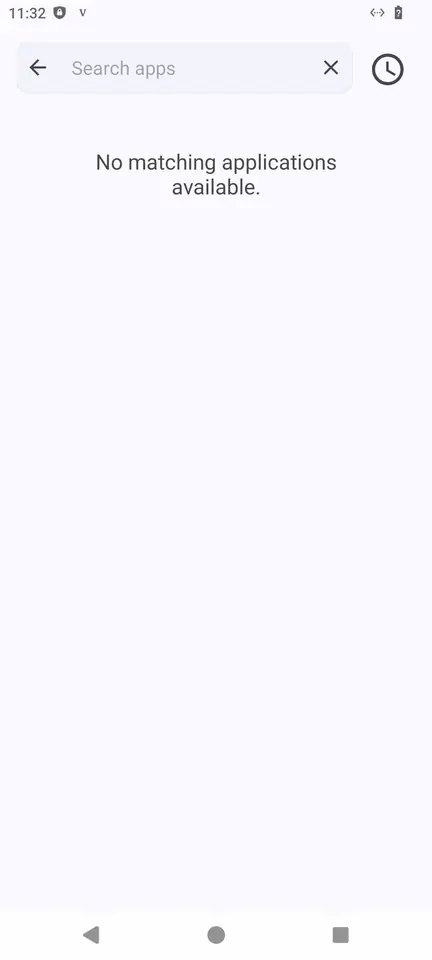
Search apps
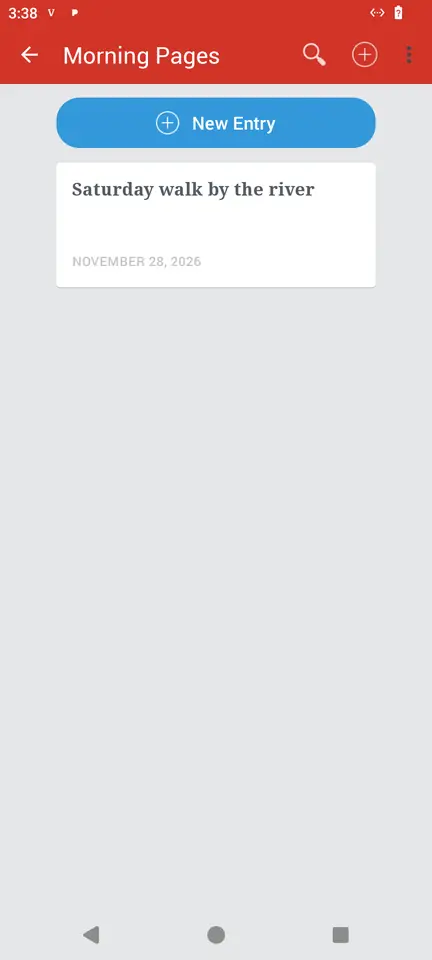
Search Journal
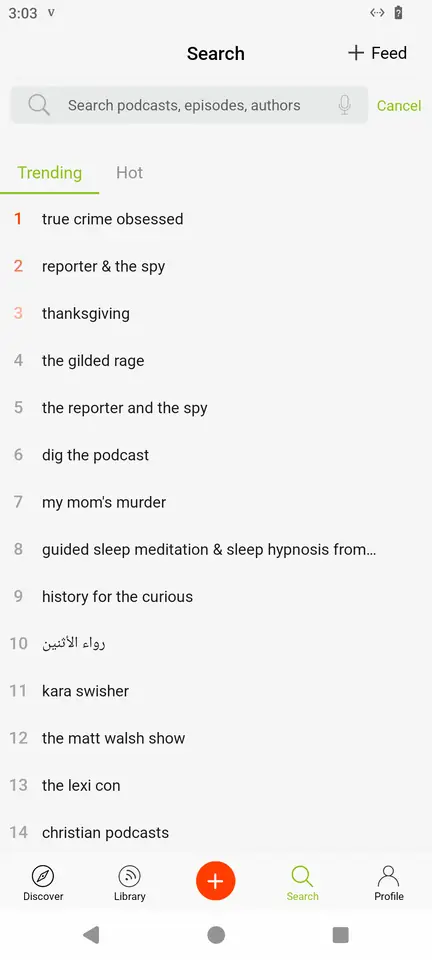
Search podcasts, episodes, authors
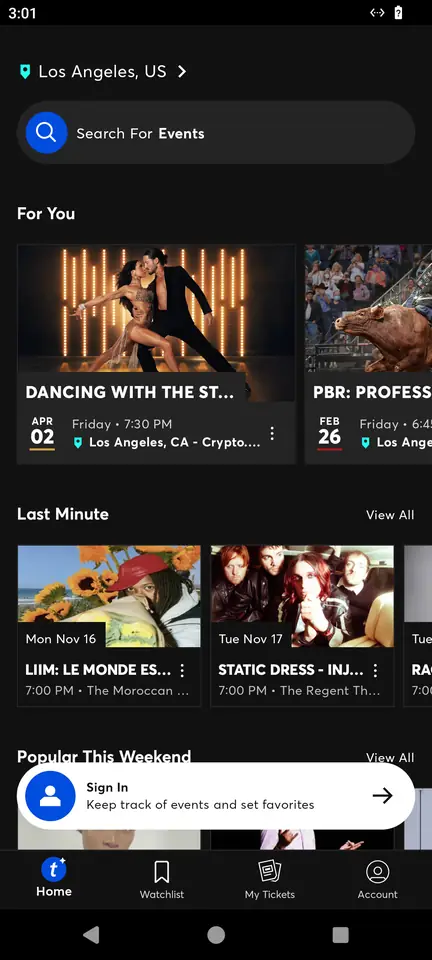
Search ForArtists
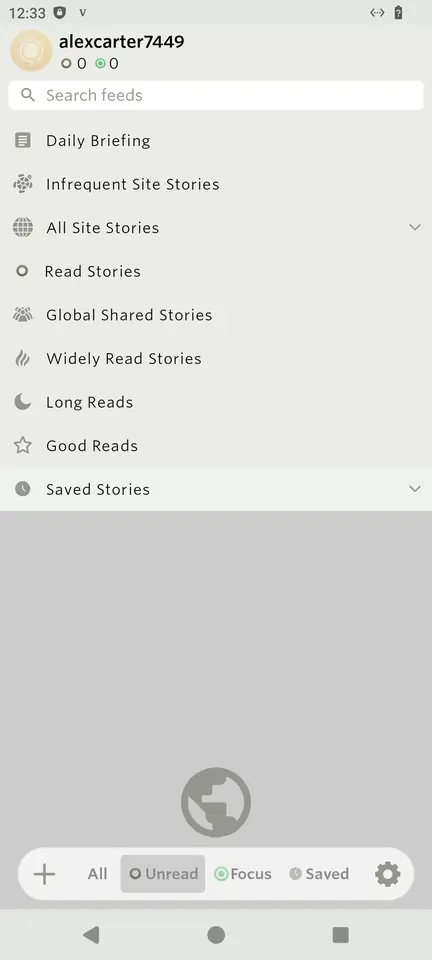
Search feeds
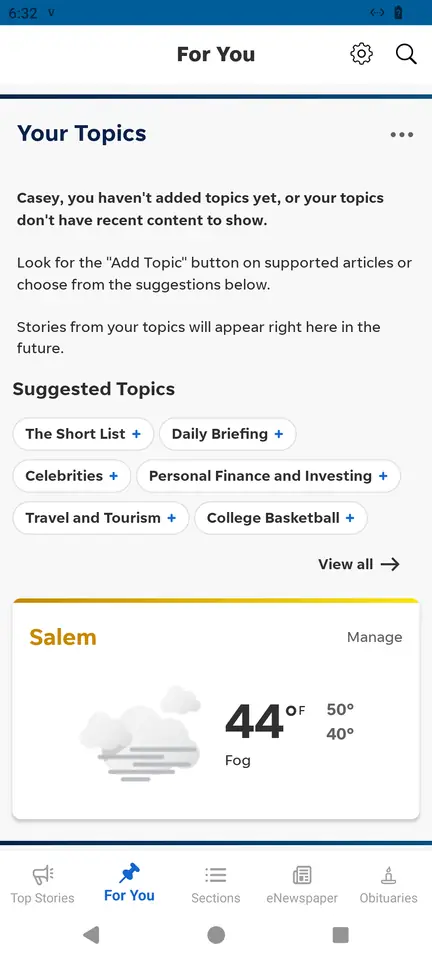
Search for news and sections
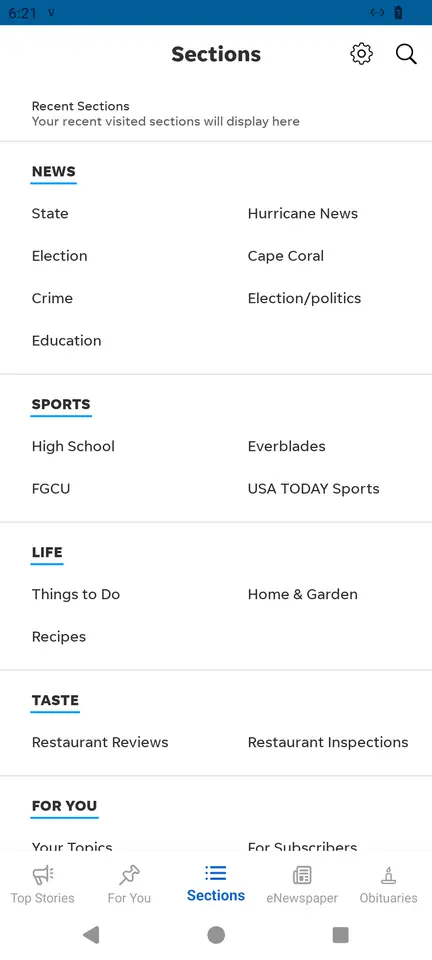
Search for news and sections
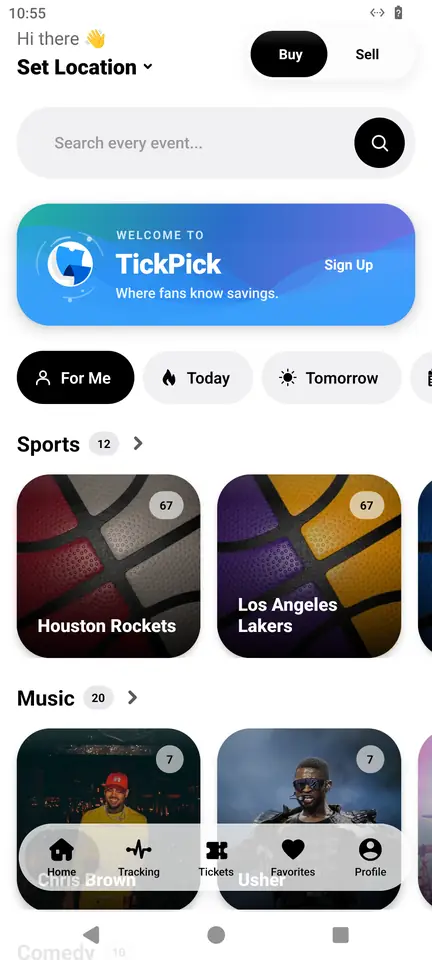
Search every event...
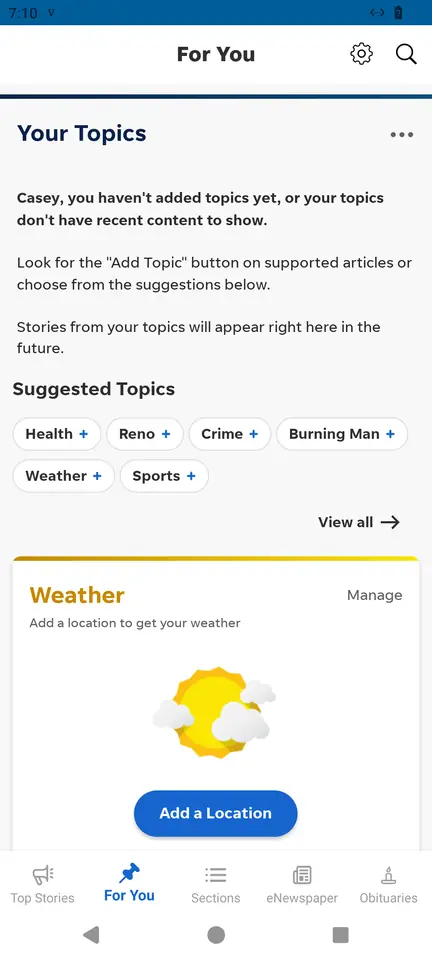
Search for news and sections

Search in Whole Foods Market
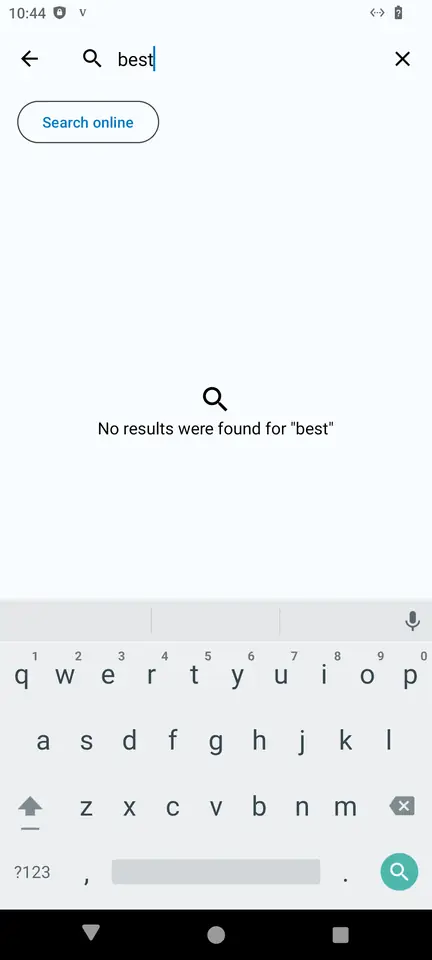
Search online
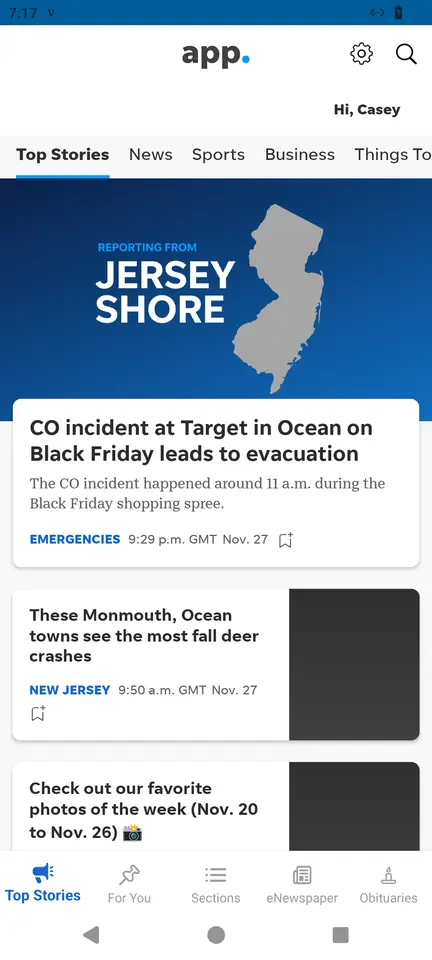
Search for news and sections

Search for news and sections
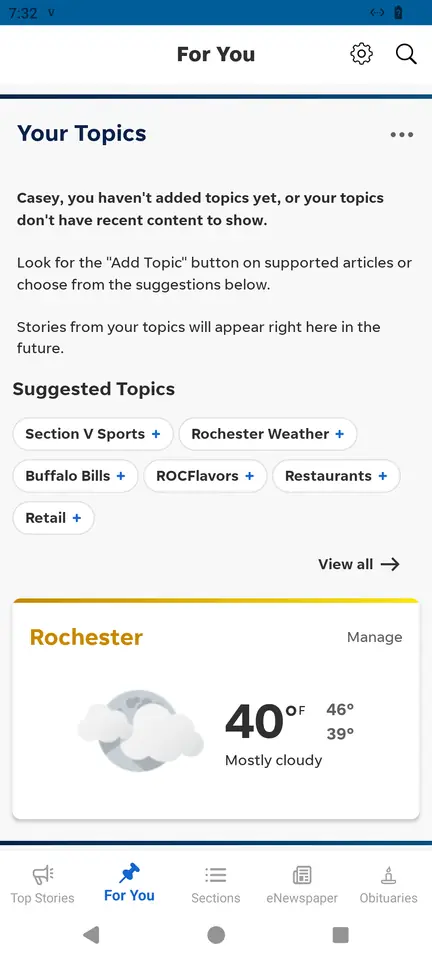
Search for news and sections
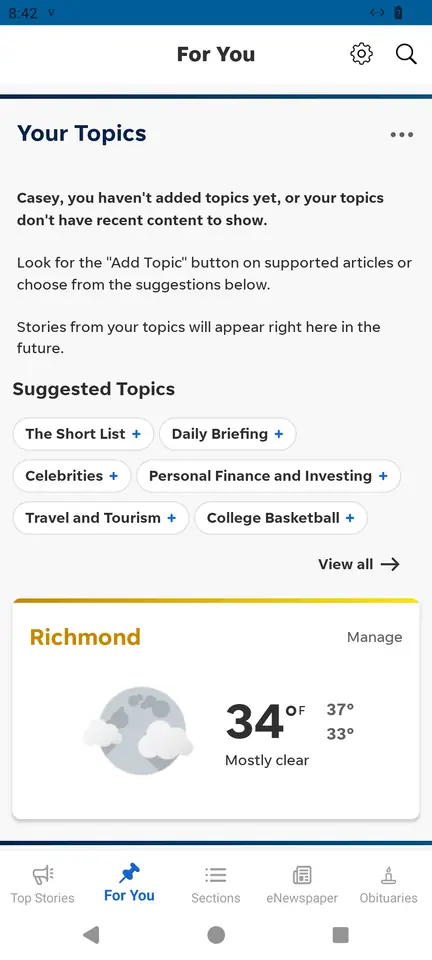
Search for news and sections
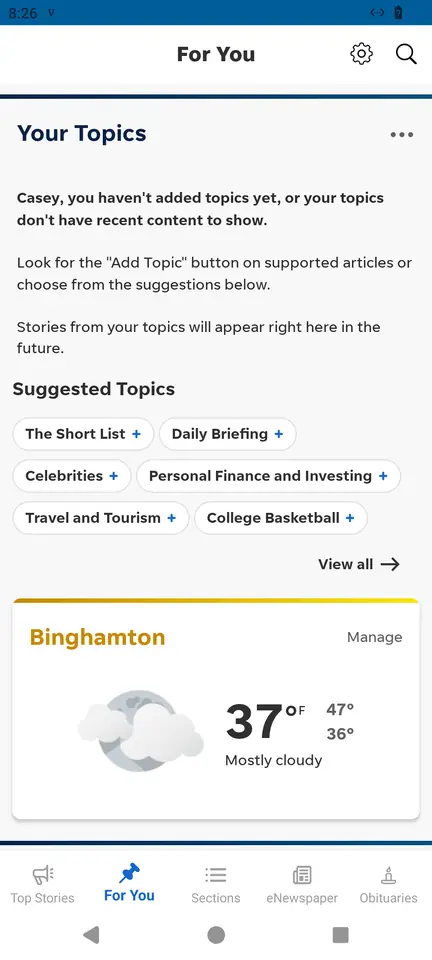
Search for news and sections
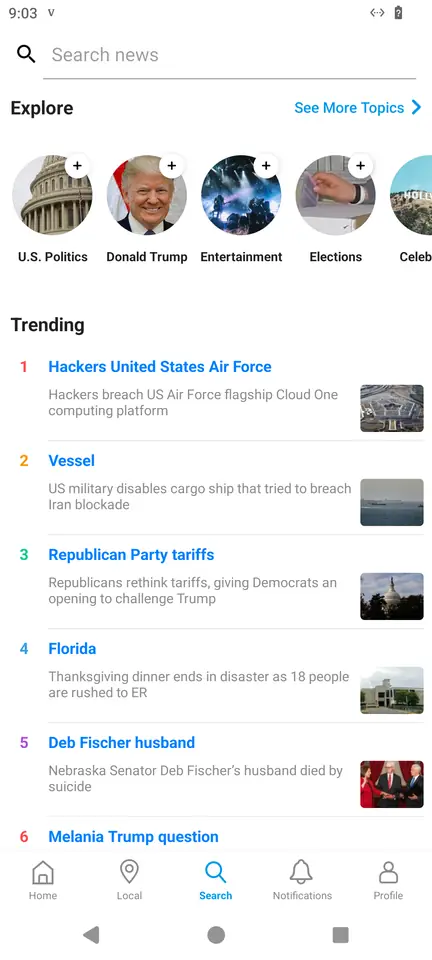
Search news
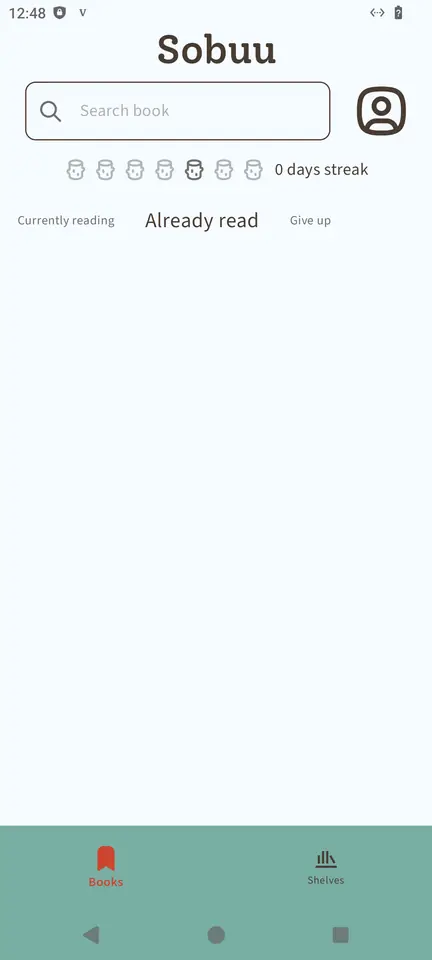
Search book

Search for news and sections
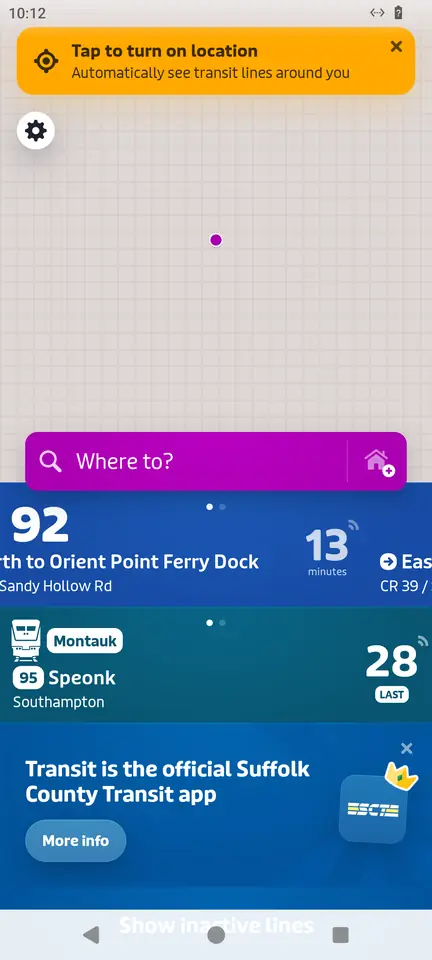
Search for a transit line or destination to plan a trip
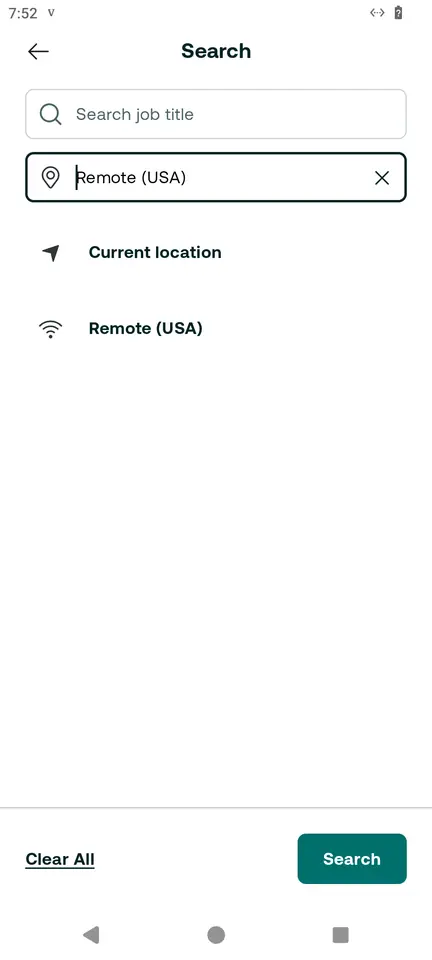
Search job title
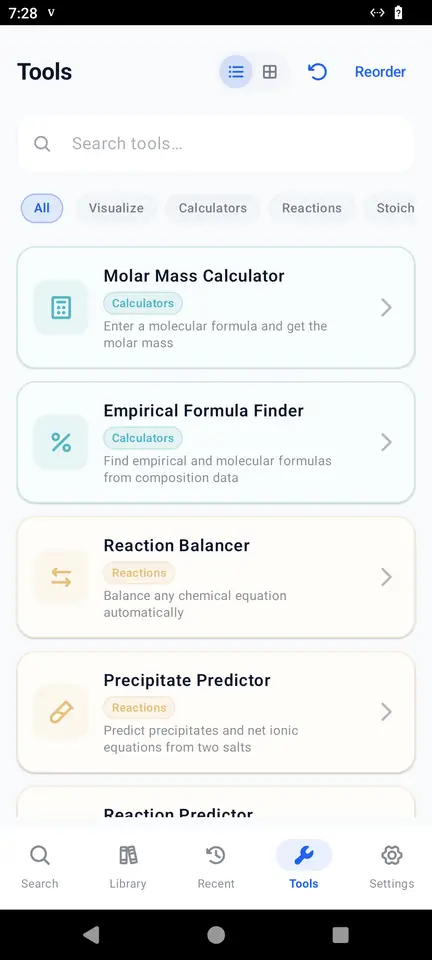
Search tools…
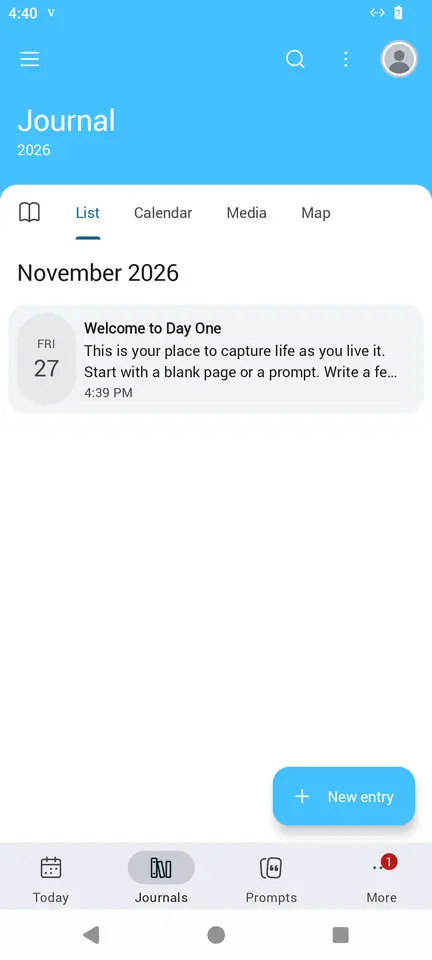
Search Button
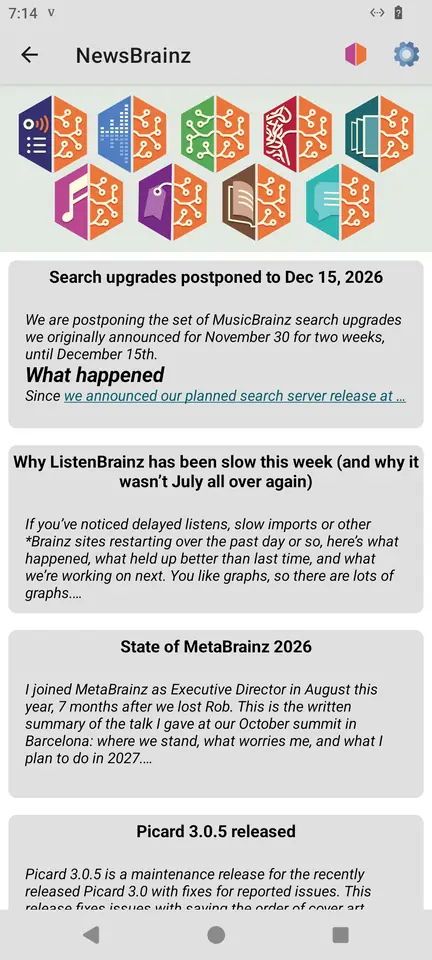
Search upgrades postponed to Dec 15, 2026
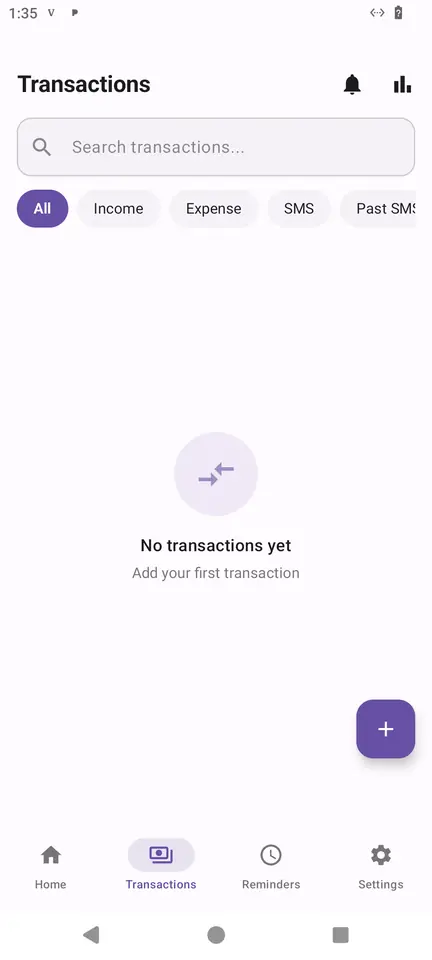
Search transactions...
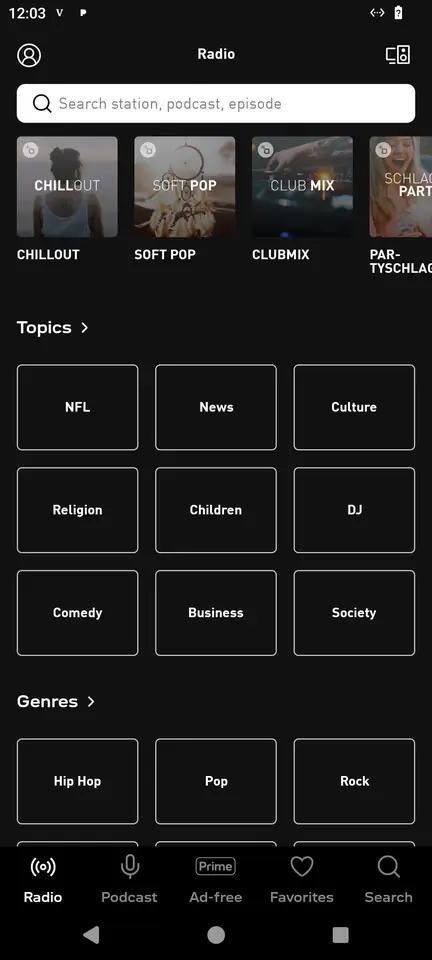
Search station, podcast, episode
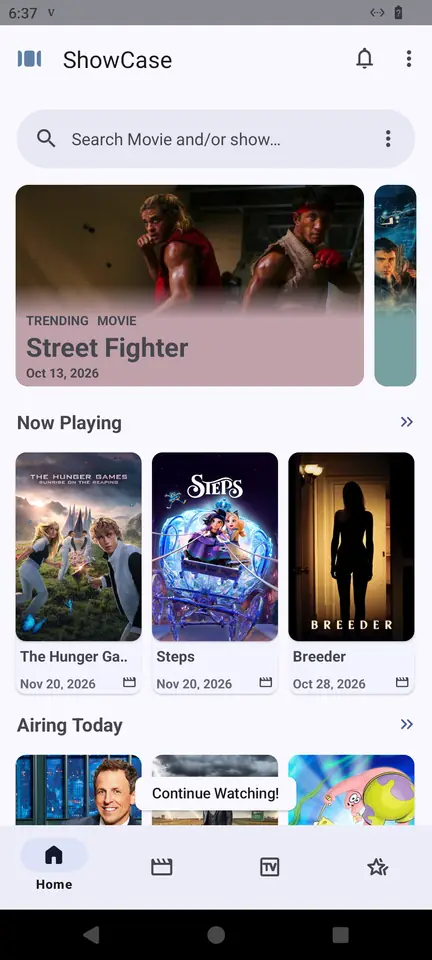
Search Movie and/or show…
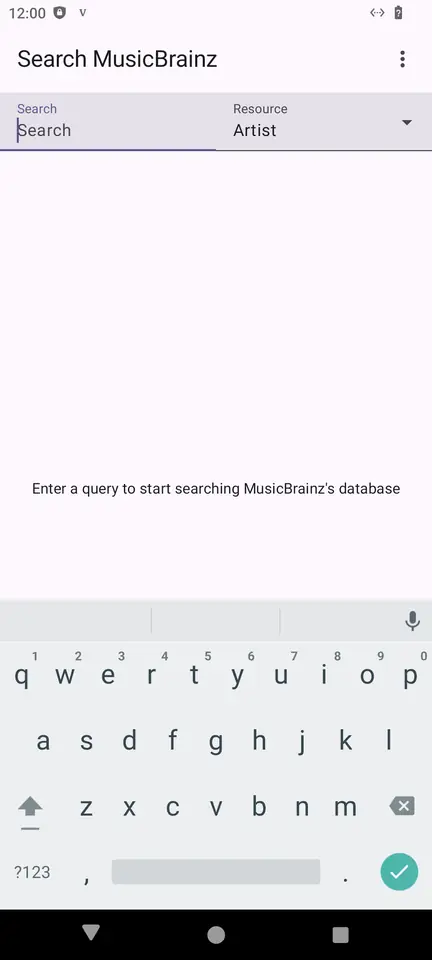
Search MusicBrainz
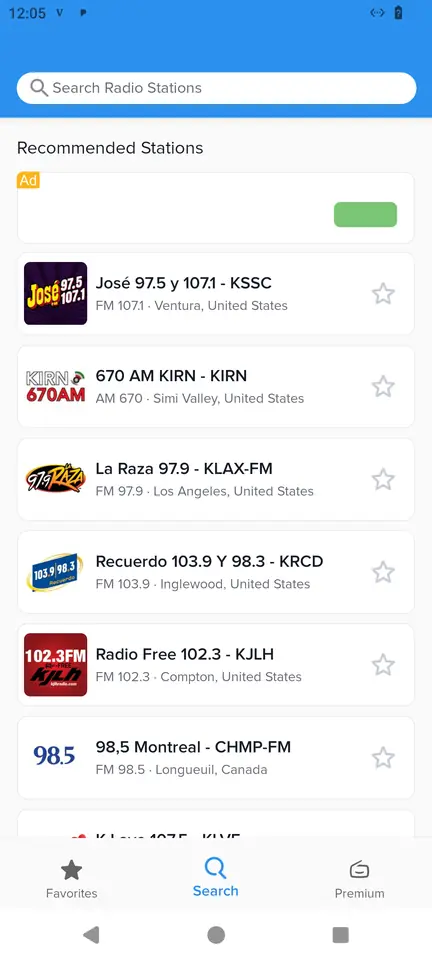
Search Radio Stations
Why it works
- Users who search arrive with intent and convert better than browsers.
- Scoped placeholder text (“Search players”) tells users what the index covers.
- It is the fastest route through large catalogues, where menus get deep.
Best practices
- Make the placeholder specific to what can be found.
- Show recent and suggested searches as soon as the field is focused.
- Keep the search entry point in the same place on every screen.
- Handle typos and empty results with suggestions instead of a dead end.
How real apps word it
The exact UI copy, as it appears on screen in each app.
Search in Whole Foods Market
Amazon ShoppingSearch online
AntennaPodSearch for news and sections
Asbury Park PressSearch for items and brands
ASOSSearch…
ASOSSearch any artist or select one below
Audiomacksearch bandcamp
BandcampSearch All Recipes
BigOvenSearch Cooks
BigOvenSearch Bleacher Report
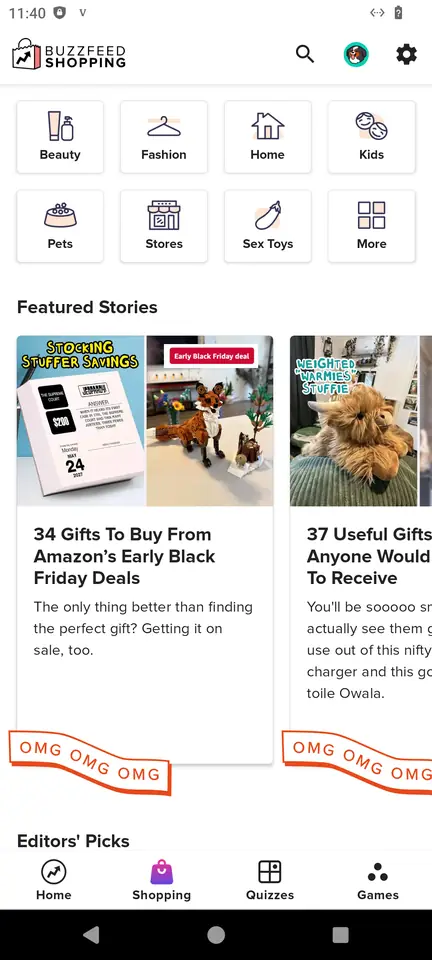
Bleacher ReportSearch BuzzFeed
BuzzFeedSearch BuzzFeed Shopping
BuzzFeedSearch any compound..
ChemSearchSearch tools…
ChemSearch
Where it shows up
Screens showing the pattern, by flow step type.
By app category
Apps showing the pattern, by category · 67 of 246 apps in the library.
Full flows that include a search bar



Udemy · Home & browsing
22 screens

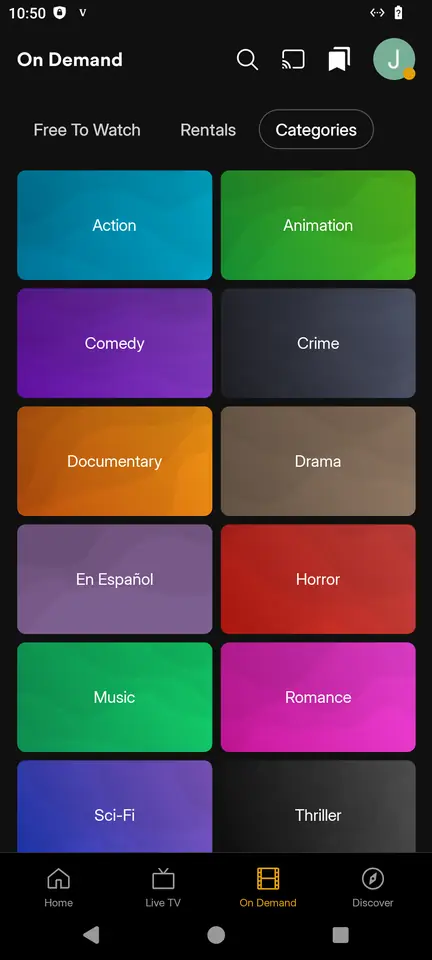
Plex · Home & browsing
19 screens
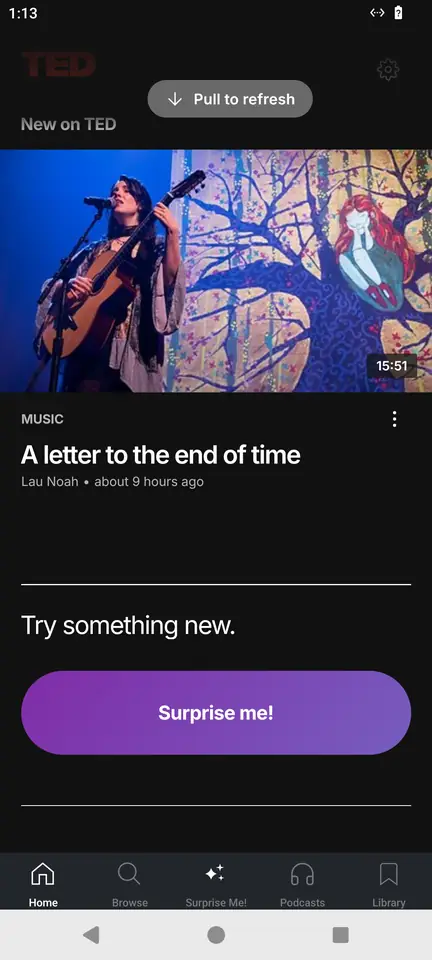

TED · Home & browsing
19 screens
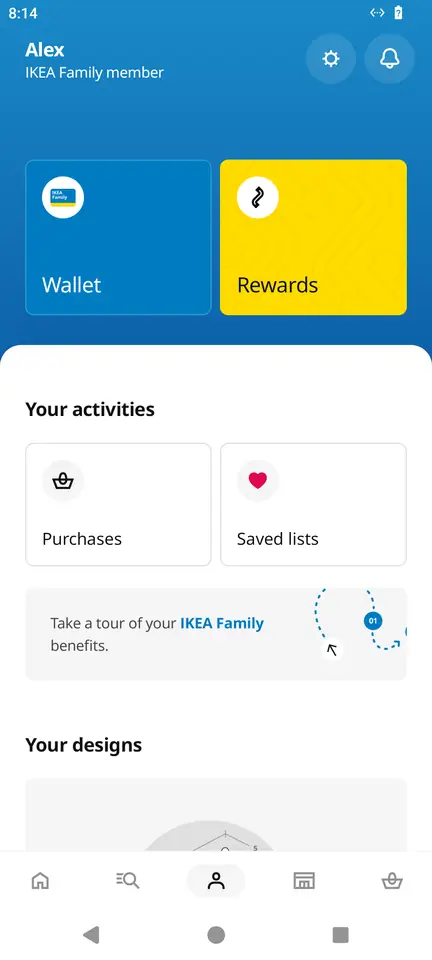
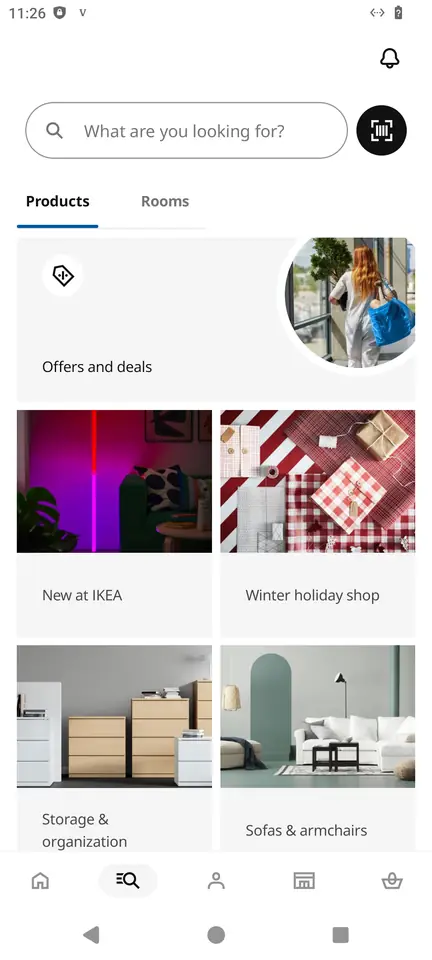
IKEA · Home & browsing
17 screens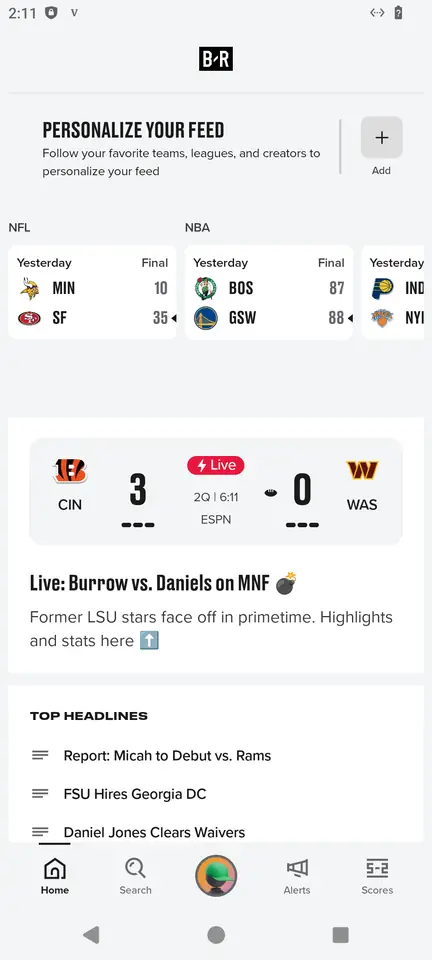

Bleacher Report · Home & browsing
15 screens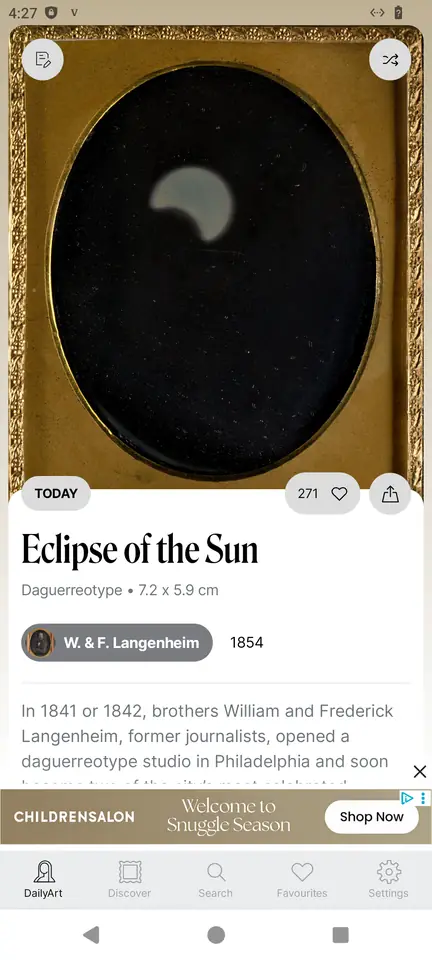

DailyArt · Home & browsing
14 screens

BuzzFeed · Home & browsing
13 screens
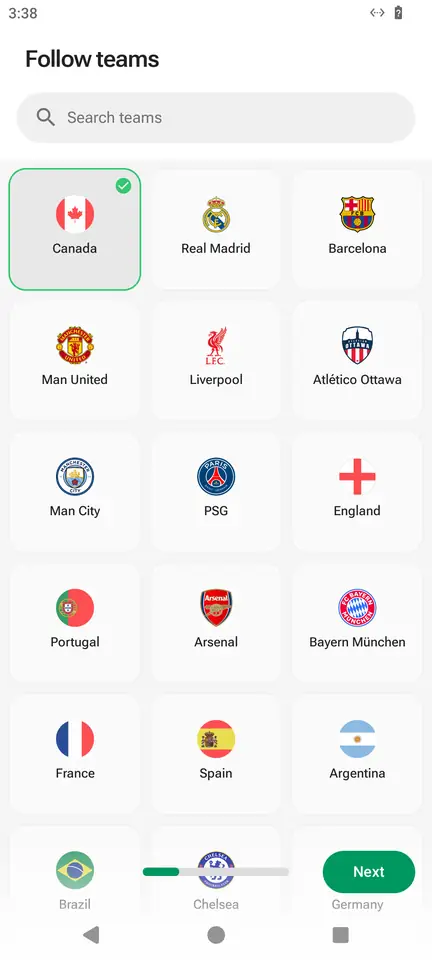
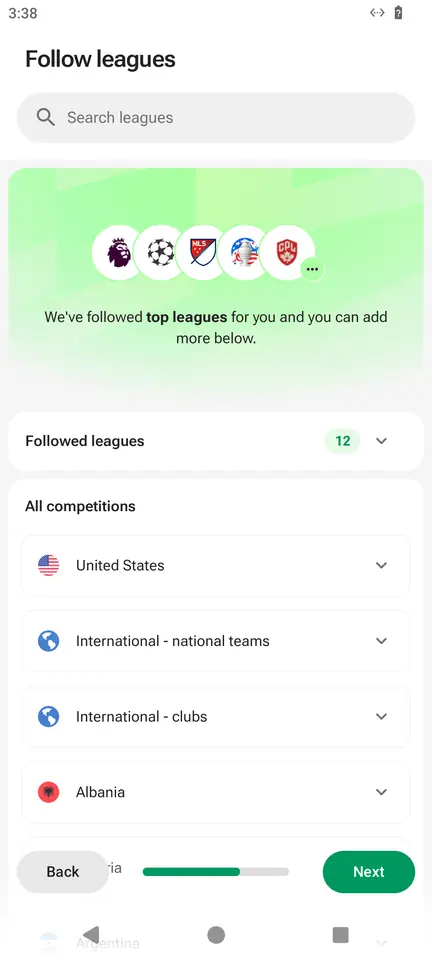
FotMob · Home & browsing
13 screens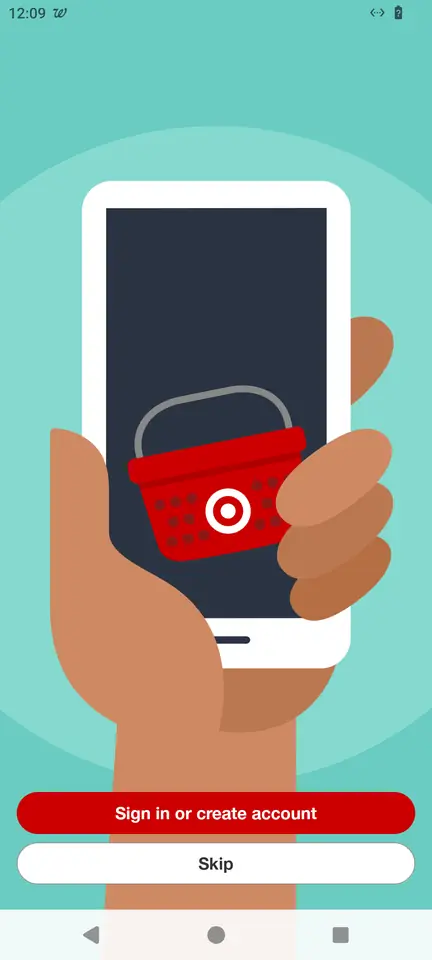

Target · Onboarding
13 screensFAQ
What is a search bar?
A search bar is the text field users type into to find content — usually with placeholder text that says what can be searched (“Search womenswear”, “Search teams”). On Android it often sits at the top of the home screen or opens as a full-screen search view.
Which Android apps use a search bar?
In the Flowtape library, 67 of 246 Android apps show this pattern, including BuzzFeed, DailyArt, IKEA, FotMob, Bleacher Report and Tumblr. It is most common in streaming & entertainment apps.
How do I design a good search bar?
Make the placeholder specific to what can be found. Show recent and suggested searches as soon as the field is focused. Keep the search entry point in the same place on every screen.
Detected on screens captured on real Android devices · last updated 2026-11-14