Card UI: definition and 62 real Android examples
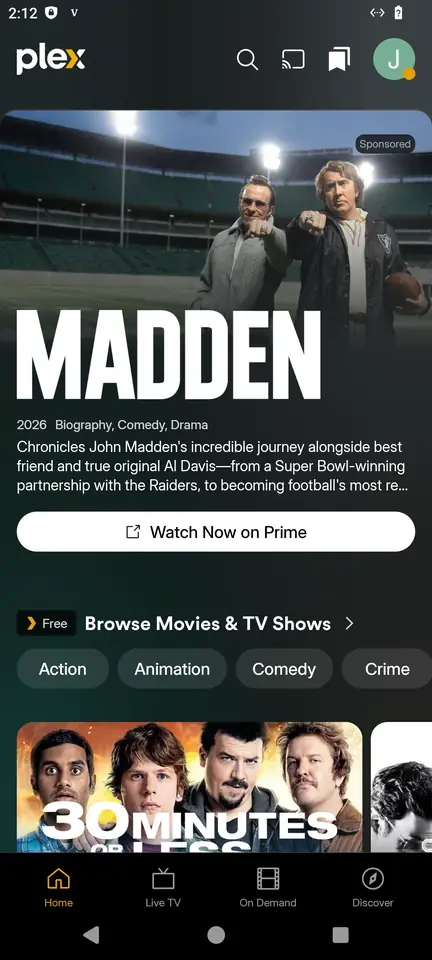
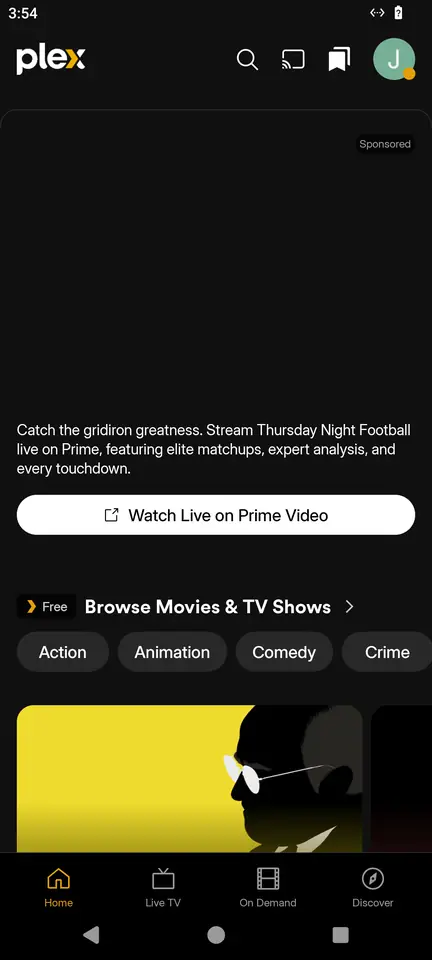
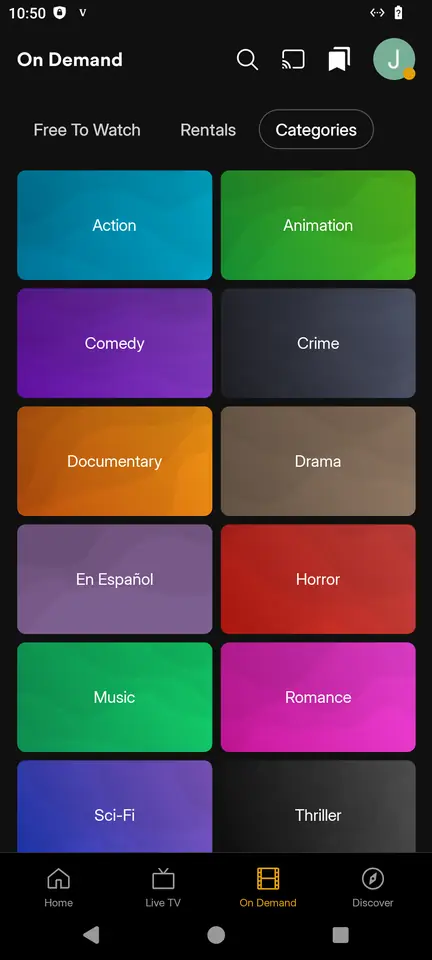
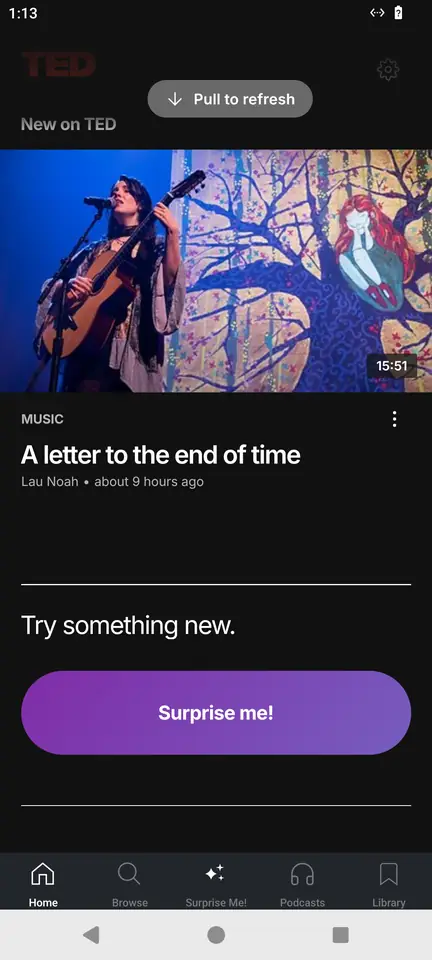
A card is a contained surface that groups content and actions about one thing — a course, a product, a match — so that it can be scanned, tapped and rearranged as a unit.
Also called: card UI, tile
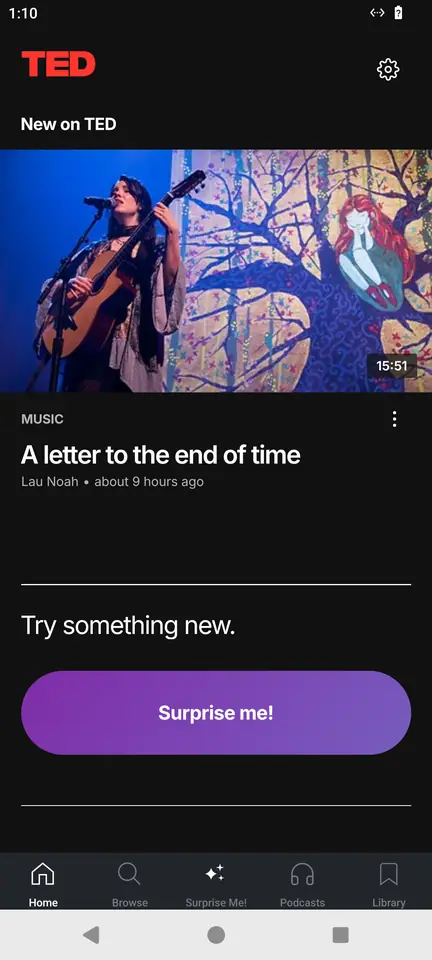
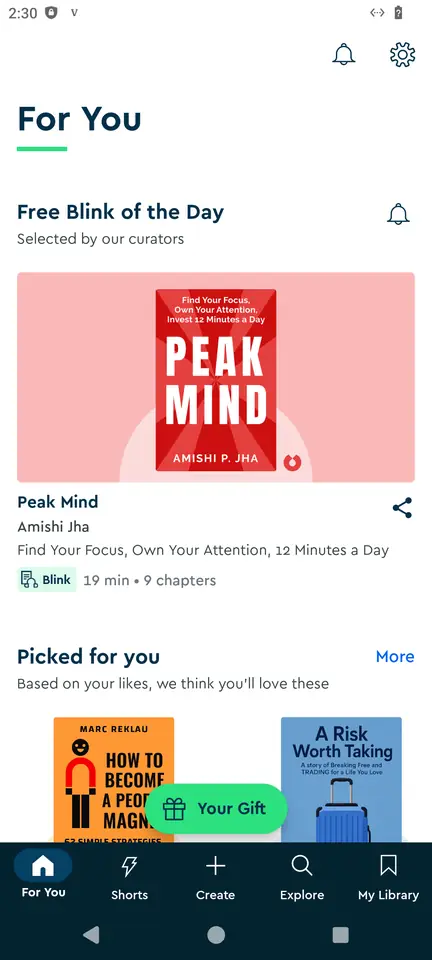
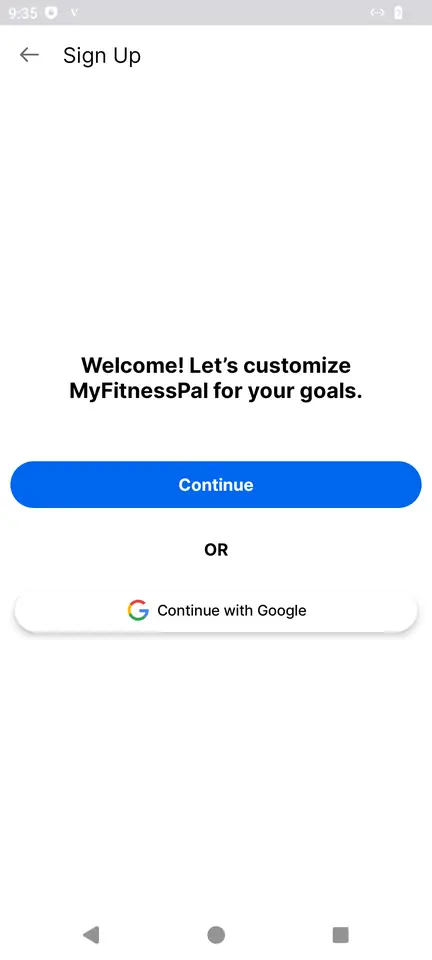
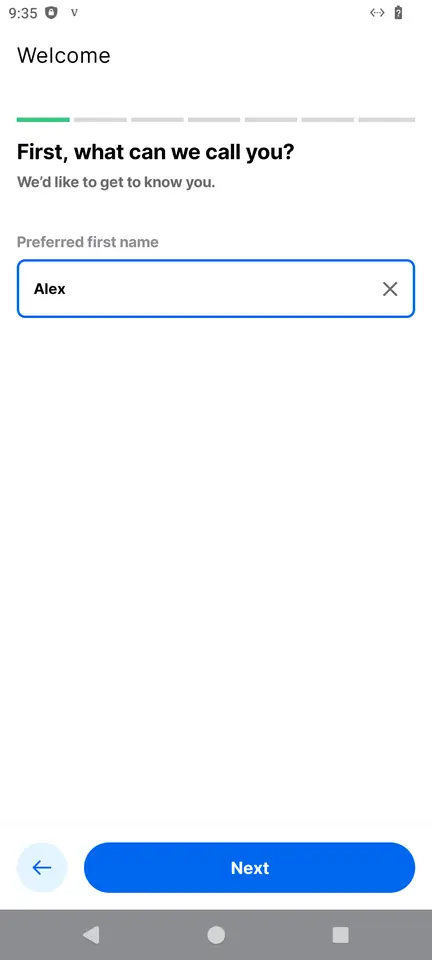
Card examples, highlighted on 62 Android apps
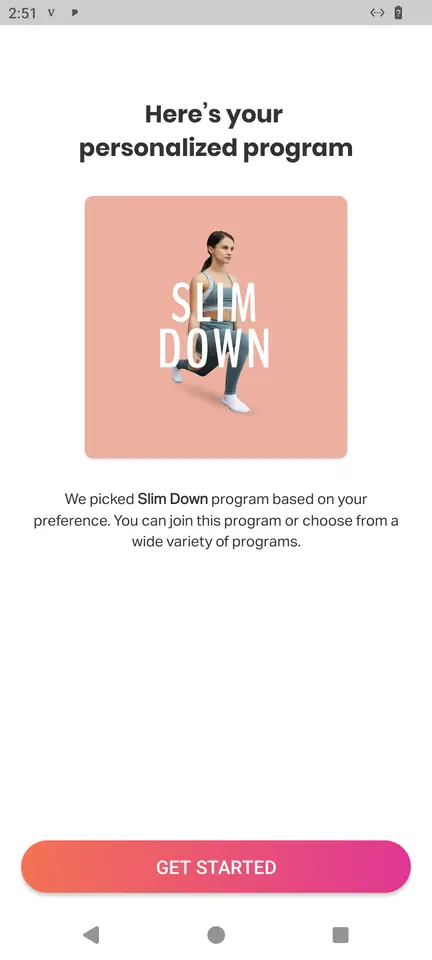
The orange outline marks the card on each real screen, located from the app's own Android view hierarchy.
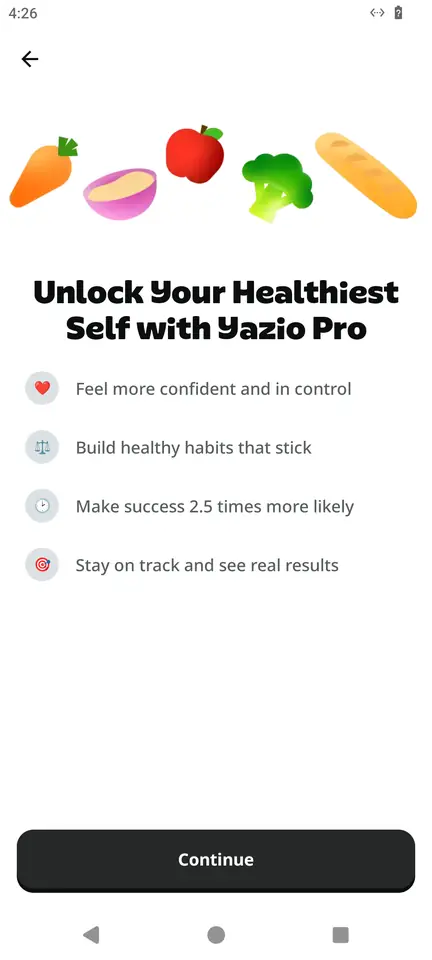
Feel more confident and in control
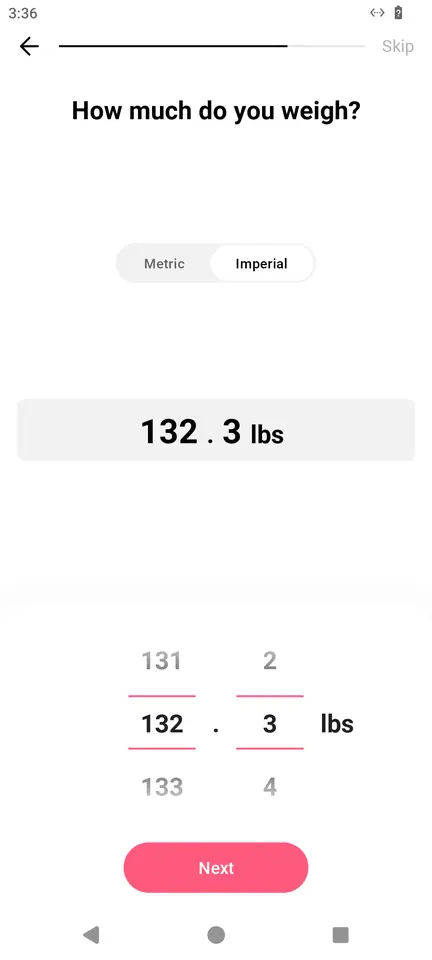
lbs

CLAIM THIS DEAL →

carousel item
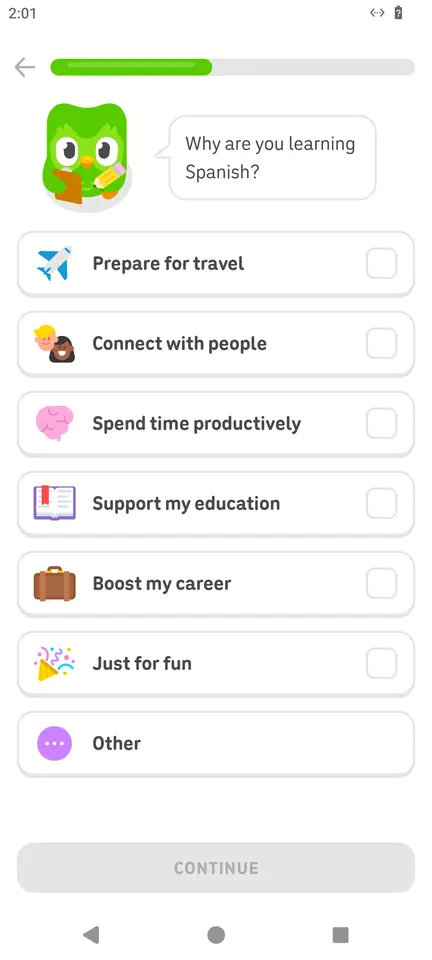
travel
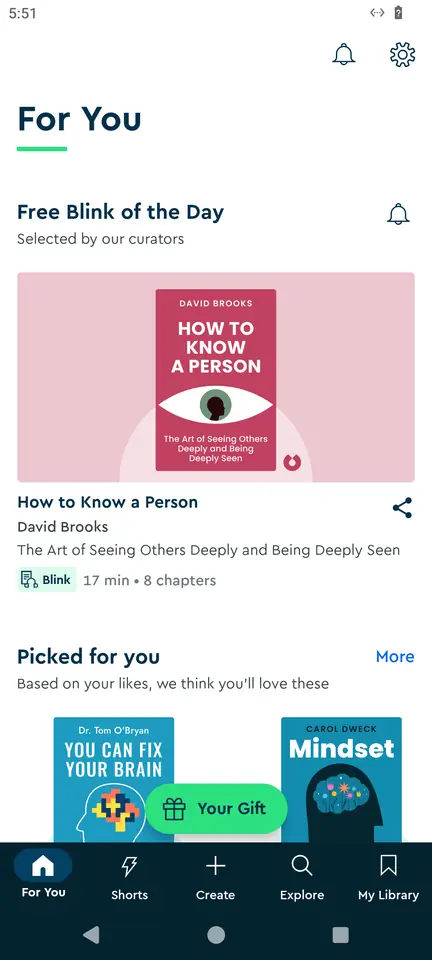
How to Know a Person
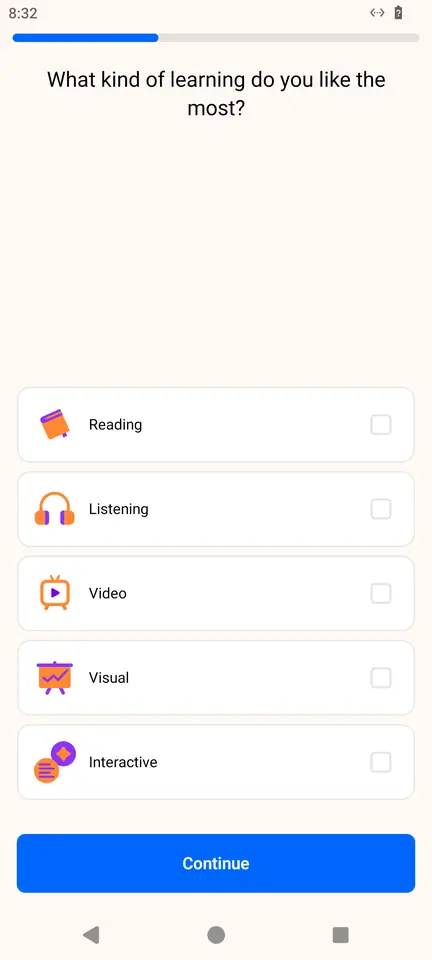
Reading
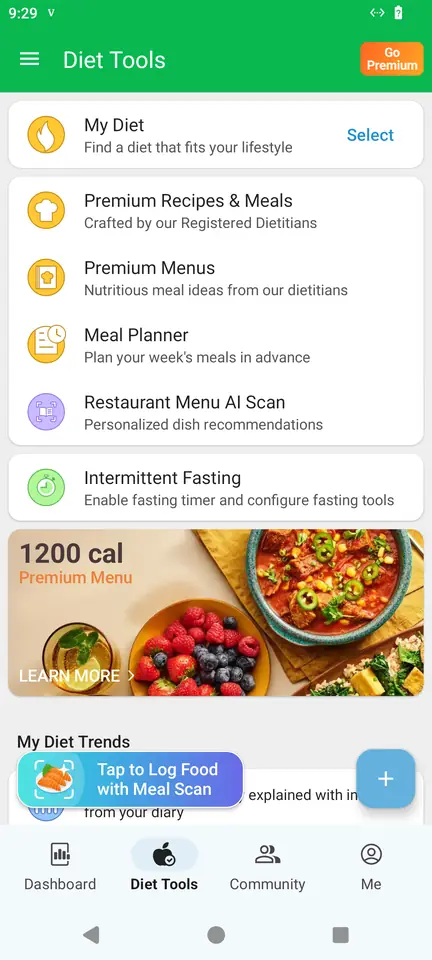
My Diet

Avatar frame

nav_back
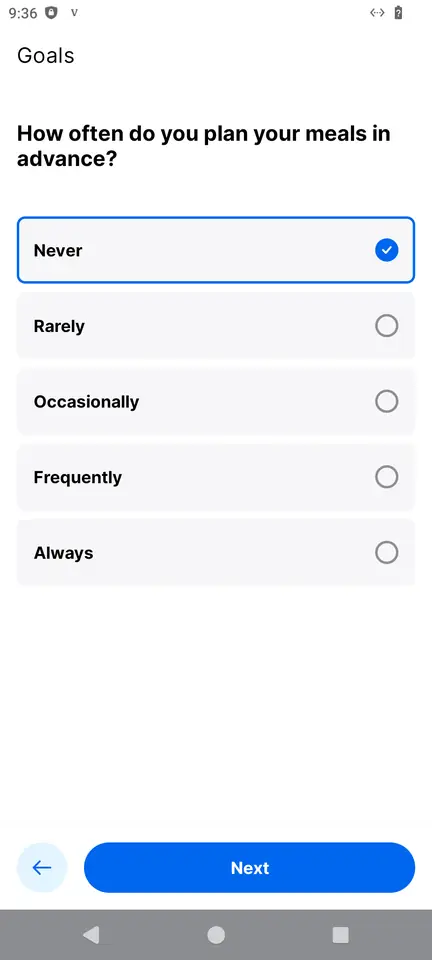
Never

TED Business
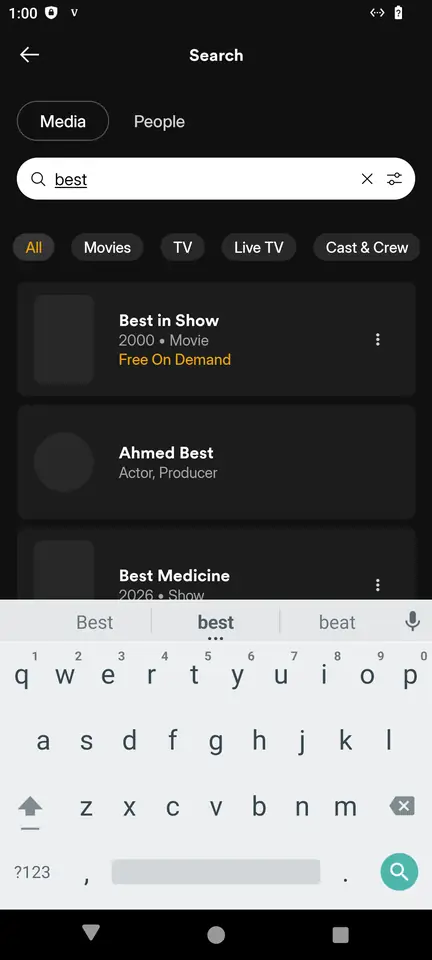
Best in Show, 2000 • Movie

WORK RELATIONSHIPS
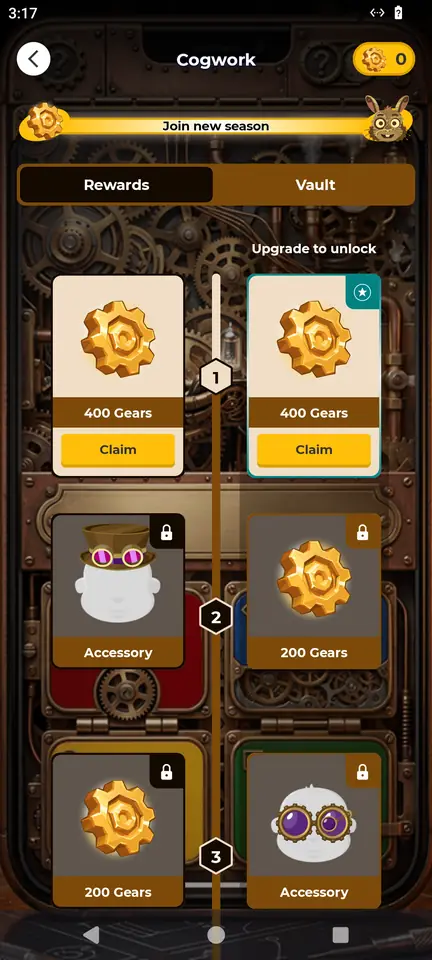
400 Gears
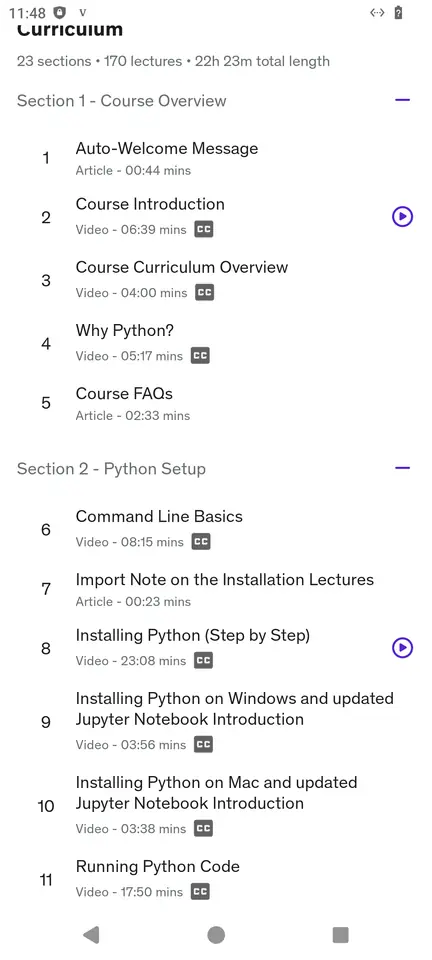
Section 1 - Course Overview
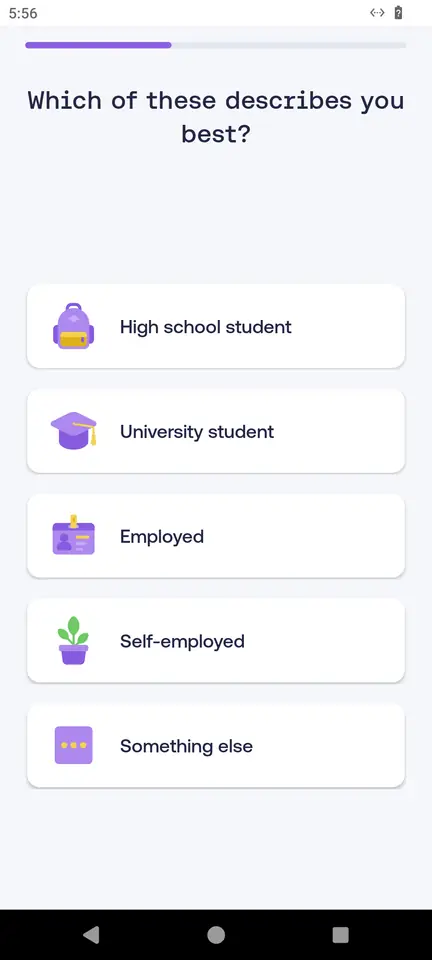
High school student
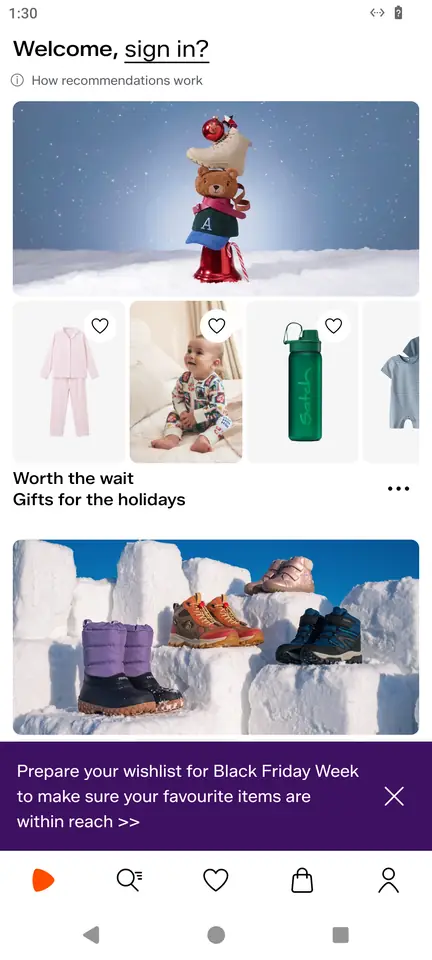
Image carousel, use arrow keys to navigate
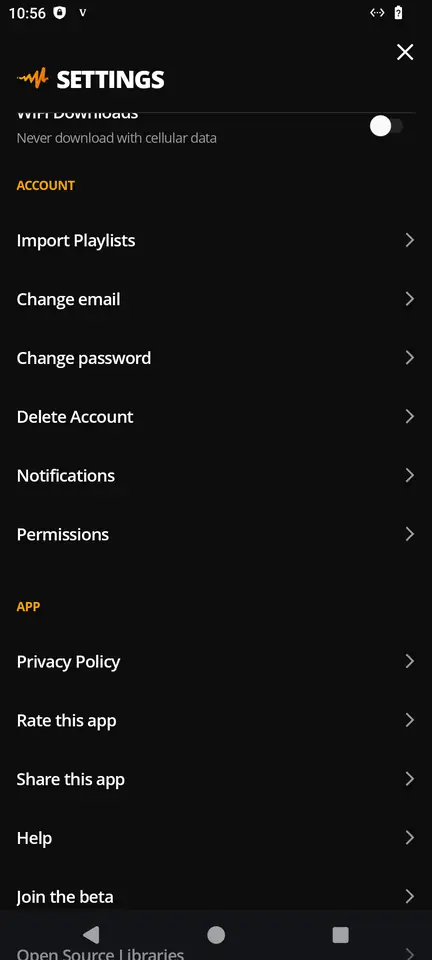
Get Unlimited Downloads
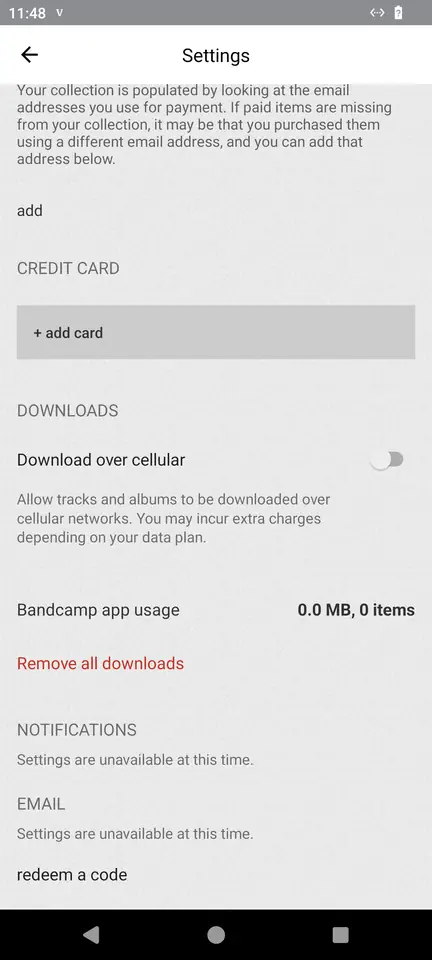
+ add card
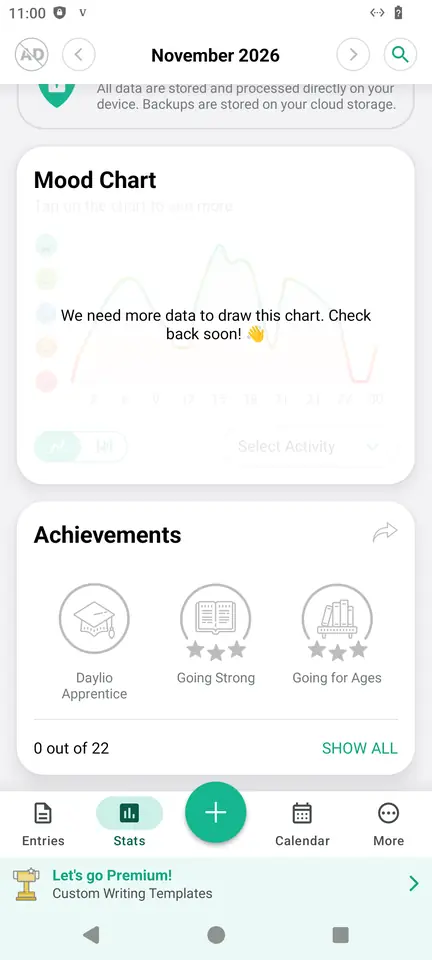
We need more data to draw this chart. Check back soon! 👋
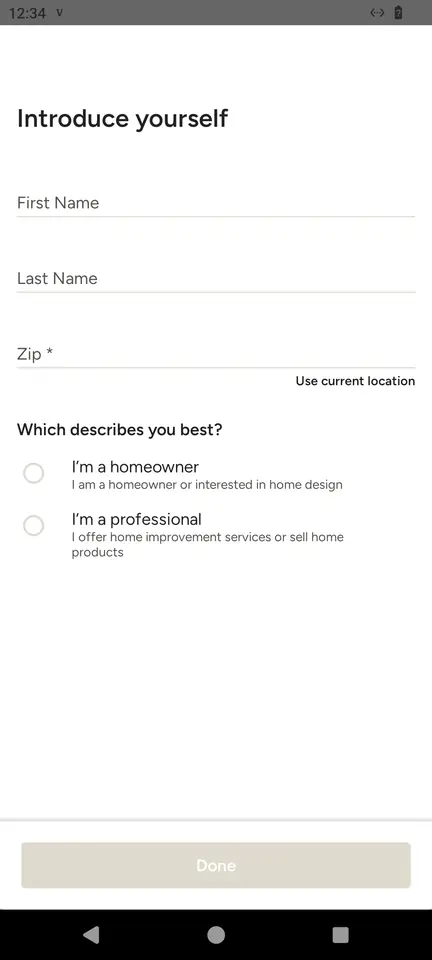
Done
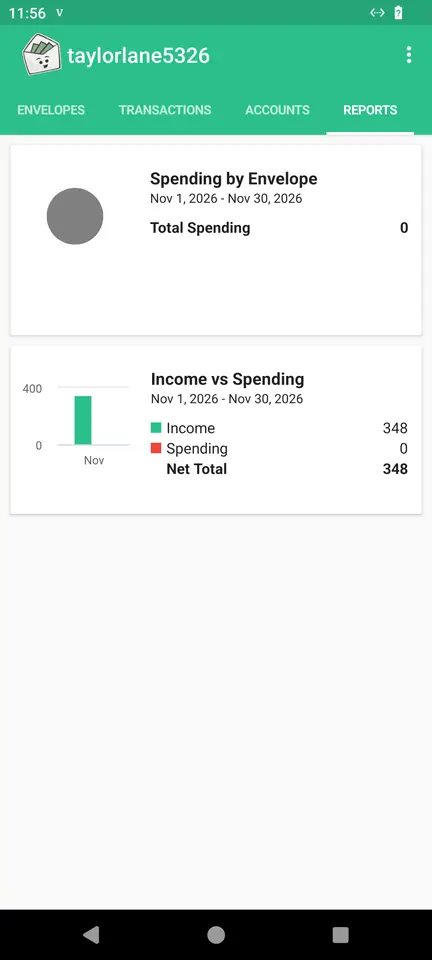
Spending by Envelope
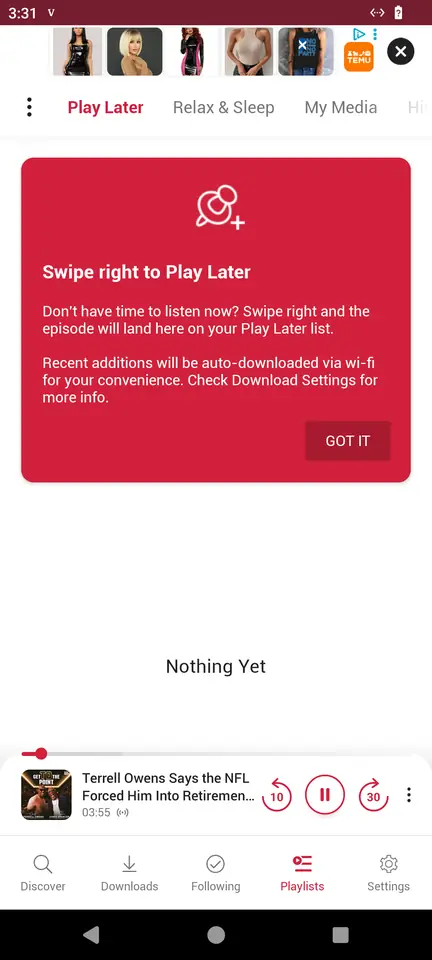
Swipe right to Play Later

Important changes to how to access your data.
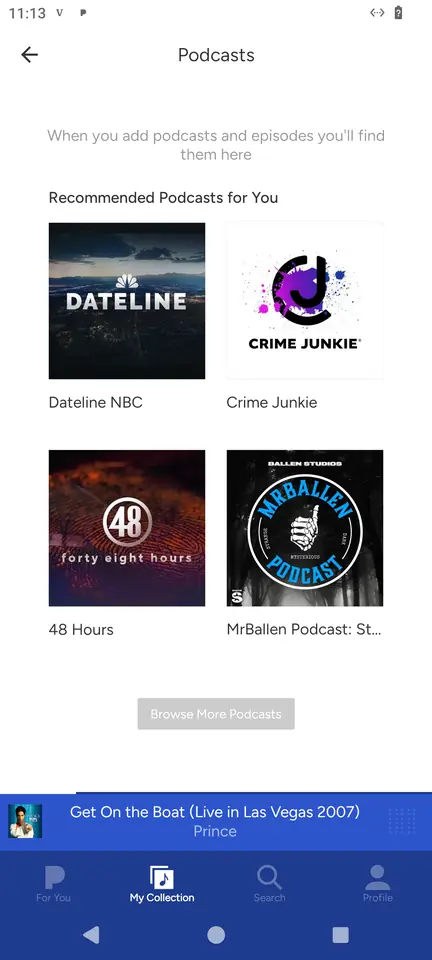
Dateline NBC

Hi there.
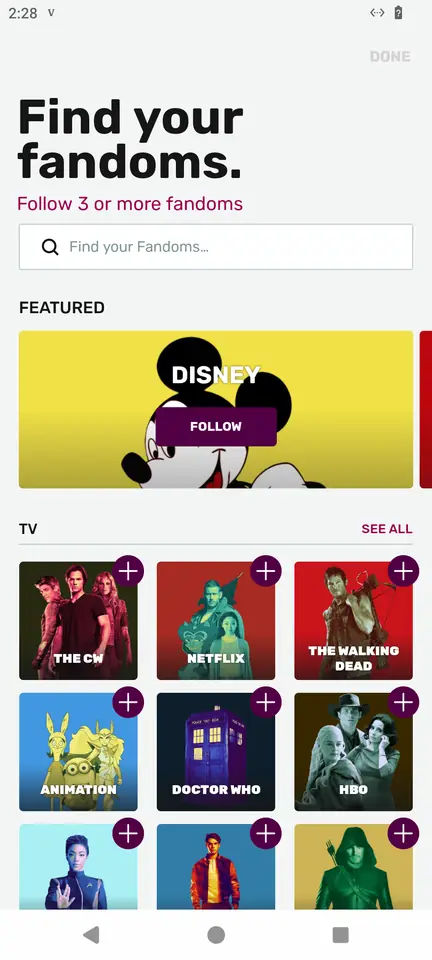
DISNEY
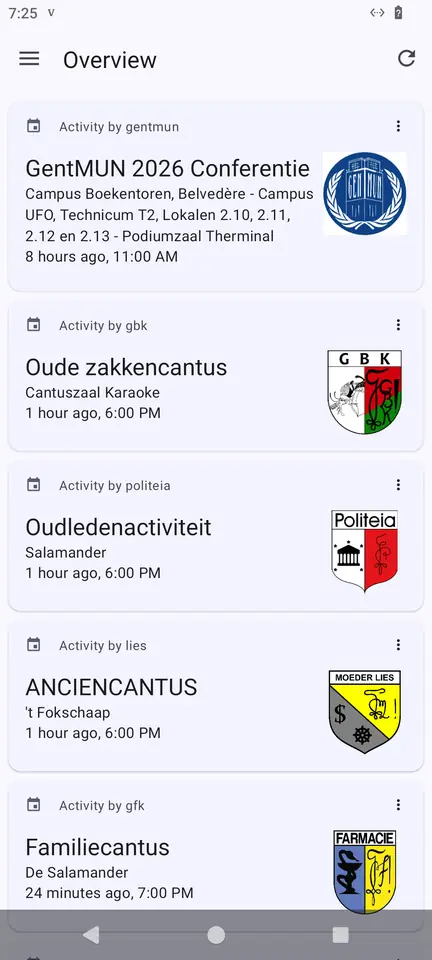
Resto
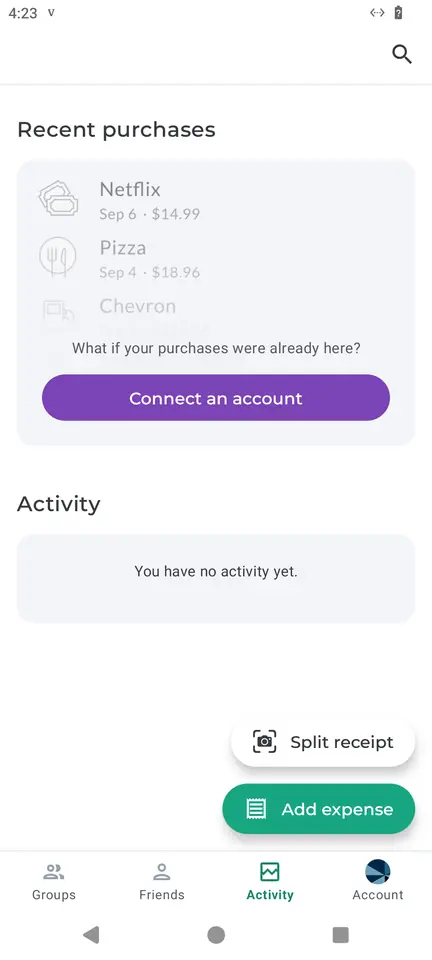
What if your purchases were already here?
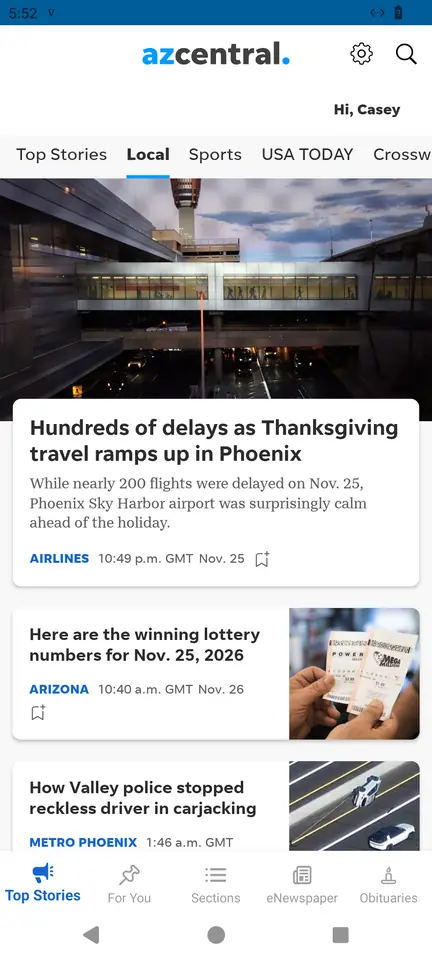
AIRLINES
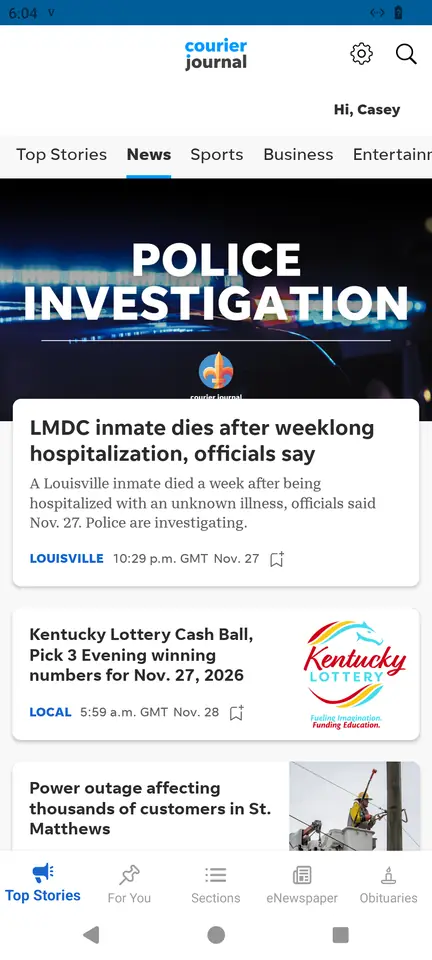
LOUISVILLE

Back
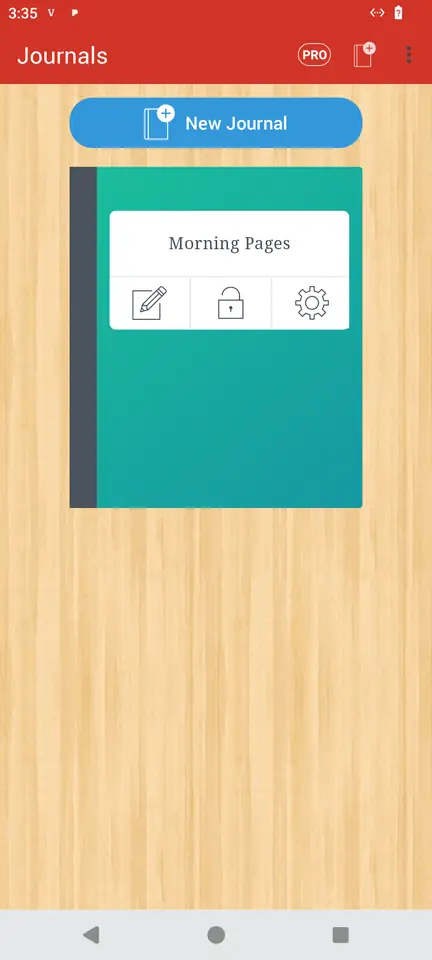
New Entry
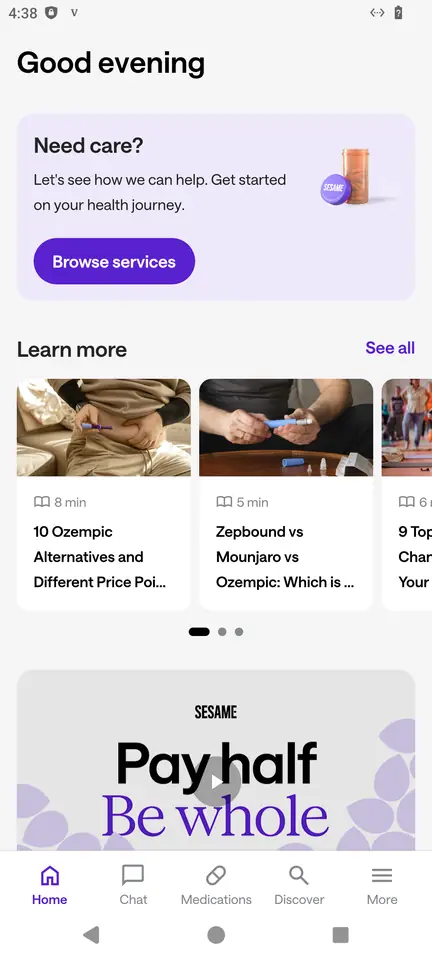
8 min, 10 Ozempic Alternatives and Different Price Points

You’re protected
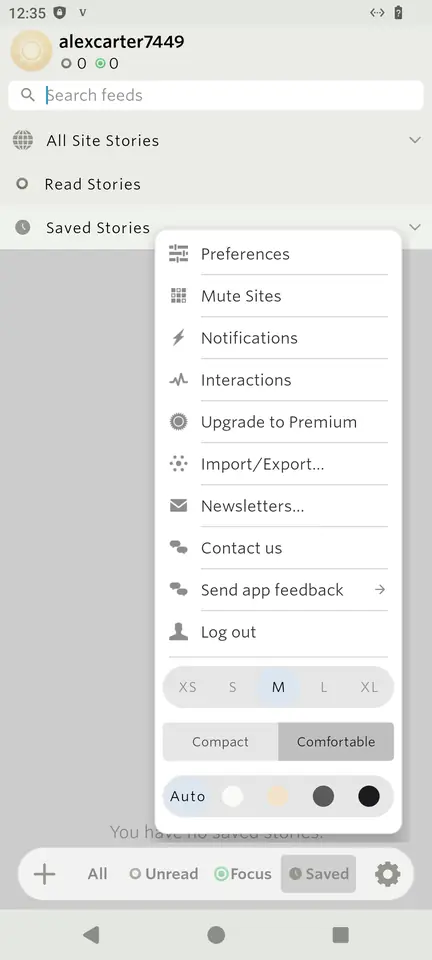
Preferences

LOCAL
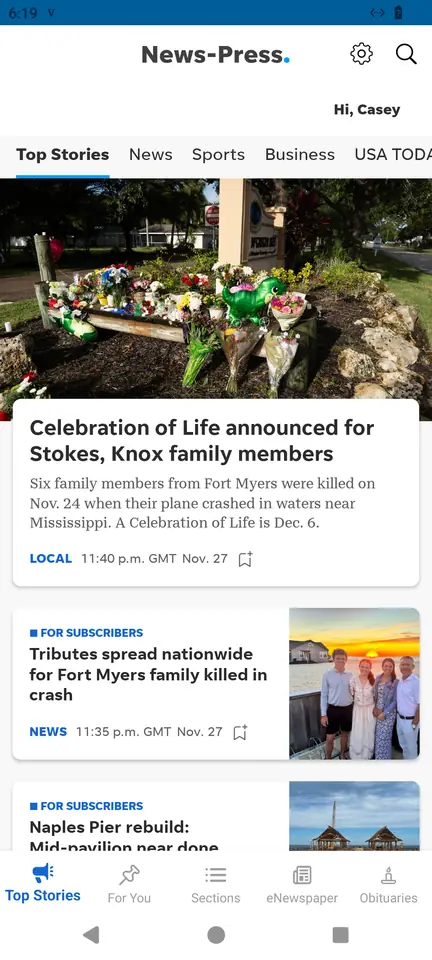
LOCAL
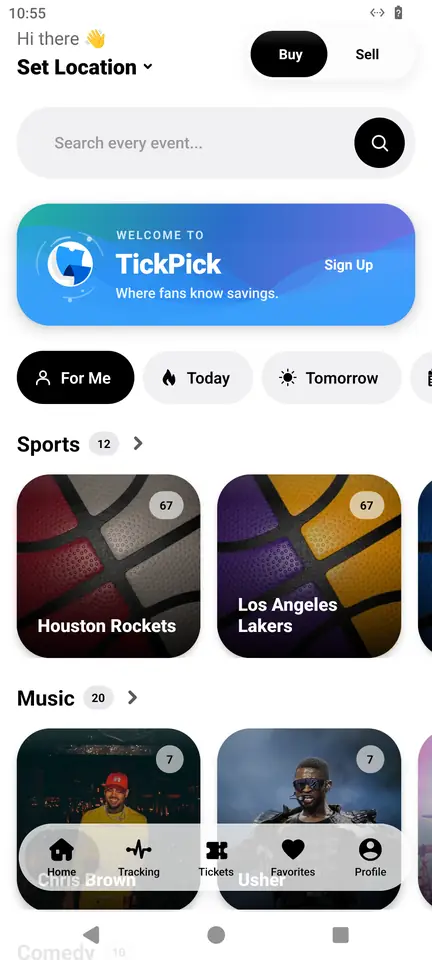
Houston Rockets
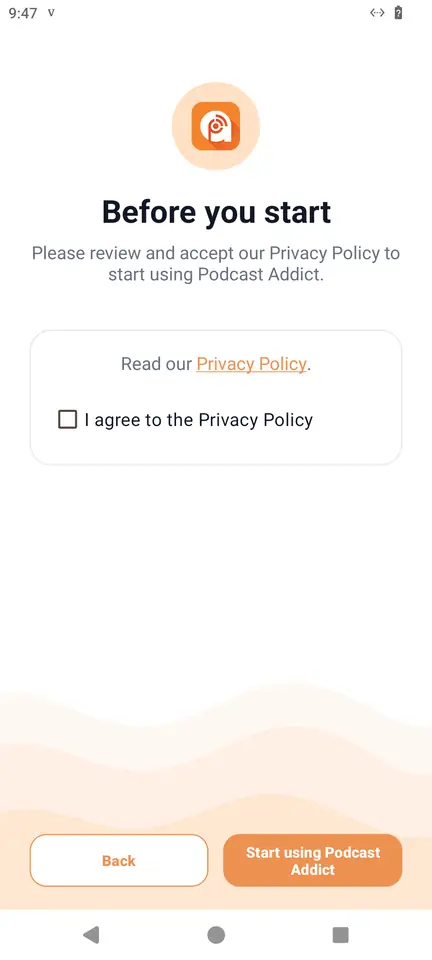
Read our Privacy Policy.
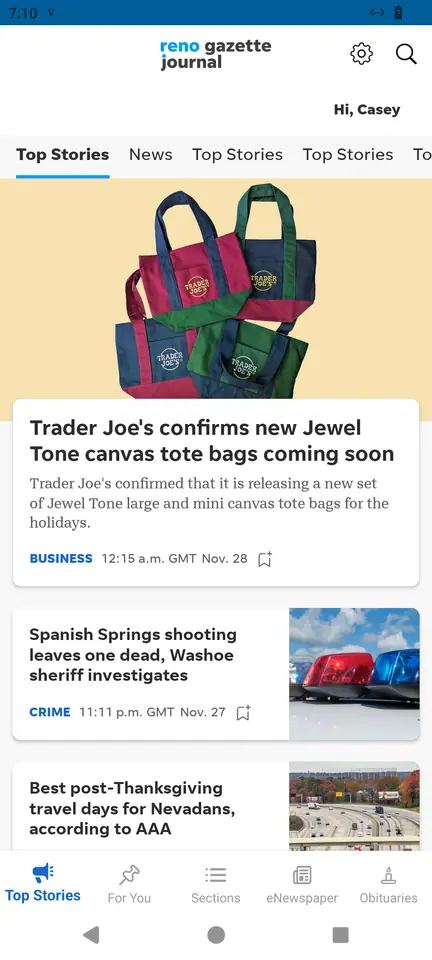
BUSINESS
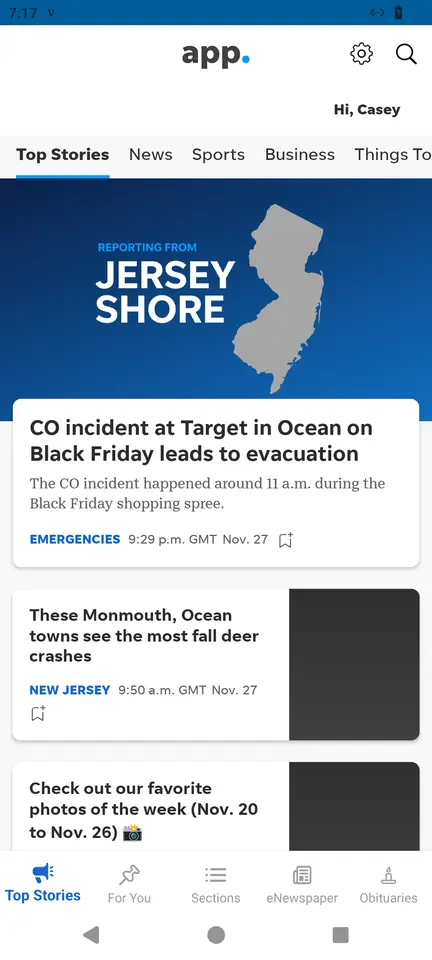
EMERGENCIES
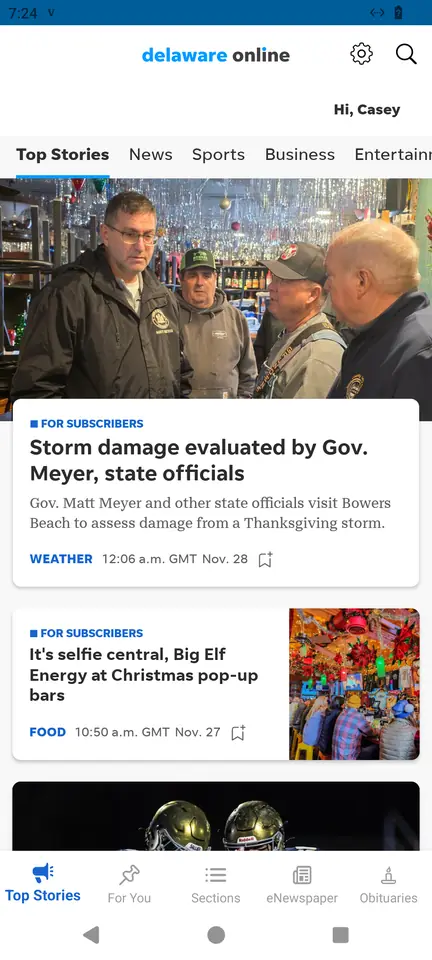
■ FOR SUBSCRIBERS

EXCLUSIVE
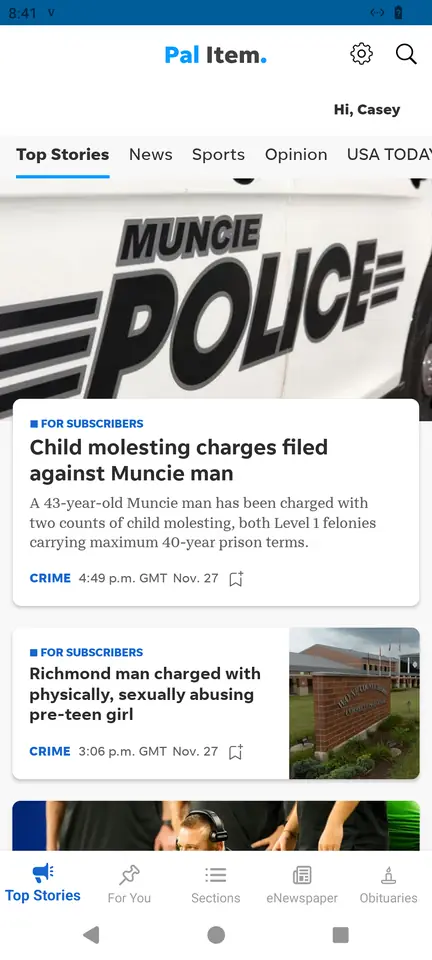
■ FOR SUBSCRIBERS
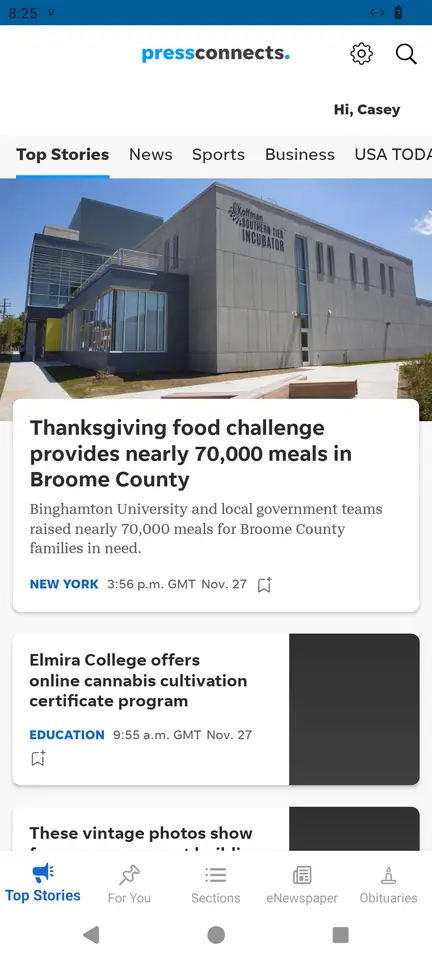
NEW YORK
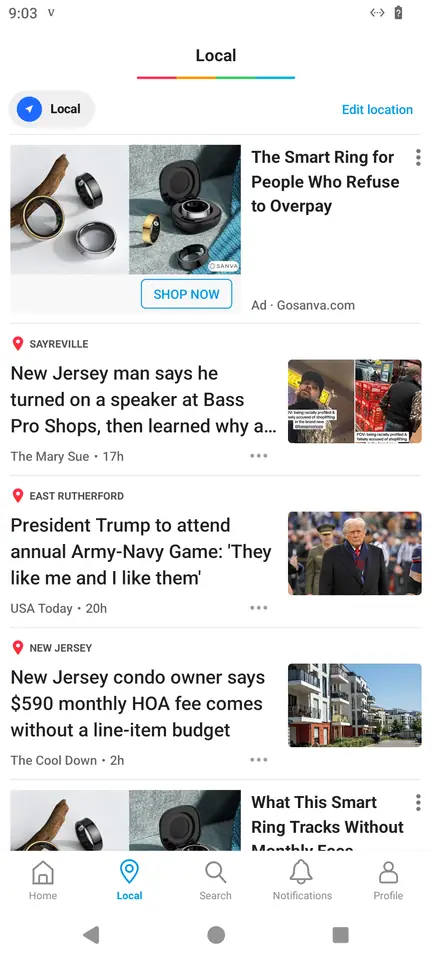
Local

Bison advance after big win over Altavista
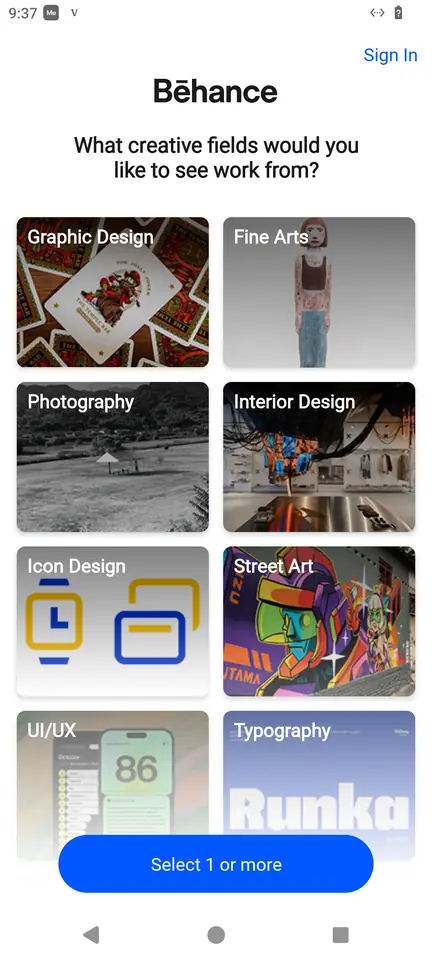
Graphic Design not selected
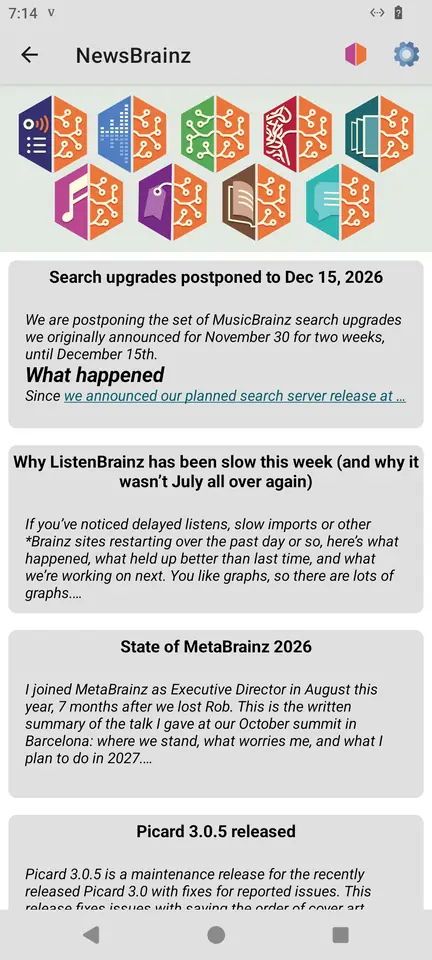
Search upgrades postponed to Dec 15, 2026
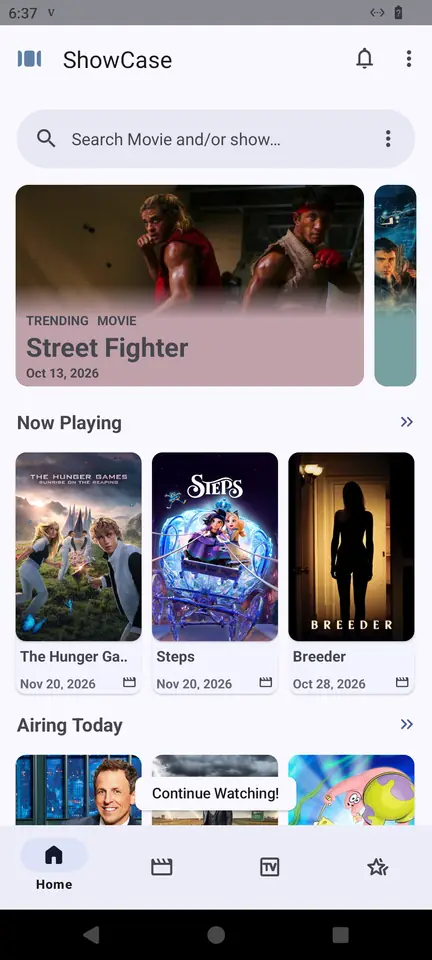
Image from the show
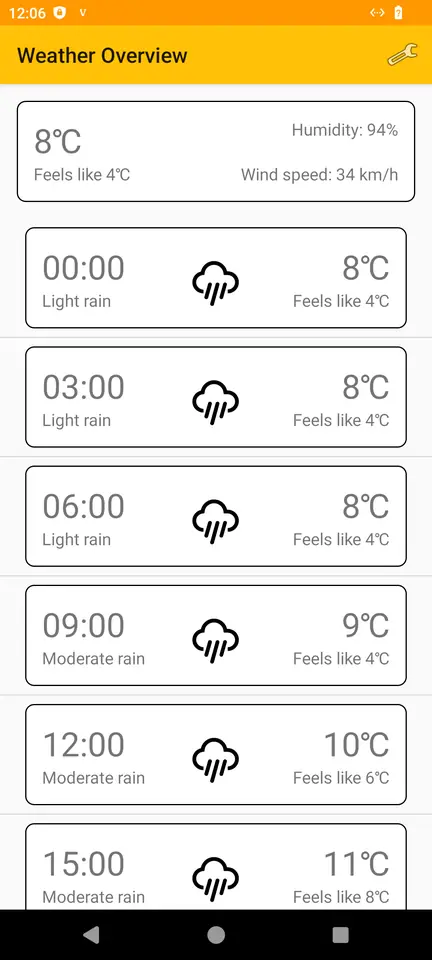
Humidity: 94%
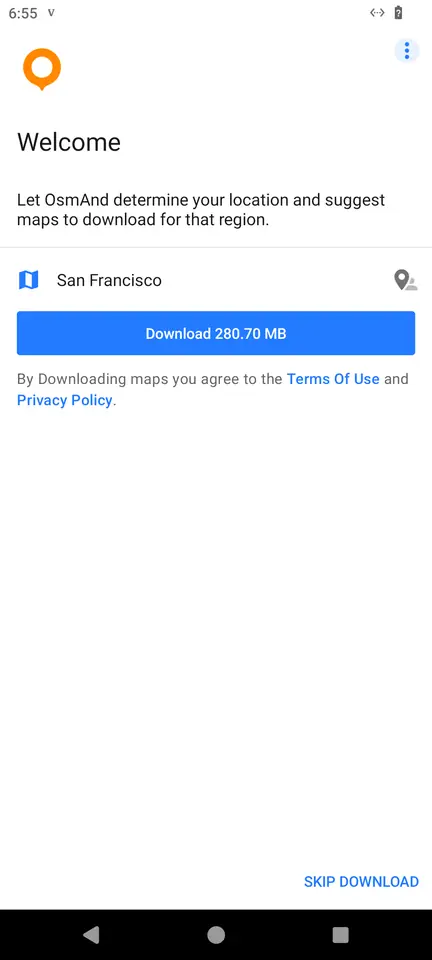
San Francisco
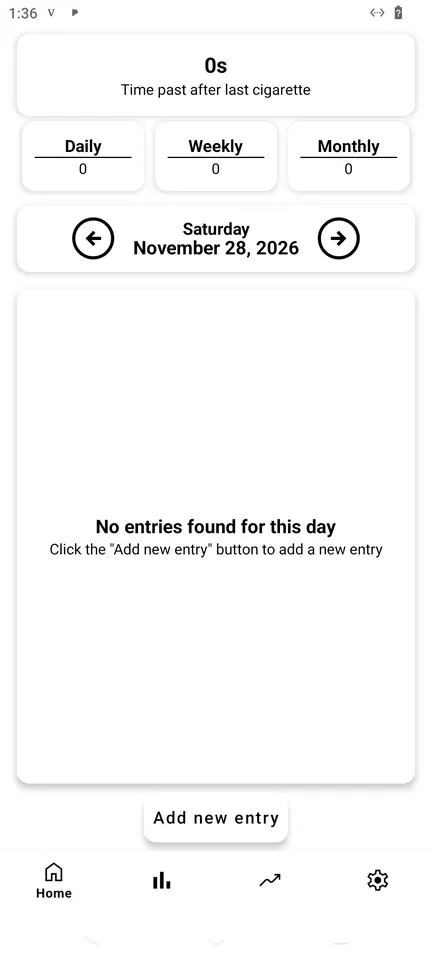
Time past after last cigarette
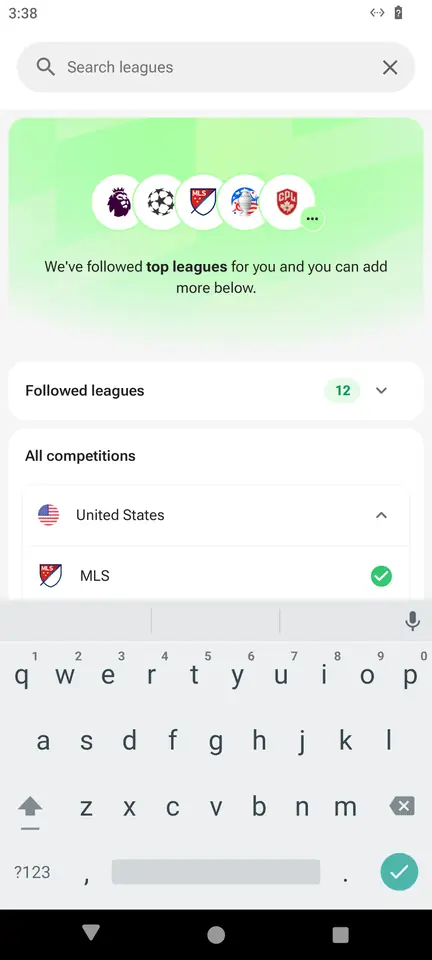


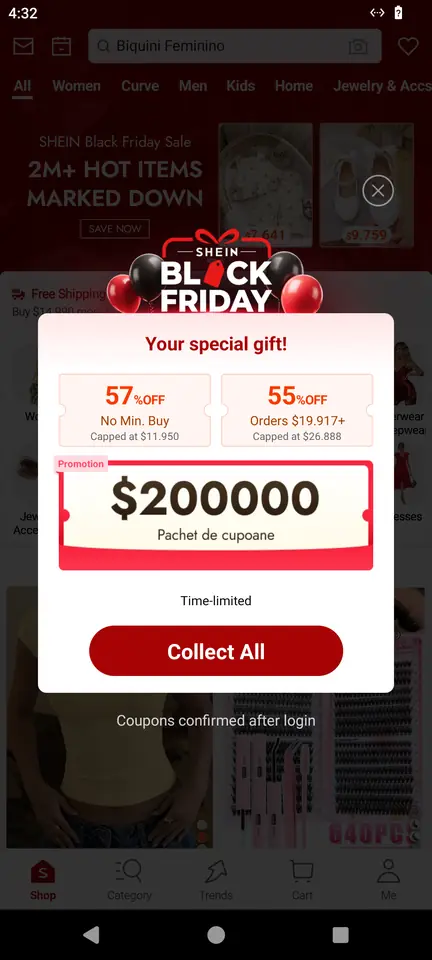

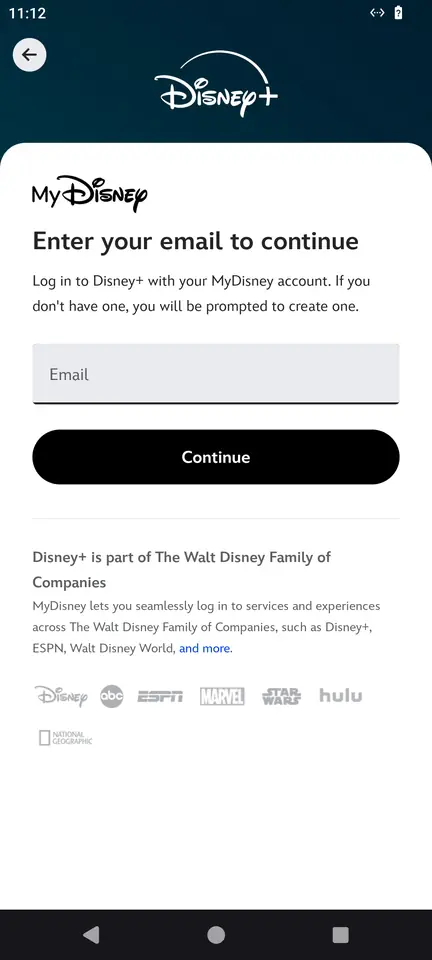
On Android
CardView / MaterialCardView in Views; Card, ElevatedCard and OutlinedCard in Compose.
Best practices
- Make the whole card tappable and show one primary piece of information.
- Keep card layouts consistent within a list so they are easy to compare.
- Use elevation or a border, not both.
- Do not nest cards inside cards.
Where it shows up
Screens showing the component, by flow step type.
By app category
Apps showing the component, by category · 62 of 246 apps in the library.
Full flows with cards
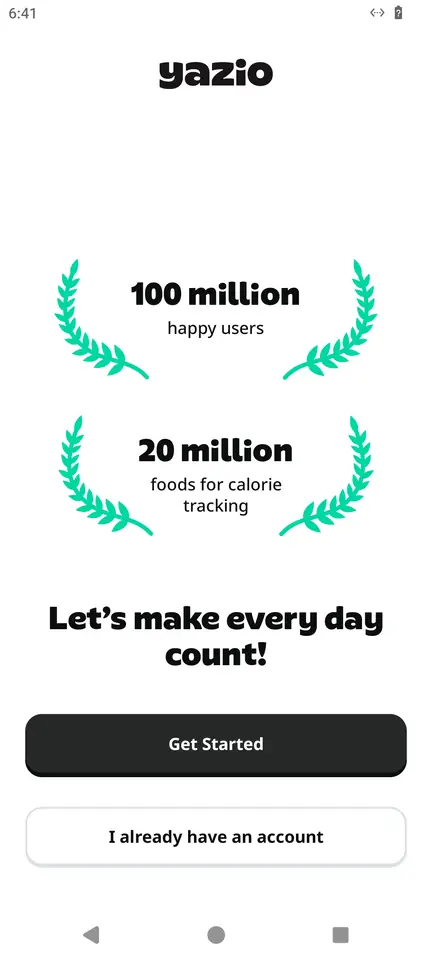
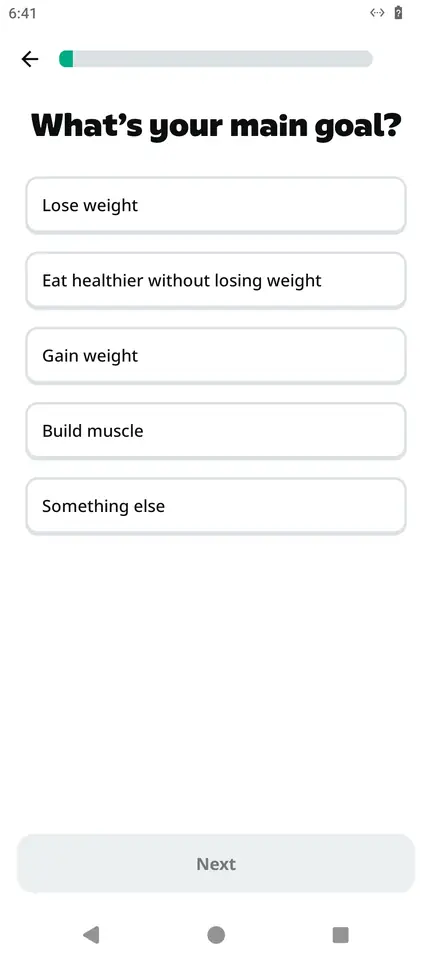
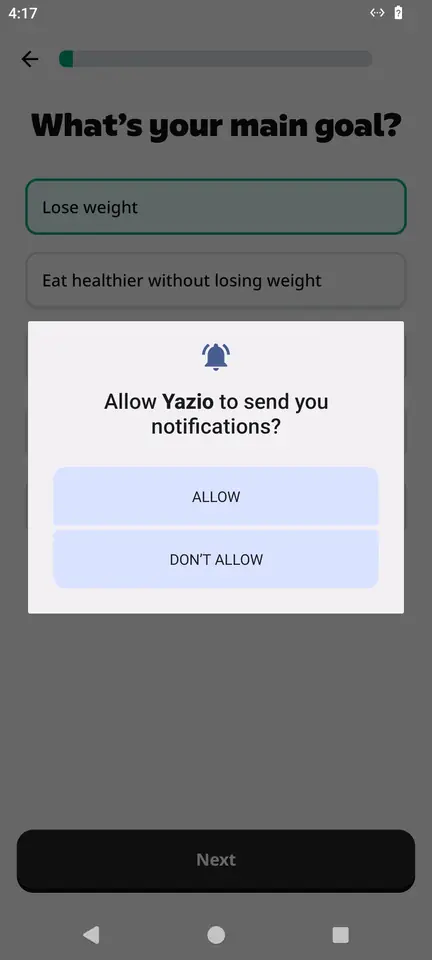
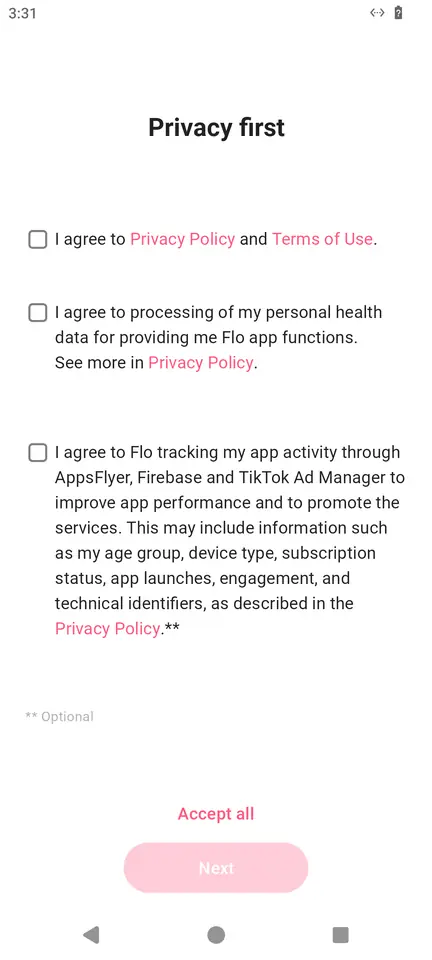
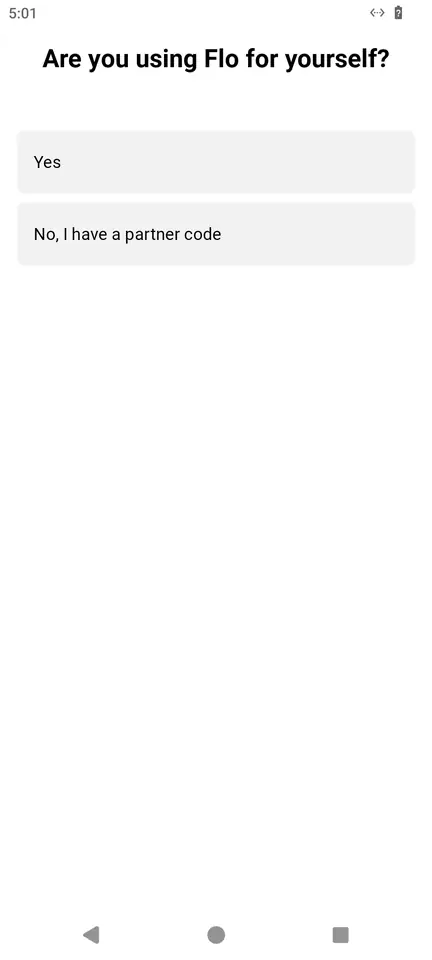
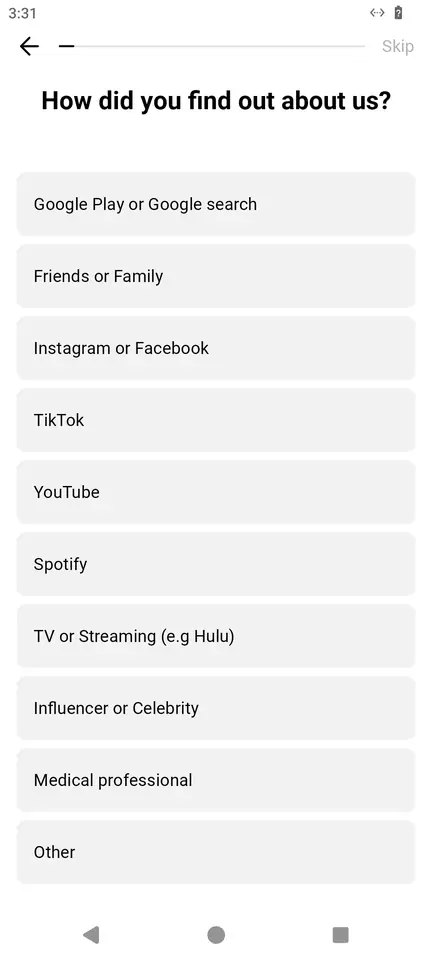









FAQ
What is a card design?
A card is a contained surface that groups content and actions about one thing — a course, a product, a match — so that it can be scanned, tapped and rearranged as a unit.
What is a card called on Android?
CardView / MaterialCardView in Views; Card, ElevatedCard and OutlinedCard in Compose. It is also known as card UI and tile.
Which Android apps use a card?
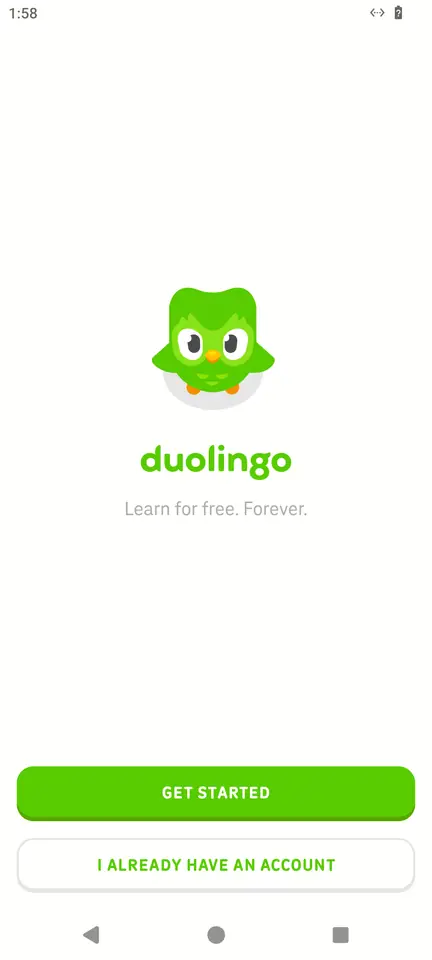
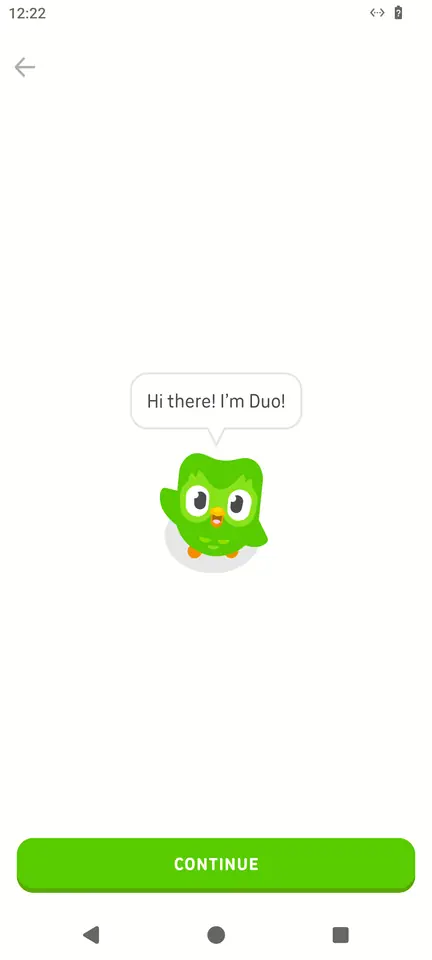
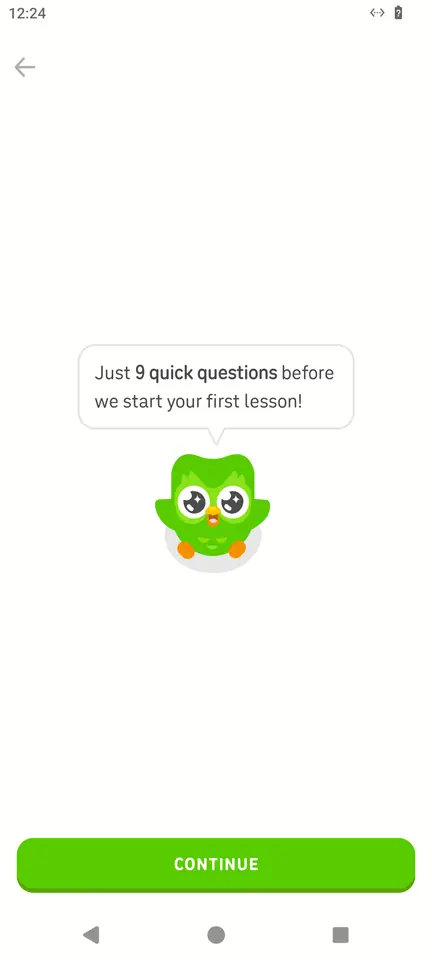
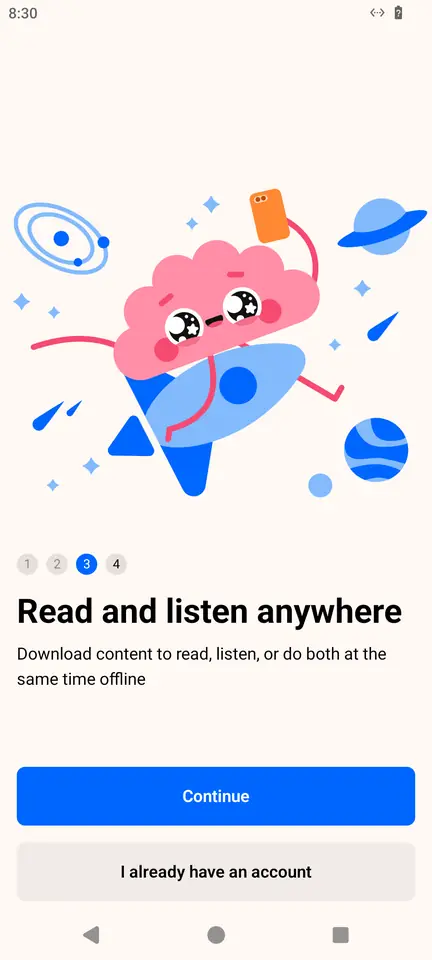
In the Flowtape library, 62 of 246 Android apps show a card on the screens we captured, including Yazio, Flo, Fitbod, BuzzFeed, Duolingo and Blinkist.
How do I design a good card?
Make the whole card tappable and show one primary piece of information. Keep card layouts consistent within a list so they are easy to compare. Use elevation or a border, not both.
Detected in the view hierarchy of screens captured on real Android devices · last updated 2026-11-14