How phyphox onboards: a UX teardown
A screen-by-screen UX teardown of phyphox's onboarding flow on Android: what each of its 6 steps is for, where it asks for commitment, and what other education apps do differently. Every screen and quote is from our own capture on a real device.
The short version
Shape: Value pitch ×6.
- 6 screens — longer than the median onboarding flow in the library (4 screens across 151 other apps).
- No sign-up or log-in screen in the 6 onboarding screens we captured — the product comes first.
- No progress indicator detected across 6 screens.
- 10 of the 20 other education apps in the library use the “Welcome screen” pattern; it was not detected in any phyphox screen we captured.
- Built from floating action button (3 screens), dialog (2 screens) and checkbox (1 screen) — the most common components we detected in the flow.
Step by step
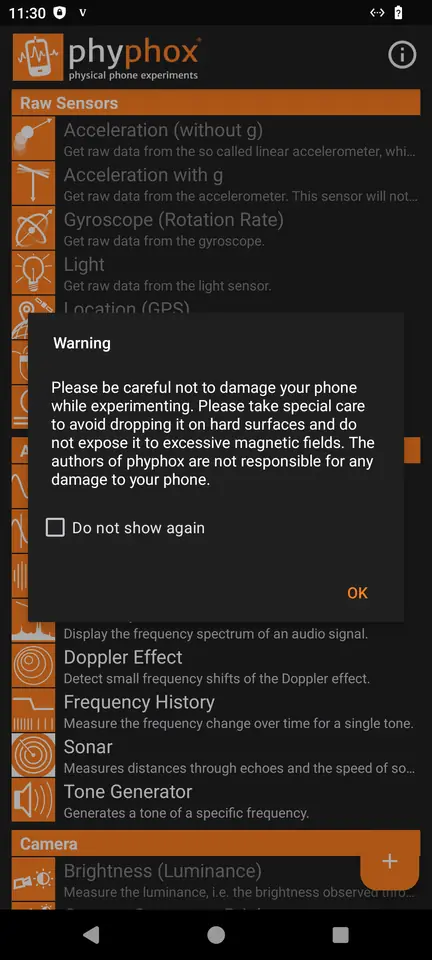
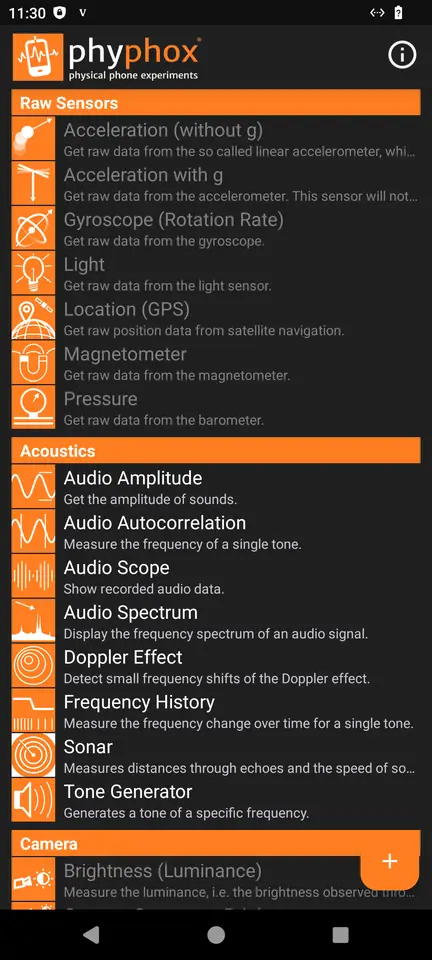
“Get raw data from the gyroscope.”
This screen sells the product before asking for anything. On screen: Info
, Raw Sensors
. Next tap: “Camera Spectrum: Brightness”.
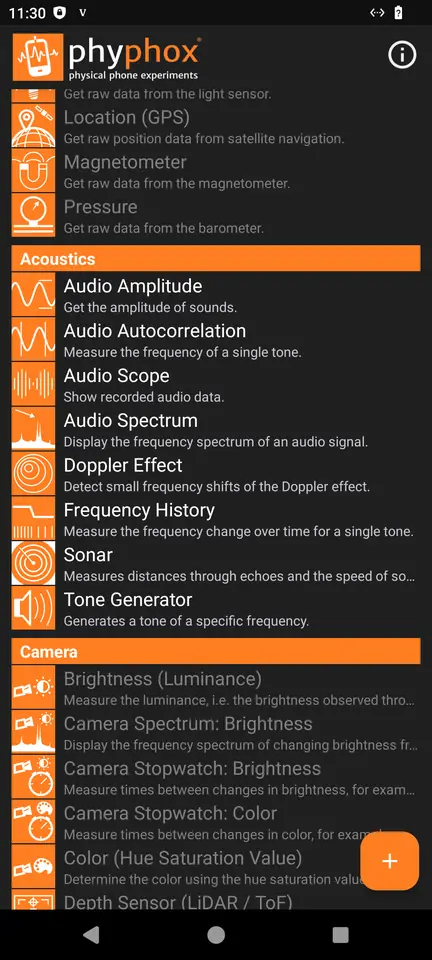
“Get raw position data from satellite navigation.”
This screen sells the product before asking for anything. On screen: Info
, Get raw data from the light sensor.
. Next tap: “Depth Sensor (LiDAR / ToF)”.
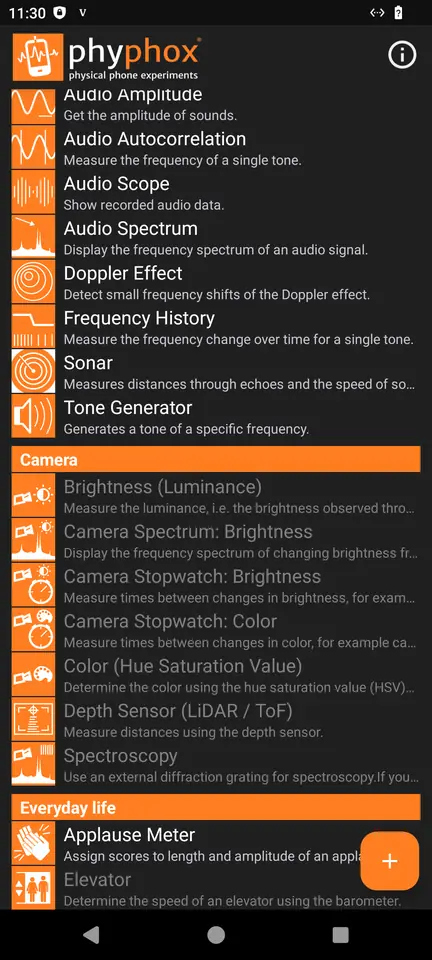
“Get the amplitude of sounds.”
This screen sells the product before asking for anything. On screen: Info
, Audio Amplitude
. Next tap: “Info”.
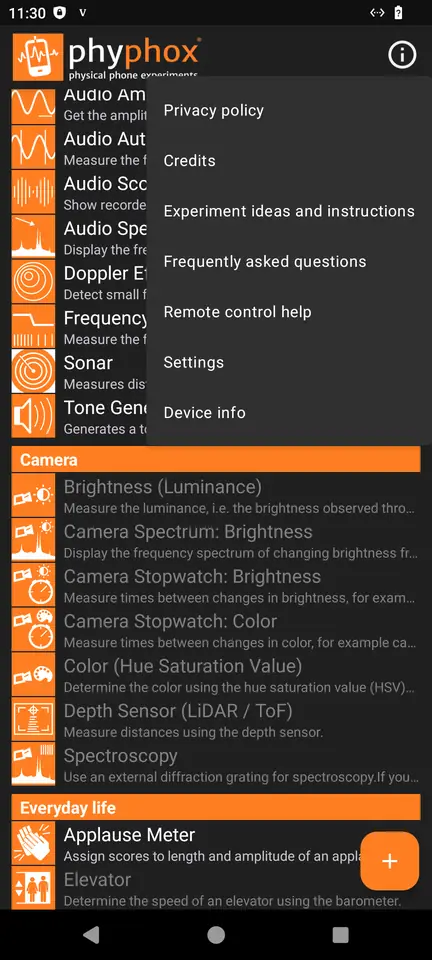
“Privacy policy”
This screen sells the product before asking for anything. On screen: Credits
, Experiment ideas and instructions
.
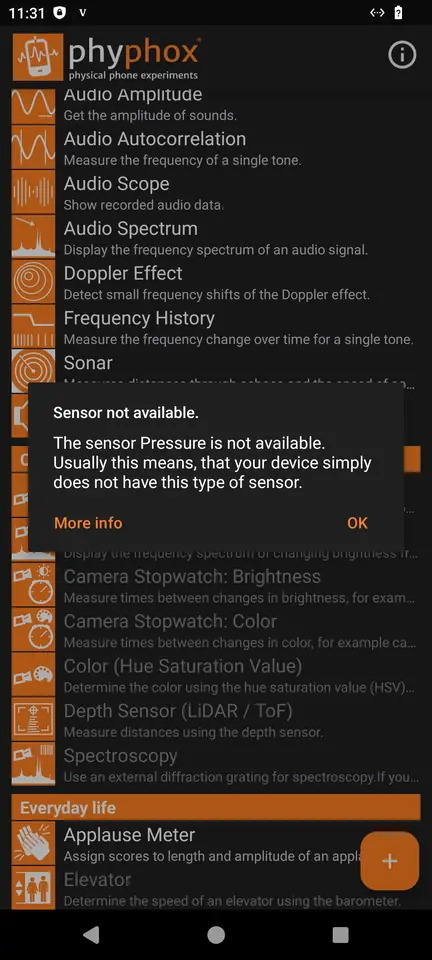
“Sensor not available.”
This screen sells the product before asking for anything. On screen: More info
.
What to steal from phyphox
- Delay the account wall: phyphox lets users through 6 onboarding screens without signing up.
UI components in this flow
As an X thread
- 1/ How phyphox onboards on Android: 6 screens, step by step. A UX teardown 🧵
- 2/ The shape of the flow: Value pitch ×6.
- 3/ Step 1 — value pitch: “Warning”. It sells the product before asking for anything. Tap: “Do not show again”.
- 4/ Step 2 — value pitch: “Get raw data from the gyroscope.”. It sells the product before asking for anything. Tap: “Camera Spectrum: Brightness”.
- 5/ Step 3 — value pitch: “Get raw position data from satellite navigation.”. It sells the product before asking for anything. Tap: “Depth Sensor (LiDAR / ToF)”.
- 6/ No sign-up or log-in screen in the 6 onboarding screens we captured — the product comes first.
- 7/ No progress indicator detected across 6 screens.
- 8/ 10 of the 20 other education apps in the library use the “Welcome screen” pattern; it was not detected in any phyphox screen we captured.
- 9/ What to steal — Delay the account wall: phyphox lets users through 6 onboarding screens without signing up.
- 10/ Every screen, in order, free: https://flowtape.ai/teardown/phyphox/
FAQ
How many screens is phyphox's onboarding flow?
We captured 6 screens of phyphox's onboarding flow on a real Android device. Its shape: Value pitch ×6.
When does phyphox ask you to create an account?
Not within the 6 screens we captured — there is no sign-up or log-in screen and the flow lets users in without an account.
What can designers learn from phyphox's onboarding flow?
Delay the account wall: phyphox lets users through 6 onboarding screens without signing up.
Captured on a real Android device · last updated 2026-11-14