Floating action button: definition and 26 real Android examples
A floating action button (FAB) is a round or pill-shaped button that floats above the content, usually bottom-right, for the single most important action on a screen — compose, add, start workout.
Also called: FAB, fab button
Floating action button examples, highlighted on 26 Android apps
The orange outline marks the floating action button on each real screen, located from the app's own Android view hierarchy.
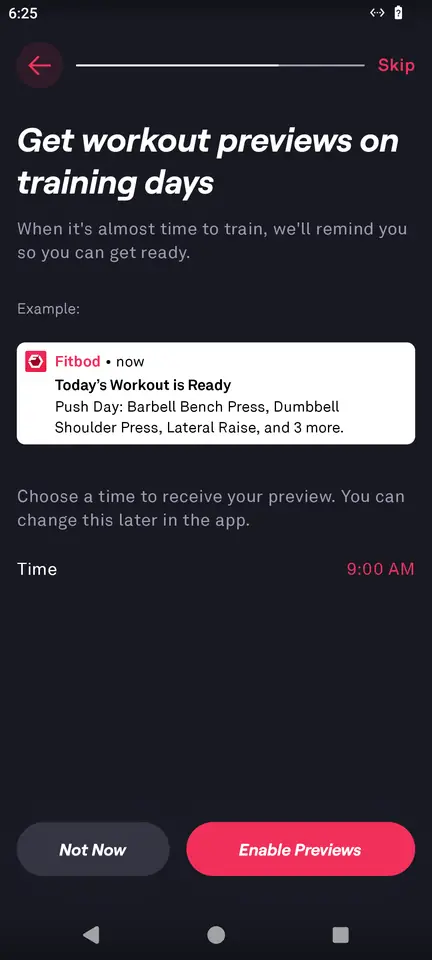
Not Now
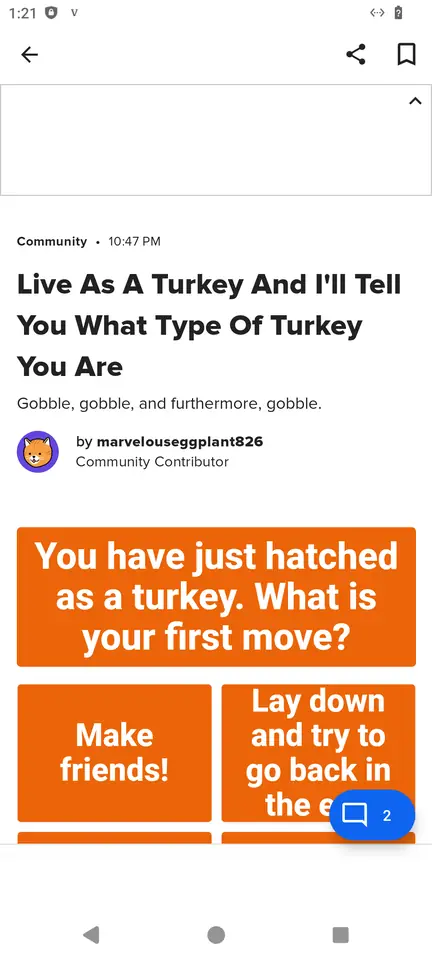
see comments
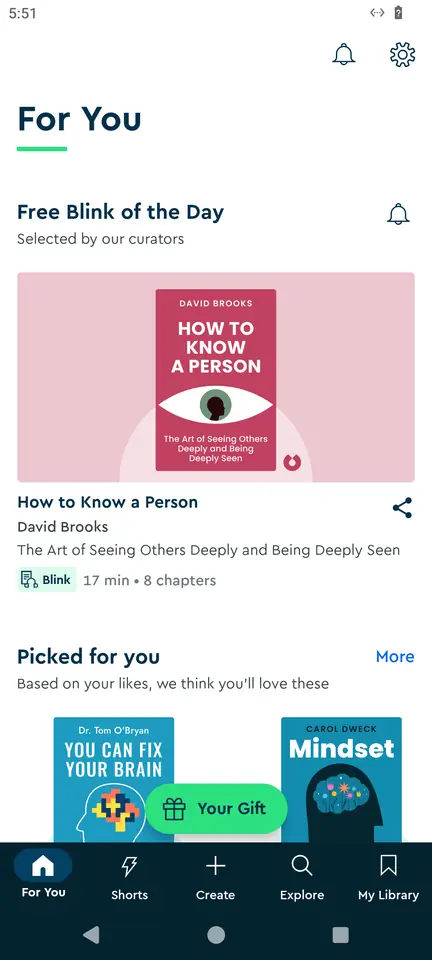
Your Gift, Unlock premium content
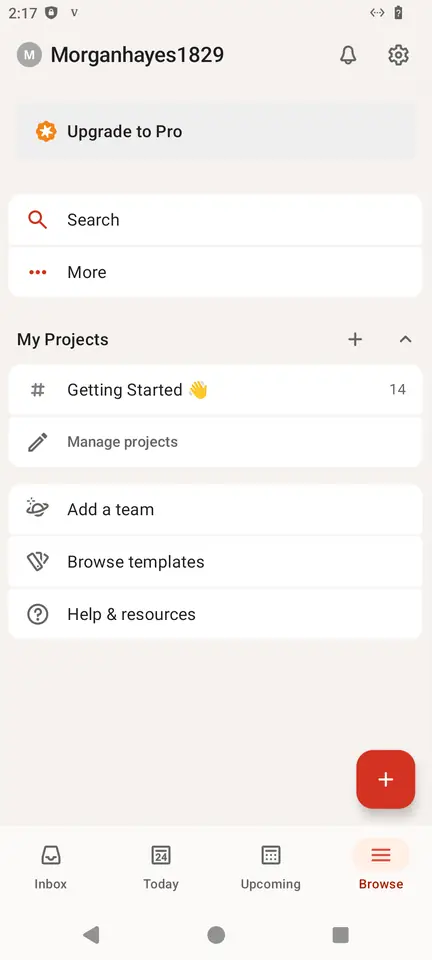
Quick add
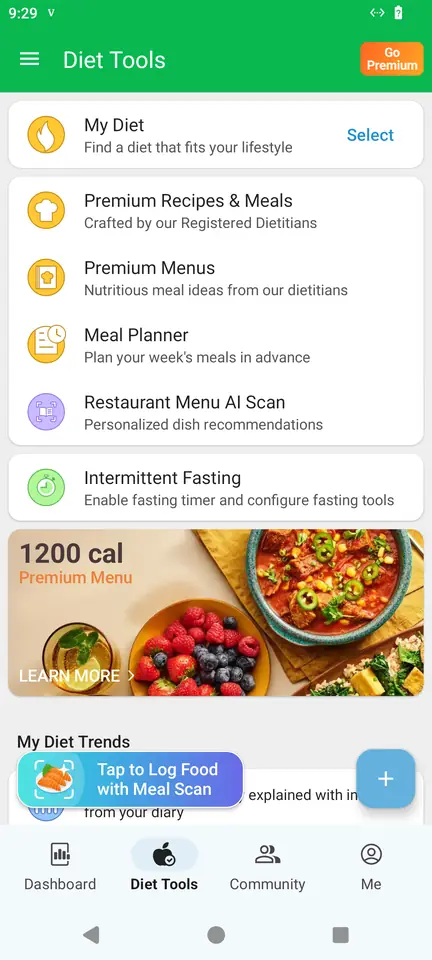
Add
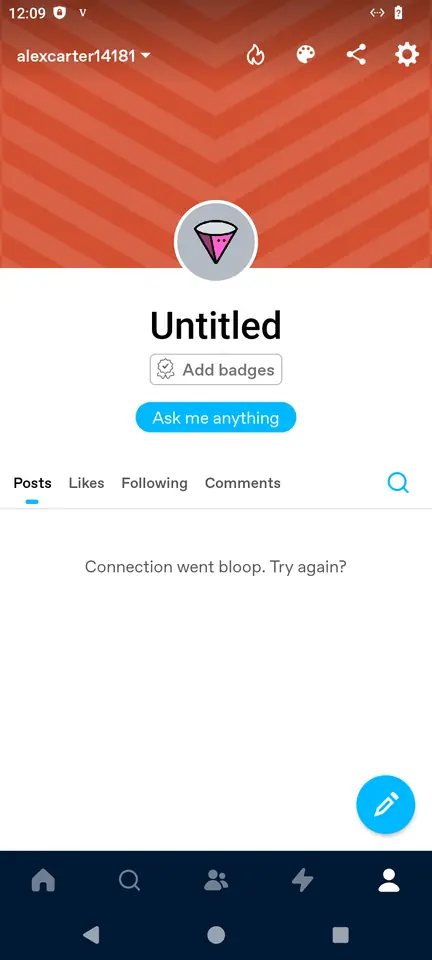
Compose a new post
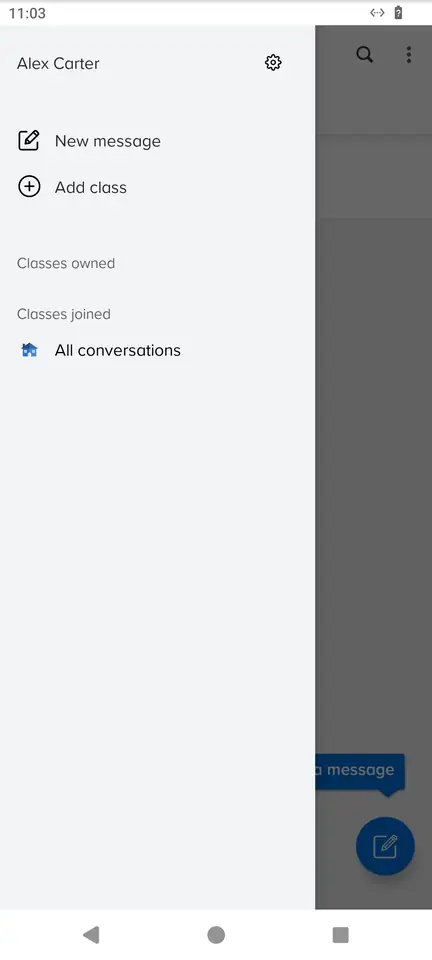
Send a message
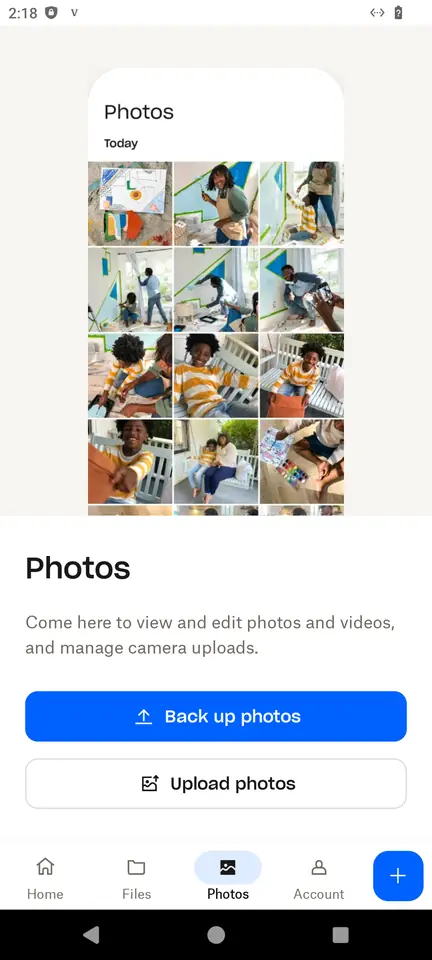
Create files
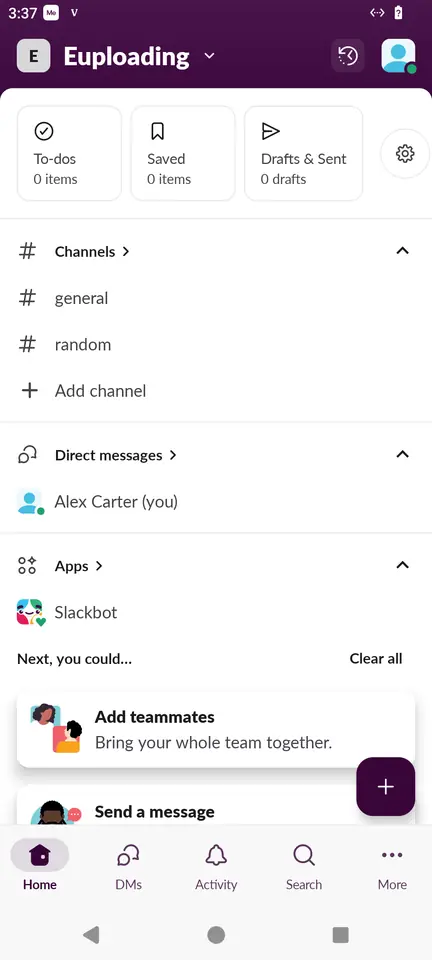
Create new
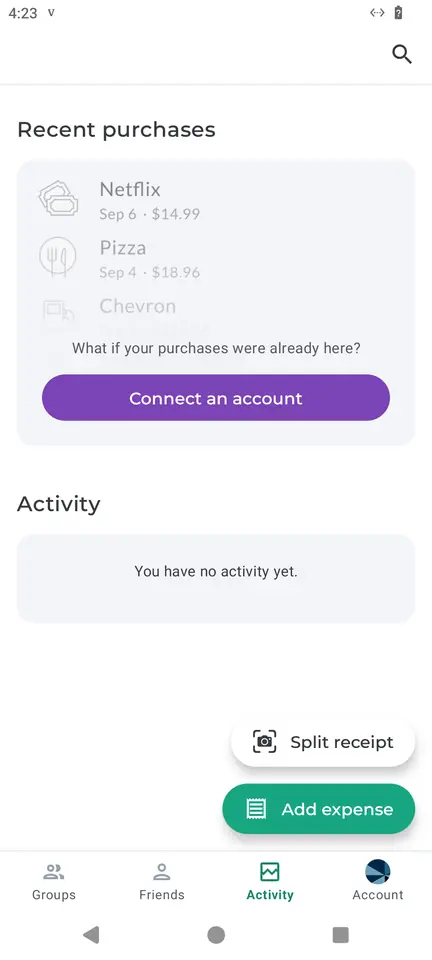
Split receipt

Hilfe

explore
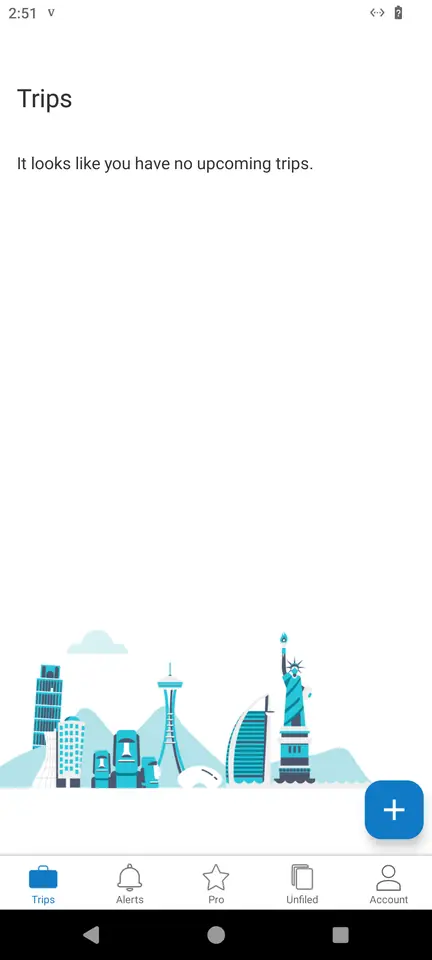
Add trip
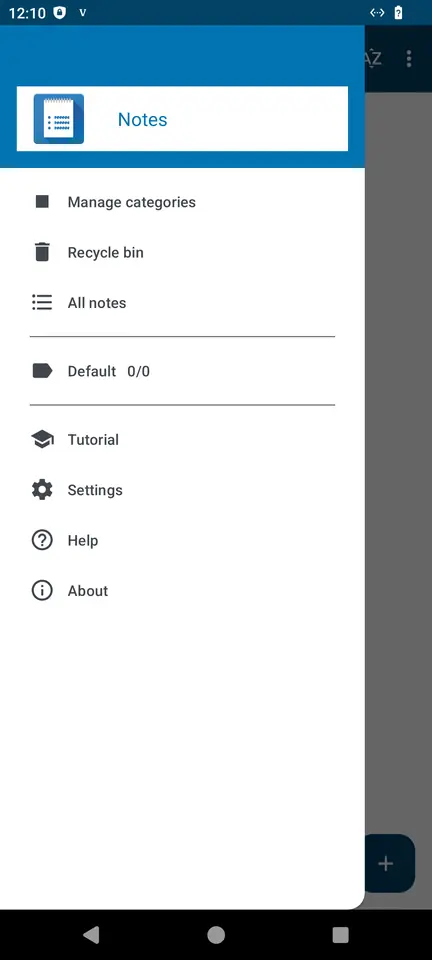
Formatting
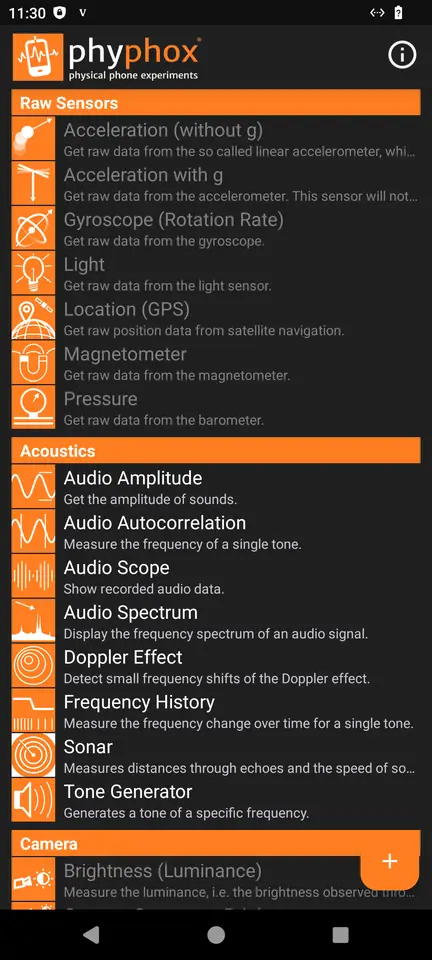
Add experiments
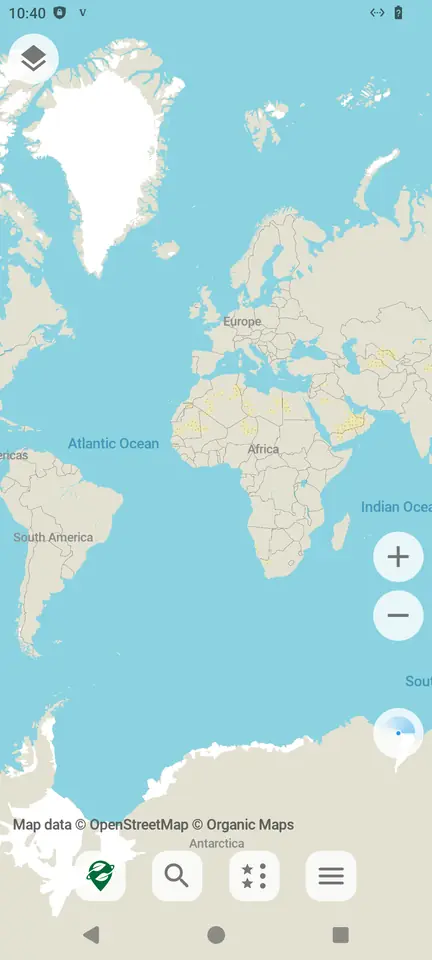
Map Styles and Layers
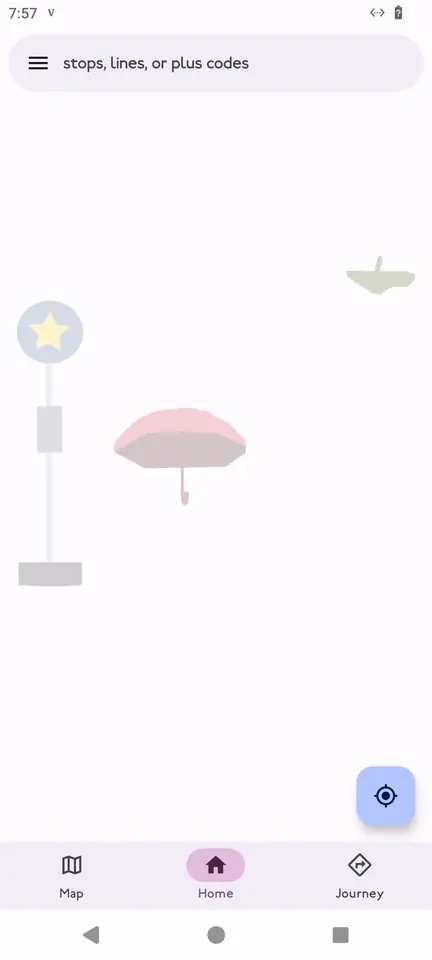
GPS icon
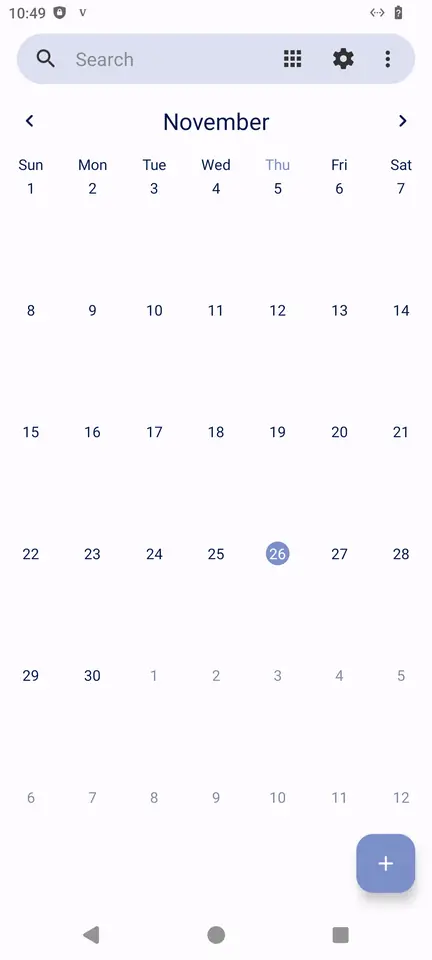
New Event
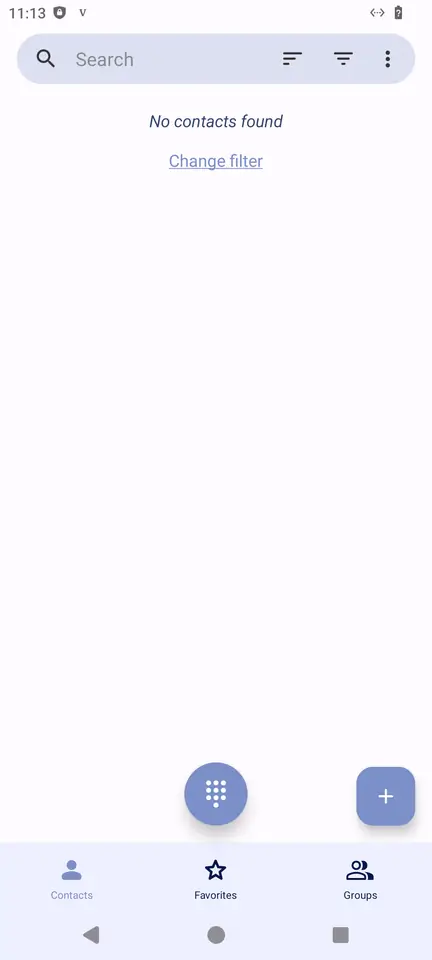
Create new contact
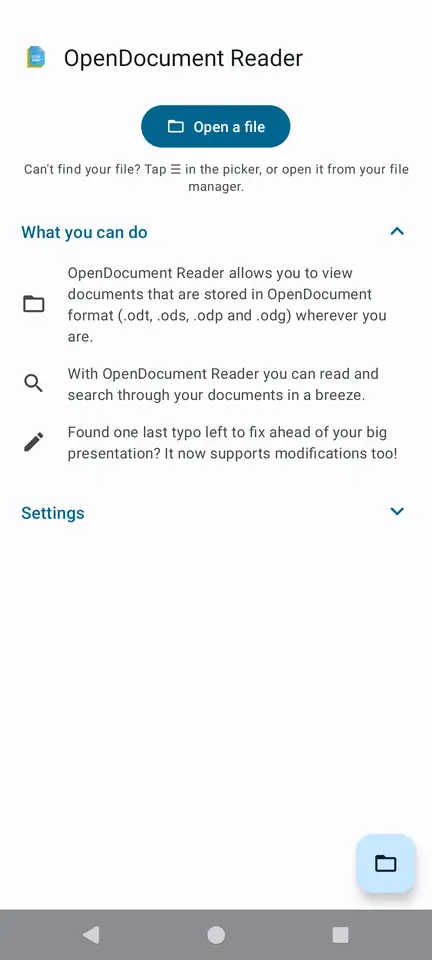
Open a file
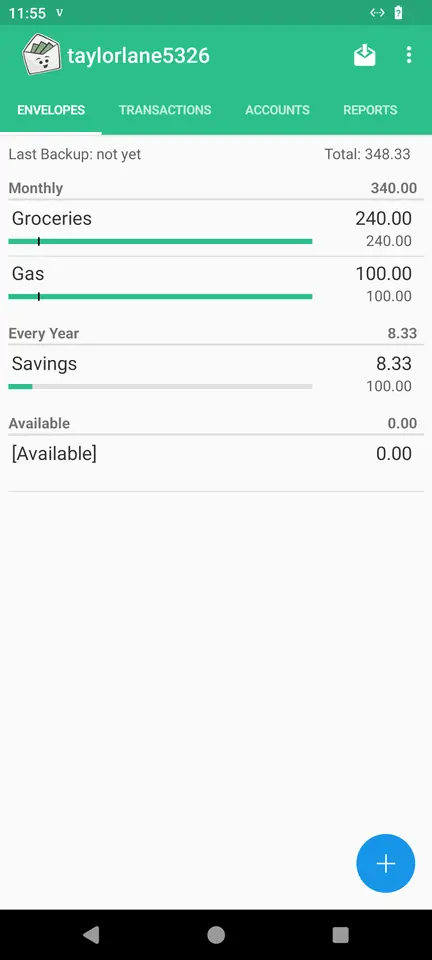

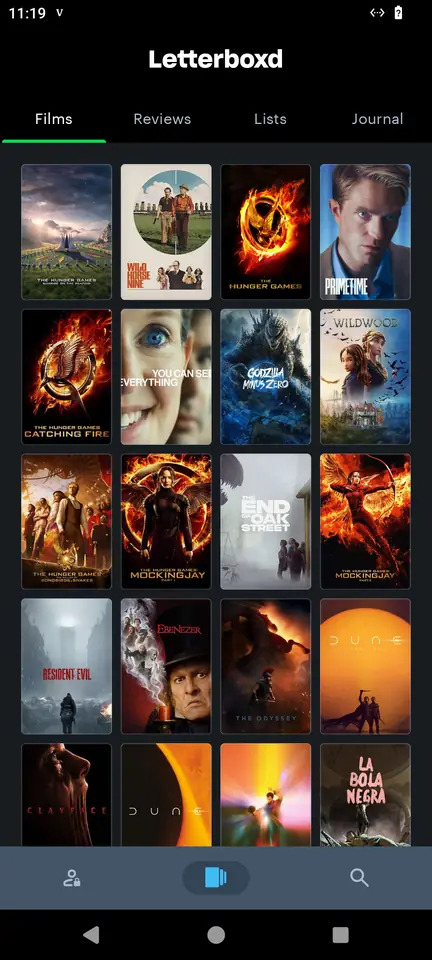

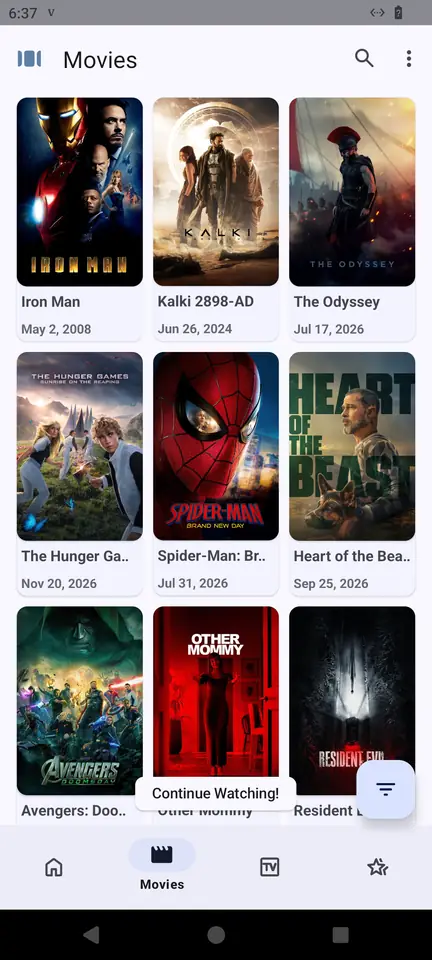
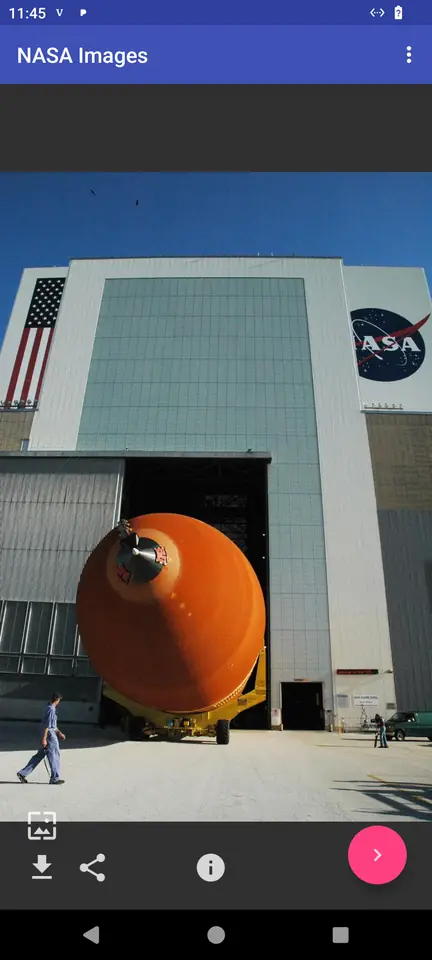
On Android
FloatingActionButton / ExtendedFloatingActionButton in Views, FloatingActionButton in Compose.
Best practices
- Use at most one FAB per screen, for the primary action only.
- Use an extended FAB (icon + label) when the icon alone is ambiguous.
- Keep it clear of the tab bar and system gesture area.
- Hide or shrink it on scroll if it covers content.
Where it shows up
Screens showing the component, by flow step type.
By app category
Apps showing the component, by category · 26 of 246 apps in the library.
Full flows with floating action buttons
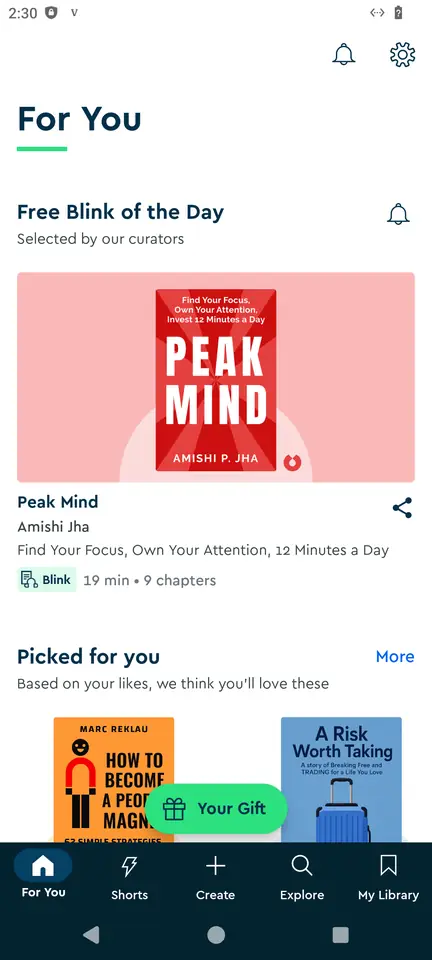


Blinkist · Home & browsing
16 screens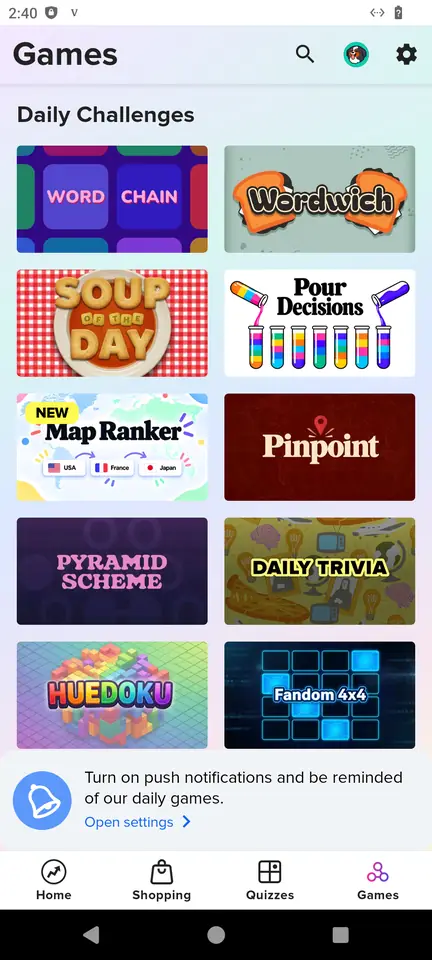

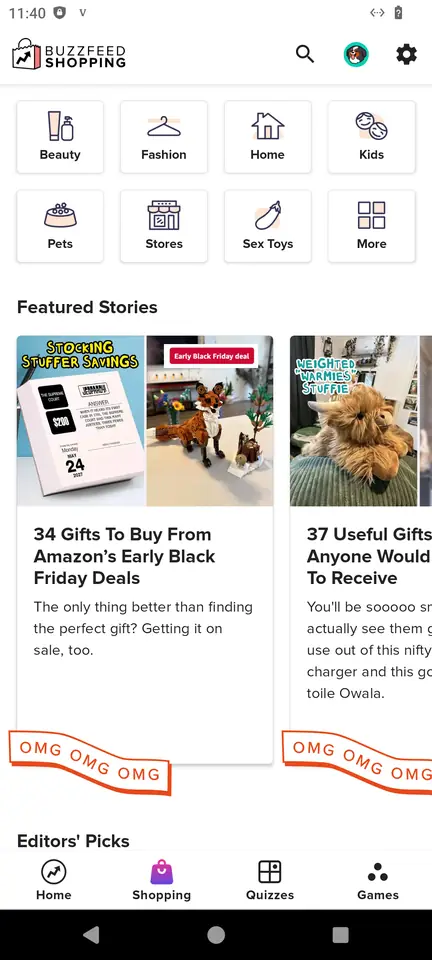
BuzzFeed · Home & browsing
13 screens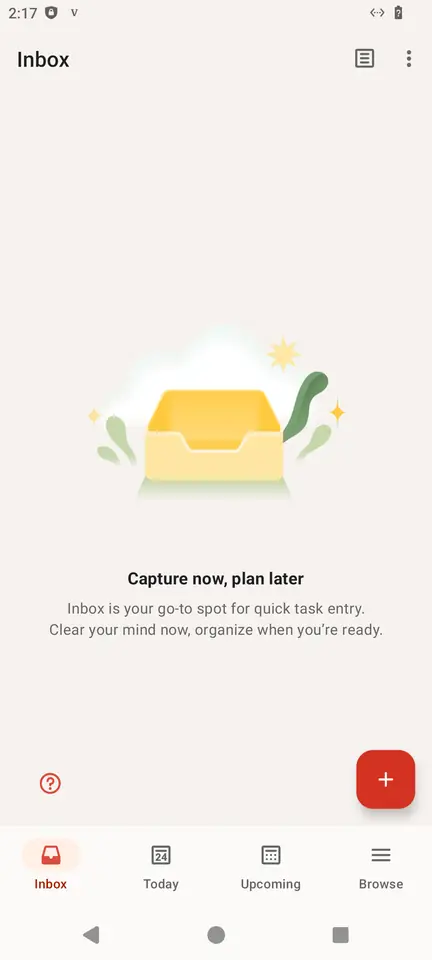
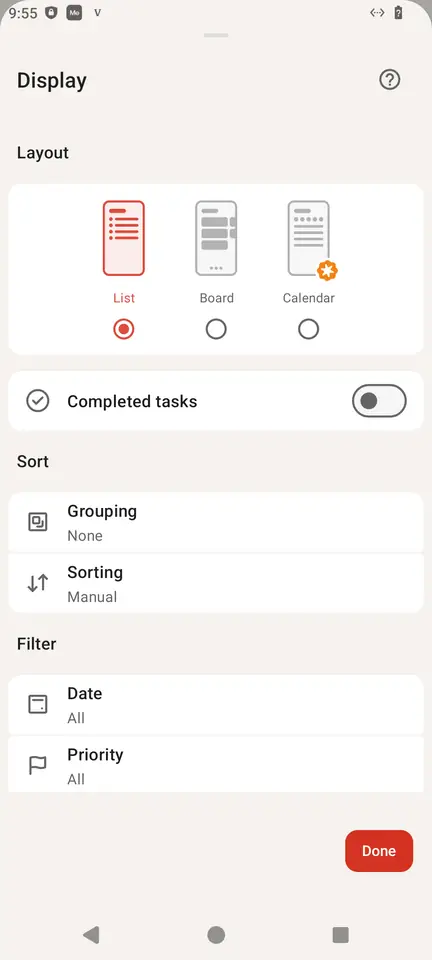
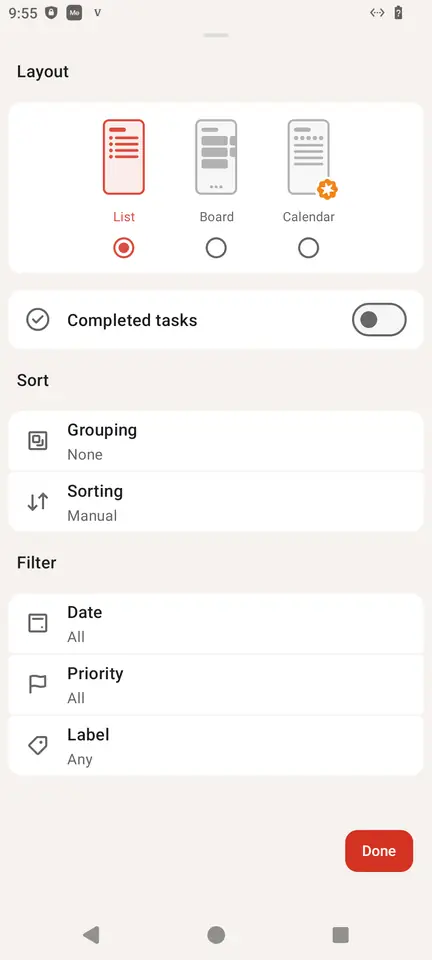
Todoist · Home & browsing
10 screens

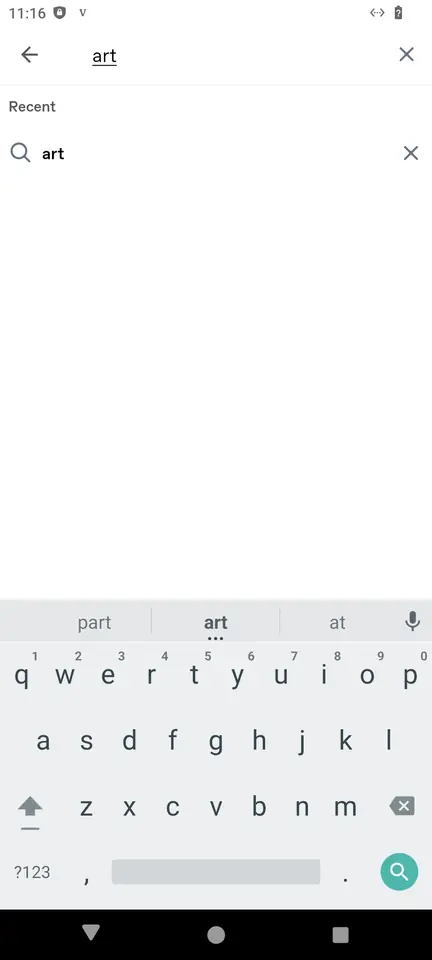
Tumblr · Home & browsing
10 screens
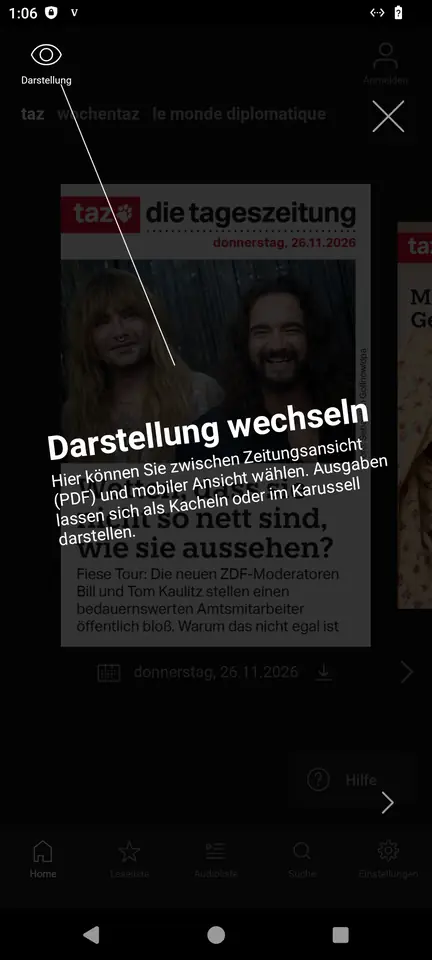
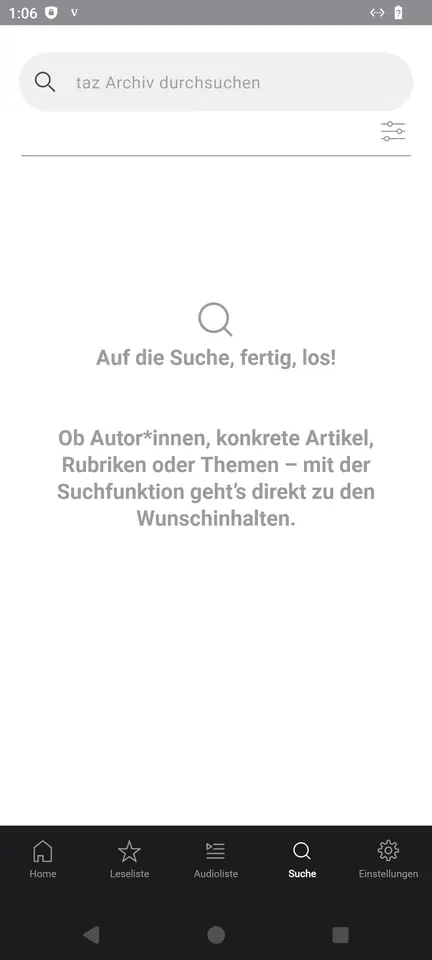
taz · Home & browsing
7 screens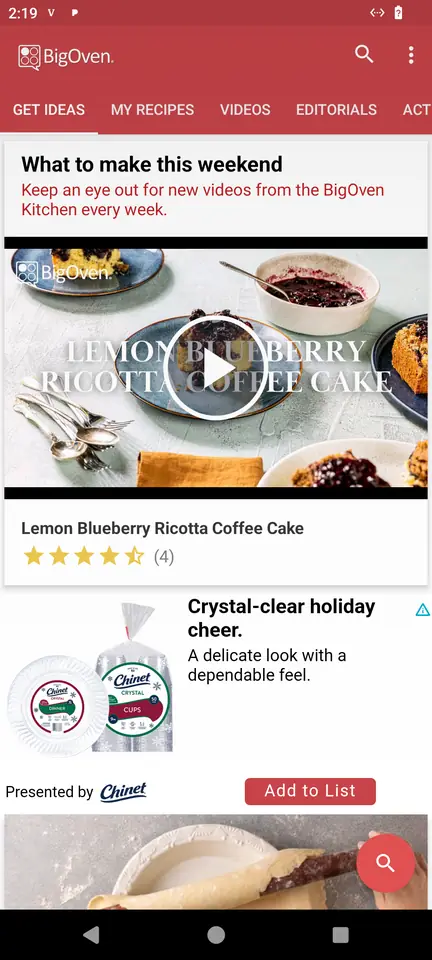

BigOven · Home & browsing
6 screens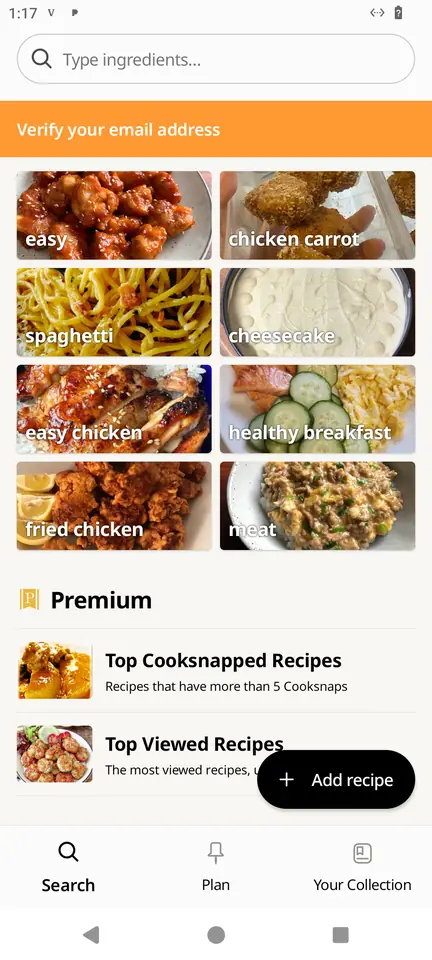
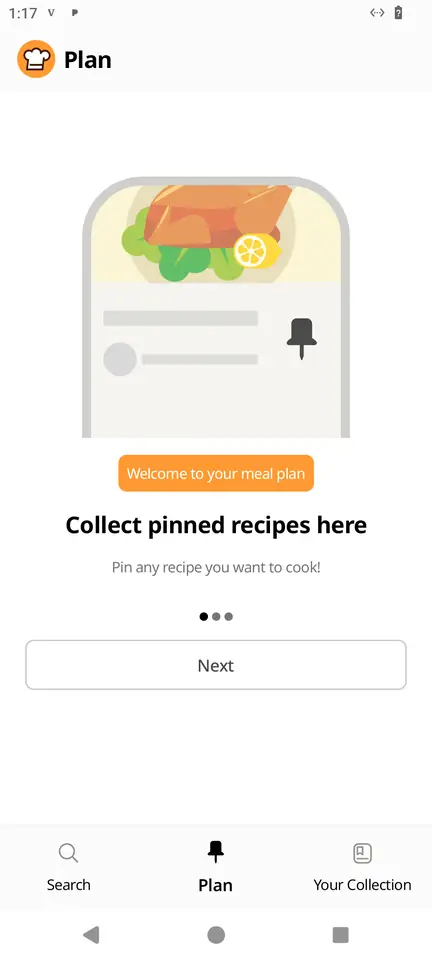
Cookpad · Home & browsing
6 screens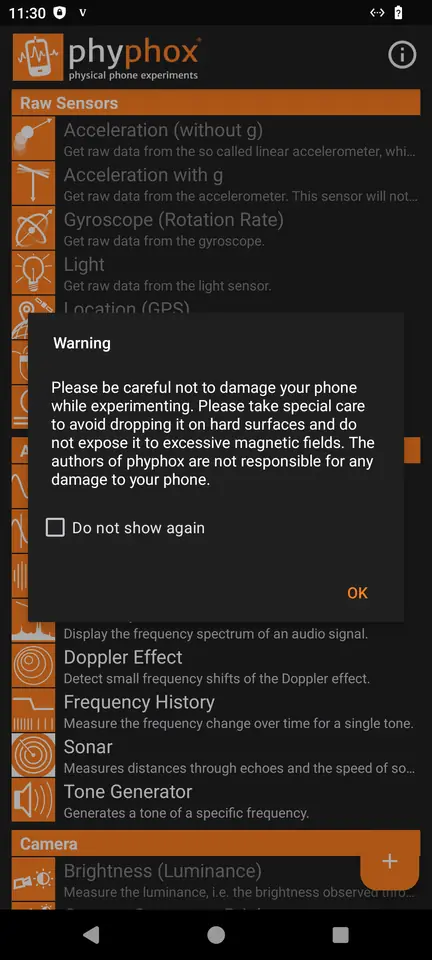
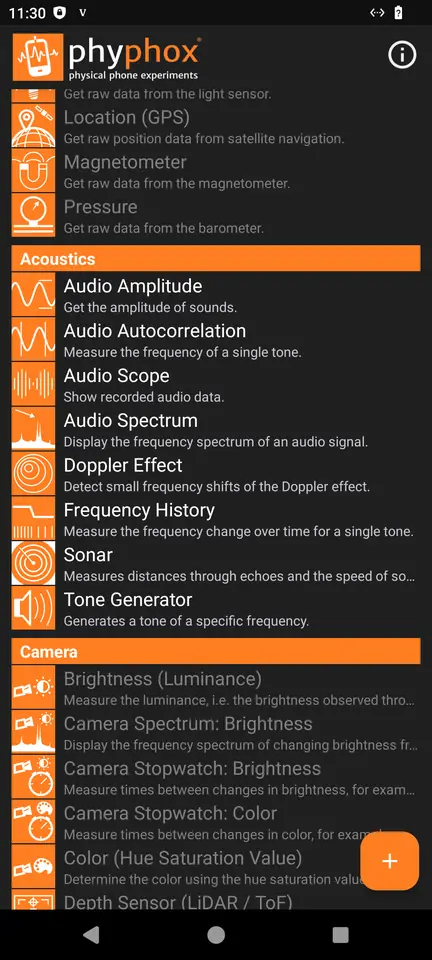
phyphox · Onboarding
6 screens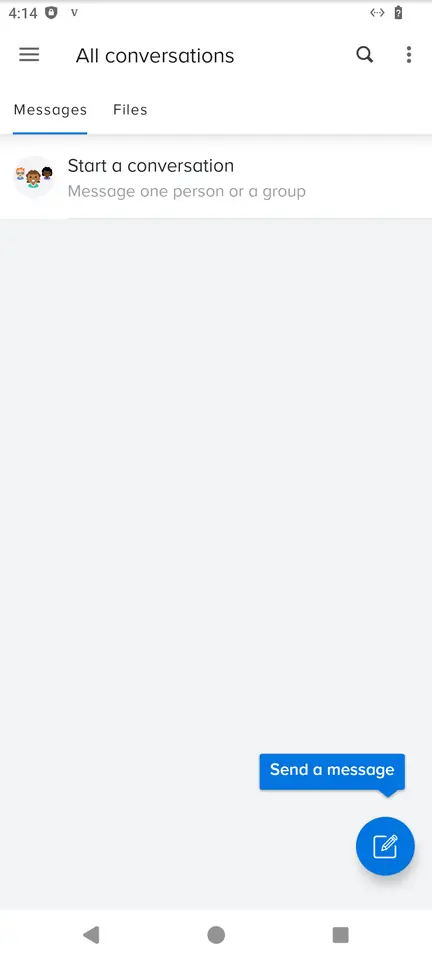
Remind · Home & browsing
6 screensFAQ
What is a floating action button?
A floating action button (FAB) is a round or pill-shaped button that floats above the content, usually bottom-right, for the single most important action on a screen — compose, add, start workout.
What is a floating action button called on Android?
FloatingActionButton / ExtendedFloatingActionButton in Views, FloatingActionButton in Compose. It is also known as FAB and fab button.
Which Android apps use a floating action button?
In the Flowtape library, 26 of 246 Android apps show a floating action button on the screens we captured, including Fitbod, BuzzFeed, Blinkist, Todoist, MyNetDiary and Tumblr.
How do I design a good floating action button?
Use at most one FAB per screen, for the primary action only. Use an extended FAB (icon + label) when the icon alone is ambiguous. Keep it clear of the tab bar and system gesture area.
Detected in the view hierarchy of screens captured on real Android devices · last updated 2026-11-14