How The StoryGraph onboards: a UX teardown
A screen-by-screen UX teardown of The StoryGraph's onboarding flow on Android: what each of its 6 steps is for, where it asks for commitment, and what other books & reading apps do differently. Every screen and quote is from our own capture on a real device.
The short version
Shape: Account ask → Value pitch → Question ×2 → Info → Question.
- 6 screens — longer than the median onboarding flow in the library (4 screens across 152 other apps).
- Asks 3 questions along the way, starting at step 3 with “Community Preferences | The StoryGraph”.
- Asks for an account on the very first screen (“Let's discover your next favorite book.”).
- No progress indicator detected across 6 screens.
- Built from tab bar (6 screens) — the most common components we detected in the flow.
Step by step
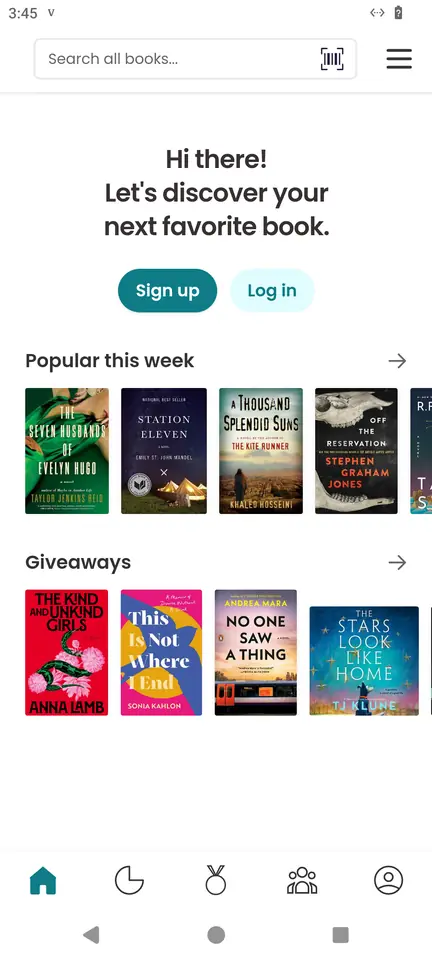
“Let's discover your next favorite book.”
This screen asks the user to sign up or log in. On screen: The StoryGraph
, Main
.
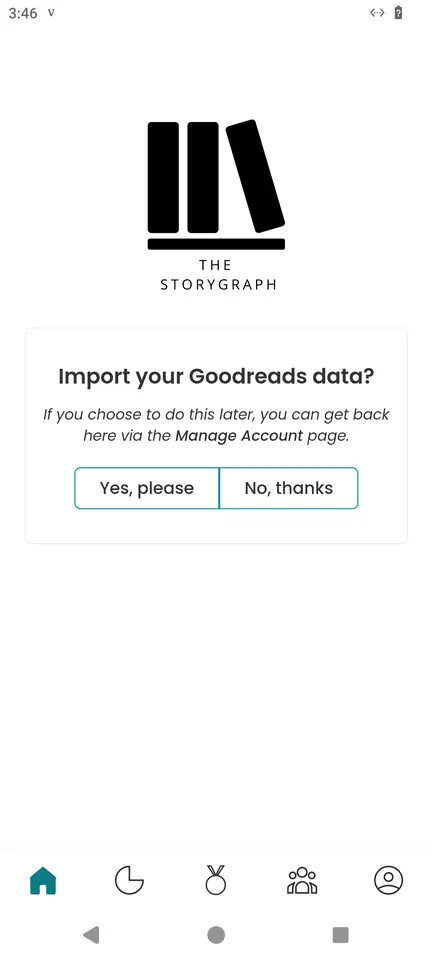
“Import Goodreads? | The StoryGraph”
This screen sells the product before asking for anything. On screen: Import your Goodreads data?
, Yes, please
.
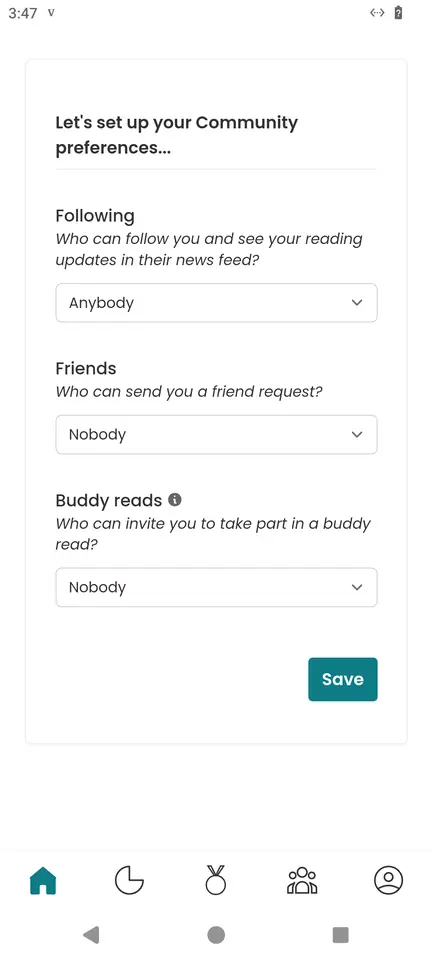
“Community Preferences | The StoryGraph”
This screen asks the user about themselves to personalise what comes next. On screen: Let's set up your Community preferences...
, Following
.
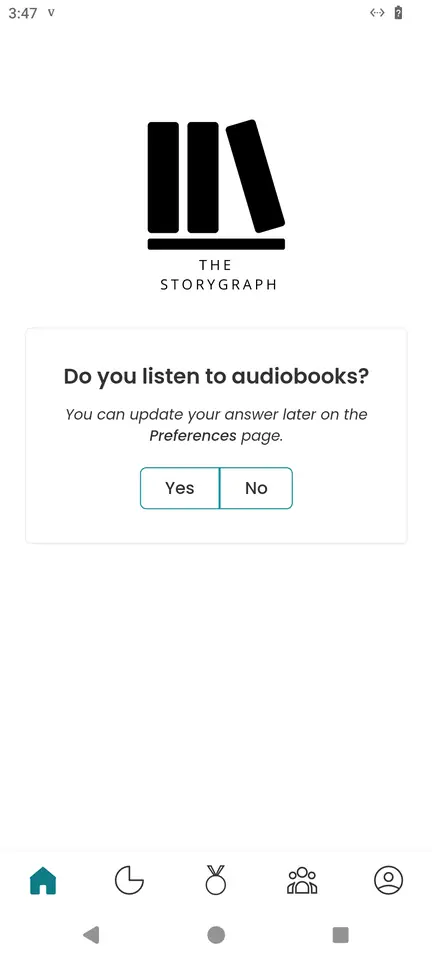
“Listen to audiobooks? | The StoryGraph”
This screen asks the user about themselves to personalise what comes next. On screen: Do you listen to audiobooks?
, You can update your answer later on the Preferences page.
.
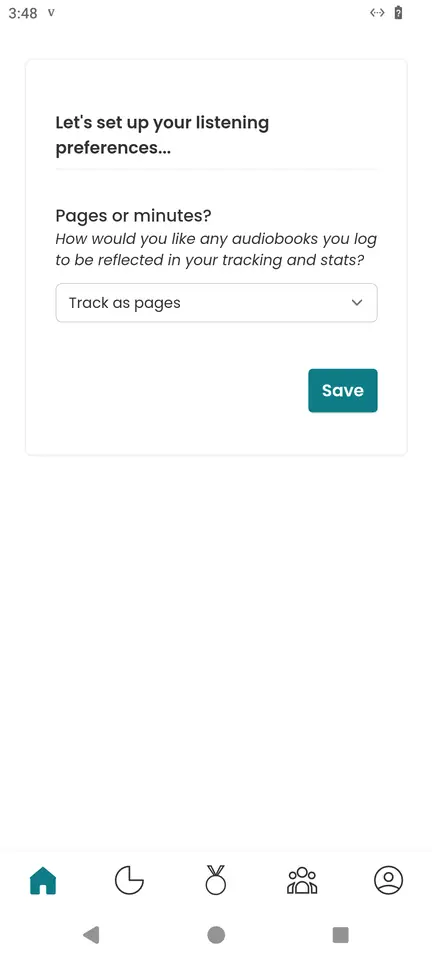
“Audiobook Preferences | The StoryGraph”
This screen explains a feature or a step. On screen: Let's set up your listening preferences...
, Pages or minutes?
.
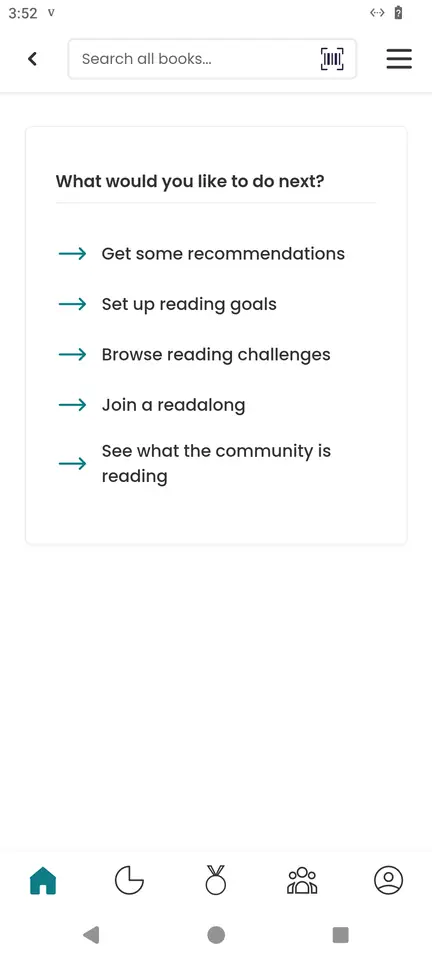
“Onboarding — Where Next? | The StoryGraph”
This screen asks the user about themselves to personalise what comes next. On screen: Main
, Go back
.
What to steal from The StoryGraph
- If you put the account ask first, as The StoryGraph does, make the value proposition visible on that same screen — the user has nothing else to go on yet.
UI components in this flow
Other The StoryGraph flows
As an X thread
- 1/ How The StoryGraph onboards on Android: 6 screens, step by step. A UX teardown 🧵
- 2/ The shape of the flow: Account ask → Value pitch → Question ×2 → Info → Question.
- 3/ Step 1 — account ask: “Let's discover your next favorite book.”. It asks the user to sign up or log in.
- 4/ Step 2 — value pitch: “Import Goodreads? | The StoryGraph”. It sells the product before asking for anything.
- 5/ Step 3 — question: “Community Preferences | The StoryGraph”. It asks the user about themselves to personalise what comes next.
- 6/ Asks 3 questions along the way, starting at step 3 with “Community Preferences | The StoryGraph”.
- 7/ Asks for an account on the very first screen (“Let's discover your next favorite book.”).
- 8/ No progress indicator detected across 6 screens.
- 9/ What to steal — If you put the account ask first, as The StoryGraph does, make the value proposition visible on that same screen — the user has nothing else to go on yet.
- 10/ Every screen, in order, free: https://uilane.com/teardown/the-storygraph/
FAQ
How many screens is The StoryGraph's onboarding flow?
We captured 6 screens of The StoryGraph's onboarding flow on a real Android device. Its shape: Account ask → Value pitch → Question ×2 → Info → Question.
When does The StoryGraph ask you to create an account?
At step 1 of 6.
What UI patterns does The StoryGraph use?
Across the 11 The StoryGraph screens in the library we detected email sign-up form.
What can designers learn from The StoryGraph's onboarding flow?
If you put the account ask first, as The StoryGraph does, make the value proposition visible on that same screen — the user has nothing else to go on yet.
Captured on a real Android device · last updated 2026-11-14