How Headway onboards: a UX teardown
A screen-by-screen UX teardown of Headway's onboarding flow on Android: what each of its 22 steps is for, where it asks for commitment, and what other books & reading apps do differently. Every screen and quote is from our own capture on a real device.
The short version
Shape: Value pitch ×4 → Question ×5 → Info ×2 → Question → Info ×2 → Question → Info ×2 → Question ×5.
- 22 screens — longer than the median onboarding flow in the library (4 screens across 152 other apps).
- Asks 12 questions along the way, starting at step 5 with “Select your gender”.
- No sign-up or log-in screen in the 22 onboarding screens we captured — the product comes first.
- Shows progress on 3 of 22 screens, so the user can see how much is left.
- One of the few books & reading apps here using the “Age gate” pattern (only 1 of the 33 others do).
- Built from card (8 screens), button (3 screens) and progress bar (3 screens) — the most common components we detected in the flow.
Step by step
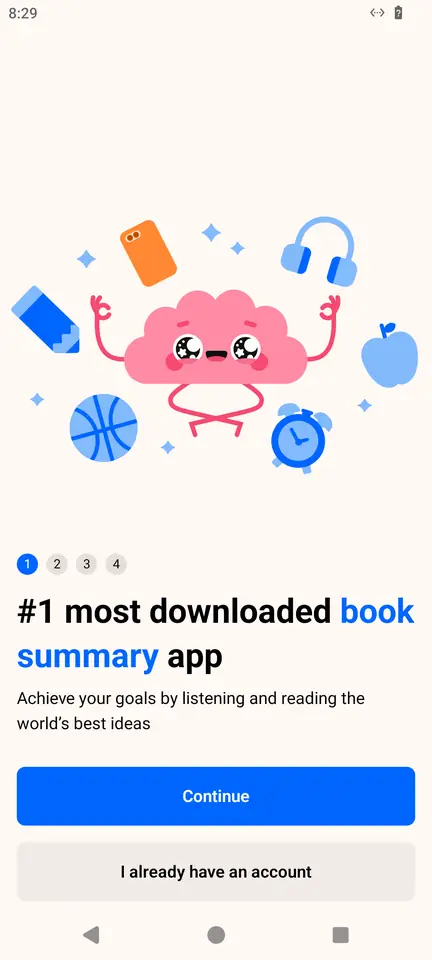
“#1 most downloaded book summary app”
This screen sells the product before asking for anything. On screen: Achieve your goals by listening and reading the world’s best ideas
, Continue
.
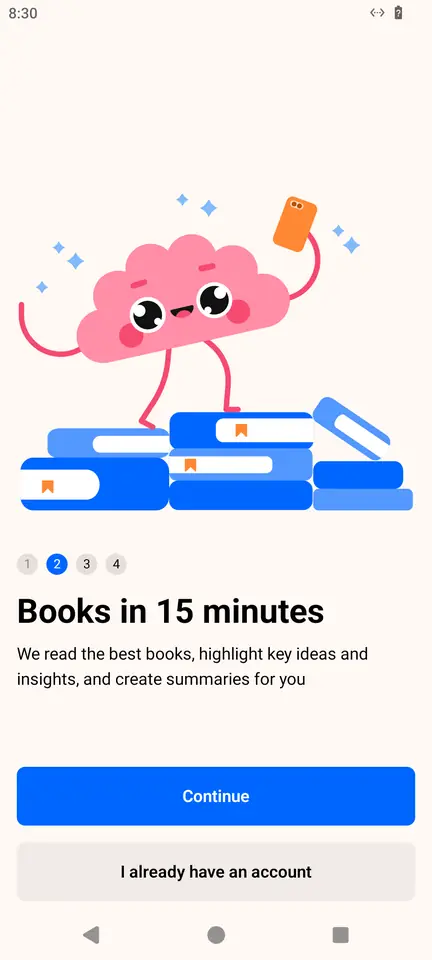
“Books in 15 minutes”
This screen sells the product before asking for anything. On screen: Continue
, I already have an account
.
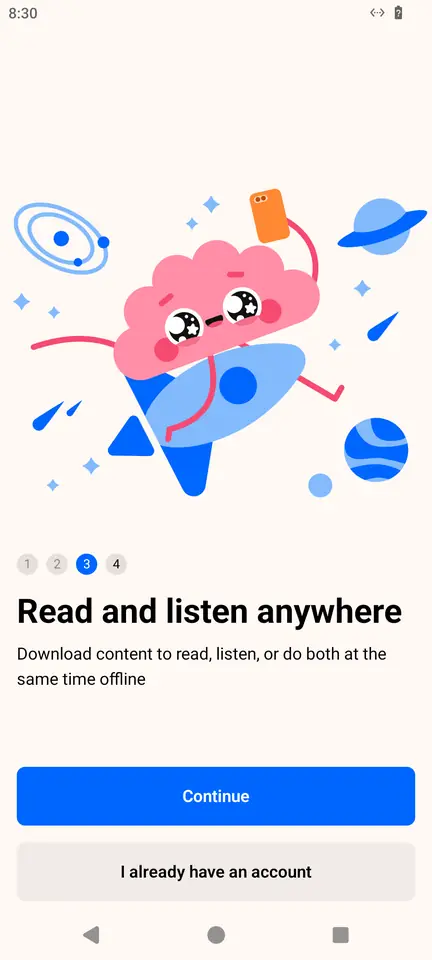
“Read and listen anywhere”
This screen sells the product before asking for anything. On screen: Download content to read, listen, or do both at the same time offline
, Continue
.
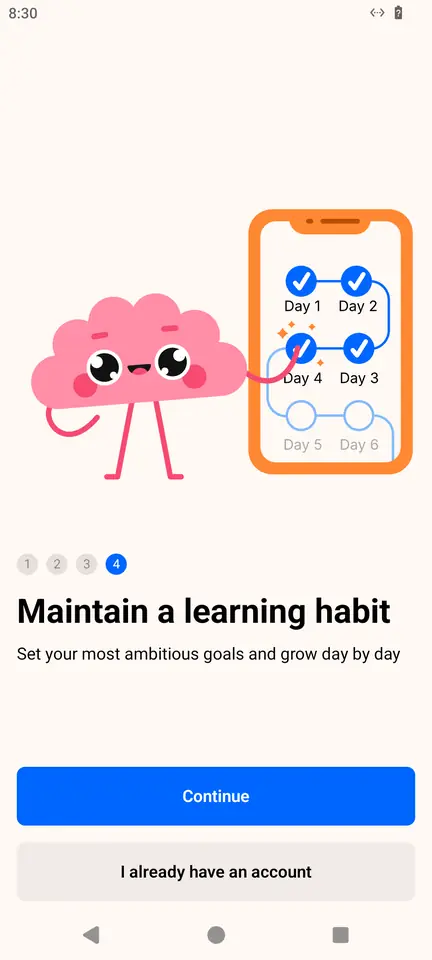
“Maintain a learning habit”
This screen sells the product before asking for anything. On screen: Set your most ambitious goals and grow day by day
, Continue
.
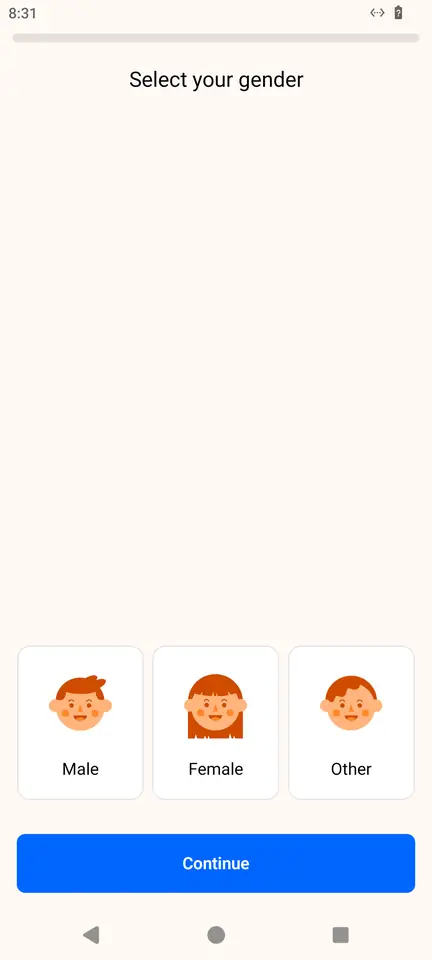
“Select your gender”
This screen asks the user about themselves to personalise what comes next. On screen: Male
, Female
. Next tap: “Male”.
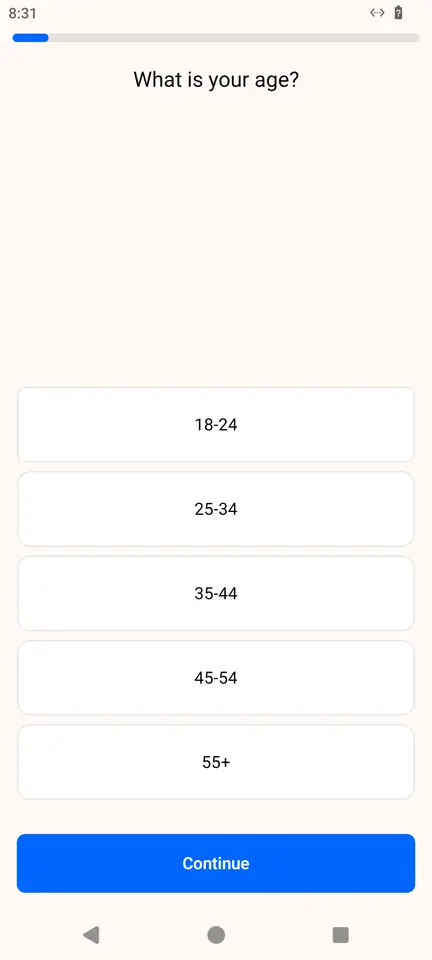
“What is your age?”
This screen asks the user about themselves to personalise what comes next. On screen: 18-24
, 25-34
.
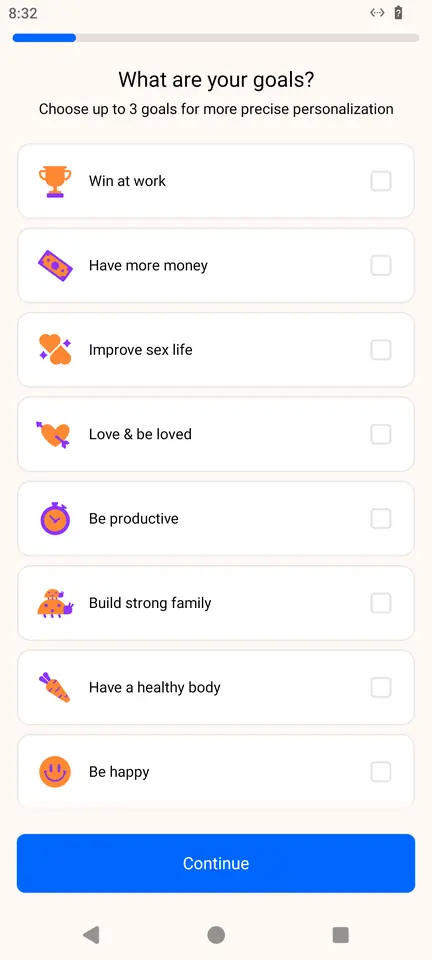
“What are your goals?”
This screen asks the user about themselves to personalise what comes next. On screen: Choose up to 3 goals for more precise personalization
, Win at work
.
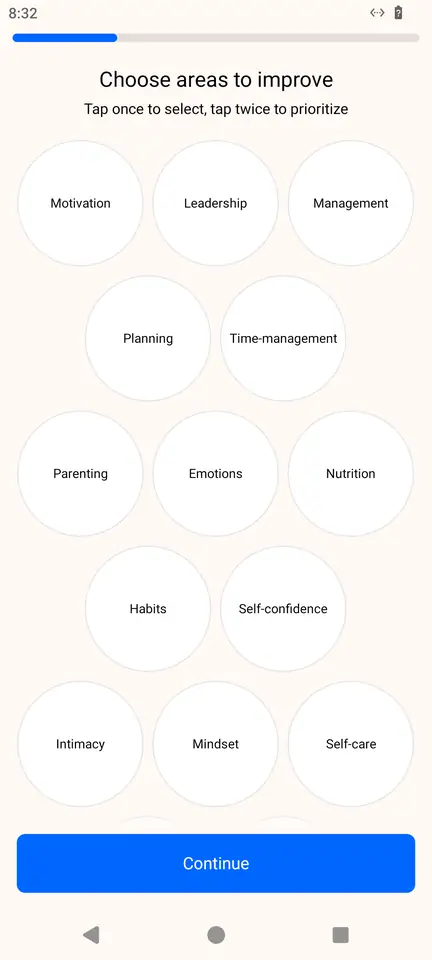
“Choose areas to improve”
This screen asks the user about themselves to personalise what comes next. On screen: Tap once to select, tap twice to prioritize
, Motivation
.
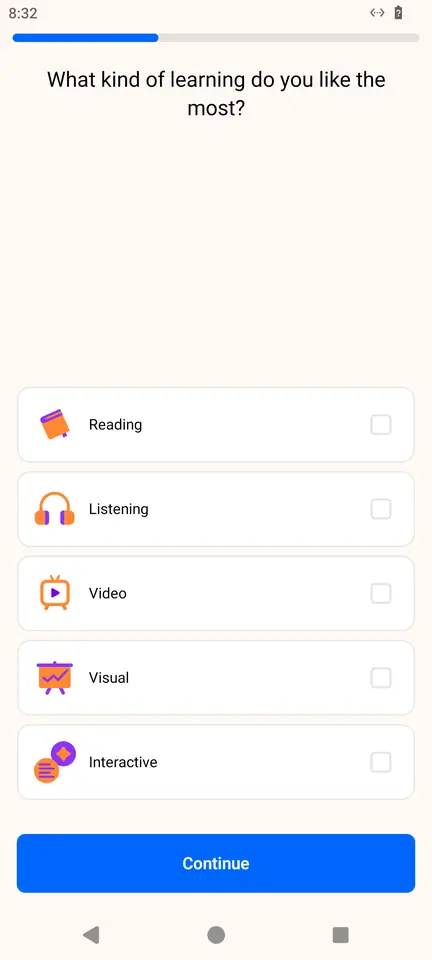
“What kind of learning do you like the most?”
This screen asks the user about themselves to personalise what comes next. On screen: Reading
, Listening
. Next tap: “Reading”.
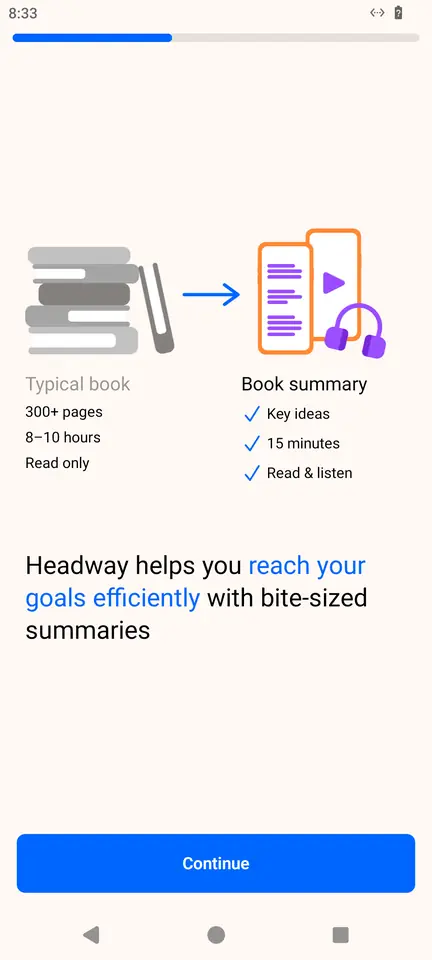
“Typical book”
This screen explains a feature or a step. On screen: 300+ pages
, 8–10 hours
.
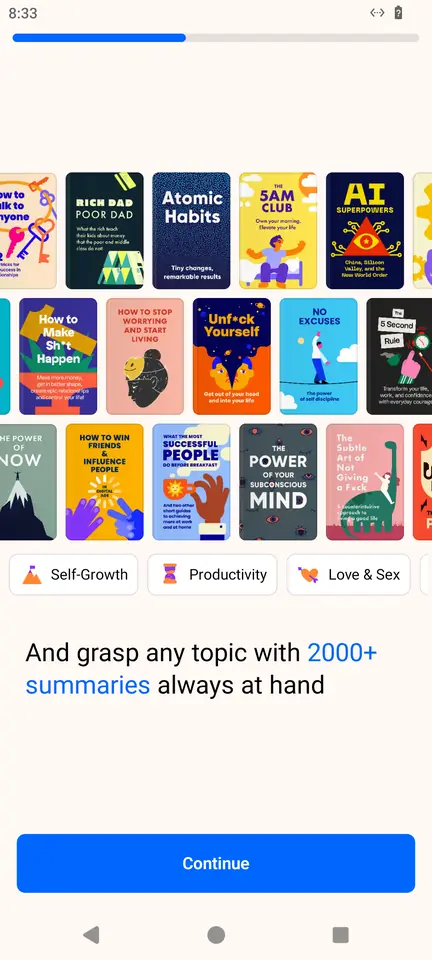
“Self-Growth”
This screen explains a feature or a step. On screen: Productivity
, Love & Sex
.
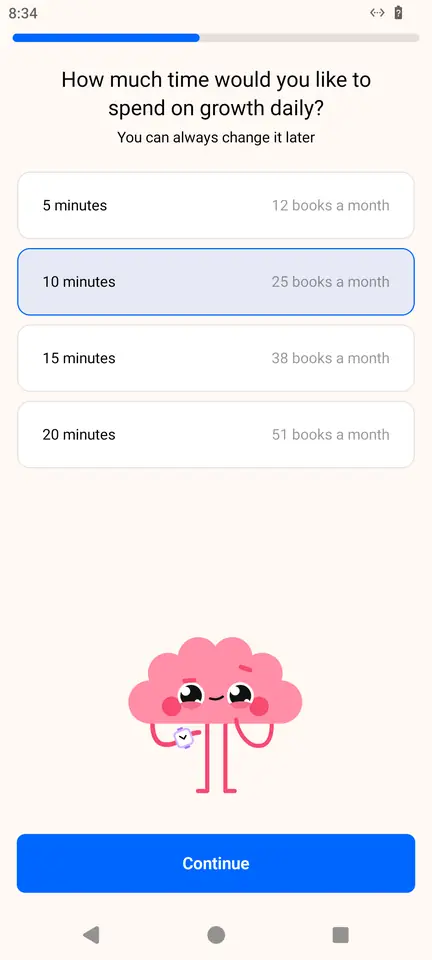
“How much time would you like to spend on growth daily?”
This screen asks the user about themselves to personalise what comes next. On screen: You can always change it later
, 5 minutes
. Next tap: “5 minutes”.
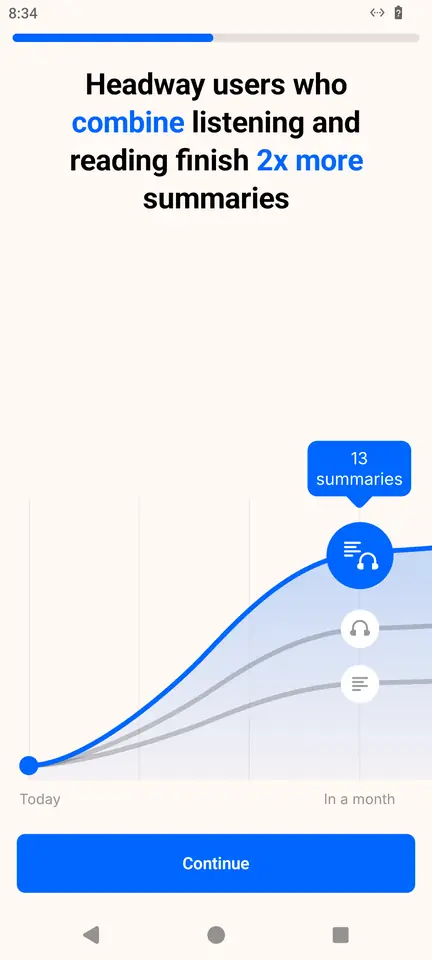
“Headway users who combine listening and reading finish 2x more summaries”
This screen explains a feature or a step.
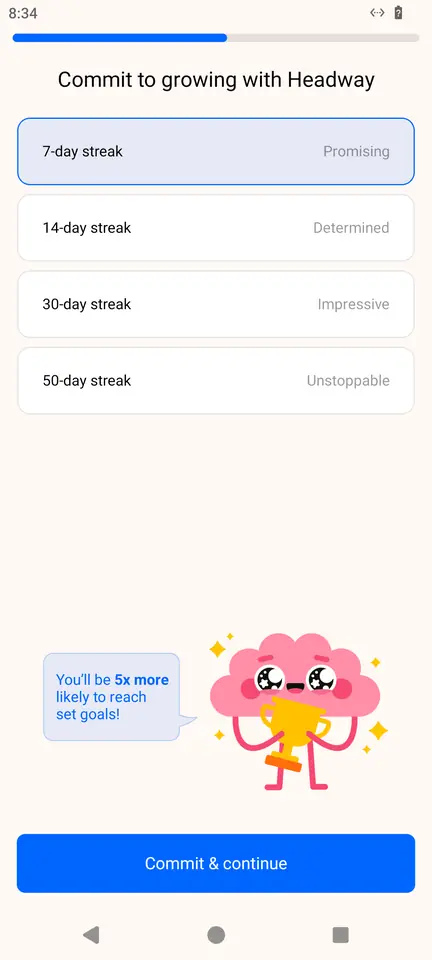
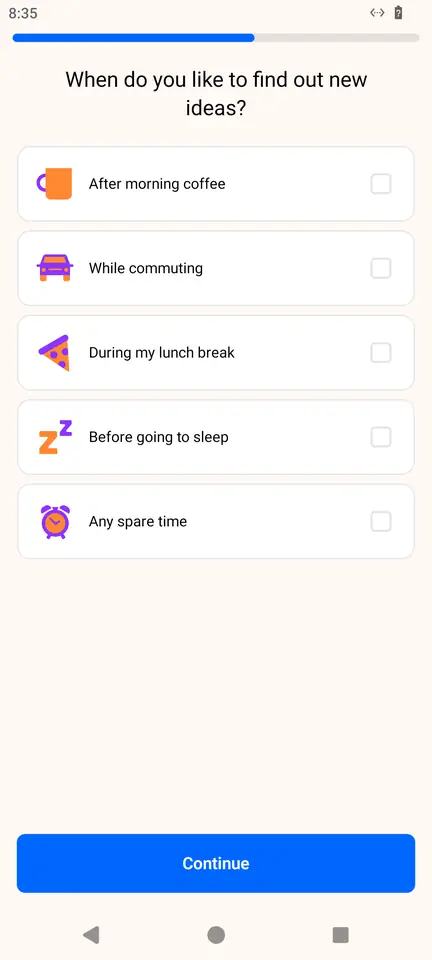
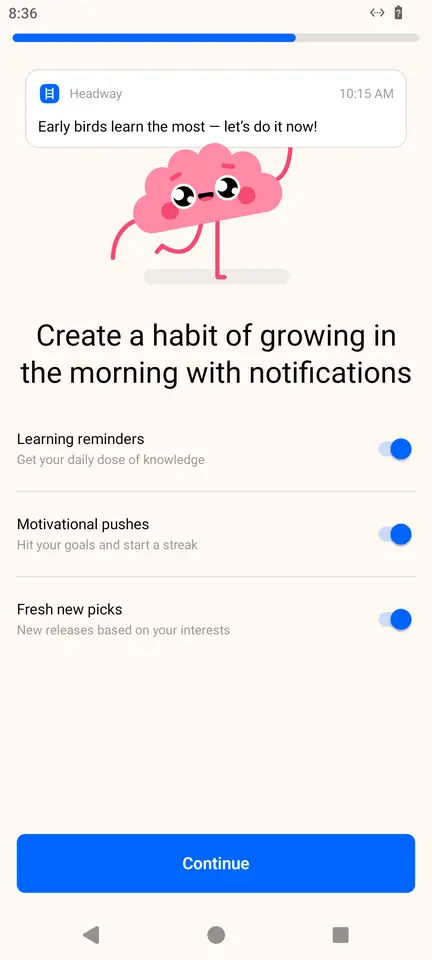
“Early birds learn the most — let’s do it now!”
This screen explains a feature or a step. On screen: Headway
, 10:15 AM
. Next tap: “Learning reminders”.
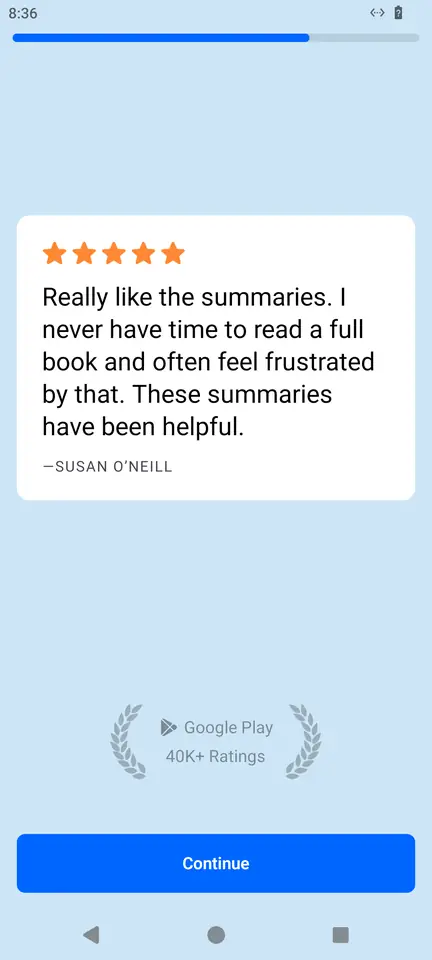
“—SUSAN O’NEILL”
This screen explains a feature or a step. On screen: Google Play
, 40K+ Ratings
.
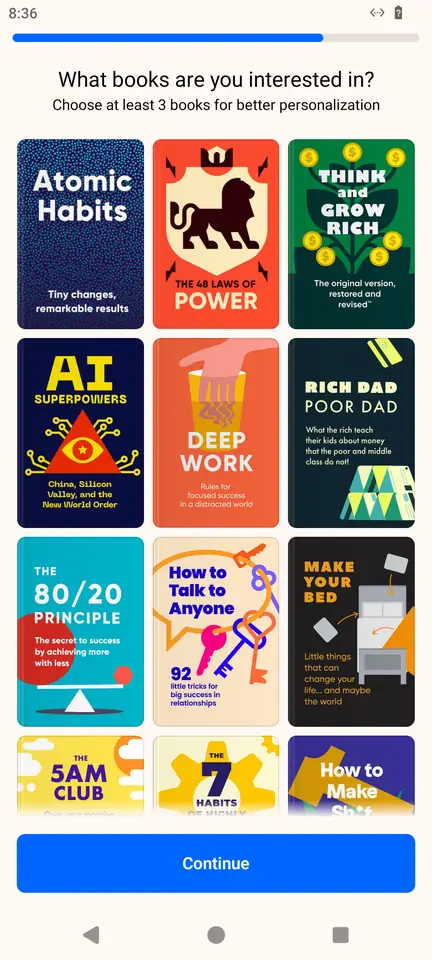
“What books are you interested in?”
This screen asks the user about themselves to personalise what comes next. On screen: Choose at least 3 books for better personalization
, Atomic Habits
.
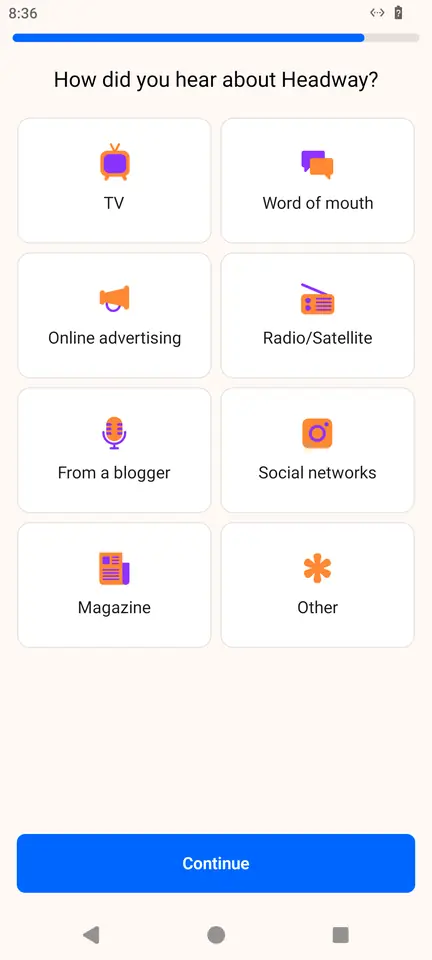
“How did you hear about Headway?”
This screen asks the user about themselves to personalise what comes next. On screen: TV
, Word of mouth
.
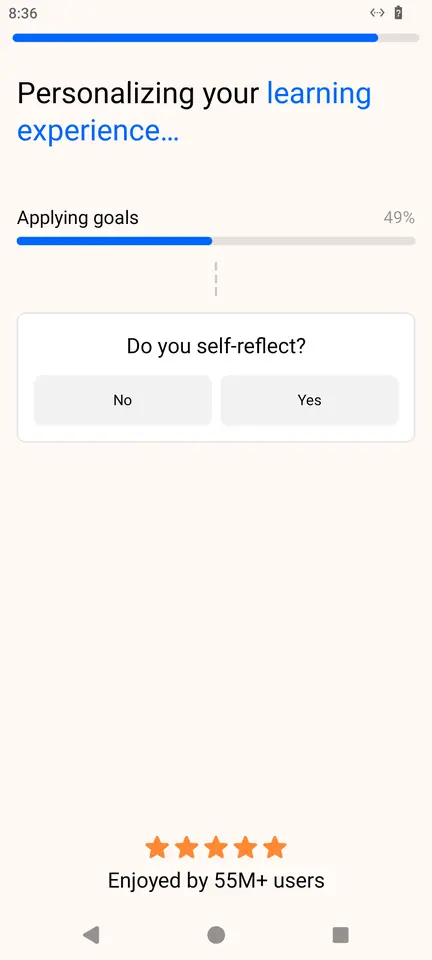
“Personalizing your learning experience…”
This screen asks the user about themselves to personalise what comes next. On screen: Applying goals
, 49%
.
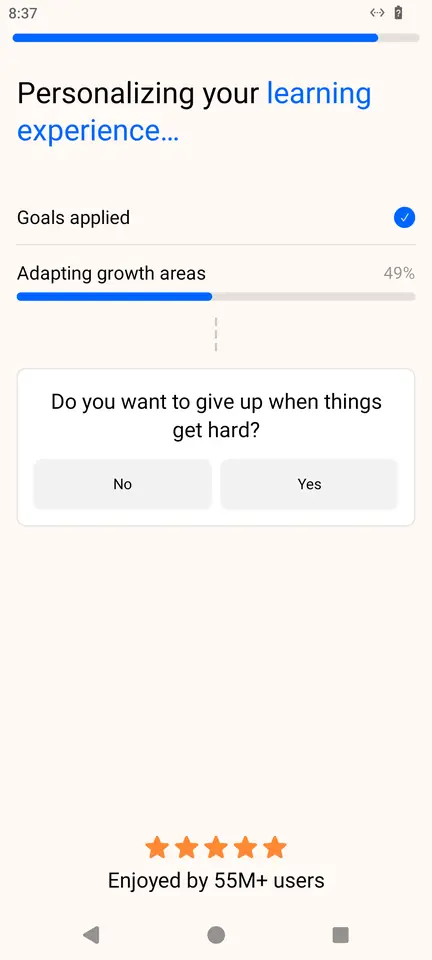
“Do you want to give up when things get hard?”
This screen asks the user about themselves to personalise what comes next. On screen: Personalizing your learning experience…
, Goals applied
. Next tap: “Yes”.
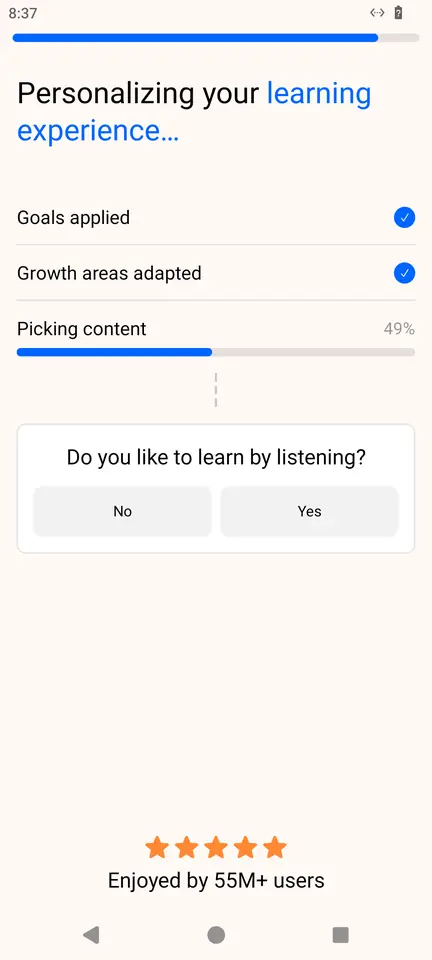
“Growth areas adapted”
This screen asks the user about themselves to personalise what comes next. On screen: Personalizing your learning experience…
, Goals applied
.
What to steal from Headway
- Delay the account wall: Headway lets users through 22 onboarding screens without signing up.
- Show progress on a long flow: 3 of Headway's 22 screens carry a progress indicator.
UI components in this flow
Other Headway flows
As an X thread
- 1/ How Headway onboards on Android: 22 screens, step by step. A UX teardown 🧵
- 2/ The shape of the flow: Value pitch ×4 → Question ×5 → Info ×2 → Question → Info ×2 → Question → Info ×2 → Question ×5.
- 3/ Step 1 — value pitch: “#1 most downloaded book summary app”. It sells the product before asking for anything.
- 4/ Step 2 — value pitch: “Books in 15 minutes”. It sells the product before asking for anything.
- 5/ Step 3 — value pitch: “Read and listen anywhere”. It sells the product before asking for anything.
- 6/ Asks 12 questions along the way, starting at step 5 with “Select your gender”.
- 7/ No sign-up or log-in screen in the 22 onboarding screens we captured — the product comes first.
- 8/ Shows progress on 3 of 22 screens, so the user can see how much is left.
- 9/ What to steal — Delay the account wall: Headway lets users through 22 onboarding screens without signing up.
- 10/ Every screen, in order, free: https://uilane.com/teardown/headway/
FAQ
How many screens is Headway's onboarding flow?
We captured 22 screens of Headway's onboarding flow on a real Android device. Its shape: Value pitch ×4 → Question ×5 → Info ×2 → Question → Info ×2 → Question → Info ×2 → Question ×5.
When does Headway ask you to create an account?
Not within the 22 screens we captured — there is no sign-up or log-in screen and the flow lets users in without an account.
What UI patterns does Headway use?
Across the 38 Headway screens in the library we detected goal picker, onboarding survey, age gate, social login buttons, email sign-up form and registration wall.
What can designers learn from Headway's onboarding flow?
Delay the account wall: Headway lets users through 22 onboarding screens without signing up. Show progress on a long flow: 3 of Headway's 22 screens carry a progress indicator.
Captured on a real Android device · last updated 2026-11-14