Onboarding flow · Airbnb · Android
Airbnb onboarding flow
Every screen of Airbnb's onboarding flow on Android, in order: 2 steps, recorded on a real device. Airbnb's onboarding opens with a system permission request. At 2 screens it is one of the shortest onboarding flows in the library — 29 of 152 are this short (median 4).
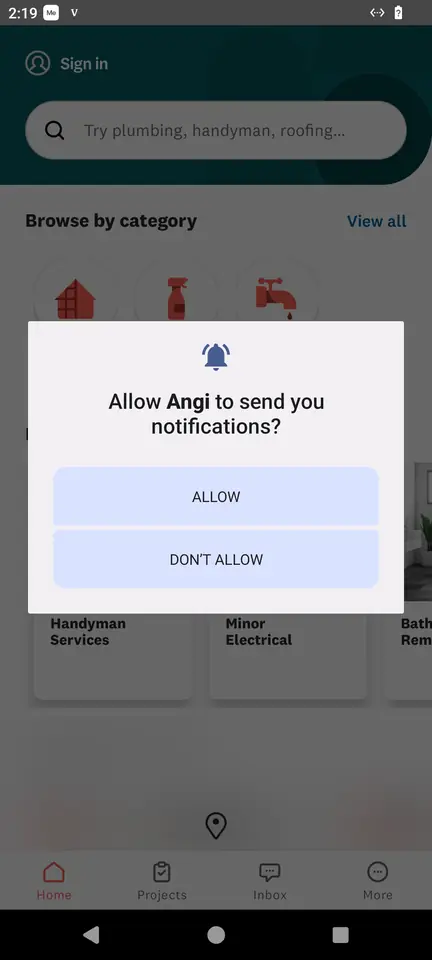
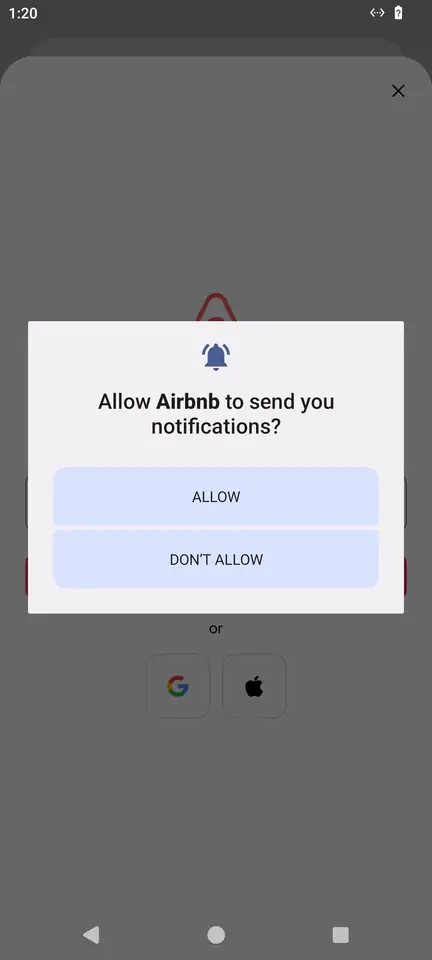 01 Permissions · tap “Allow”
Allow Airbnb to send you notifications? — ALLOW
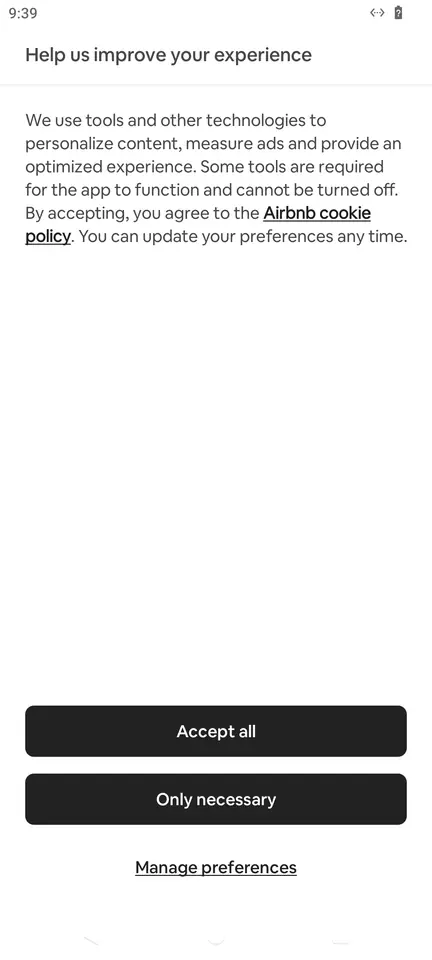 02 Consent · tap “Only necessary”
Help us improve your experience — Accept all
What Airbnb's onboarding flow does
- 2 screens in order, opening on “Allow Airbnb to send you notifications?” and ending at “Help us improve your experience”.
- Taps along the way: “Allow” → “Only necessary”.
- Includes a system permission prompt inside the flow.
Captured on a real Android device · last updated 2026-11-14