Sign-in flow · Airbnb · Android
Airbnb sign-in flow
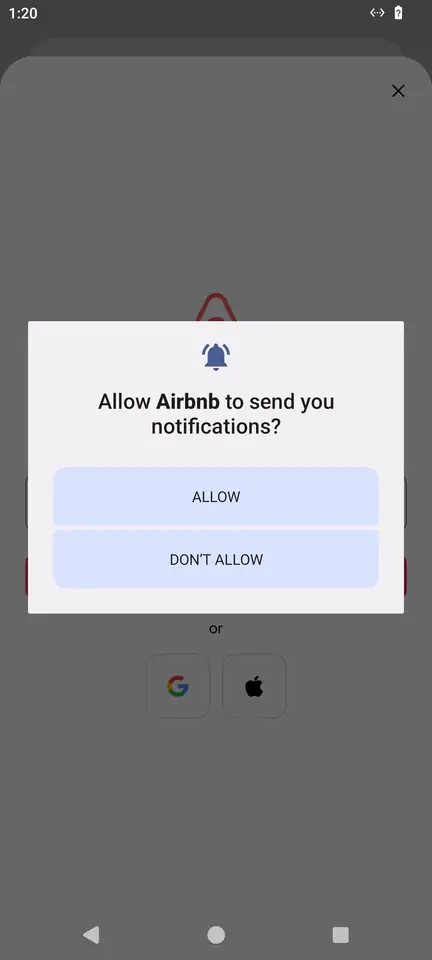
Every screen of Airbnb's sign-in flow on Android, in order: 2 steps, recorded on a real device. Airbnb's sign-in flow puts the account choice on its first screen and offers Google, Apple, phone and email sign-in. At 2 screens it is one of the shortest sign-in flows in the library — 36 of 51 are this short (median 2).
UI components:
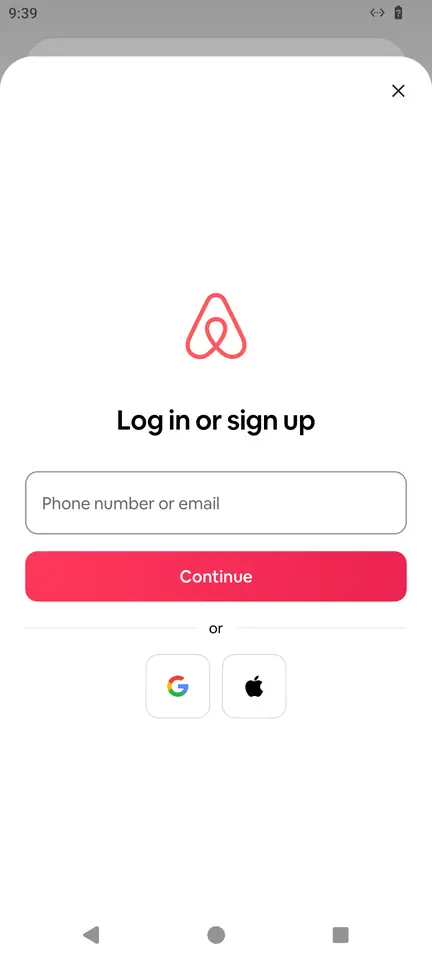 01 Sign-in
Log in or sign up — Phone number or email
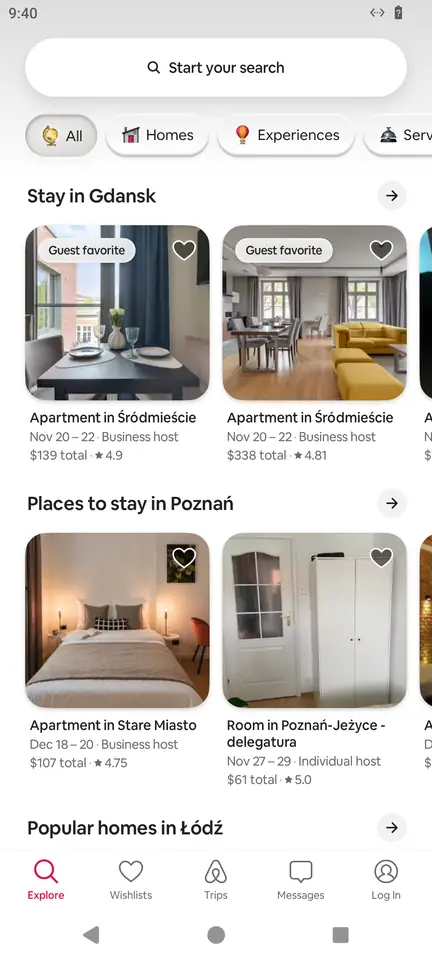
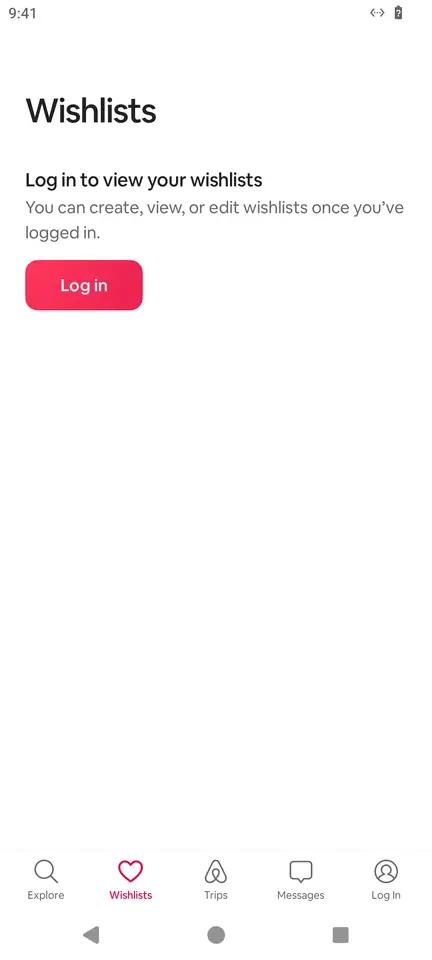 02 Sign-in · tap “Explore”
Log in to view your wishlists — You can create, view, or edit wishlists once you’ve logged in.
What Airbnb's sign-in flow does
- 2 screens in order, opening on “Log in or sign up” and ending at “Log in to view your wishlists”.
- Taps along the way: “Explore”.
- Offers 2 sign-in options: Apple, Google.
Captured on a real Android device · last updated 2026-11-14