Home & browsing flow · Audacy · Android
Audacy home & browsing screens
Every screen of Audacy's home & browsing screens on Android, in order: 6 steps, recorded on a real device. Audacy's home & browsing flow walks through 6 screens, including “Stations Near You”, “Game day analysis from the iconic voices…”, “Explore Music on Audacy” and “Must-Listen New Episodes”.
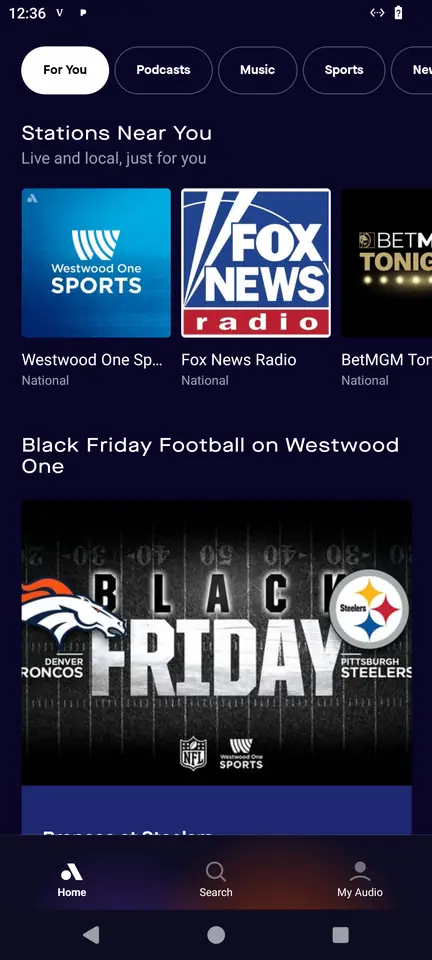 01 Home & browsing
Stations Near You — Live and local, just for you
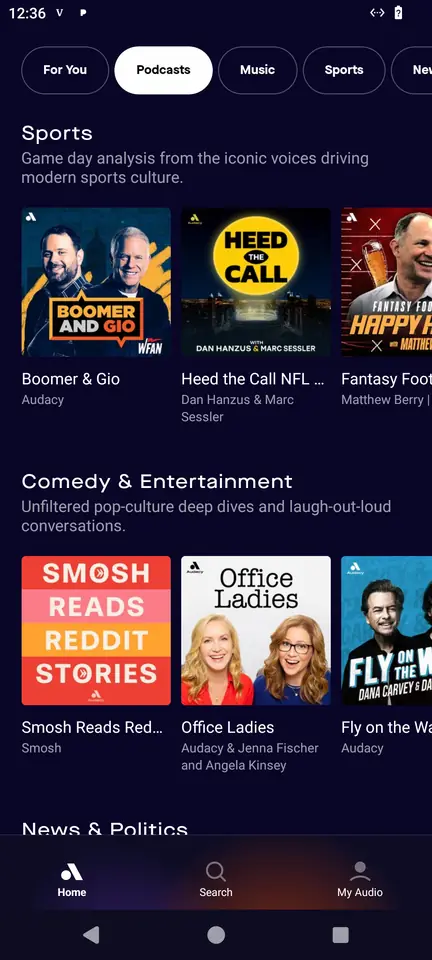 02 Home & browsing
Sports — Game day analysis from the iconic voices driving modern sports culture.
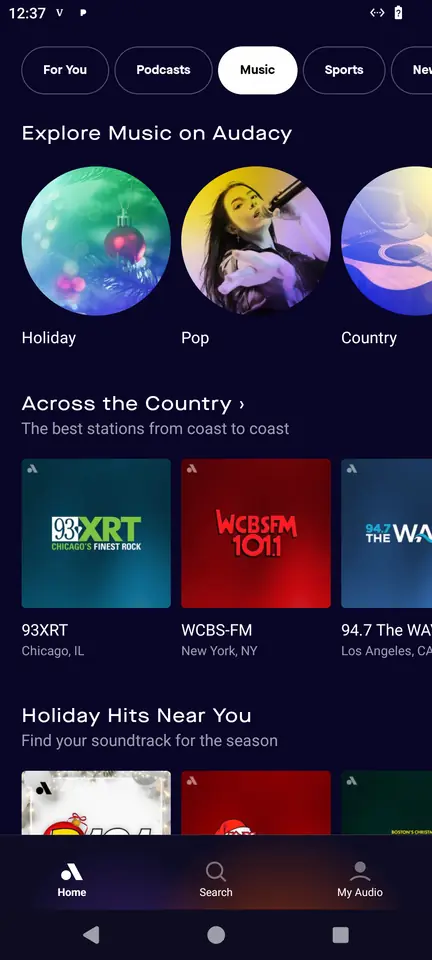 03 Home & browsing
Explore Music on Audacy — Holiday, Item 1 of 11
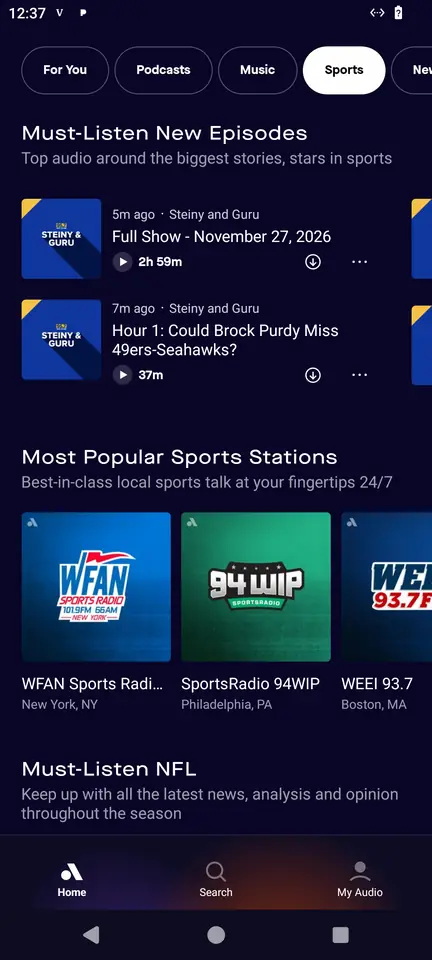 04 Home & browsing
Must-Listen New Episodes — Top audio around the biggest stories, stars in sports
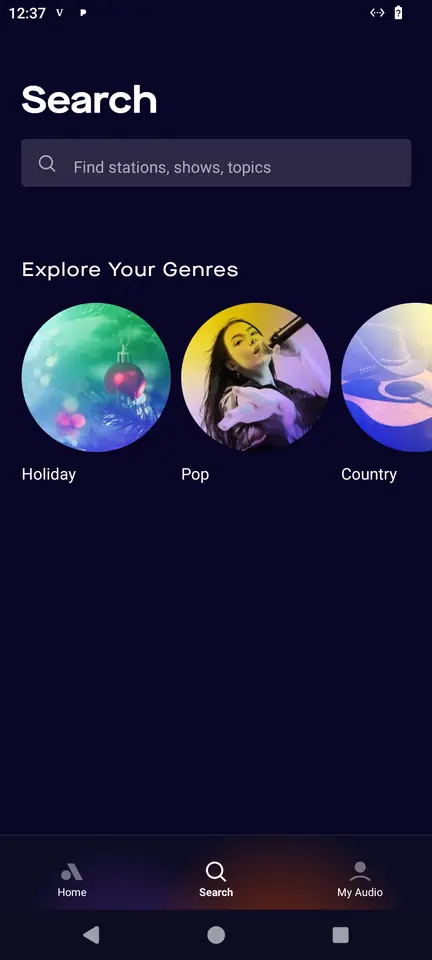 05 Home & browsing
Explore Your Genres — Holiday, Item 1 of 11
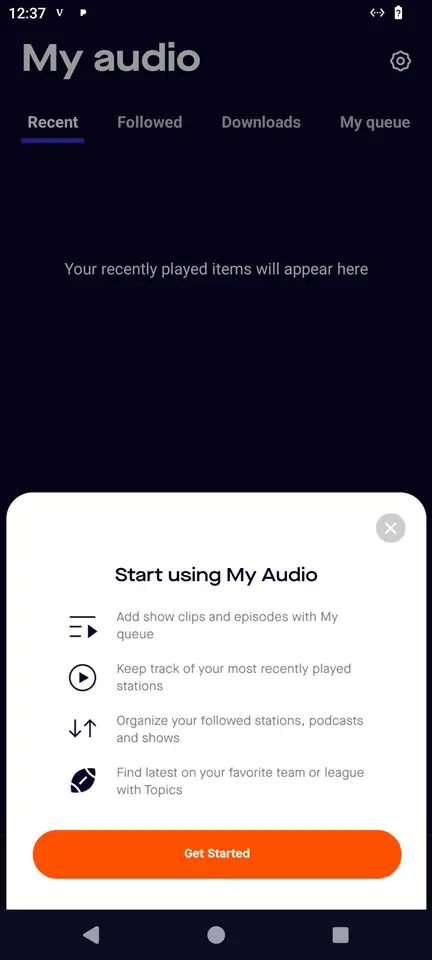 06 Home & browsing
Your recently played items will appear here — My audio
What Audacy's home & browsing screens does
- 6 screens in order, opening on “Stations Near You” and ending at “Your recently played items will appear here”.
Read the step-by-step UX teardown of this flow →
Captured on a real Android device · last updated 2026-11-14