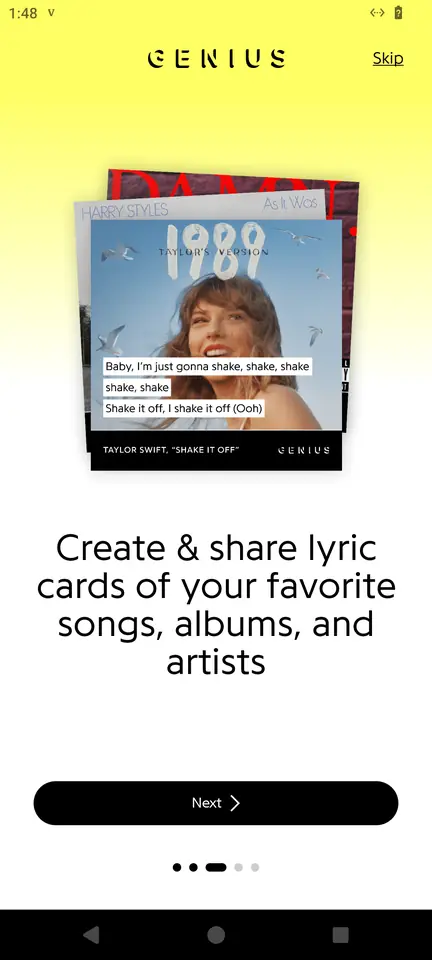
Onboarding flow · Audacy · Android
Audacy onboarding flow
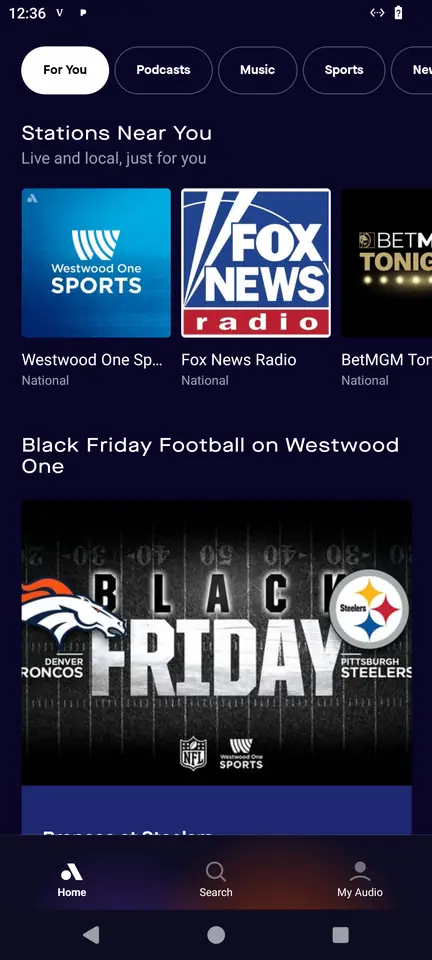
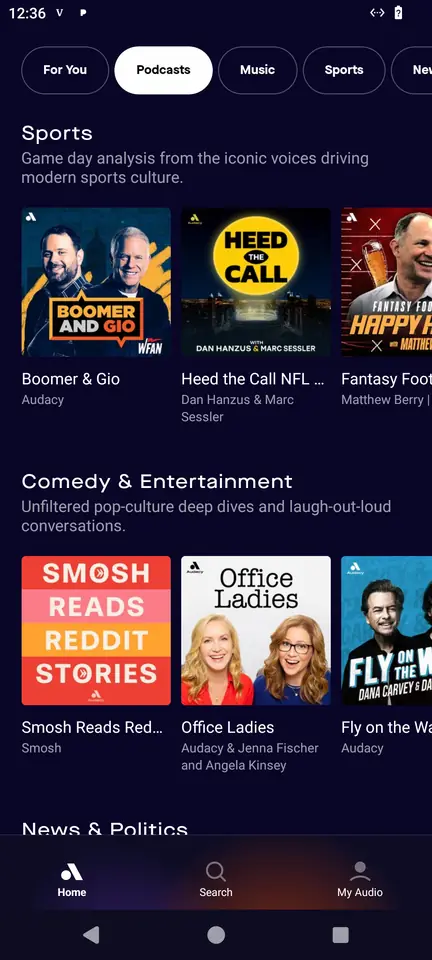
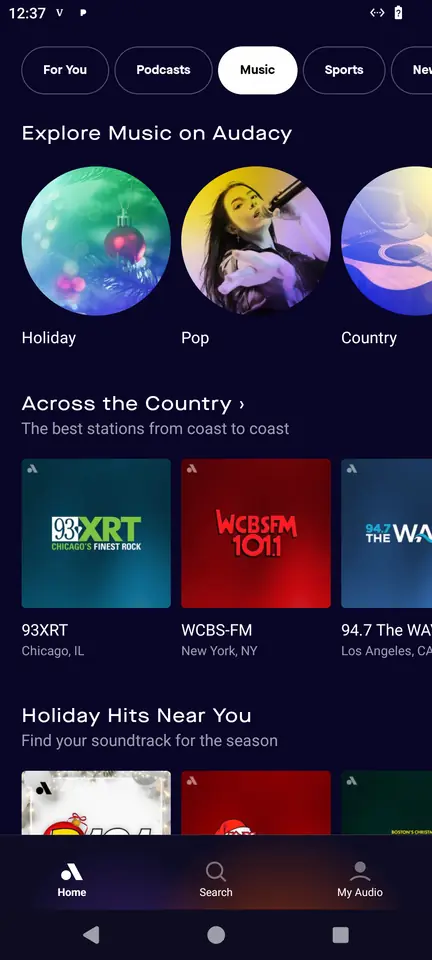
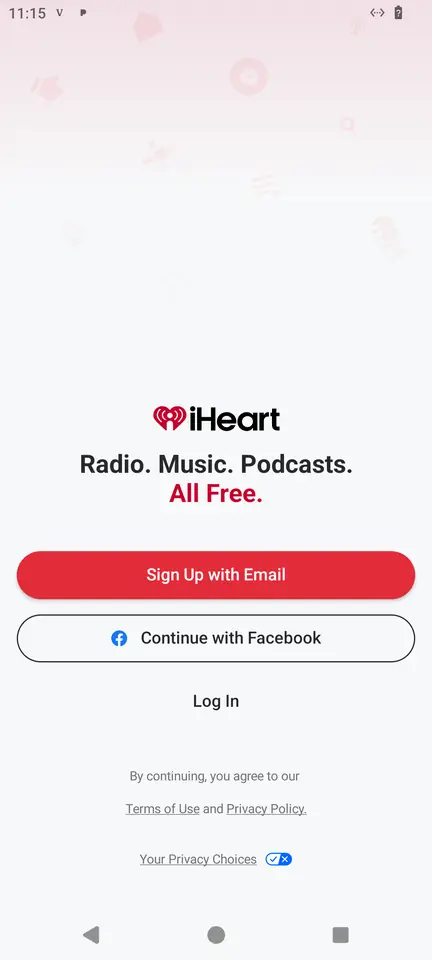
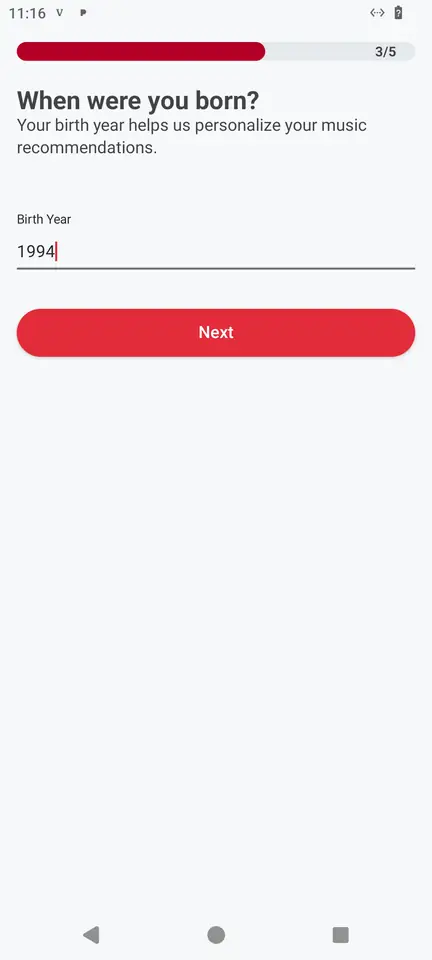
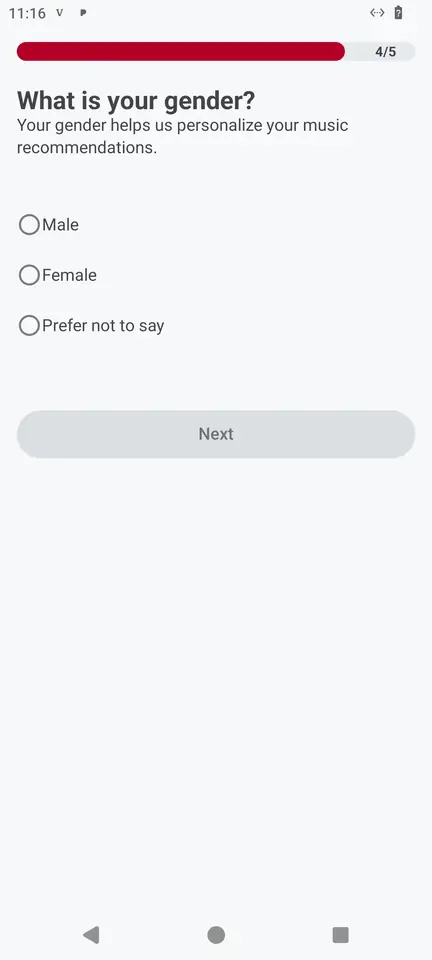
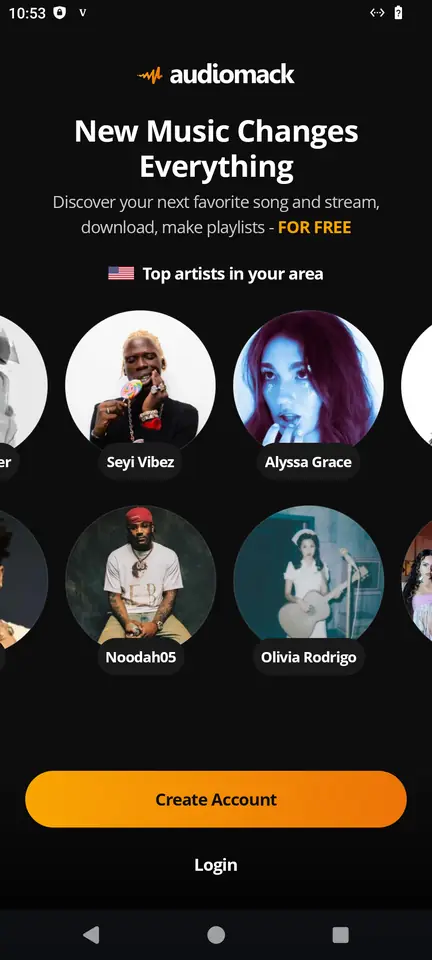
Every screen of Audacy's onboarding flow on Android, in order: 3 steps, recorded on a real device. Audacy's onboarding opens with 2 value-pitch screens and asks 1 question about the user. At 3 screens it is shorter than the library's median onboarding flow (4 screens across 152 apps). A progress indicator shows on 1 of 3 screens.
UI components:
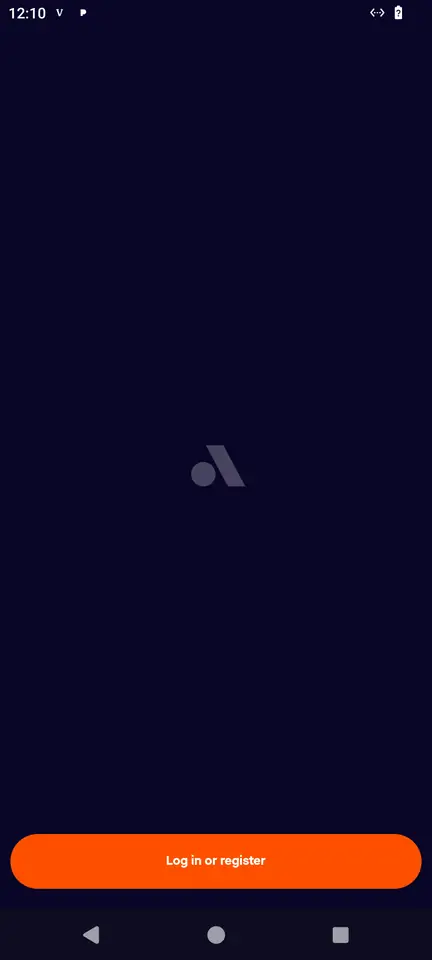 01 Onboarding
Audacy — Log in or register
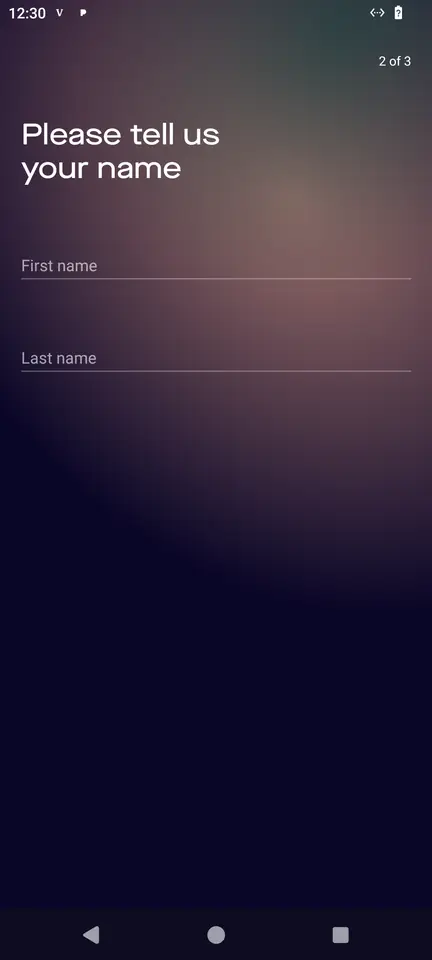 02 Onboarding
Please tell us your name — First name text input -
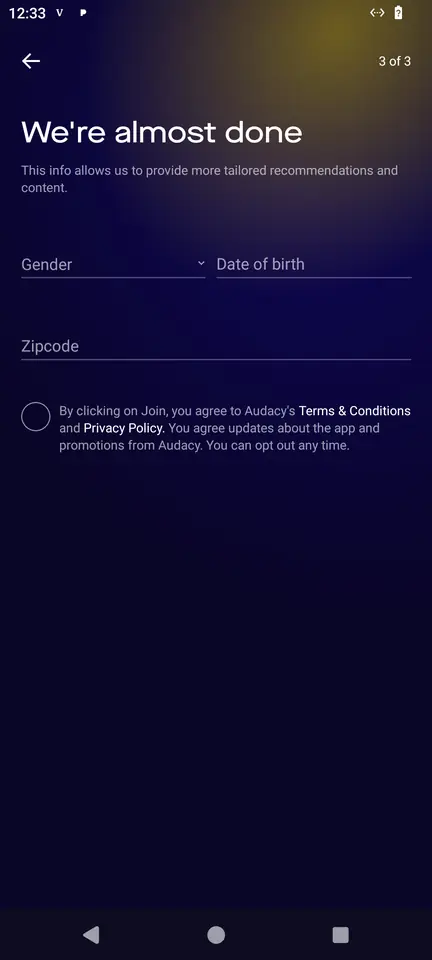 03 Onboarding
We're almost done — This info allows us to provide more tailored recommendations and content.
What Audacy's onboarding flow does
- 3 screens in order, opening on “Audacy” and ending at “We're almost done”.
- Shows a step counter (“2 of 3”) so users always know how far along they are.
Captured on a real Android device · last updated 2026-11-14