Onboarding flow · Calliope mini · Android
Calliope mini onboarding flow
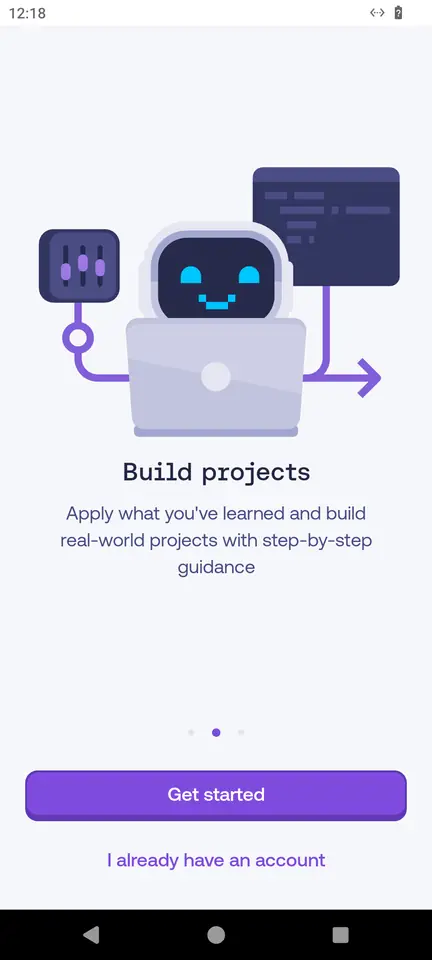
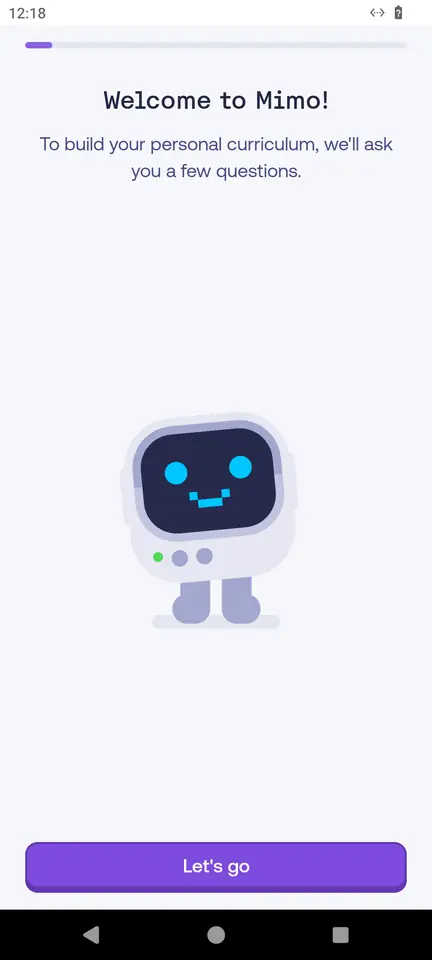
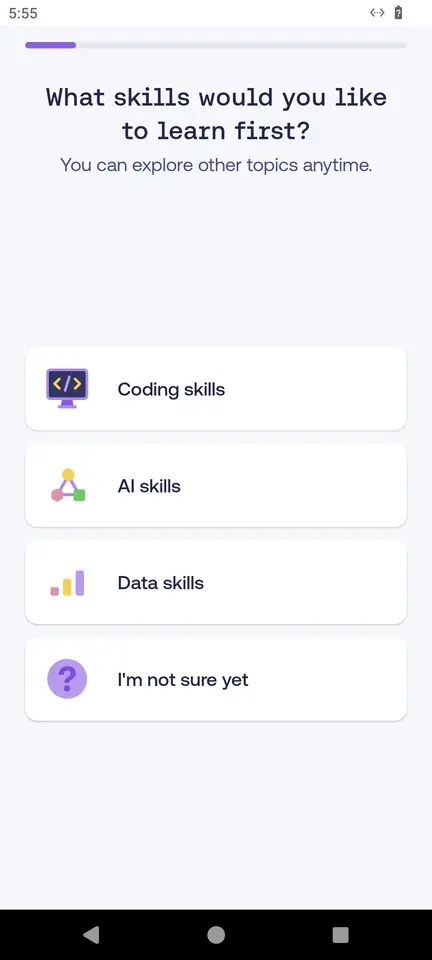
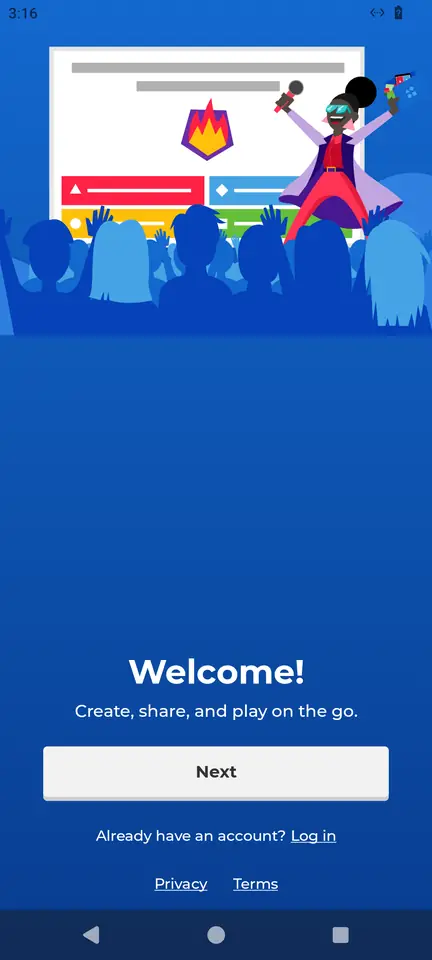
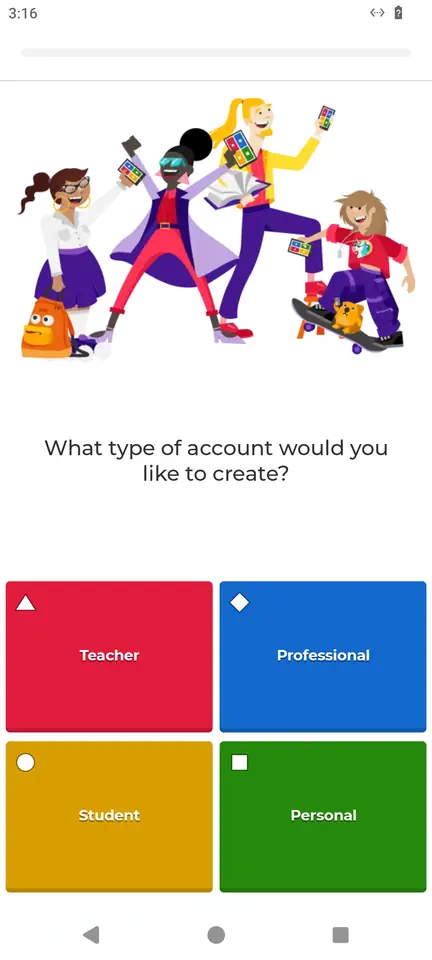
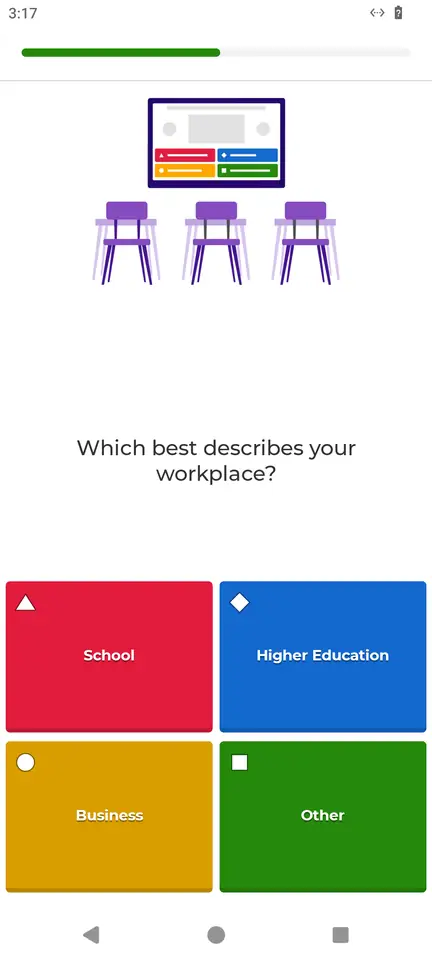
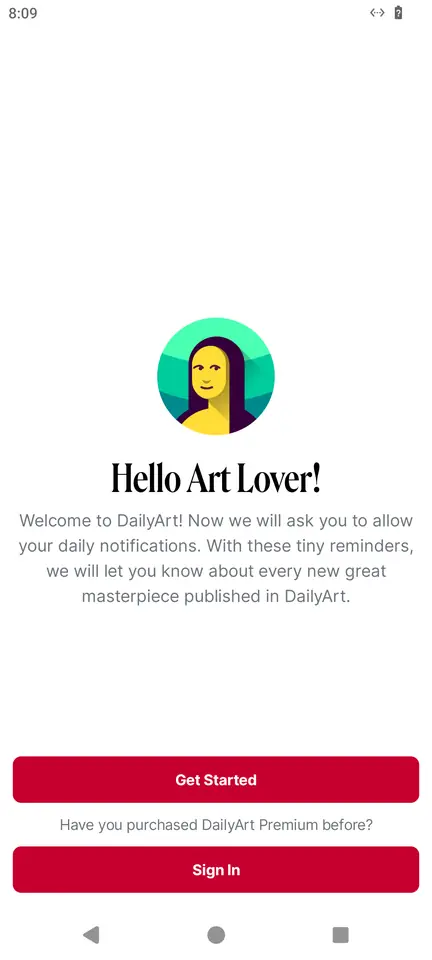
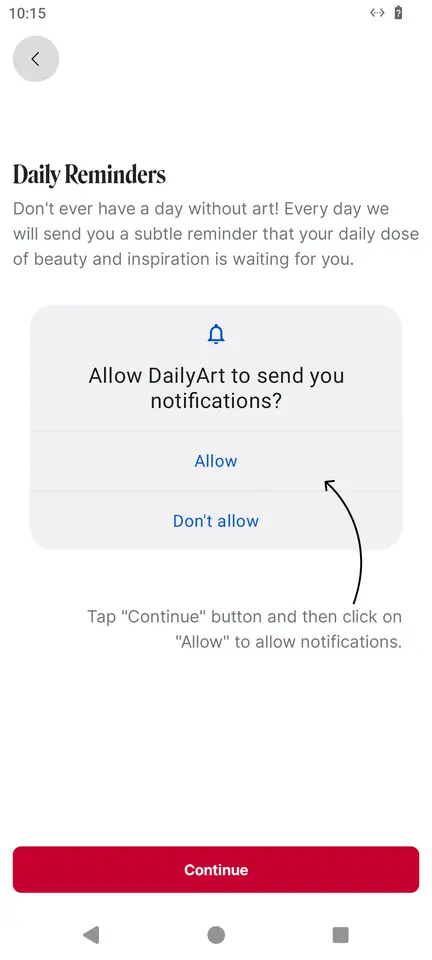
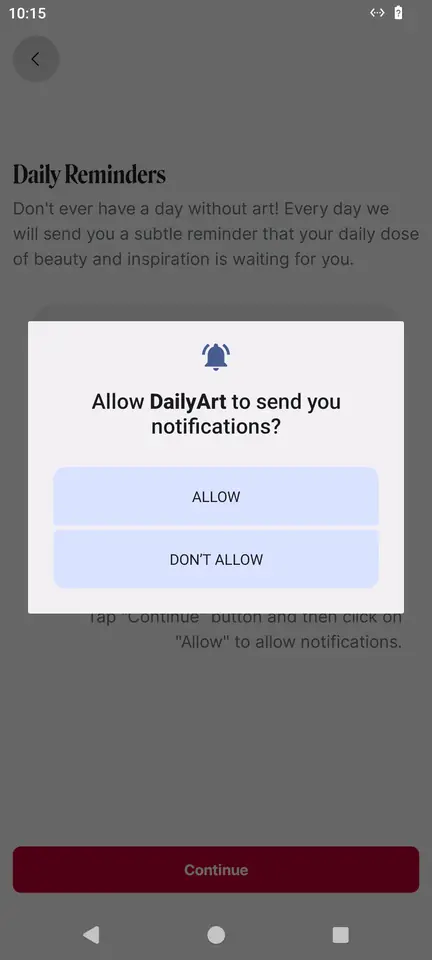
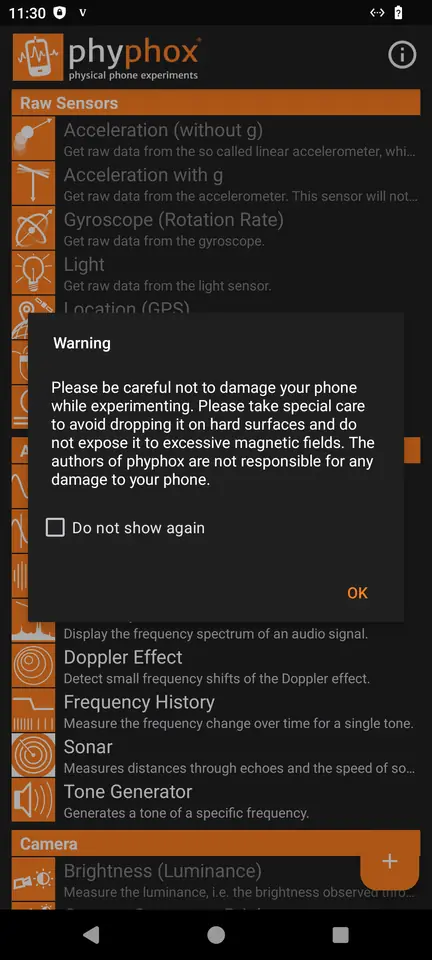
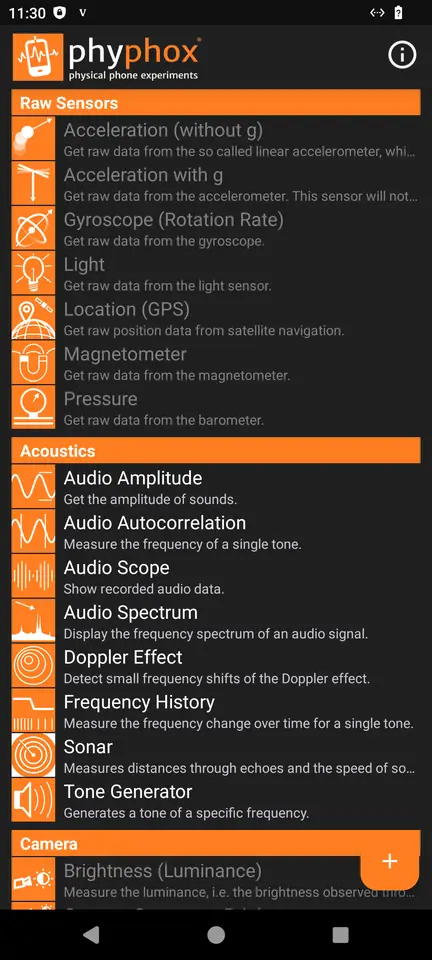
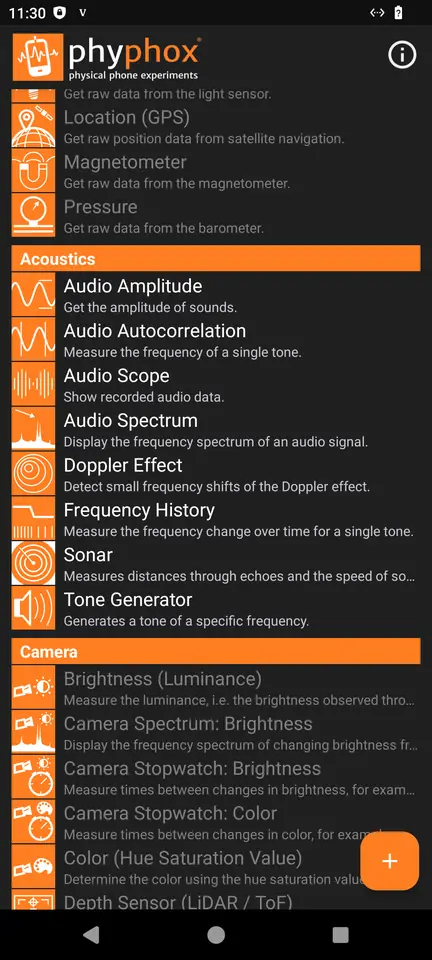
Every screen of Calliope mini's onboarding flow on Android, in order: 3 steps · 2s to first value, recorded on a real device. We hold no UI text for these 3 screens, so each frame is shown with its screen type only (welcome & get started, home / feed and settings).
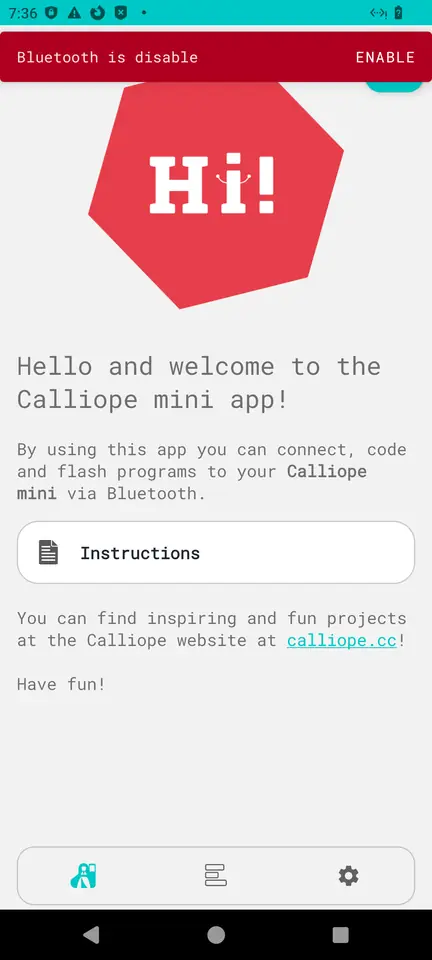 01 Welcome & Get Started · tap “Editors”
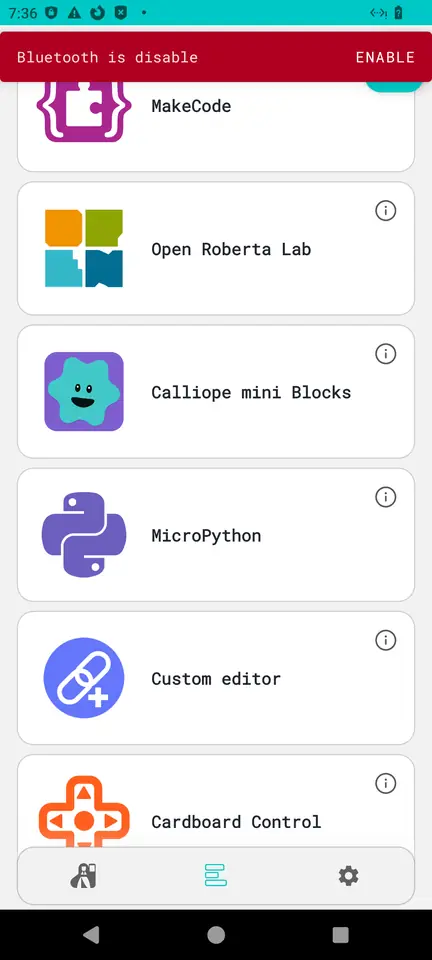 02 Home / Feed · tap “Settings”
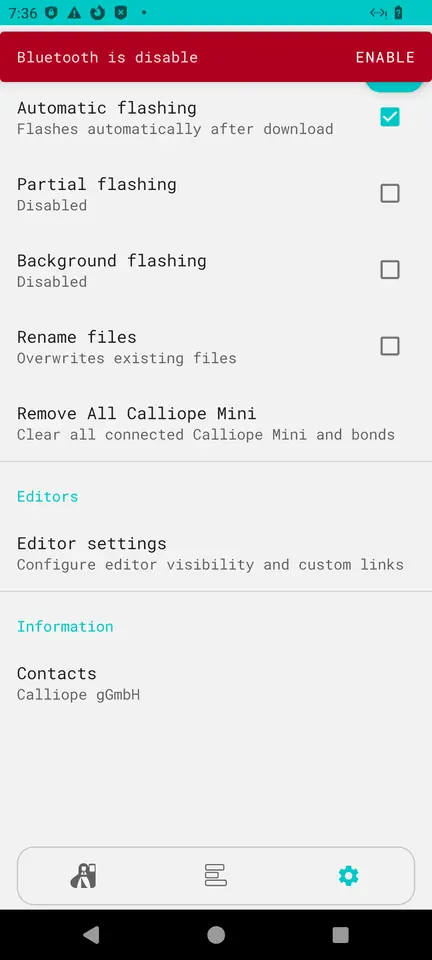 03 Settings · tap “Pattern”
What Calliope mini's onboarding flow does
- 3 screens captured in order on a real Android device.
- Taps along the way: “Editors” → “Settings” → “Pattern”.
- Reaches first value in 2 seconds (22 steps, 13 taps).
- Screen types covered: Welcome & Get Started, Home / Feed, Settings.
Captured on a real Android device · last updated 2026-11-14