Onboarding flow · Mimo · Android
Mimo onboarding flow
Every screen of Mimo's onboarding flow on Android, in order: 10 steps, recorded on a real device. Mimo's onboarding opens with 2 value-pitch screens, asks 5 questions about the user and shows no sign-up form in the 10 screens we captured. At 10 screens it is the joint 20th-longest of the 152 onboarding flows in the library (median 4). A progress indicator shows on 9 of 10 screens.
UI components:
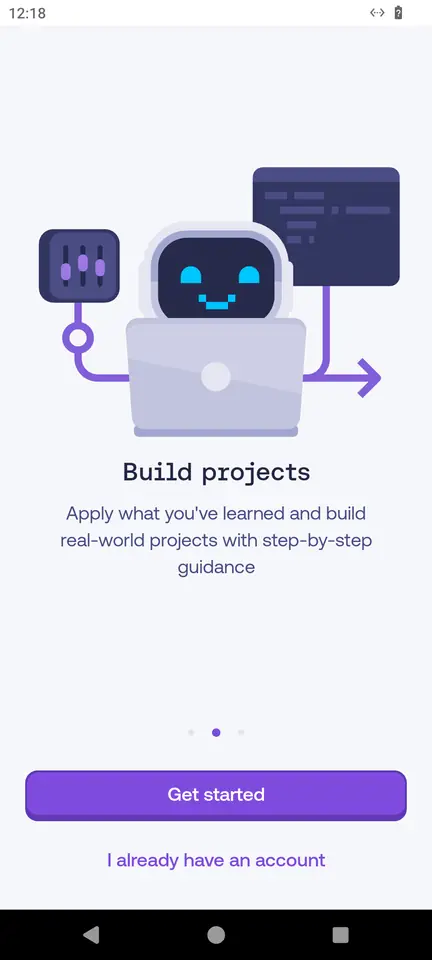 01 Onboarding · tap “Get started”
Build projects — Get started
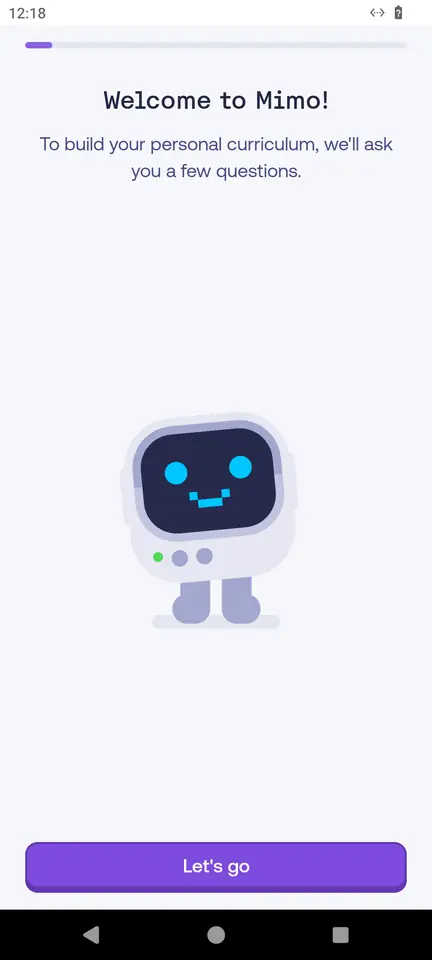 02 Onboarding · tap “Let's go”
Welcome to Mimo! — To build your personal curriculum, we'll ask you a few questions.
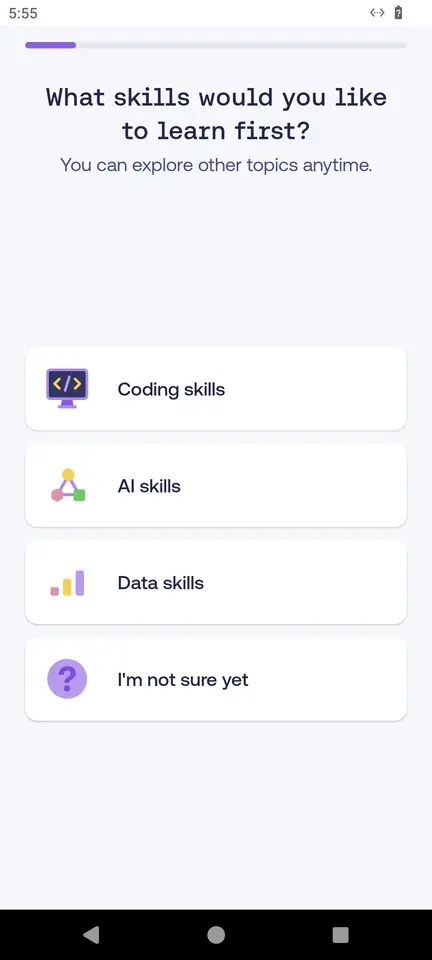 03 Onboarding · tap “Image I'm not sure yet”
What skills would you like to learn first? — You can explore other topics anytime.
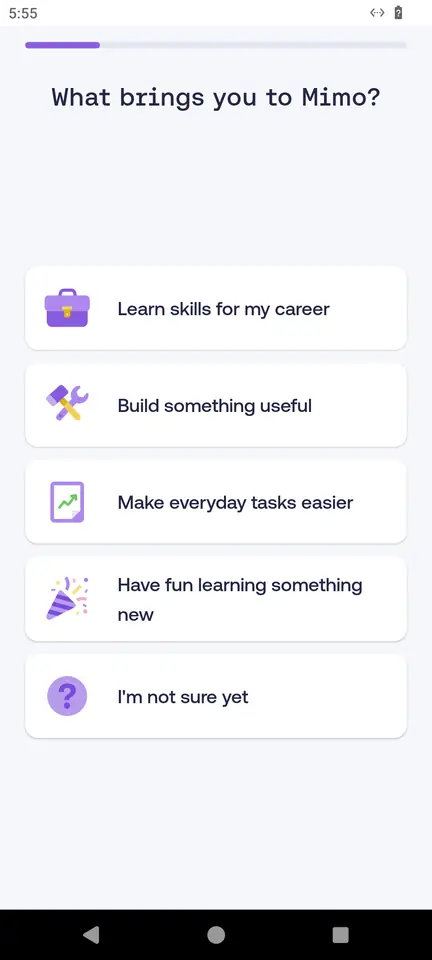 04 Onboarding · tap “Image I'm not sure yet”
What brings you to Mimo? — Image
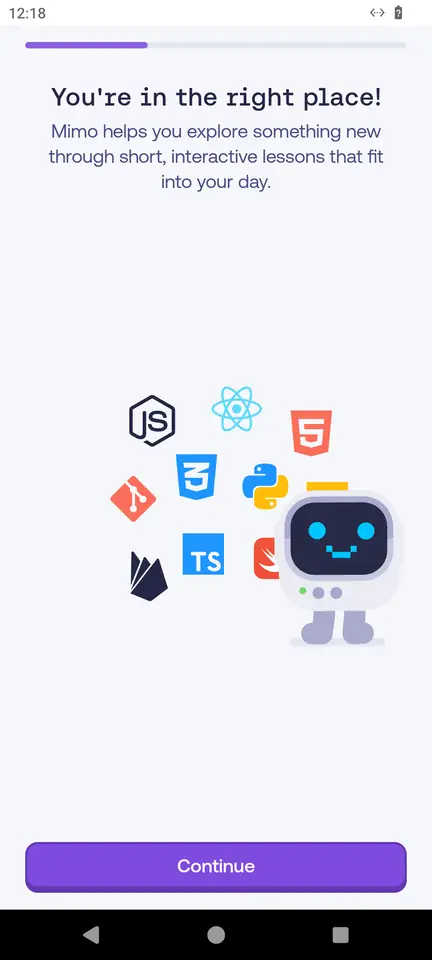 05 Onboarding · tap “Continue”
You're in the right place! — Continue
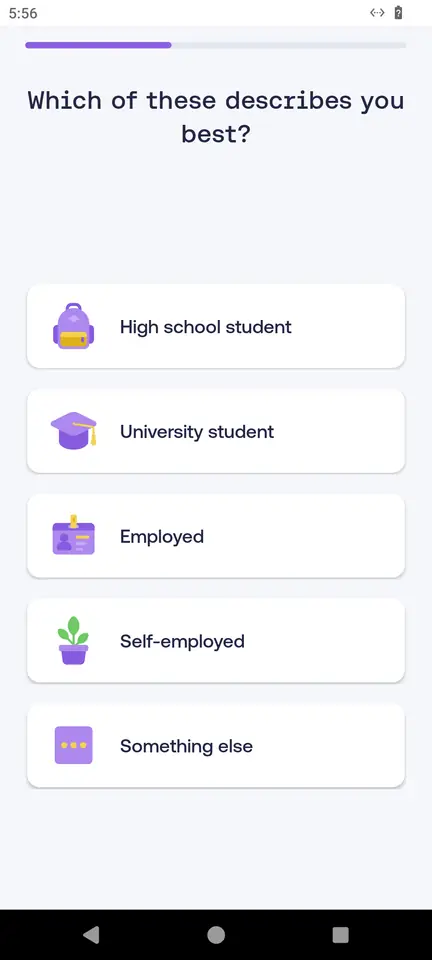 06 Onboarding
Which of these describes you best? — High school student
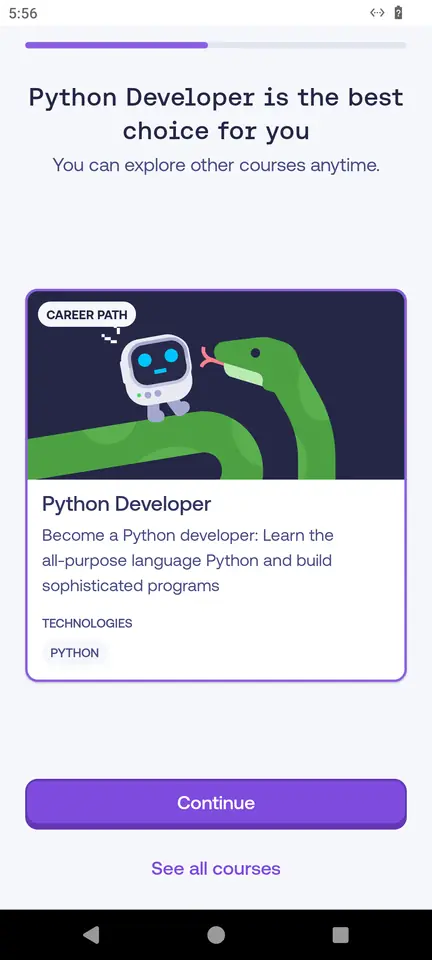 07 Onboarding · tap “Continue”
Python Developer is the best choice for you — You can explore other courses anytime.
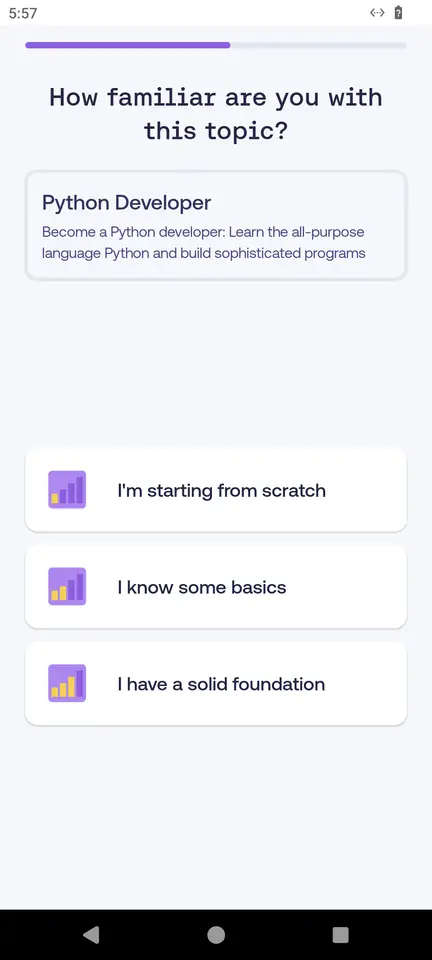 08 Onboarding · tap “Image I have a solid foundation”
How familiar are you with this topic? — Python Developer
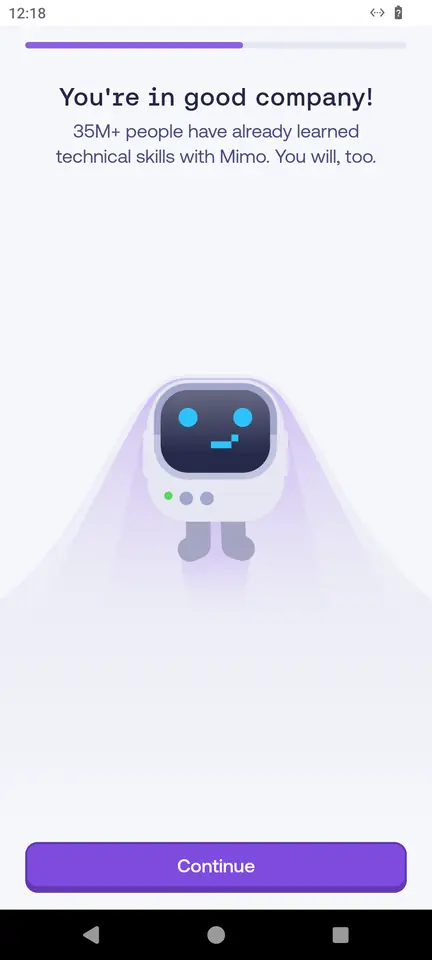 09 Onboarding · tap “Continue”
You're in good company! — 35M+ people have already learned technical skills with Mimo. You will, too.
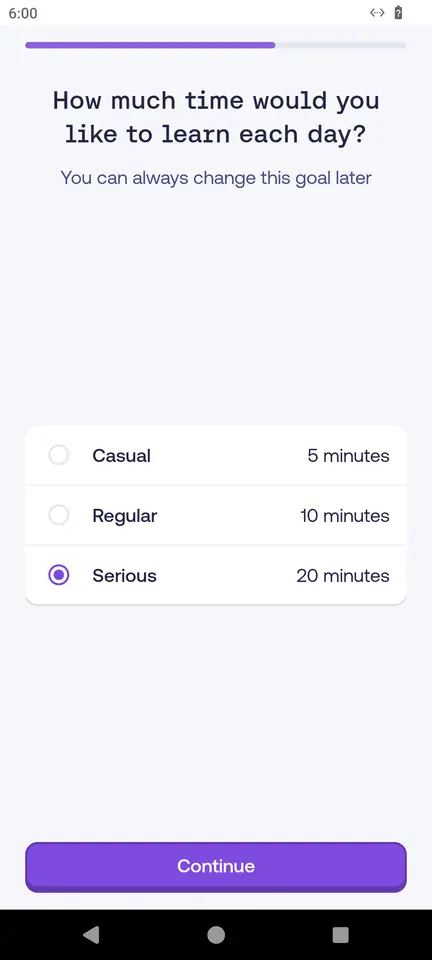 10 Onboarding
How much time would you like to learn each day? — You can always change this goal later
What Mimo's onboarding flow does
- 10 screens in order, opening on “Build projects” and ending at “How much time would you like to learn each day?”.
- Taps along the way: “Get started” → “Let's go” → “Image I'm not sure yet” → “Image I'm not sure yet” → “Continue” → “Continue”….
Read the step-by-step UX teardown of this flow →
Captured on a real Android device · last updated 2026-11-14