Onboarding flow · Mindvalley · Android
Mindvalley onboarding flow
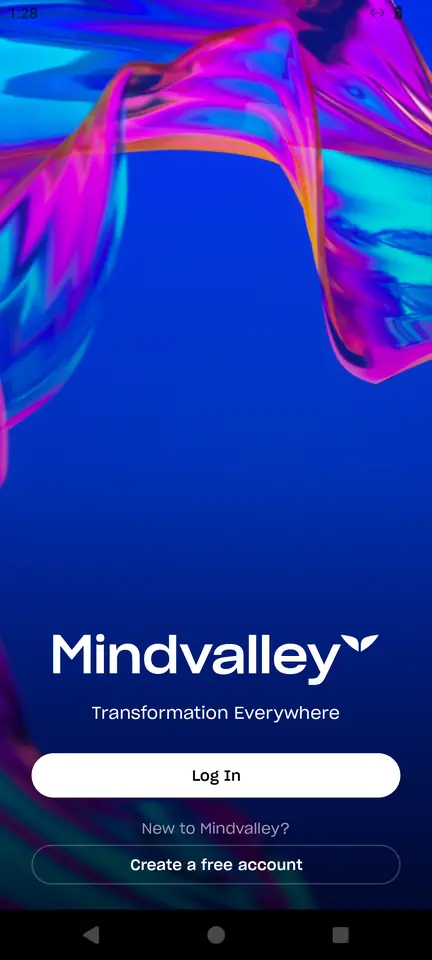
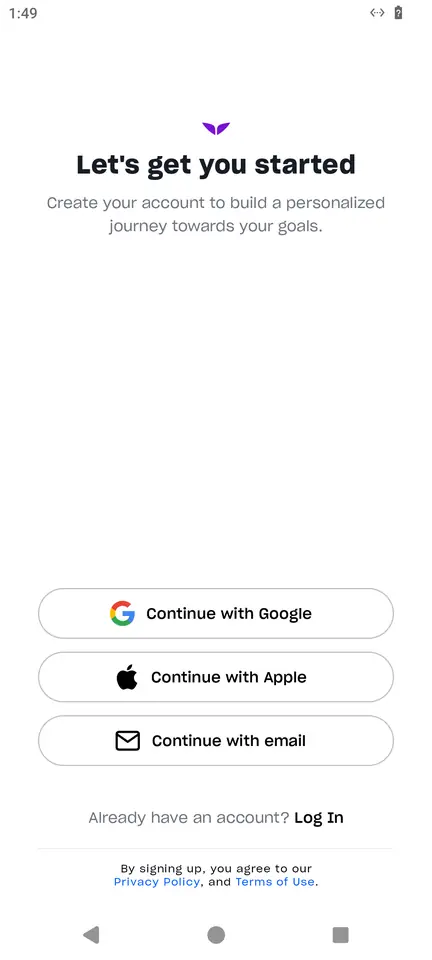
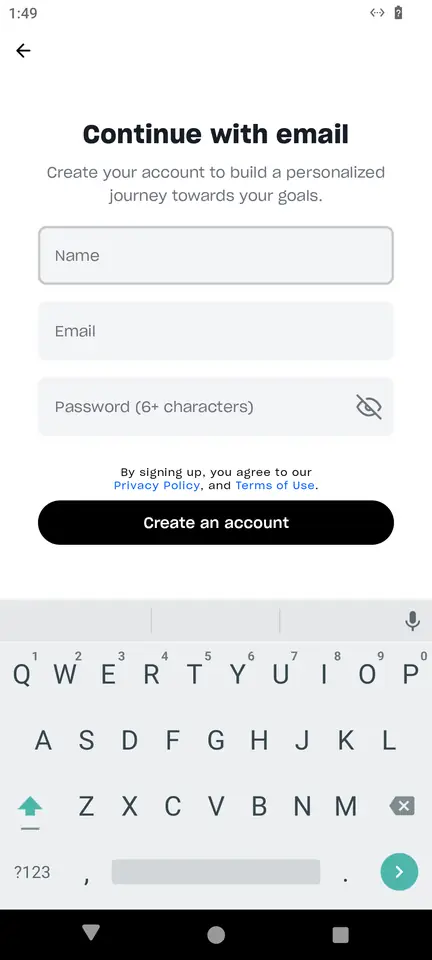
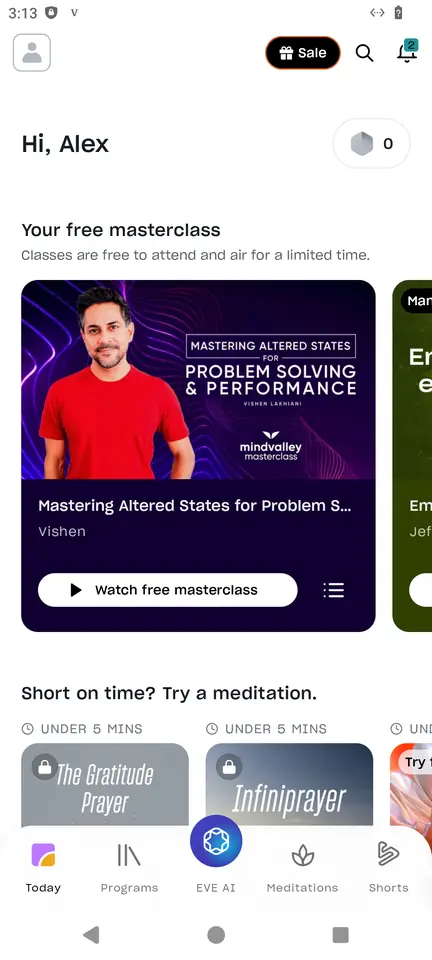
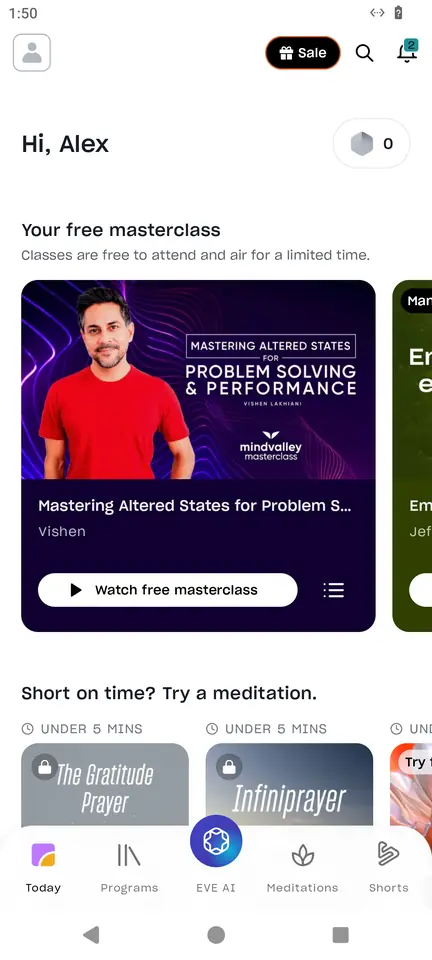
Every screen of Mindvalley's onboarding flow on Android, in order: 8 steps, recorded on a real device. Mindvalley's onboarding opens with 4 value-pitch screens, asks 1 question about the user and shows no sign-up form in the 8 screens we captured. At 8 screens it is the joint 25th-longest of the 152 onboarding flows in the library (median 4). A skip option appears on 1 screen.
 01 Onboarding · tap “Btn_next Next”
Next
 02 Onboarding · tap “Btn_next Next”
Next
 03 Onboarding · tap “Btn_next Next”
Over 1,000+ advanced Neuro-trainings for instant focus, healing, and relaxation. — Next
 04 Onboarding · tap “Btn_next Continue”
24,000+ proven results that featured on CNN, CBS & Fox. Ready to transform? — Continue
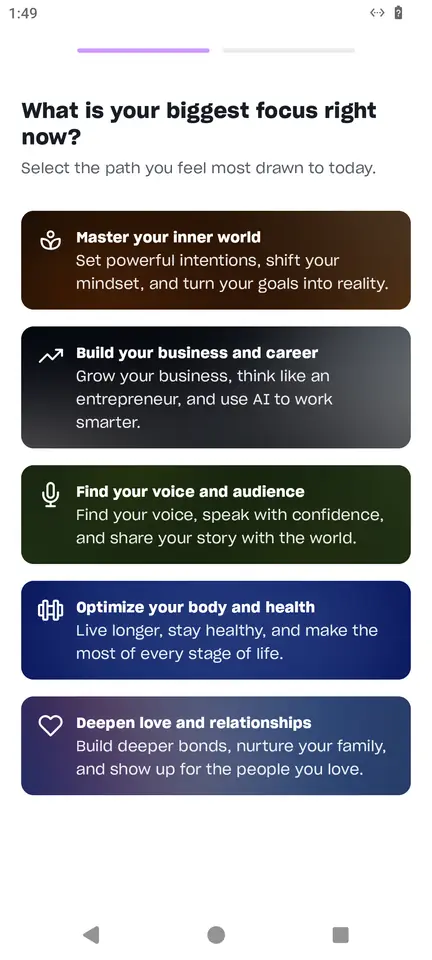 05 Onboarding · tap “Deepen love and relationships”
What is your biggest focus right now? — Select the path you feel most drawn to today.
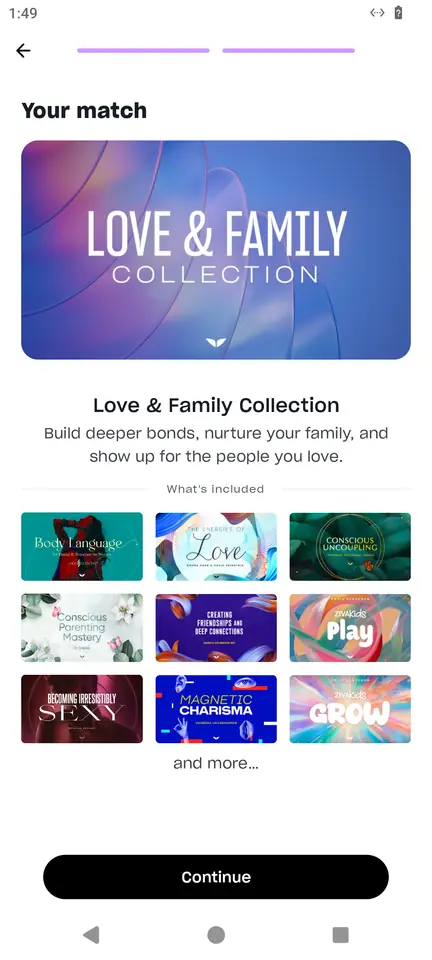 06 Onboarding · tap “Continue”
Your match — Love & Family Collection
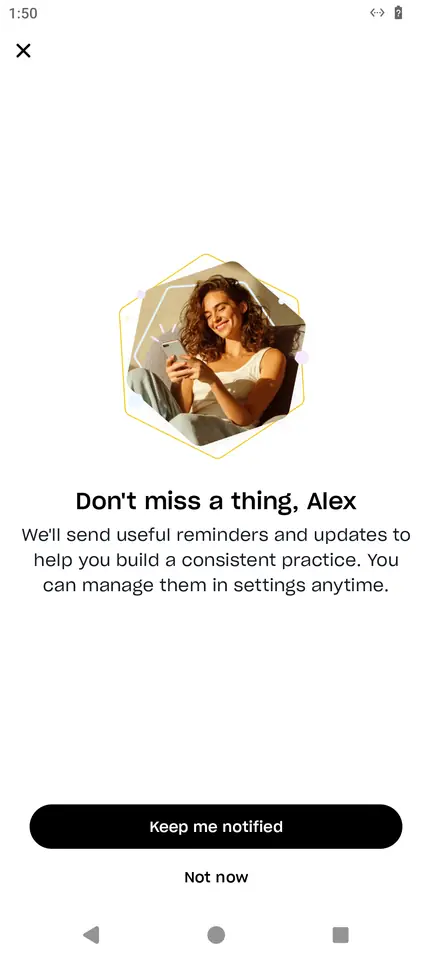 07 Onboarding · tap “Cta_notification_not_now Not now”
Don't miss a thing, Alex — Keep me notified
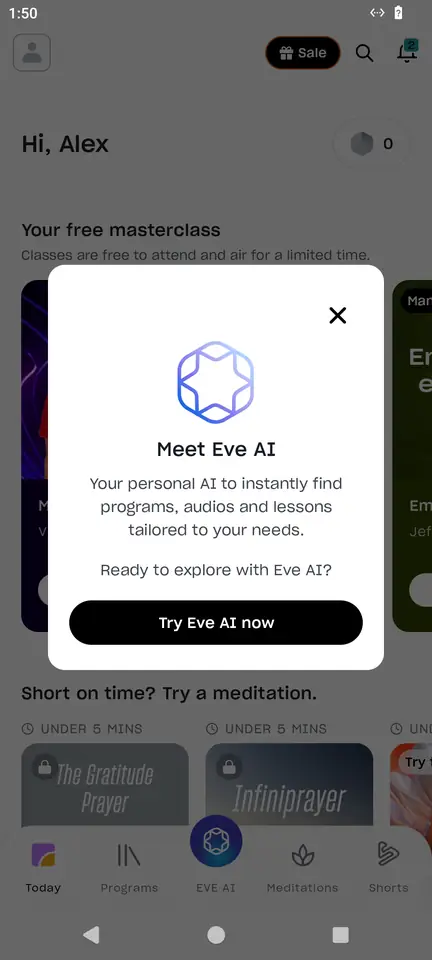 08 Onboarding · tap “Cta_dismiss_eve_welcome Close”
welcome — Close
What Mindvalley's onboarding flow does
- 8 screens in order, opening on “Next” and ending at “welcome”.
- Taps along the way: “Btn_next Next” → “Btn_next Next” → “Btn_next Next” → “Btn_next Continue” → “Deepen love and relationships” → “Continue”….
- Gives users an exit: a “Not now” option.
Read the step-by-step UX teardown of this flow →
Captured on a real Android device · last updated 2026-11-14