Screen · Onboarding screen · DailyArt · Android
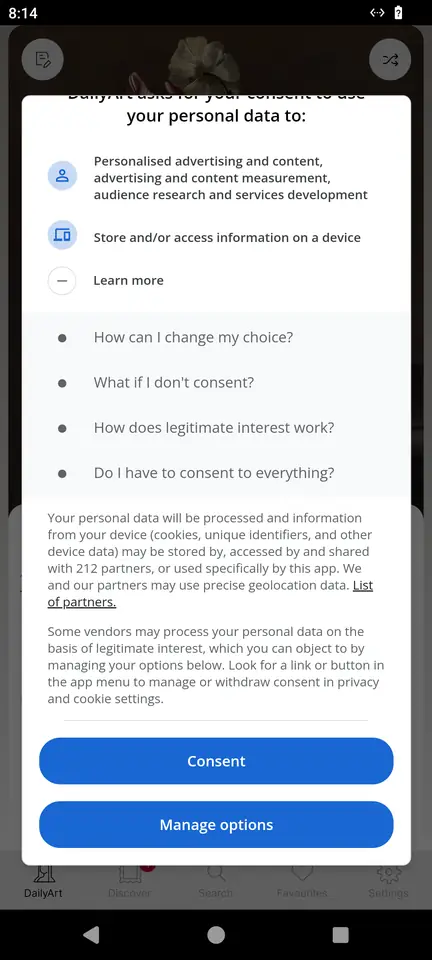
DailyArt onboarding screen: “How can I change my choice?”
An onboarding screen from DailyArt for Android, captured on a real device — screen 6 of 32 we captured. It uses 2 detected UI components, outlined on the screen below.
AndroidOnboarding2 componentsfree & ungated
- App
- DailyArt · Education
- Screen type
- Onboarding
- Tap
- “Manage options”
UI text on this screen
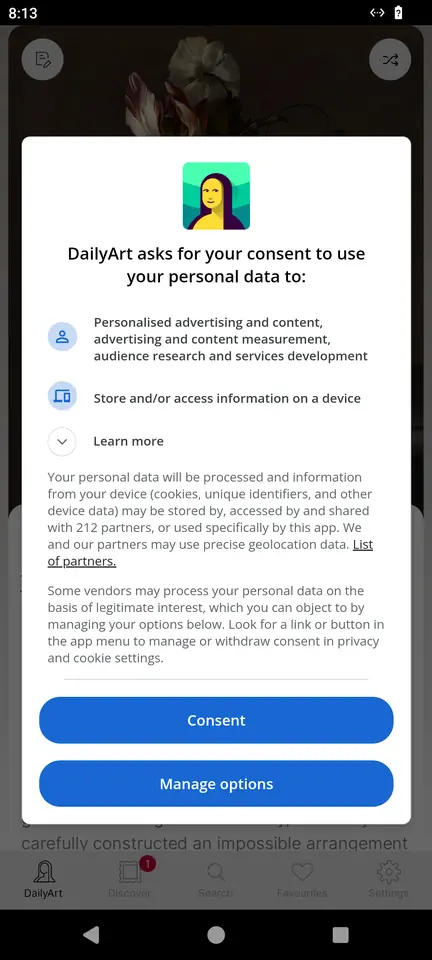
DailyArt asks for your consent to use your personal data to:
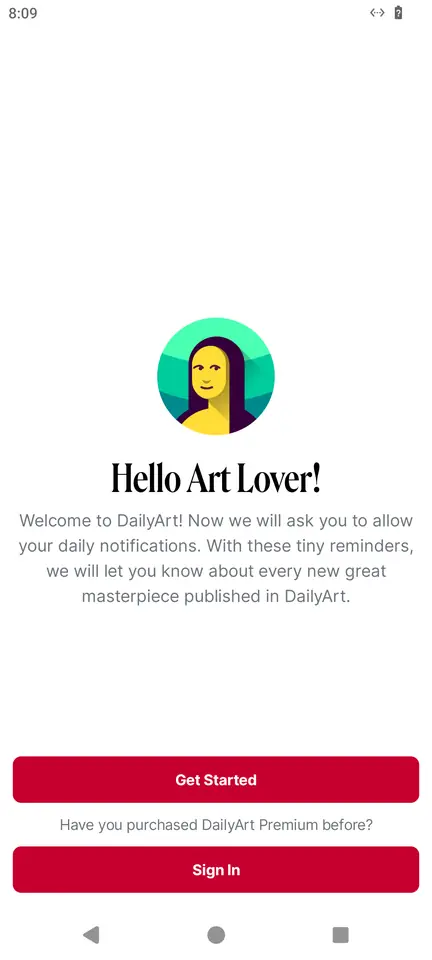
Welcome to DailyArt
Store and/or access information on a device
Learn more
How can I change my choice?
What if I don't consent?
How does legitimate interest work?
Do I have to consent to everything?
UI components
Located from the app's Android view hierarchy and outlined on the screen.
UI patterns
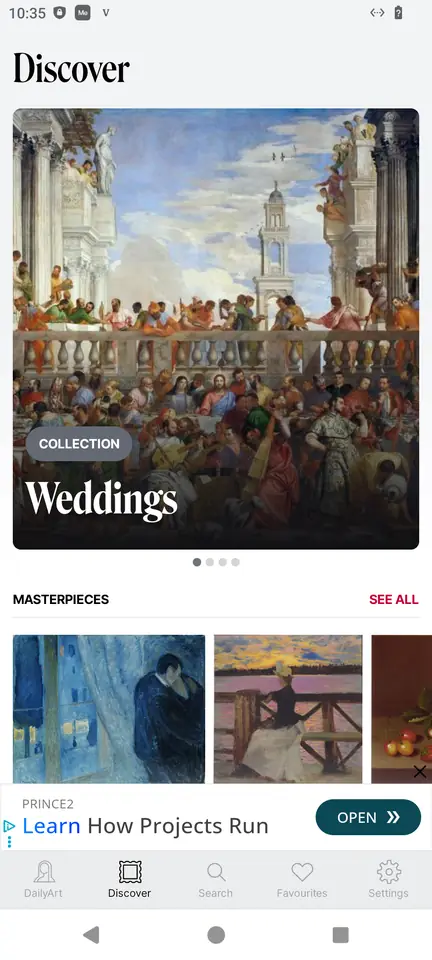
More DailyArt screens
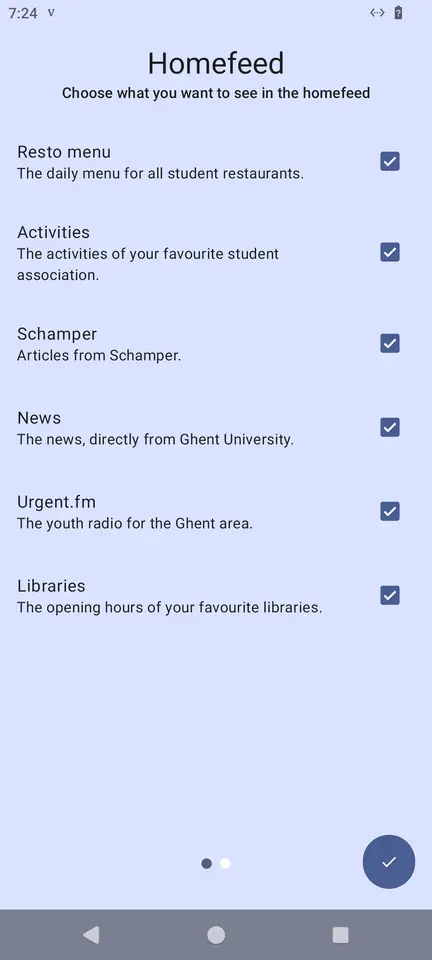
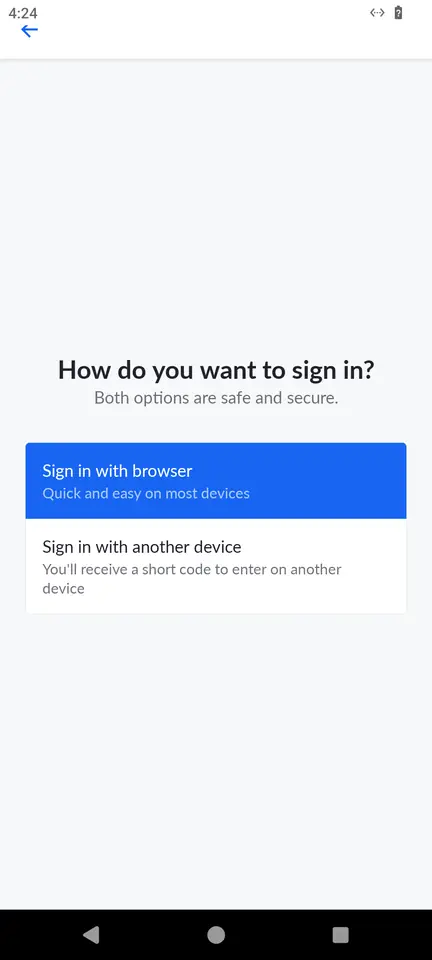
Onboarding screens from other apps
All onboarding screens →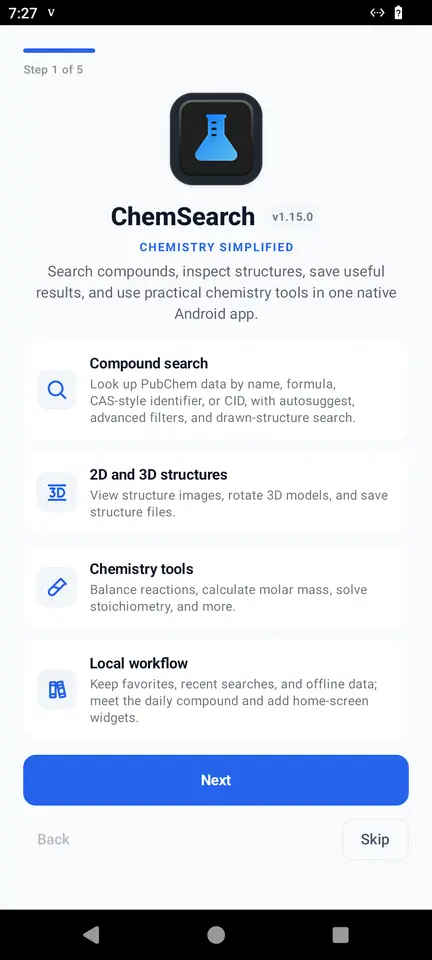


Captured on a real Android device · last updated 2026-11-14