Home/Apps/DailyArt
App · Education · Android

DailyArt app UI

DailyArt for Android, captured on a real device: 32 screens across its onboarding, sign-in, home & browsing and settings flows. A education app, shown step by step — free, no sign-up.

Android32 screens4 flowsfree & ungated

Every DailyArt screen we captured
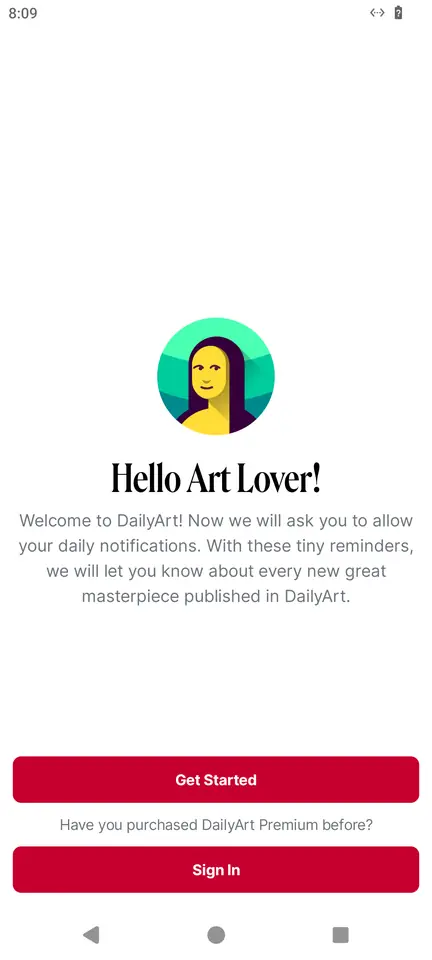
DailyArt Android screen 1 — onboarding: Hello Art Lover!
Onboarding · Hello Art Lover!
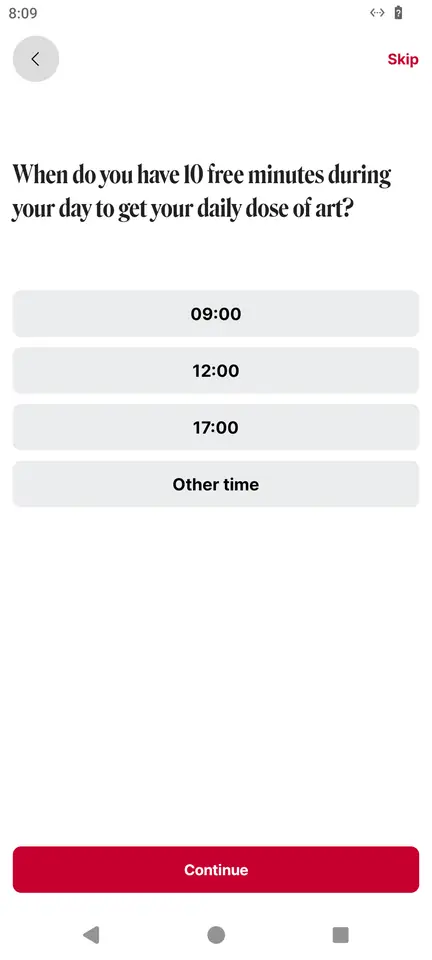
DailyArt Android screen 2 — onboarding: When do you have 10 free minutes during your day to get…
Onboarding · When do you have 10 free minutes during your day to get your daily dose of art?
DailyArt Android screen 3 — home & browsing: What's new?
Home & browsing · What's new?
DailyArt Android screen 4 — home & browsing: Still Life of Flowers in a Glass Vase on a Stone Table Ledge
Home & browsing · Still Life of Flowers in a Glass Vase on a Stone Table Ledge
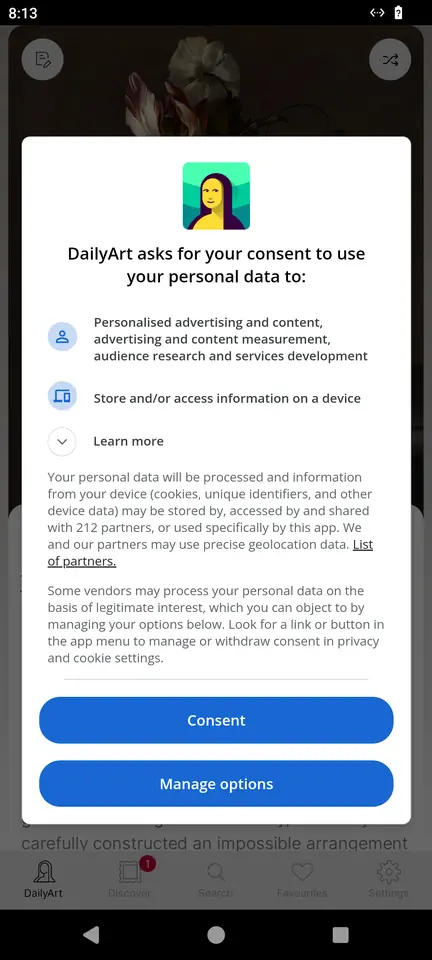
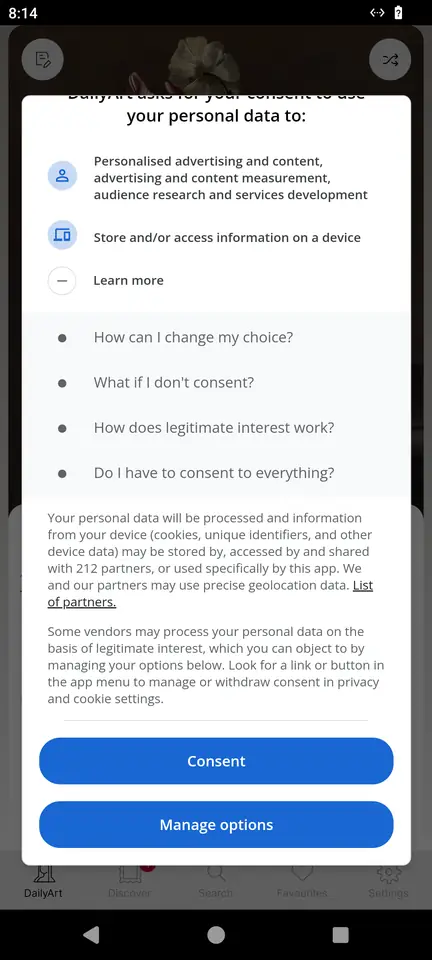
DailyArt Android screen 5 — onboarding: DailyArt asks for your consent to use your personal data to:
Onboarding · DailyArt asks for your consent to use your personal data to:
DailyArt Android screen 6 — onboarding: DailyArt asks for your consent to use your personal data to:
Onboarding · DailyArt asks for your consent to use your personal data to:
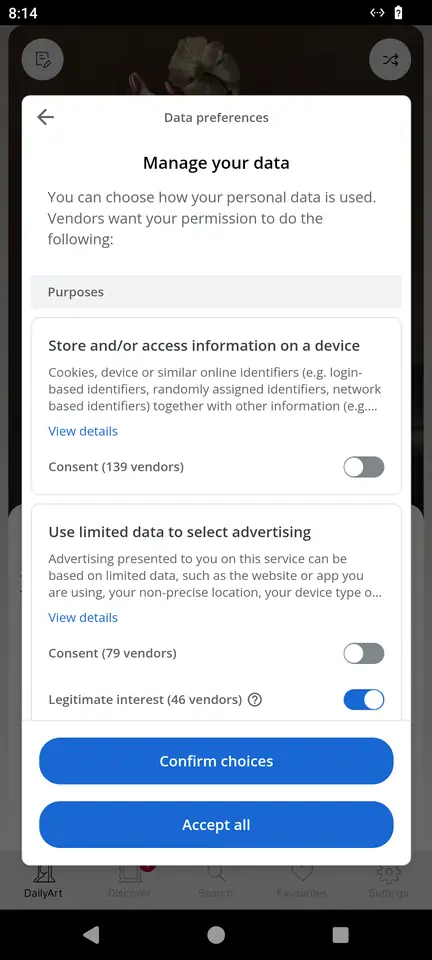
DailyArt Android screen 7 — consent: Manage your data
Consent · Manage your data
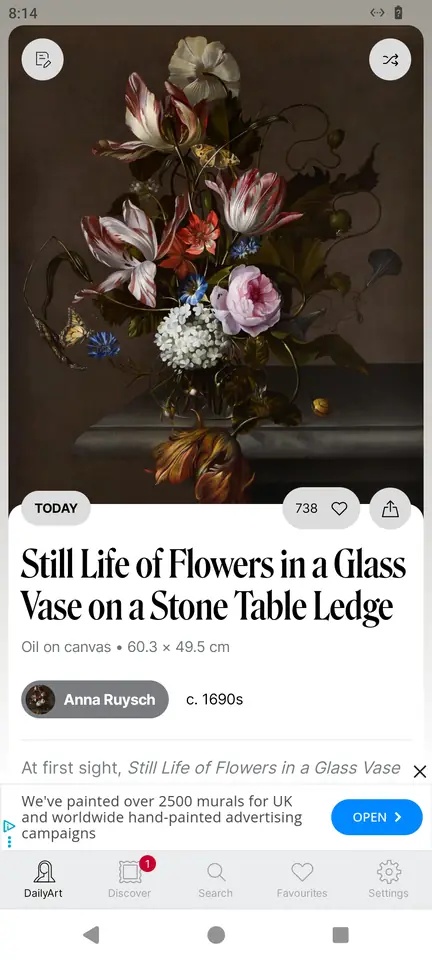
DailyArt Android screen 8 — home & browsing: Still Life of Flowers in a Glass Vase on a Stone Table Ledge
Home & browsing · Still Life of Flowers in a Glass Vase on a Stone Table Ledge
DailyArt Android screen 9 — home & browsing: Discover
Home & browsing · Discover
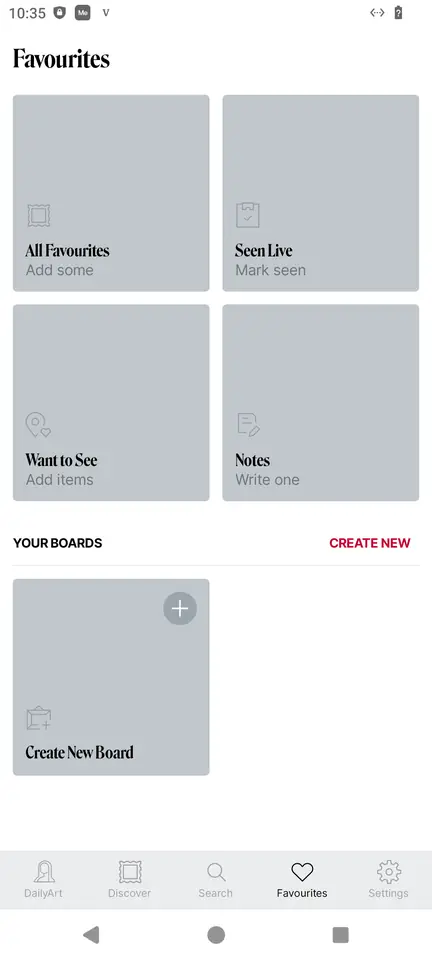
DailyArt Android screen 10 — home & browsing: Favourites
Home & browsing · Favourites
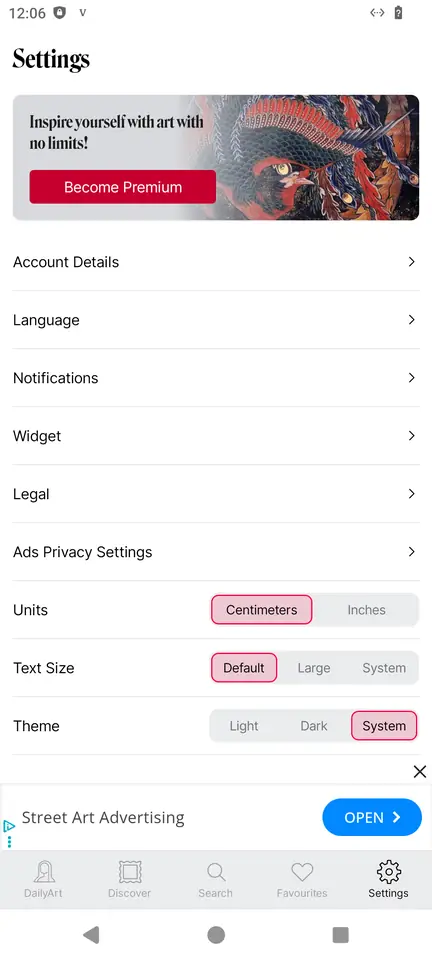
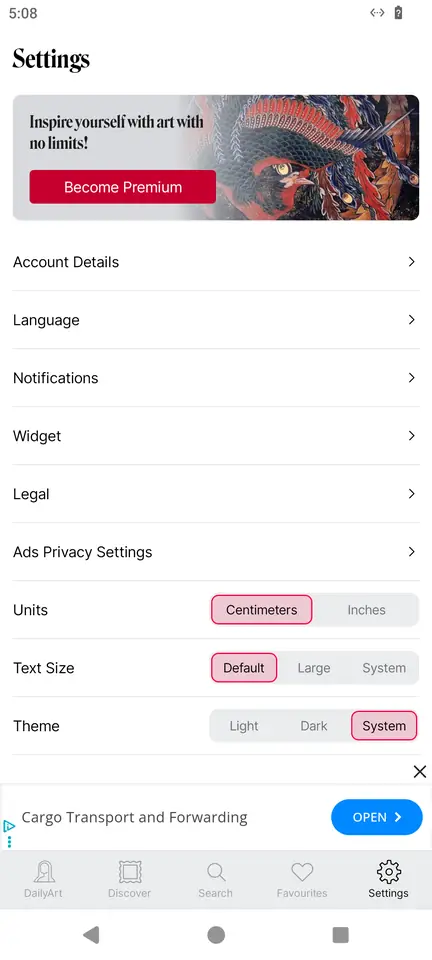
DailyArt Android screen 11 — settings: Settings
Settings · Settings
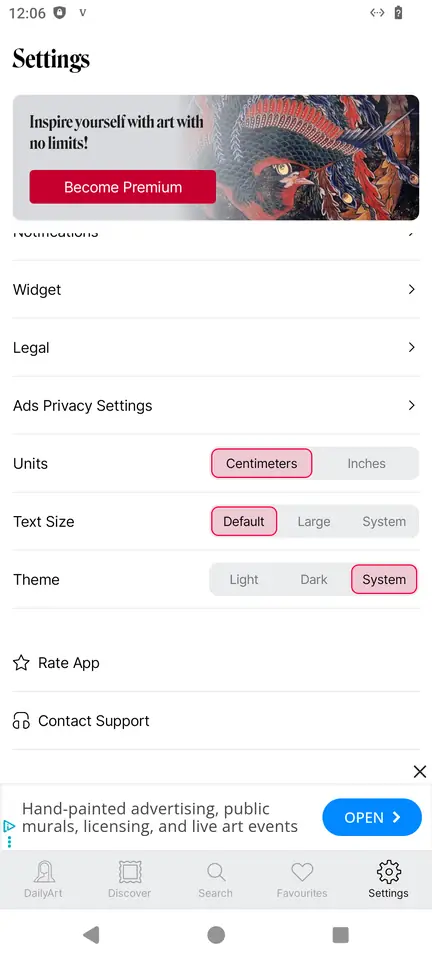
DailyArt Android screen 12 — settings: Settings
Settings · Settings
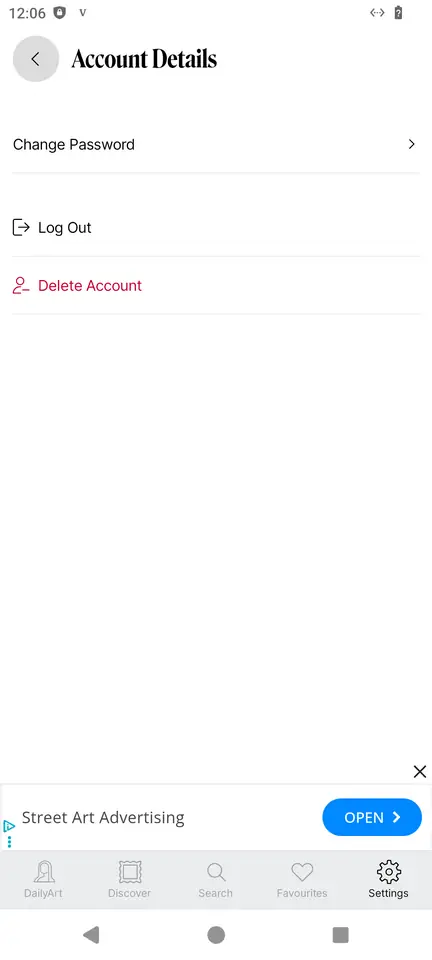
DailyArt Android screen 13 — settings: Account Details
Settings · Account Details
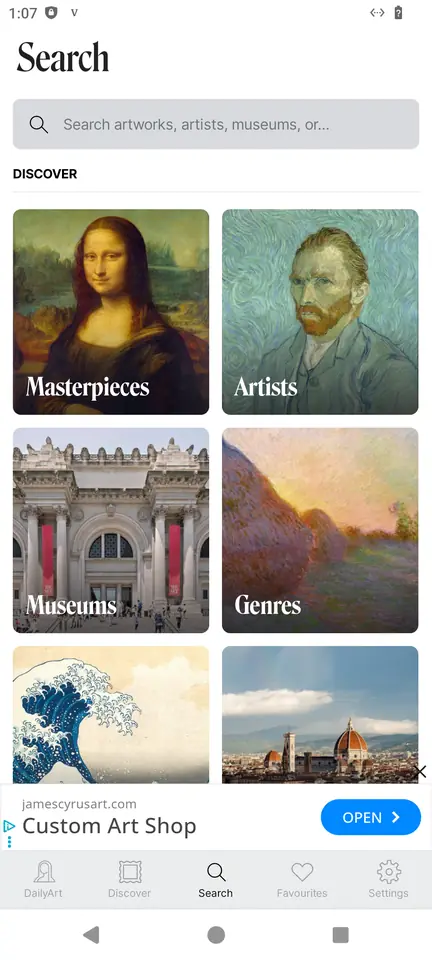
DailyArt Android screen 14 — home & browsing: Search
Home & browsing · Search
DailyArt Android screen 15 — home & browsing: Search
Home & browsing · Search
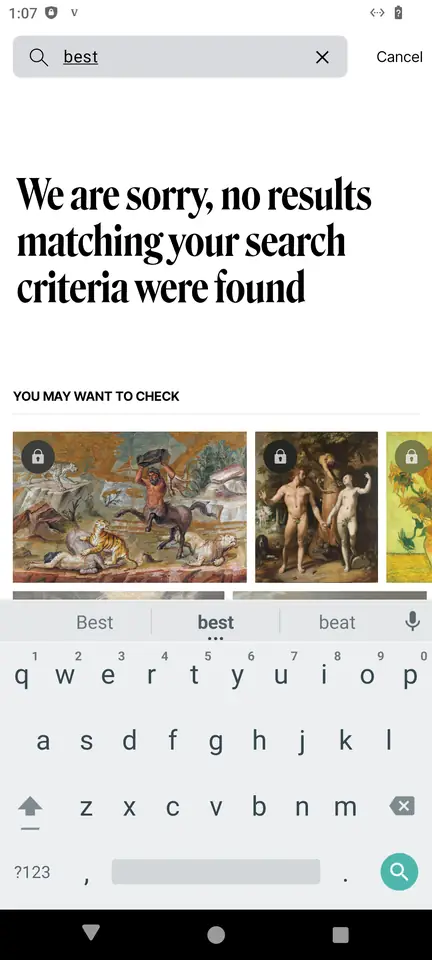
DailyArt Android screen 16 — home & browsing: Search
Home & browsing · Search
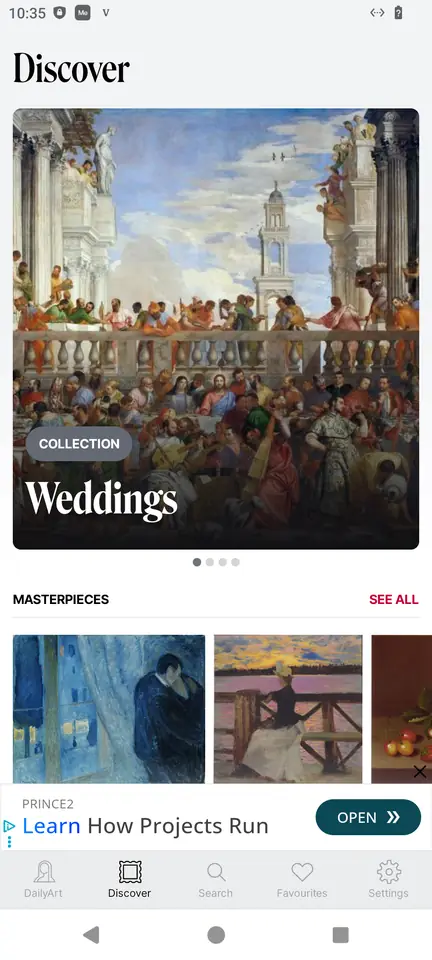
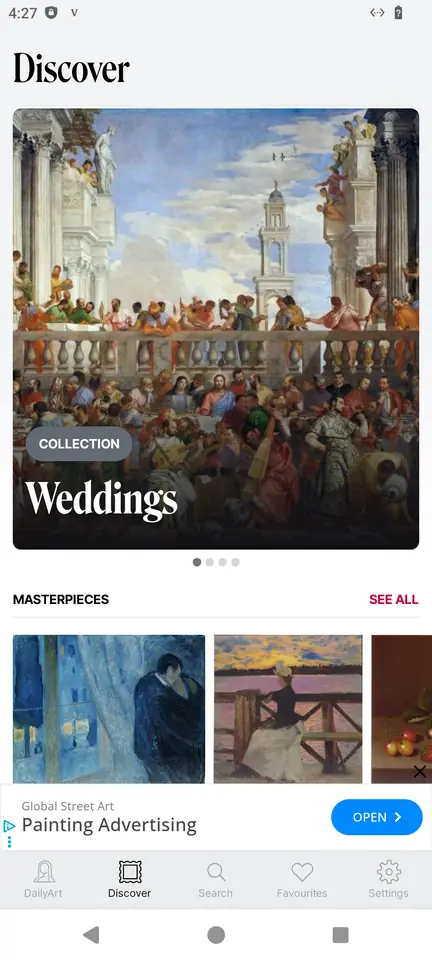
DailyArt Android screen 17 — home & browsing: Discover
Home & browsing · Discover
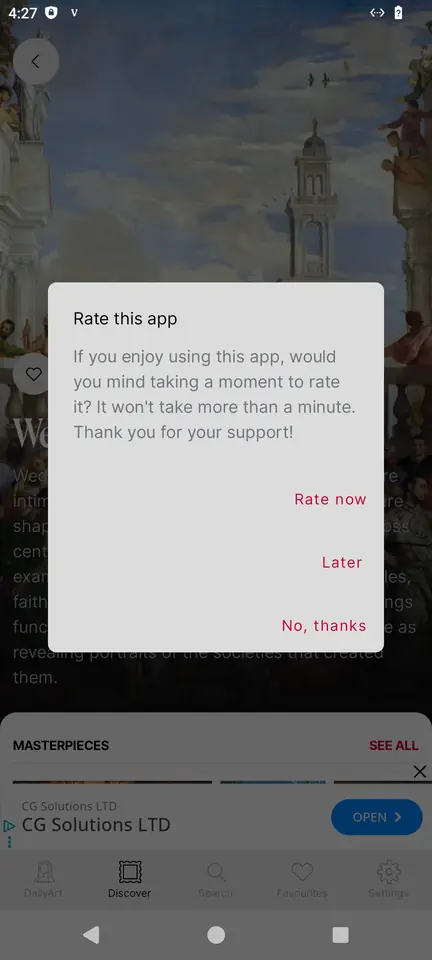
DailyArt Android screen 18 — home & browsing: Rate this app
Home & browsing · Rate this app
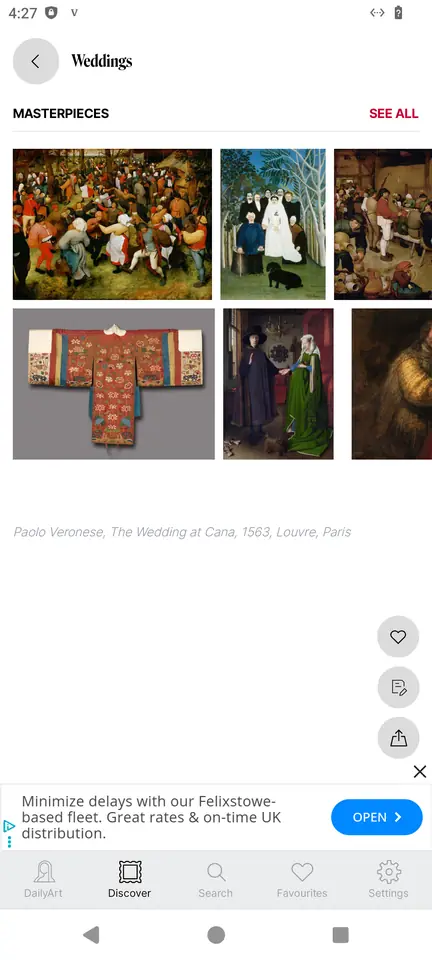
DailyArt Android screen 19 — home & browsing: Weddings
Home & browsing · Weddings
DailyArt Android screen 20 — home & browsing: MASTERPIECES
Home & browsing · MASTERPIECES
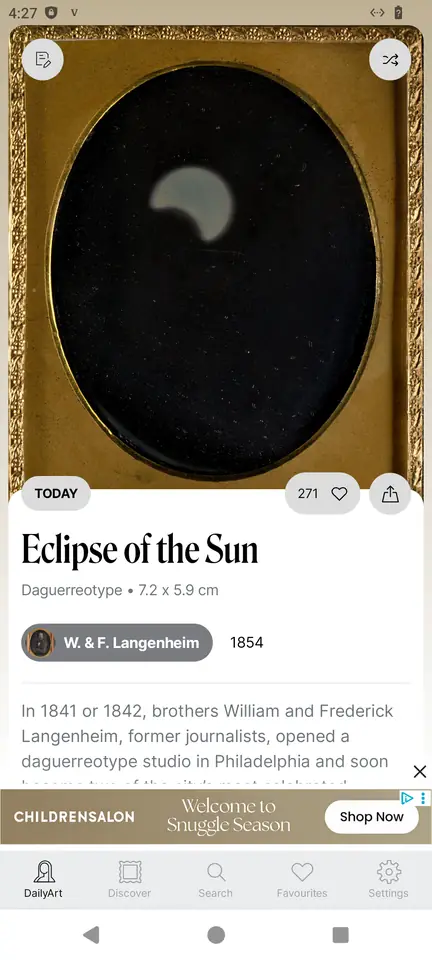
DailyArt Android screen 21 — home & browsing: Eclipse of the Sun
Home & browsing · Eclipse of the Sun
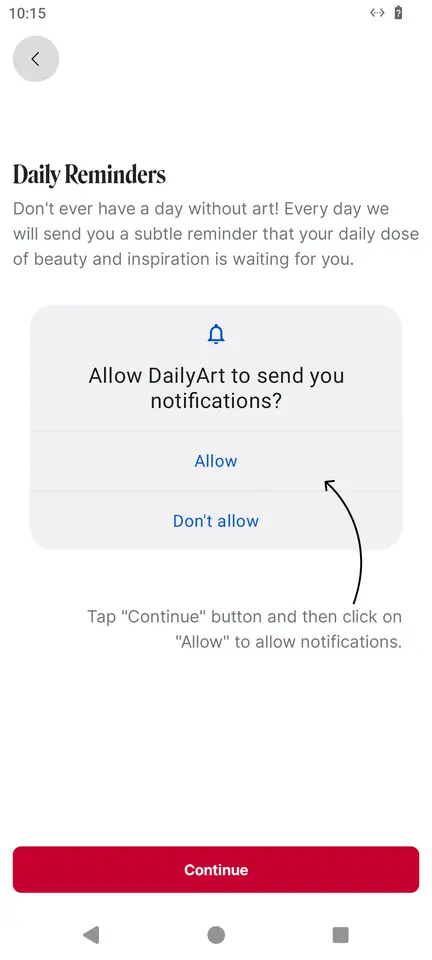
DailyArt Android screen 22 — onboarding: Daily Reminders
Onboarding · Daily Reminders
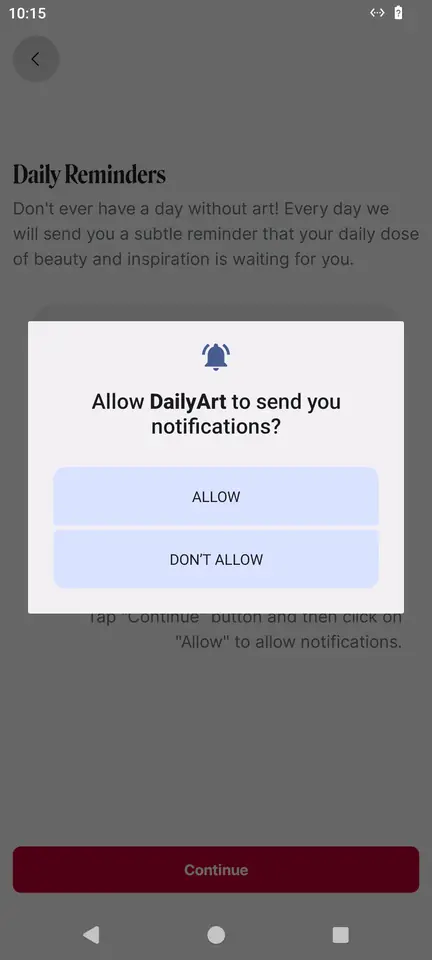
DailyArt Android screen 23 — permissions: Allow DailyArt to send you notifications?
Permissions · Allow DailyArt to send you notifications?
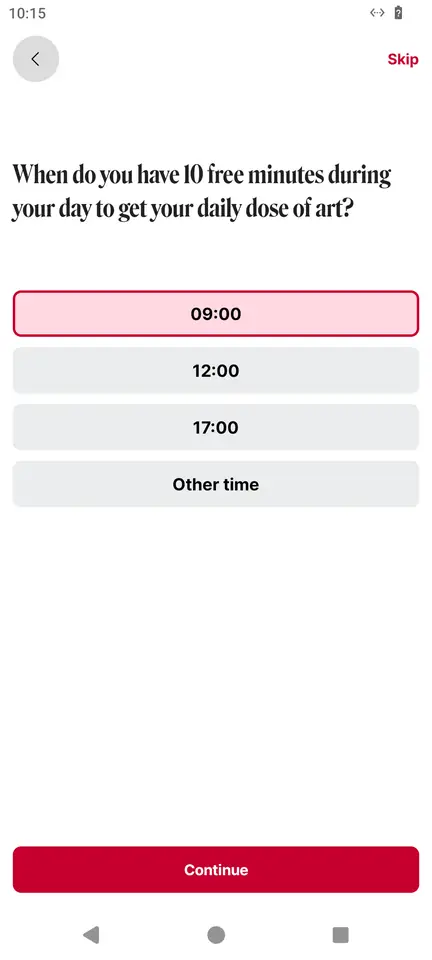
DailyArt Android screen 24 — onboarding: When do you have 10 free minutes during your day to get…
Onboarding · When do you have 10 free minutes during your day to get your daily dose of art?
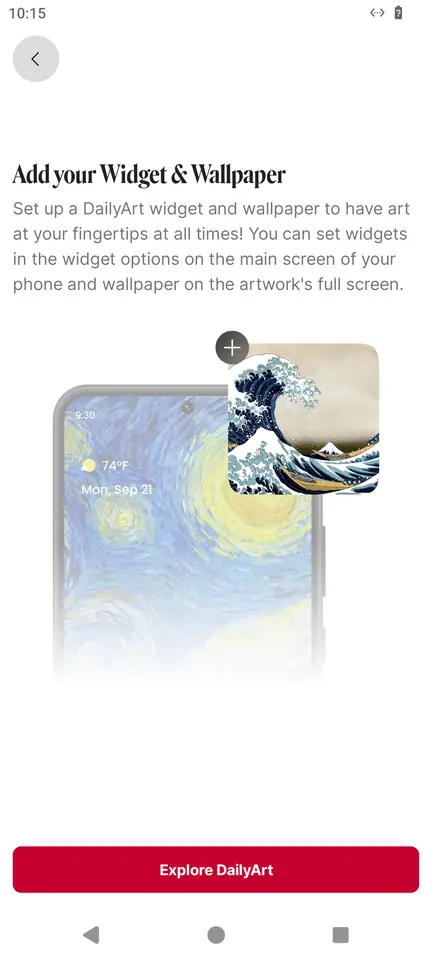
DailyArt Android screen 25 — onboarding: Add your Widget & Wallpaper
Onboarding · Add your Widget & Wallpaper
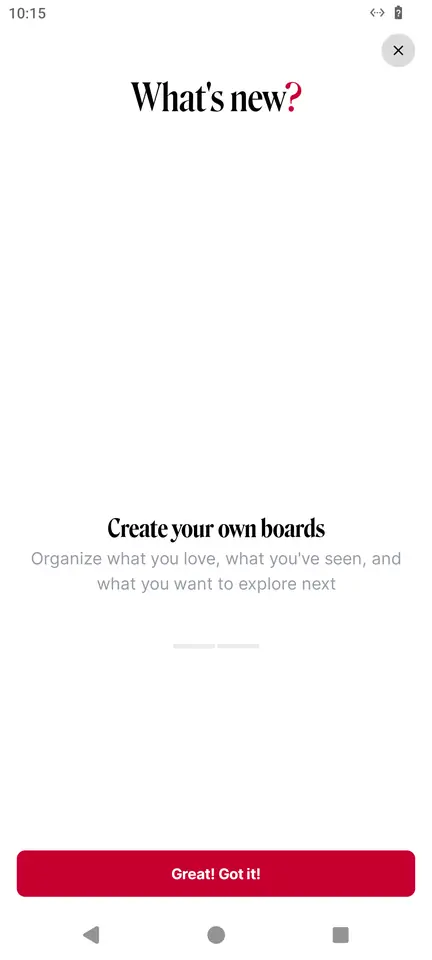
DailyArt Android screen 26 — onboarding: What's new?
Onboarding · What's new?
DailyArt Android screen 27 — home & browsing: JANUARY 21, 1970
Home & browsing · JANUARY 21, 1970
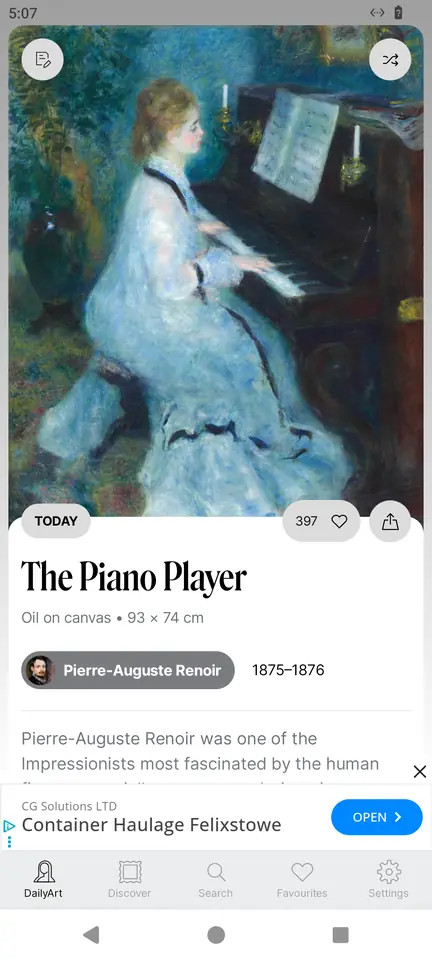
DailyArt Android screen 28 — home & browsing: The Piano Player
Home & browsing · The Piano Player
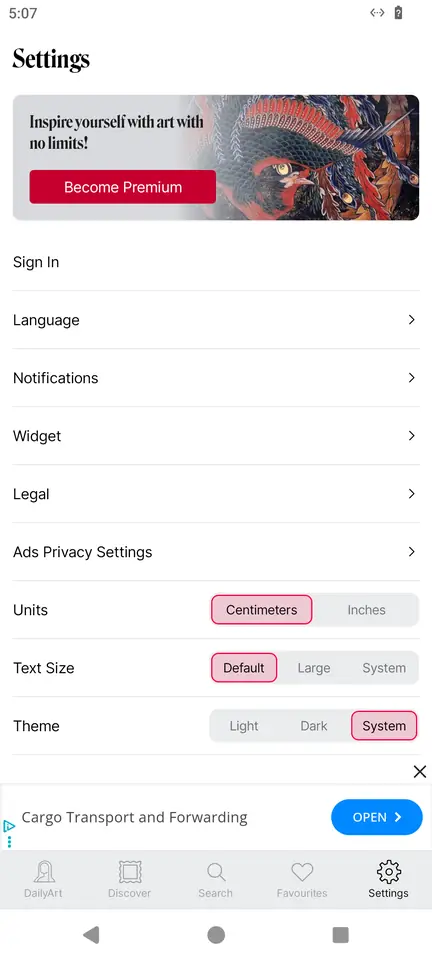
DailyArt Android screen 29 — home & browsing: Settings
Home & browsing · Settings
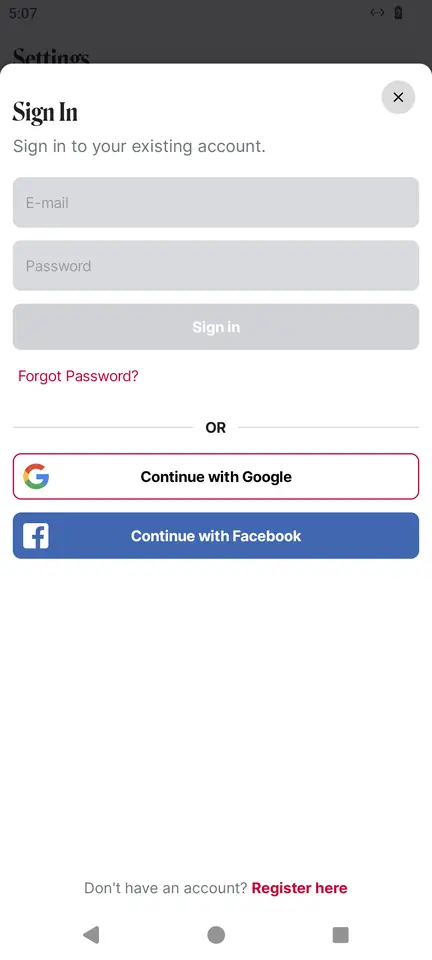
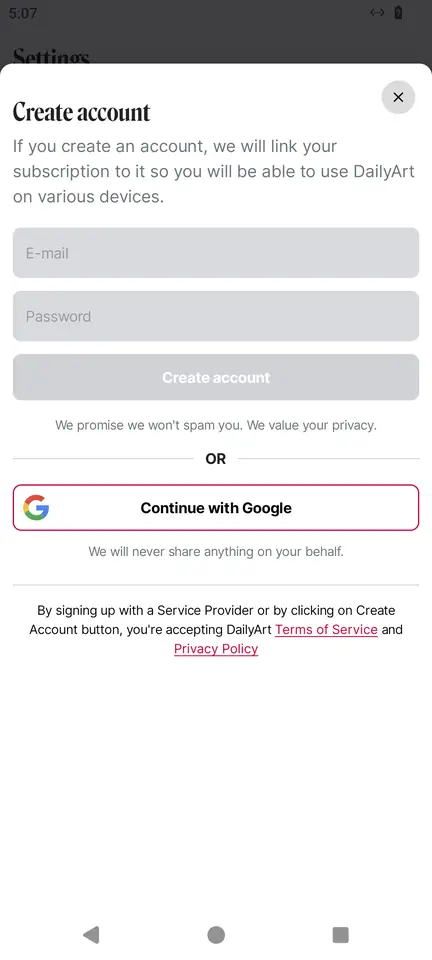
DailyArt Android screen 30 — sign-in: Close sheet
Sign-in · Close sheet
DailyArt Android screen 31 — sign-in: Close sheet
Sign-in · Close sheet
DailyArt Android screen 32 — home & browsing: Settings
Home & browsing · Settings

Captured on a real Android device · last updated 2026-11-14

DailyArt app design: questions

What screens of the DailyArt Android app can I see?

32 screens of DailyArt for Android, captured on a real device: 17 home & browsing, 8 onboarding, 3 settings, 2 sign-in, 1 consent and 1 permissions. Every screen has its own page with the UI text it shows.
Which DailyArt user flows are recorded step by step?

Onboarding (7 screens), sign-in (2 screens), home & browsing (14 screens) and settings (3 screens). Each flow page shows the screens in order and the tap that leads to the next one.

Which UX patterns appear in DailyArt?

By number of screens: cookie consent banner (4 screens), language selector (3 screens), permission priming (3 screens), welcome screen (3 screens) and skip button (2 screens).

What Android UI components does DailyArt use?

Read from the screens' layout data, by number of screens: button (4), dialog (4), password field (2), text field (2) and toggle switch (1).

What apps are similar to DailyArt?

Other education apps in the library: Mindvalley, TED, Kahoot!, Udemy, Remind and more.