Home & browsing flow · Drops · Android
Drops home & browsing screens
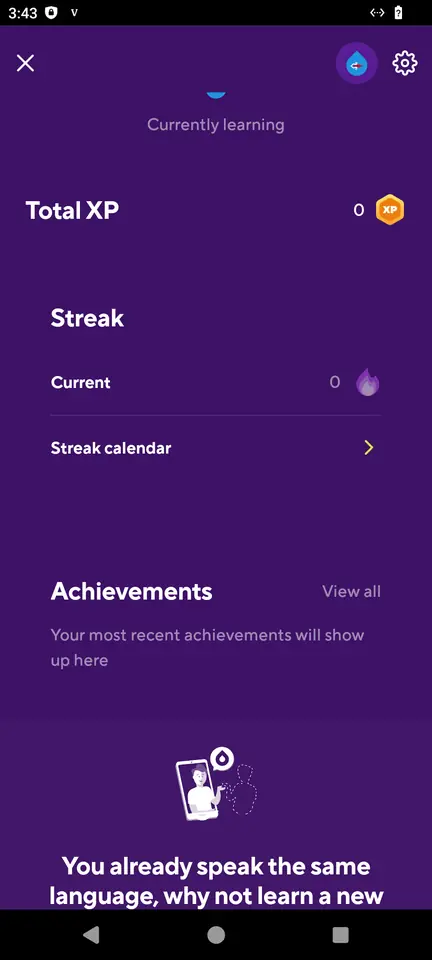
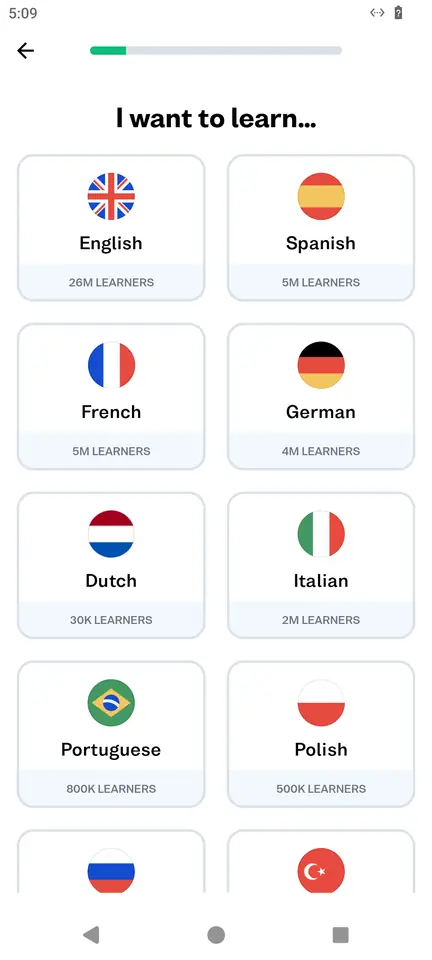
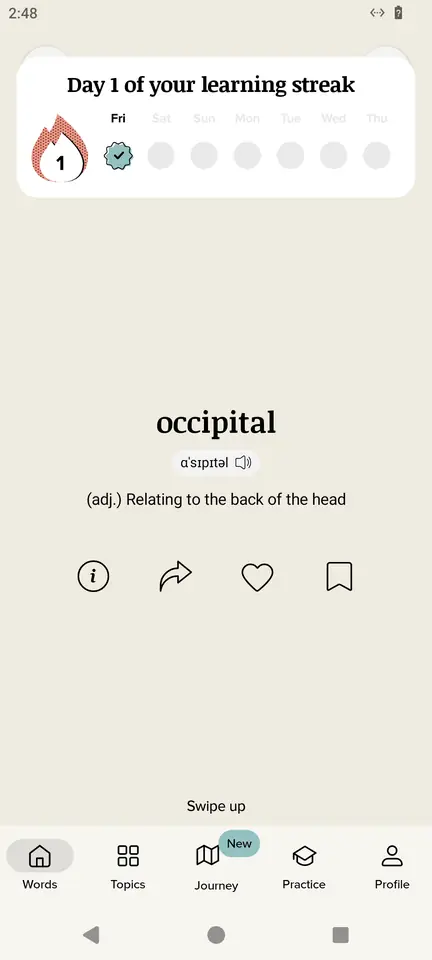
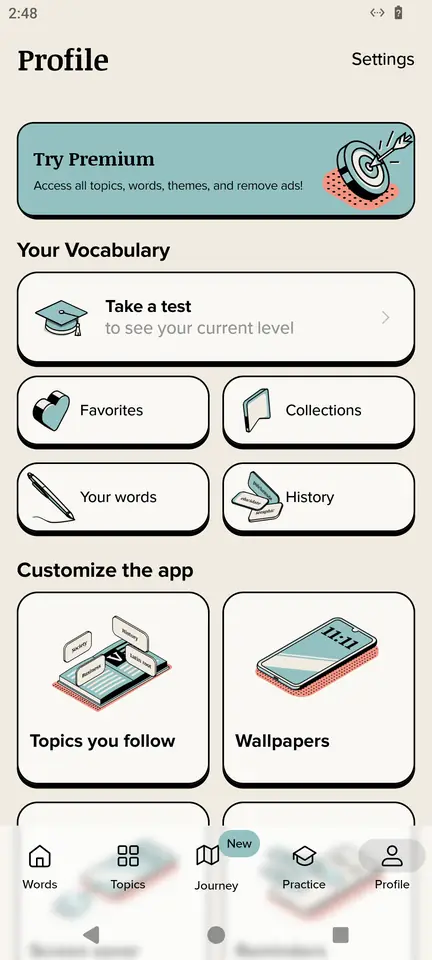
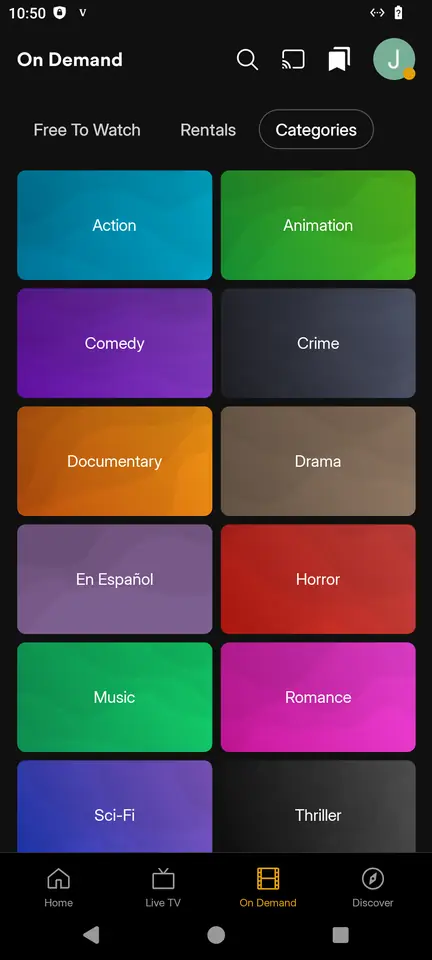
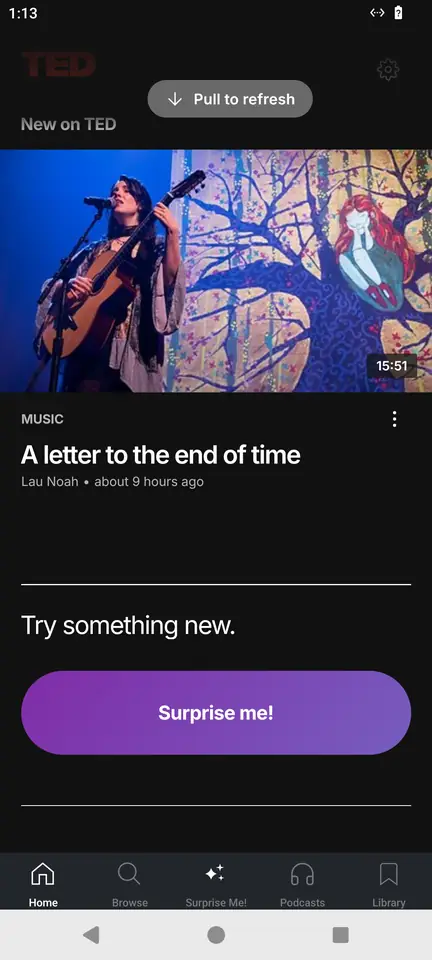
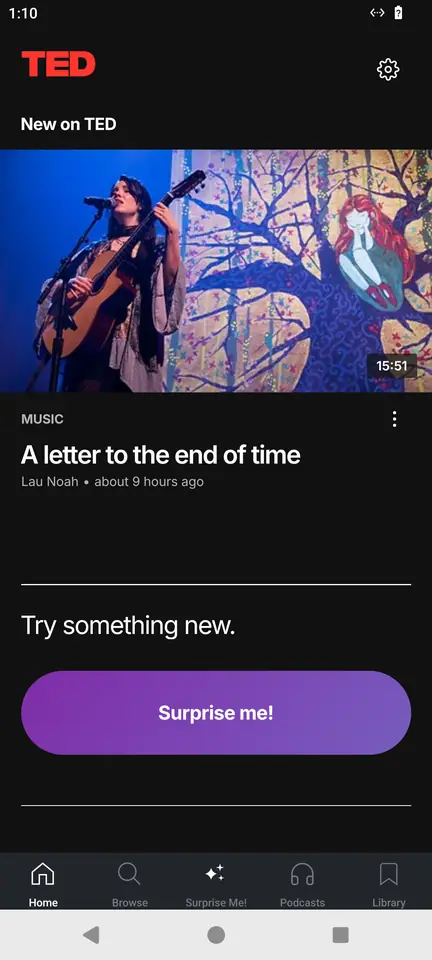
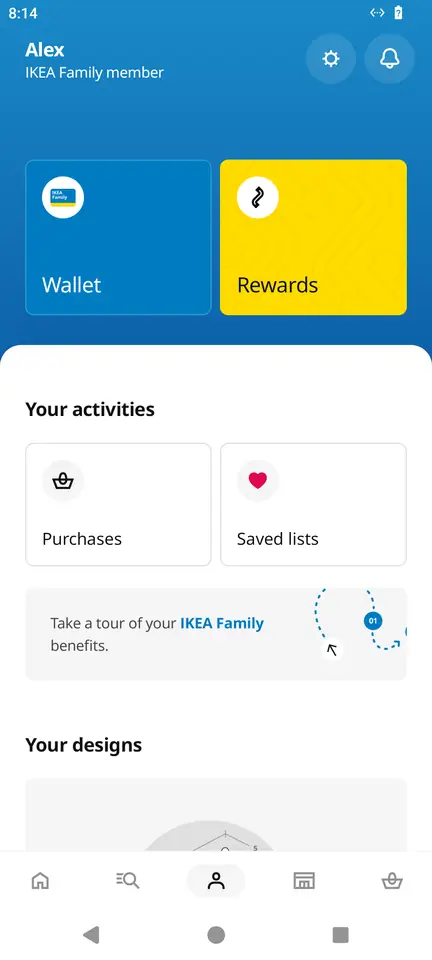
Every screen of Drops's home & browsing screens on Android, in order: 11 steps, recorded on a real device. Drops's home & browsing flow walks through 11 screens, including “Core Words Basics”, “Learn the most essential words to get by…”, “thank you” and “Review & Progress”. The screens are built around carousels (2 screens).
UI components:
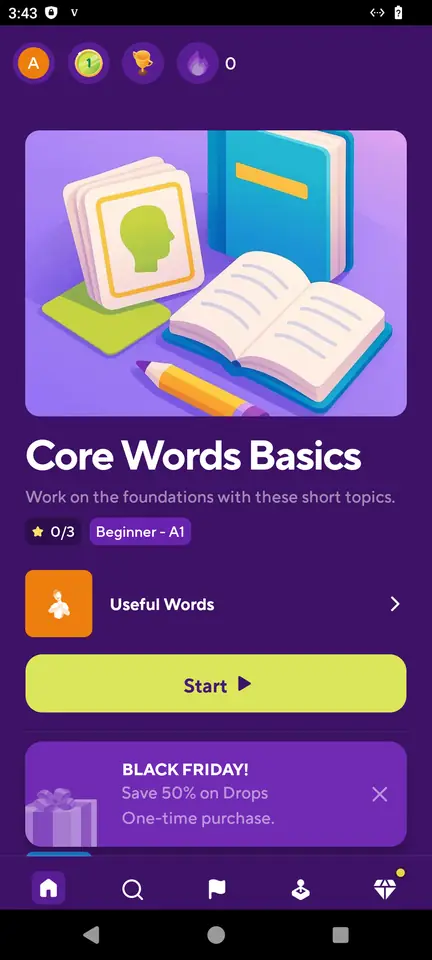 01 Home & browsing
Core Words Basics — Work on the foundations with these short topics.
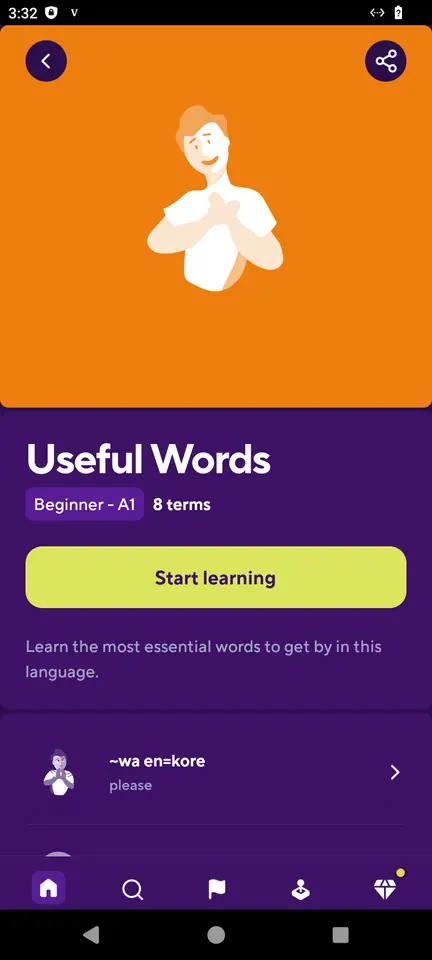 02 Home & browsing
thank you — Useful Words
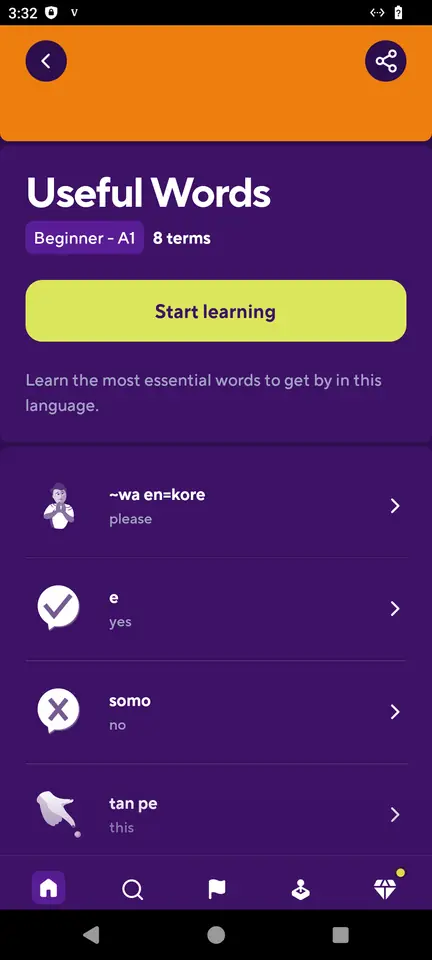 03 Home & browsing
thank you — Useful Words
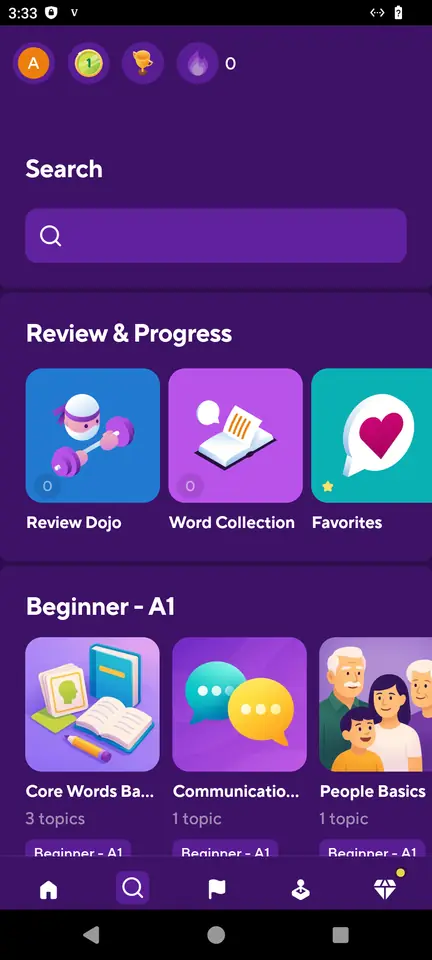 04 Home & browsing
Search — Review & Progress
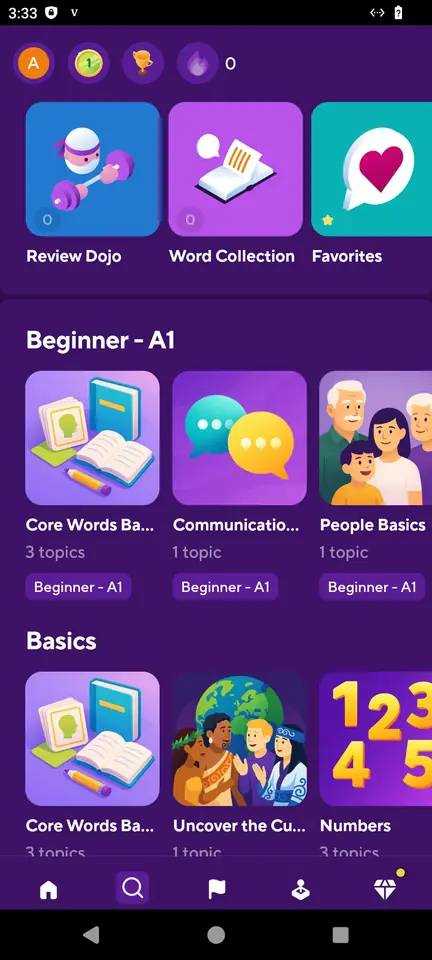 05 Home & browsing
Review & Progress — Category_-5_ScrollView
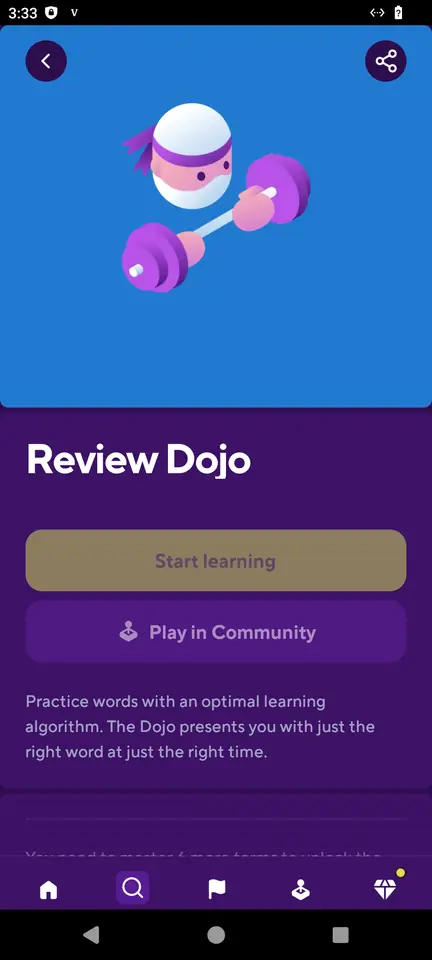 06 Home & browsing
Review Dojo — Start learning
 07 Home & browsing
Join a Challenge — LocalizedKey.onboardingChallengeName2#[(5)]
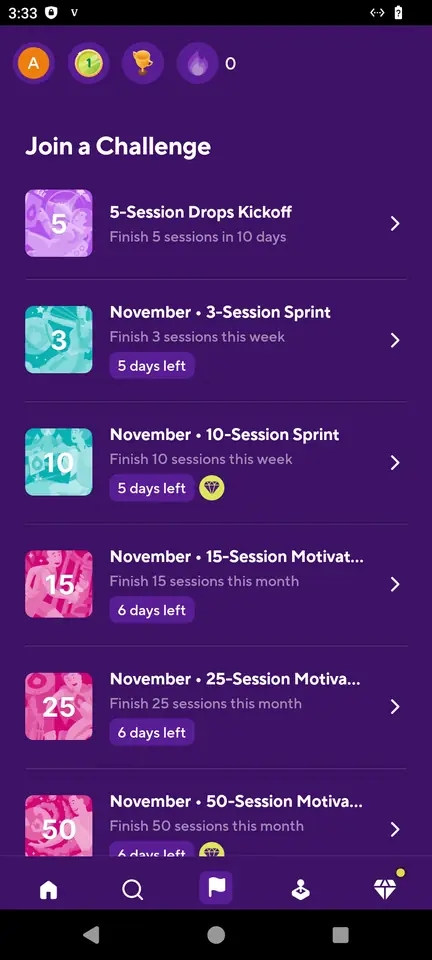 08 Home & browsing
Join a Challenge — LocalizedKey.onboardingChallengeName2#[(5)]
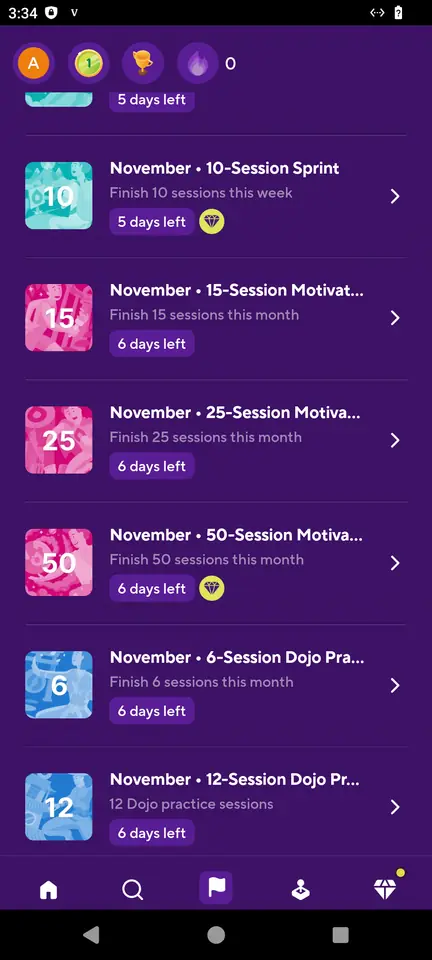 09 Home & browsing
November • 3-Session Sprint — Finish 3 sessions this week
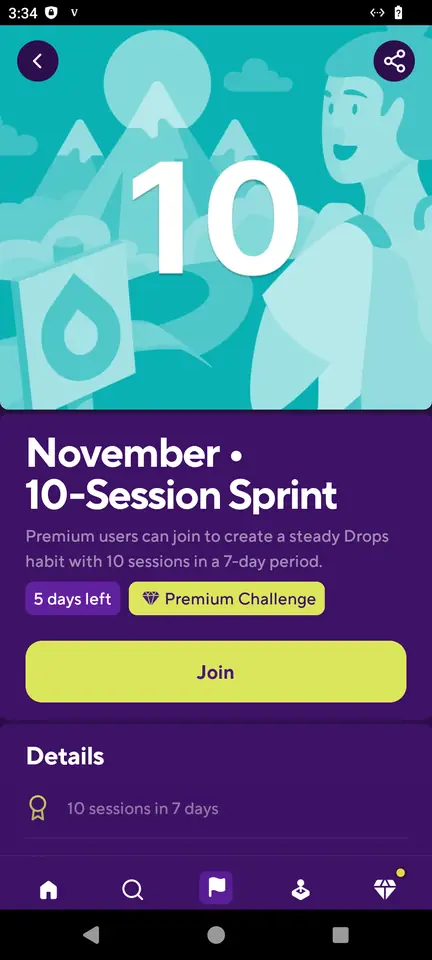 10 Home & browsing
November • 10-Session Sprint — 5 days left
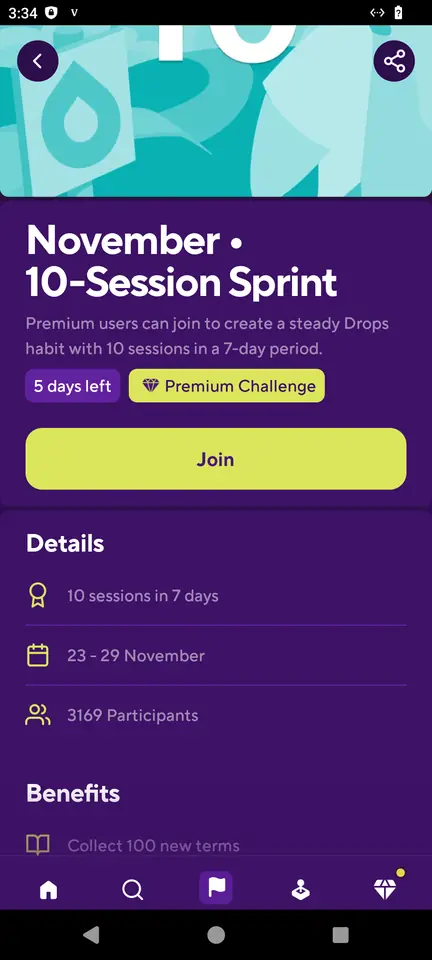 11 Home & browsing
November • 10-Session Sprint — 5 days left
What Drops's home & browsing screens does
- 11 screens in order, opening on “Core Words Basics” and ending at “November • 10-Session Sprint”.
- Shows a step counter (“0/3”) so users always know how far along they are.
Captured on a real Android device · last updated 2026-11-14