Home & browsing flow · IKEA · Android
IKEA home & browsing screens
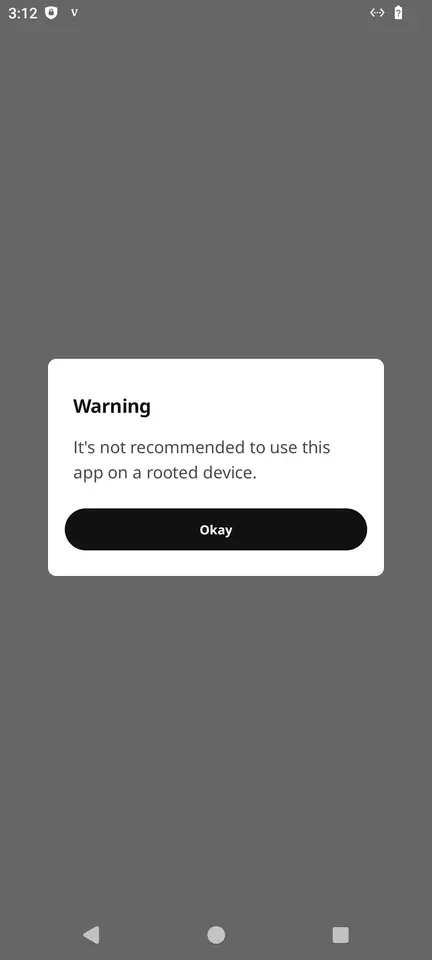
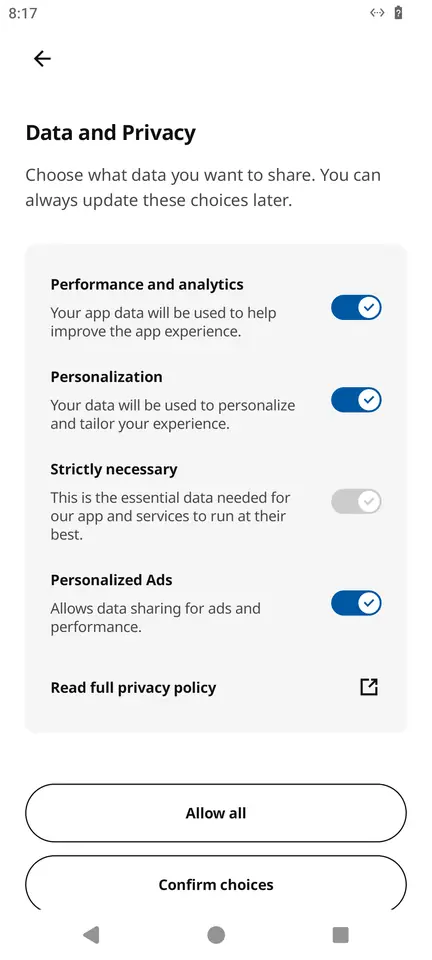
Every screen of IKEA's home & browsing screens on Android, in order: 17 steps, recorded on a real device. IKEA's home & browsing flow walks through 17 screens, including “Discover”, “IKEA Family member”, “What are you looking for?” and “Lamps & light fixtures”. Along the way it stops for a question at step 3, an offer at step 7 and a permission request at step 9. The screens are built around tab bars (11 screens) and a search bar.
UI components:
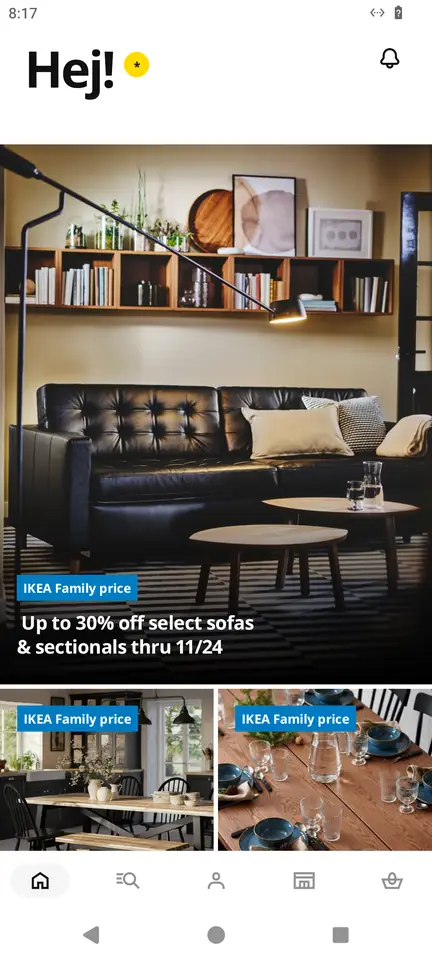 01 Home & browsing
Inbox — Hej!
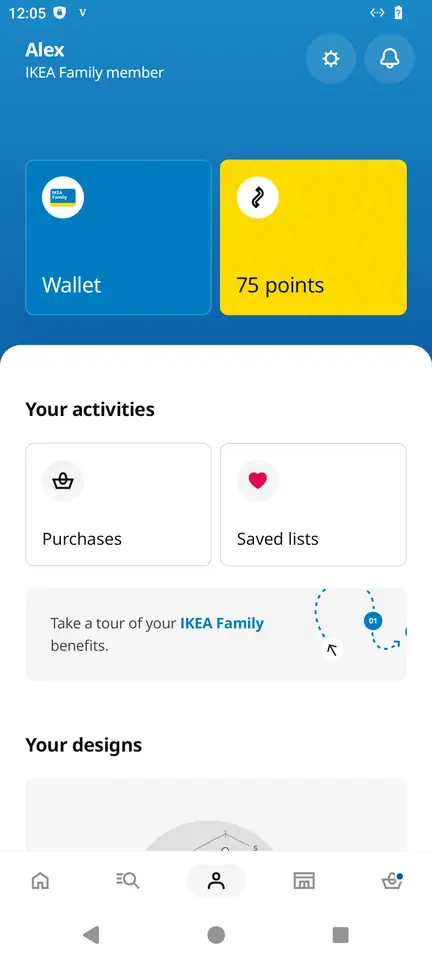
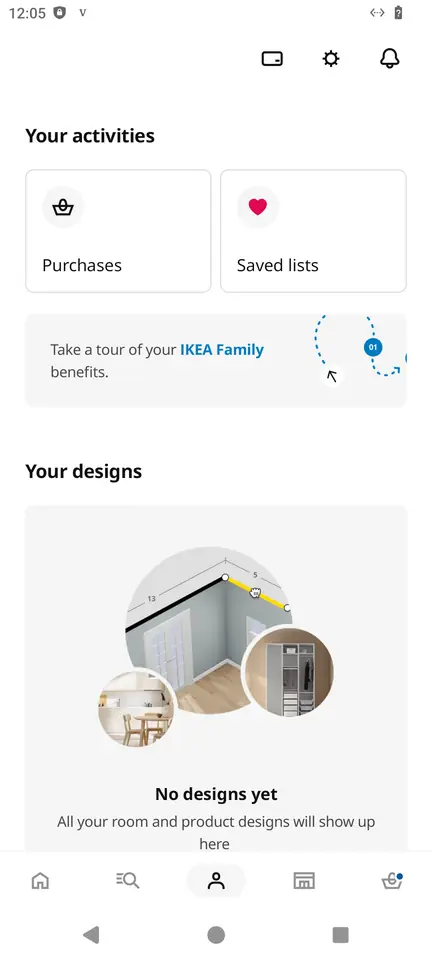
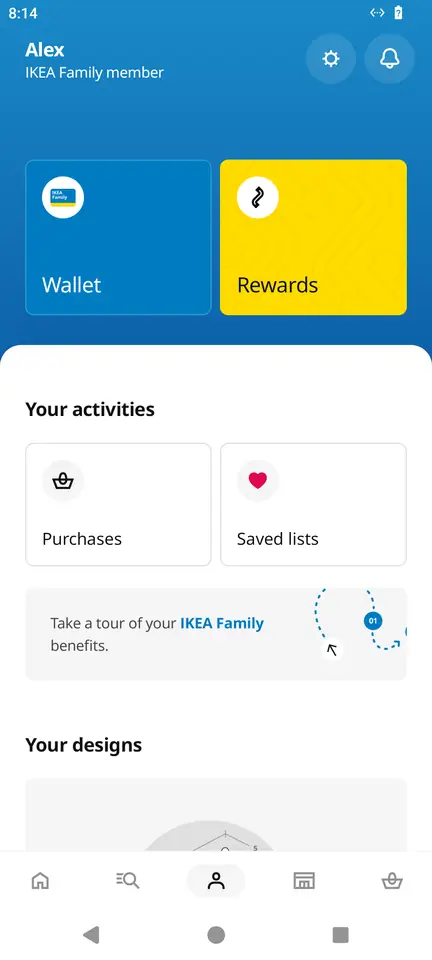 02 Home & browsing
Alex — IKEA Family member
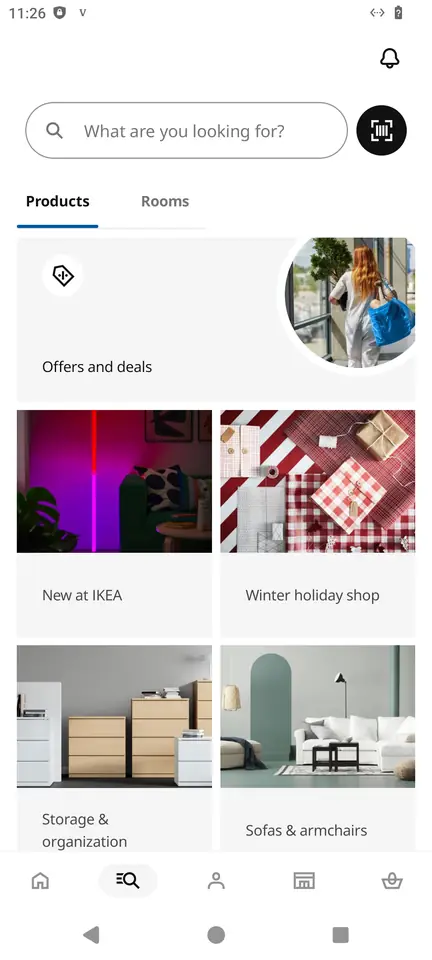 03 Home & browsing
Inbox — What are you looking for?
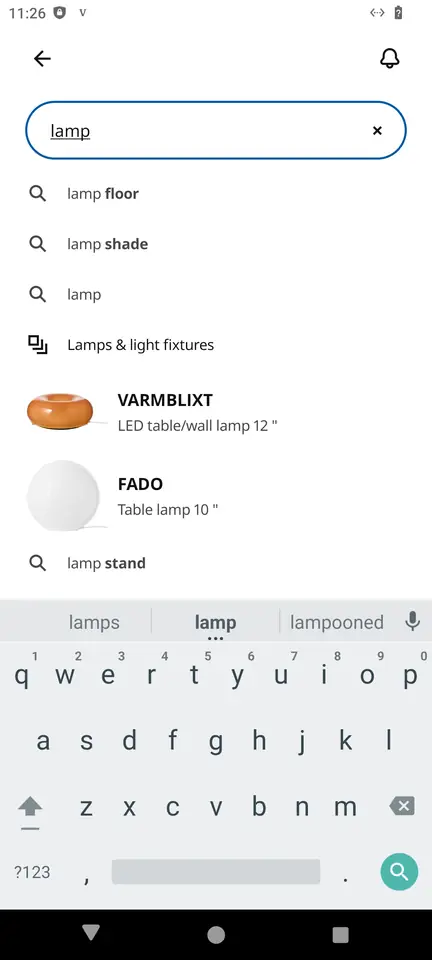 04 Home & browsing
lamp — Clear
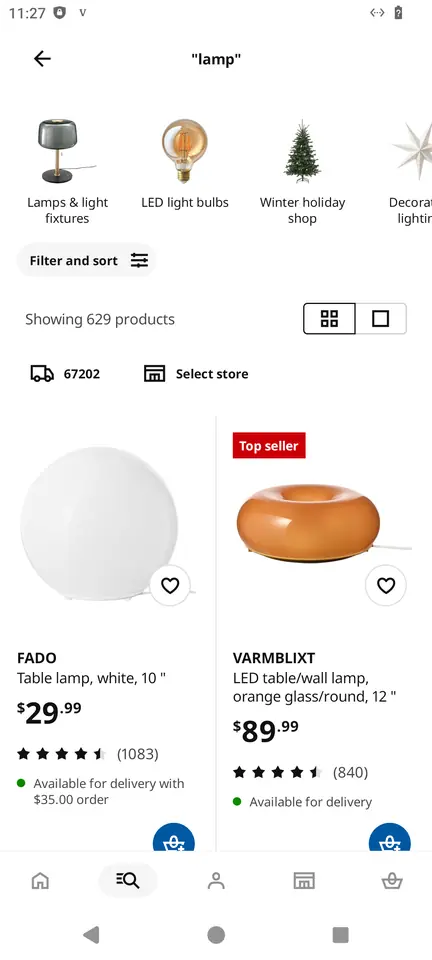 05 Home & browsing
Lamps & light fixtures — LED light bulbs
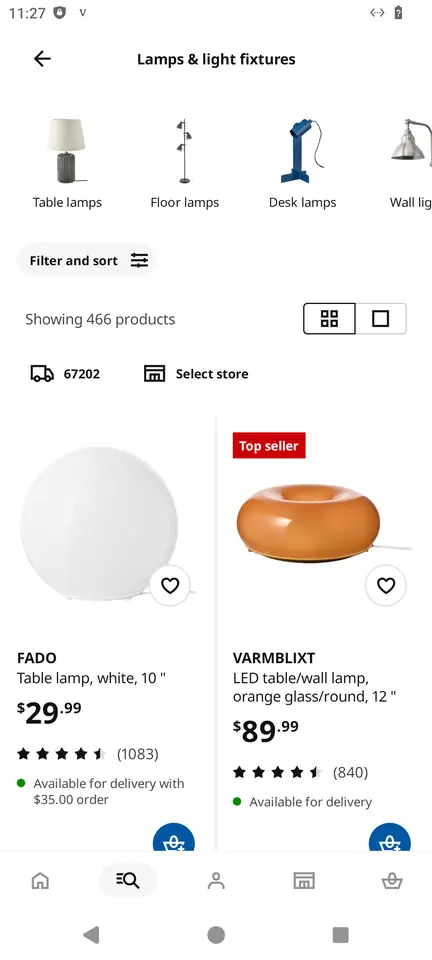 06 Home & browsing
Table lamps — Floor lamps
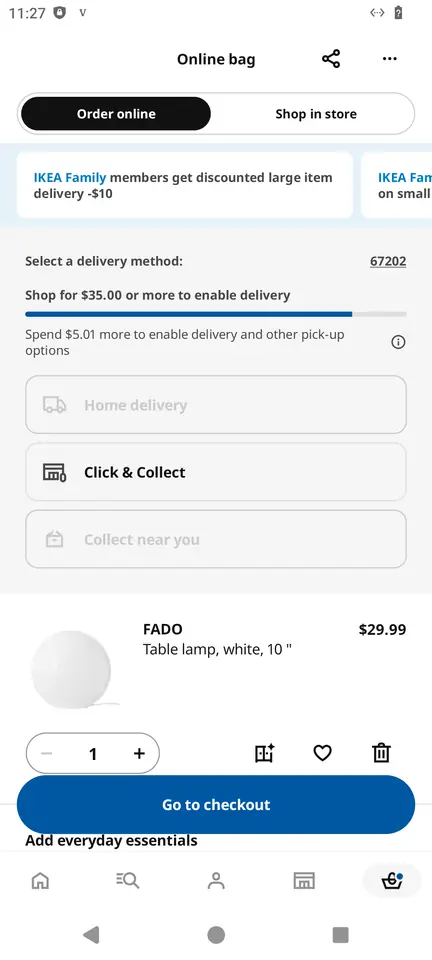 07 Home & browsing
Order online — Shop in store
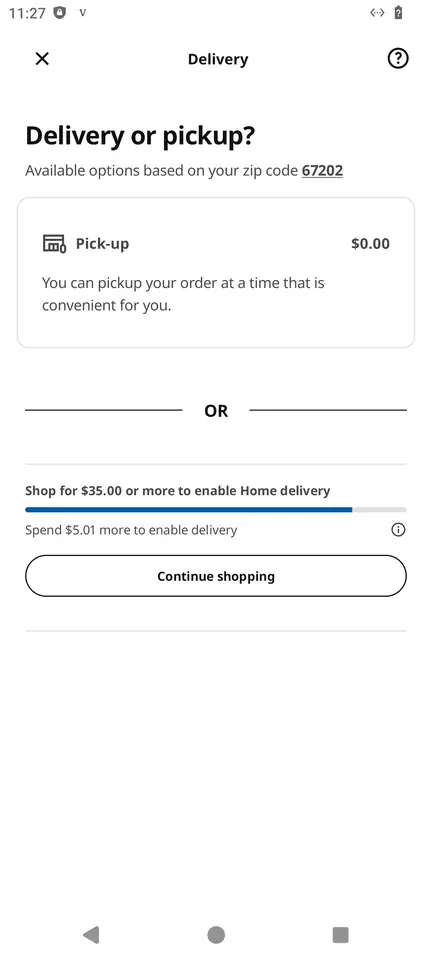 08 Home & browsing
Close — Delivery
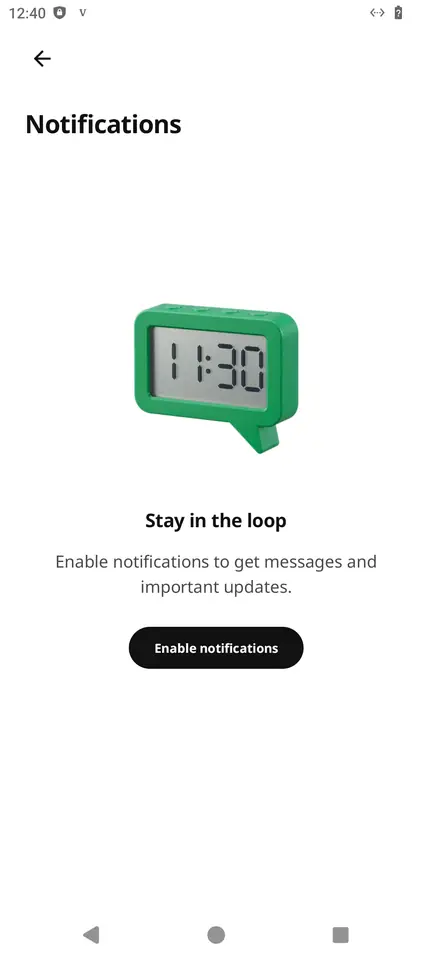 09 Home & browsing
Notifications — text
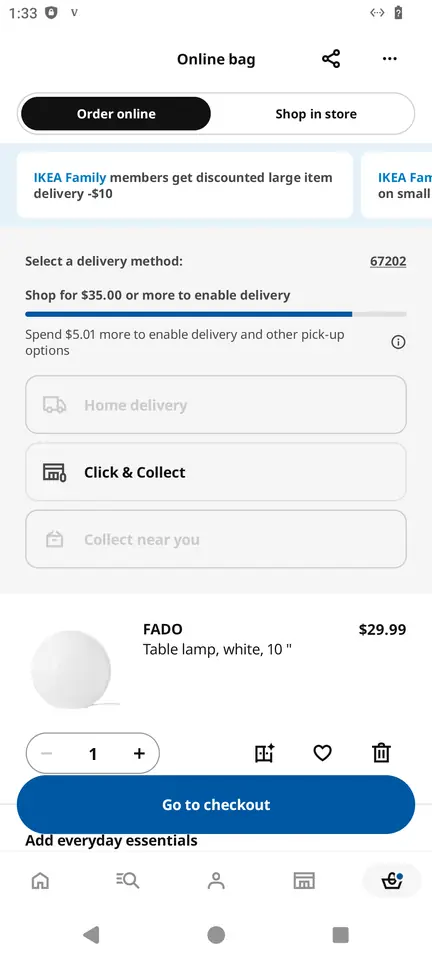 10 Home & browsing
Order online — Shop in store
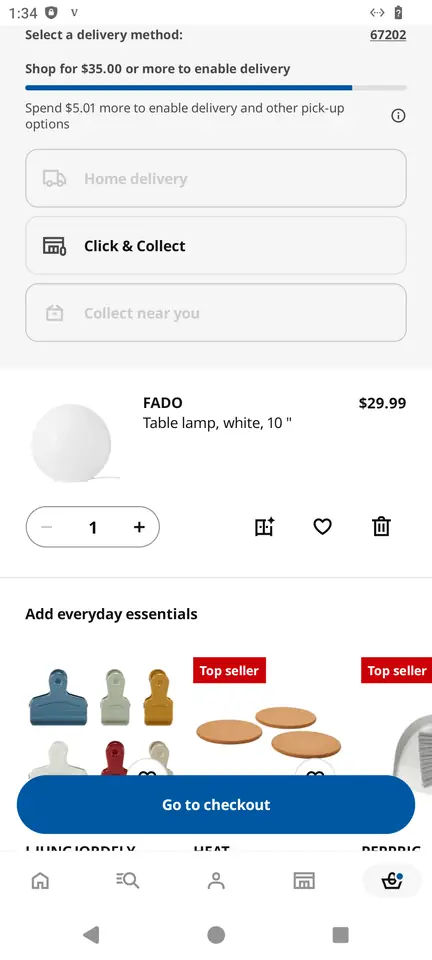 11 Home & browsing
Select a delivery method: — 67202
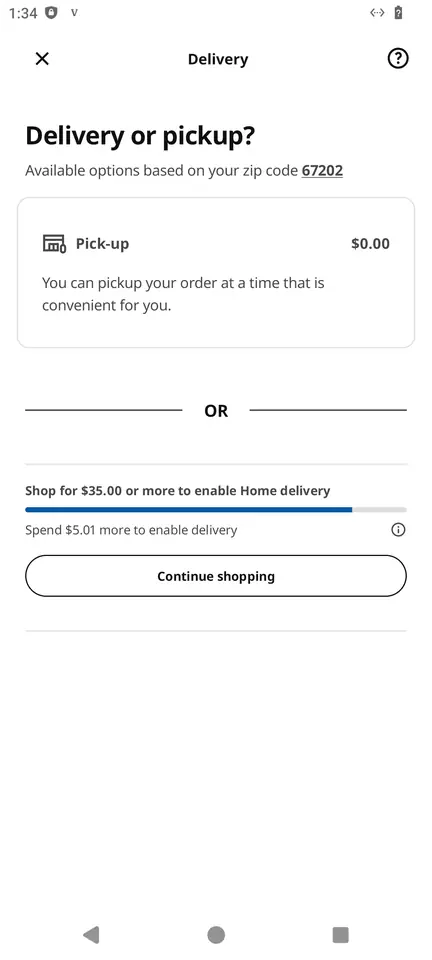 12 Home & browsing
Close — Delivery
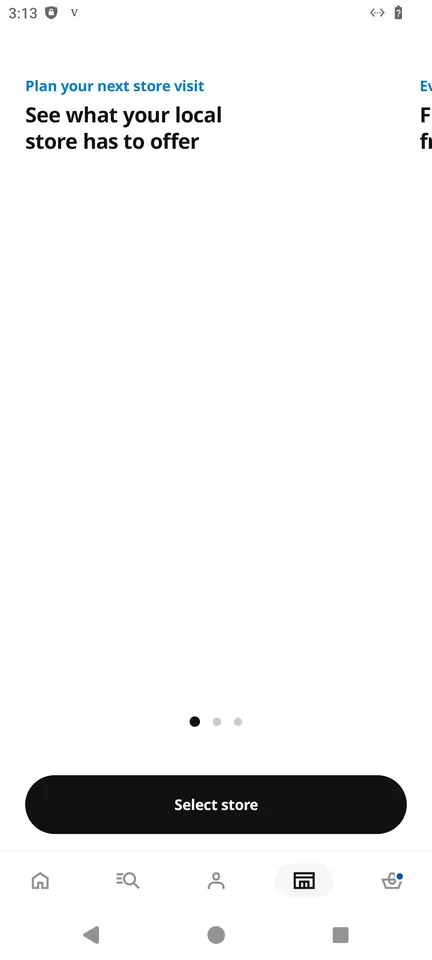 13 Home & browsing
Plan your next store visit — See what your local store has to offer
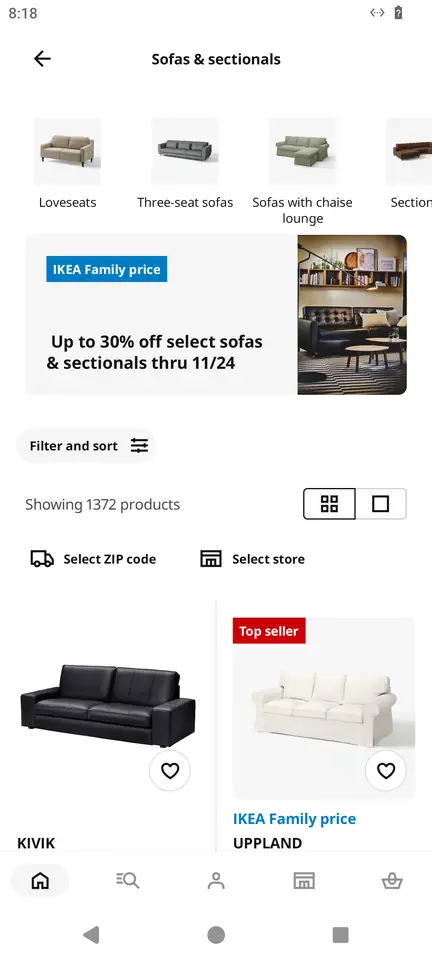 14 Home & browsing · tap “Filter and sort 0”
Loveseats — Three-seat sofas
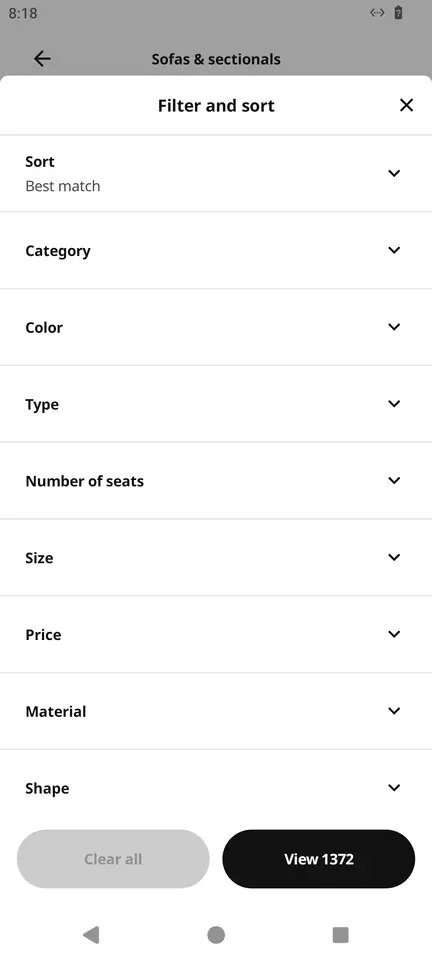 15 Home & browsing
Close sheet — Filter and sort
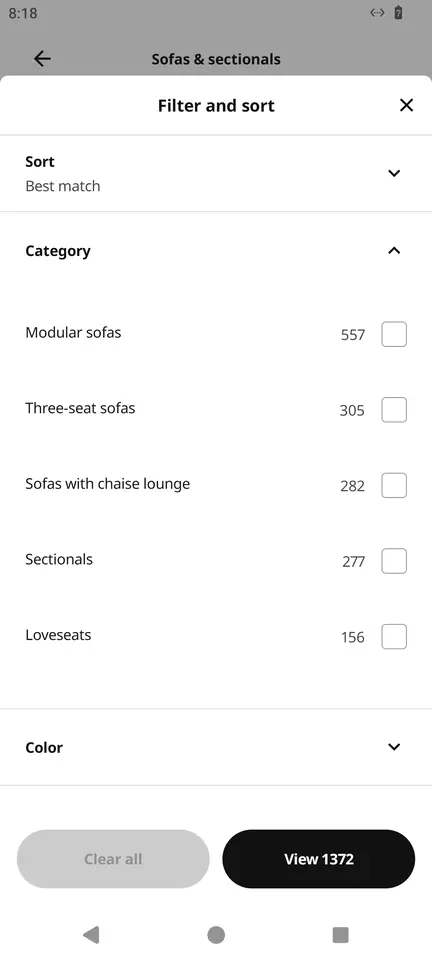 16 Home & browsing
Close sheet — Filter and sort
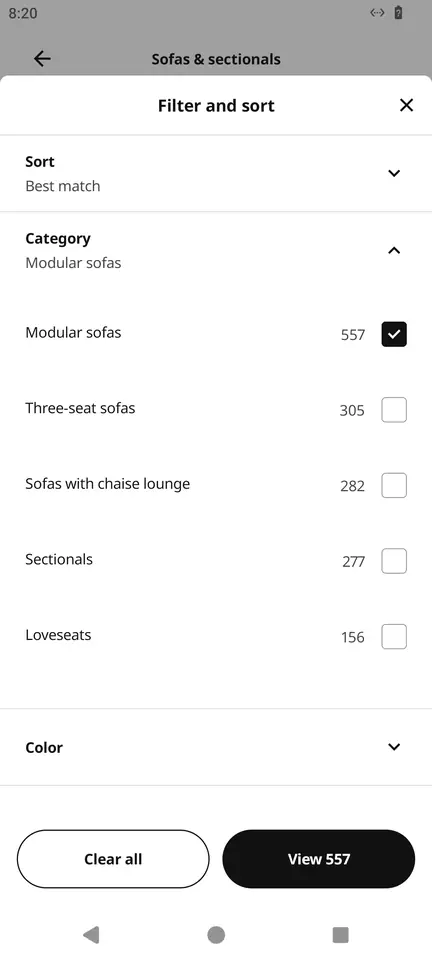 17 Home & browsing
Close sheet — Filter and sort
What IKEA's home & browsing screens does
- 17 screens in order, opening on “Discover” and ending at “Close sheet”.
- Taps along the way: “Filter and sort 0”.
- Shows pricing on screen: “IKEA Family members get discounted large item delivery -$10”.
Captured on a real Android device · last updated 2026-11-14