Image carousel: definition and 13 real Android examples
A carousel is a horizontally swipeable strip of cards or images — promotions, featured items, onboarding slides — that shows one or a few items at a time.
Also called: image carousel, slider, banner pager
Carousel examples, highlighted on 13 Android apps
The orange outline marks the carousel on each real screen, located from the app's own Android view hierarchy.
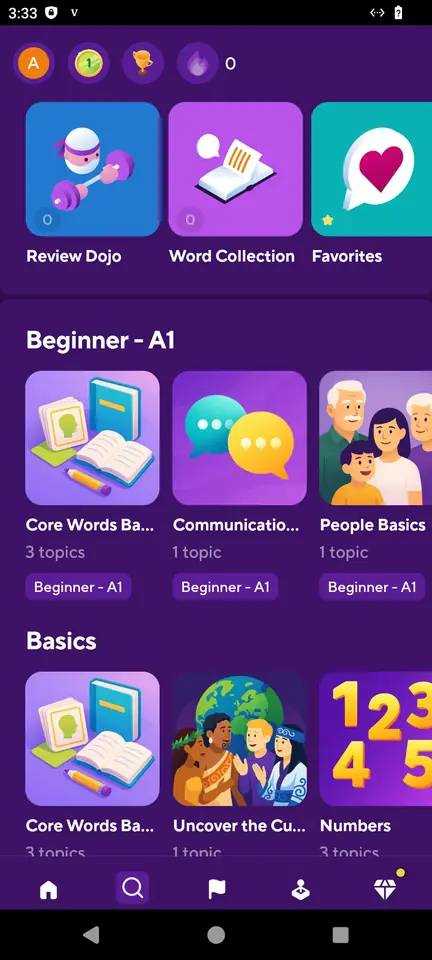
Core Words Basics, Beginner - A1
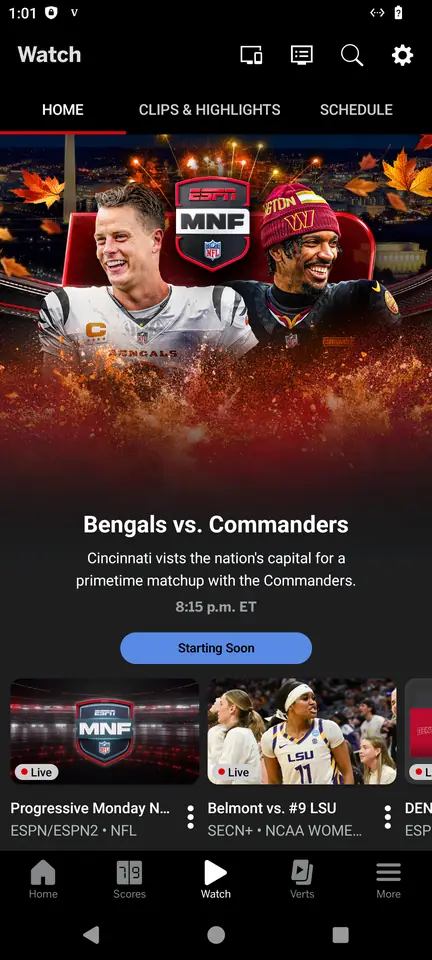
Featured

Ready for some wins? Start tracking, it’s easy!

Grade 5 Entry Assessment
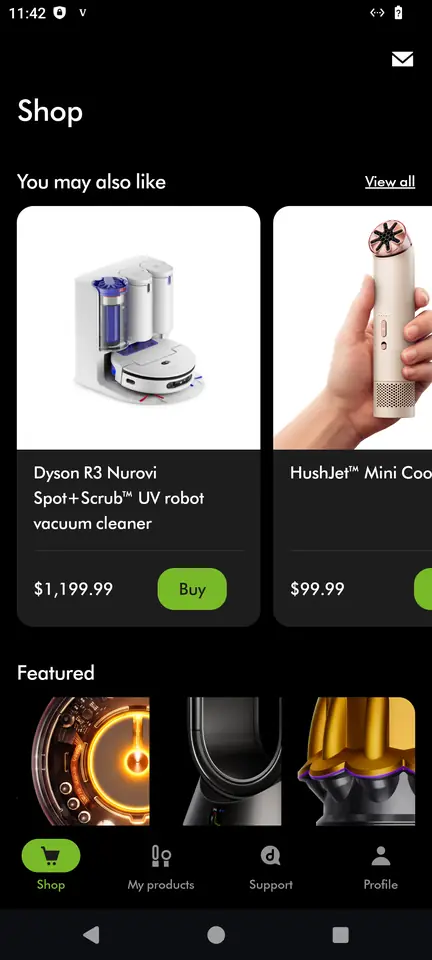
You may also like
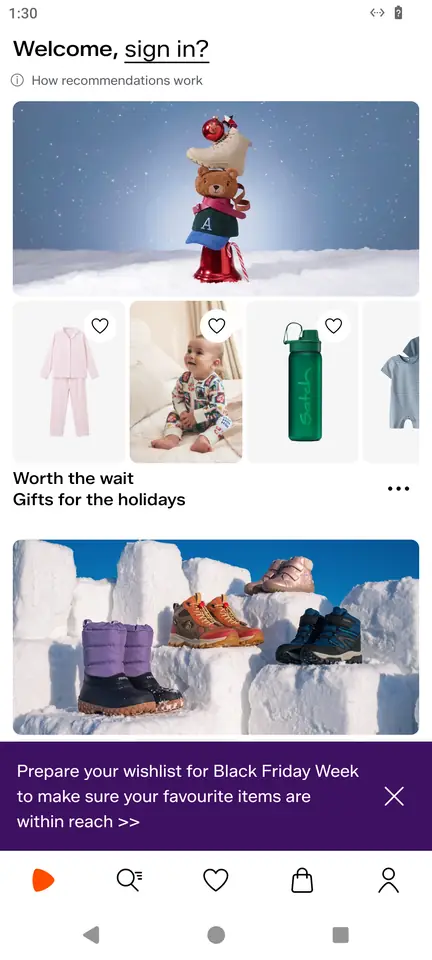
Image carousel, use arrow keys to navigate

Mini player scroll

Open fullscreen player
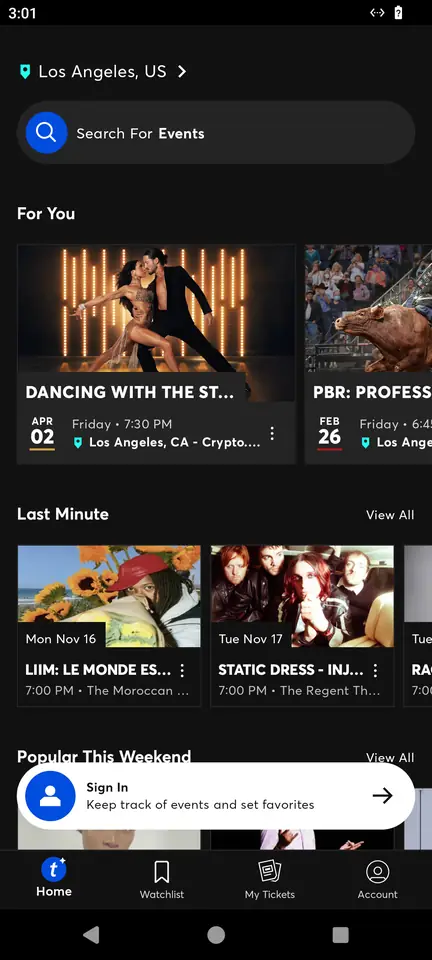
For You

Boost your brain. Play 60 seconds with your connections.
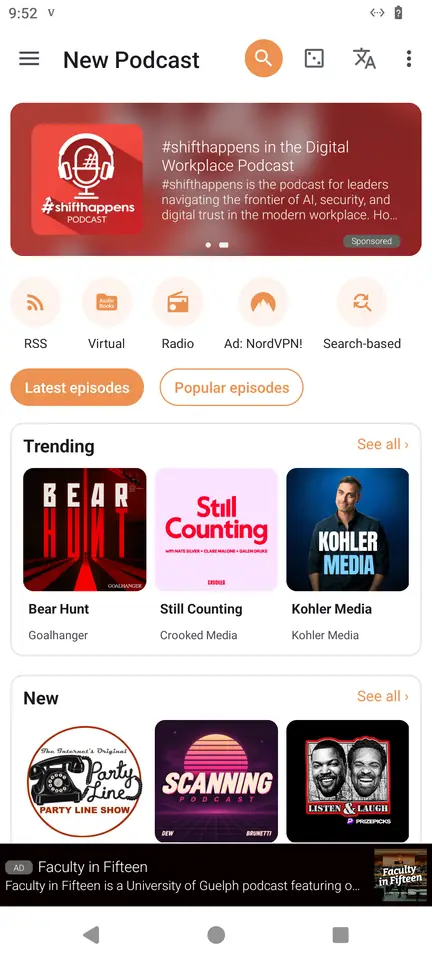
More Like Us
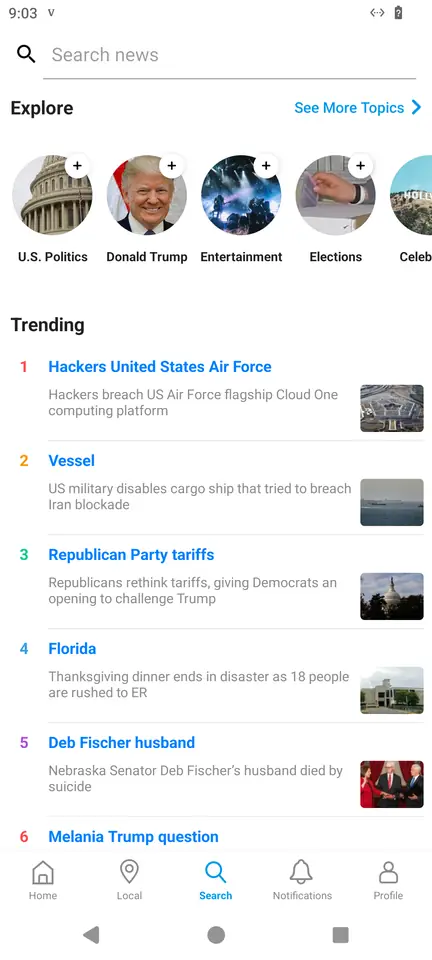
U.S. Politics
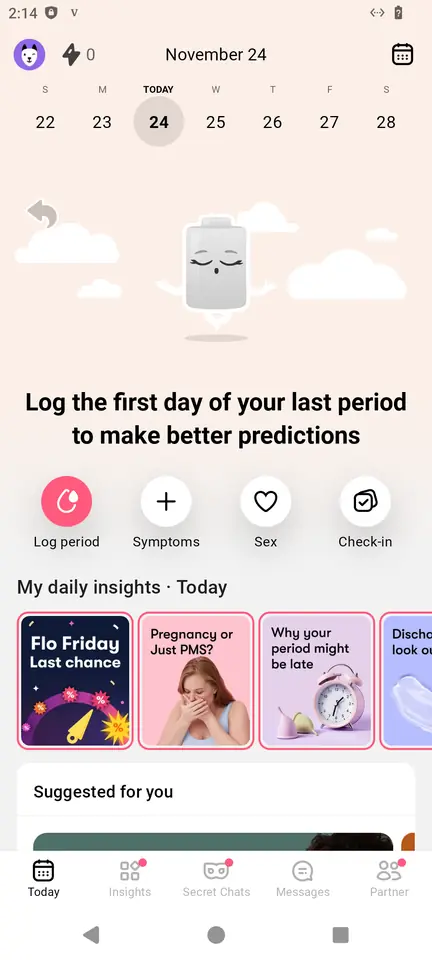
On Android
ViewPager2 or a horizontal RecyclerView in Views; HorizontalPager or LazyRow in Compose.
Best practices
- Show part of the next card so people know they can swipe.
- Do not auto-advance faster than users can read; pause on touch.
- Put the most important item first — later slides get far fewer views.
- Pair it with page dots or a counter when the number of items matters.
Where it shows up
Screens showing the component, by flow step type.
By app category
Apps showing the component, by category · 13 of 246 apps in the library.
Full flows with carousels

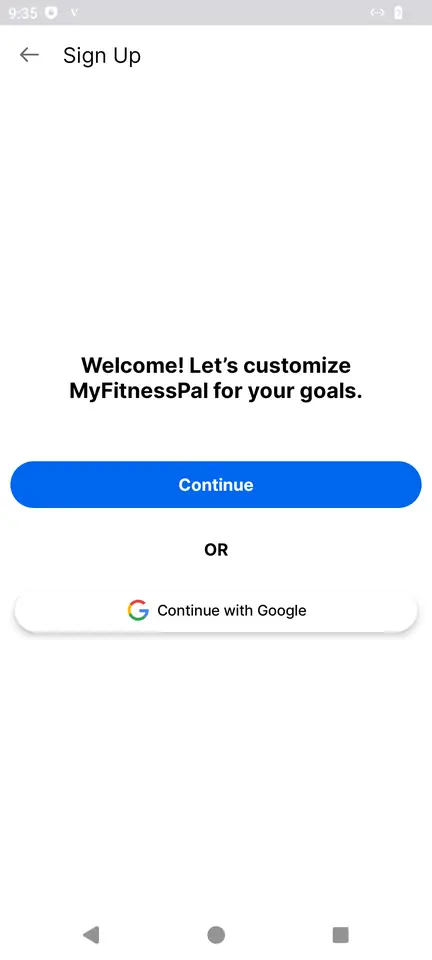
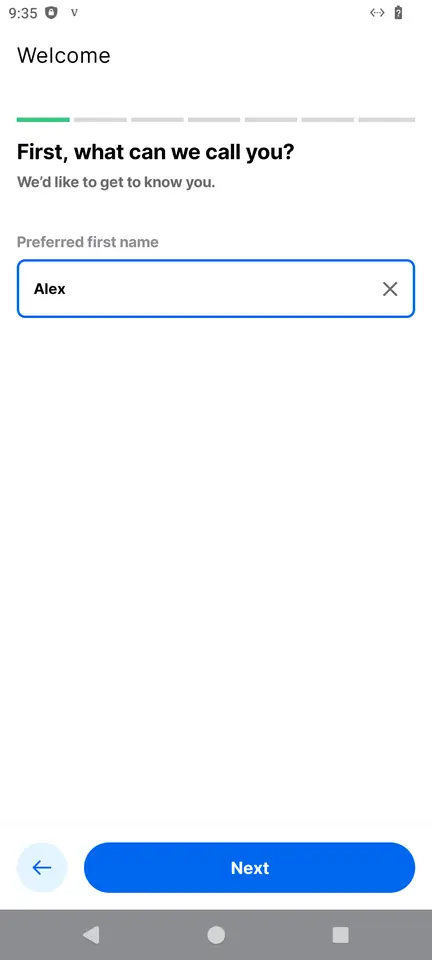
MyFitnessPal · Onboarding
15 screens
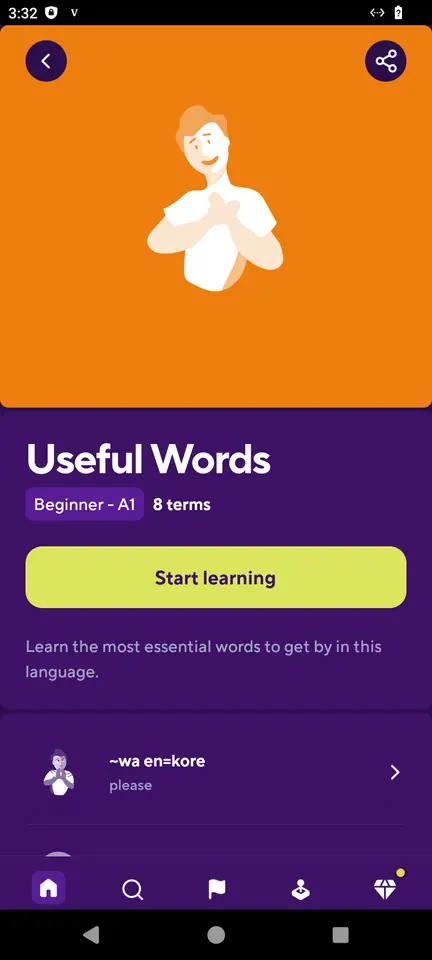
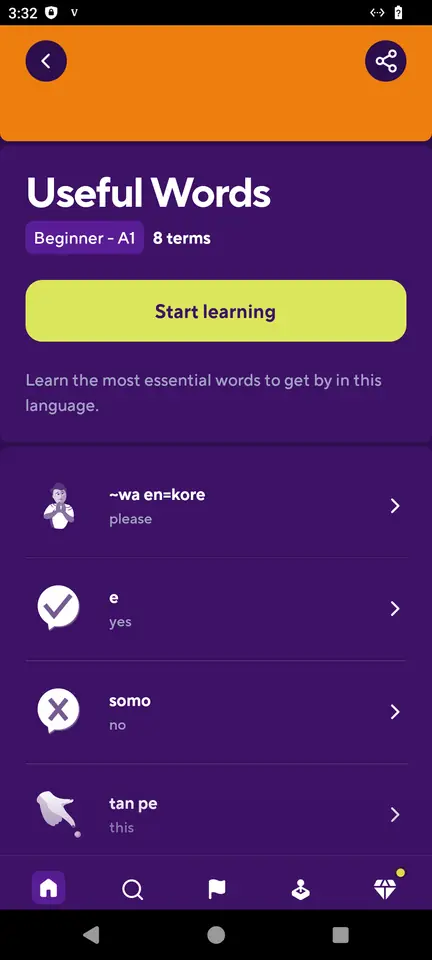
Drops · Home & browsing
11 screens

Kahoot! · Home & browsing
7 screens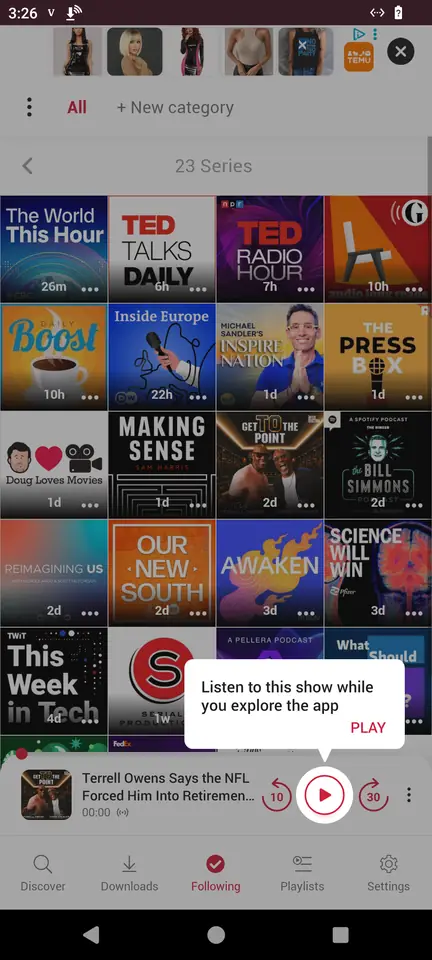
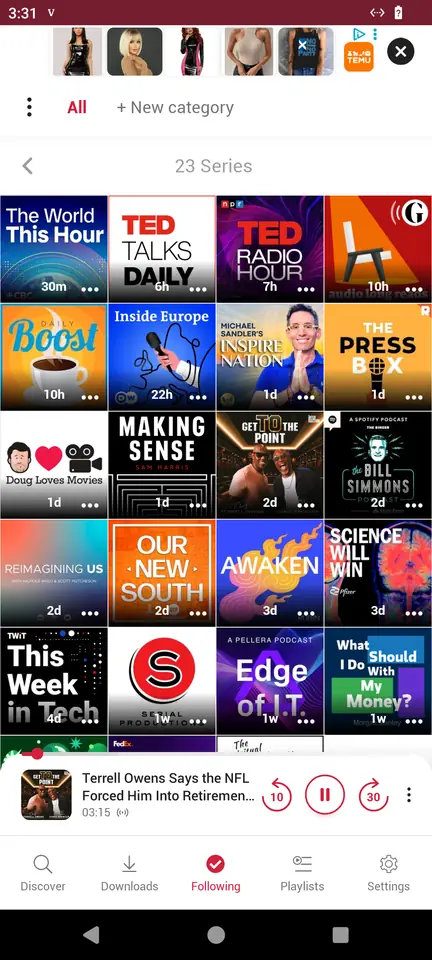
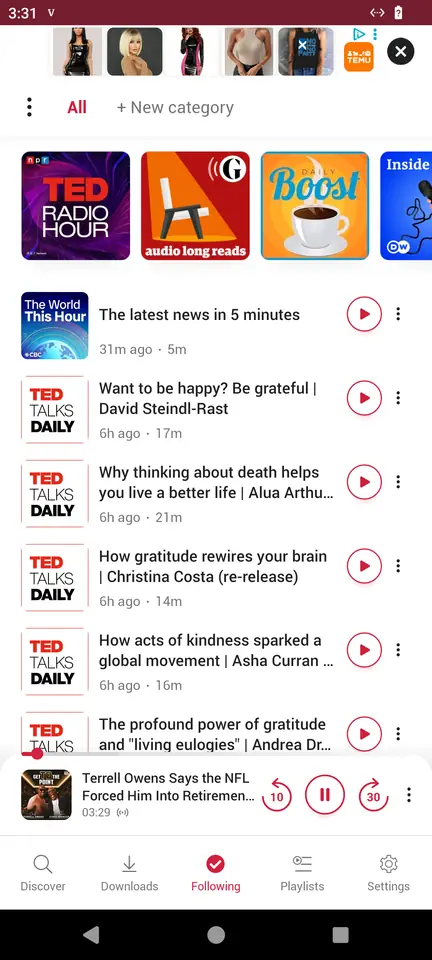
Player FM · Home & browsing
7 screens
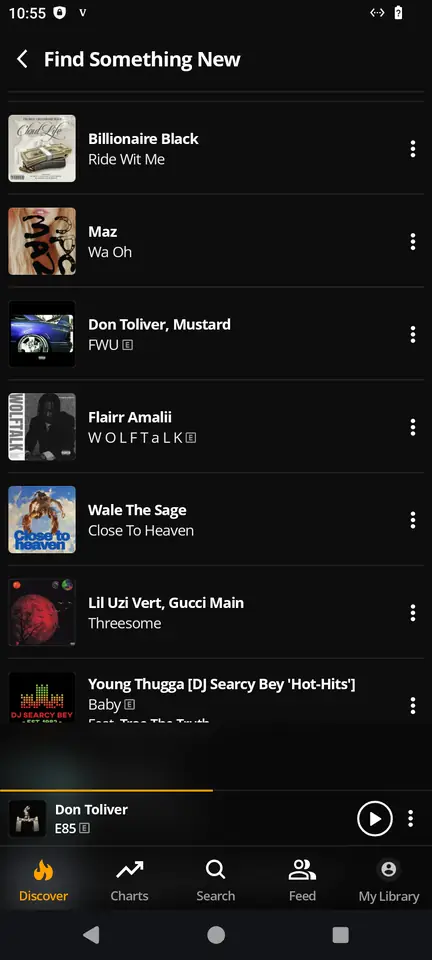
Audiomack · Home & browsing
6 screens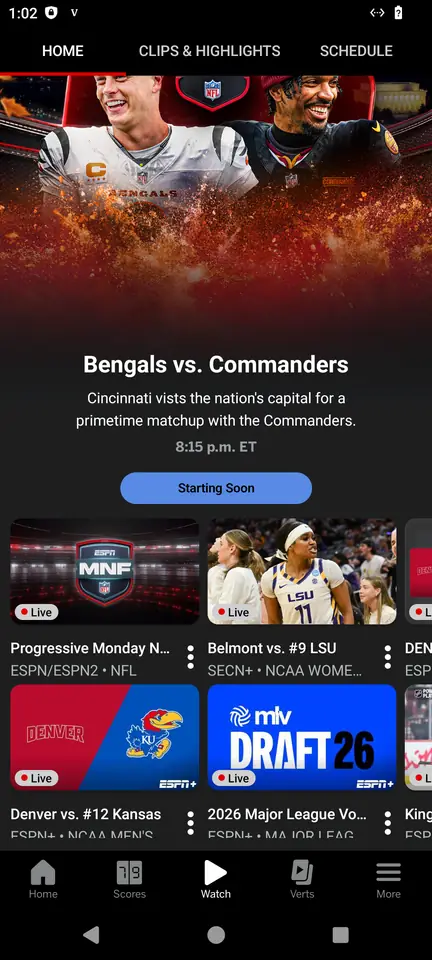
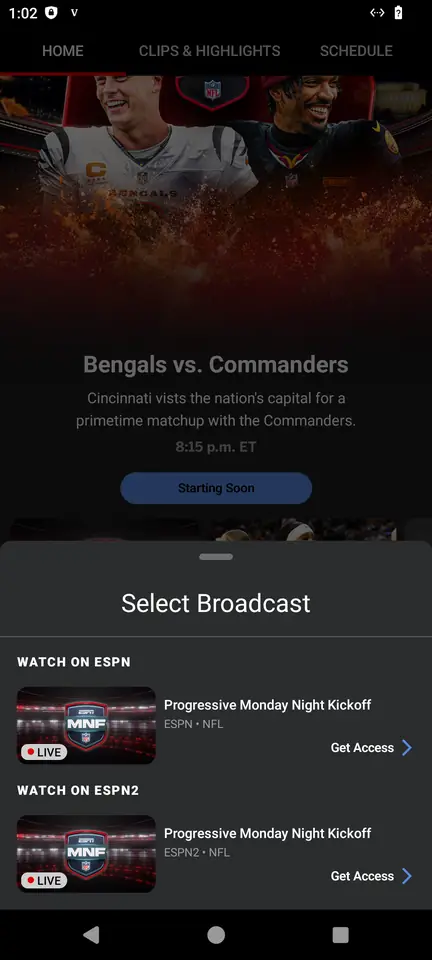
ESPN · Home & browsing
6 screens
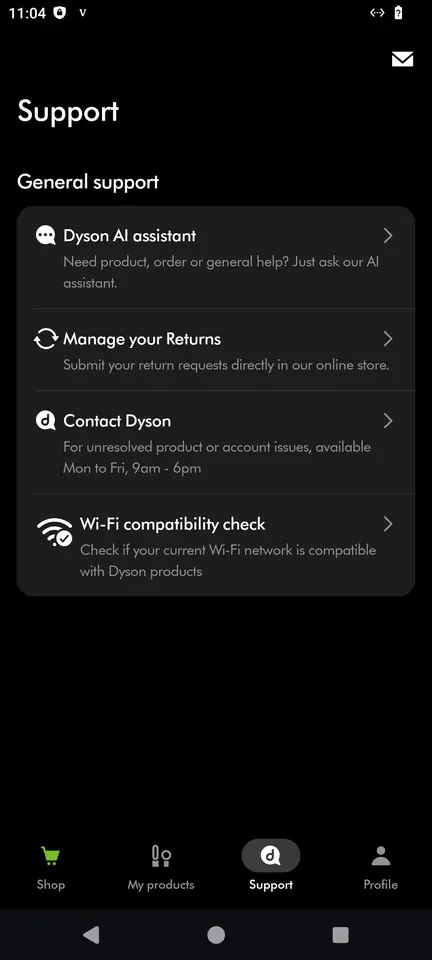
MyDyson · Home & browsing
6 screens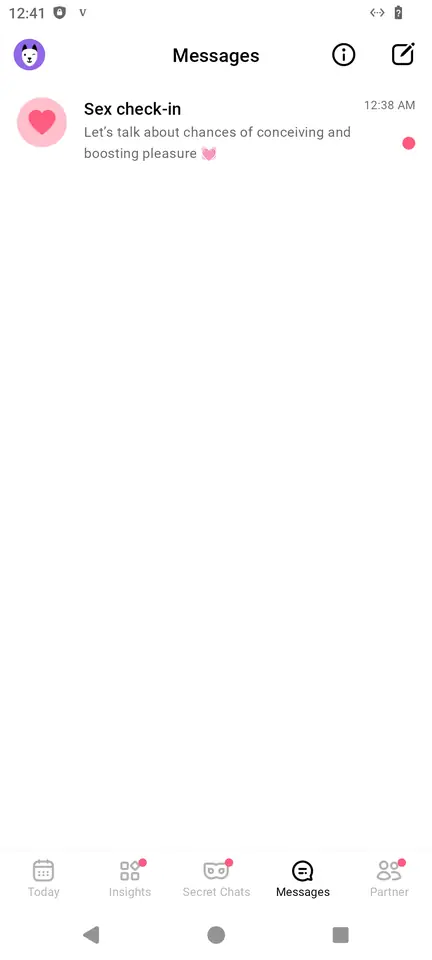
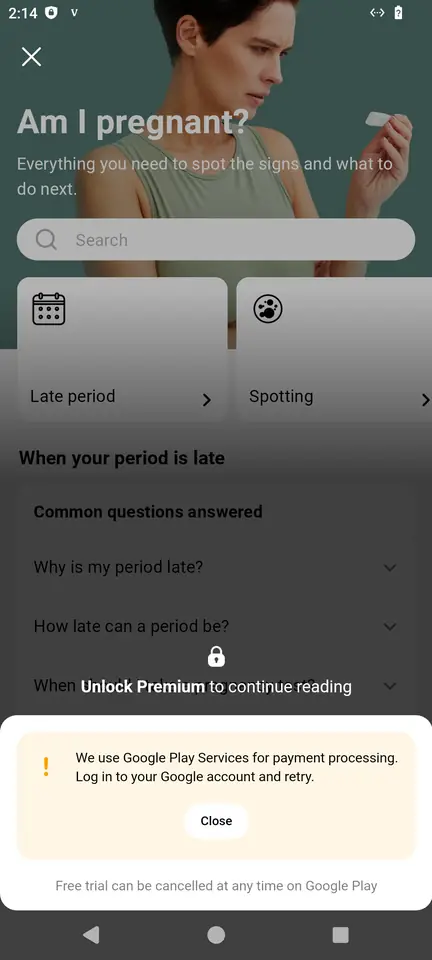
Flo · Home & browsing
4 screens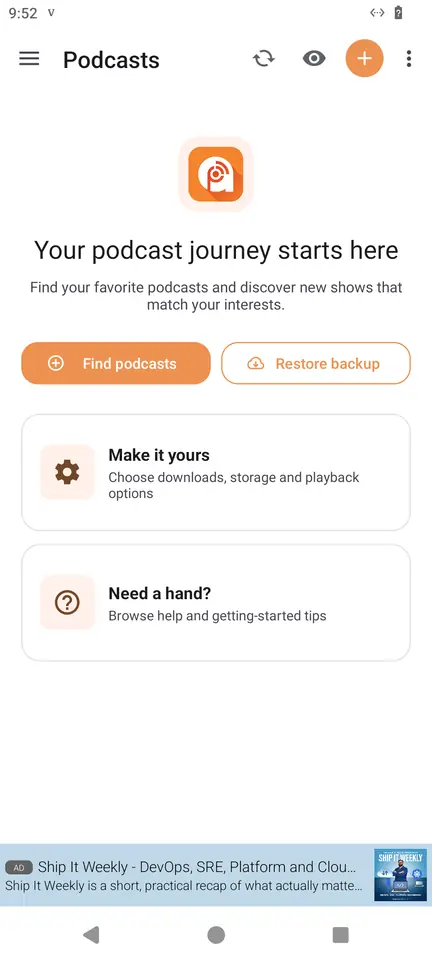
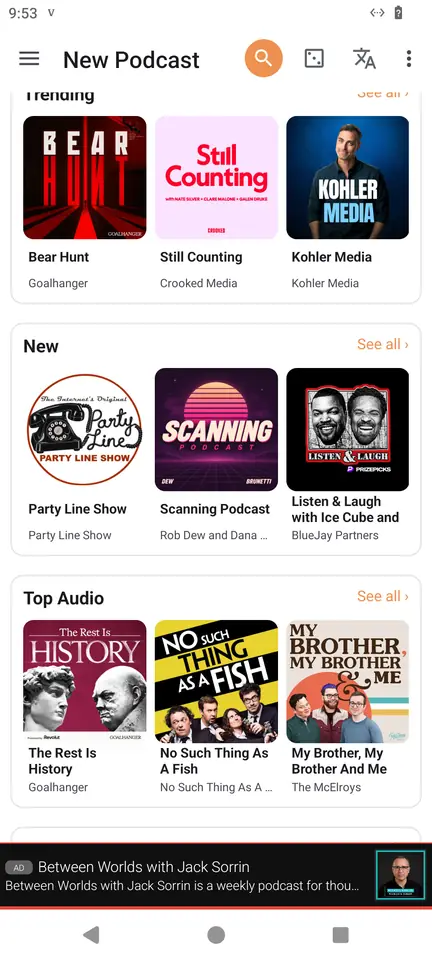
Podcast Addict · Home & browsing
4 screensFAQ
What is an image carousel?
A carousel is a horizontally swipeable strip of cards or images — promotions, featured items, onboarding slides — that shows one or a few items at a time.
What is a carousel called on Android?
ViewPager2 or a horizontal RecyclerView in Views; HorizontalPager or LazyRow in Compose. It is also known as image carousel, slider and banner pager.
Which Android apps use a carousel?
In the Flowtape library, 13 of 246 Android apps show a carousel on the screens we captured, including Drops, ESPN, MyFitnessPal, Kahoot!, MyDyson and Zalando.
How do I design a good carousel?
Show part of the next card so people know they can swipe. Do not auto-advance faster than users can read; pause on touch. Put the most important item first — later slides get far fewer views.
Detected in the view hierarchy of screens captured on real Android devices · last updated 2026-11-14