Screen · Onboarding screen · DuckDuckGo · Android
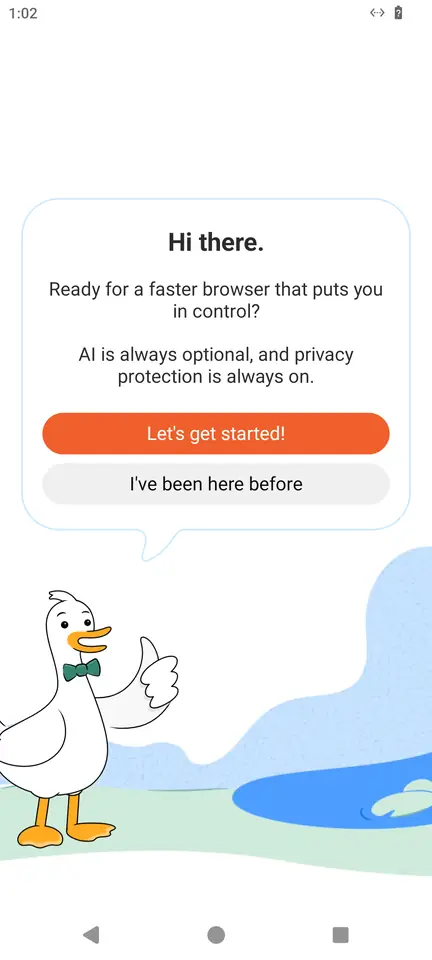
DuckDuckGo onboarding screen: “Ready for a faster browser that puts you in control?”
An onboarding screen from DuckDuckGo for Android, captured on a real device — step 3 of 8 in DuckDuckGo's onboarding flow. It uses 3 detected UI components, outlined on the screen below.
AndroidOnboardingstep 3 of 83 componentsfree & ungated
- App
- DuckDuckGo · Productivity & tools
- Screen type
- Onboarding
- Flow
- DuckDuckGo onboarding flow — step 3 of 8
- Tap
- “Let's get started!”
UI text on this screen
Hi there.
Ready for a faster browser that puts you in control?
AI is always optional, and privacy protection is always on.
Let's get started!
I've been here before
UI components
Located from the app's Android view hierarchy and outlined on the screen.
UI patterns
More DuckDuckGo screens
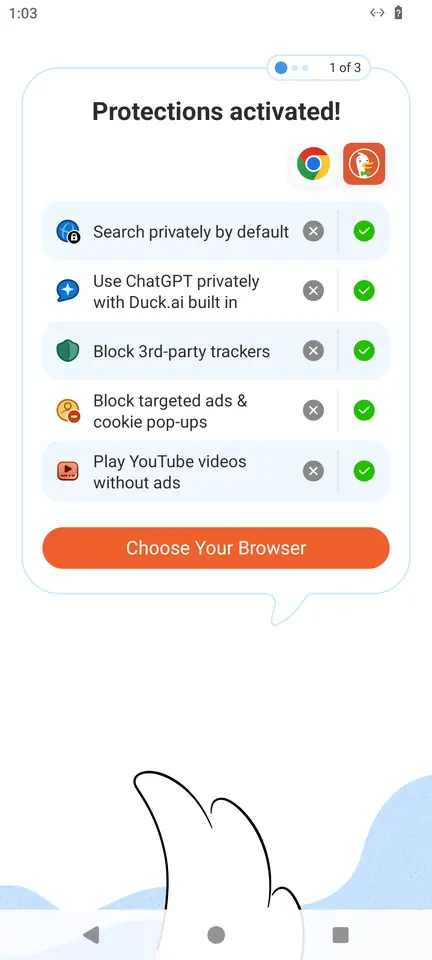
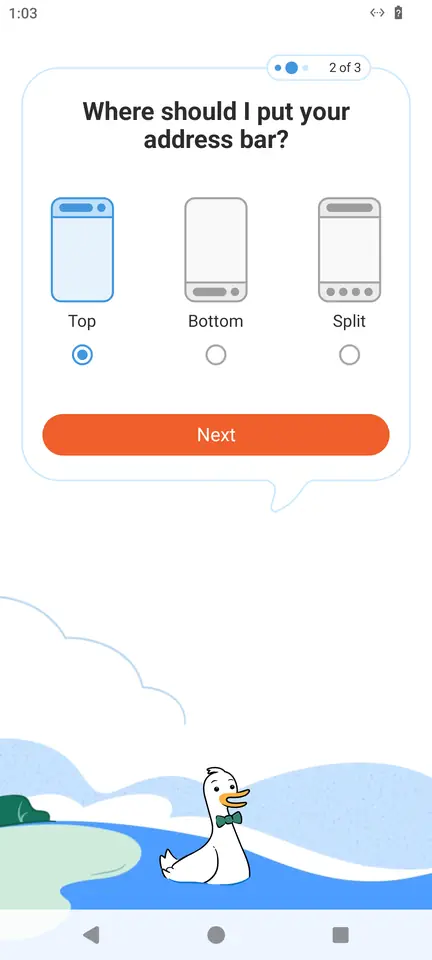
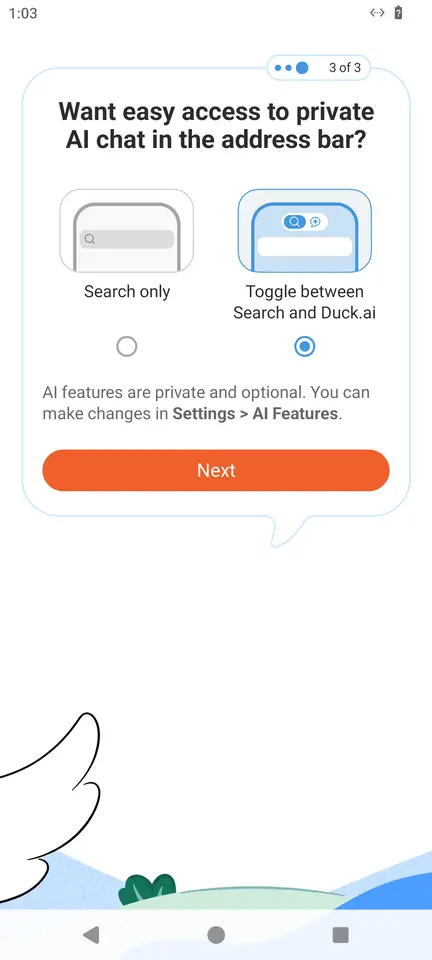
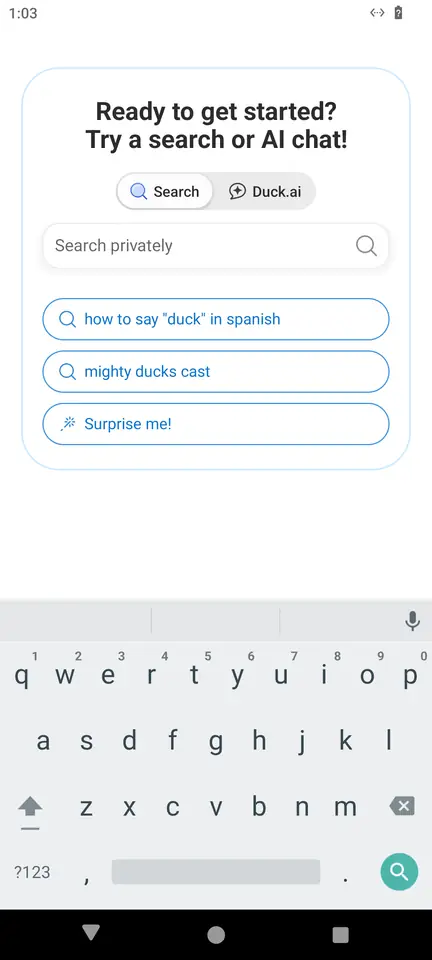
Onboarding screens from other apps
All onboarding screens →
Captured on a real Android device · last updated 2026-11-14