Home/Apps/Etsy/Sign in to Etsy
Screen · Login screen · Etsy · Android

Etsy login screen: “Sign in to Etsy”

A login screen from Etsy for Android, captured on a real device — screen 1 of 8 we captured. It uses 1 detected UI component, outlined on the screen below.

AndroidSign-in1 componentfree & ungated
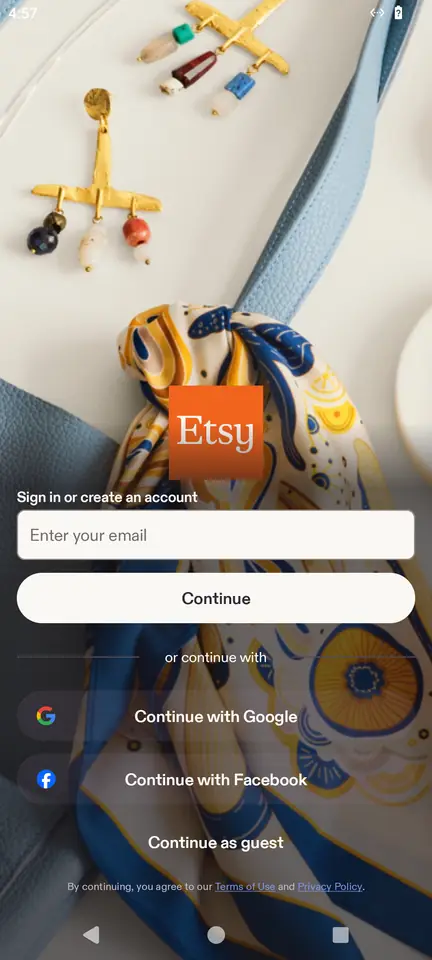
Etsy Android screen 1 — sign-in: Sign in to Etsy
Text field
App
Etsy · Marketplaces
Screen type
Sign-in

UI text on this screen

  • Sign in to Etsy
  • Sign in or create an account
  • Enter your email
  • Continue
  • or continue with
  • Continue with Google
  • Continue with Facebook
  • Continue as guest

UI components

Located from the app's Android view hierarchy and outlined on the screen.

UI patterns

More Etsy screens
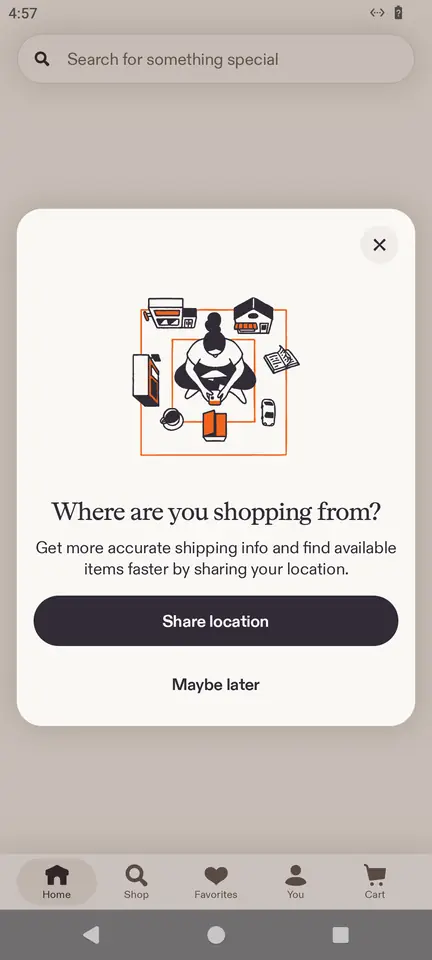
Etsy Android screen 2 — onboarding: Dismiss
Onboarding · Dismiss
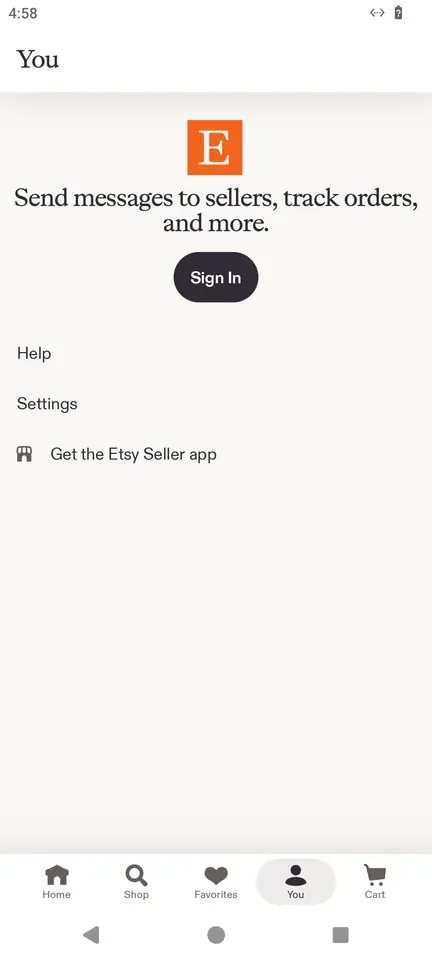
Etsy Android screen 3 — home & browsing: Send messages to sellers, track orders, and more.
Home & browsing · Send messages to sellers, track…
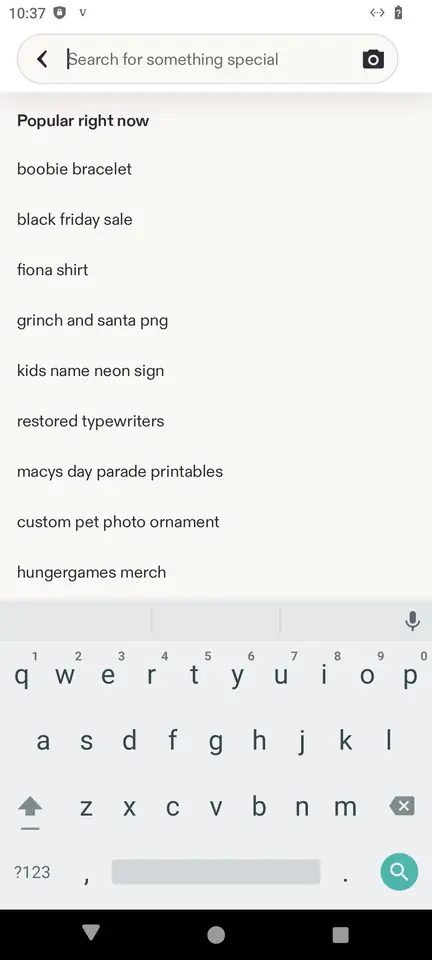
Etsy Android screen 4 — home & browsing: Search for something special
Home & browsing · Search for something special
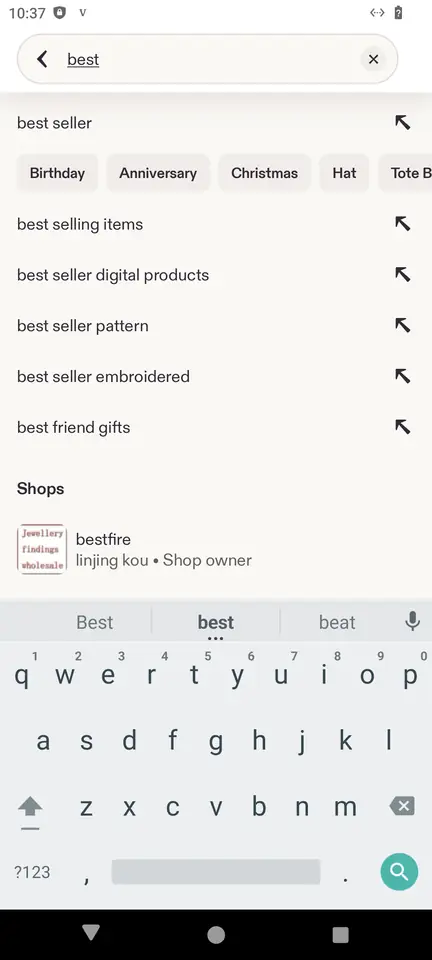
Etsy Android screen 5 — home & browsing: Clear text
Home & browsing · Clear text
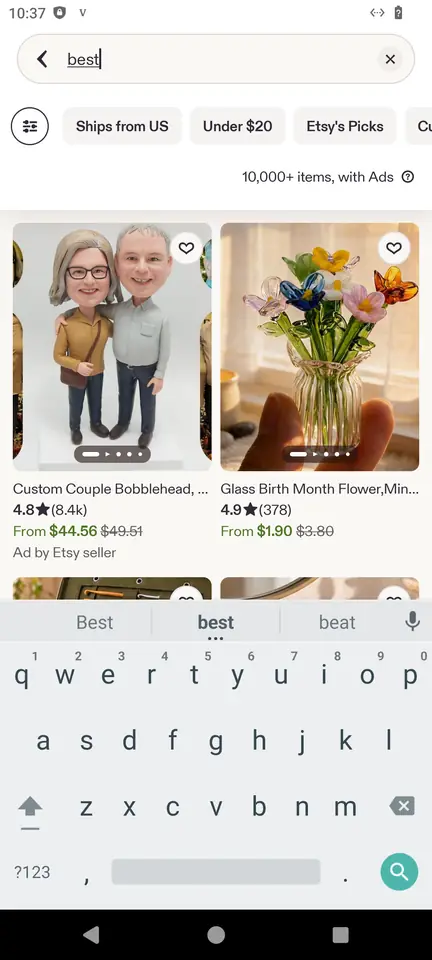
Etsy Android screen 6 — home & browsing: Favorite
Home & browsing · Favorite
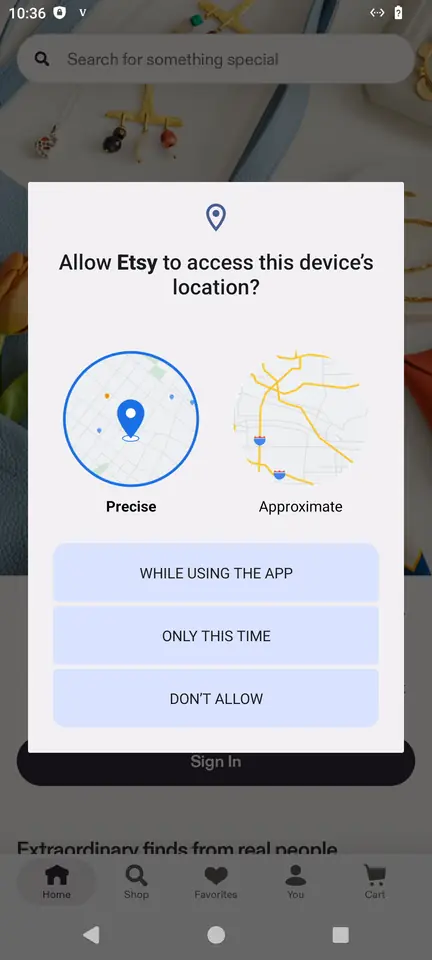
Etsy Android screen 7 — permissions: Allow Etsy to access this device’s location?
Permissions · Allow Etsy to access this device’s…
Etsy Android screen 8 — home & browsing: One-of-a-kind finds, made by real people
Home & browsing · One-of-a-kind finds, made by real people

Login screens from other apps

All login screens →
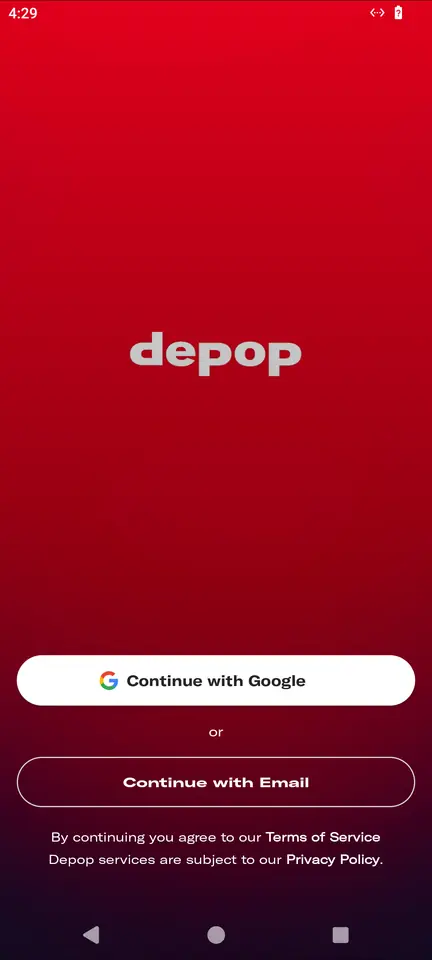
Depop Android screen 1 — sign-in: Continue with Google
Depop · Continue with Google
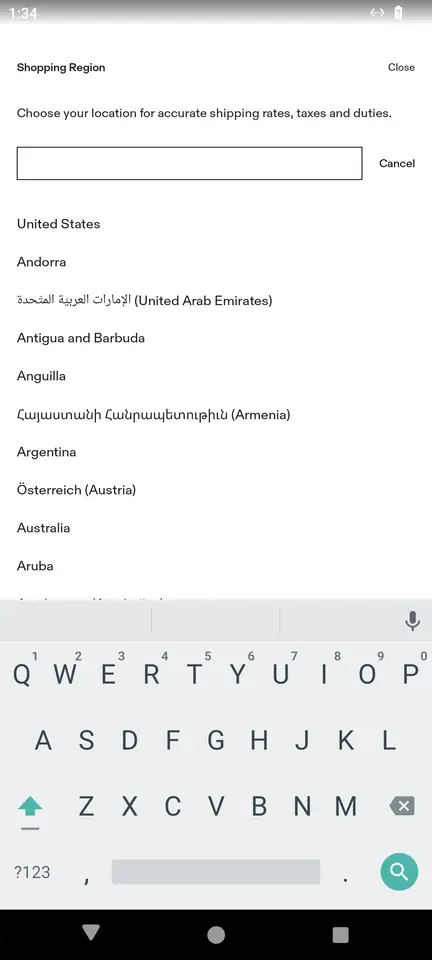
GOAT Android screen 3 — sign-in: United States
GOAT · United States
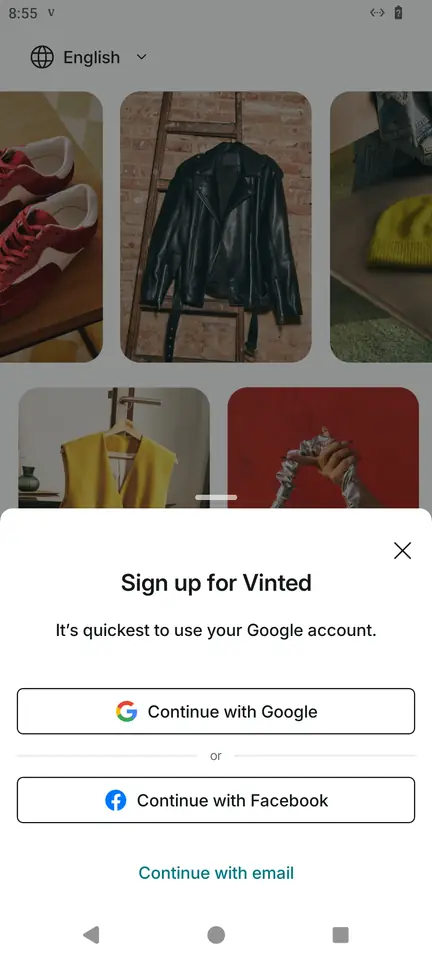
Vinted Android screen 2 — sign-in: Close sheet
Vinted · Close sheet
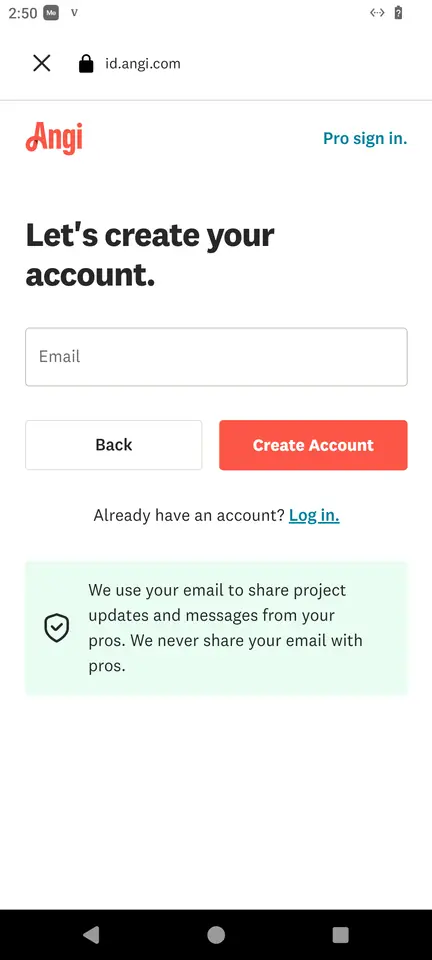
Angi Android screen 10 — sign-in: id.angi.com
Angi · id.angi.com
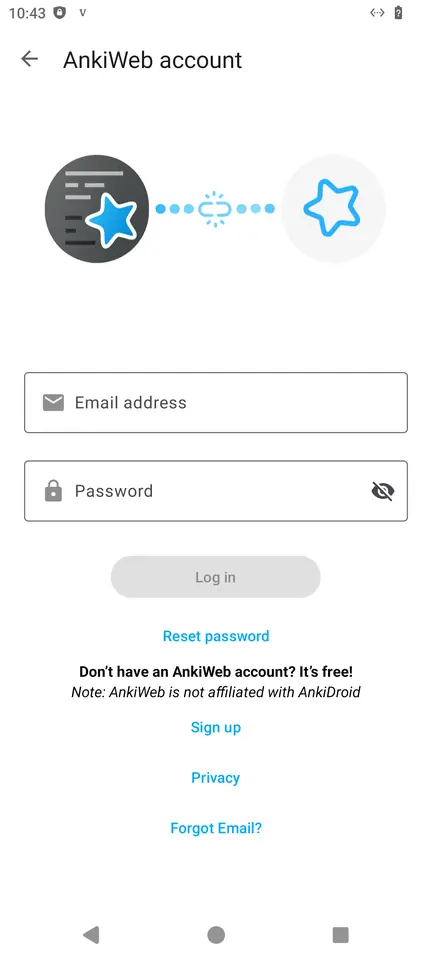
AnkiDroid Android screen 4 — sign-in: AnkiWeb account
AnkiDroid · AnkiWeb account
Asbury Park Press Android screen 5 — sign-in: Welcome screen, use buttons at the bottom of the screen to…
Asbury Park Press · Welcome screen, use buttons at the…

Captured on a real Android device · last updated 2026-11-14