Guest mode: 6 real Android examples
Guest mode lets people use the app — browse, search, even check out — without creating an account first. Sign-up is deferred until it is needed, for example to save, order or sync.
Guest mode examples from 6 Android apps
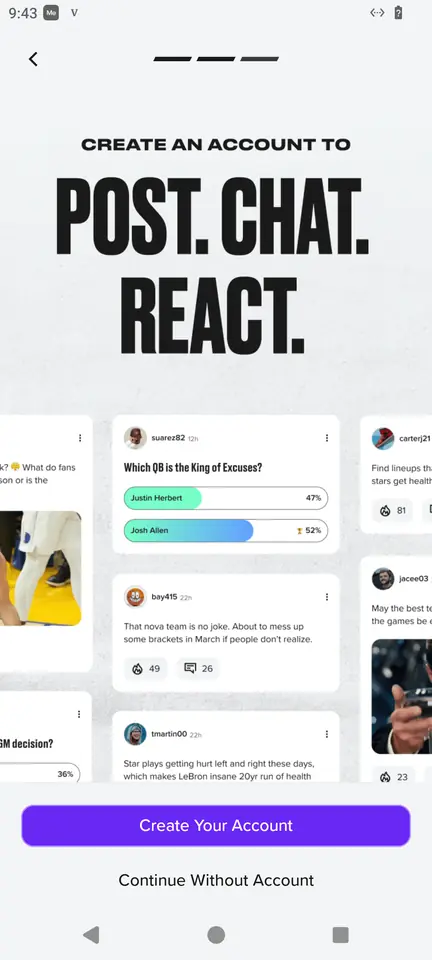
Continue Without Account
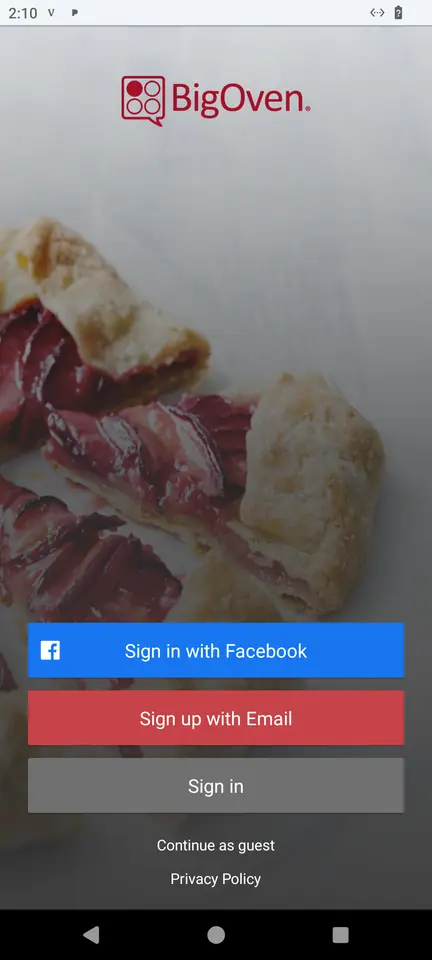
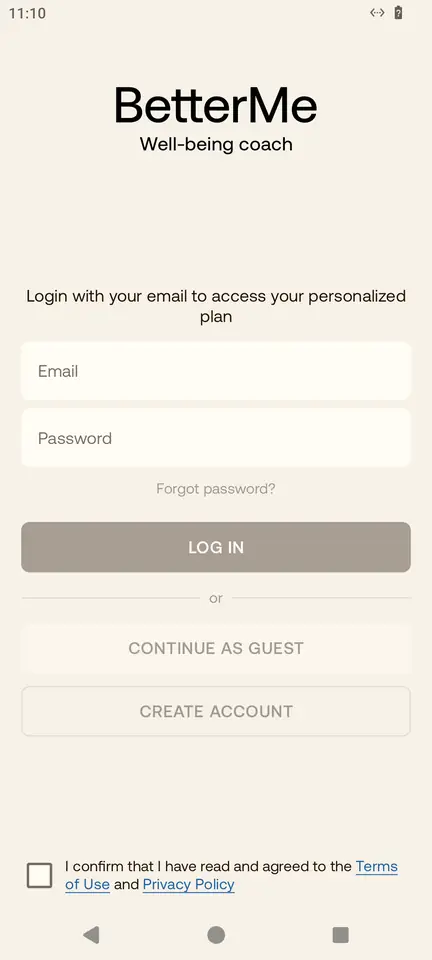
Continue as guest
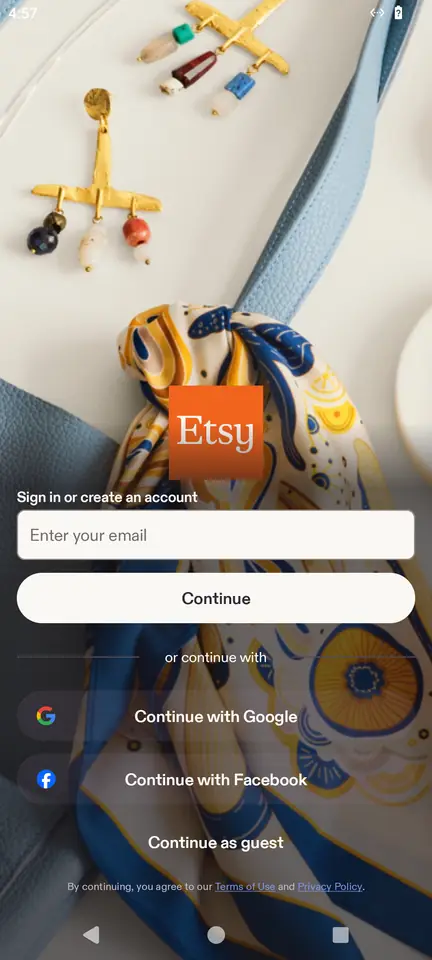
Continue as guest
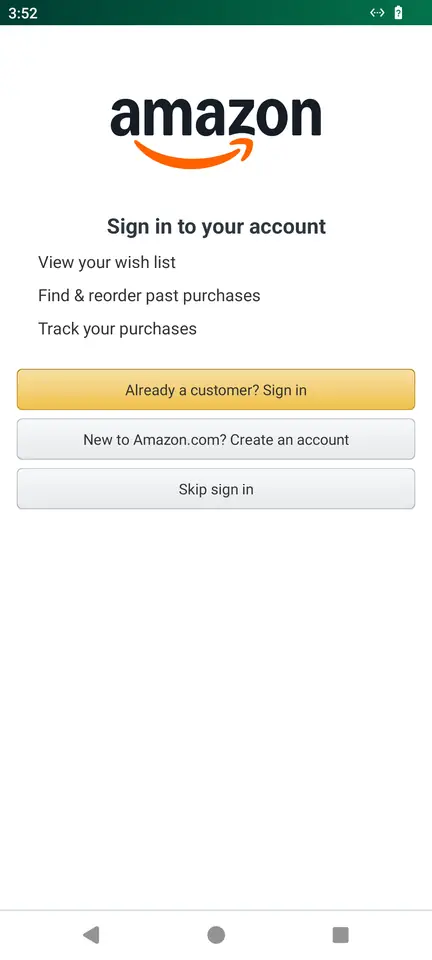
Skip sign in
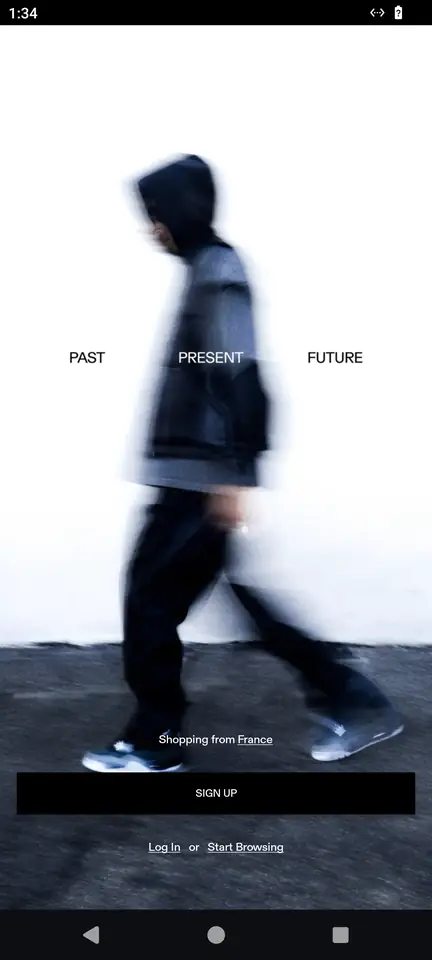
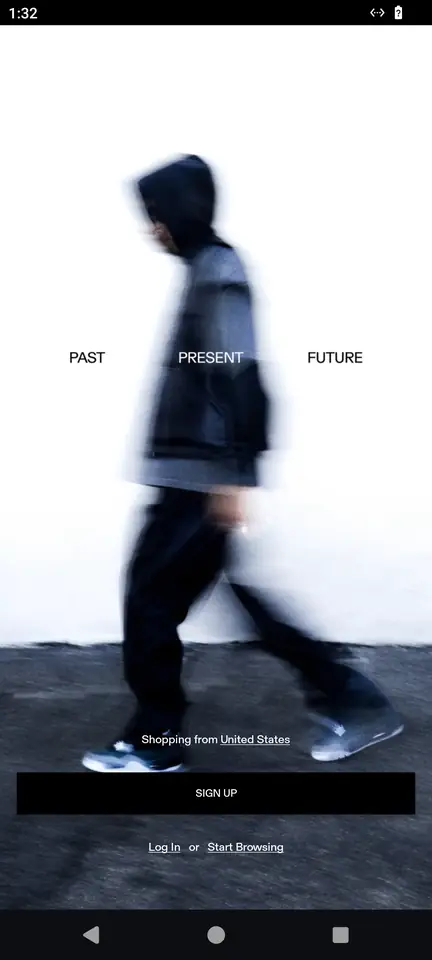
Log In or Start Browsing
Why it works
- An account wall on first launch is one of the biggest sources of onboarding drop-off.
- Users who have already seen value are far more willing to register later.
- It lets shopping and content apps show inventory to people who are just looking.
Best practices
- Label it plainly: “Continue as guest” or “Start browsing”.
- Ask for an account at a moment of intent (save, checkout, follow).
- Carry the guest's cart and choices into the new account.
- Keep the guest path visually secondary but easy to find.
How real apps word it
The exact UI copy, as it appears on screen in each app.
Skip sign in
Amazon ShoppingContinue as guest
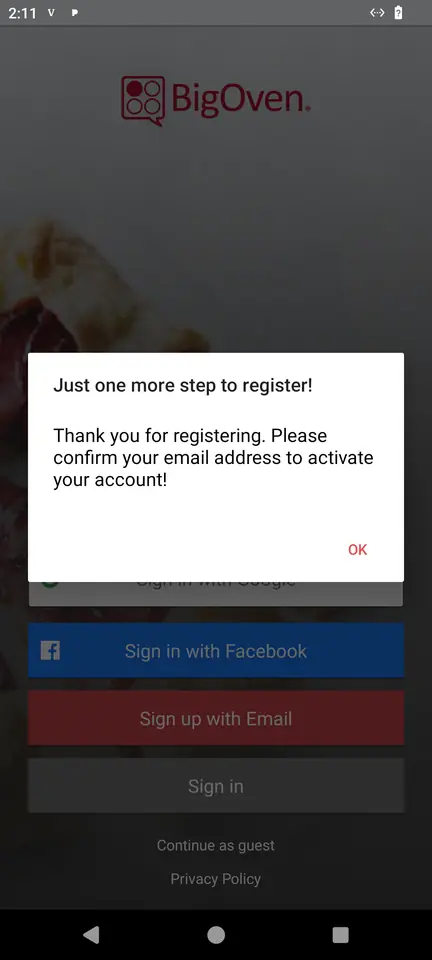
BigOvenContinue Without Account
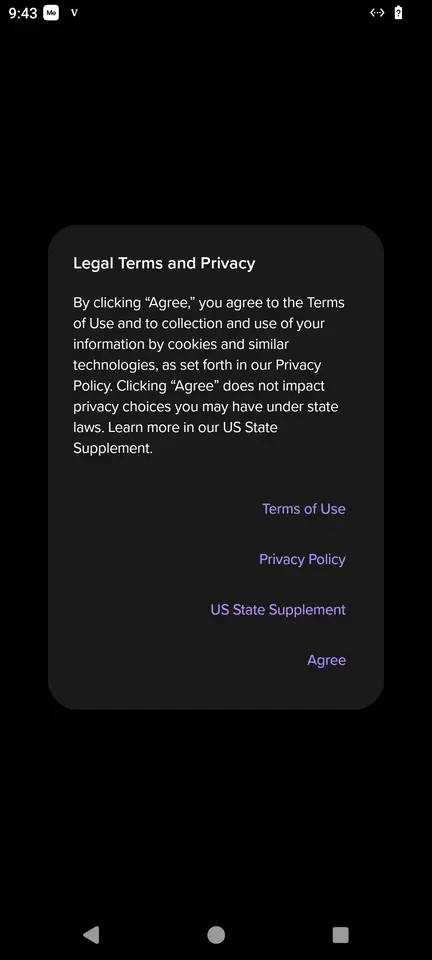
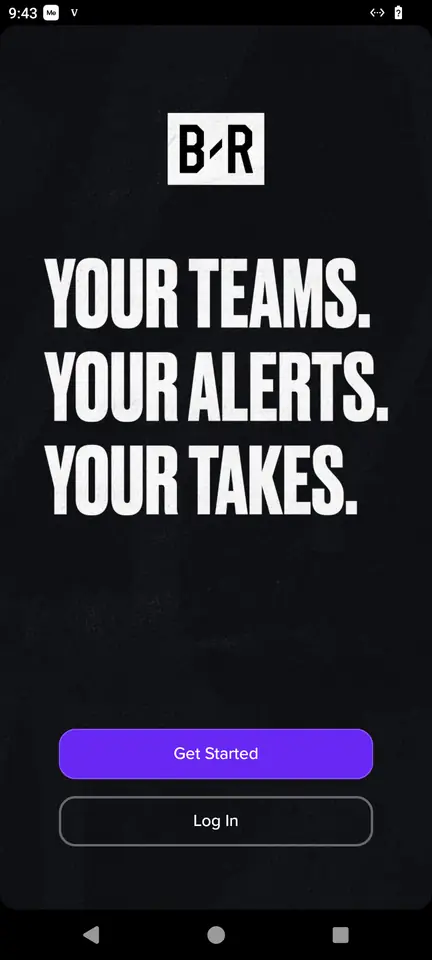
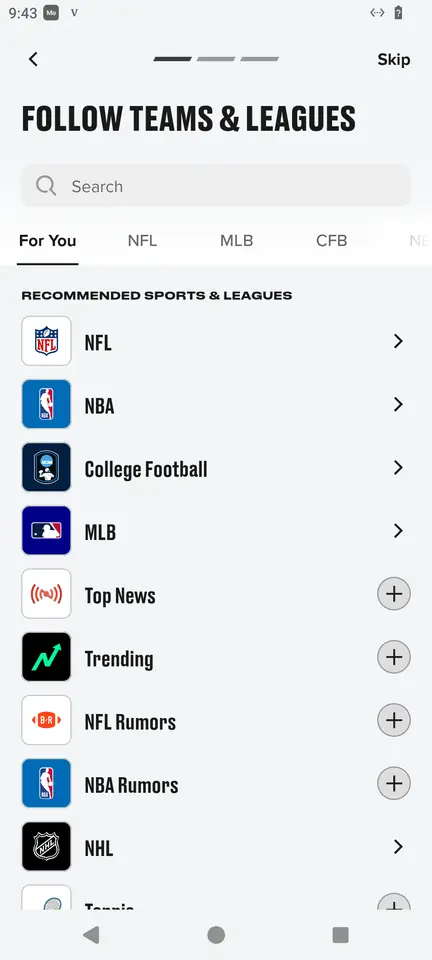
Bleacher ReportLog In or Start Browsing
GOAT
Where it shows up
Screens showing the pattern, by flow step type.
By app category
Apps showing the pattern, by category · 6 of 246 apps in the library.
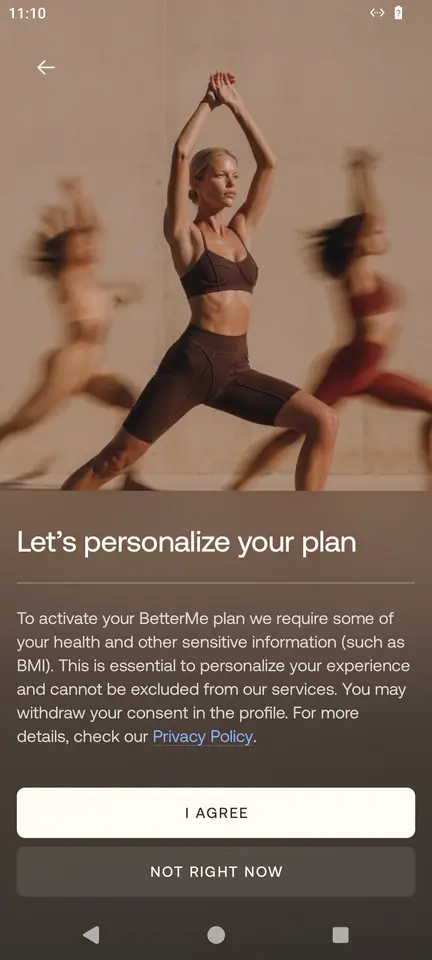
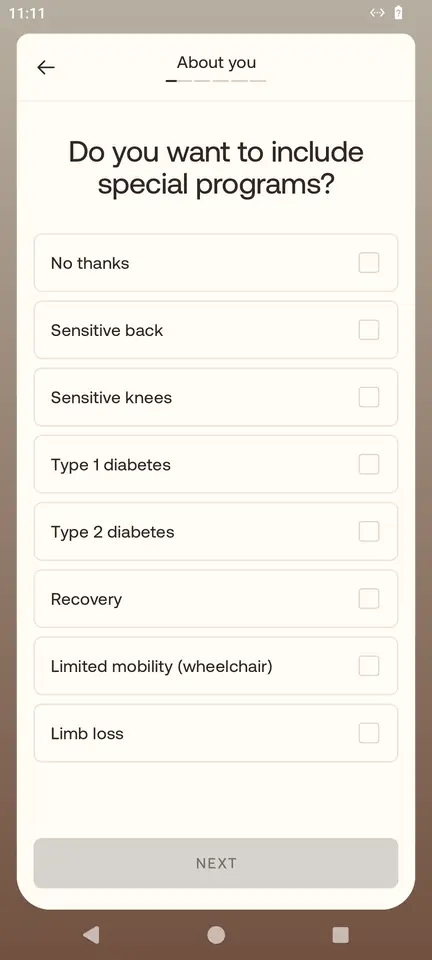
Full flows that include a guest mode
FAQ
What is a guest mode?
Guest mode lets people use the app — browse, search, even check out — without creating an account first. Sign-up is deferred until it is needed, for example to save, order or sync.
Which Android apps use a guest mode?
In the Flowtape library, 6 of 246 Android apps show this pattern, including Bleacher Report, BigOven, Etsy, Amazon Shopping, GOAT and BetterMe. It is most common in health & fitness apps.
How do I design a good guest mode?
Label it plainly: “Continue as guest” or “Start browsing”. Ask for an account at a moment of intent (save, checkout, follow). Carry the guest's cart and choices into the new account.
Detected on screens captured on real Android devices · last updated 2026-11-14