Onboarding flow · Mastodon · Android
Mastodon onboarding flow
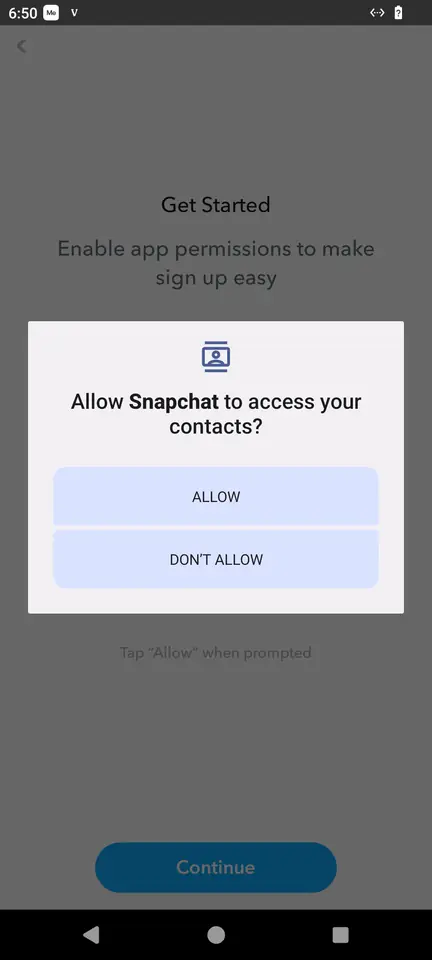
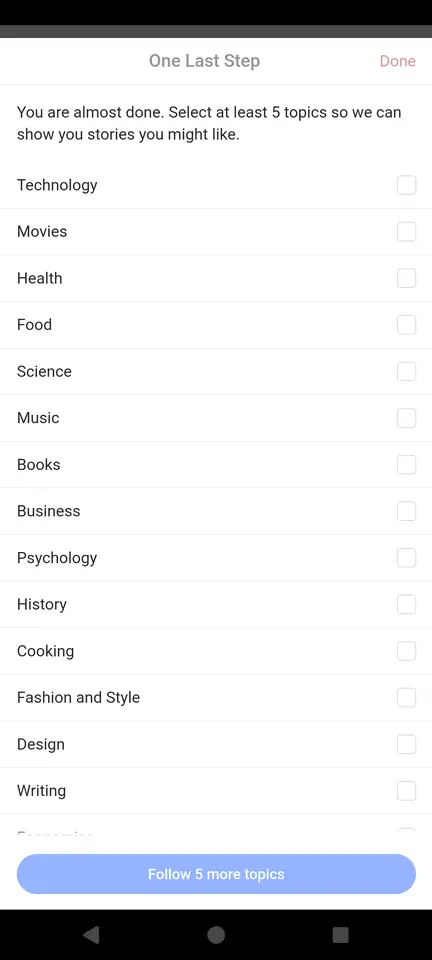
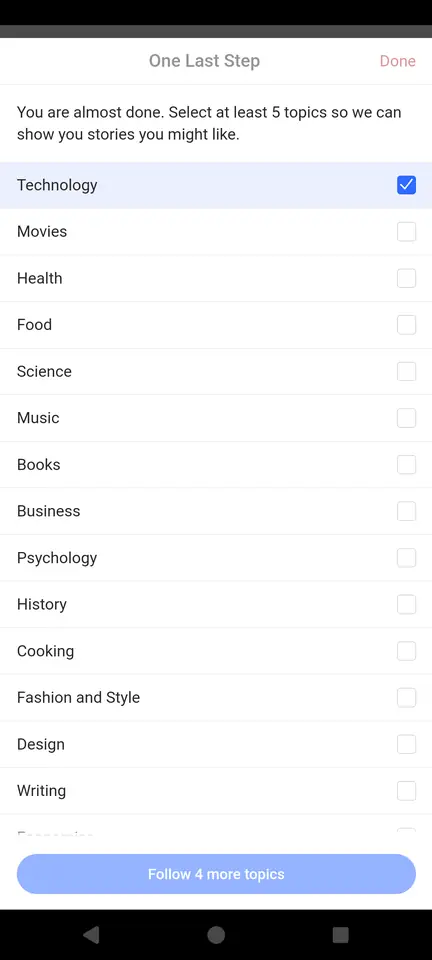
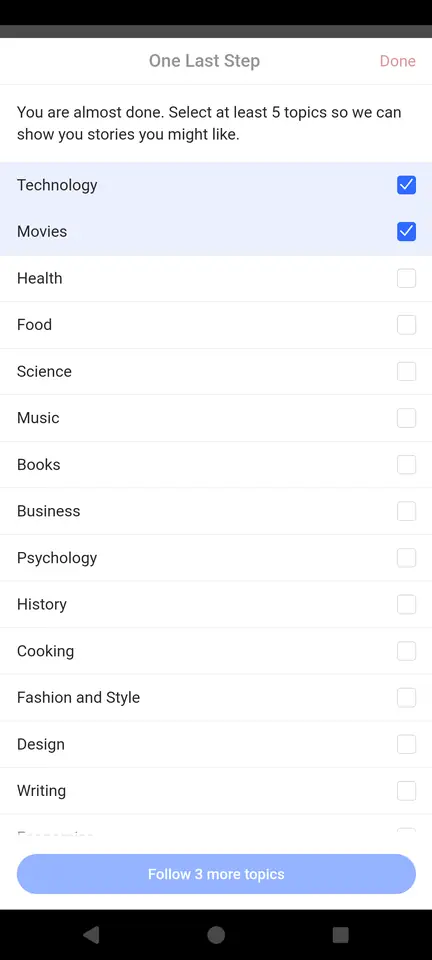
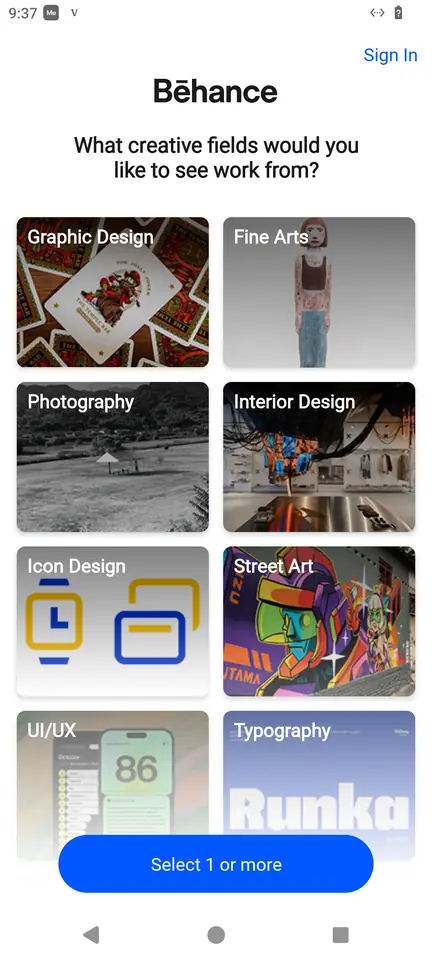
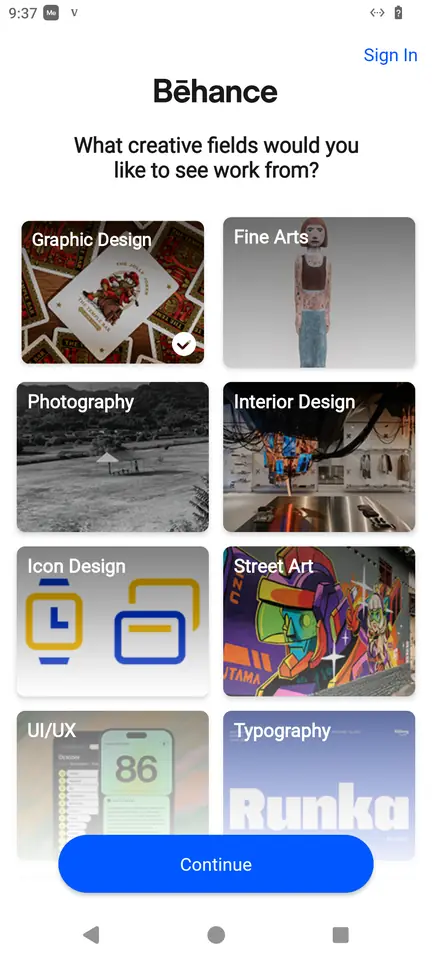
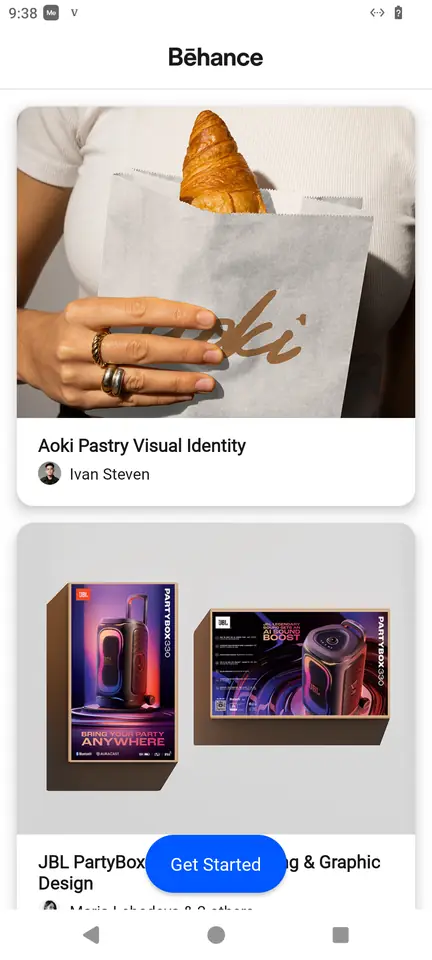
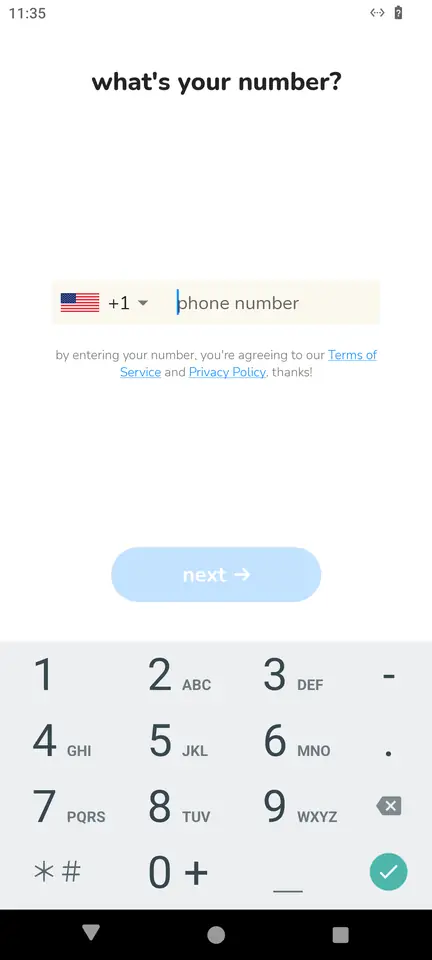
Every screen of Mastodon's onboarding flow on Android, in order: 4 steps, recorded on a real device. Mastodon's onboarding opens straight on a question and shows no sign-up form in the 4 screens we captured. At 4 screens it sits at the library's median for onboarding flows (152 captured).
UI components:
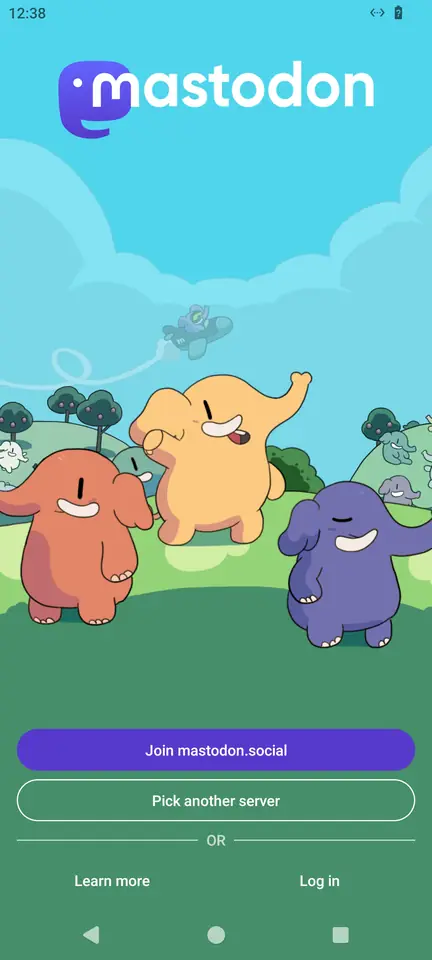 01 Onboarding · tap “Join mastodon.social”
Join mastodon.social — Pick another server
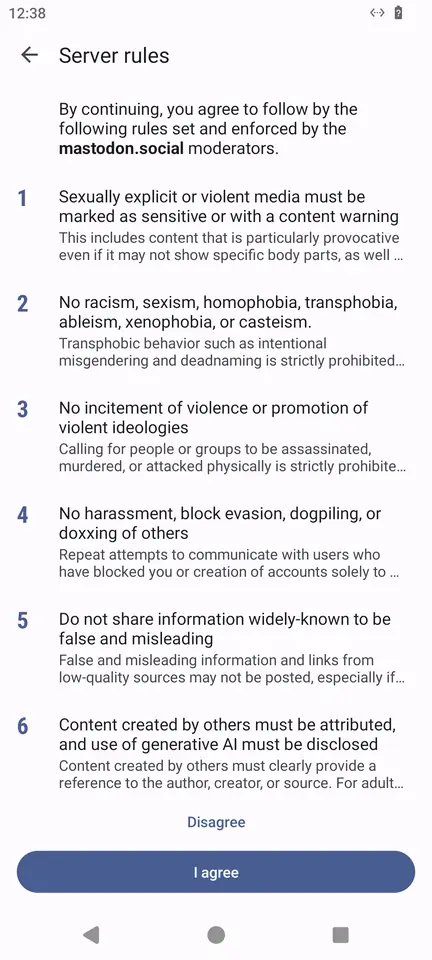 02 Onboarding · tap “I agree”
Server rules — No racism, sexism, homophobia, transphobia, ableism, xenophobia, or casteism.
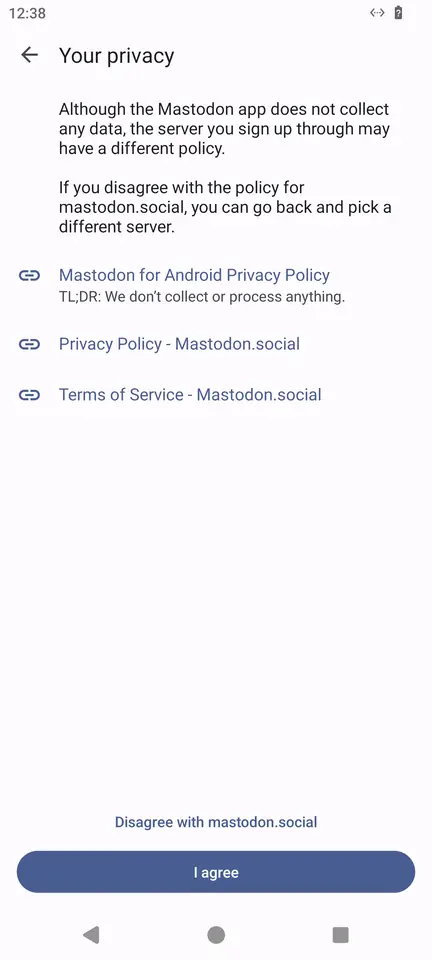 03 Onboarding · tap “Disagree with mastodon.social”
Your privacy — Mastodon for Android Privacy Policy
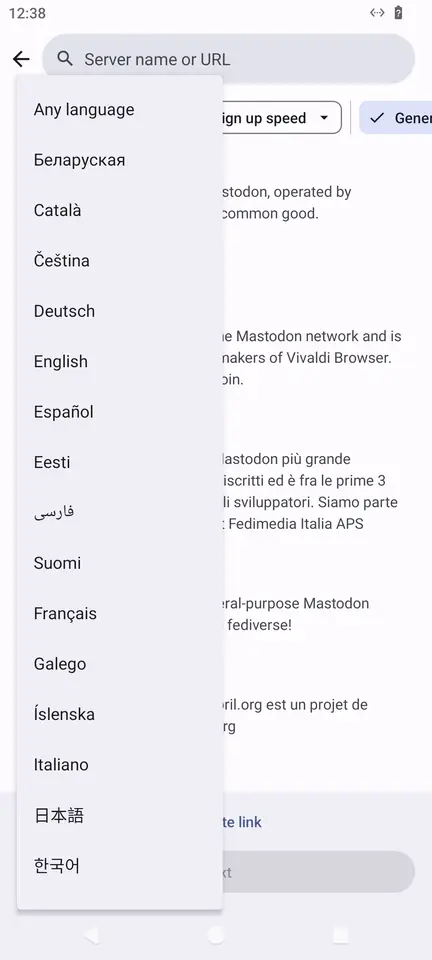 04 Onboarding
Any language — Беларуская
What Mastodon's onboarding flow does
- 4 screens in order, opening on “Join mastodon.social” and ending at “Any language”.
- Taps along the way: “Join mastodon.social” → “I agree” → “Disagree with mastodon.social”.
Captured on a real Android device · last updated 2026-11-14