Onboarding flow · Snapchat · Android
Snapchat onboarding flow
Every screen of Snapchat's onboarding flow on Android, in order: 8 steps, recorded on a real device. Snapchat's onboarding opens with 2 value-pitch screens, asks 2 questions about the user, reaches the account ask at step 8 of 8 and requests a system permission at step 3. At 8 screens it is the joint 25th-longest of the 152 onboarding flows in the library (median 4). A progress indicator shows on 3 of 8 screens.
Welcome screenOnboarding progress indicatorOnboarding surveyPermission primingTerms and conditions agreement
UI components:
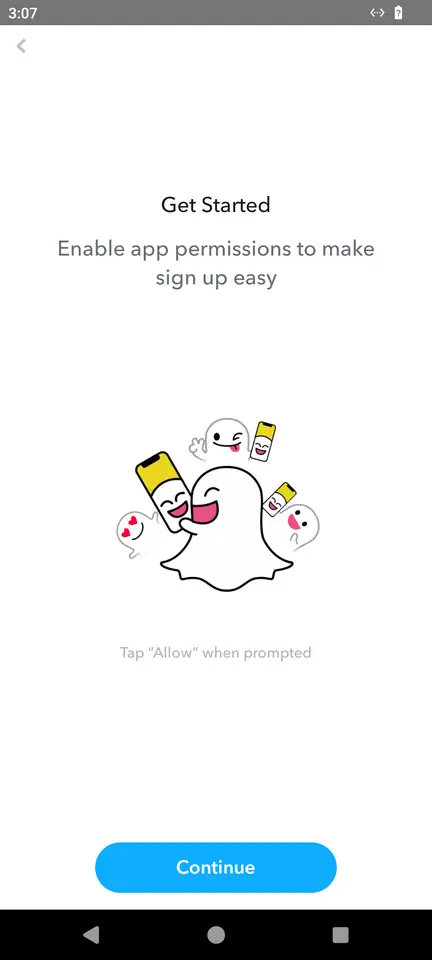 01 Onboarding · tap “Get Started”
Get Started — Enable app permissions to make sign up easy
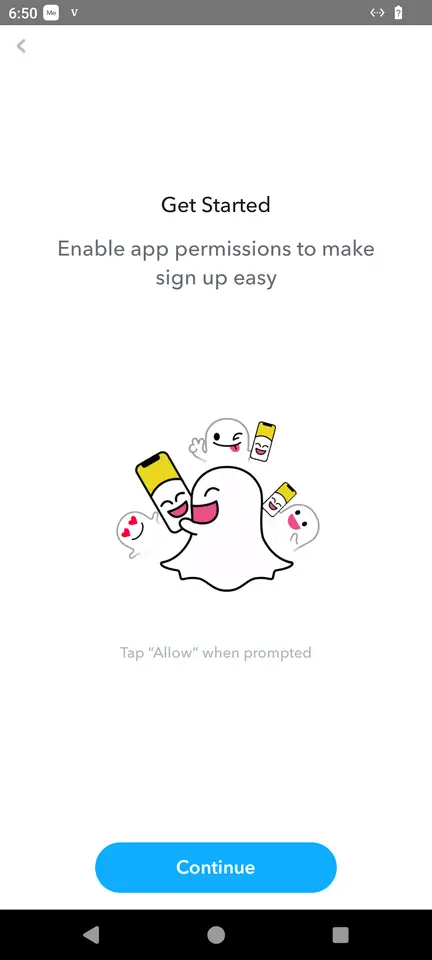 02 Onboarding
Get Started — Enable app permissions to make sign up easy
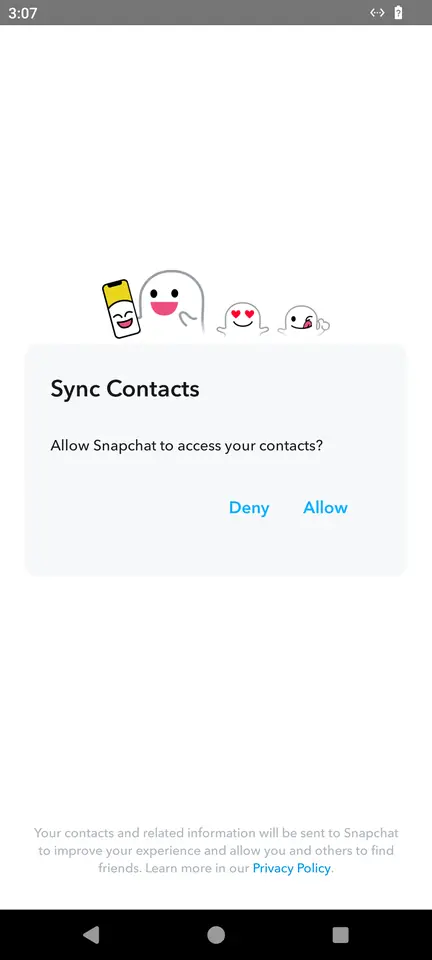
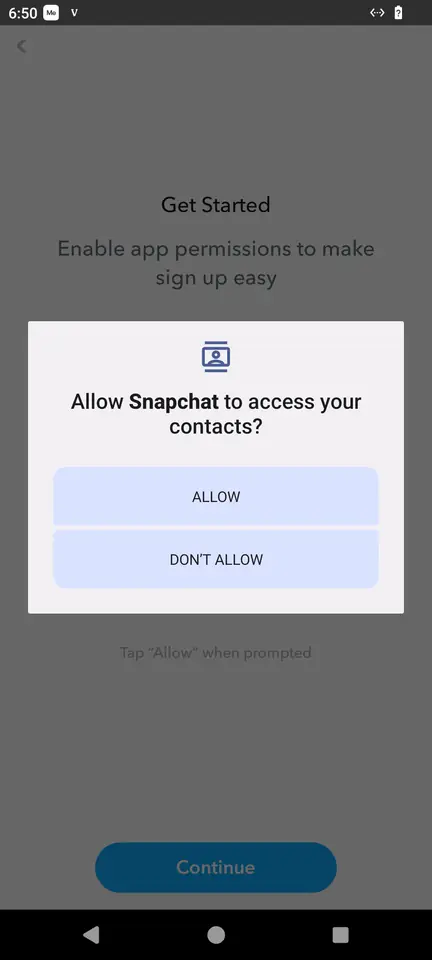 03 Permissions · tap “Allow”
Allow Snapchat to access your contacts? — ALLOW
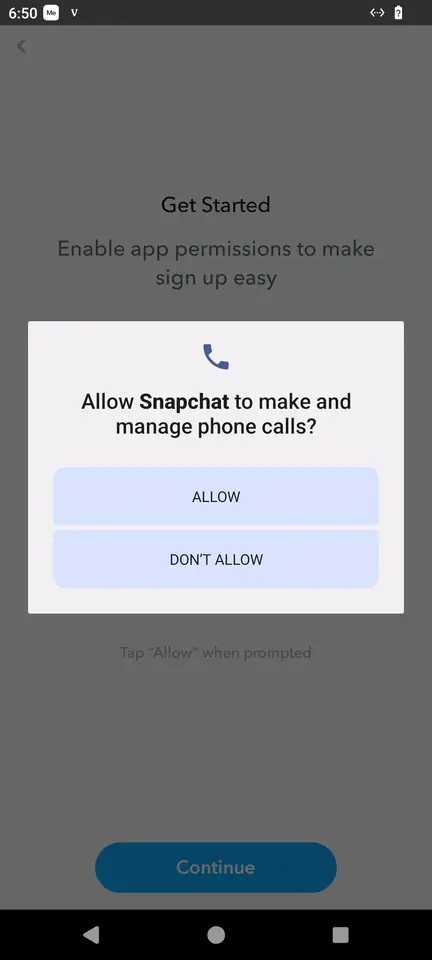 04 Permissions · tap “Allow”
Allow Snapchat to make and manage phone calls? — ALLOW
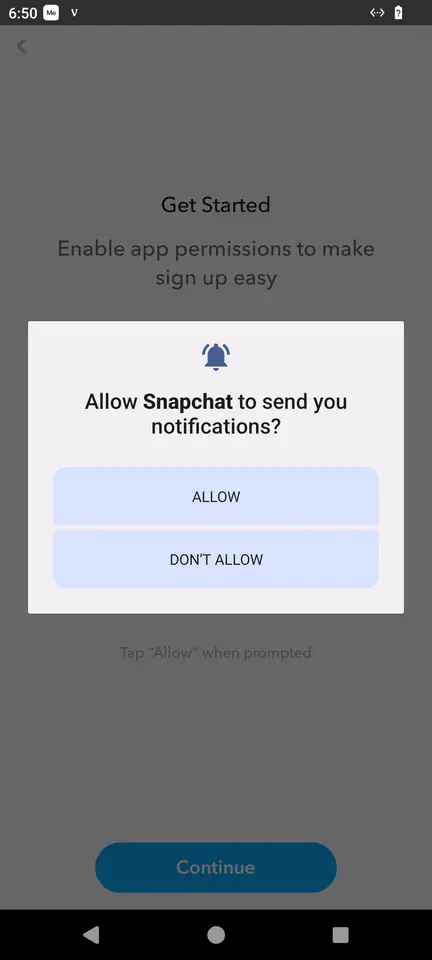 05 Permissions · tap “Allow”
Allow Snapchat to send you notifications? — ALLOW
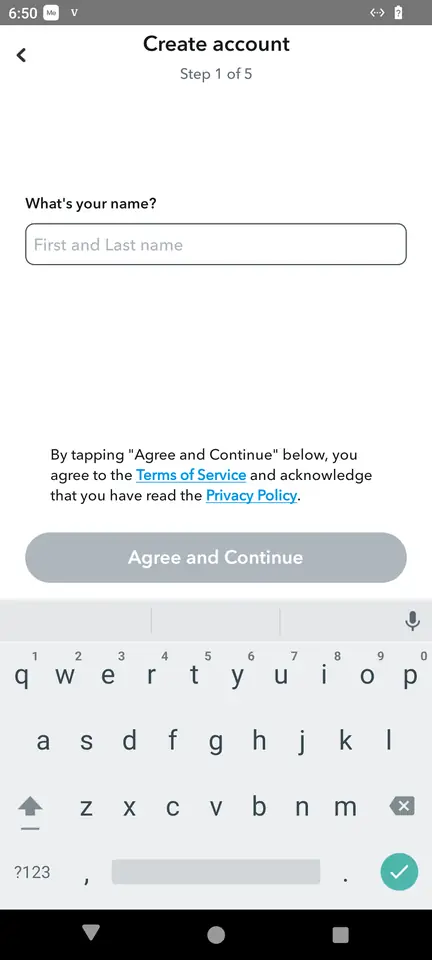 06 Onboarding · tap “What's your name?=Carter”
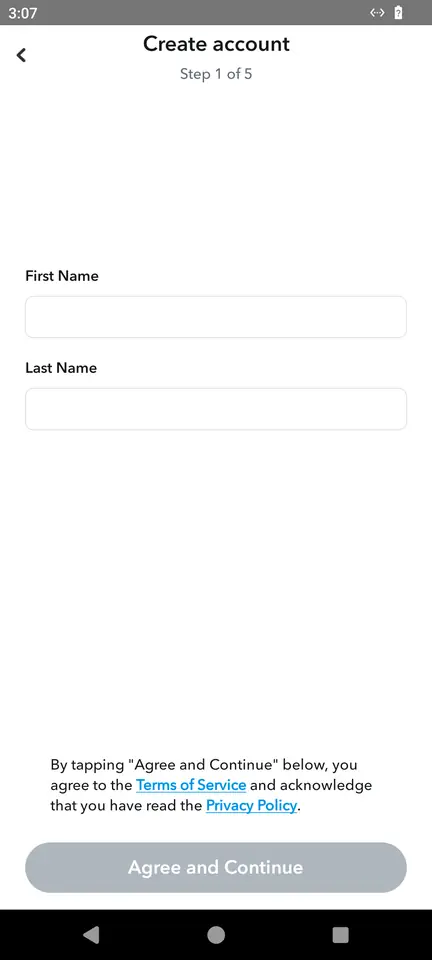
Create account — Step 1 of 5
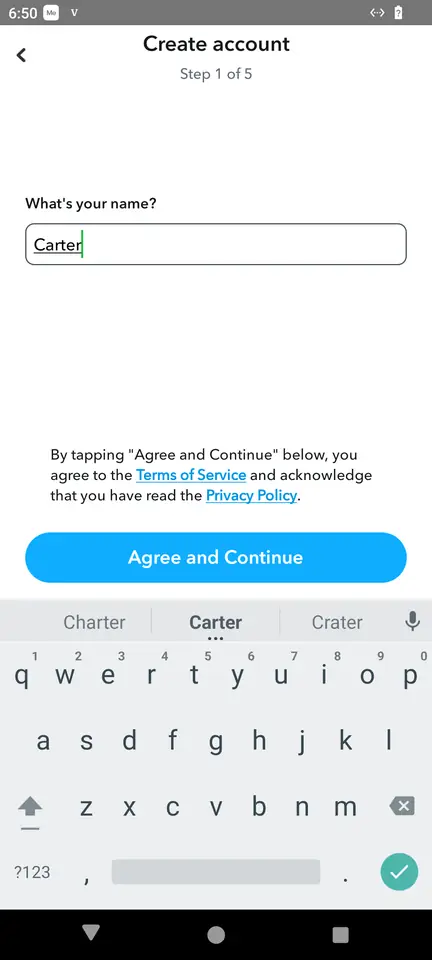 07 Onboarding · tap “Agree and Continue”
Create account — Step 1 of 5
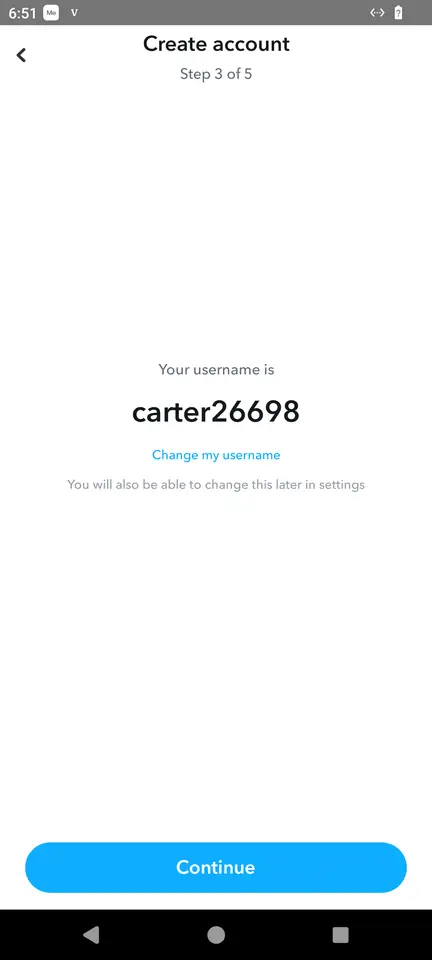 08 Onboarding · tap “Continue”
Your username is — carter26698
What Snapchat's onboarding flow does
- 8 screens in order, opening on “Get Started” and ending at “Your username is carter26698”.
- Taps along the way: “Get Started” → “Allow” → “Allow” → “Allow” → “What's your name?=Carter” → “Agree and Continue”….
- Shows a step counter (“Step 1 of 5”) so users always know how far along they are.
- Includes a system permission prompt inside the flow.
Read the step-by-step UX teardown of this flow →
Captured on a real Android device · last updated 2026-11-14