Onboarding flow · Wikipedia · Android
Wikipedia onboarding flow
Every screen of Wikipedia's onboarding flow on Android, in order: 6 steps, recorded on a real device. Wikipedia's onboarding opens with 3 value-pitch screens, asks 3 questions about the user and shows no sign-up form in the 6 screens we captured. At 6 screens it is the joint 50th-longest of the 152 onboarding flows in the library (median 4). A skip option appears on 1 screen.
UI components:
 01 Onboarding · tap “Forward”
Wikipedia — All the world's knowledge
 02 Onboarding · tap “Forward”
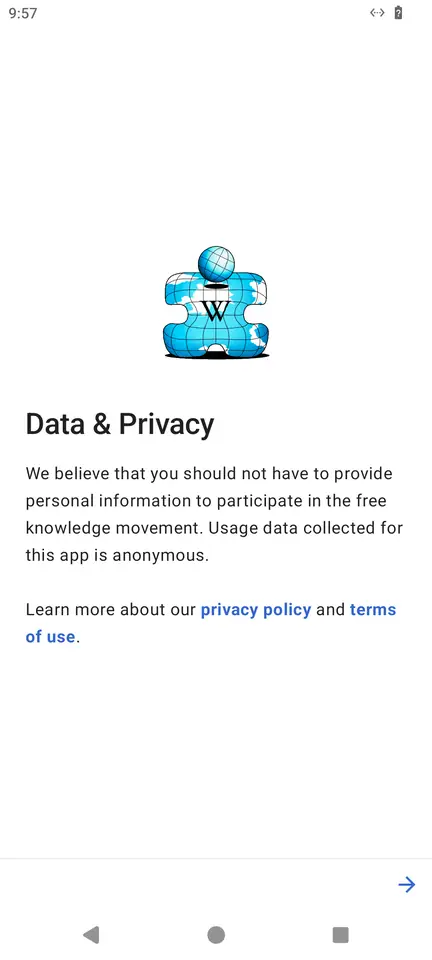
Data & Privacy — Forward
 03 Onboarding · tap “Forward”
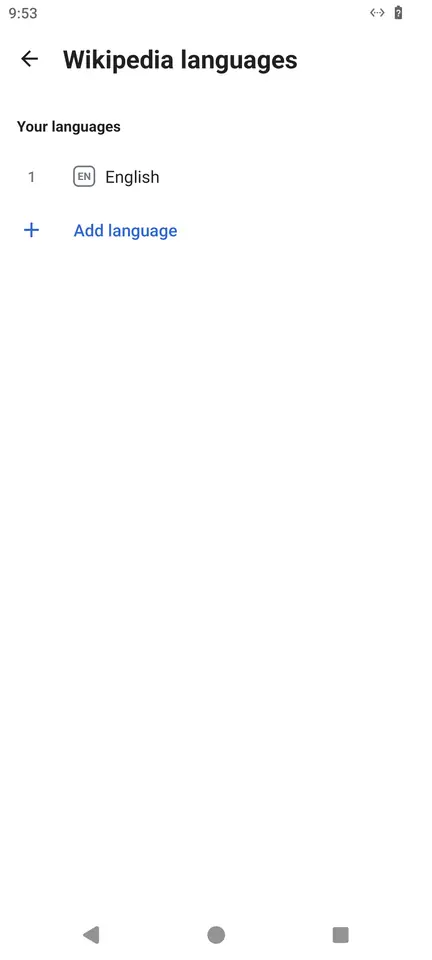
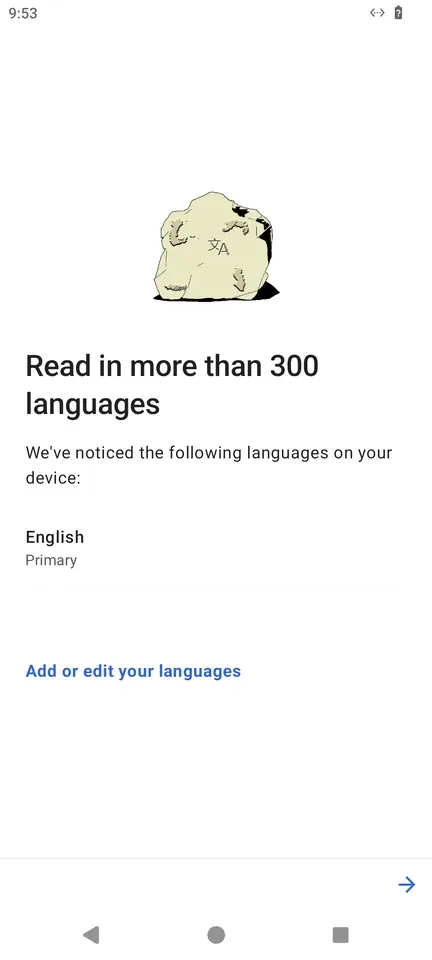
Read in more than 300 languages — We've noticed the following languages on your device:
 04 Onboarding · tap “Next”
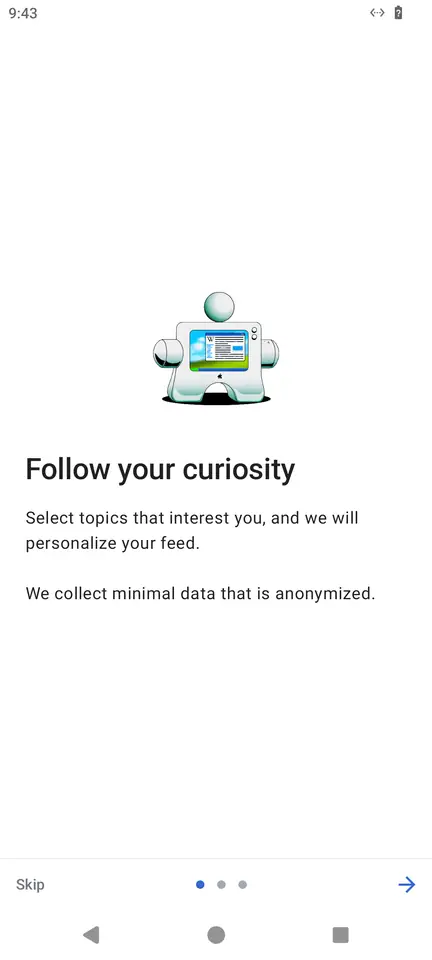
Follow your curiosity — Skip
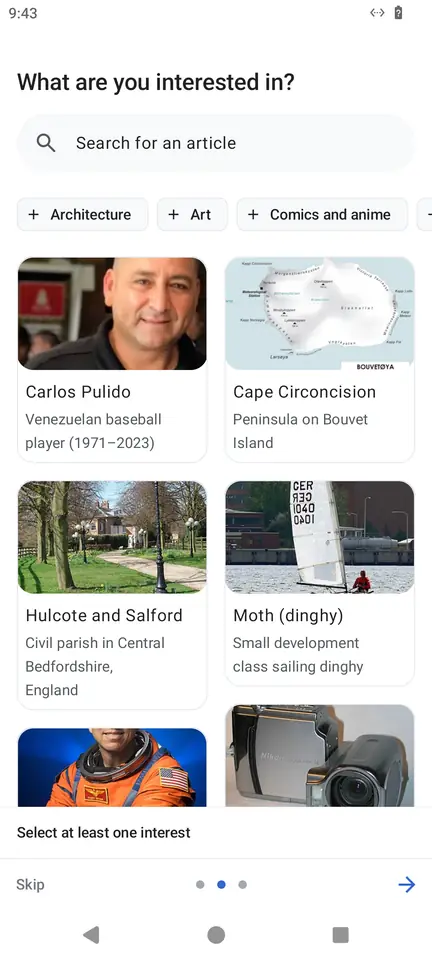 05 Onboarding · tap “Next”
What are you interested in? — Search Wikipedia
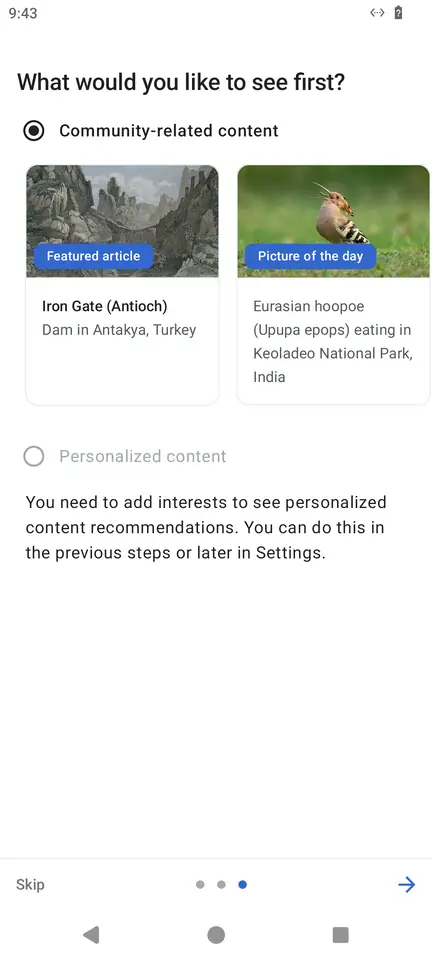 06 Onboarding · tap “Next”
What would you like to see first? — Community-related content
What Wikipedia's onboarding flow does
- 6 screens in order, opening on “Wikipedia” and ending at “What would you like to see first?”.
- Taps along the way: “Forward” → “Forward” → “Forward” → “Next” → “Next” → “Next”.
- Gives users an exit: a “Skip” option.
Read the step-by-step UX teardown of this flow →
Captured on a real Android device · last updated 2026-11-14