Skip button: 81 real Android examples
A skip button lets users bypass an optional onboarding step — a question, a tour, a permission ask — without abandoning the flow. Common labels are “Skip”, “Not now” and “Maybe later”.
Skip button examples from 81 Android apps
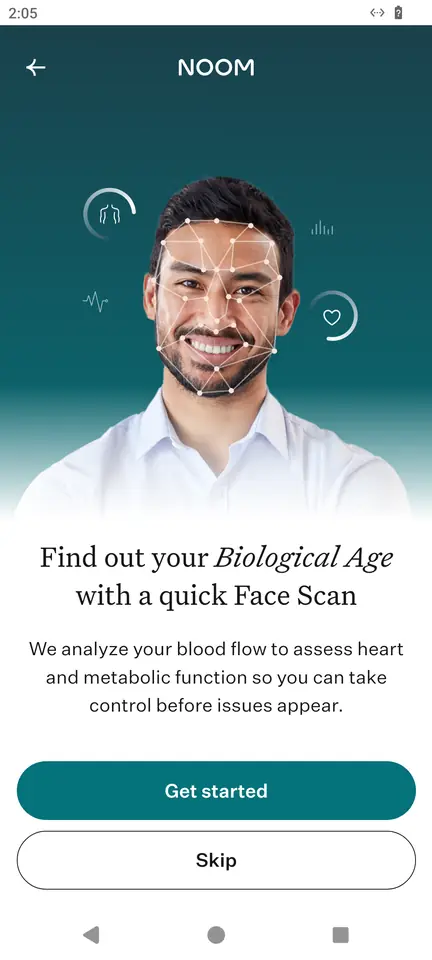
Skip
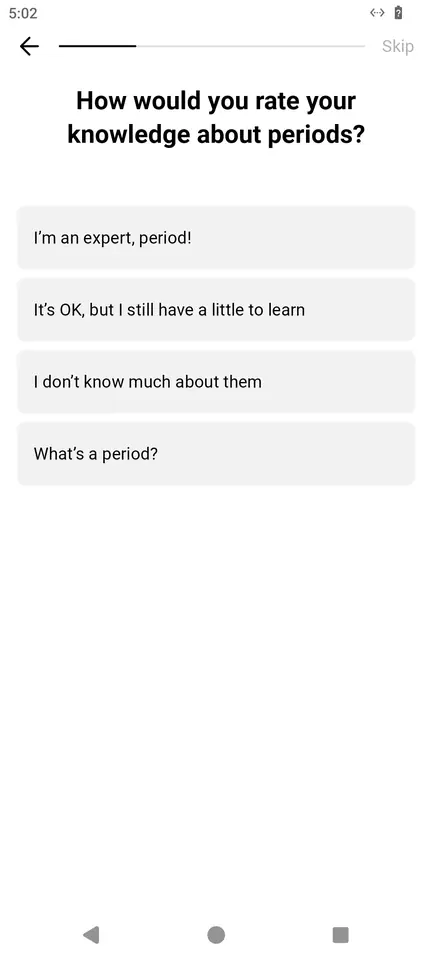
Skip
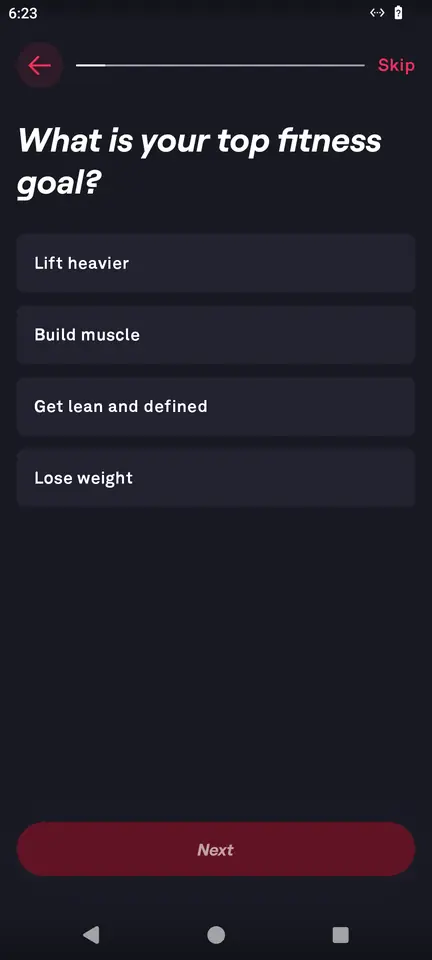
Skip
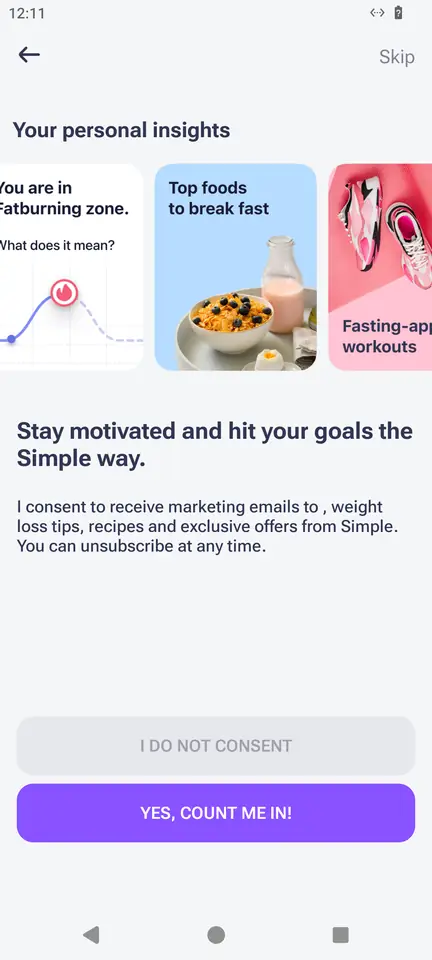
Skip
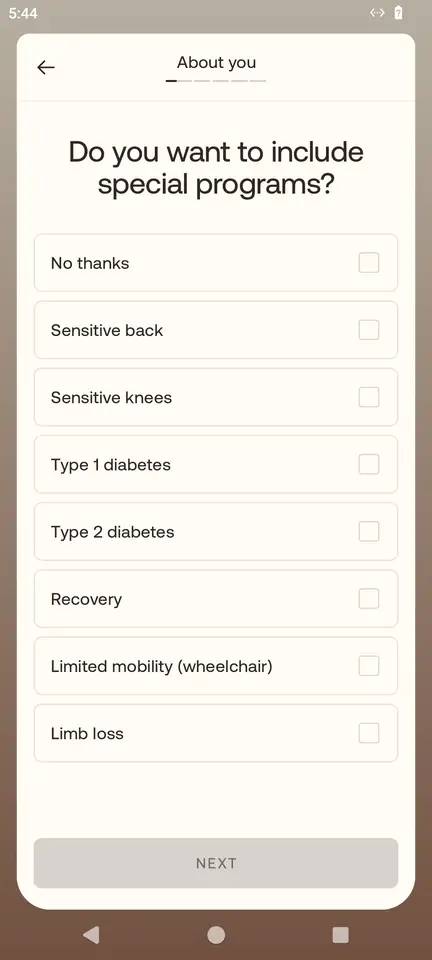
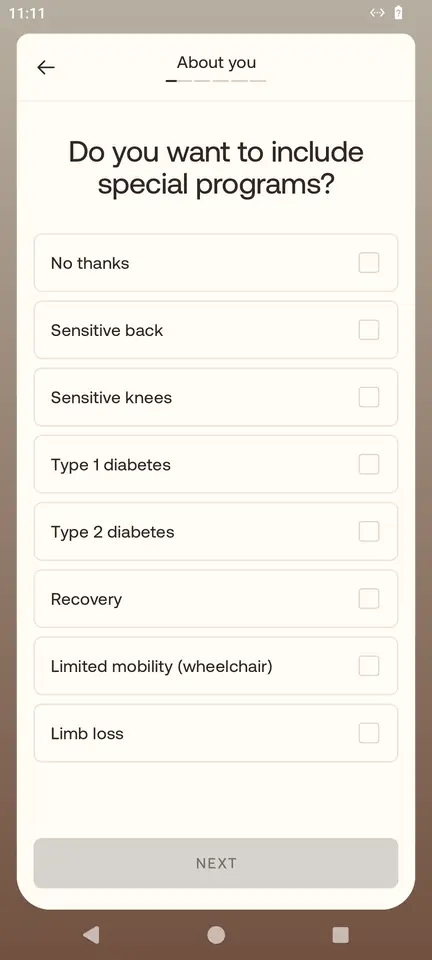
No thanks
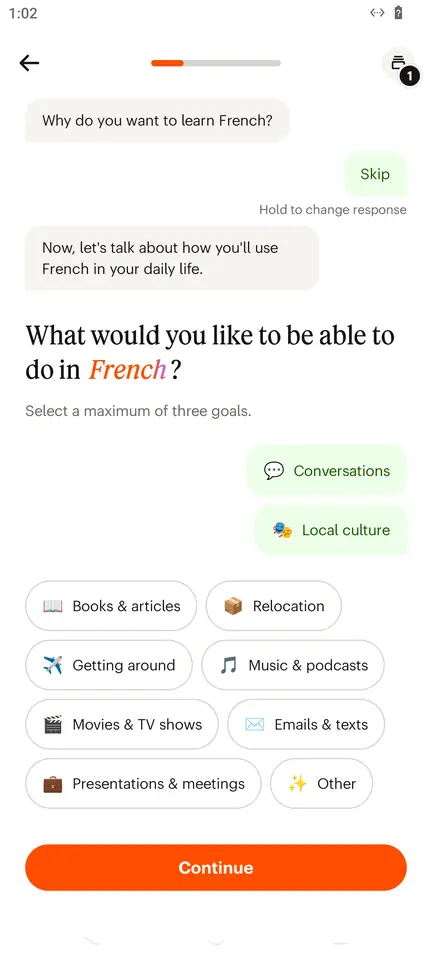
Skip
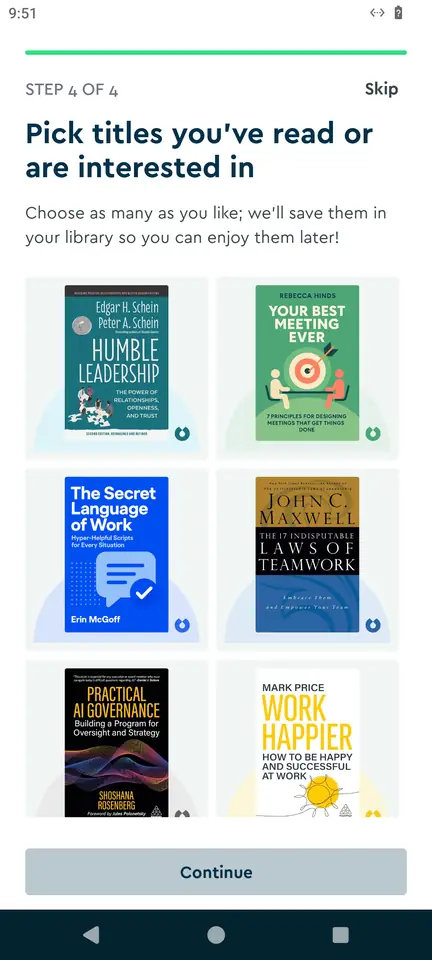
Skip
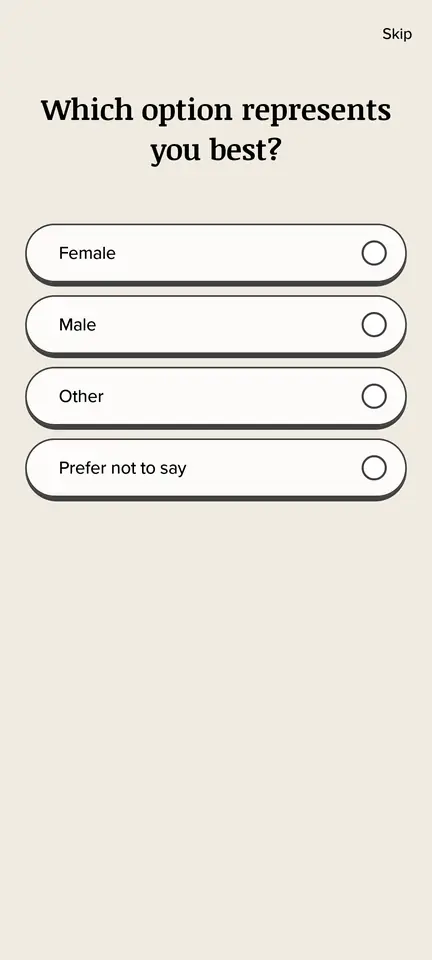
Skip
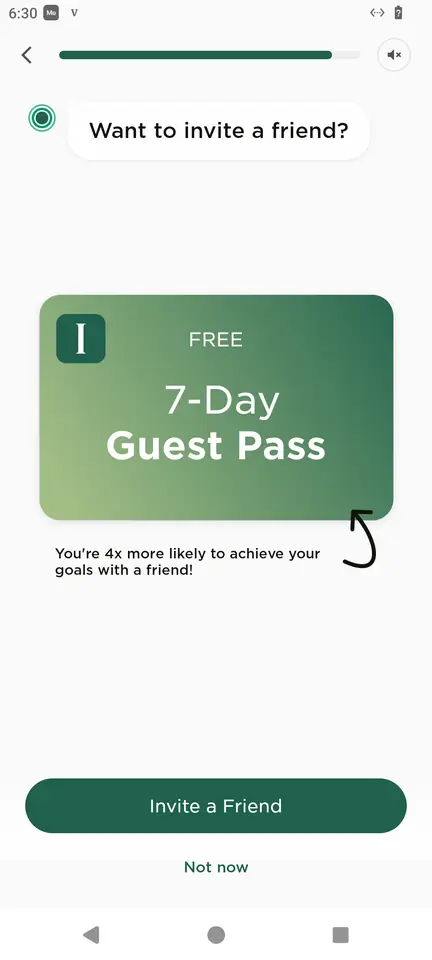
Not now
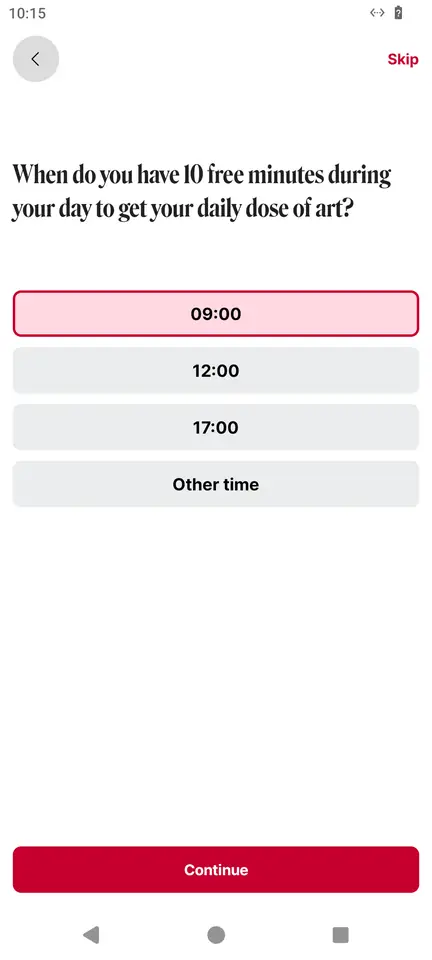
Skip
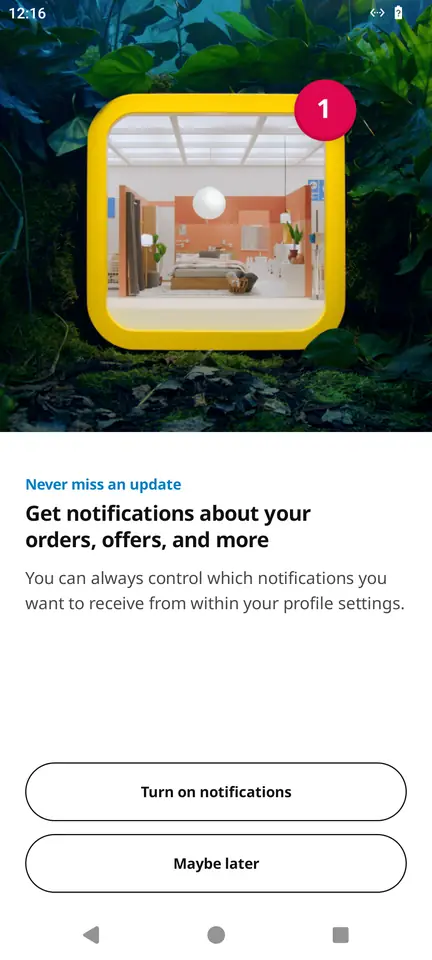
Maybe later
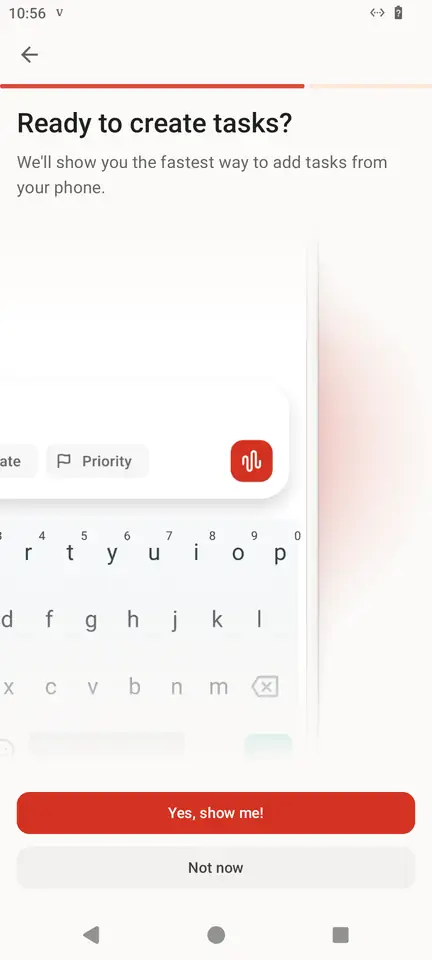
Not now
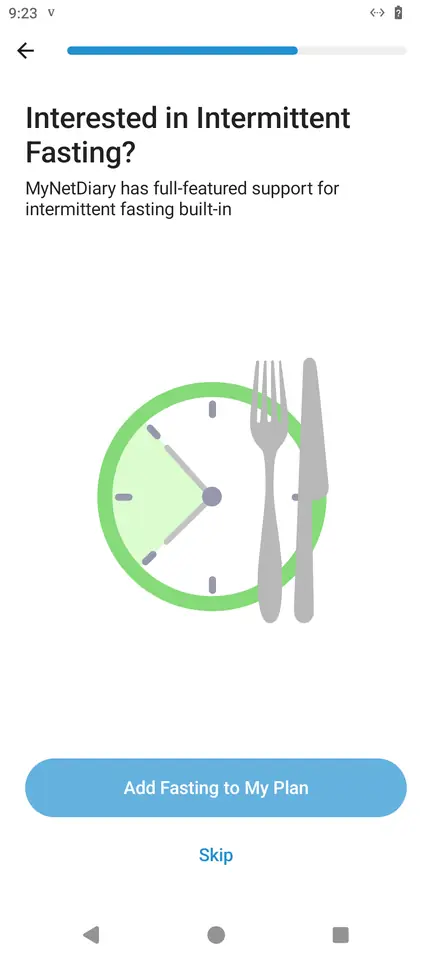
Skip
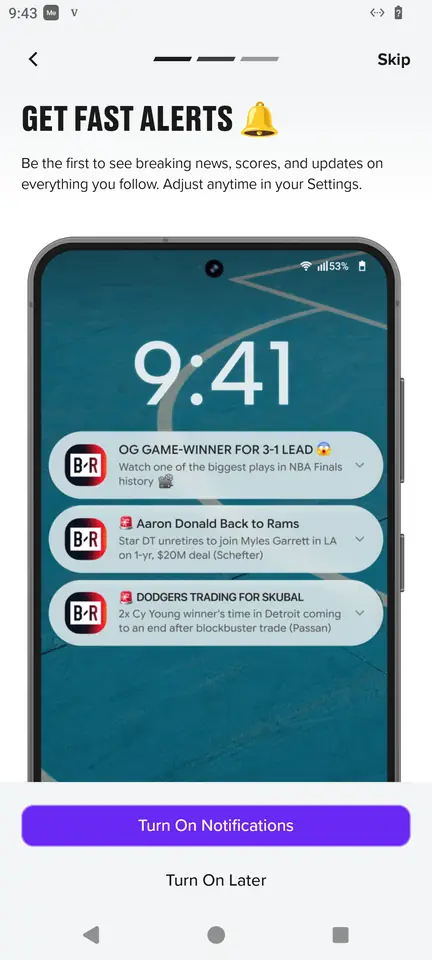
Skip
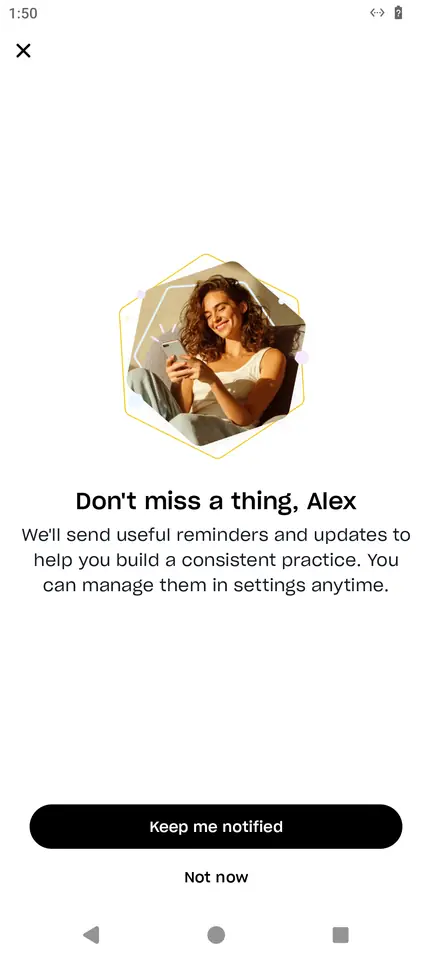
Not now
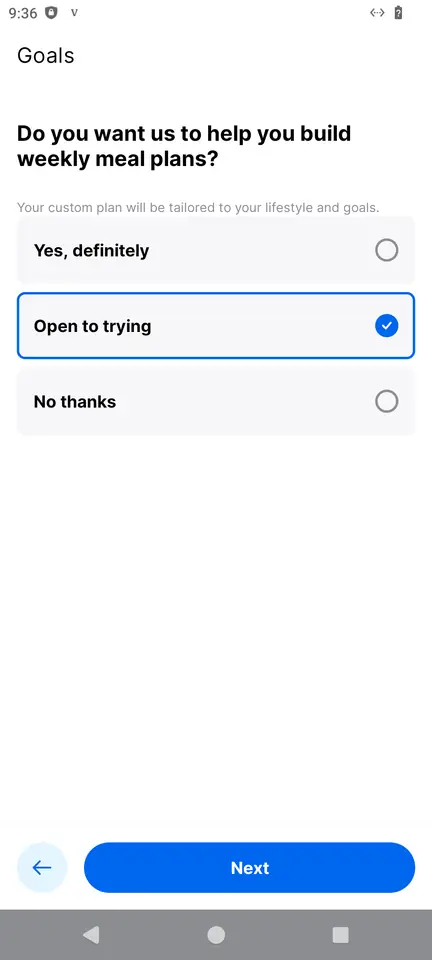
No thanks
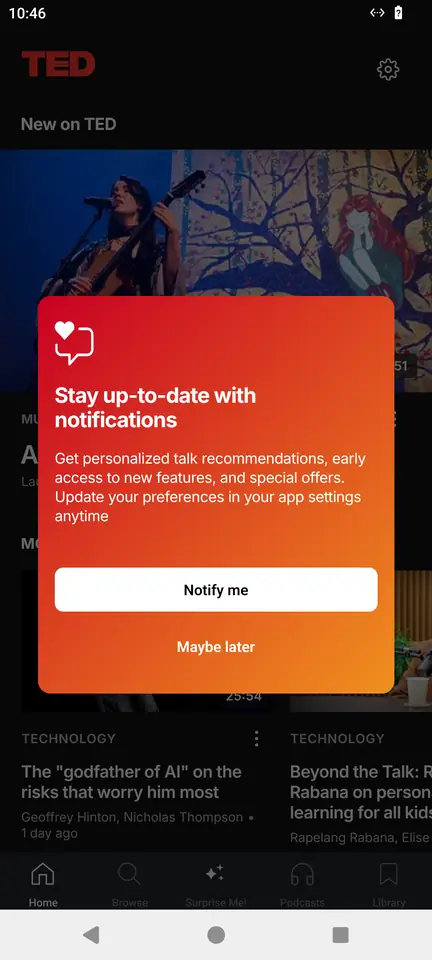
Maybe later
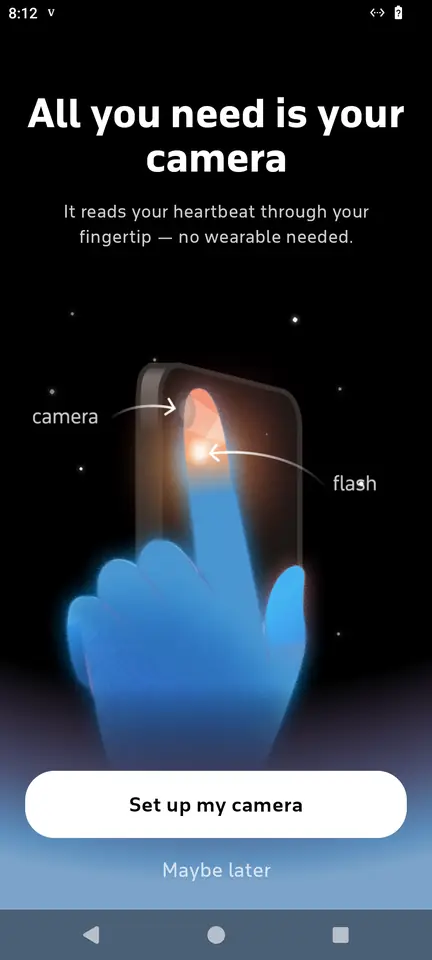
Maybe later

Skip for now
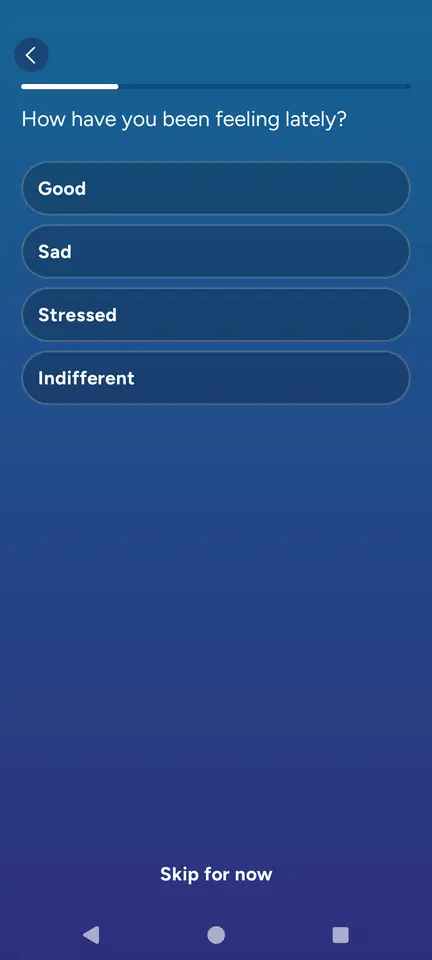
Skip for now

Maybe later
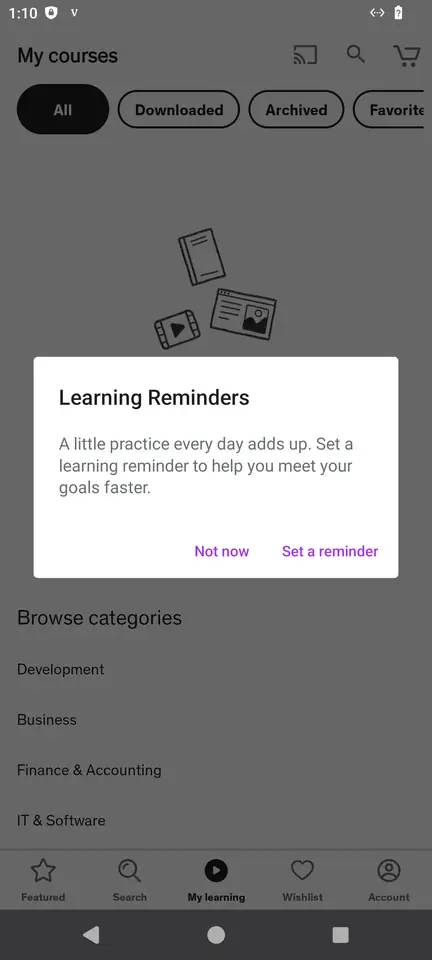
Not now
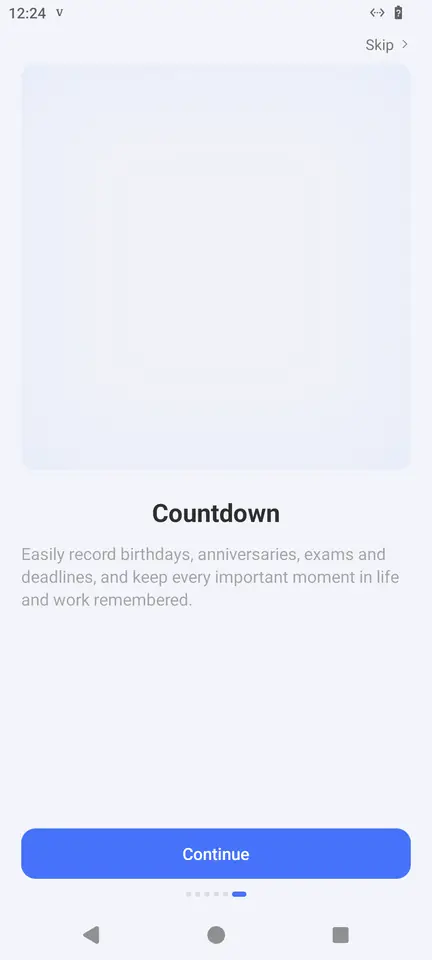
Skip
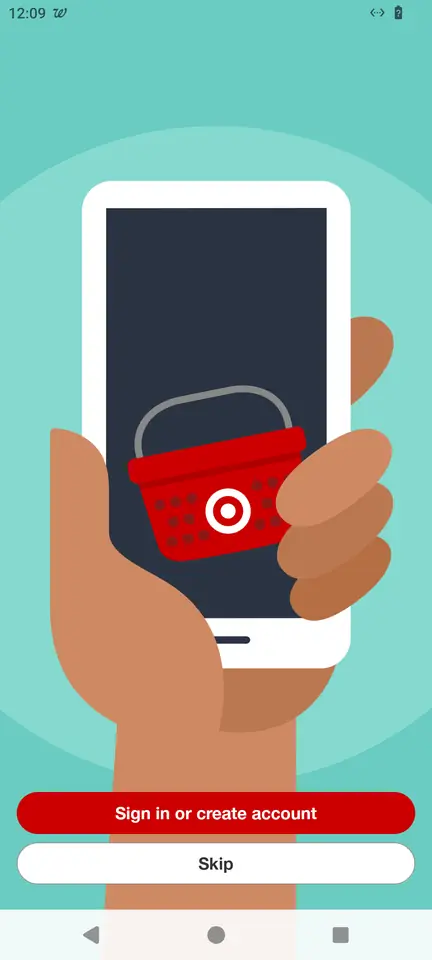
Skip
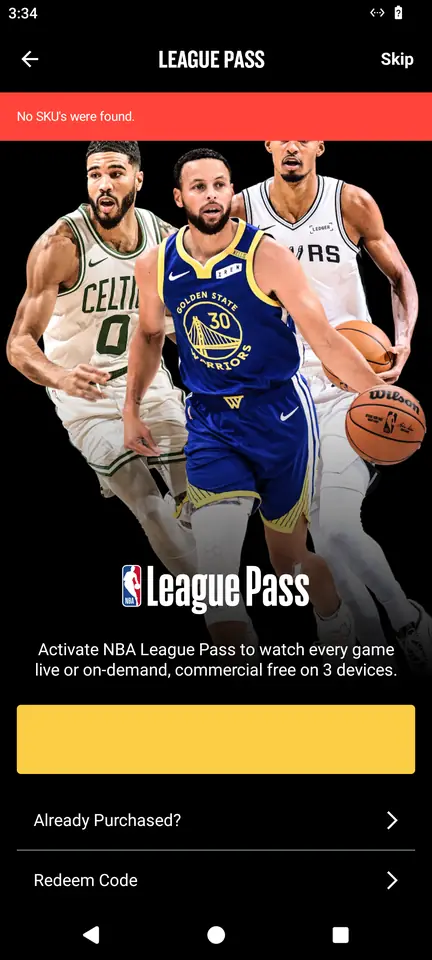
Skip
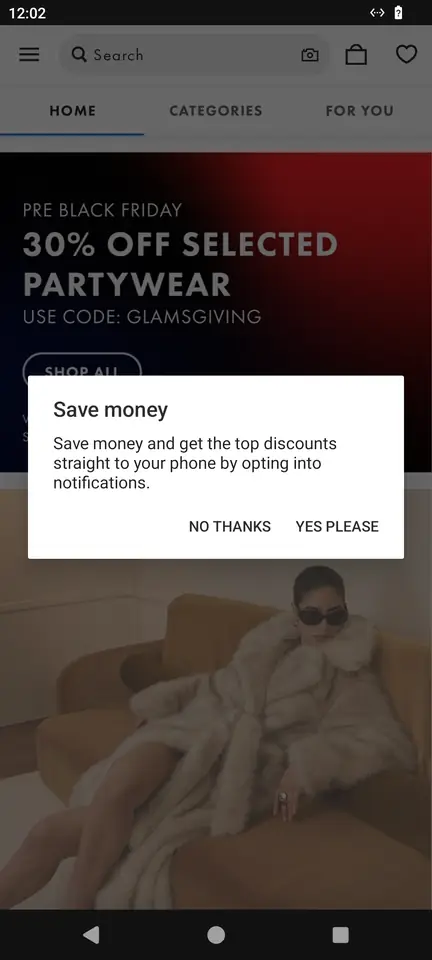
NO THANKS
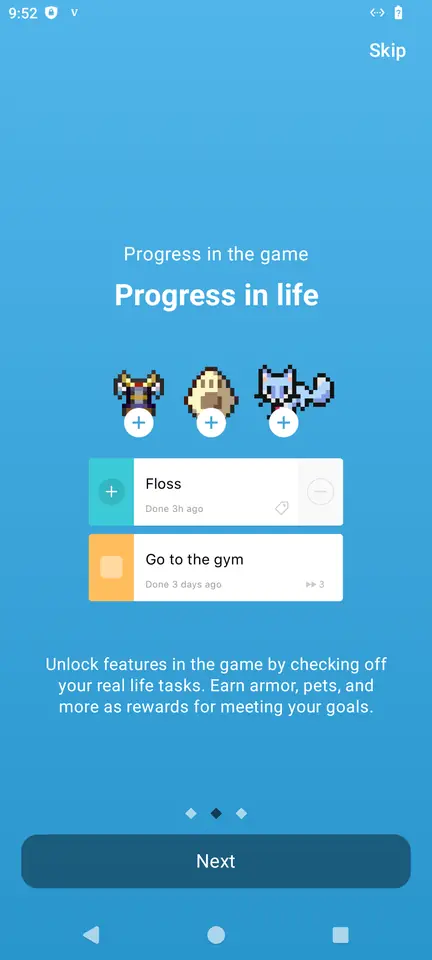
Skip
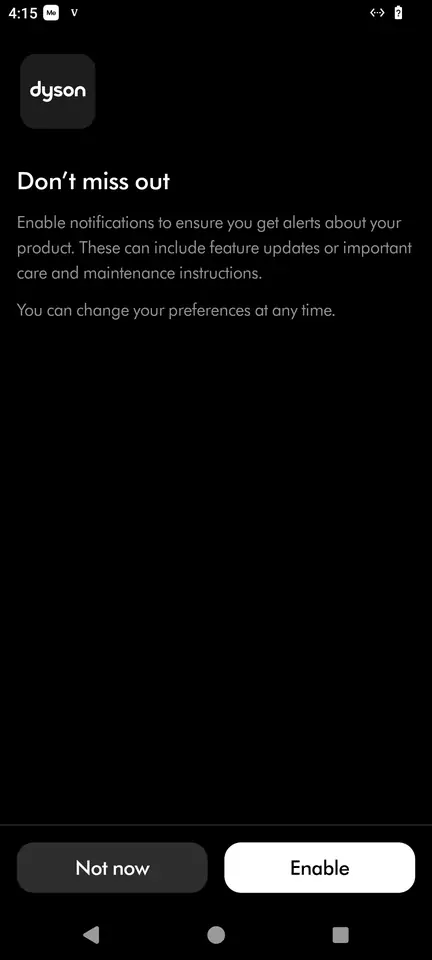
Not now
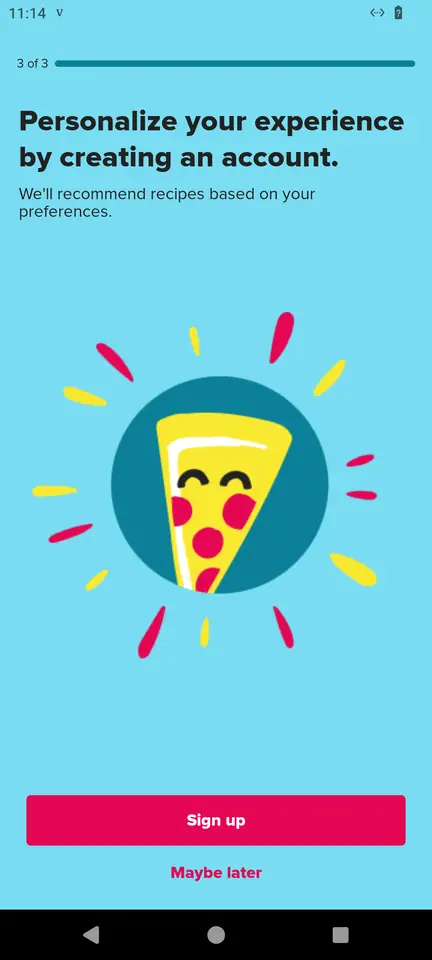
Maybe later

Not Now
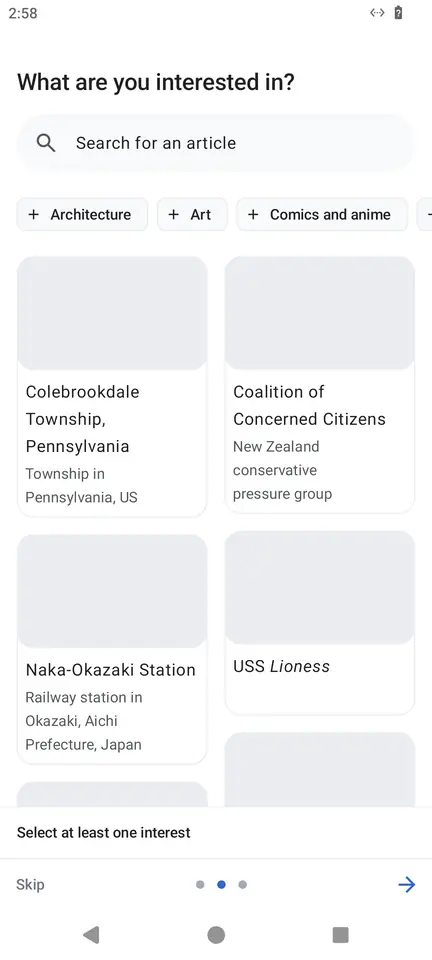
Skip
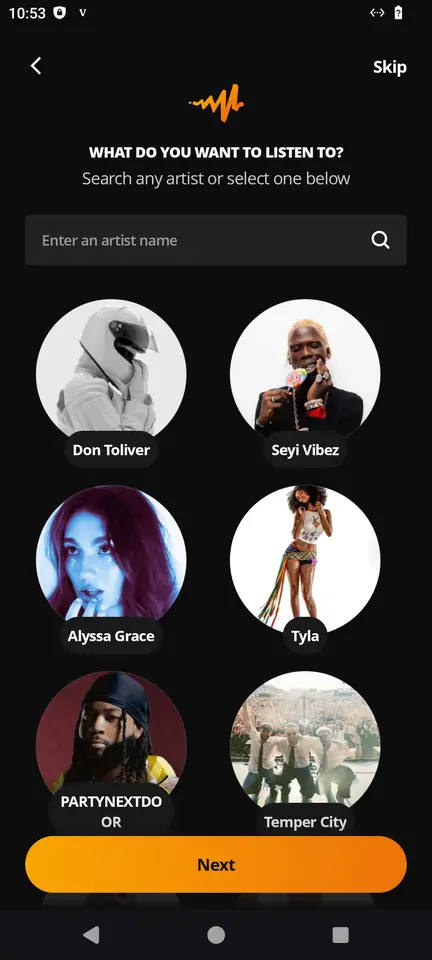
Skip
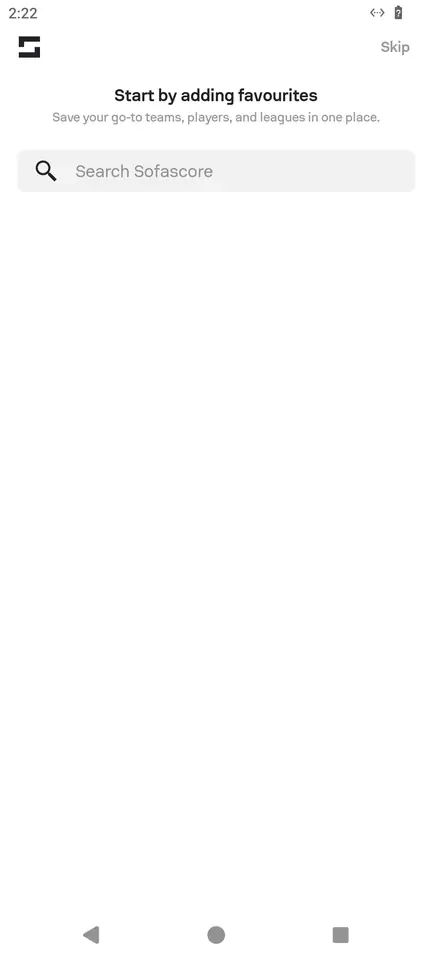
Skip
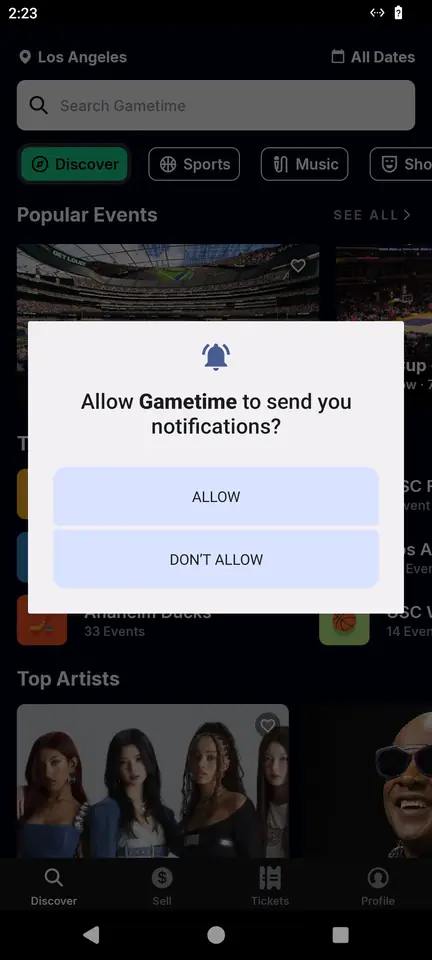
Skip
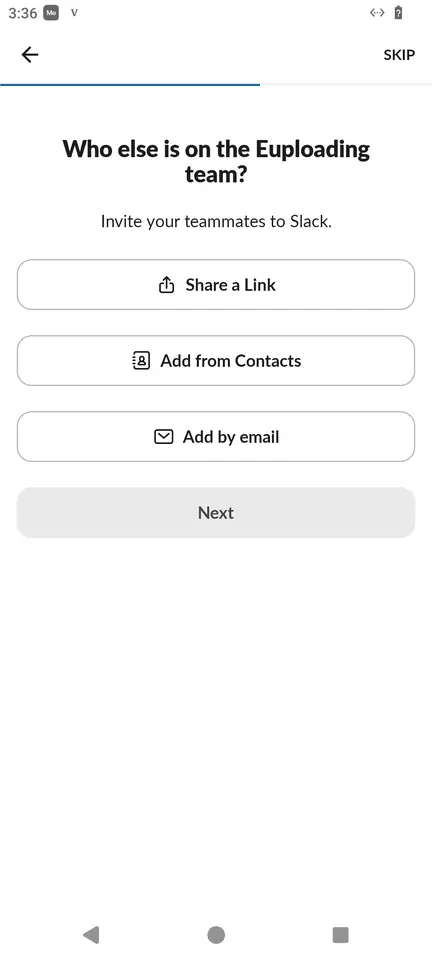
SKIP
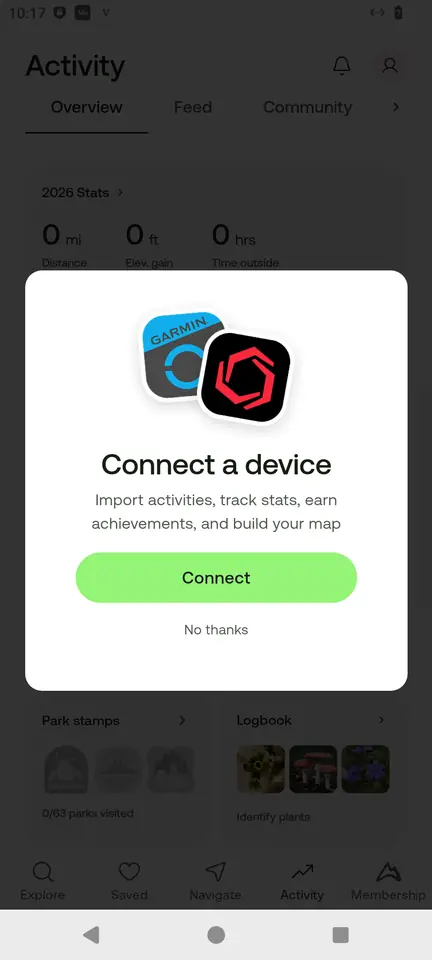
No thanks
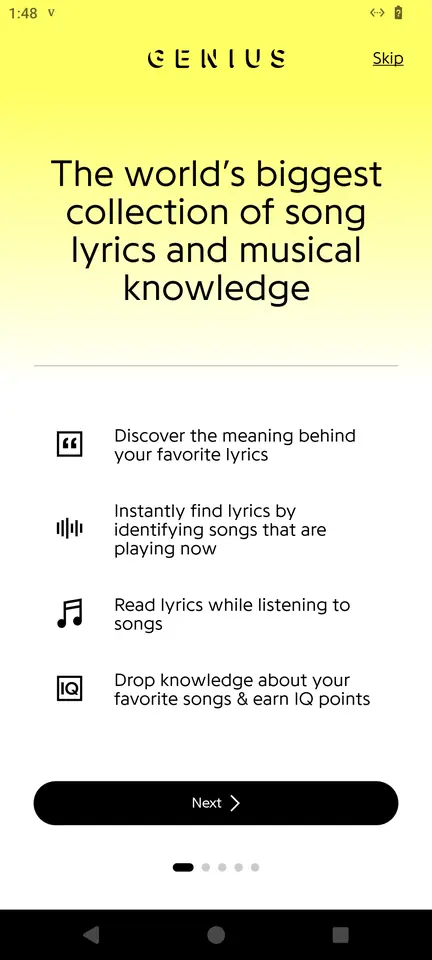
Skip
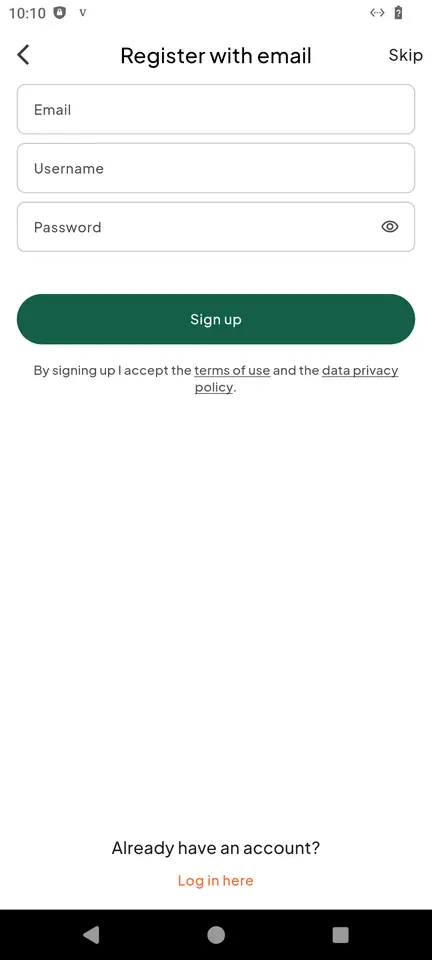
Skip
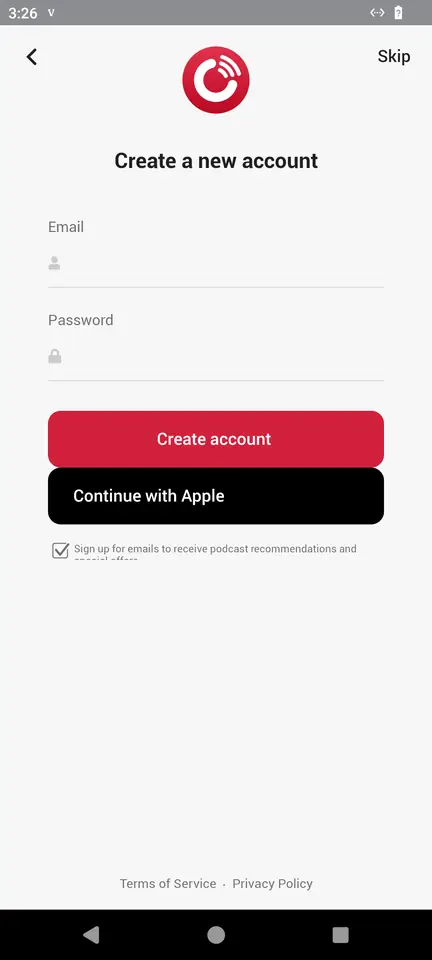
Skip
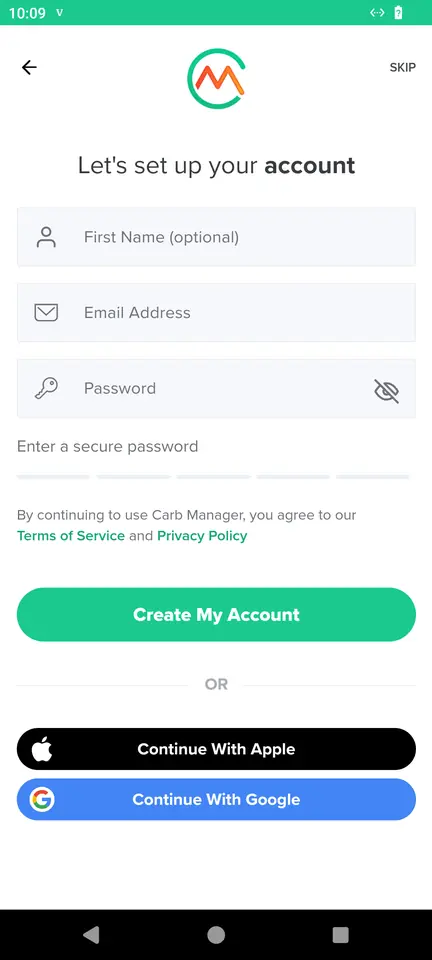
SKIP
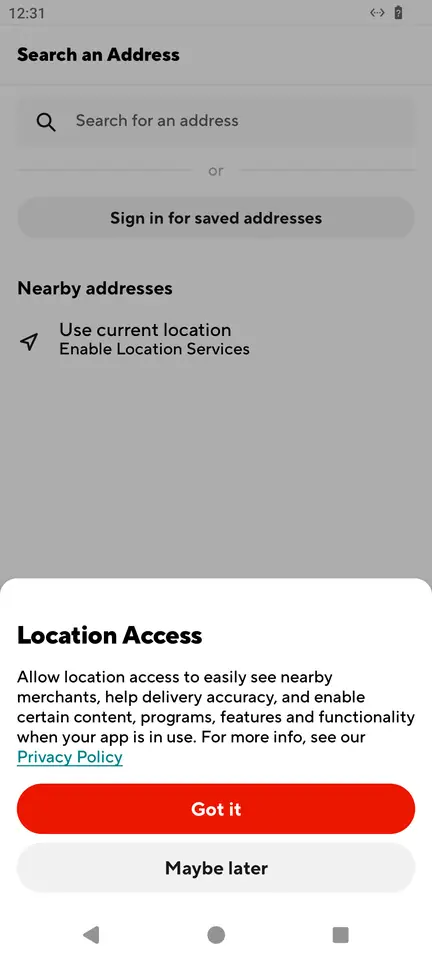
Maybe later
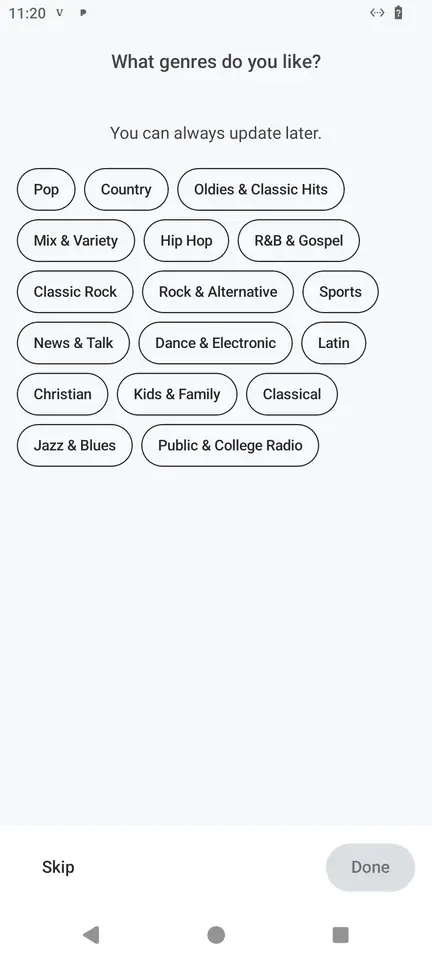
Skip
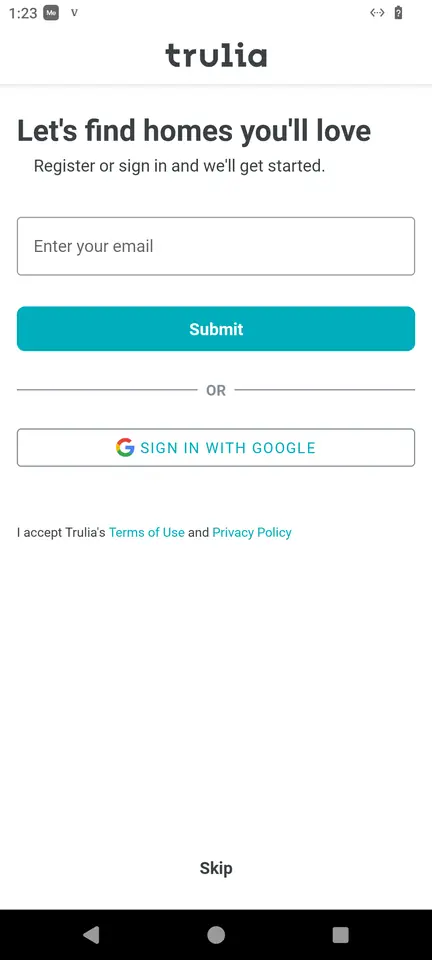
Skip
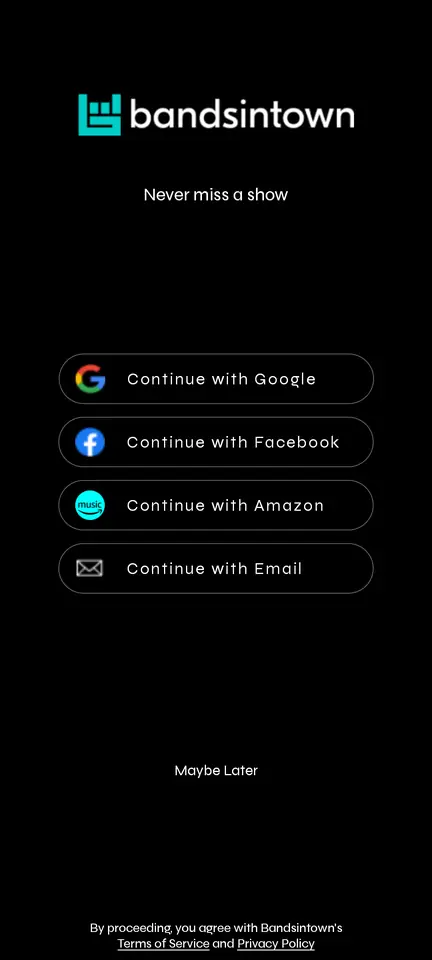
Maybe Later
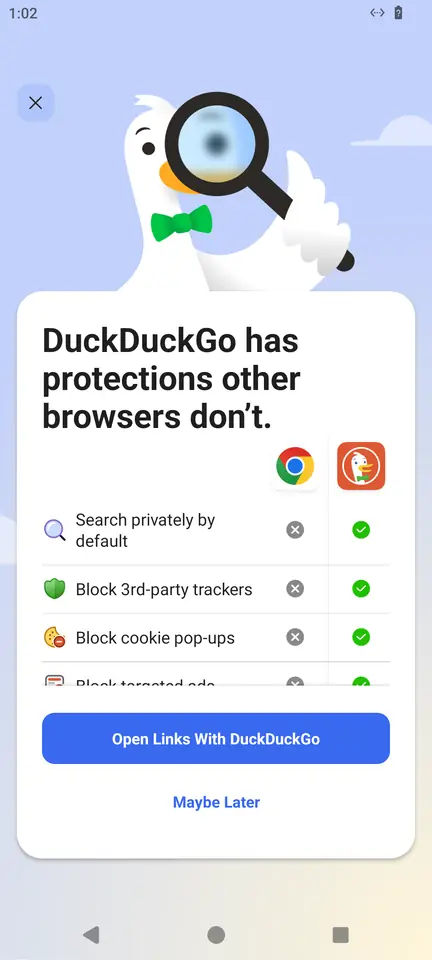
Maybe Later
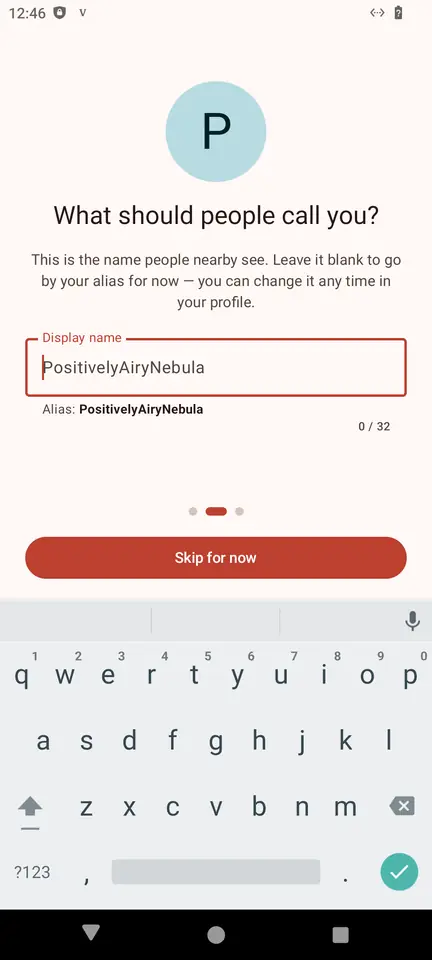
Skip for now
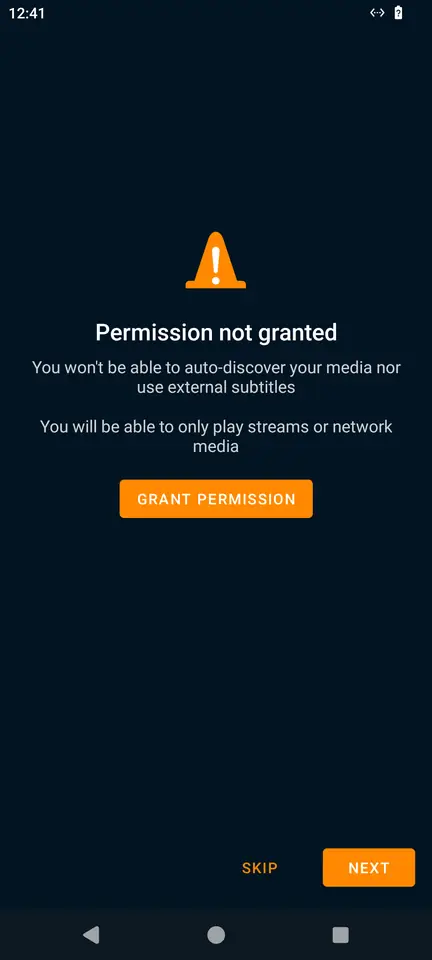
SKIP
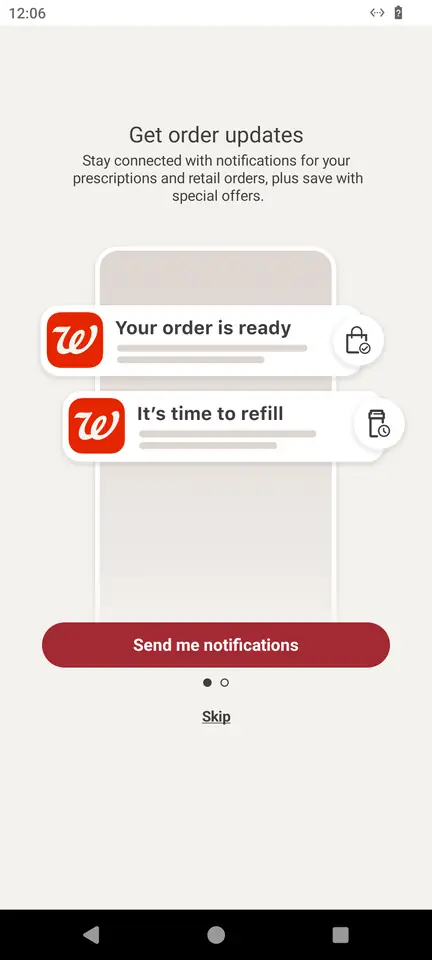
Skip

Skip for now
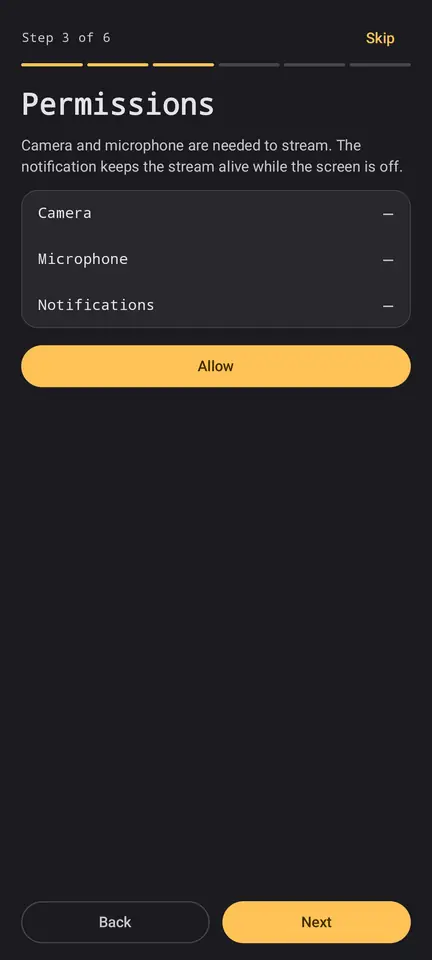
Skip
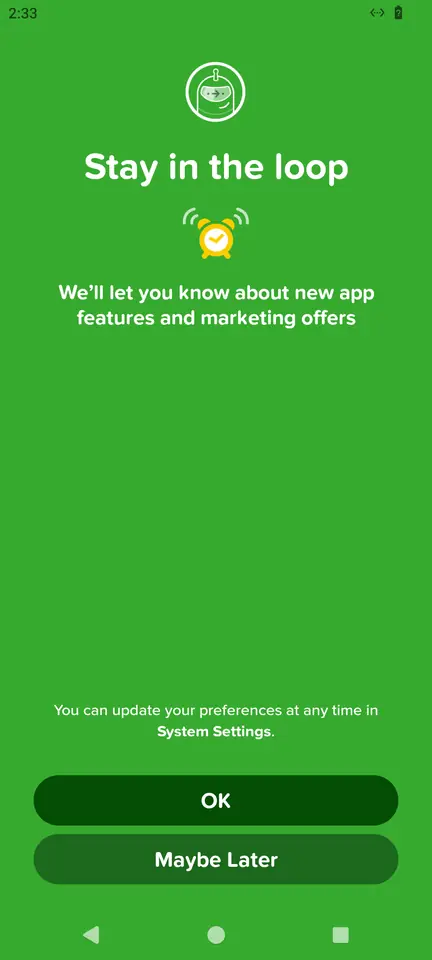
Maybe Later

Skip for now
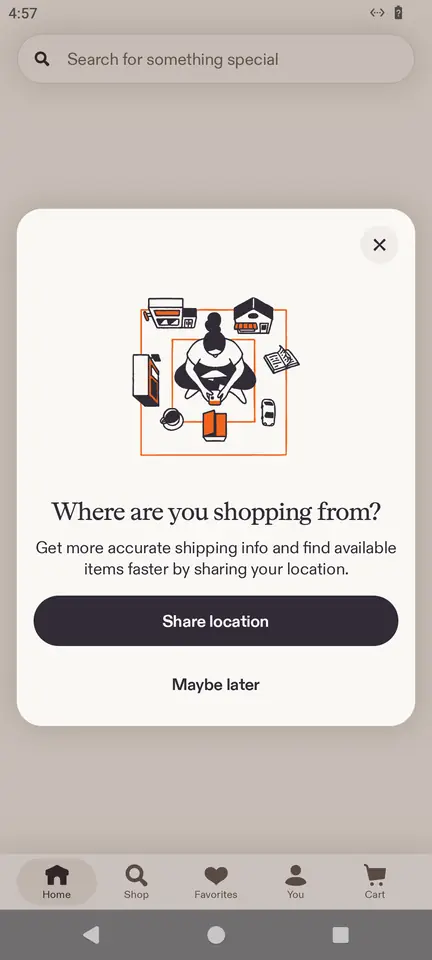
Maybe later
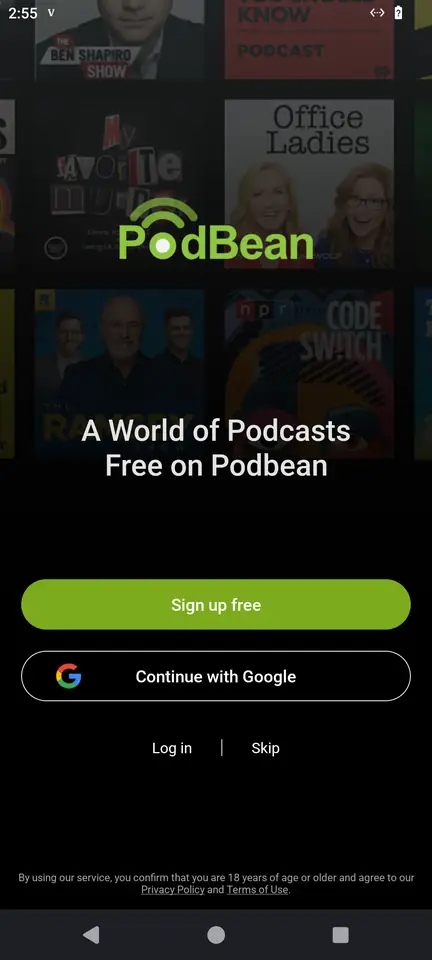
Skip
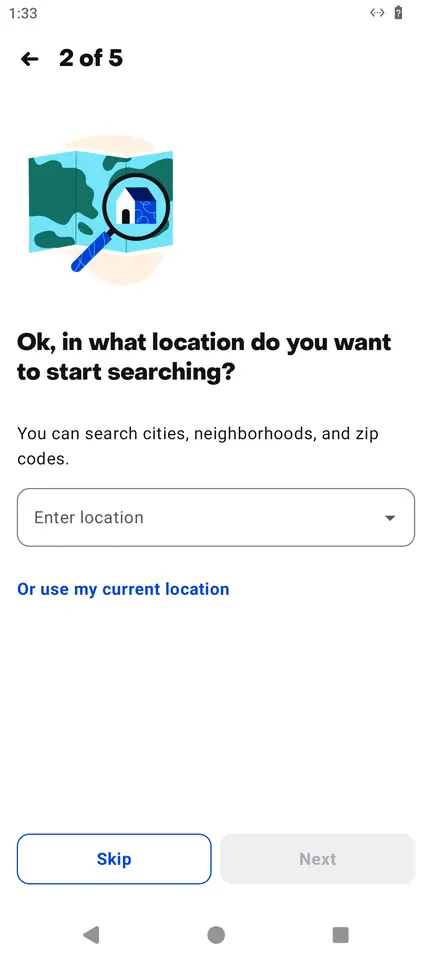
Skip
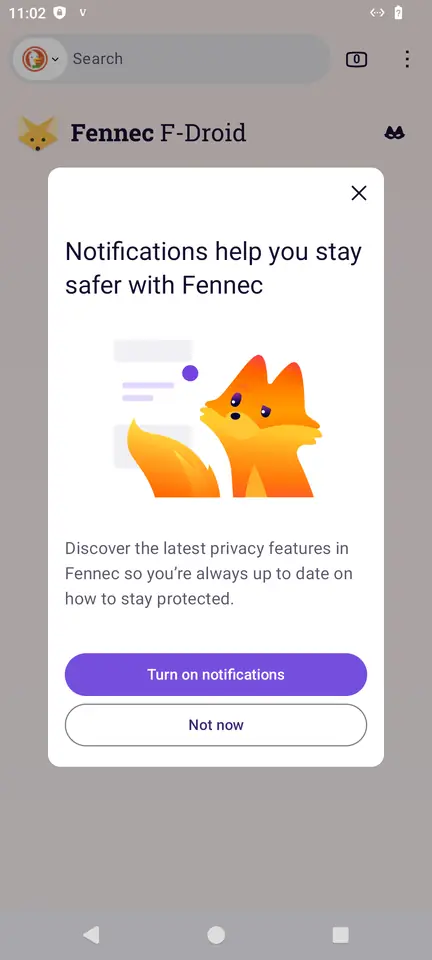
Not now

Skip this step
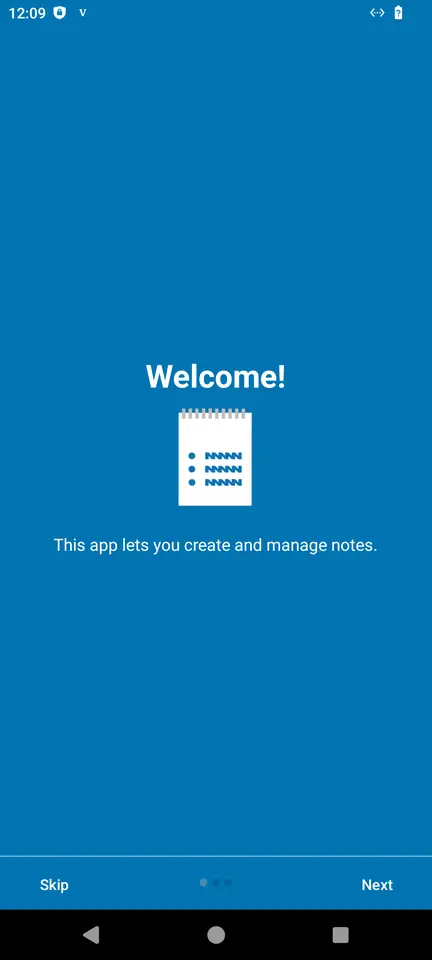
Skip

SKIP

Skip for now

Skip for now
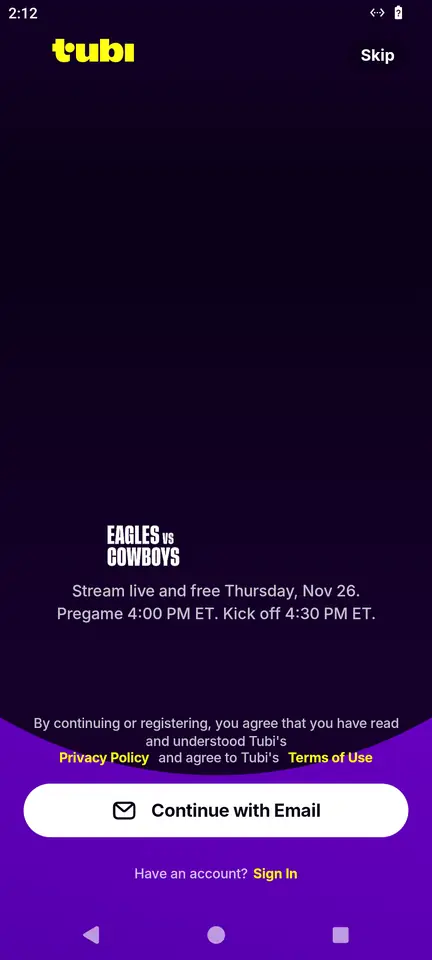
Skip
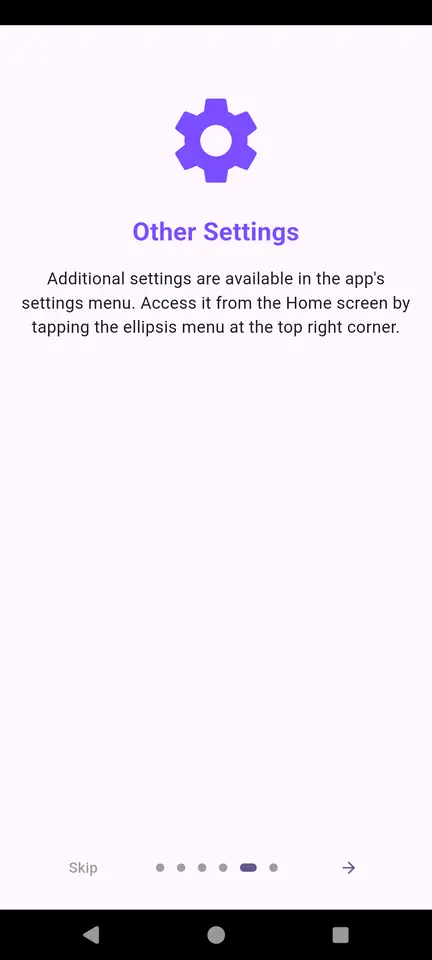
Skip

Skip for now

Skip for now

Skip for now

Skip for now

Skip for now

Skip for now
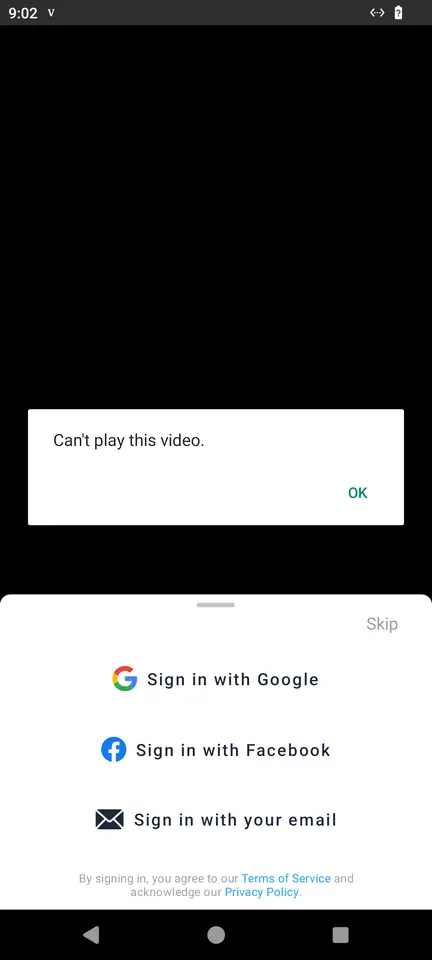
Skip

Skip for now
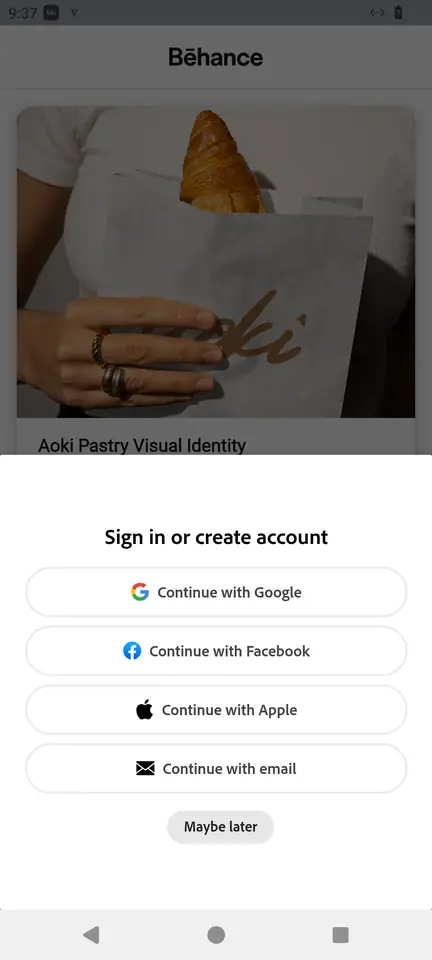
Maybe later
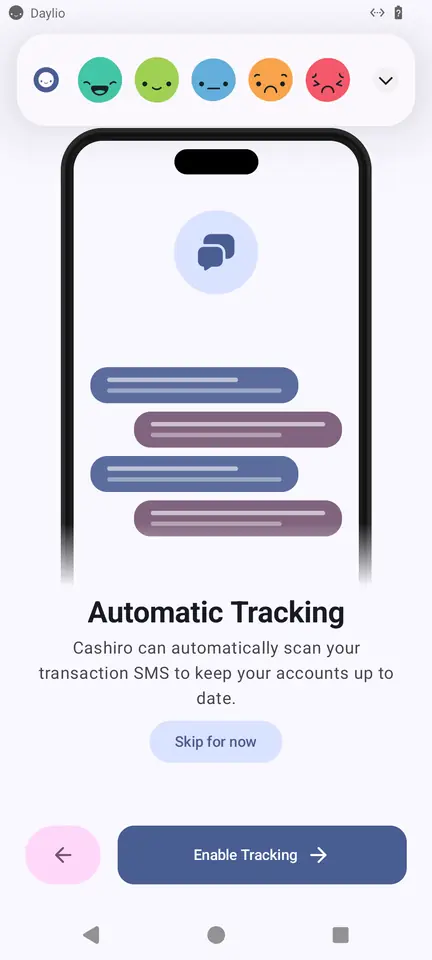
Skip for now
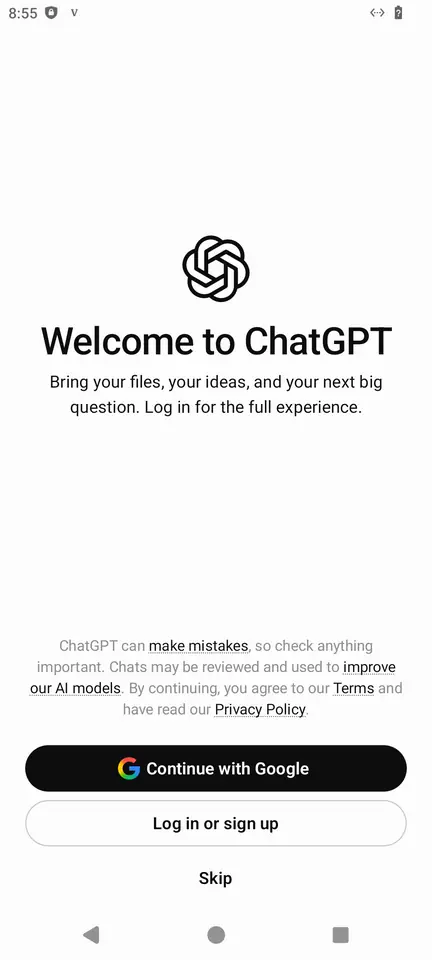
Skip
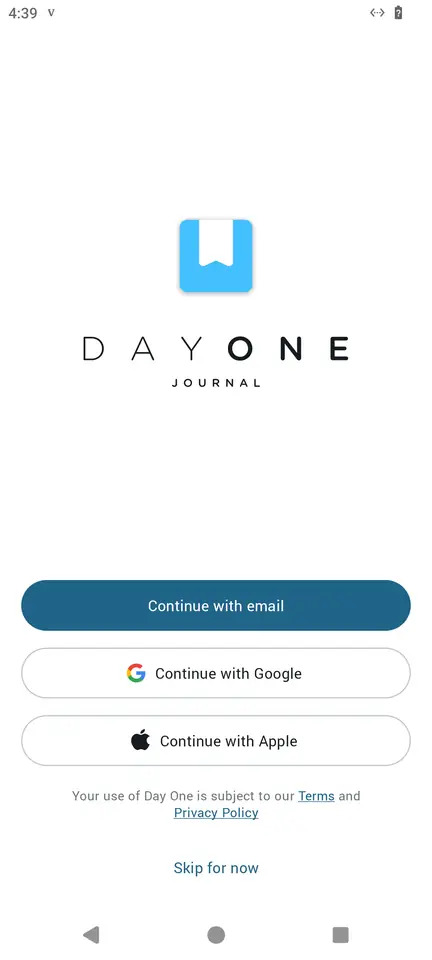
Skip for now
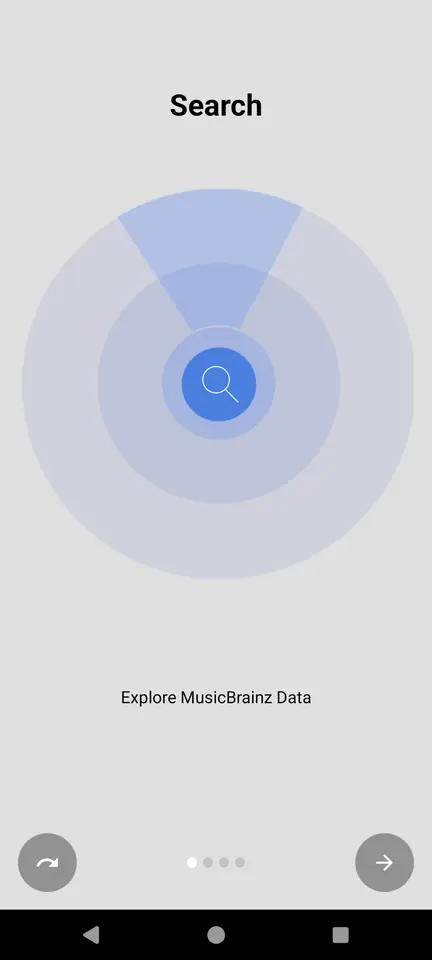
SKIP
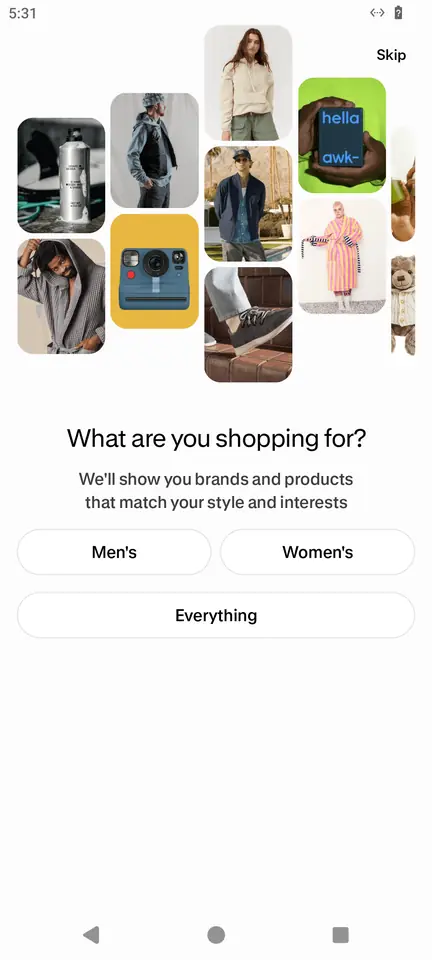
Skip
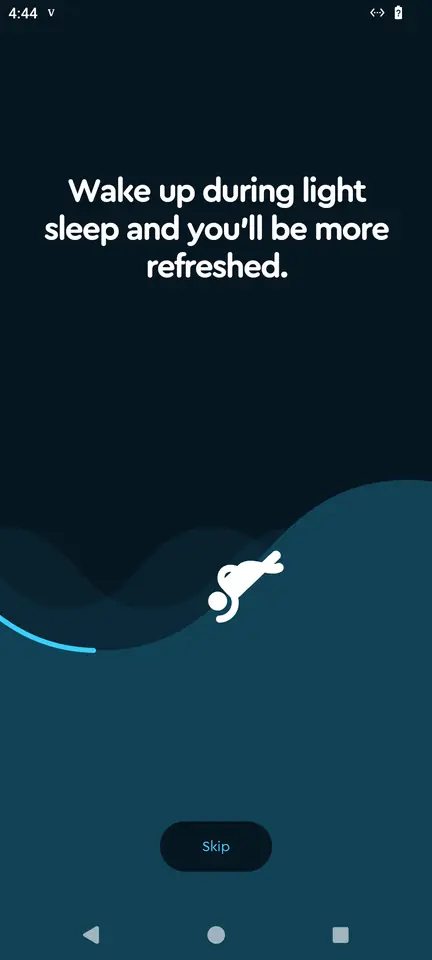
Skip
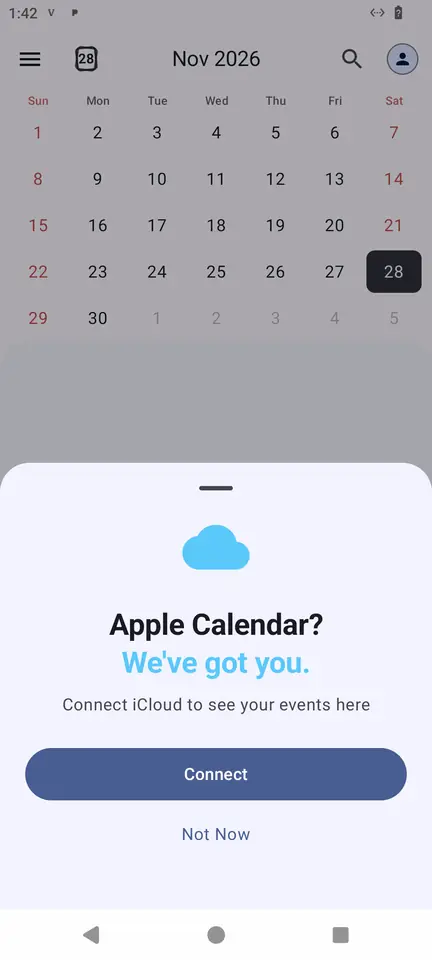
Not Now
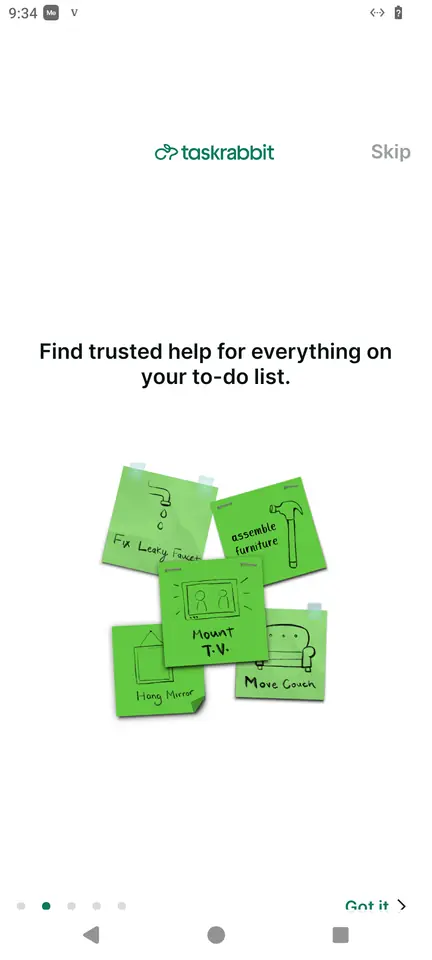
Skip
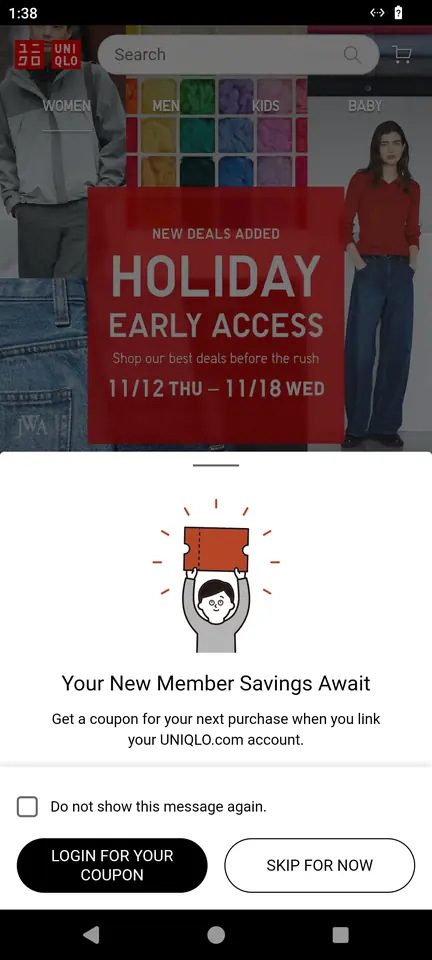
SKIP FOR NOW
Why it works
- Forcing optional answers is a top cause of onboarding drop-off.
- Users who skip still reach the product, so you can ask again later in context.
- A visible exit makes the remaining steps feel lower-stakes.
Best practices
- Place it consistently (usually top-right) on every optional step.
- Use a soft label such as “Not now” for permission and notification asks.
- Never put “Skip” on steps the app truly needs; make those clearly required instead.
- Track which steps get skipped — they are candidates to cut.
How real apps word it
The exact UI copy, as it appears on screen in each app.
No thanks
AllTrailsSkip for now
Asbury Park PressSkip
AudiomackMaybe Later
BandsintownNot Now
CalmSkip this step
Letterboxd
Where it shows up
Screens showing the pattern, by flow step type.
By app category
Apps showing the pattern, by category · 81 of 246 apps in the library.
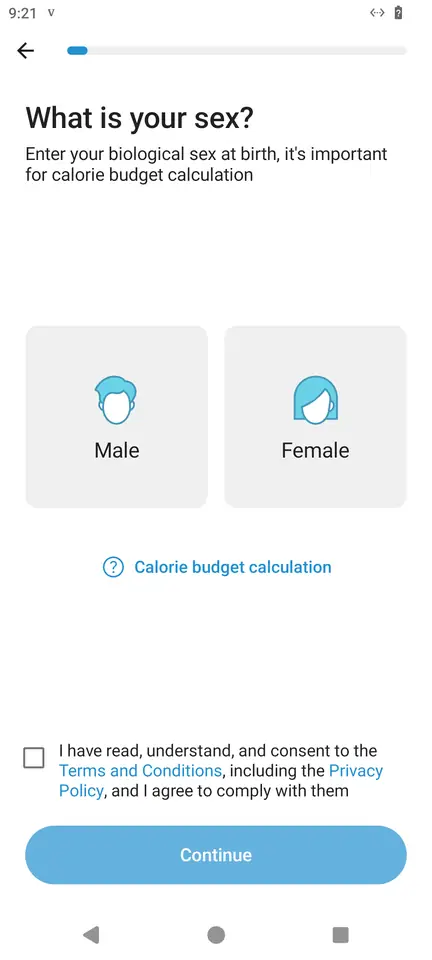
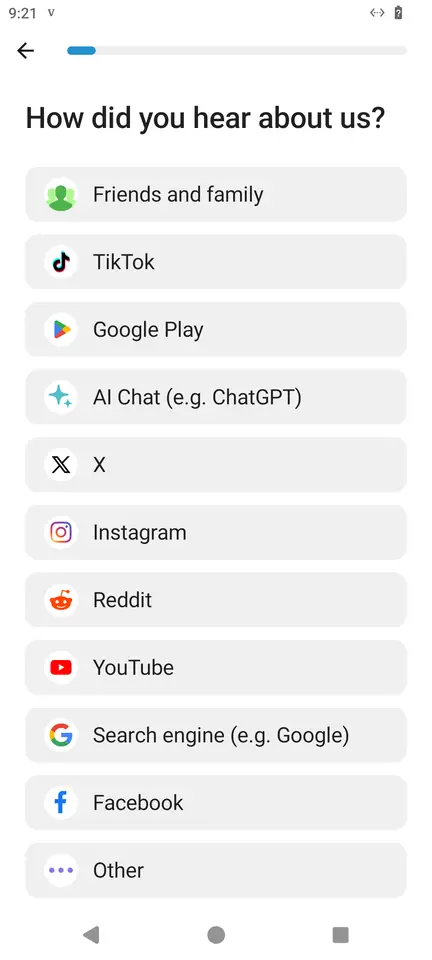
Full flows that include a skip button
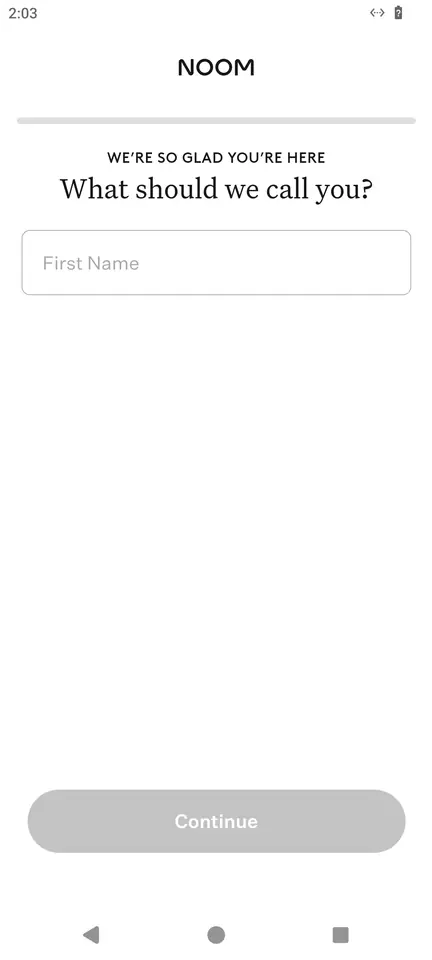
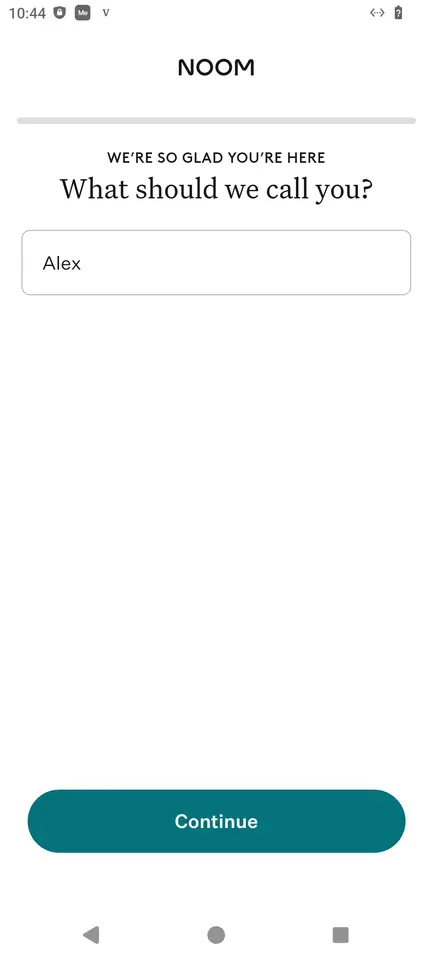
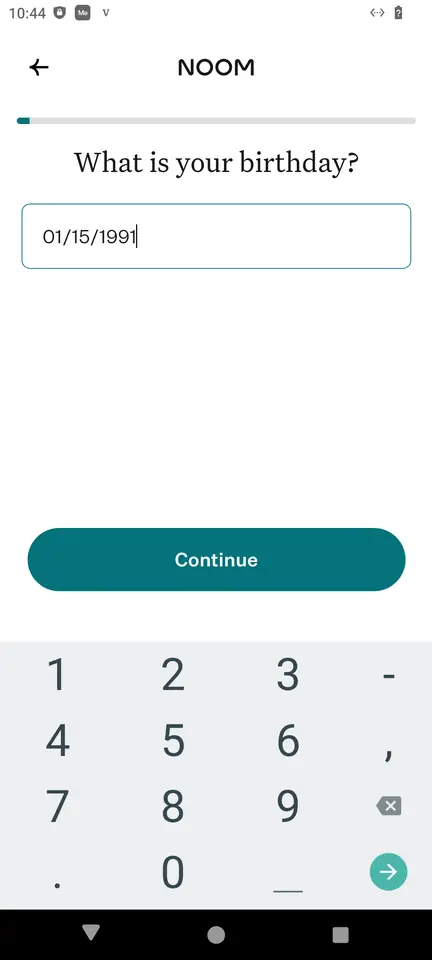


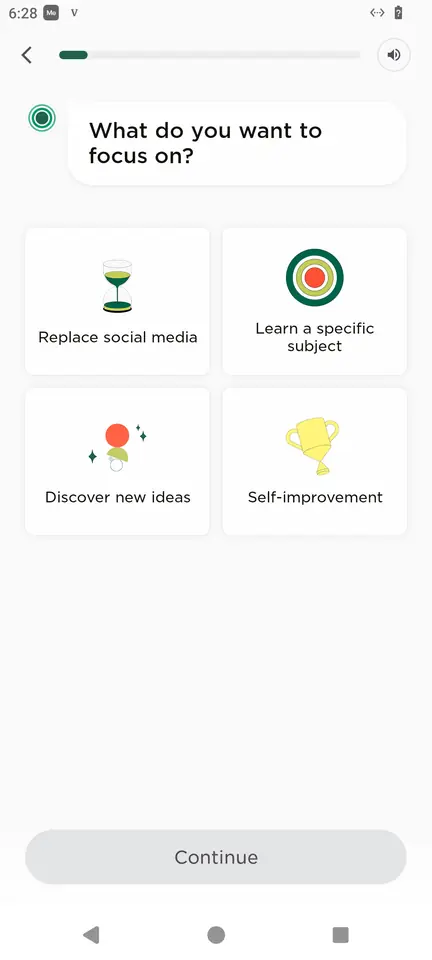



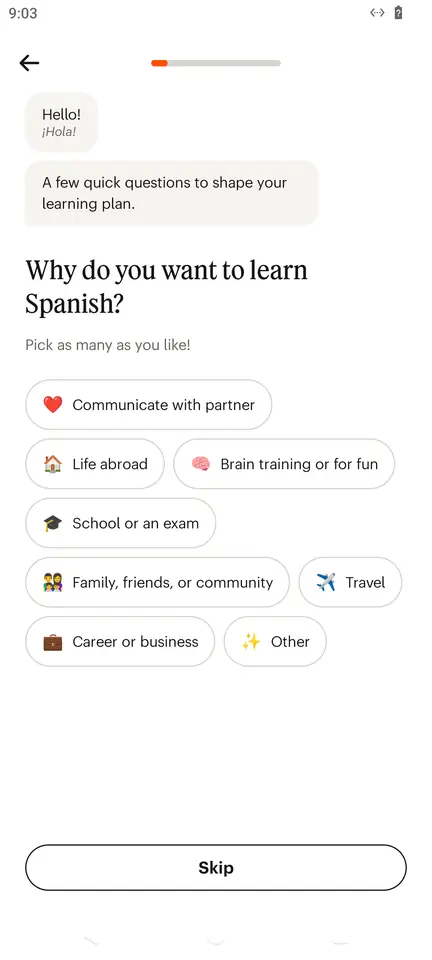

FAQ
What is a skip button?
A skip button lets users bypass an optional onboarding step — a question, a tour, a permission ask — without abandoning the flow. Common labels are “Skip”, “Not now” and “Maybe later”.
Which Android apps use a skip button?
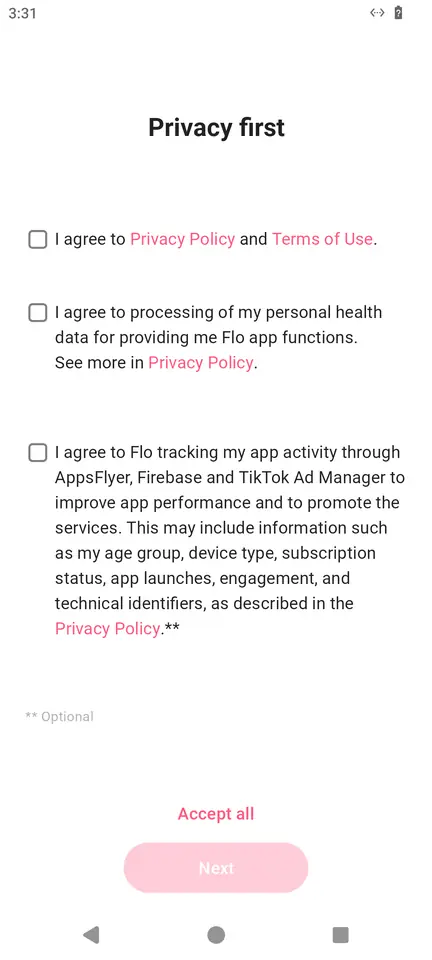
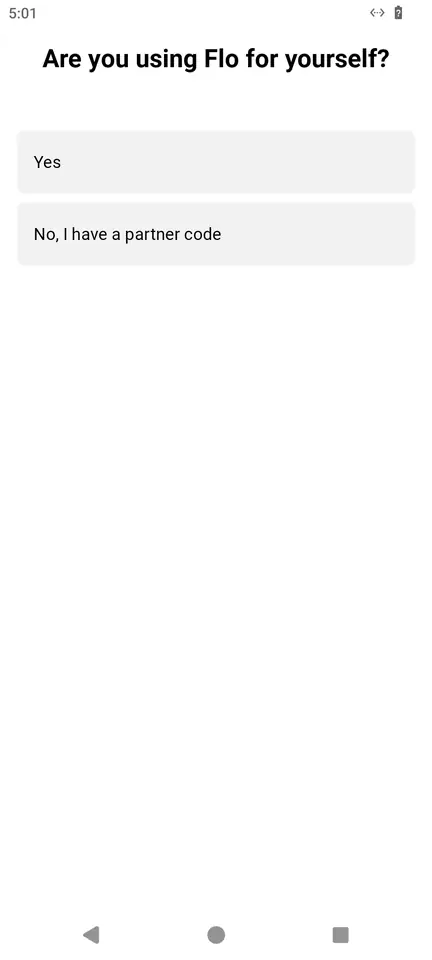
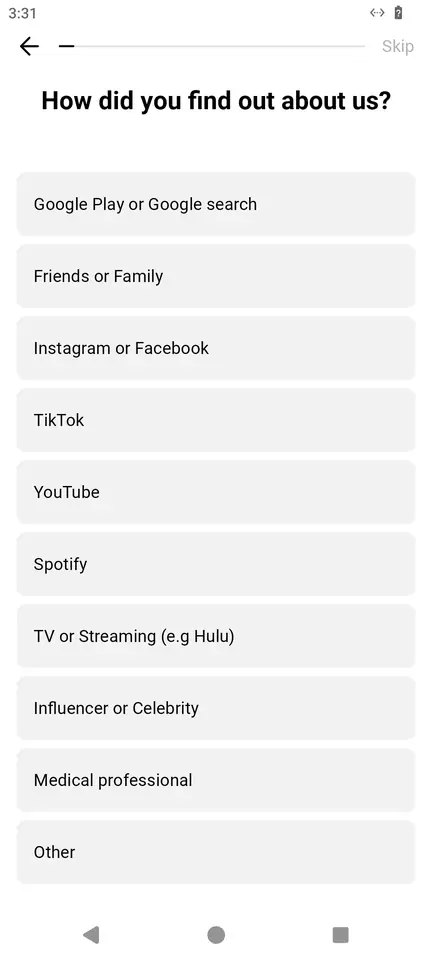
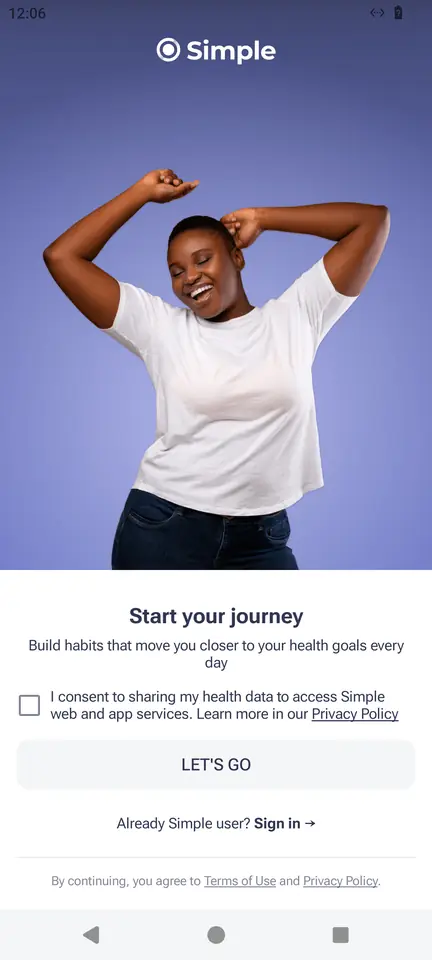
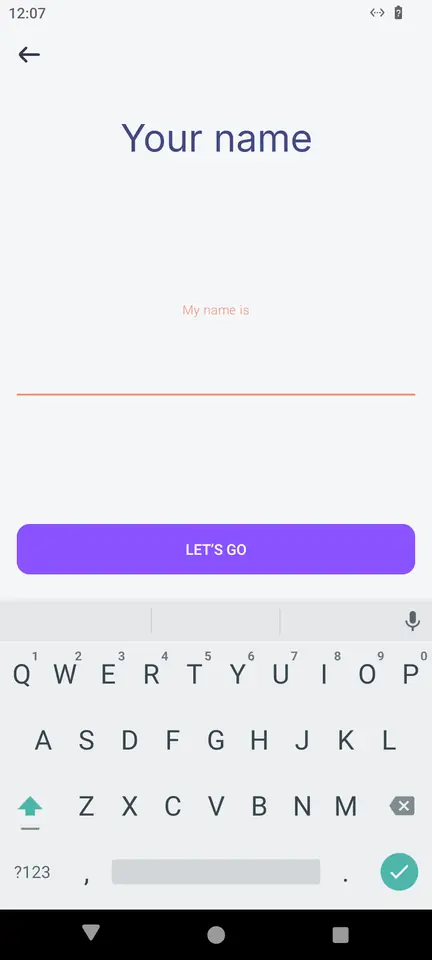
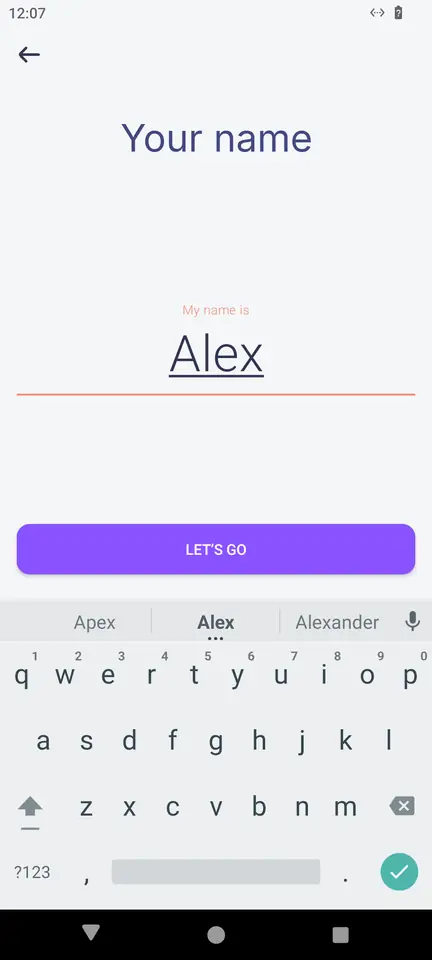
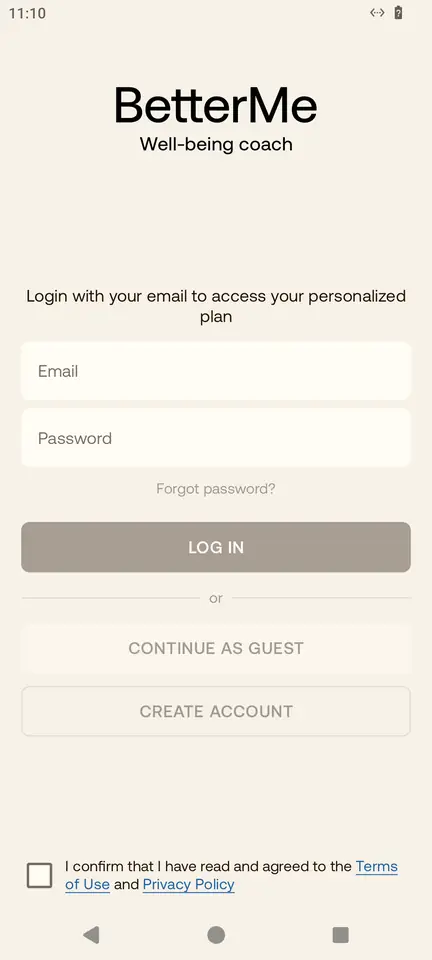
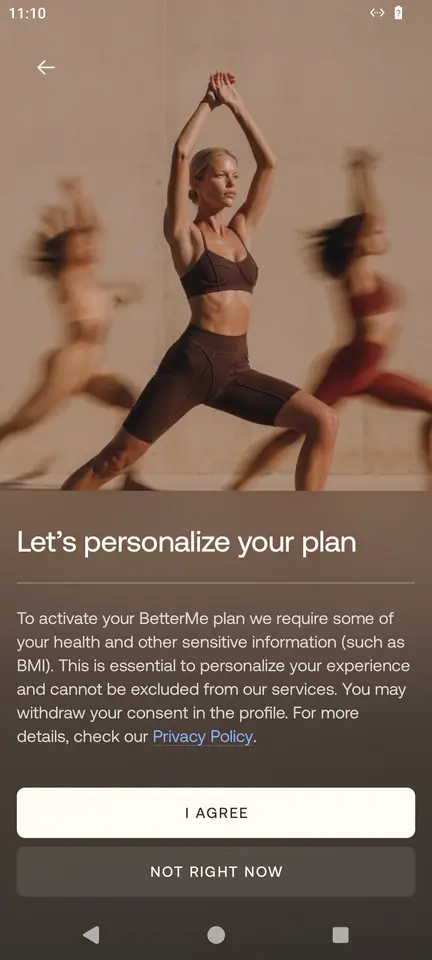
In the Flowtape library, 81 of 246 Android apps show this pattern, including Noom, Flo, Fitbod, Simple, BetterMe and Babbel. It is most common in books & reading apps.
How do I design a good skip button?
Place it consistently (usually top-right) on every optional step. Use a soft label such as “Not now” for permission and notification asks. Never put “Skip” on steps the app truly needs; make those clearly required instead.
Detected on screens captured on real Android devices · last updated 2026-11-14