Screen · Onboarding screen · MyFitnessPal · Android
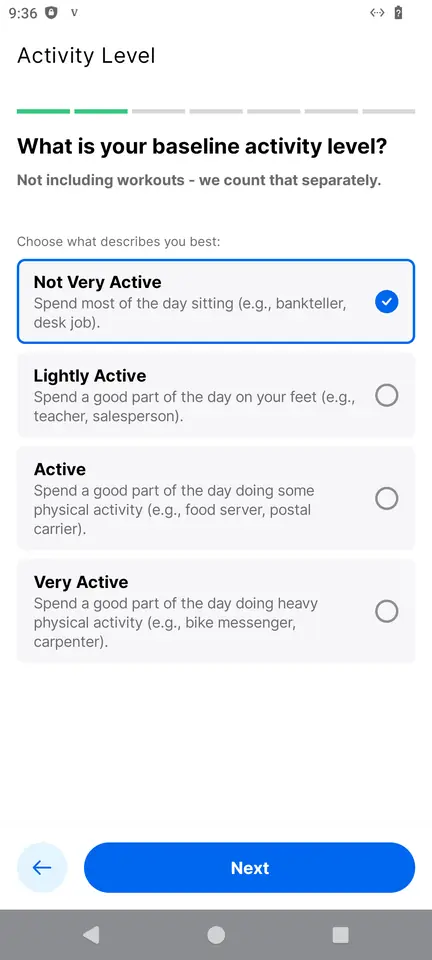
MyFitnessPal onboarding screen: “What is your baseline activity level?”
An onboarding screen from MyFitnessPal for Android, captured on a real device — step 12 of 15 in MyFitnessPal's onboarding flow. It uses 3 detected UI components, outlined on the screen below.
AndroidOnboardingstep 12 of 153 componentsfree & ungated
- App
- MyFitnessPal · Health & fitness
- Screen type
- Onboarding
- Flow
- MyFitnessPal onboarding flow — step 12 of 15
UI text on this screen
What is your baseline activity level?
Not including workouts - we count that separately.
Choose what describes you best:
Not Very Active
Spend most of the day sitting (e.g., bankteller, desk job).
Lightly Active
Spend a good part of the day on your feet (e.g., teacher, salesperson).
Active
UI components
Located from the app's Android view hierarchy and outlined on the screen.
More MyFitnessPal screens
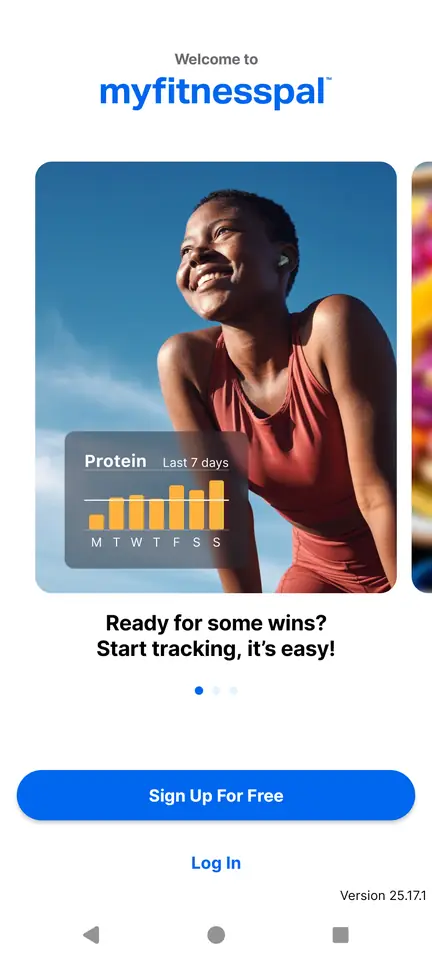
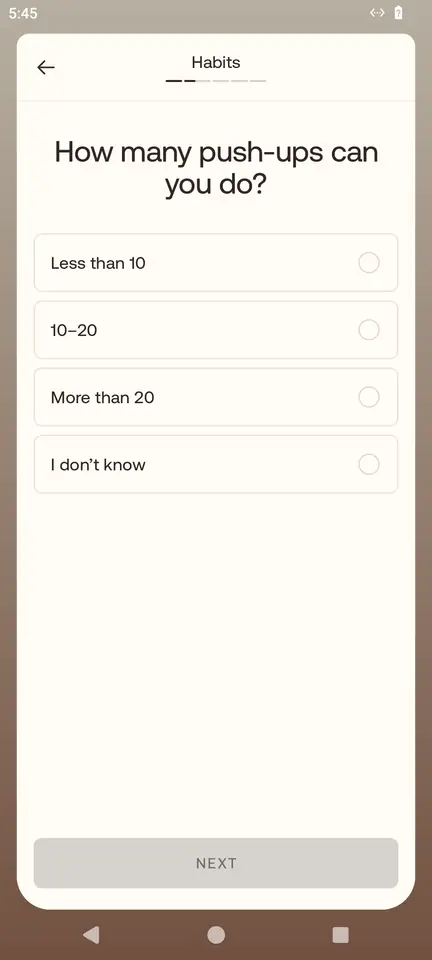
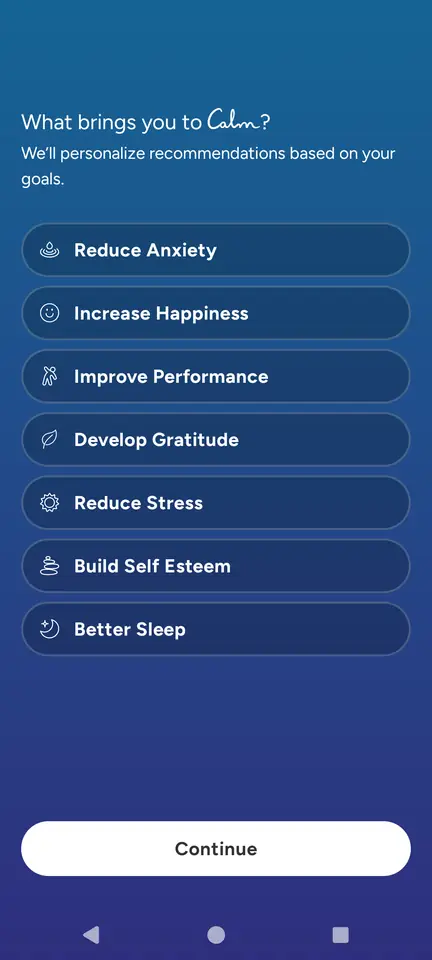
Onboarding screens from other apps
All onboarding screens →
Captured on a real Android device · last updated 2026-11-14