Onboarding flow · MyFitnessPal · Android
MyFitnessPal onboarding flow
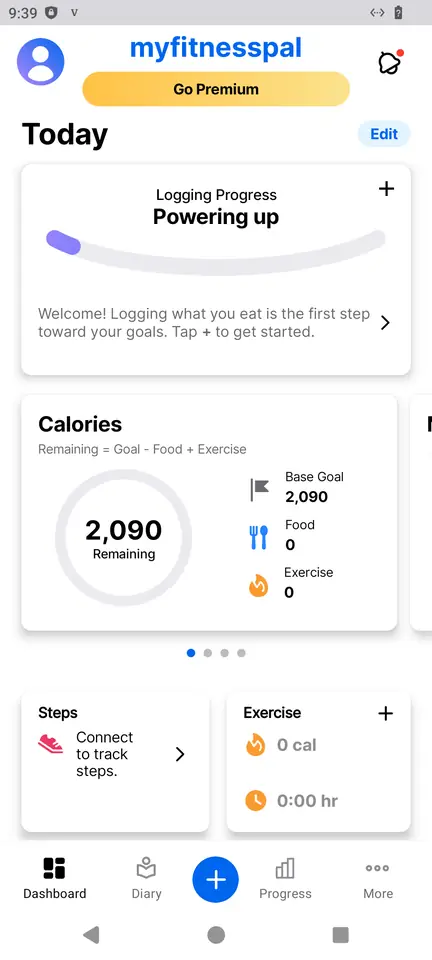
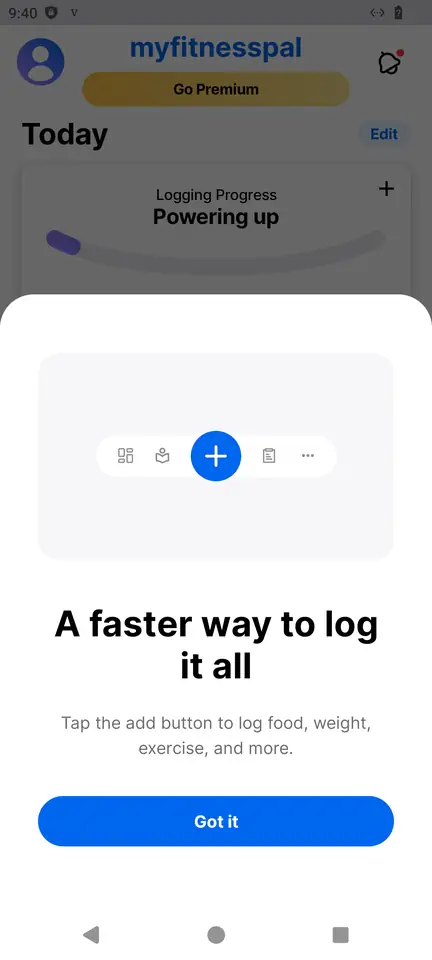
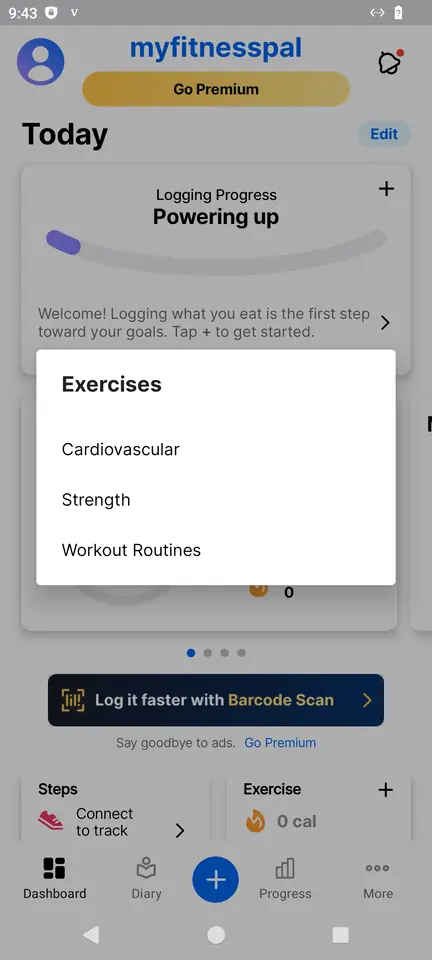
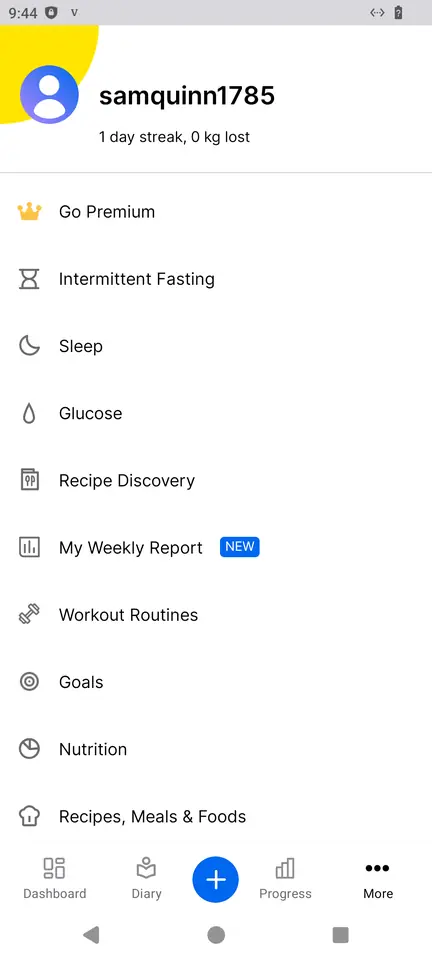
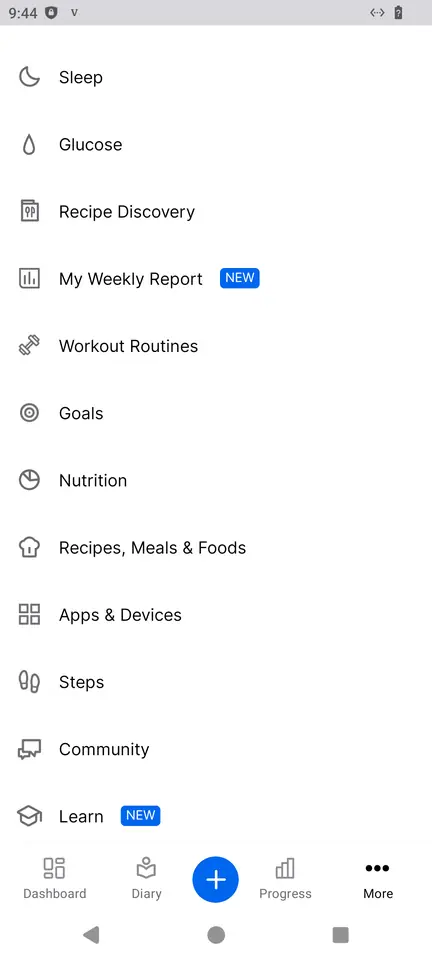
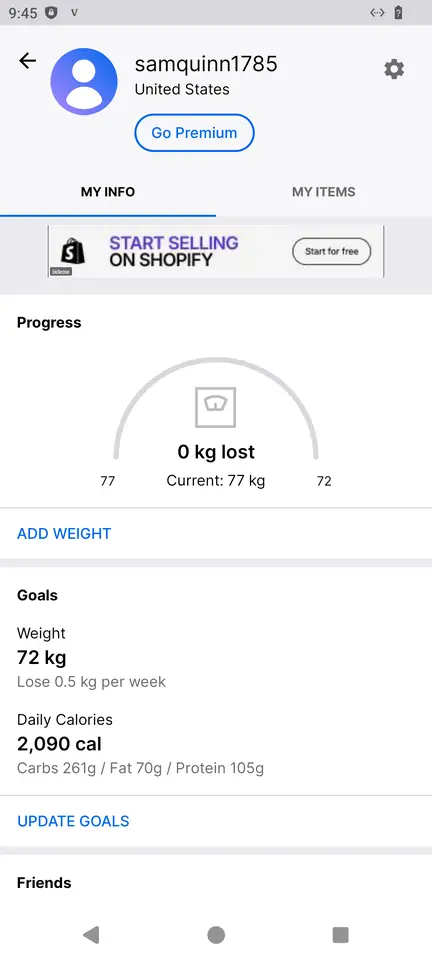
Every screen of MyFitnessPal's onboarding flow on Android, in order: 15 steps, recorded on a real device. MyFitnessPal's onboarding opens with a value-pitch screen (“Ready for some wins? Start tracking, it’s easy!”), asks 9 questions about the user and reaches the account ask at step 2 of 15. At 15 screens it is the joint 14th-longest of the 153 onboarding flows in the library (median 4). A skip option appears on 1 screen.
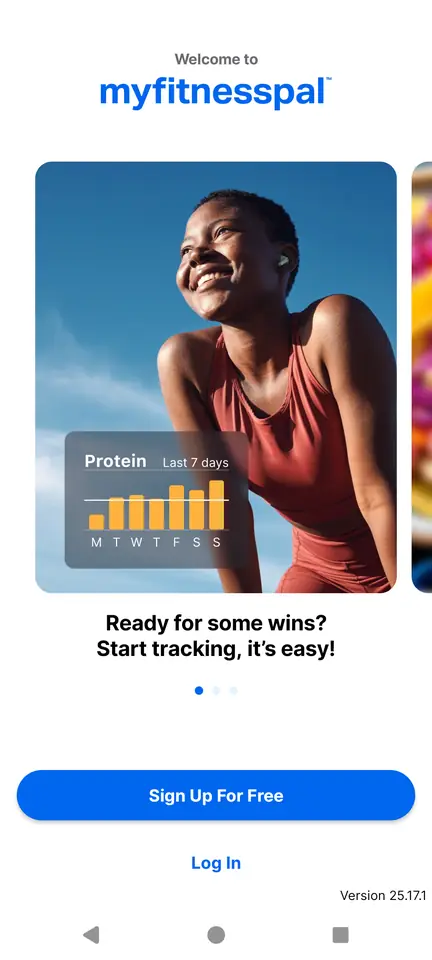 01 Onboarding
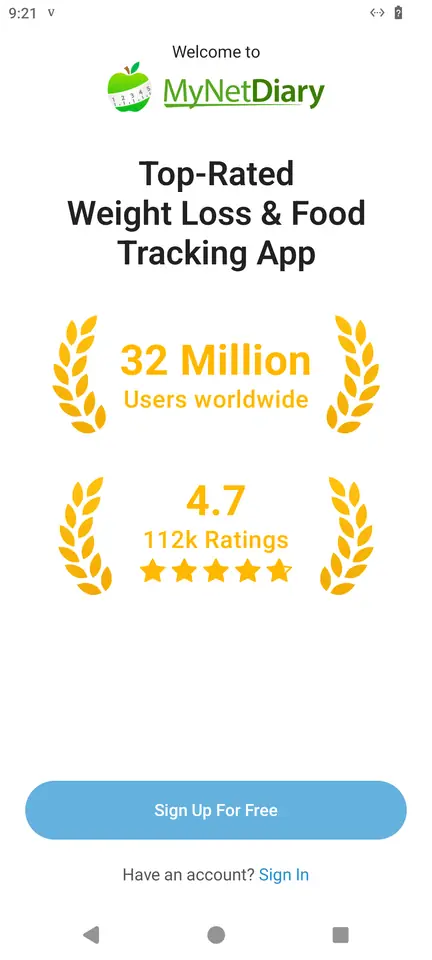
LoginActivity — Welcome to
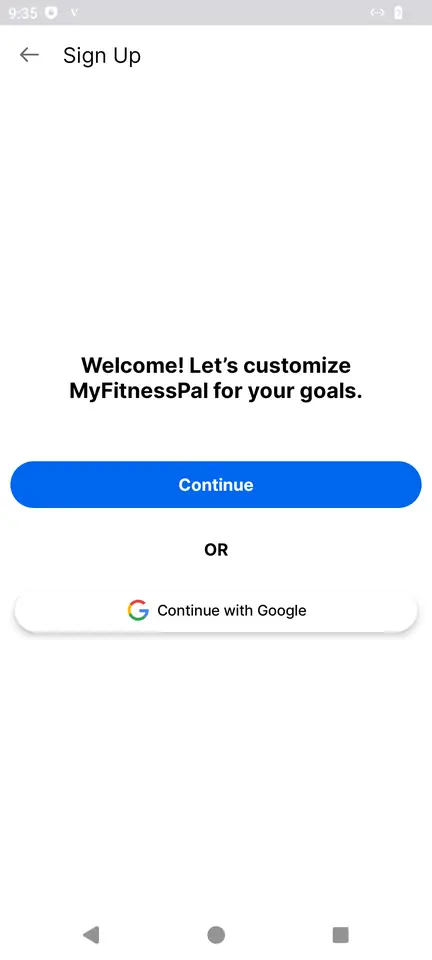 02 Onboarding
LoginActivity — Sign Up
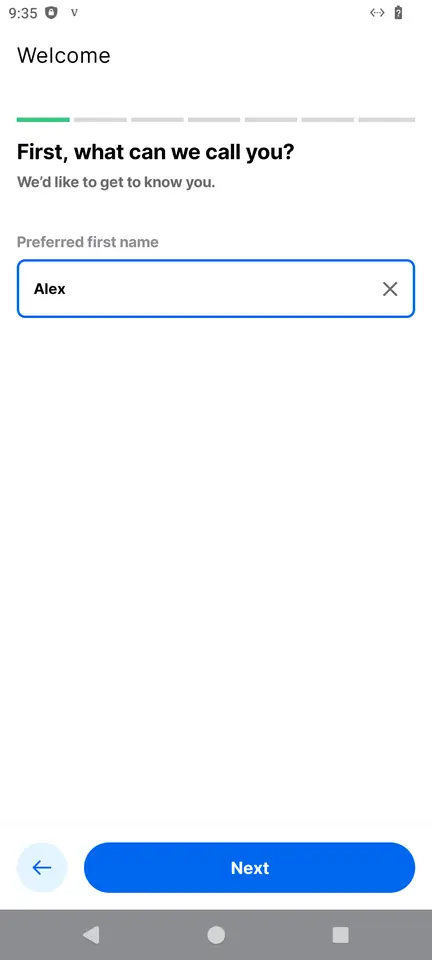 03 Onboarding
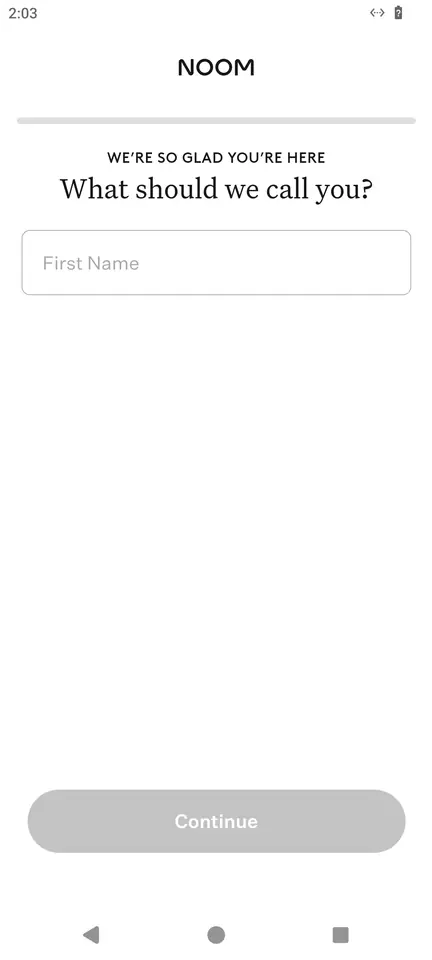
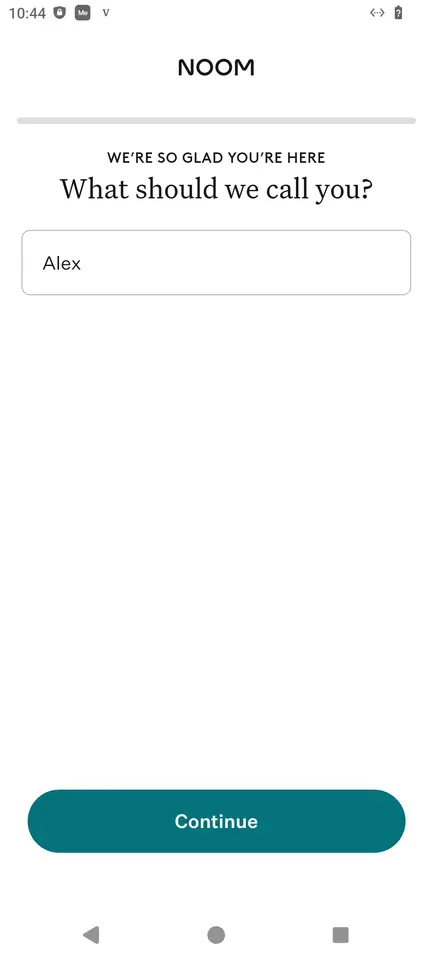
First, what can we call you? — We’d like to get to know you.
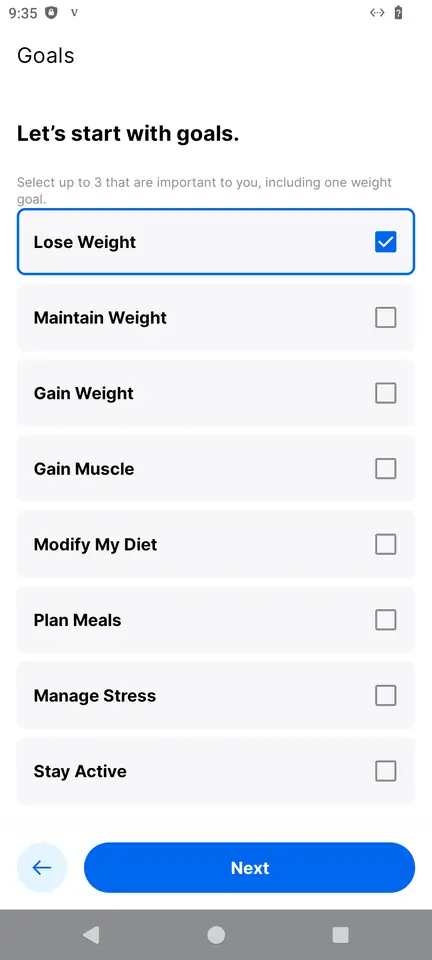 04 Onboarding
Let’s start with goals. — Select up to 3 that are important to you, including one weight goal.
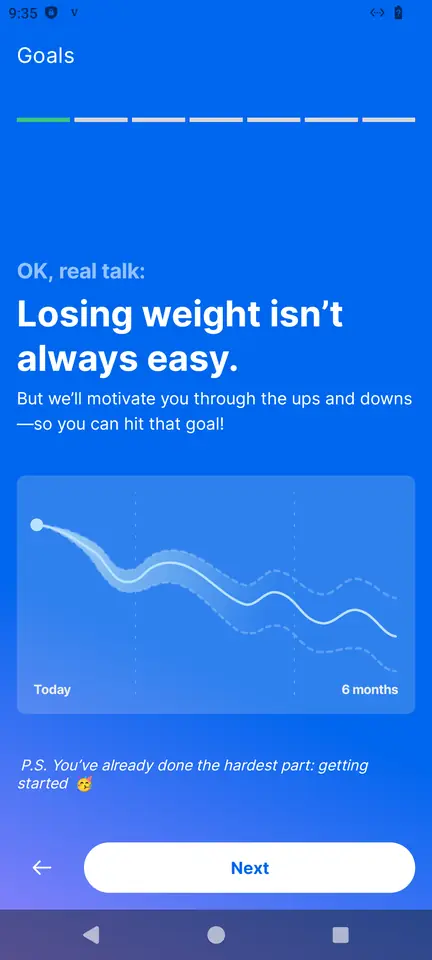 05 Onboarding
OK, real talk: — Losing weight isn’t always easy.
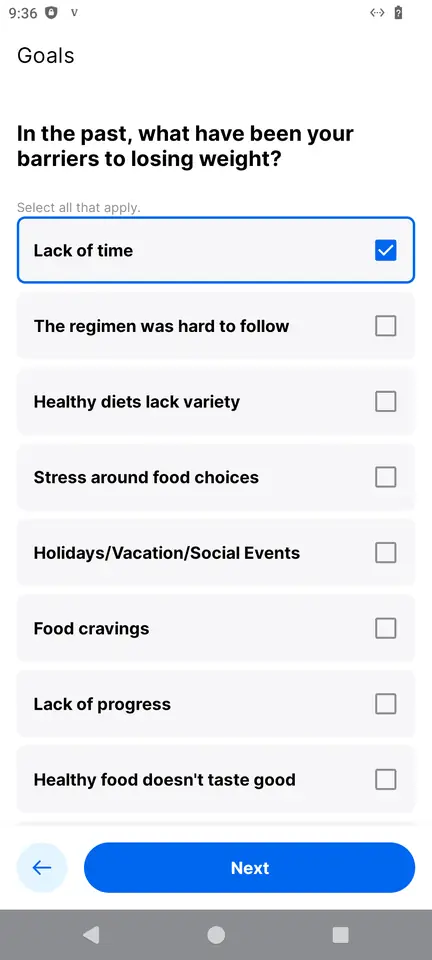 06 Onboarding
In the past, what have been your barriers to losing weight? — Select all that apply.
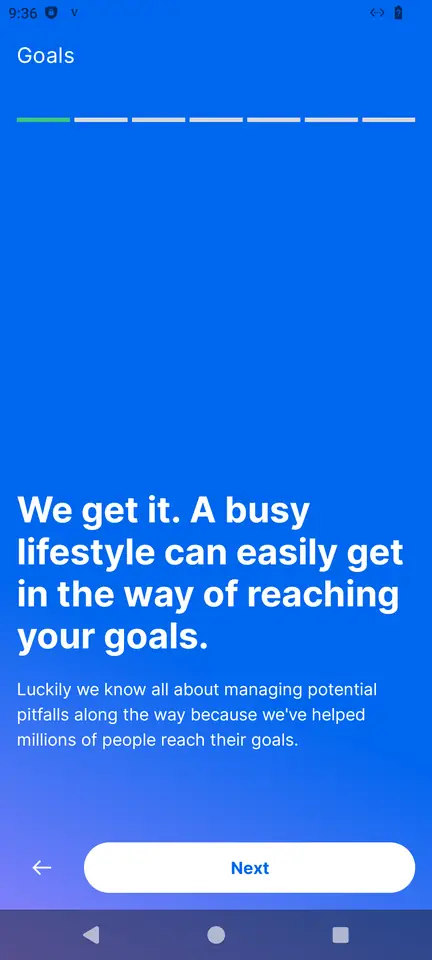 07 Onboarding
We get it. A busy lifestyle can easily get in the way of reaching your goals. — Goals
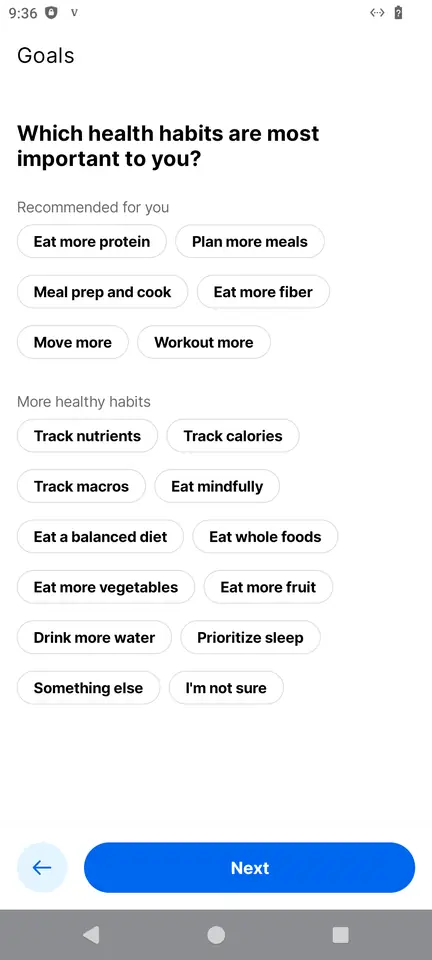 08 Onboarding
Which health habits are most important to you? — Recommended for you
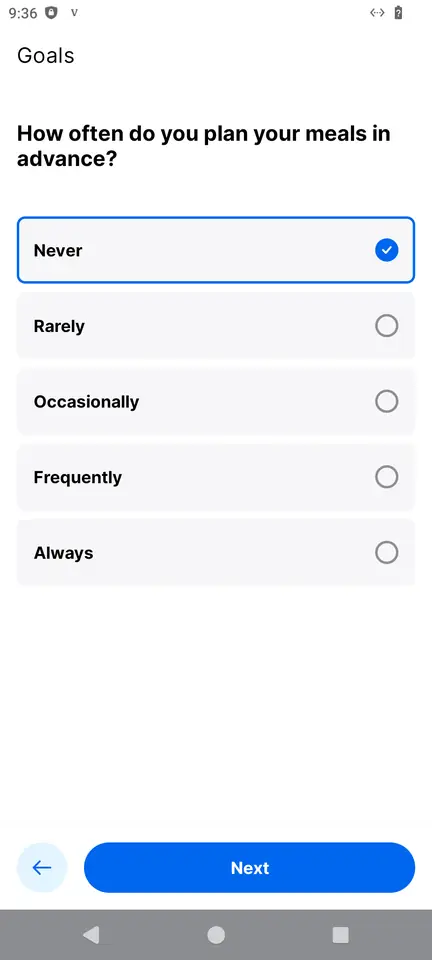 09 Onboarding
How often do you plan your meals in advance? — Never
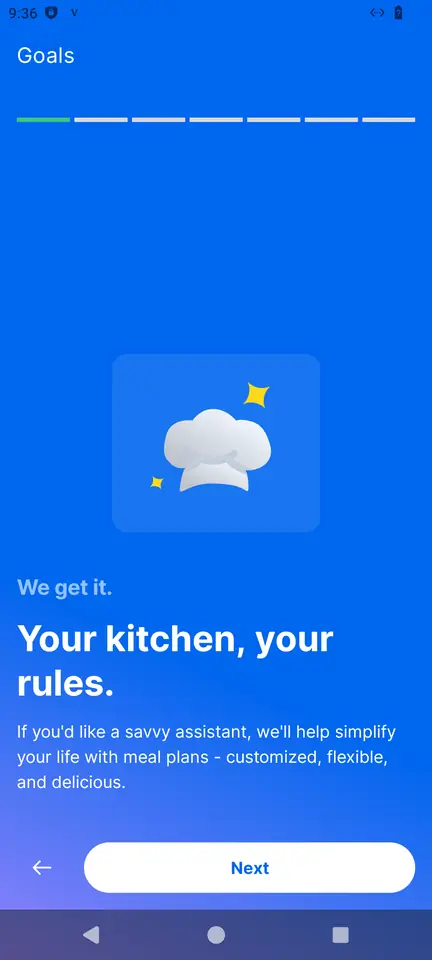 10 Onboarding
We get it. — Your kitchen, your rules.
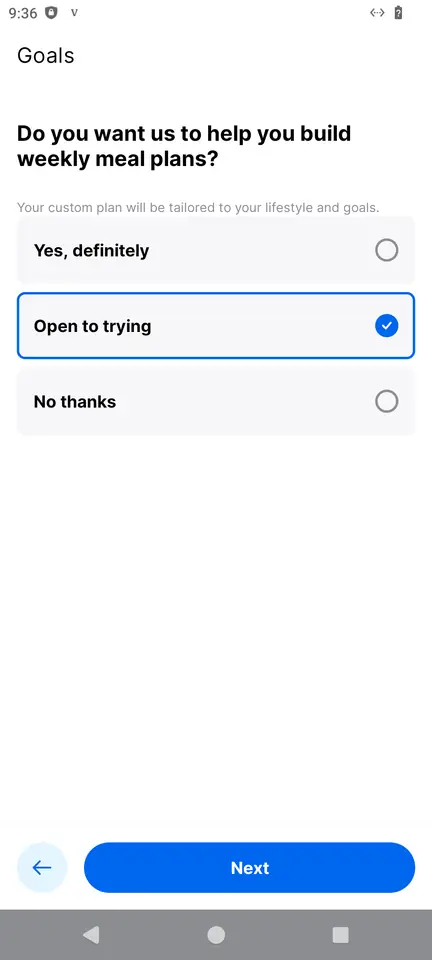 11 Onboarding
Do you want us to help you build weekly meal plans? — Your custom plan will be tailored to your lifestyle and goals.
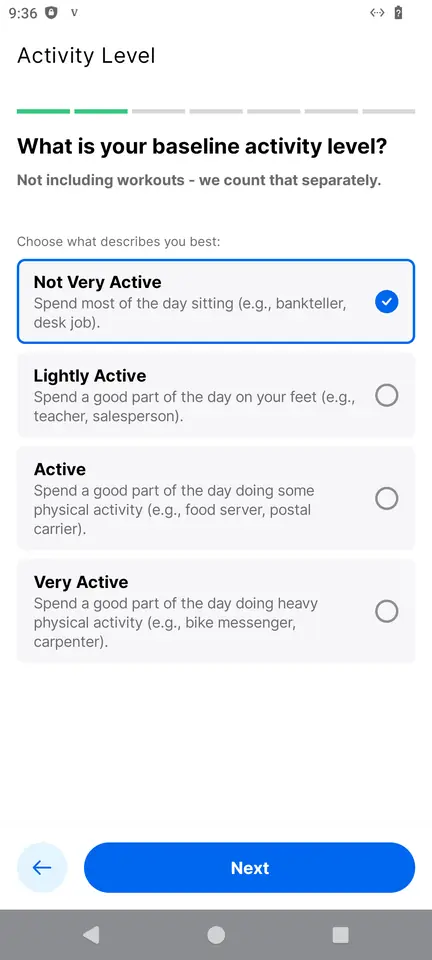 12 Onboarding
What is your baseline activity level? — Not including workouts - we count that separately.
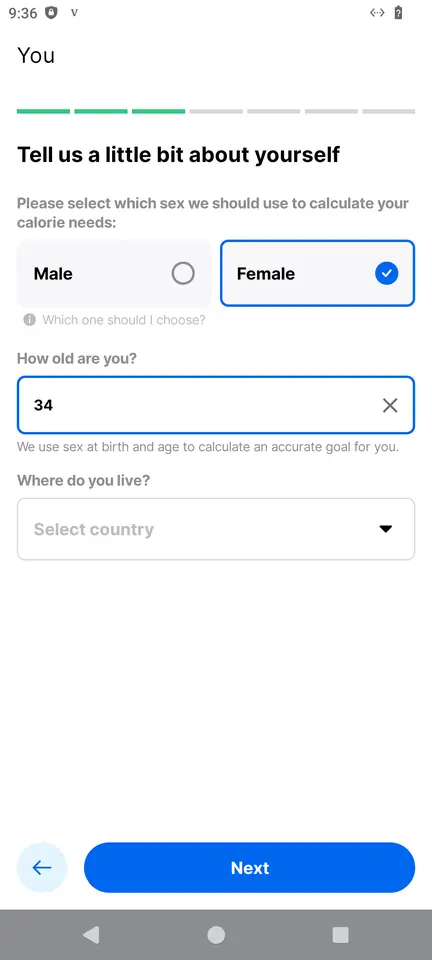 13 Onboarding
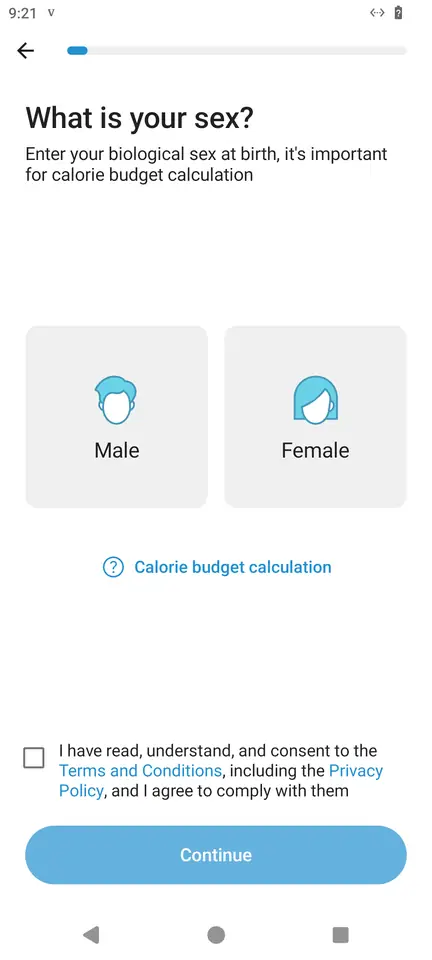
Tell us a little bit about yourself — Please select which sex we should use to calculate your calorie needs:
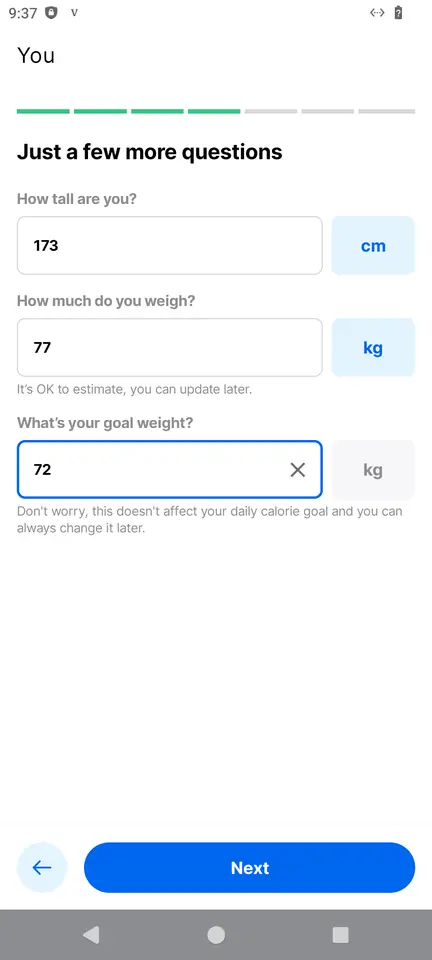 14 Onboarding
Just a few more questions — How tall are you?
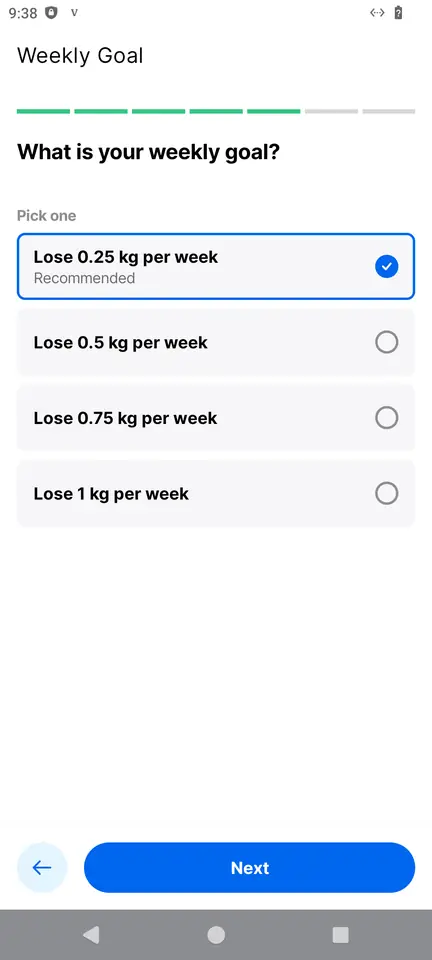 15 Onboarding
What is your weekly goal? — Pick one
What MyFitnessPal's onboarding flow does
- 15 screens in order, opening on “LoginActivity” and ending at “What is your weekly goal?”.
- Offers 1 sign-in option: Google.
- Leads with a free offer: “Sign Up For Free”.
- Gives users an exit: a “No thanks” option.
Read the step-by-step UX teardown of this flow →
Captured on a real Android device · last updated 2026-11-14