Home/Apps/OsmAnd/Let OsmAnd determine your…
Screen · Onboarding screen · OsmAnd · Android

OsmAnd onboarding screen: “Let OsmAnd determine your location and suggest maps to download for…”

An onboarding screen from OsmAnd for Android, captured on a real device — screen 1 of 3 we captured. It uses 3 detected UI components, outlined on the screen below.

AndroidOnboarding3 componentsfree & ungated
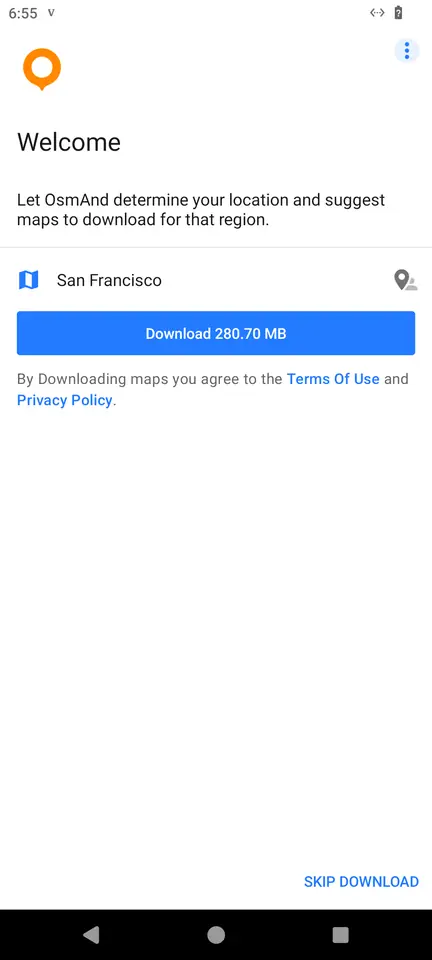
OsmAnd Android screen 1 — onboarding: Welcome
ToolbarIcon buttonCard
App
OsmAnd · Travel, maps & local
Screen type
Onboarding

UI text on this screen

  • Other
  • Welcome
  • Let OsmAnd determine your location and suggest maps to download for that region.
  • San Francisco
  • Location
  • Download 280.70 MB
  • By Downloading maps you agree to the Terms Of Use and Privacy Policy.
  • SKIP DOWNLOAD

UI components

Located from the app's Android view hierarchy and outlined on the screen.

UI patterns

More OsmAnd screens
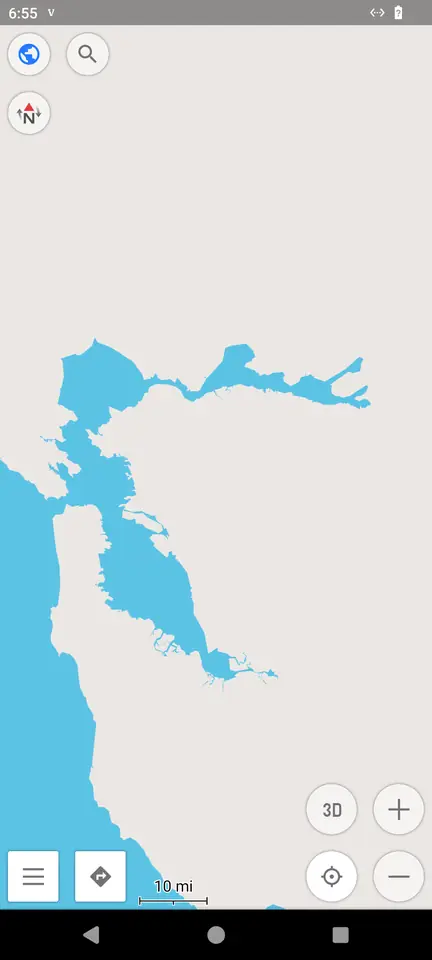
OsmAnd Android screen 2 — home & browsing: Configure map
Home & browsing · Configure map
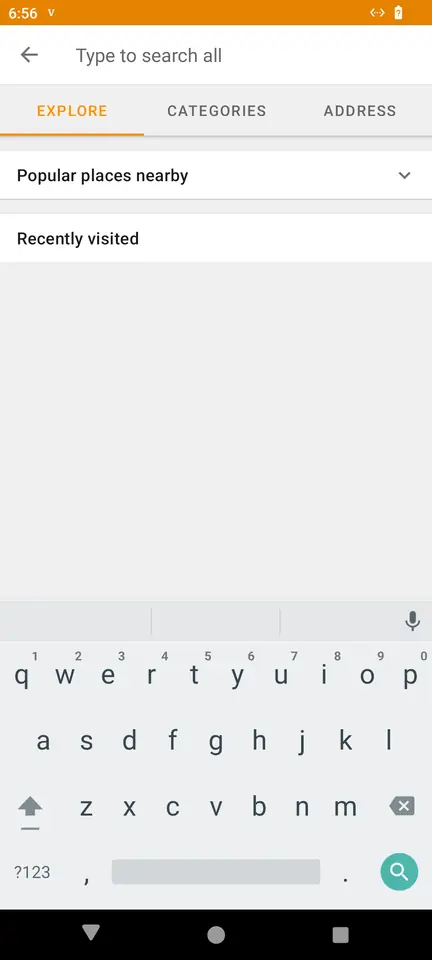
OsmAnd Android screen 3 — home & browsing: Type to search all
Home & browsing · Type to search all

Onboarding screens from other apps

All onboarding screens →
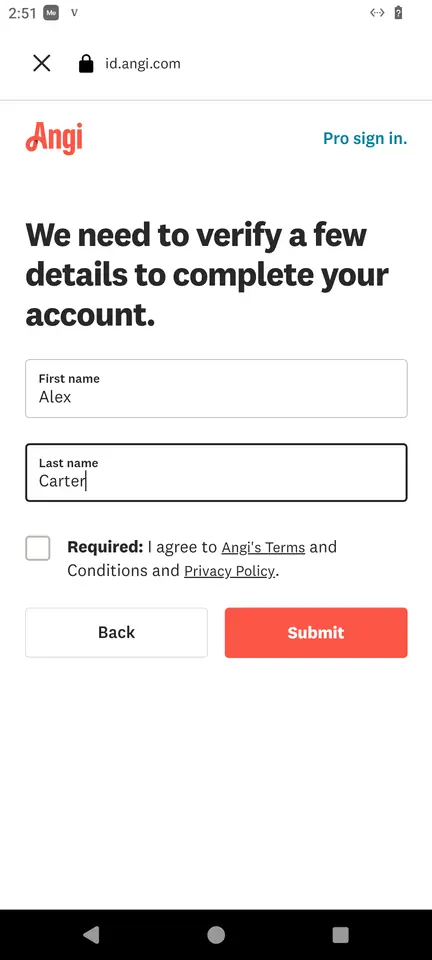
Angi Android screen 13 — onboarding: id.angi.com
Angi · id.angi.com
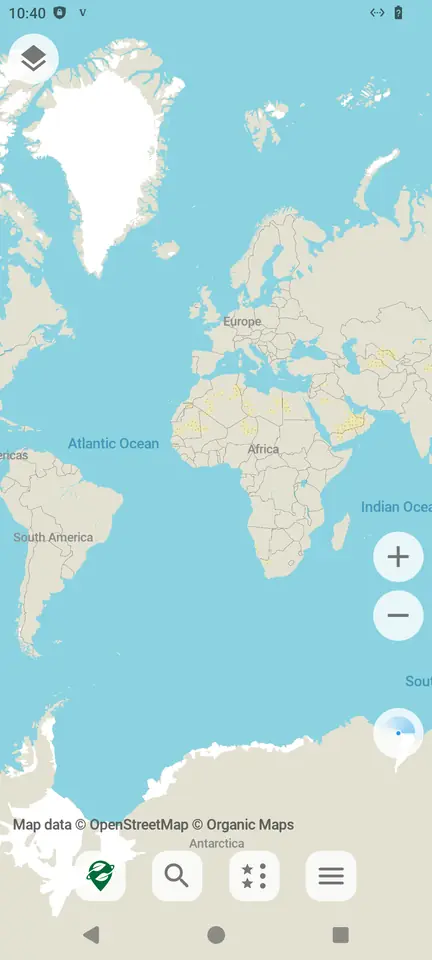
Organic Maps Android screen 4 — onboarding: Map Styles and Layers
Organic Maps · Map Styles and Layers
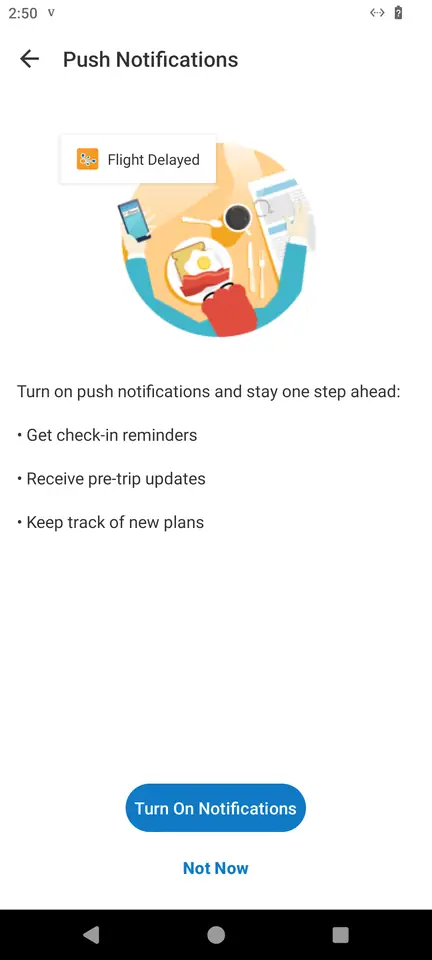
TripIt Android screen 8 — onboarding: Push Notifications
TripIt · Push Notifications
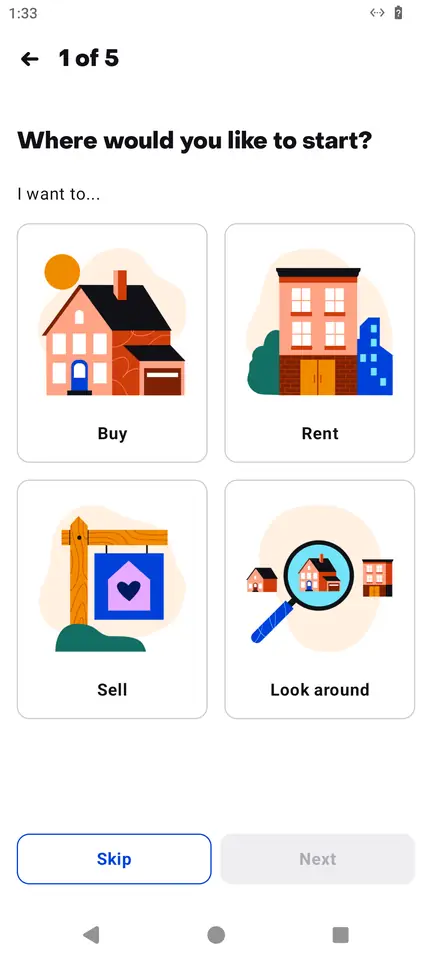
Zillow Android screen 4 — onboarding: Where would you like to start?
Zillow · Where would you like to start?
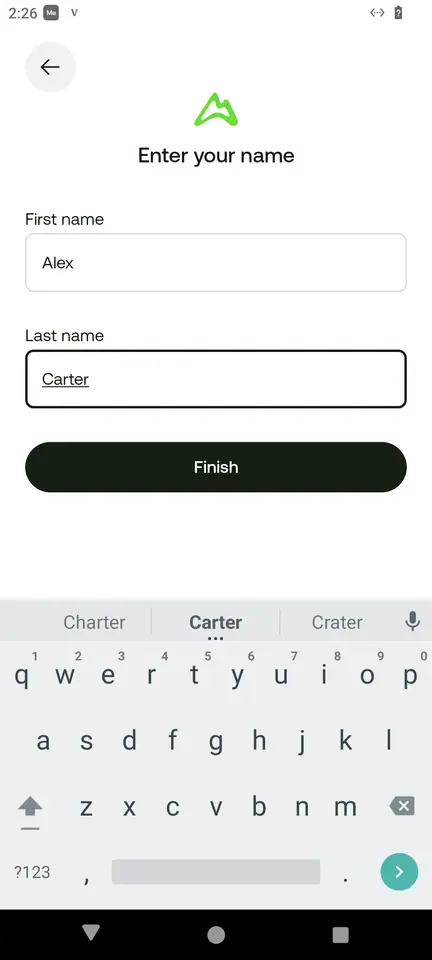
AllTrails Android screen 10 — onboarding: Enter your name
AllTrails · Enter your name
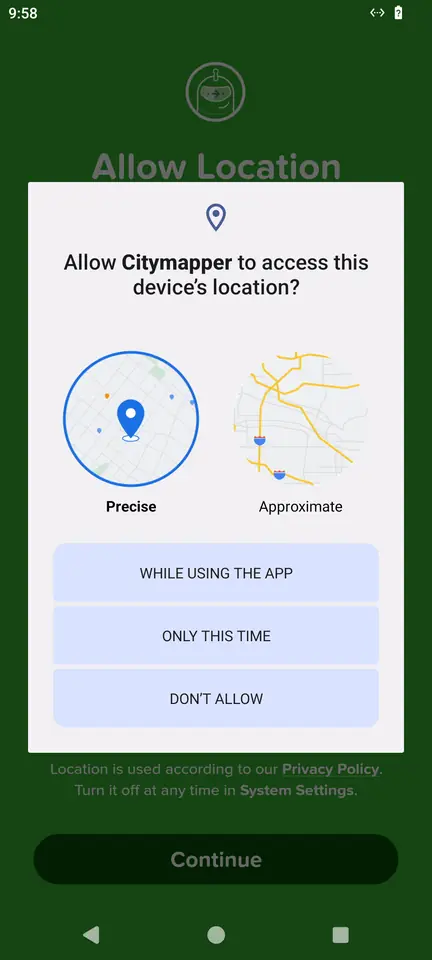
Citymapper Android screen 8 — permissions: Allow Citymapper to access this device’s location?
Citymapper · Allow Citymapper to access this…

Captured on a real Android device · last updated 2026-11-14