Sign-in flow · Substack · Android
Substack sign-in flow
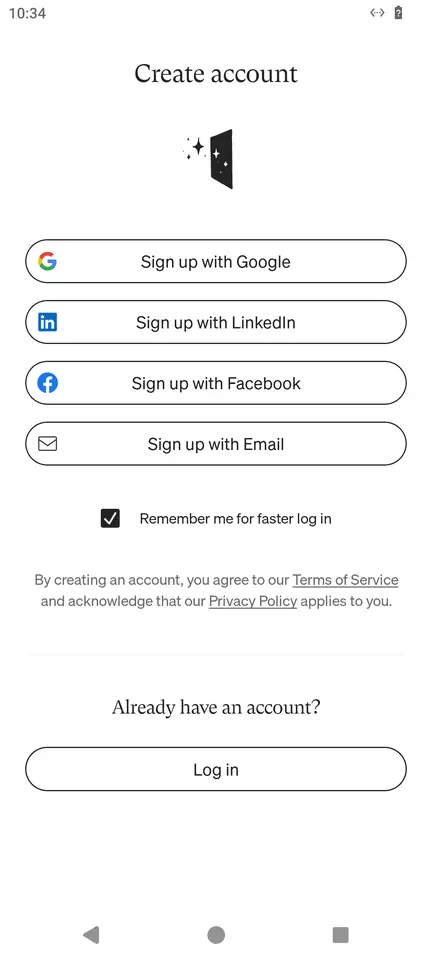
Every screen of Substack's sign-in flow on Android, in order: 2 steps, recorded on a real device. Substack's sign-in flow puts the account choice on its first screen and offers Google and email sign-in. One step goes beyond credentials: “What's your email?”; terms acceptance sits inside the flow. At 2 screens it is one of the shortest sign-in flows in the library — 36 of 51 are this short (median 2).
UI components:
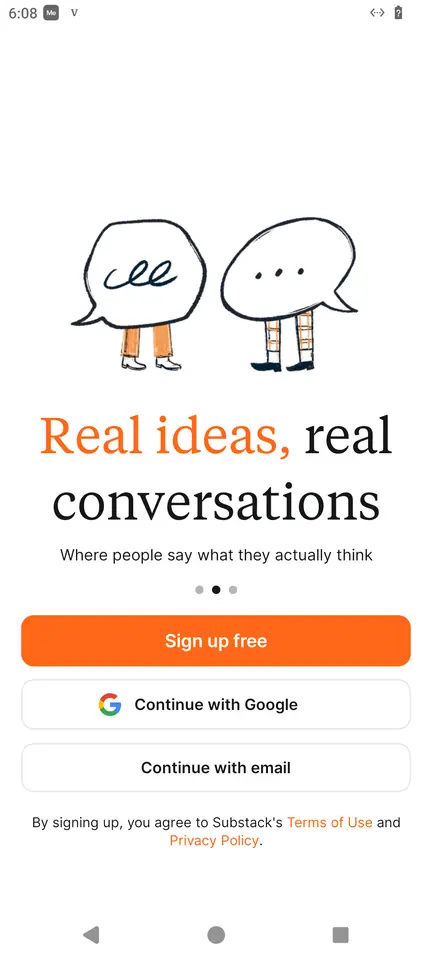 01 Sign-in · tap “Continue with email”
Real ideas, real conversations — Where people say what they actually think
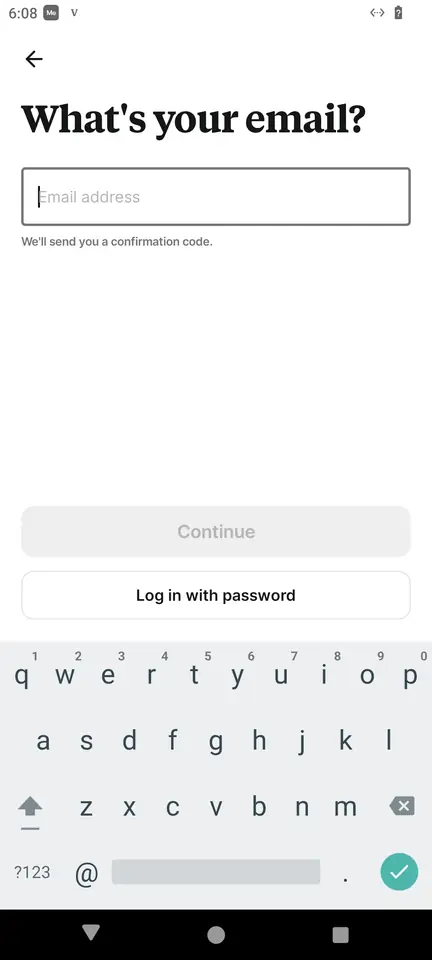 02 Sign-in
What's your email? — Email address
What Substack's sign-in flow does
- 2 screens in order, opening on “Real ideas, real conversations” and ending at “What's your email?”.
- Taps along the way: “Continue with email”.
- Offers 2 sign-in options: Email, Google.
Captured on a real Android device · last updated 2026-11-14