Sign-in flow · FARFETCH · Android
FARFETCH sign-in flow
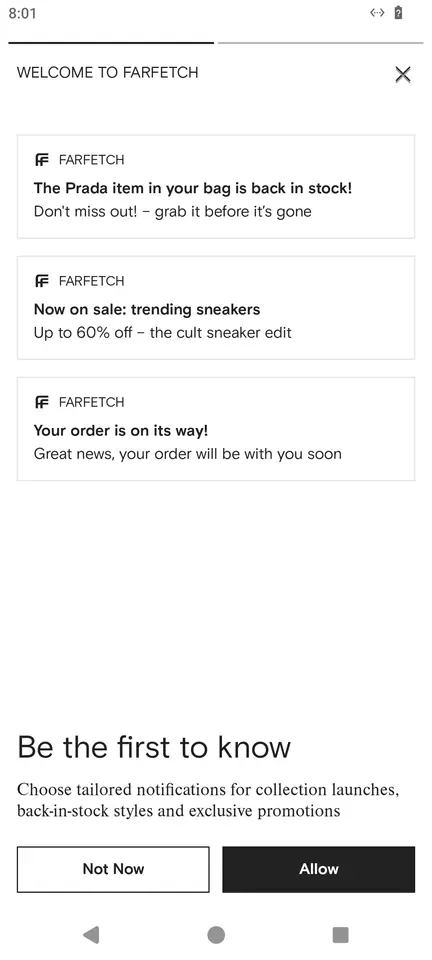
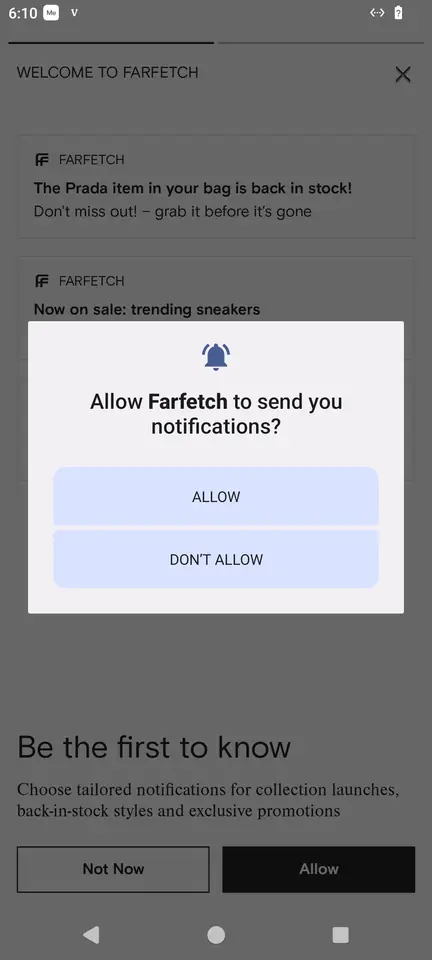
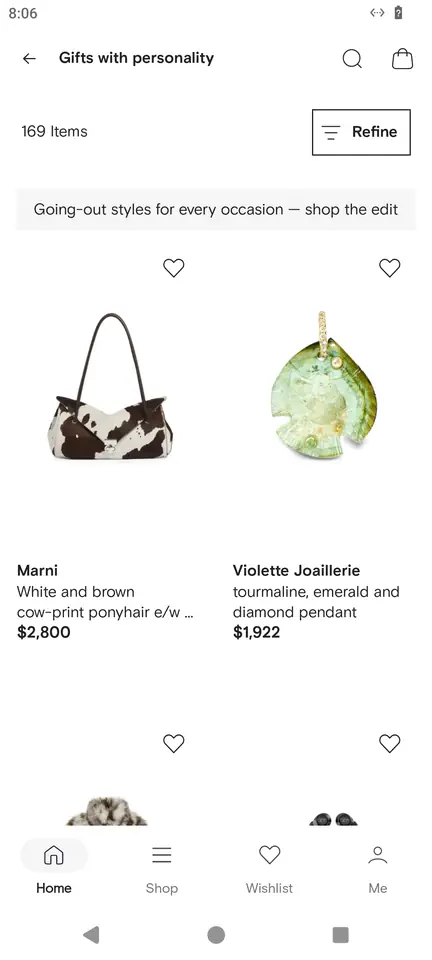
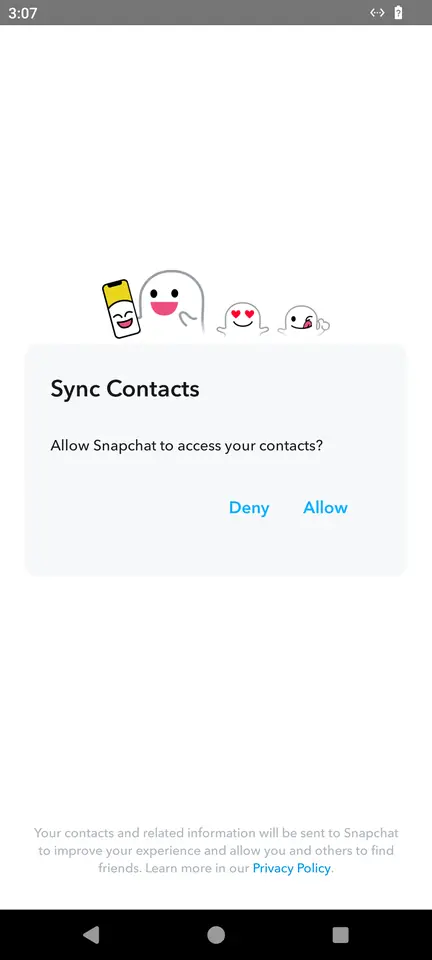
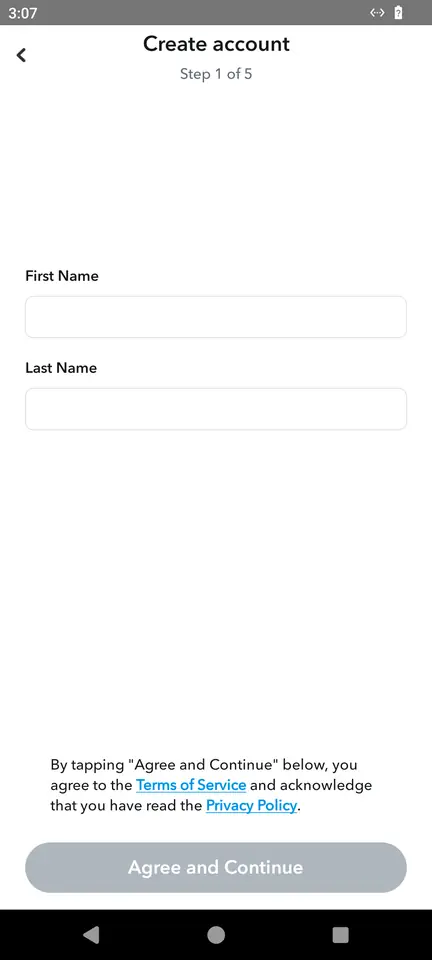
Every screen of FARFETCH's sign-in flow on Android, in order: 7 steps, recorded on a real device. FARFETCH's sign-in flow reaches the account ask at step 2 of 7. The flow can be skipped. At 7 screens it is the longest of the 51 sign-in flows in the library (median 2).
UI components:
 01 Sign-in · tap “Get Started”
United States (USD $) · — Change language
 02 Sign-in · tap “BECOME A FARFETCH MEMBER”
BECOME A FARFETCH MEMBER — Enjoy exclusive rewards through our membership program while you shop
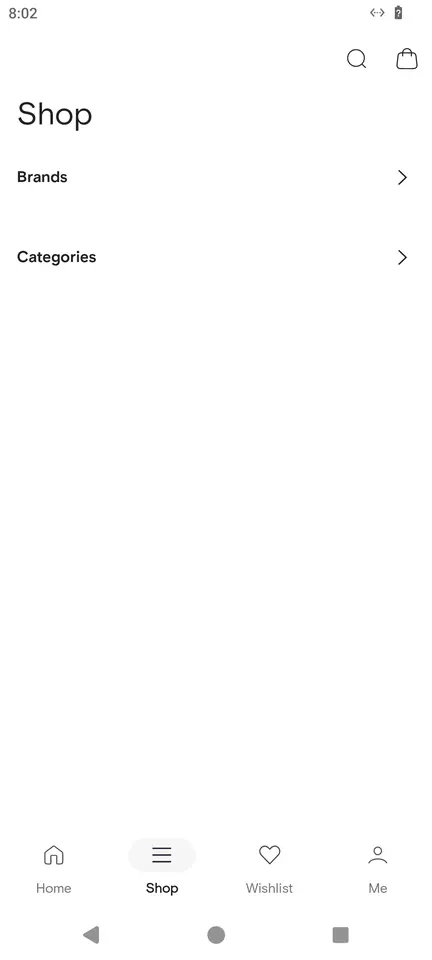
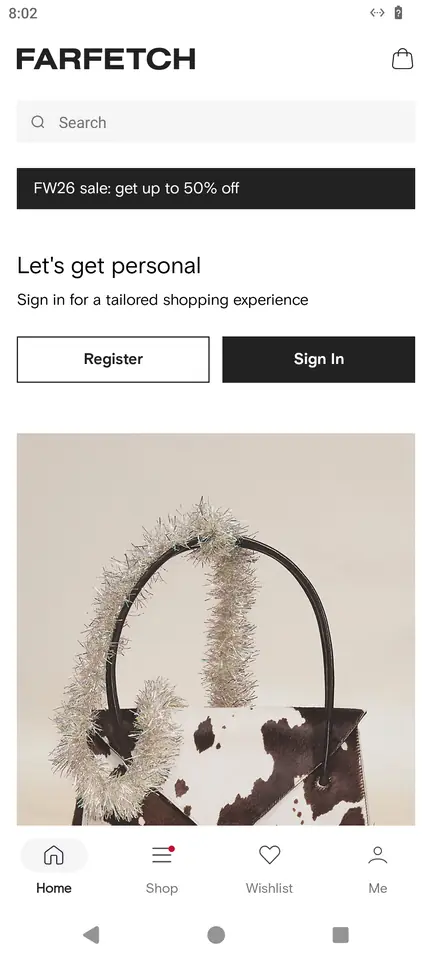 03 Sign-in · tap “Shop”
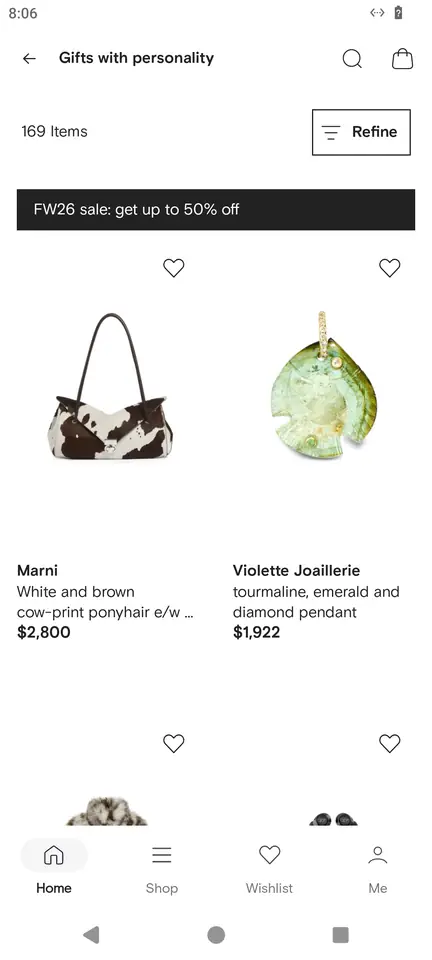
Search — FW26 sale: get up to 50% off
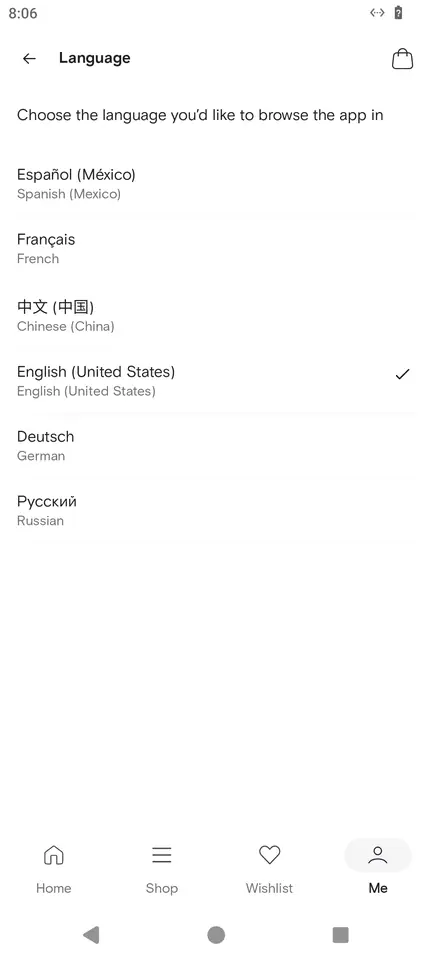
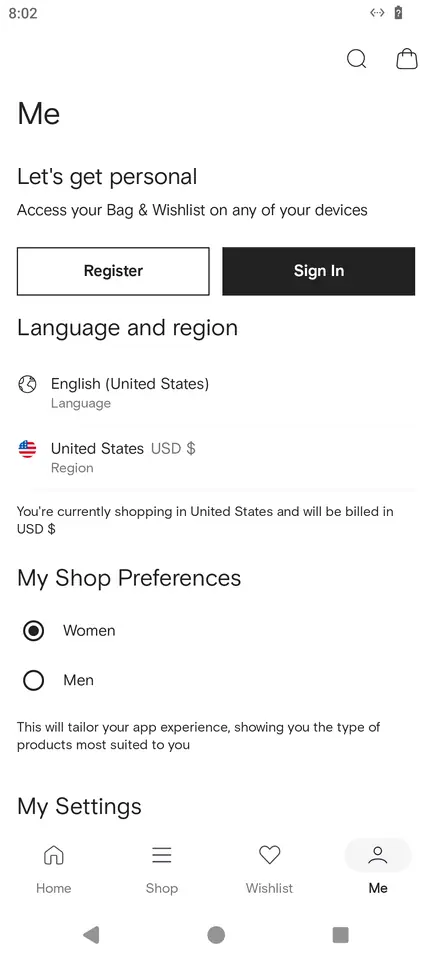 04 Sign-in · tap “English (United States)”
Me — Let's get personal
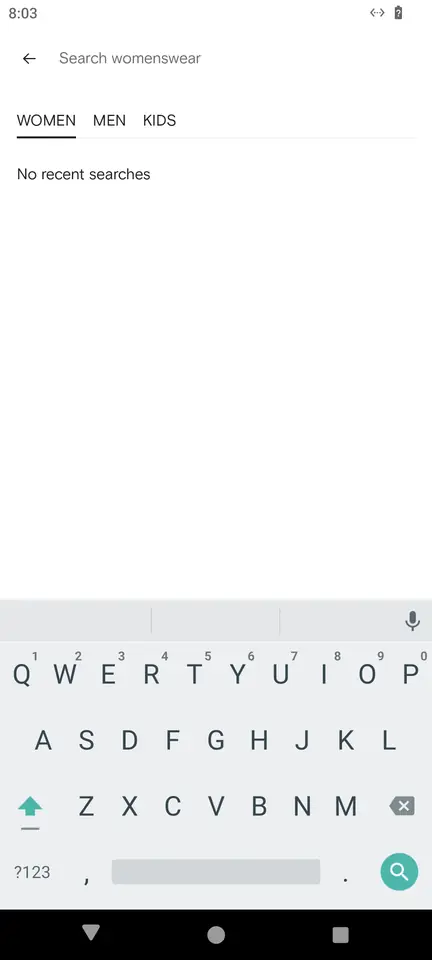
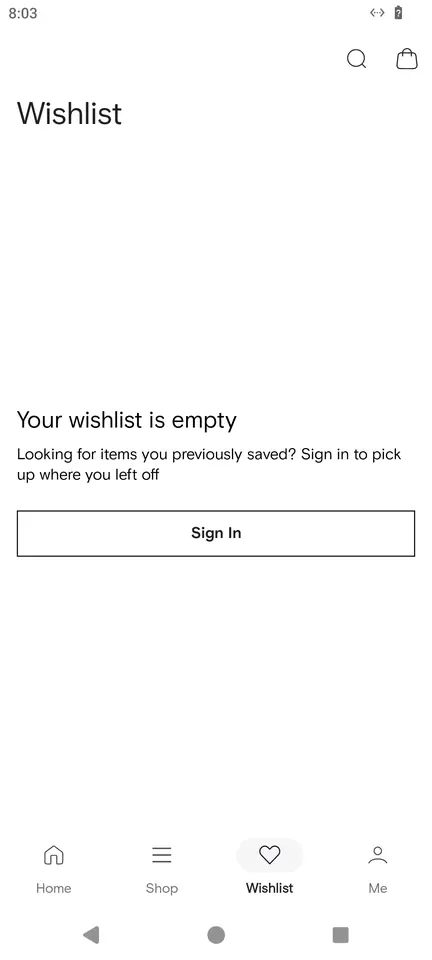 05 Sign-in · tap “Search”
Wishlist — Your wishlist is empty
 06 Sign-in
Shopping Bag — Your bag is empty
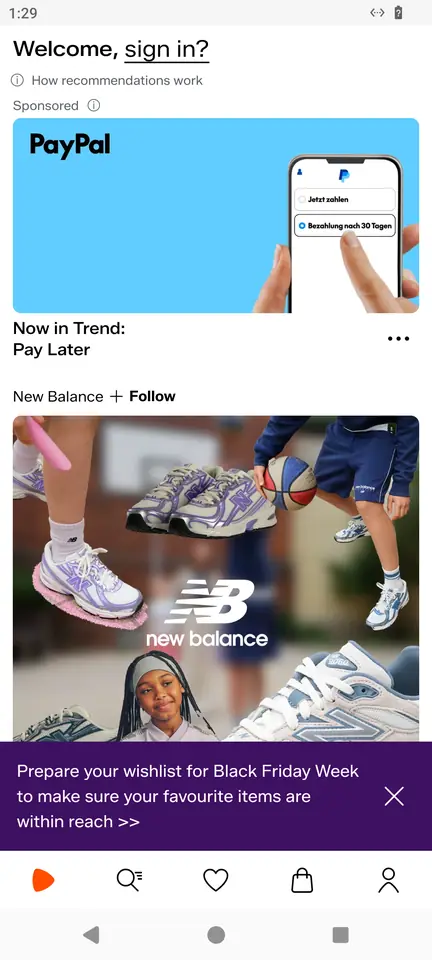
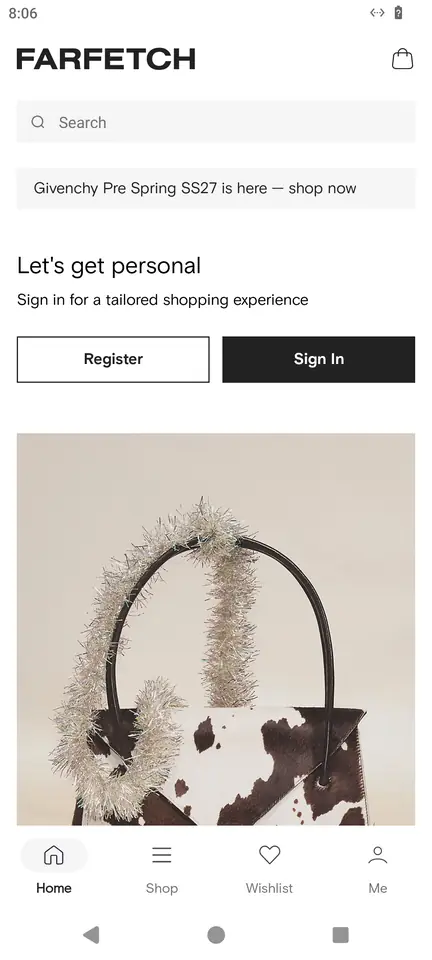 07 Sign-in · tap “Unit”
Search — Givenchy Pre Spring SS27 is here — shop now
What FARFETCH's sign-in flow does
- 7 screens in order, opening on “United States (USD $) ·” and ending at “Search”.
- Taps along the way: “Get Started” → “BECOME A FARFETCH MEMBER” → “Shop” → “English (United States)” → “Search” → “Unit”.
- Gives users an exit: a “Not Now” option.
Read the step-by-step UX teardown of this flow →
Captured on a real Android device · last updated 2026-11-14