Onboarding flow · Welltory · Android
Welltory onboarding flow
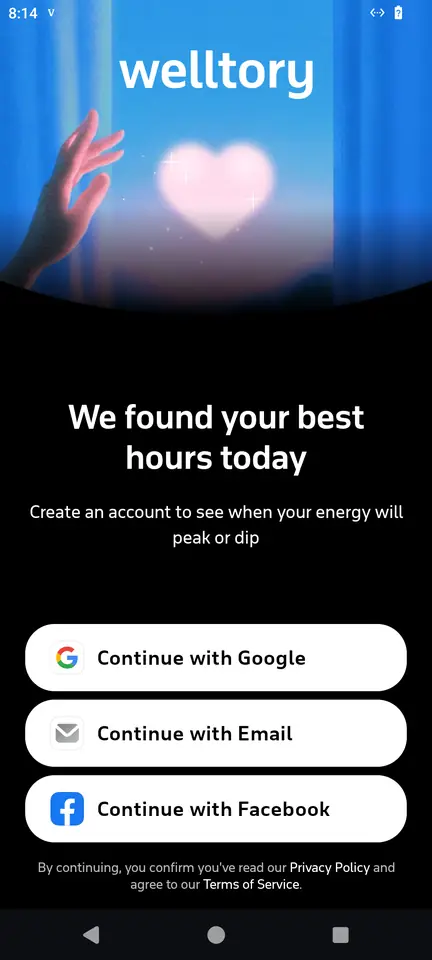
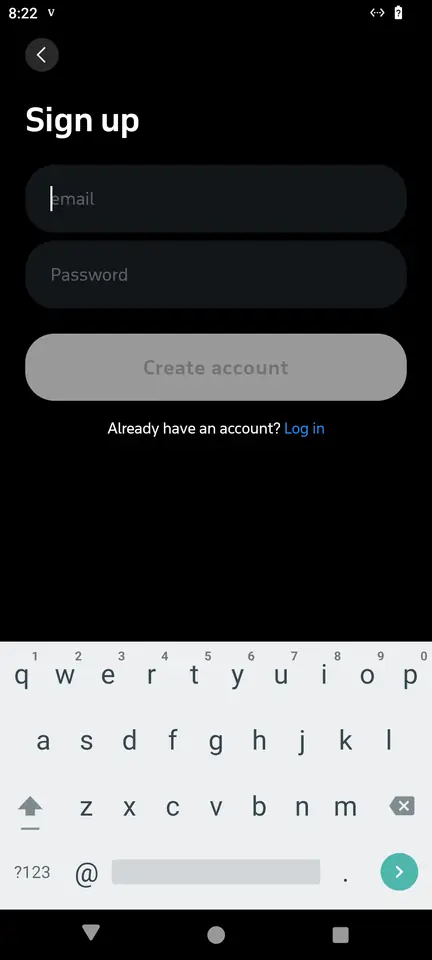
Every screen of Welltory's onboarding flow on Android, in order: 19 steps, recorded on a real device. Welltory's onboarding opens with a value-pitch screen (“All-in-one health app that has your back”), asks 5 questions about the user and shows no sign-up form in the 19 screens we captured. At 19 screens it is the joint 12th-longest of the 152 onboarding flows in the library (median 4). A progress indicator shows on 2 of 19 screens and a skip option on 3.
UI components:
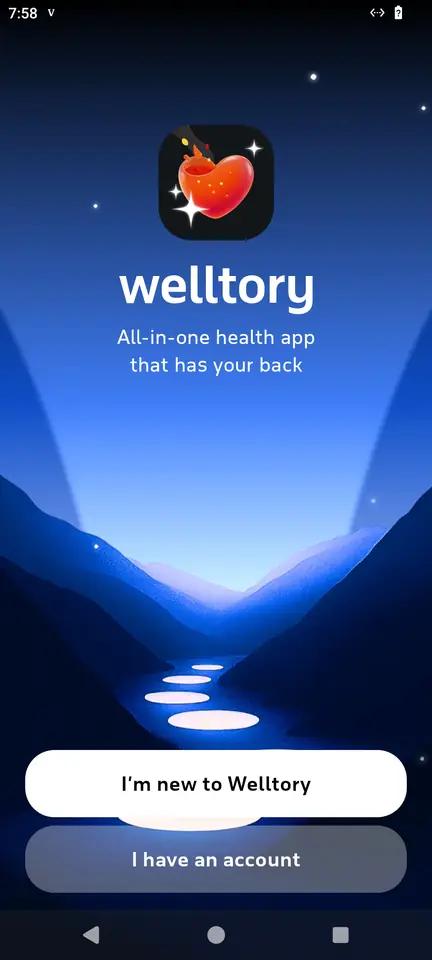 01 Onboarding
All-in-one health app that has your back — I’m new to Welltory
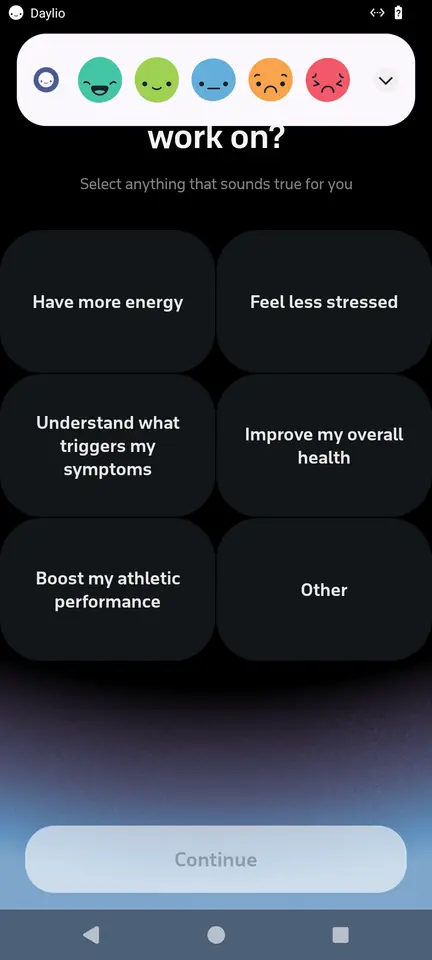 02 Onboarding
What would you like to work on? — Select anything that sounds true for you
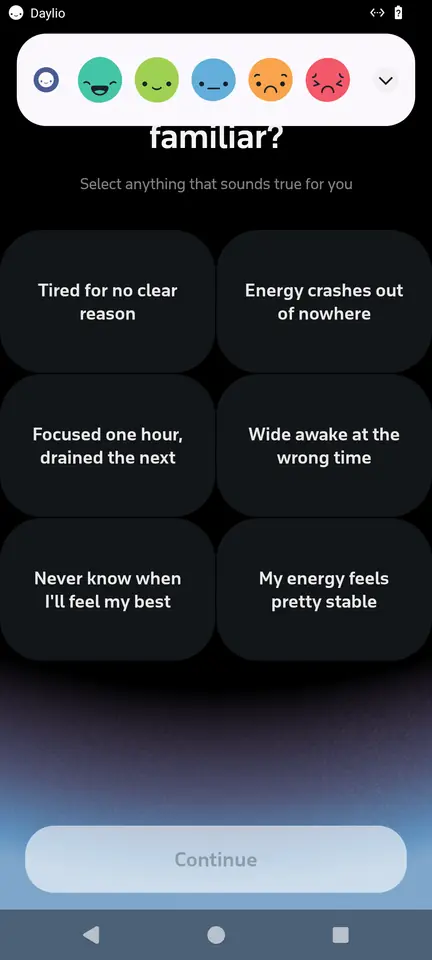 03 Onboarding
Do any of these feel familiar? — Select anything that sounds true for you
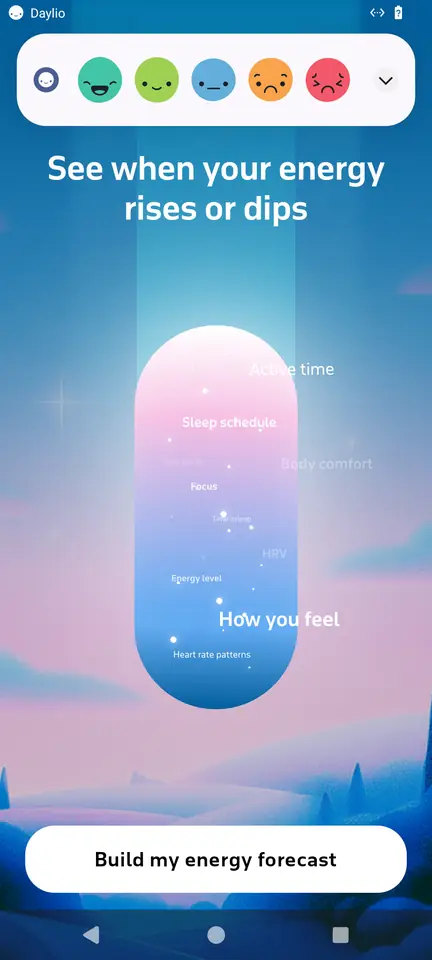 04 Onboarding
See when your energy rises or dips
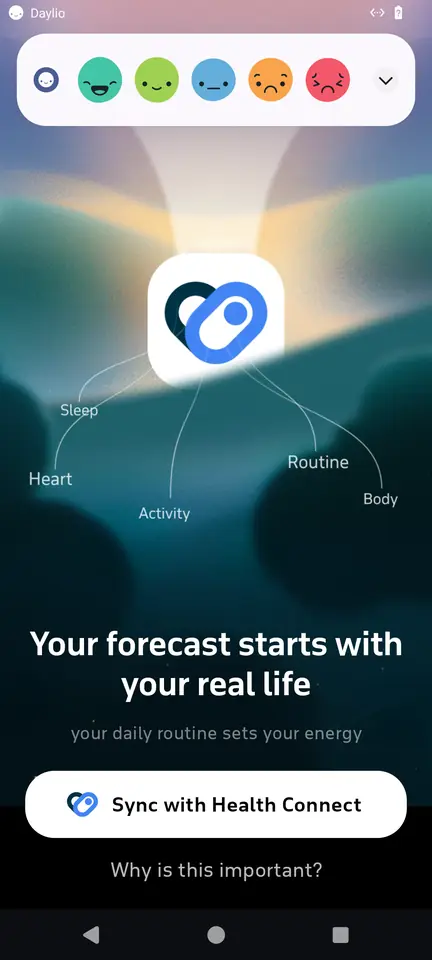 05 Onboarding
Your forecast starts with your real life — your daily routine sets your energy
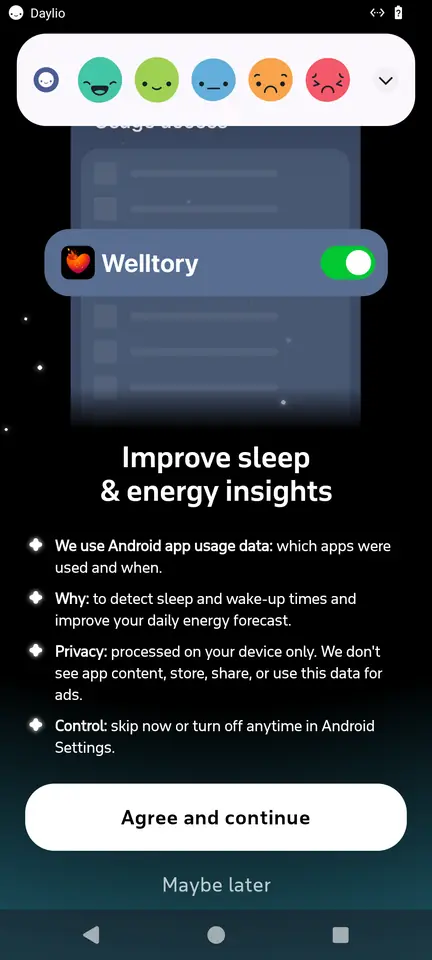 06 Onboarding
Improve sleep & energy insights — We use Android app usage data: which apps were used and when.
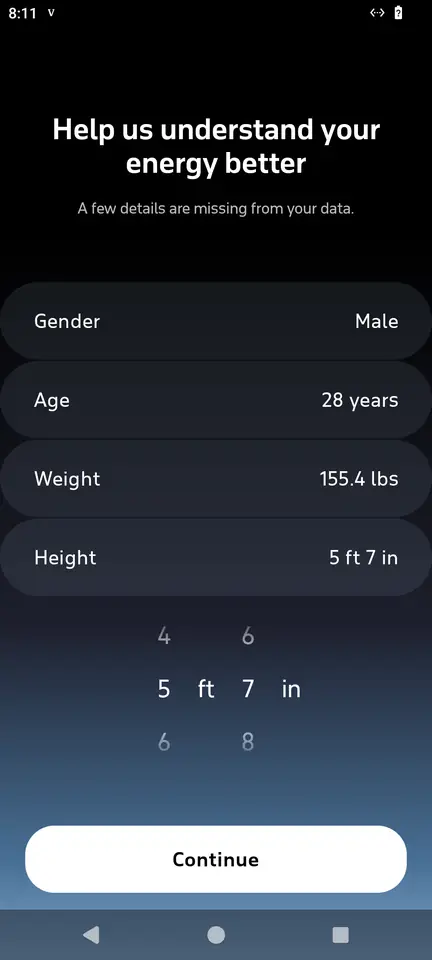 07 Onboarding
Help us understand your energy better — A few details are missing from your data.
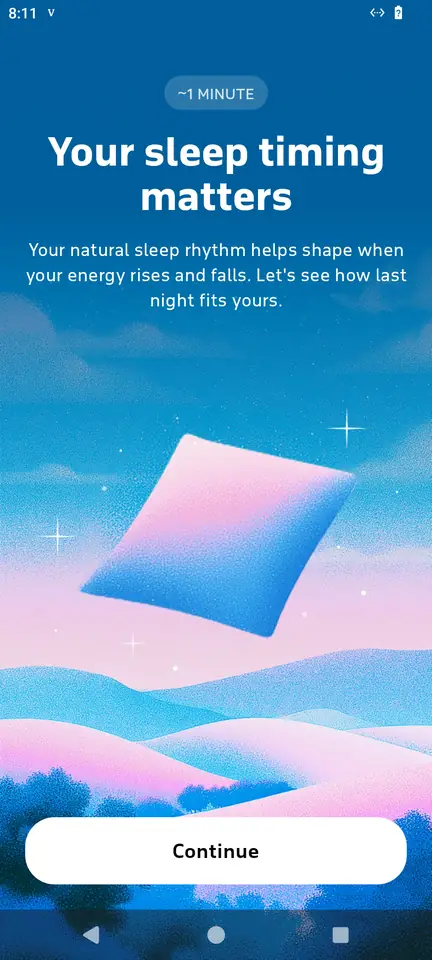 08 Onboarding
~1 MINUTE — Your sleep timing matters
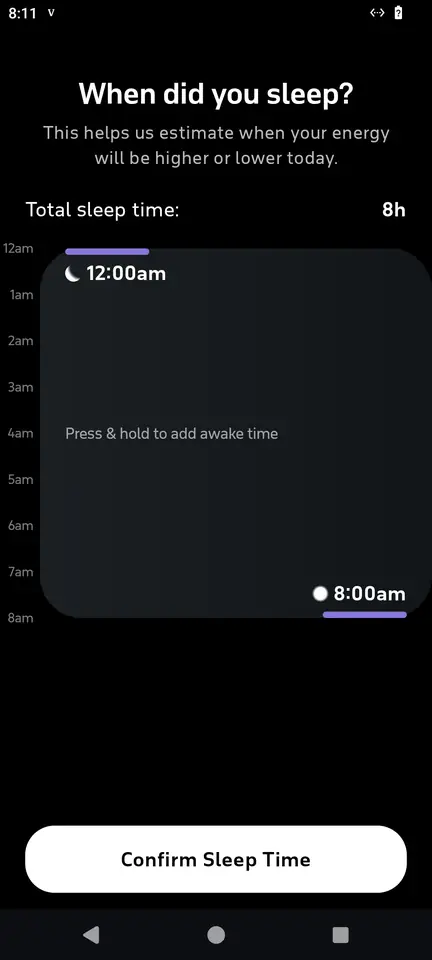 09 Onboarding
When did you sleep? — This helps us estimate when your energy will be higher or lower today.
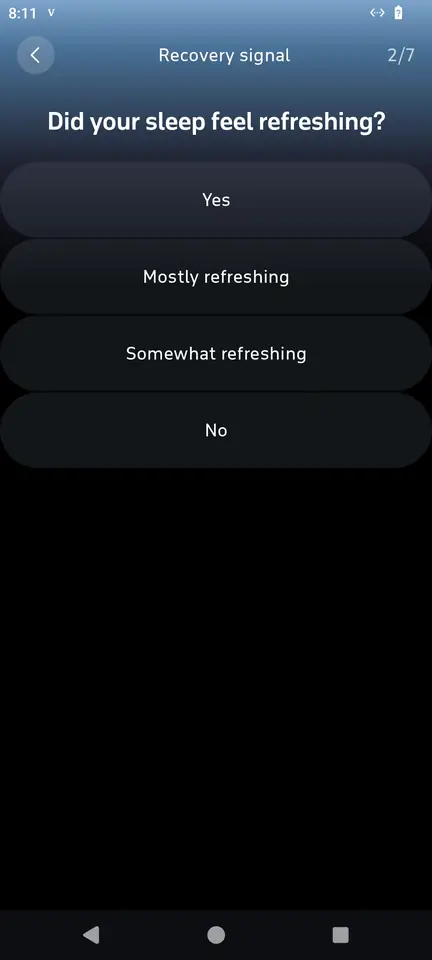 10 Onboarding
Back — Recovery signal
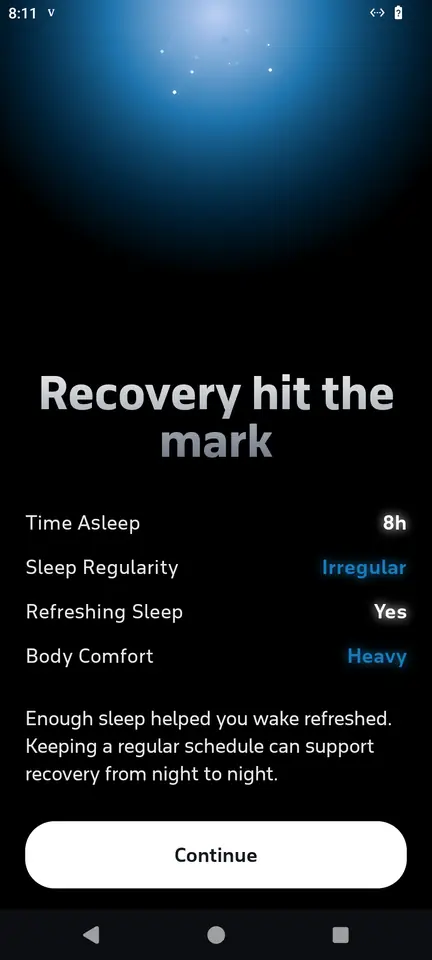 11 Onboarding
Recovery hit the mark — Time Asleep
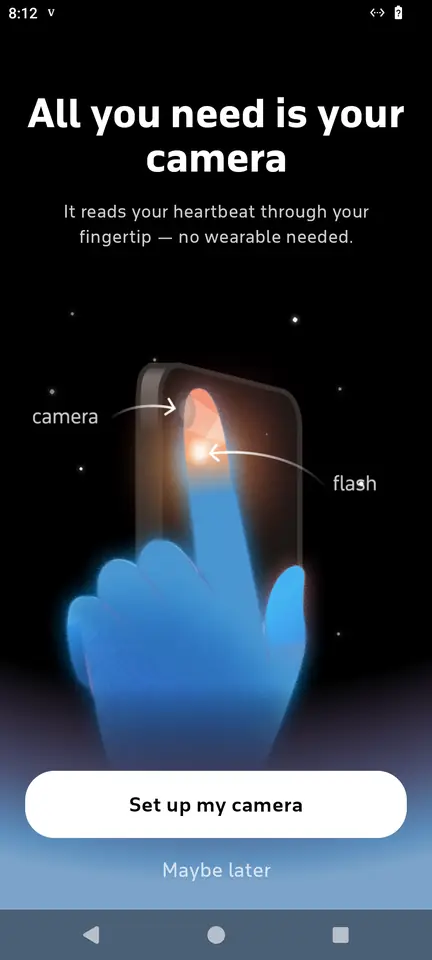 12 Onboarding
All you need is your camera — It reads your heartbeat through your fingertip — no wearable needed.
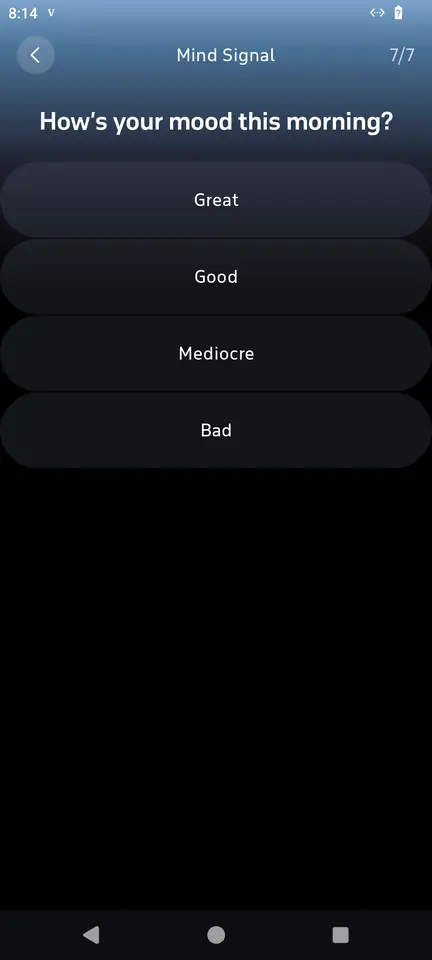 13 Onboarding
Back — Mind Signal
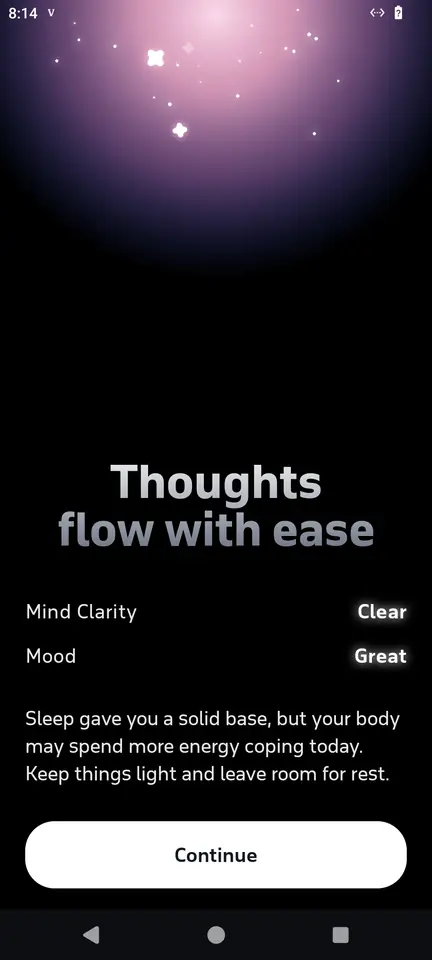 14 Onboarding
Thoughts flow with ease — Mind Clarity
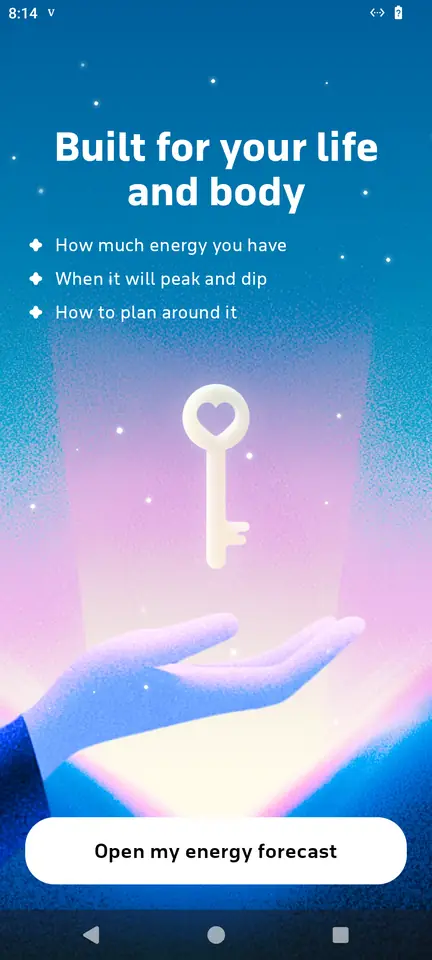 15 Onboarding
Built for your life and body — How much energy you have
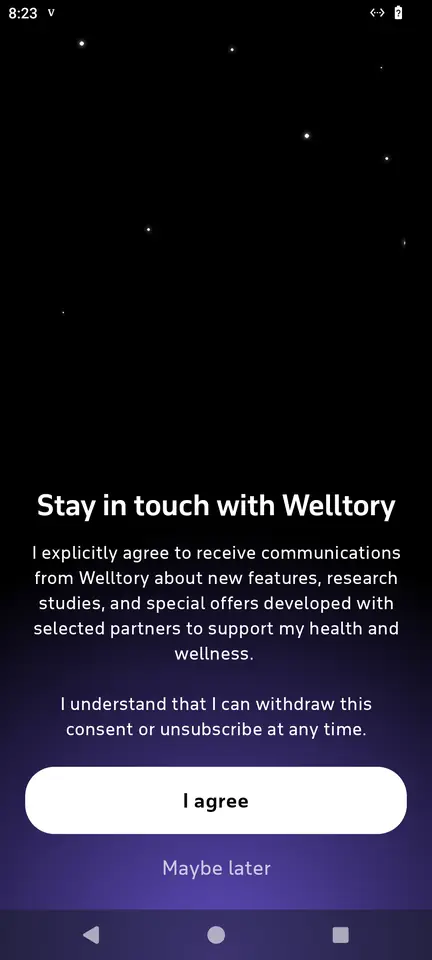 16 Onboarding
Stay in touch with Welltory — I agree
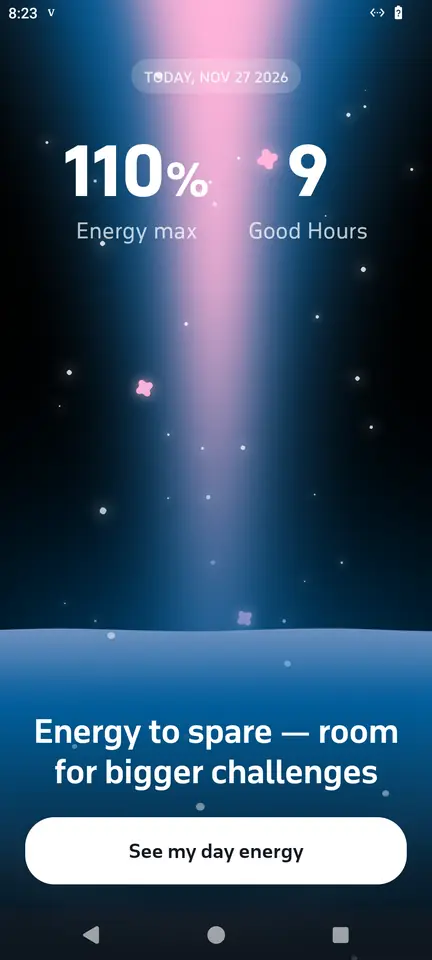 17 Onboarding
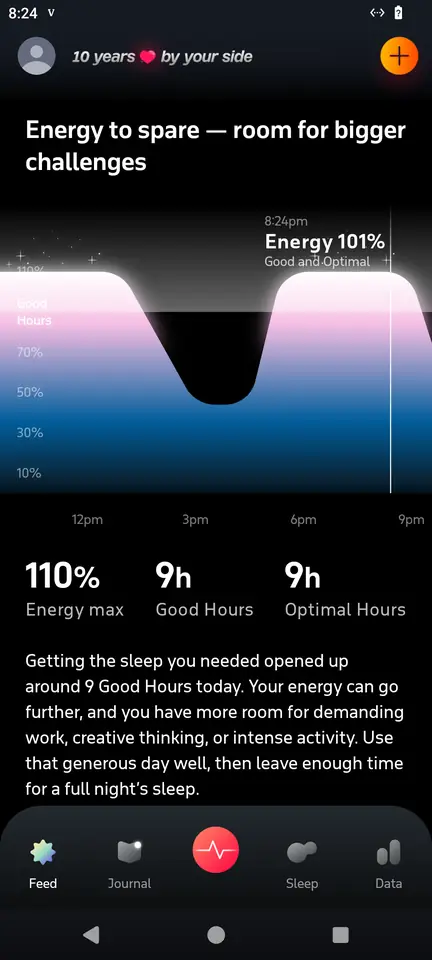
TODAY, NOV 27 2026 — 110
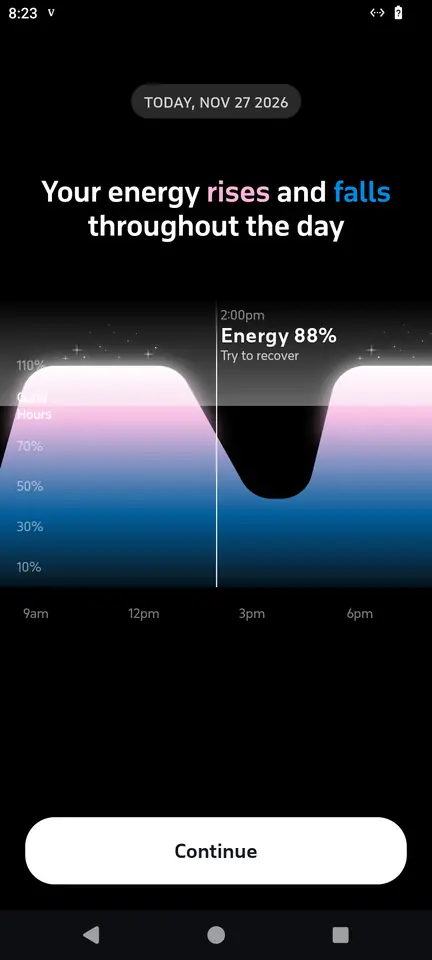 18 Onboarding
Energy wave chart — 2:00pm
 19 Onboarding
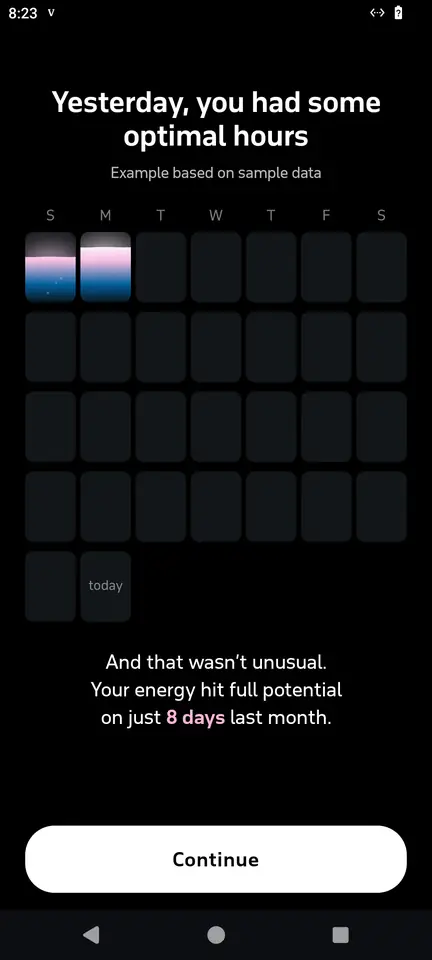
Yesterday, you had some optimal hours — Example based on sample data
What Welltory's onboarding flow does
- 19 screens in order, opening on “All-in-one health app that has your back” and ending at “Yesterday, you had some optimal hours”.
- Shows a step counter (“2/7”) so users always know how far along they are.
- Gives users an exit: a “Maybe later” option.
Read the step-by-step UX teardown of this flow →
Captured on a real Android device · last updated 2026-11-14