Slider: definition and 7 real Android examples
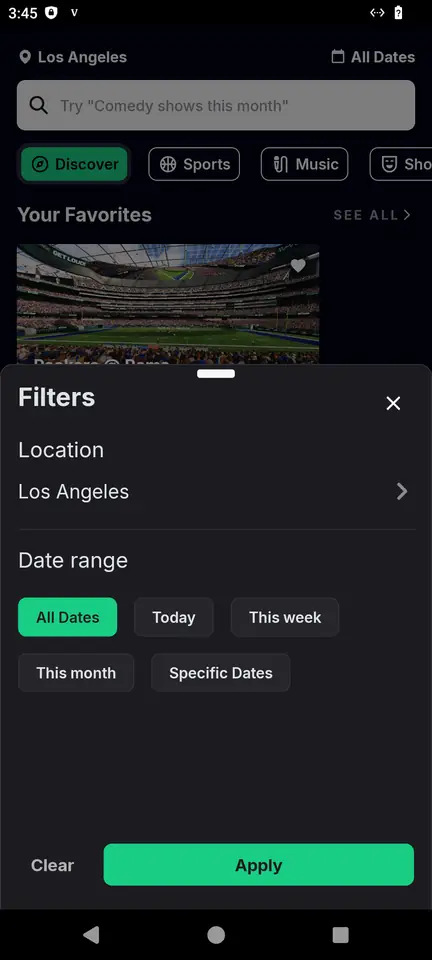
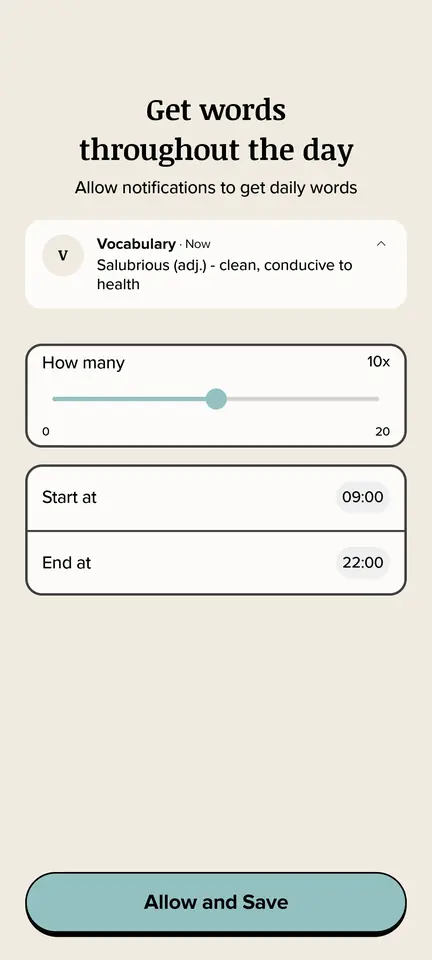
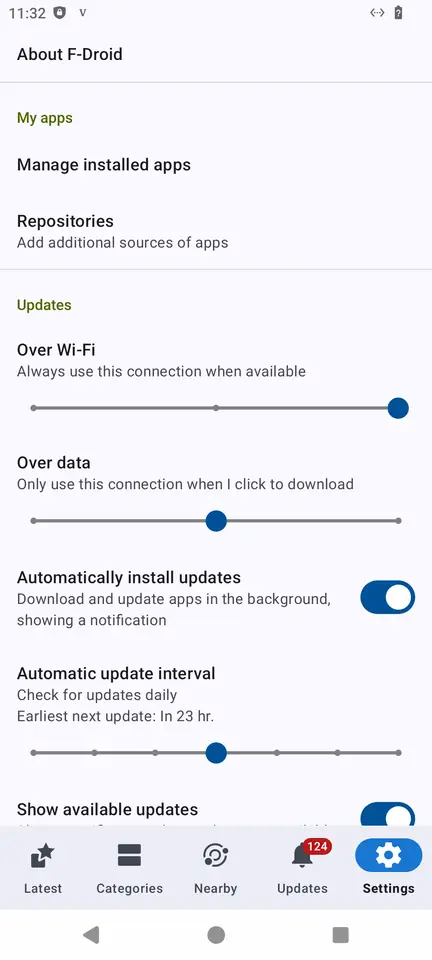
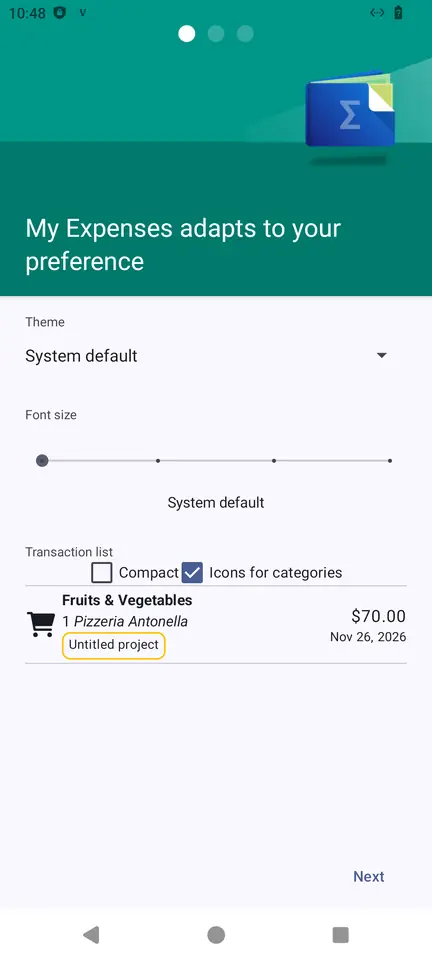
A slider lets users pick a value from a continuous or stepped range by dragging a thumb along a track — volume, price range, playback position.
Also called: seek bar, range slider
Slider examples, highlighted on 7 Android apps
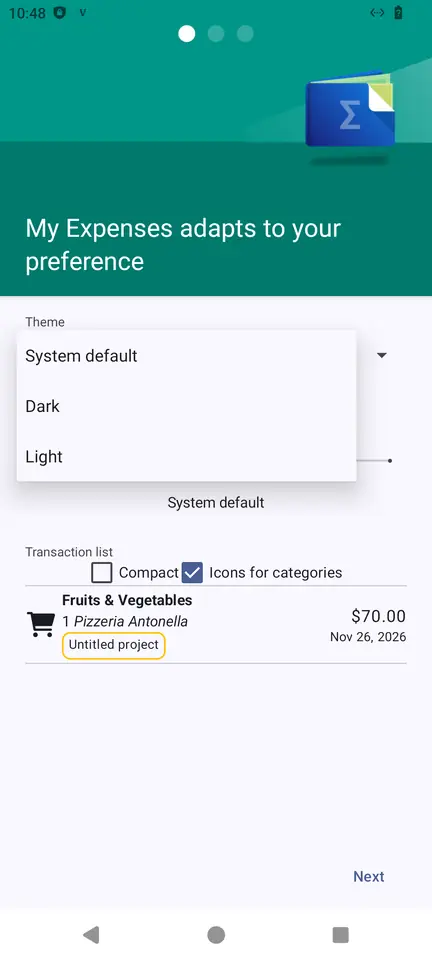
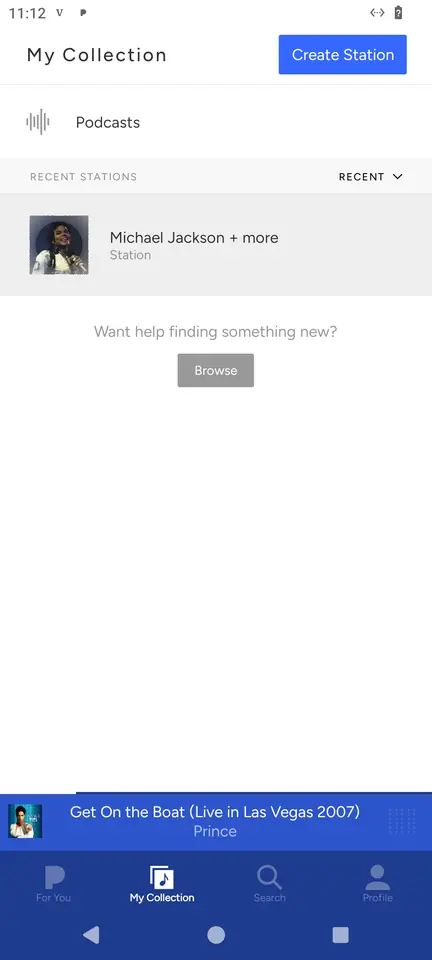
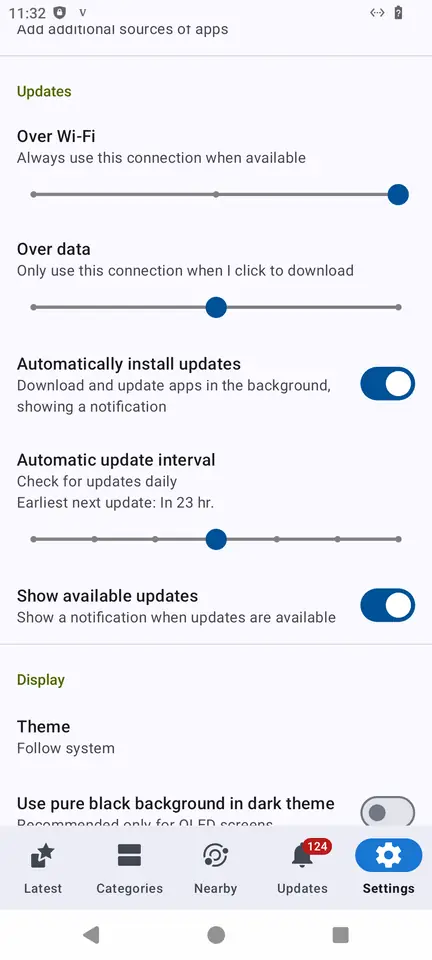
The orange outline marks the slider on each real screen, located from the app's own Android view hierarchy.

Video timeline
Bottom Sheet


On Android
SeekBar or Material Slider / RangeSlider in Views, Slider / RangeSlider in Compose.
Best practices
- Show the current value next to or above the thumb.
- Use a slider when the exact value matters less than the relative position.
- Offer a text input as well when precise values are needed.
- Make the thumb at least 44–48 dp so it is easy to grab.
Where it shows up
Screens showing the component, by flow step type.
By app category
Apps showing the component, by category · 7 of 246 apps in the library.












FAQ
What is a slider?
A slider lets users pick a value from a continuous or stepped range by dragging a thumb along a track — volume, price range, playback position.
What is a slider called on Android?
SeekBar or Material Slider / RangeSlider in Views, Slider / RangeSlider in Compose. It is also known as seek bar and range slider.
Which Android apps use a slider?
In the Flowtape library, 7 of 246 Android apps show a slider on the screens we captured, including Mindvalley, Gametime, Vocabulary, Carb Manager, Pandora and F-Droid.
How do I design a good slider?
Show the current value next to or above the thumb. Use a slider when the exact value matters less than the relative position. Offer a text input as well when precise values are needed.
Detected in the view hierarchy of screens captured on real Android devices · last updated 2026-11-14