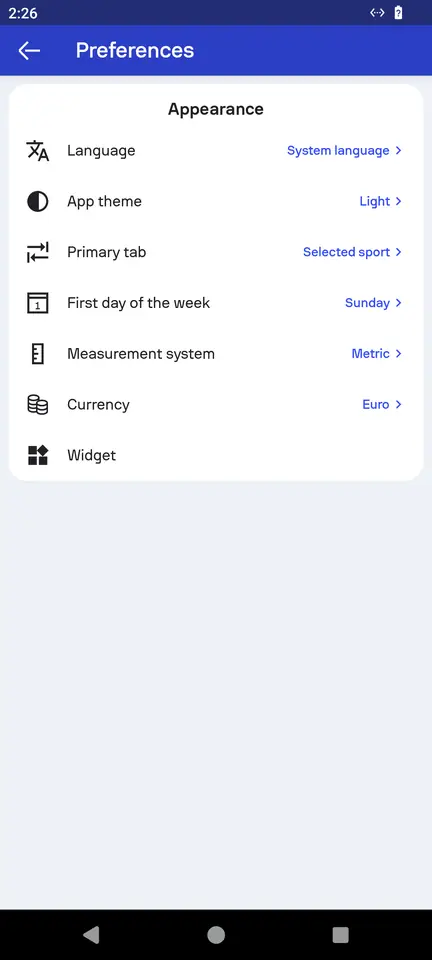
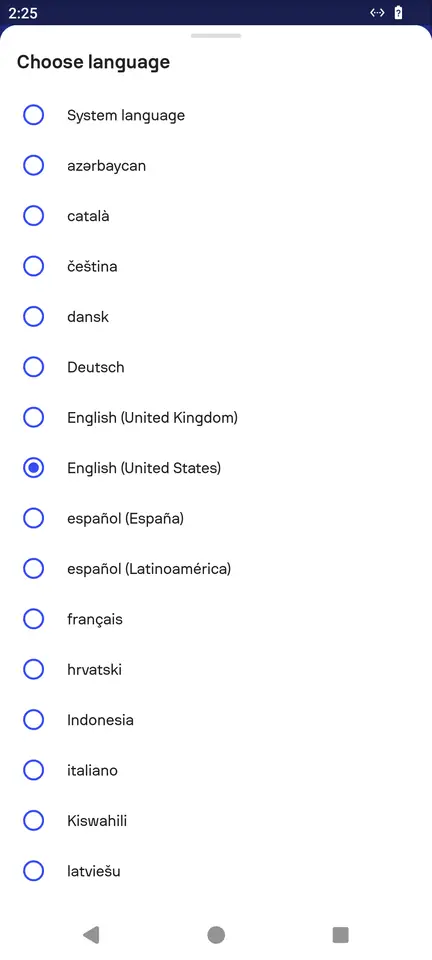
Settings flow · F-Droid · Android
F-Droid settings screens
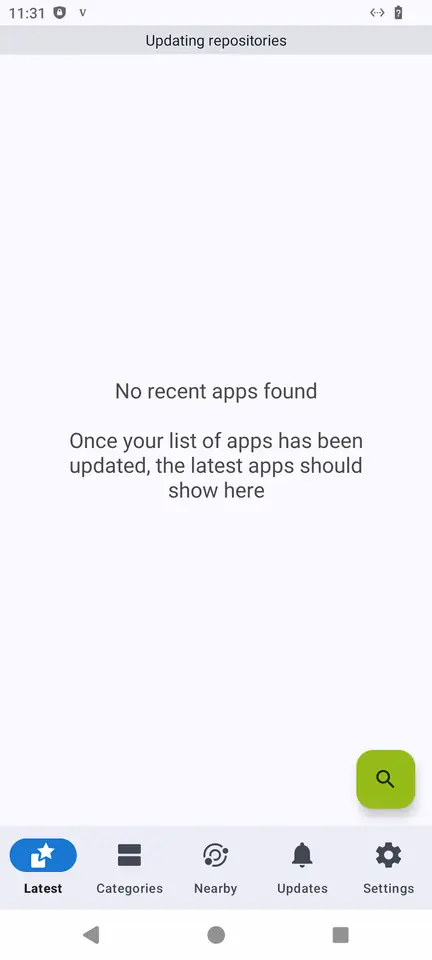
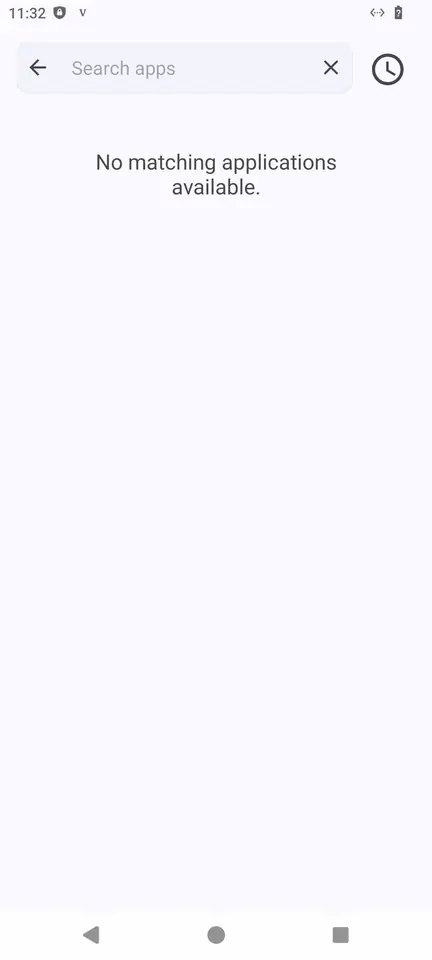
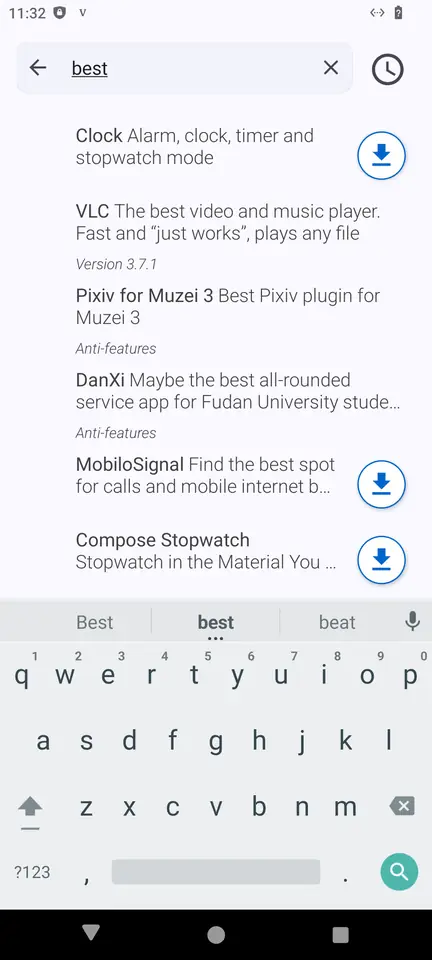
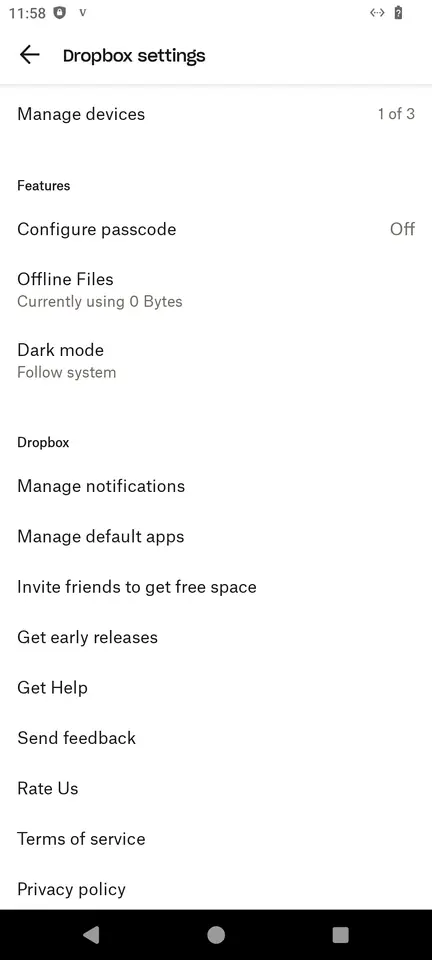
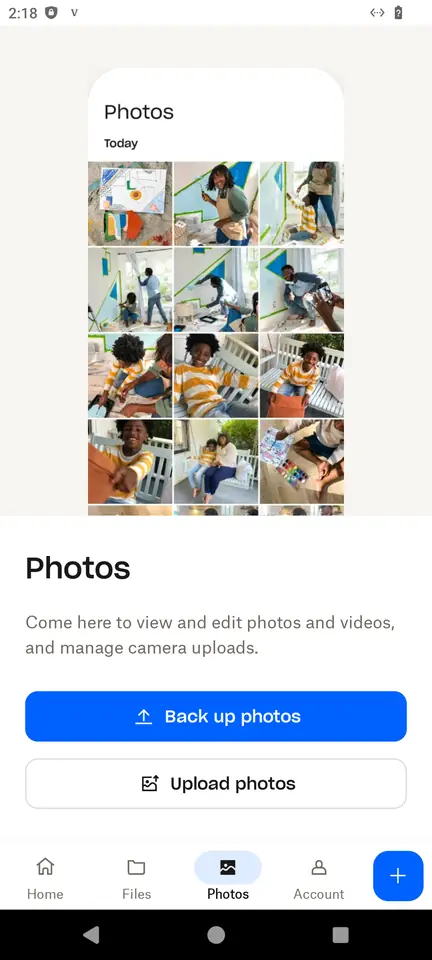
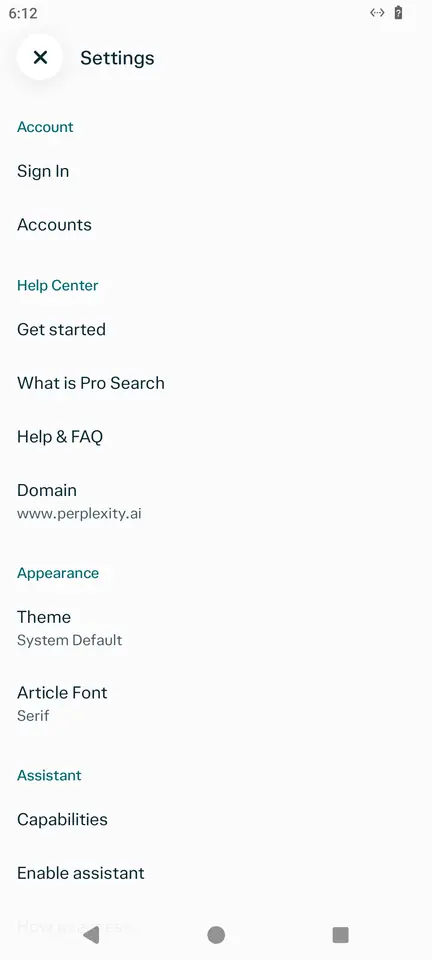
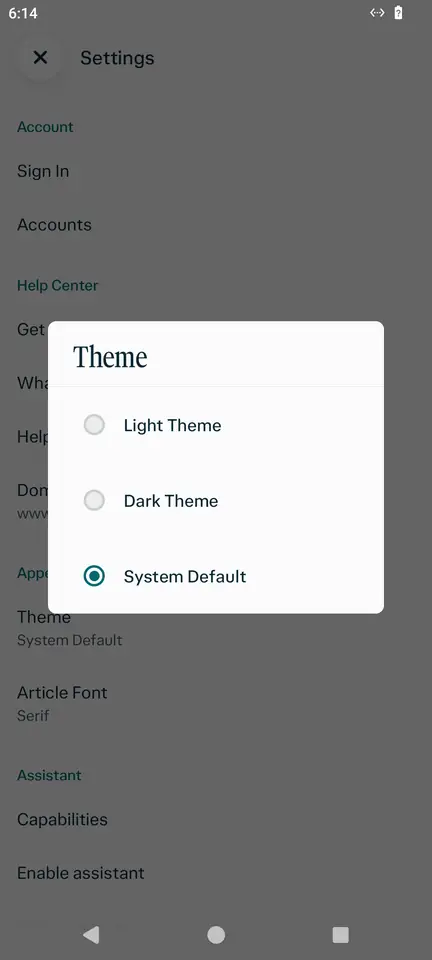
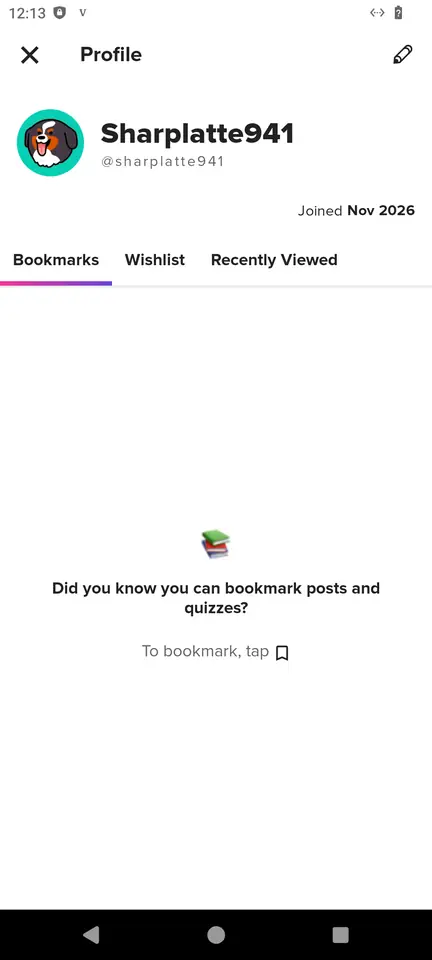
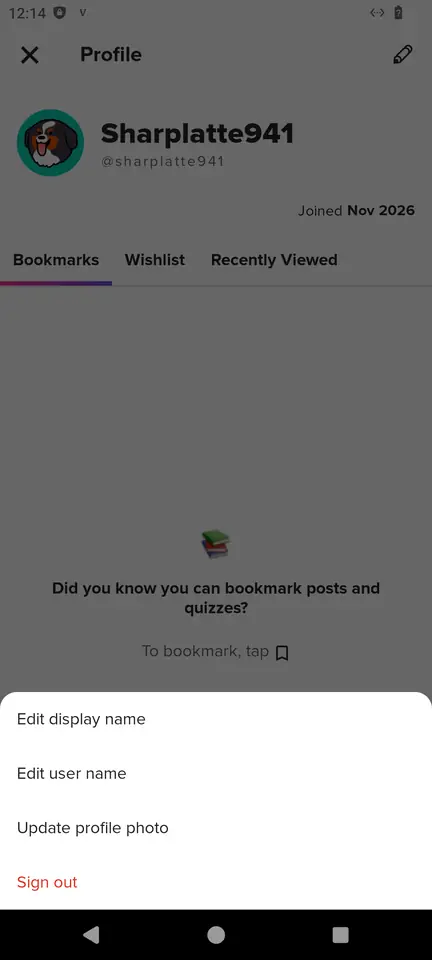
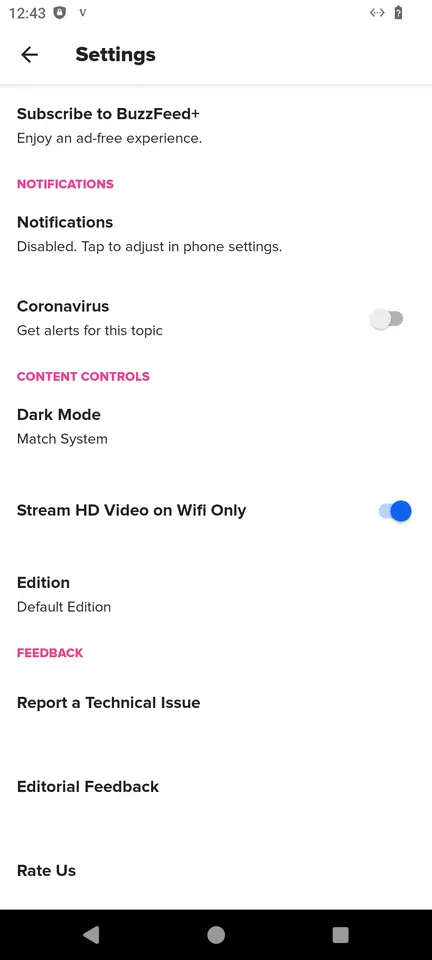
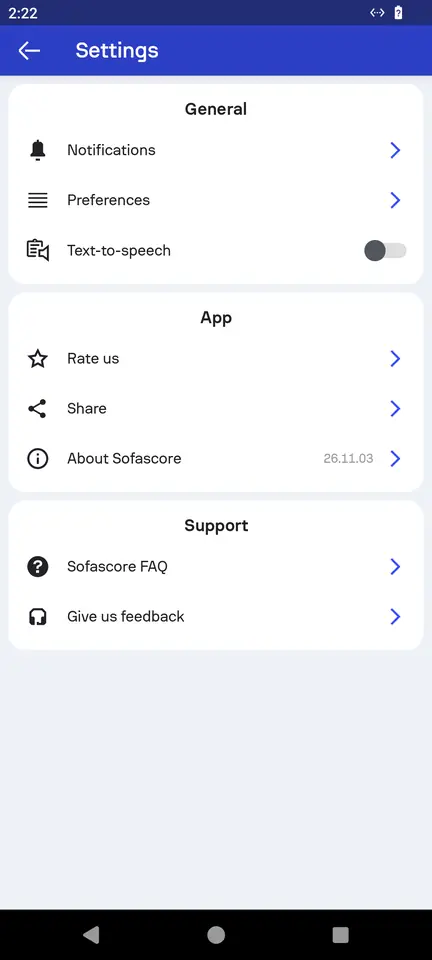
Every screen of F-Droid's settings screens on Android, in order: 2 steps, recorded on a real device. F-Droid's settings flow covers 2 screens, including “About F-Droid” and “Over data”. Choices are made with sliders (2 screens) and toggle switches (2 screens). It also covers a light/dark theme choice.
UI components:
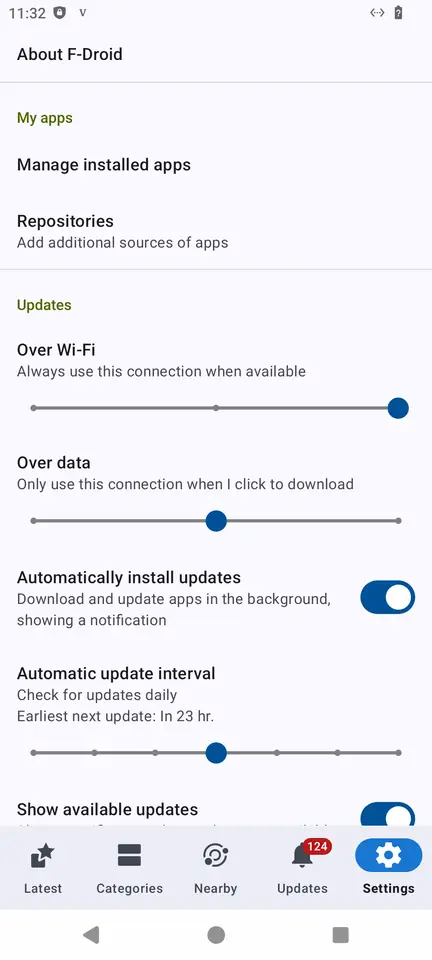 01 Settings · tap “Settings”
About F-Droid — My apps
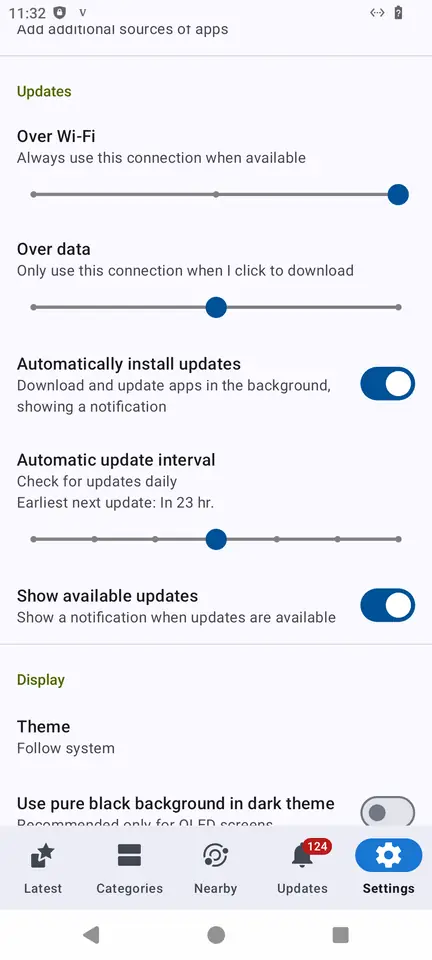 02 Settings
Add additional sources of apps — Updates
What F-Droid's settings screens does
- 2 screens in order, opening on “About F-Droid” and ending at “Add additional sources of apps”.
- Taps along the way: “Settings”.
Captured on a real Android device · last updated 2026-11-14