Chip: definition and 15 real Android examples
Chips are small rounded elements that represent a choice, a filter, an entered value or a quick action — “Vegetarian”, “Under 30 min”, a recipient's name. They usually sit in a horizontal row that wraps or scrolls.
Also called: input chip, filter chip, tag, pill
Chip examples, highlighted on 15 Android apps
The orange outline marks the chip on each real screen, located from the app's own Android view hierarchy.
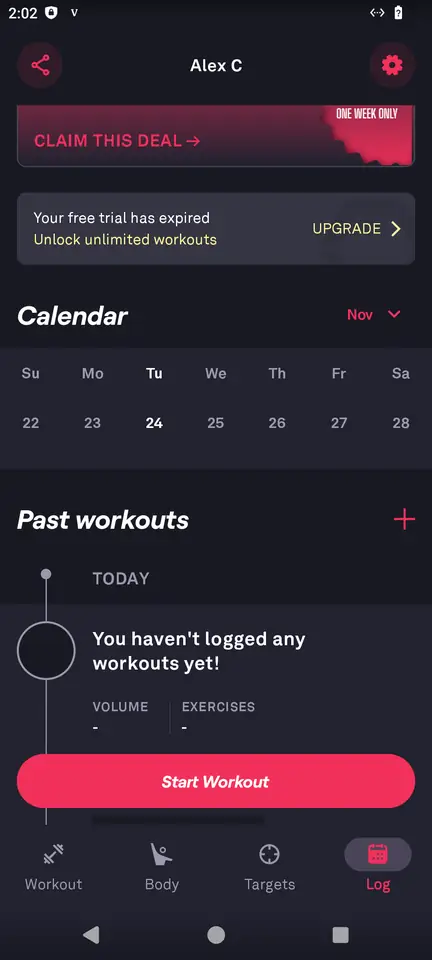
Nov
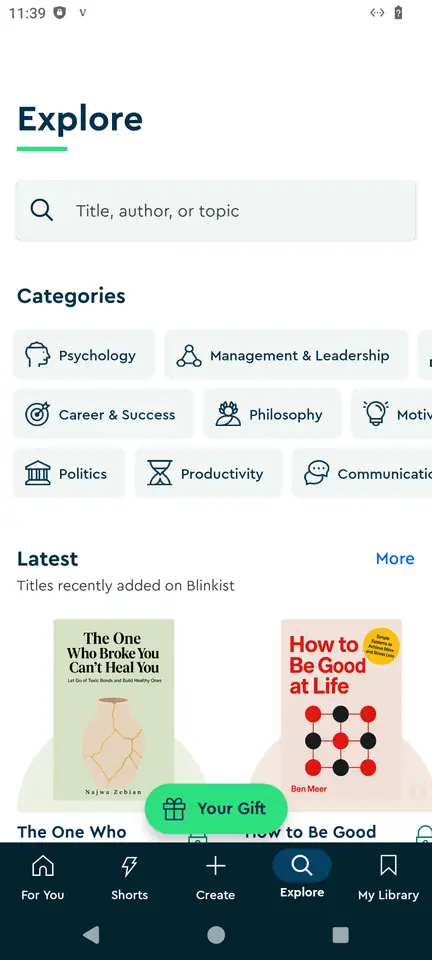
Psychology
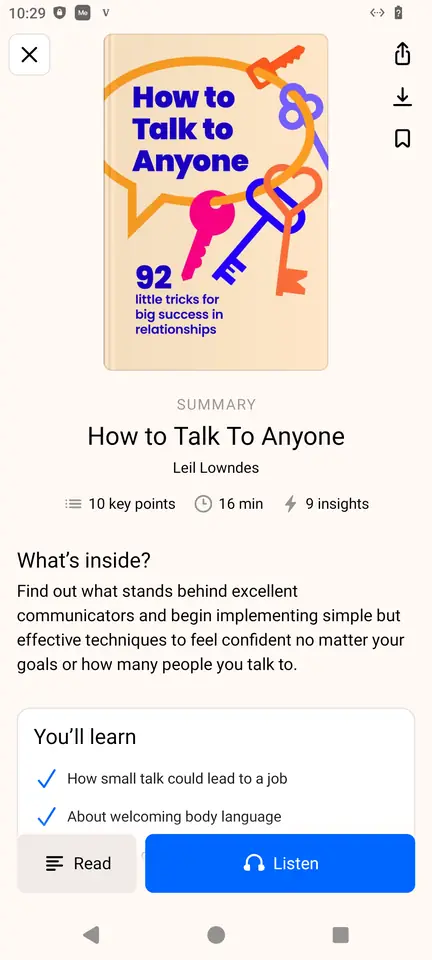
10 key points
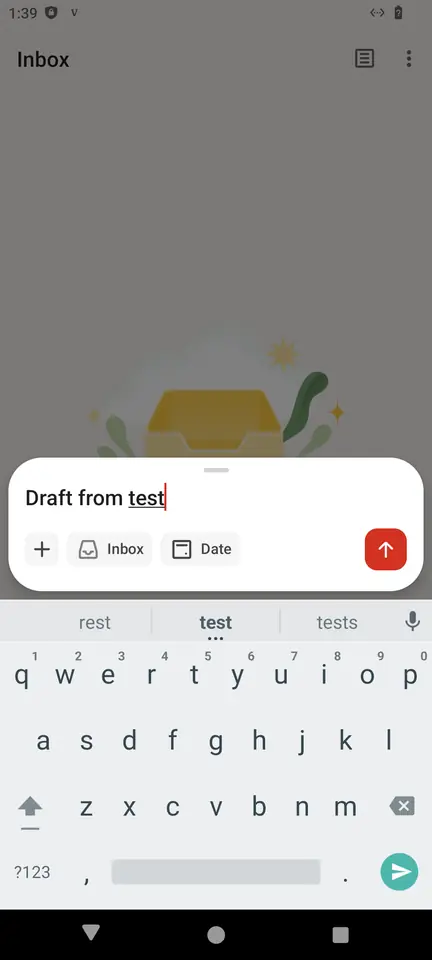
Date
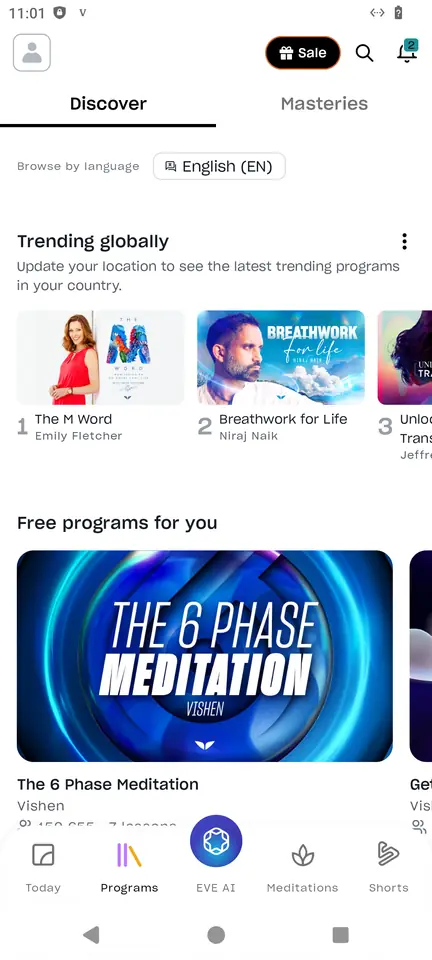
English (EN)
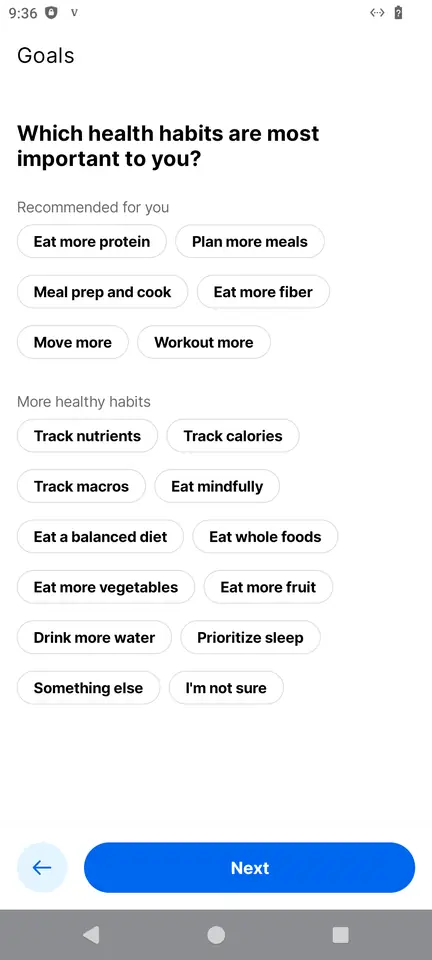
Eat more protein
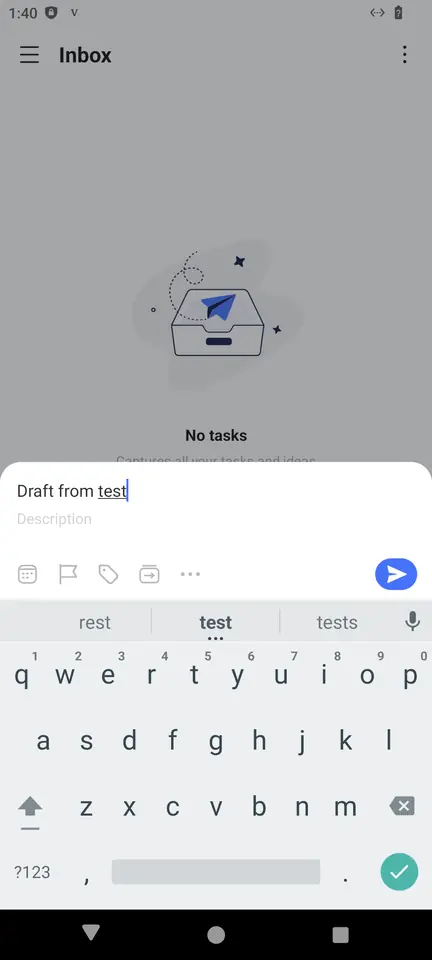
Inbox

Top Stories
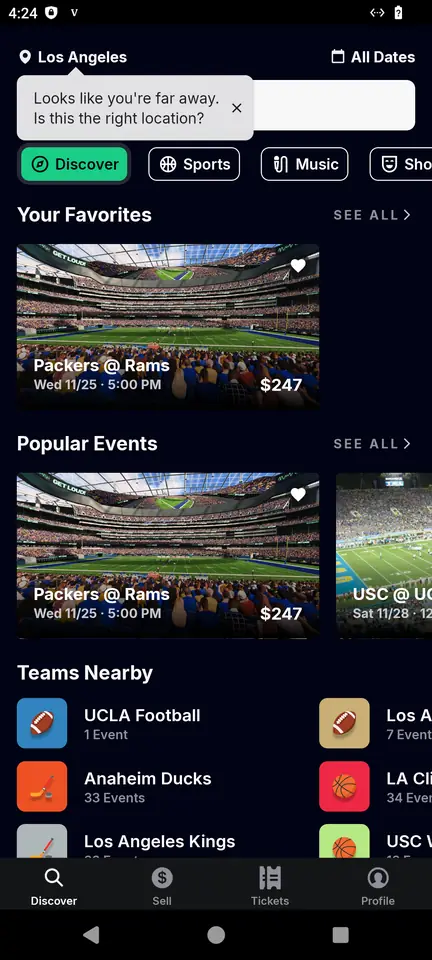
Discover
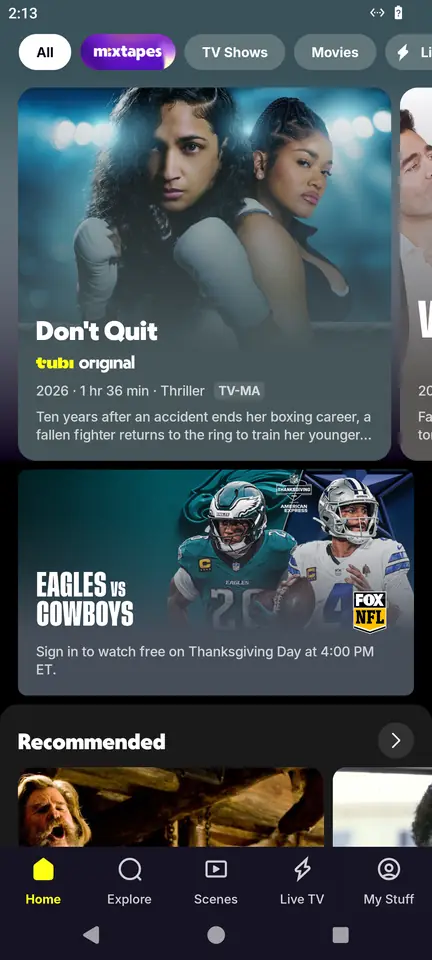
All
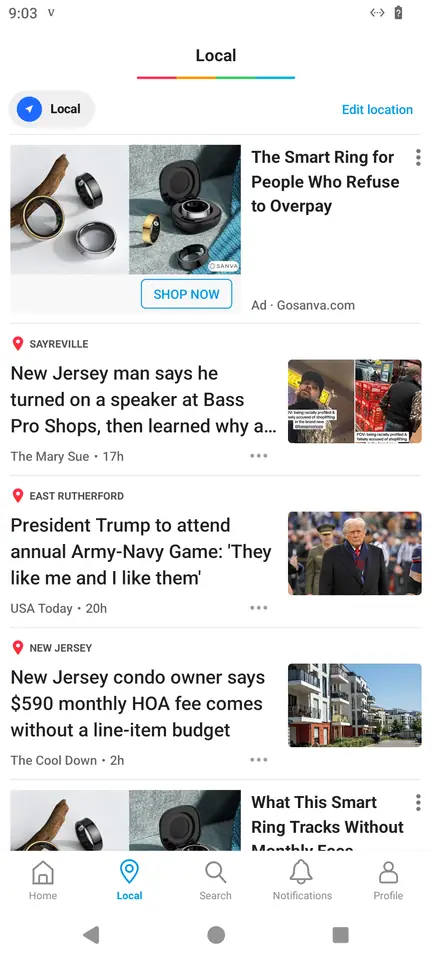
Local

All
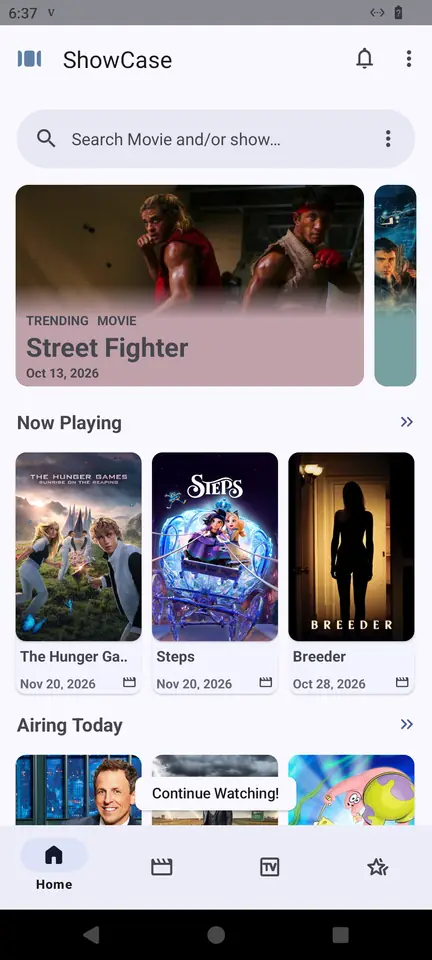
Continue Watching!
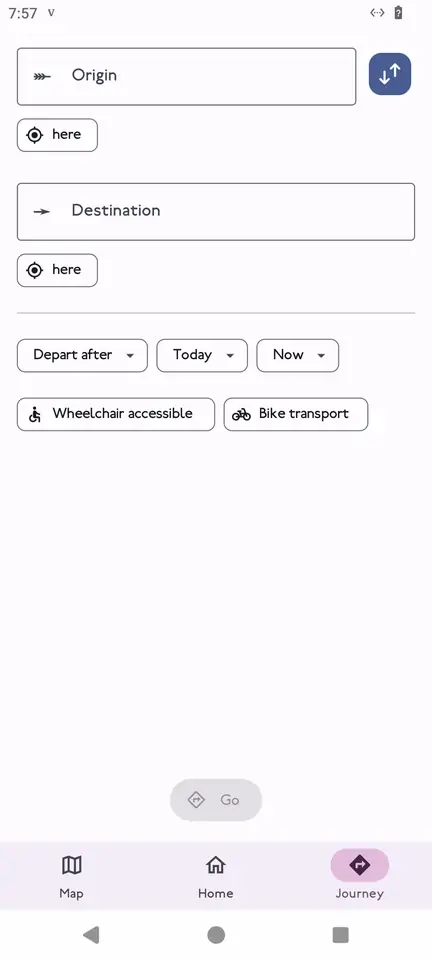
Depart after
On Android
Chip / ChipGroup in Views (filter, choice, input and action chips); FilterChip, InputChip, AssistChip in Compose.
Best practices
- Use filter chips for toggling options on a results list.
- Keep chip labels to one or two words.
- Show the selected state with a check icon or fill, not colour alone.
- Let users remove input chips with a clear × affordance.
Where it shows up
Screens showing the component, by flow step type.
By app category
Apps showing the component, by category · 15 of 246 apps in the library.
Full flows with chips
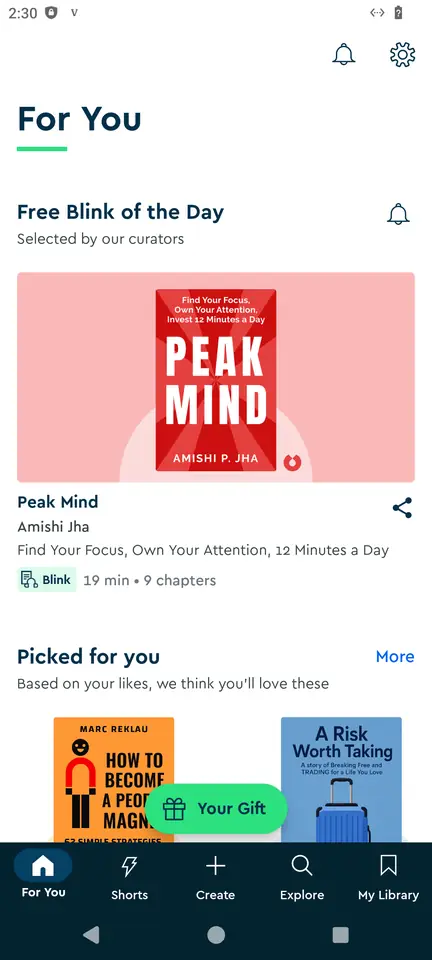
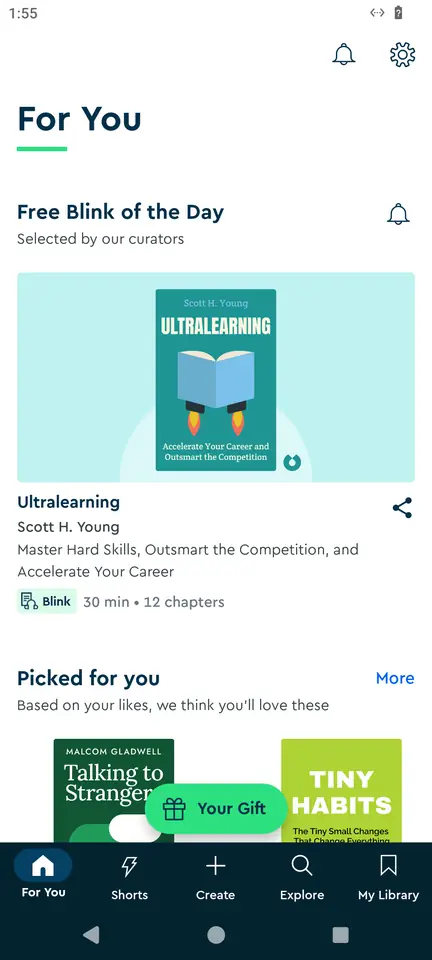
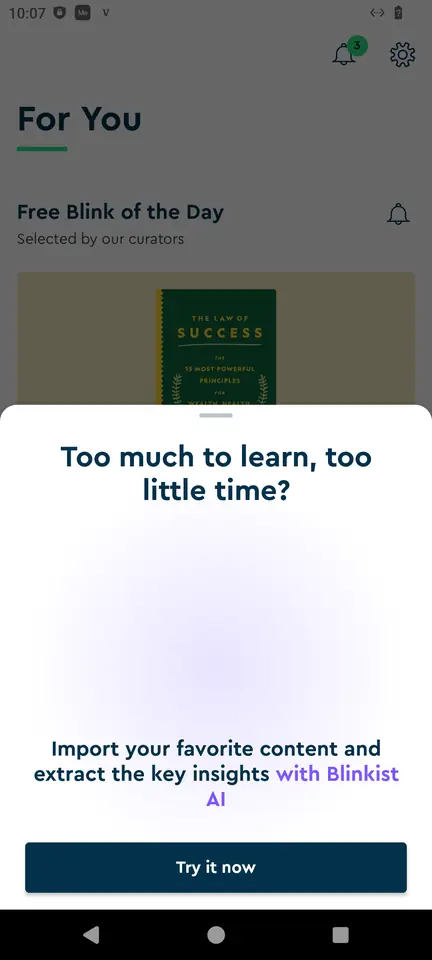
Blinkist · Home & browsing
16 screens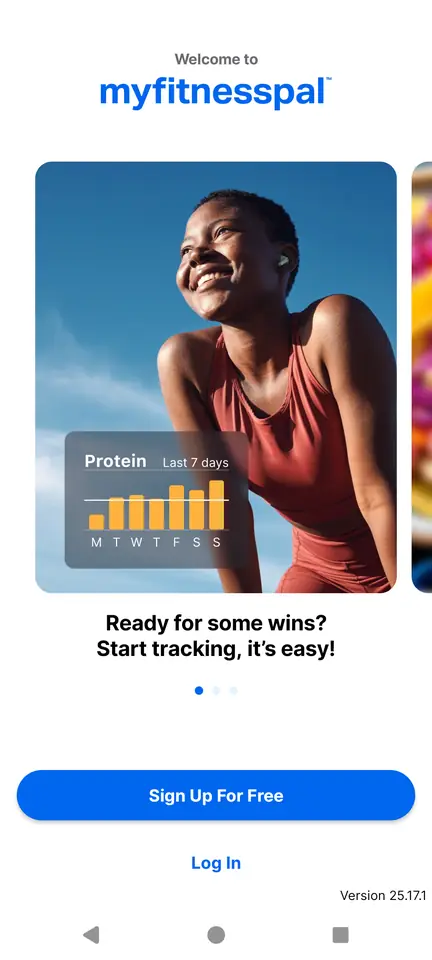
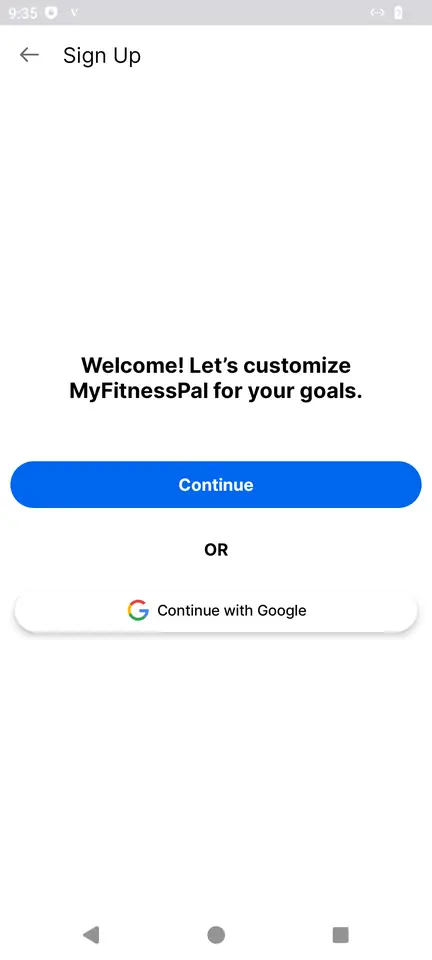
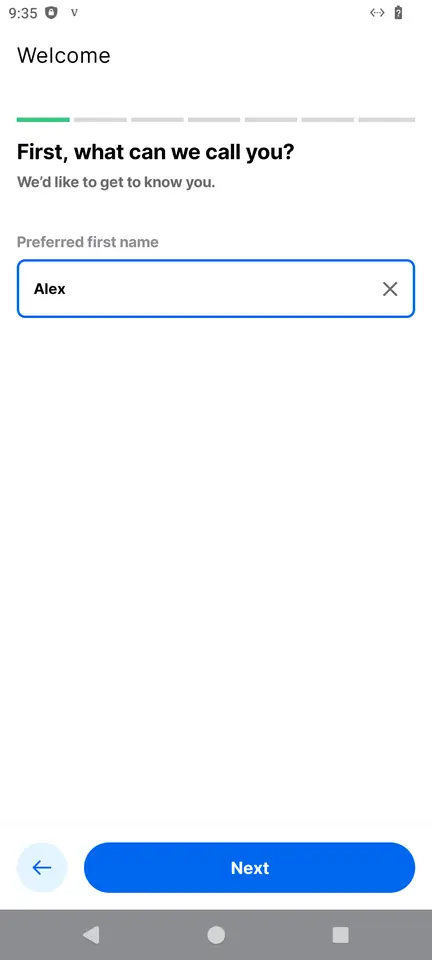
MyFitnessPal · Onboarding
15 screens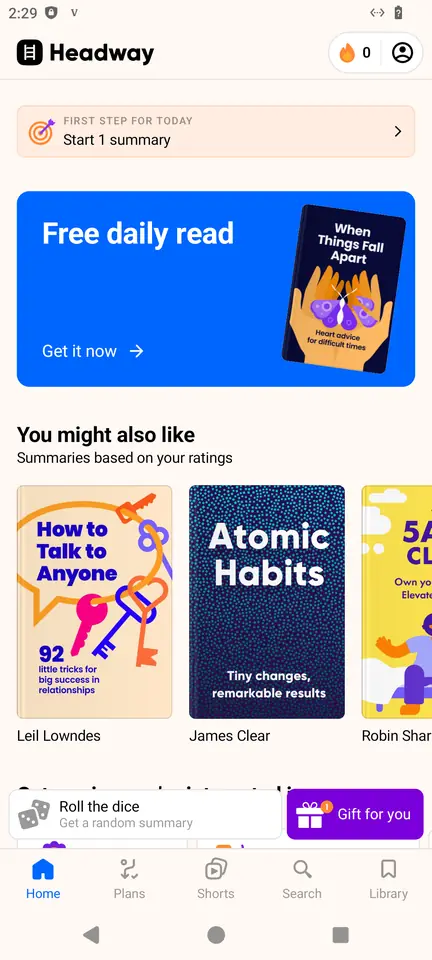
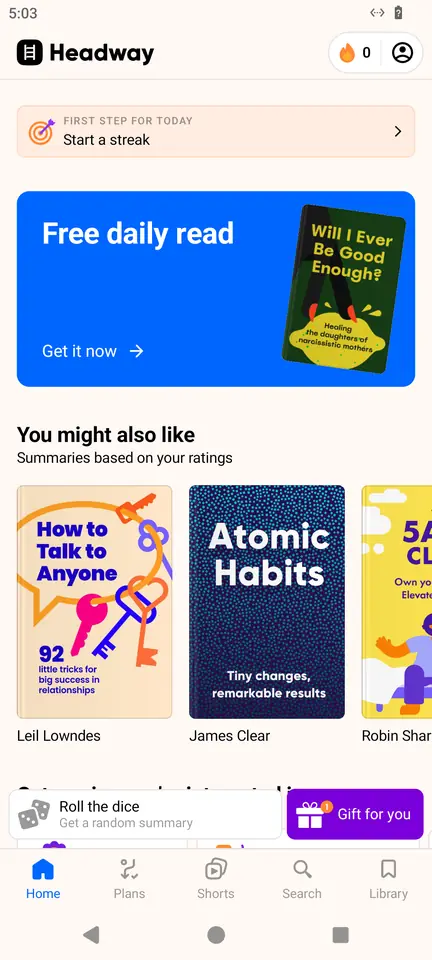
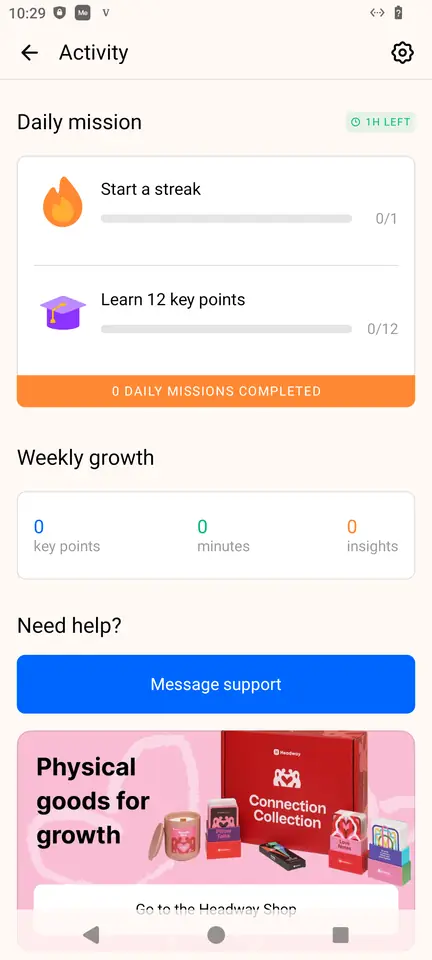
Headway · Home & browsing
13 screens
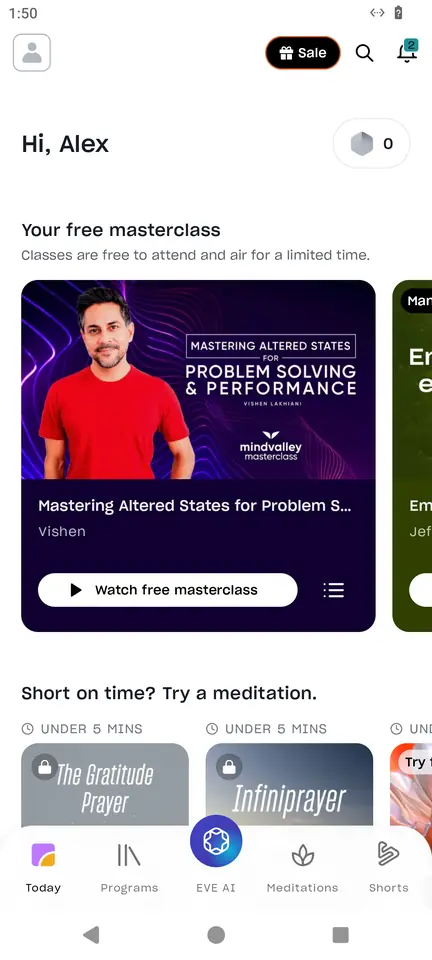

Mindvalley · Home & browsing
13 screens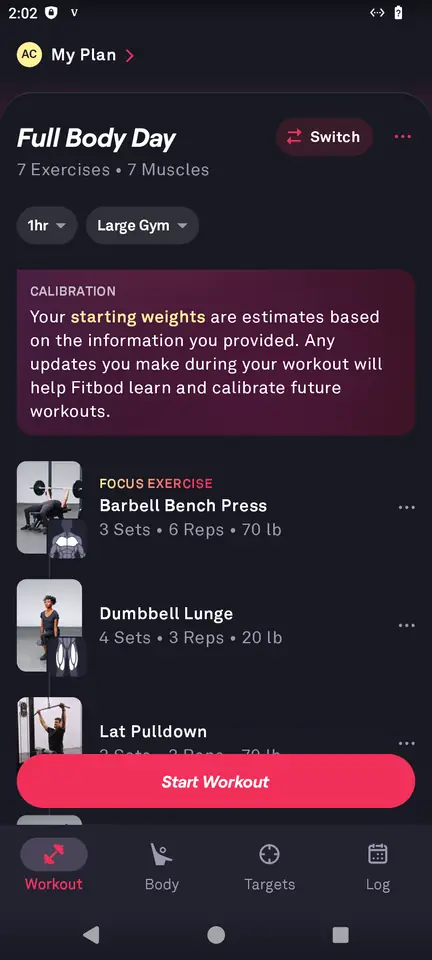
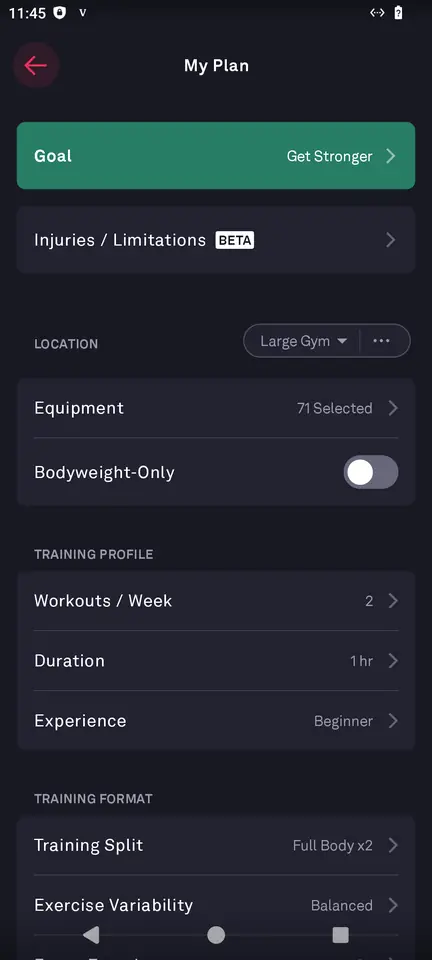
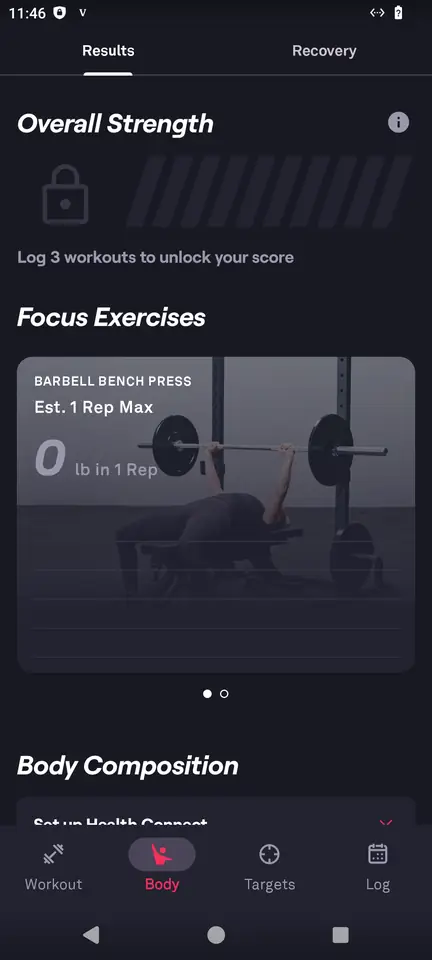
Fitbod · Home & browsing
10 screens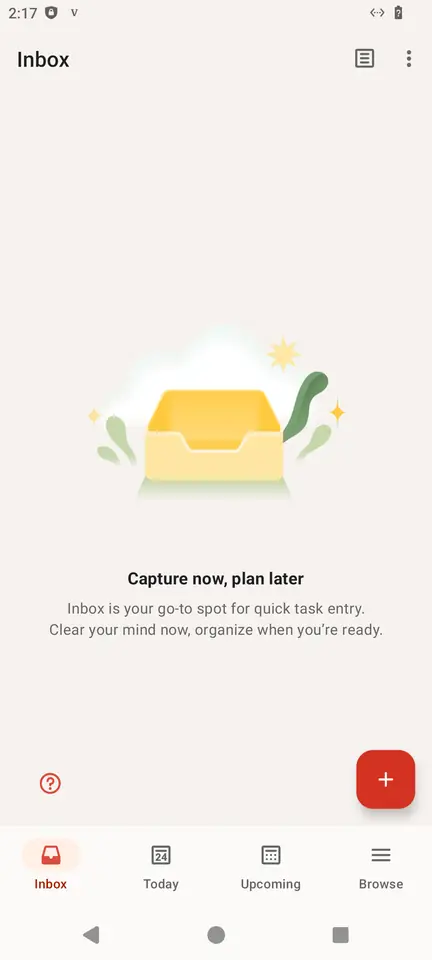
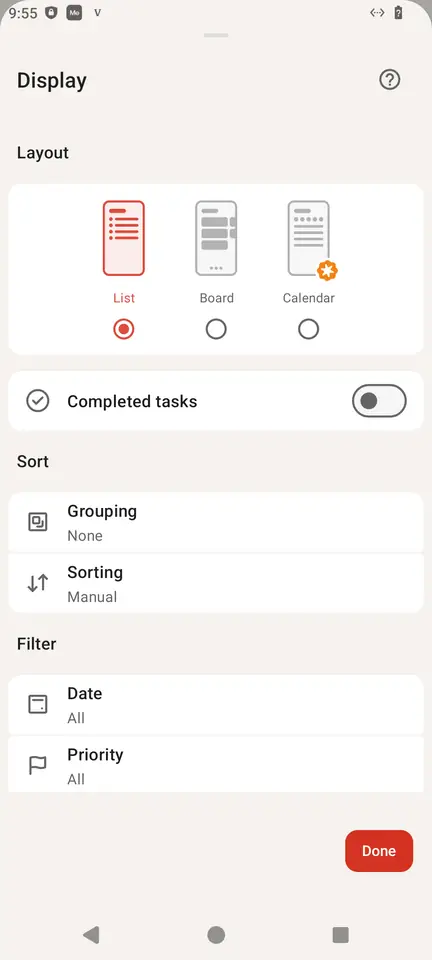
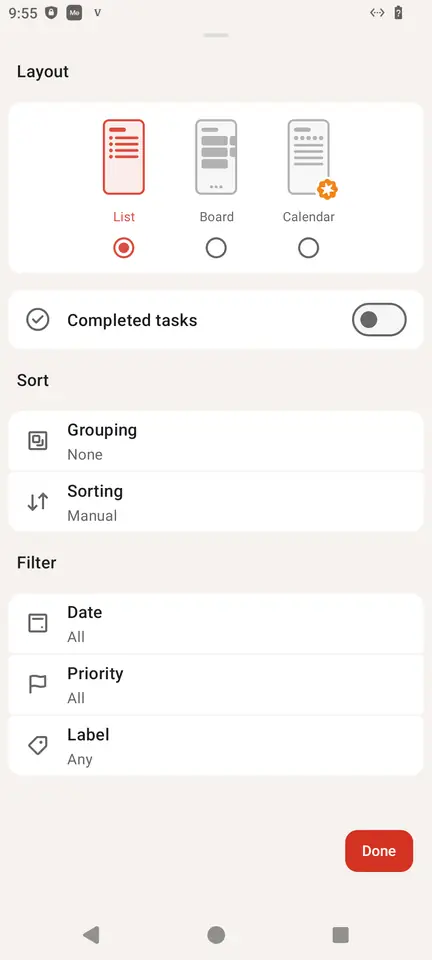
Todoist · Home & browsing
10 screens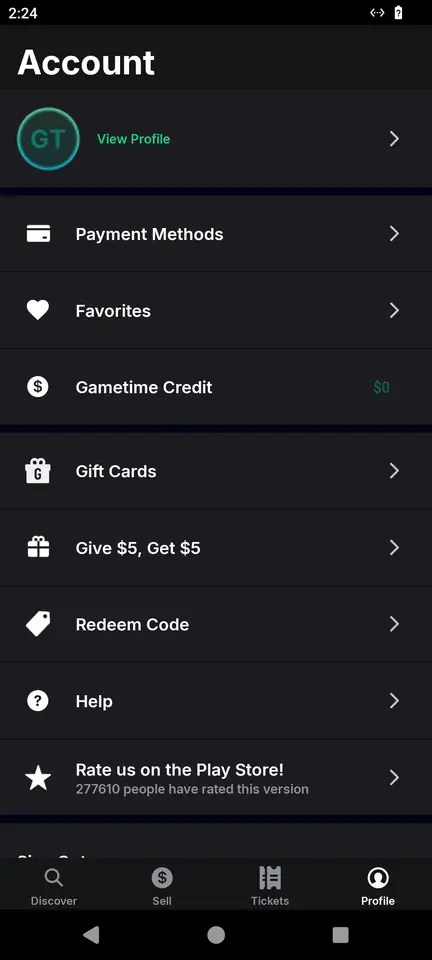
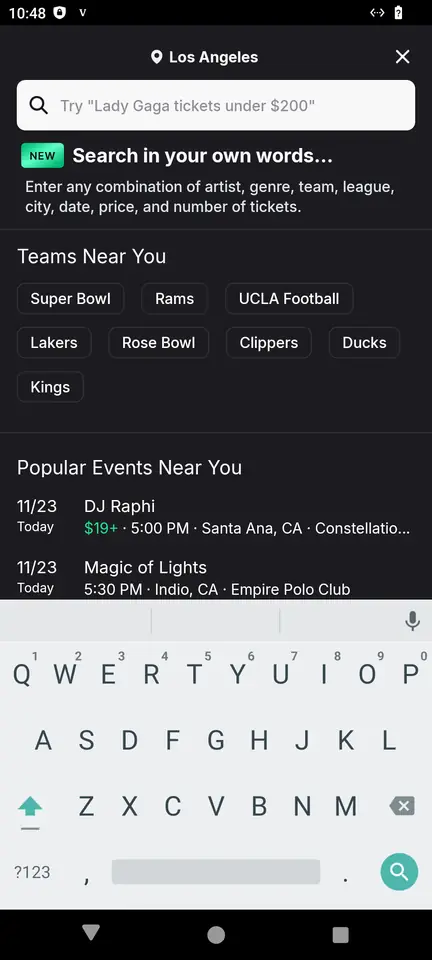
Gametime · Home & browsing
9 screens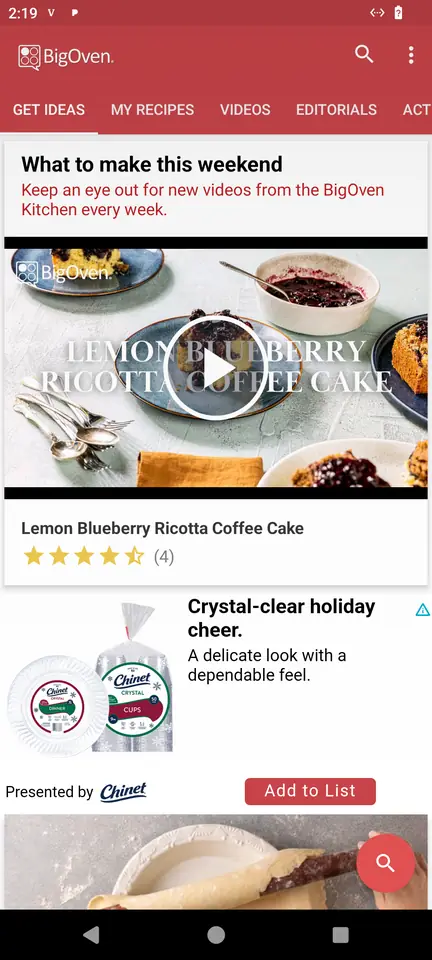
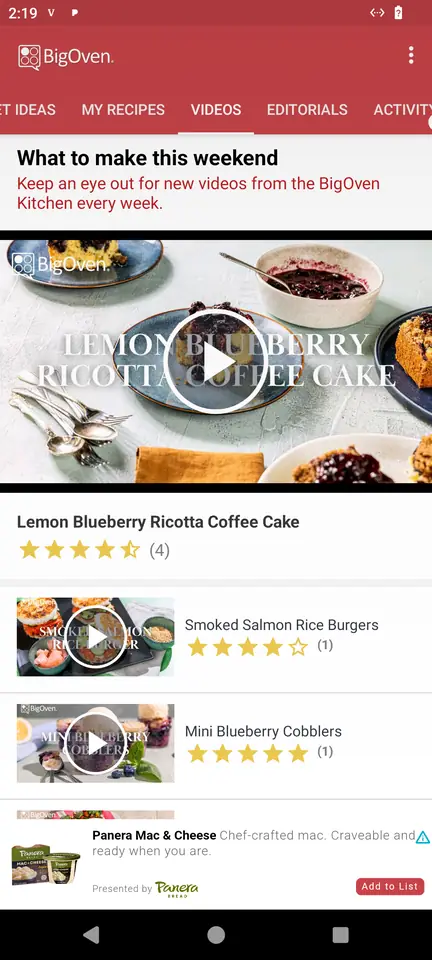
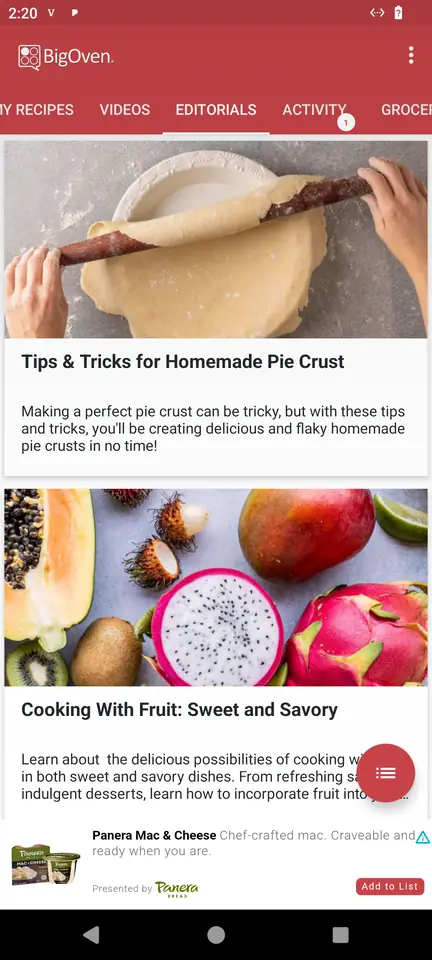
BigOven · Home & browsing
6 screens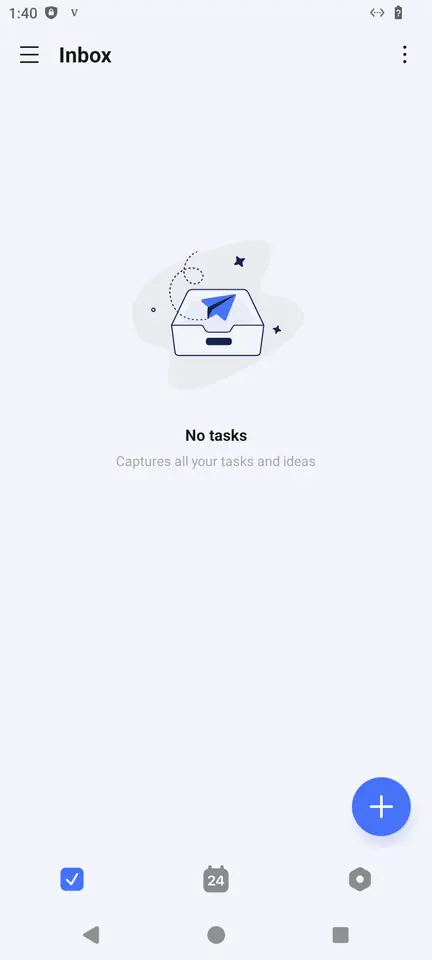
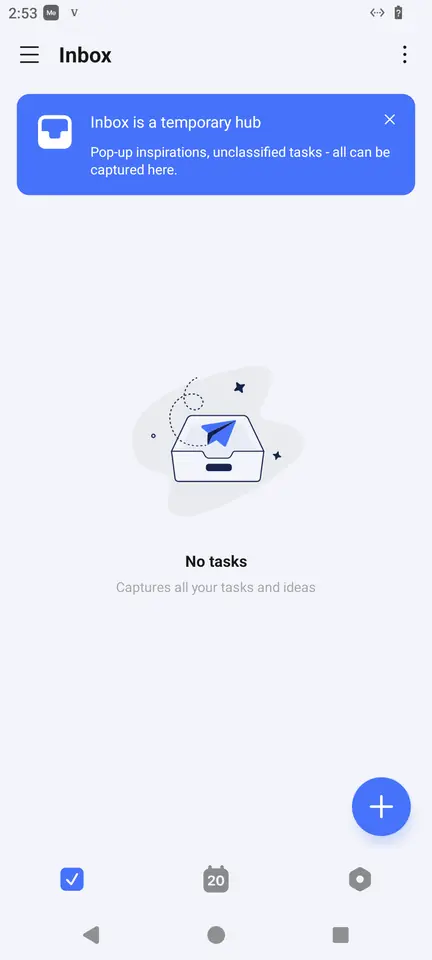
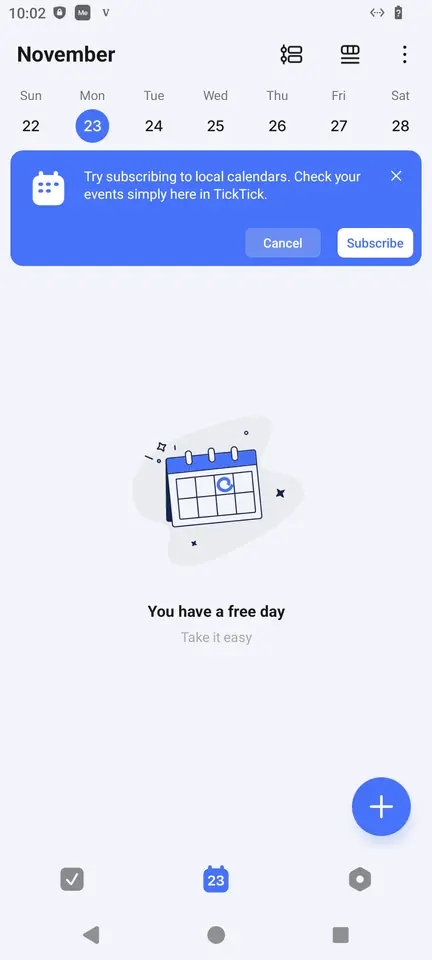
TickTick · Home & browsing
6 screensFAQ
What is a chip?
Chips are small rounded elements that represent a choice, a filter, an entered value or a quick action — “Vegetarian”, “Under 30 min”, a recipient's name. They usually sit in a horizontal row that wraps or scrolls.
What is a chip called on Android?
Chip / ChipGroup in Views (filter, choice, input and action chips); FilterChip, InputChip, AssistChip in Compose. It is also known as input chip, filter chip and tag.
Which Android apps use a chip?
In the Flowtape library, 15 of 246 Android apps show a chip on the screens we captured, including Fitbod, Blinkist, Headway, Todoist, Mindvalley and MyFitnessPal.
How do I design a good chip?
Use filter chips for toggling options on a results list. Keep chip labels to one or two words. Show the selected state with a check icon or fill, not colour alone.
Detected in the view hierarchy of screens captured on real Android devices · last updated 2026-11-14