Onboarding flow · Vocabulary · Android
Vocabulary onboarding flow
Every screen of Vocabulary's onboarding flow on Android, in order: 29 steps, recorded on a real device. Vocabulary's onboarding opens with a value-pitch screen (“Expand your Vocabulary in 1 minute a day”), asks 18 questions about the user, shows no sign-up form in the 29 screens we captured and requests a system permission at step 13. At 29 screens it is the 6th-longest of the 152 onboarding flows in the library (median 4). A skip option appears on 11 screens.
UI components:
 01 Onboarding · tap “Get started”
Expand your Vocabulary in 1 minute a day — Learn 10,000+ new words with a new daily habit that takes just 1 minute
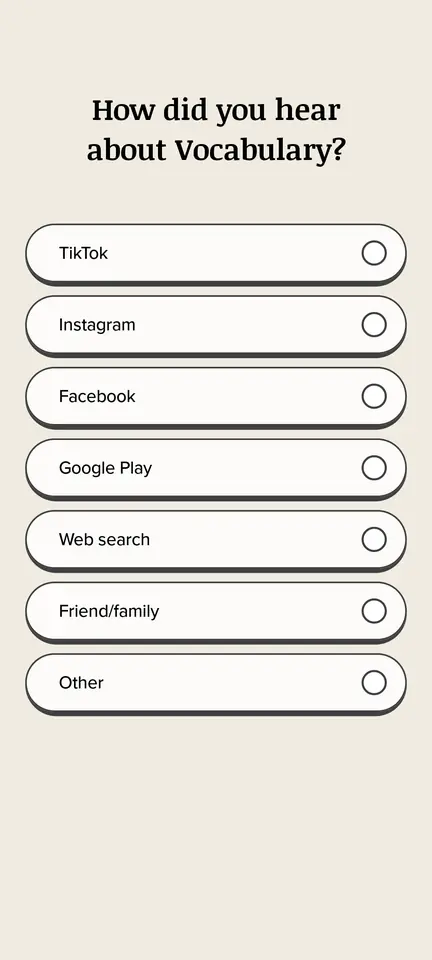 02 Onboarding · tap “Tik tok”
How did you hear about Vocabulary? — TikTok
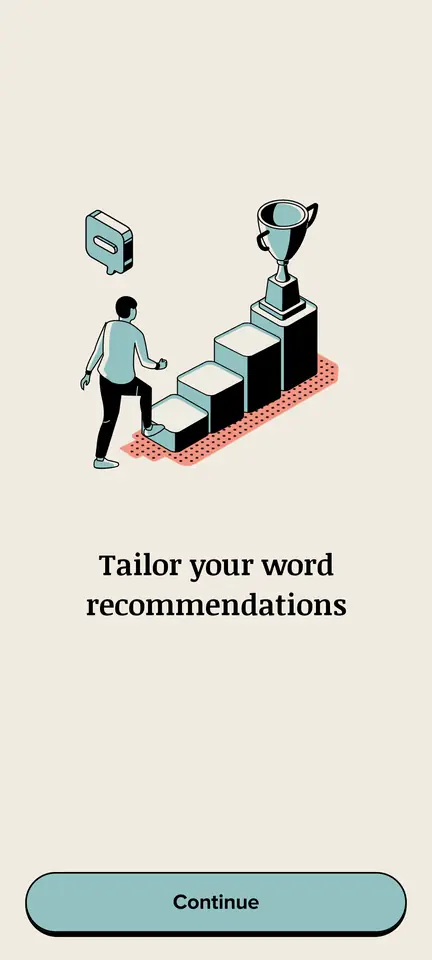 03 Onboarding · tap “Continue”
Tailor your word recommendations — Continue
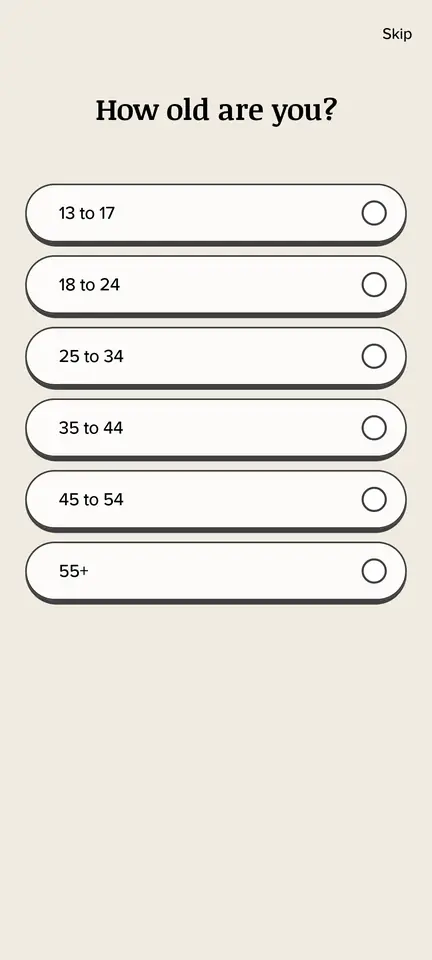 04 Onboarding · tap “25 to 34”
Skip — How old are you?
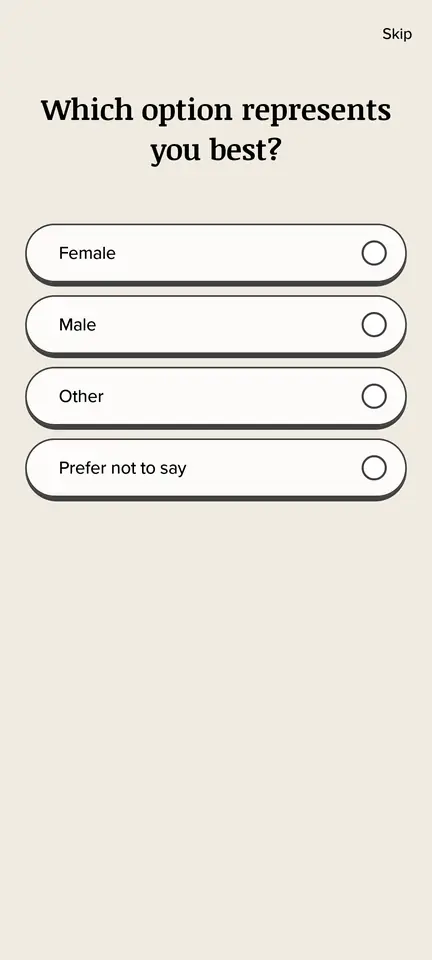 05 Onboarding · tap “Skip”
Skip — Which option represents you best?
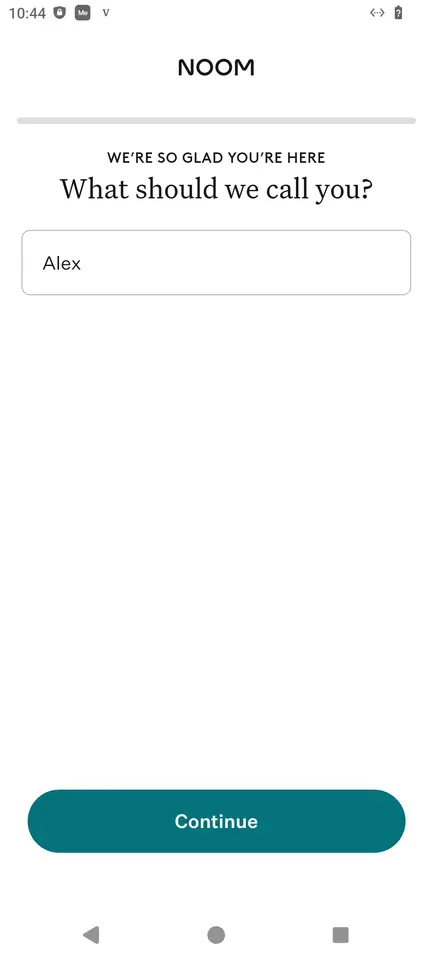
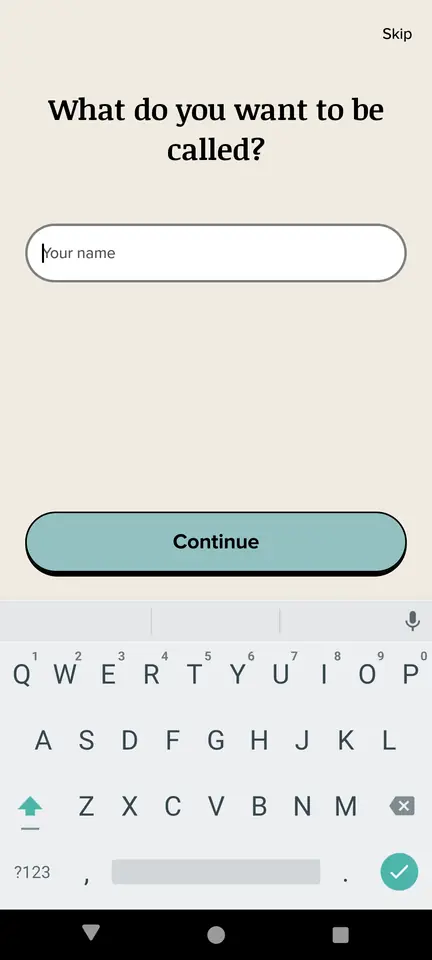 06 Onboarding · tap “What do you want to be called?=Alex”
Skip — What do you want to be called?
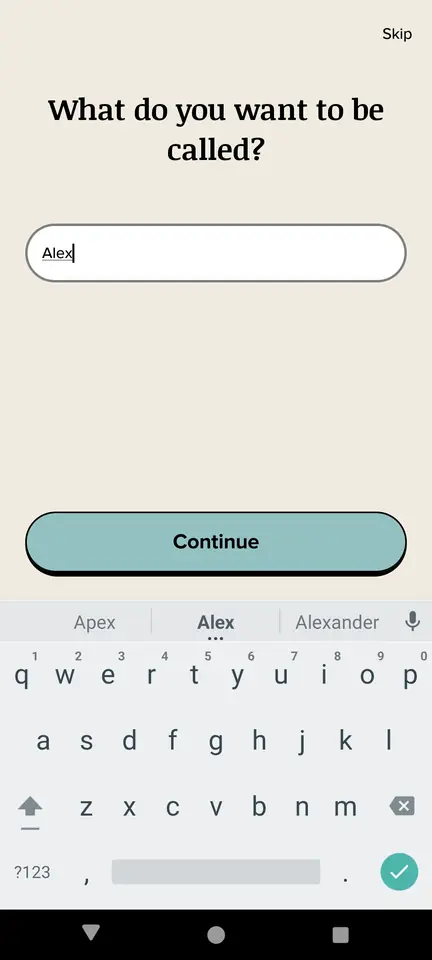 07 Onboarding · tap “Continue”
Skip — What do you want to be called?
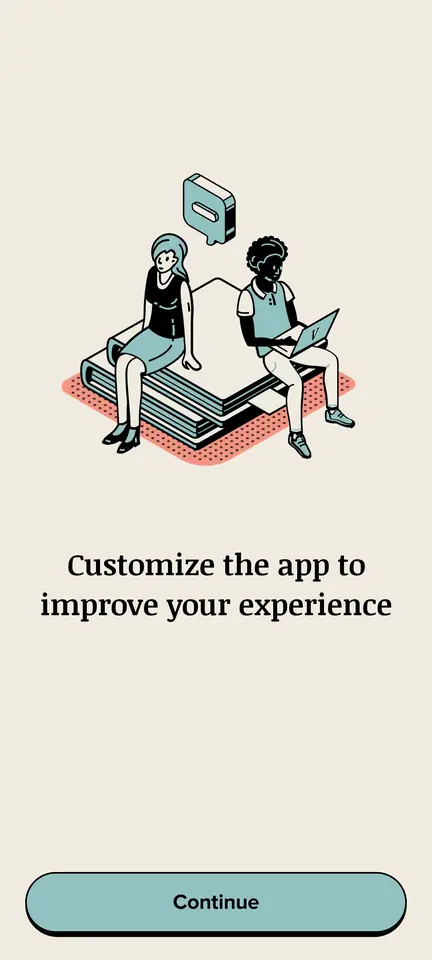 08 Onboarding · tap “Continue”
Customize the app to improve your experience — Continue
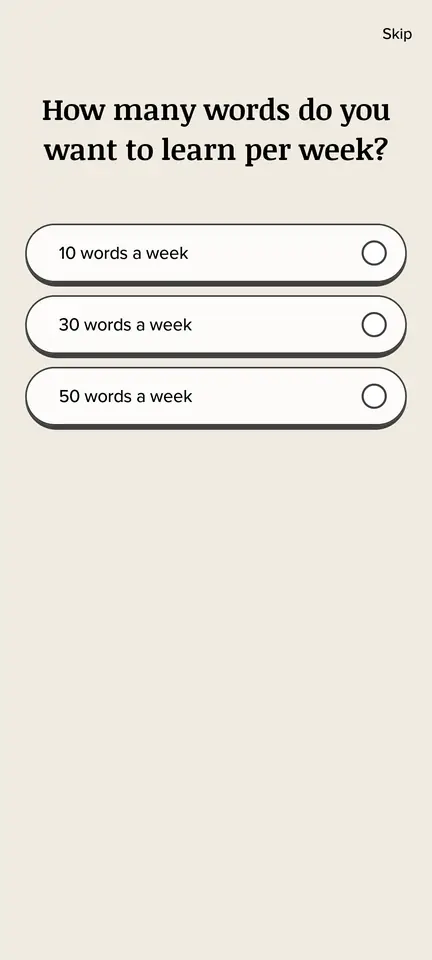 09 Onboarding · tap “10 words a week”
Skip — How many words do you want to learn per week?
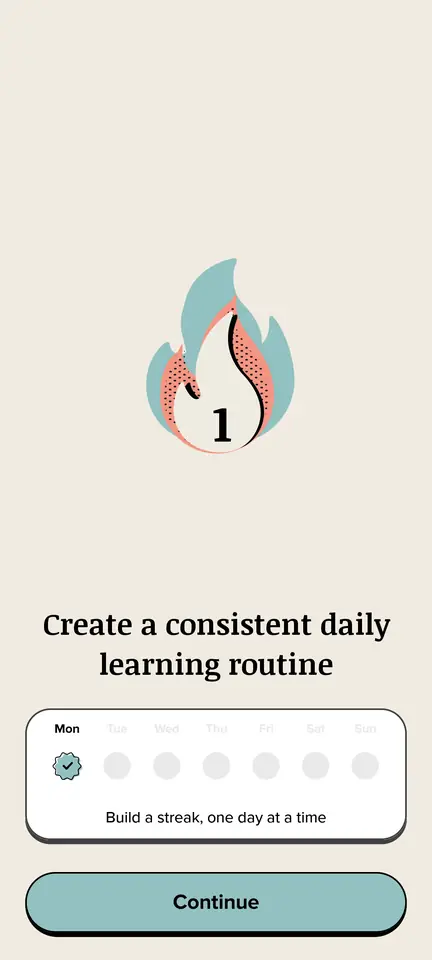 10 Onboarding · tap “Continue”
Create a consistent daily learning routine — Mon
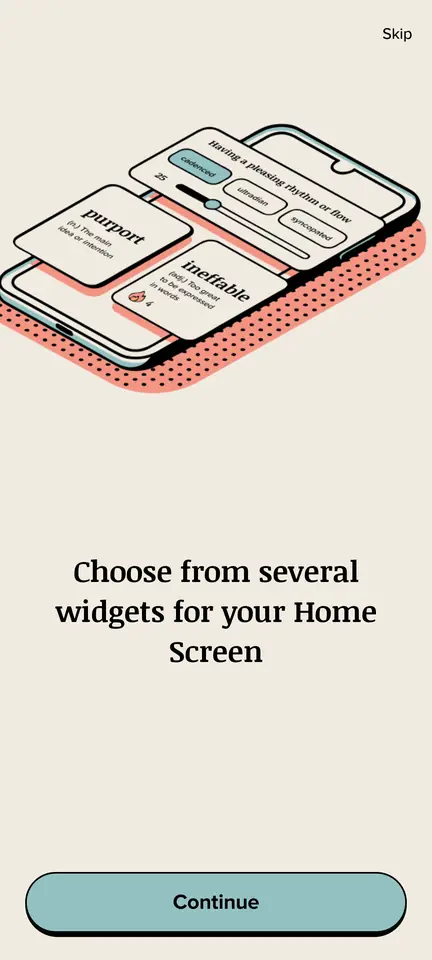 11 Onboarding · tap “Continue”
Choose from several widgets for your Home Screen — Continue
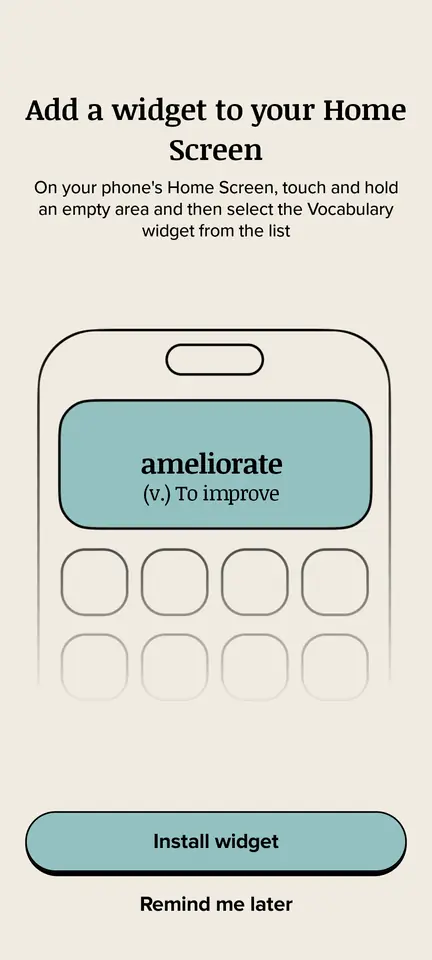 12 Onboarding · tap “Remind me later”
Add a widget to your Home Screen — Install widget
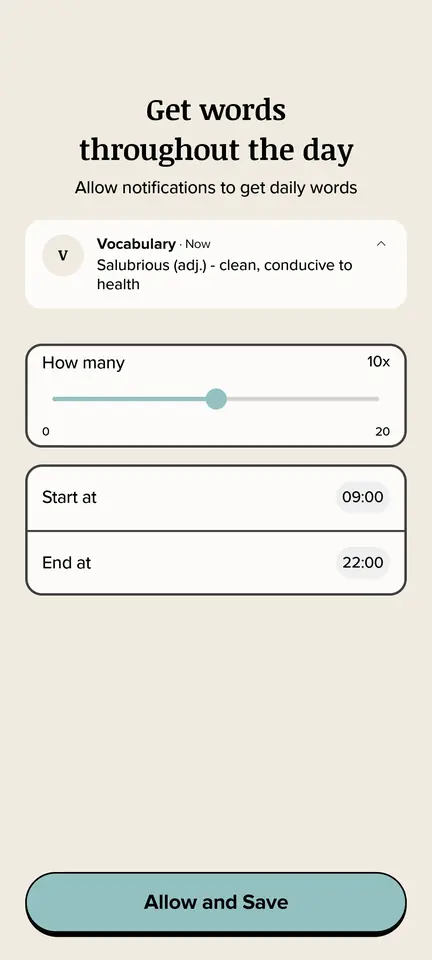 13 Onboarding · tap “Allow and Save”
Get words throughout the day — Allow notifications to get daily words
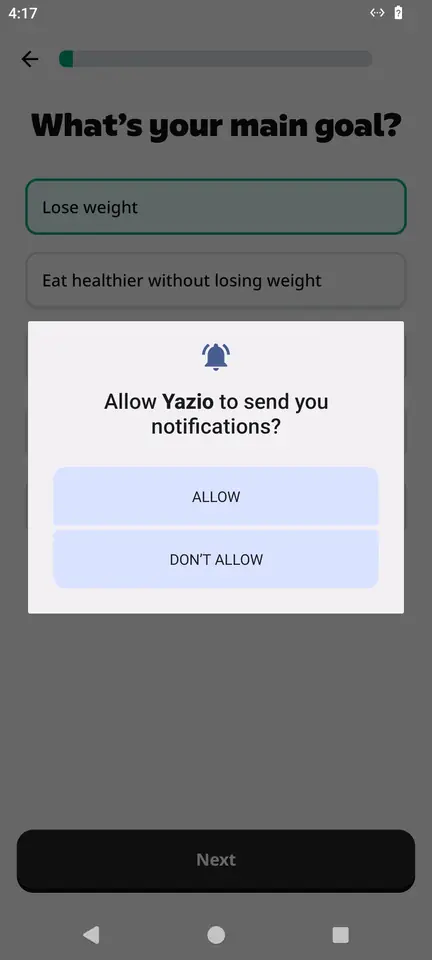
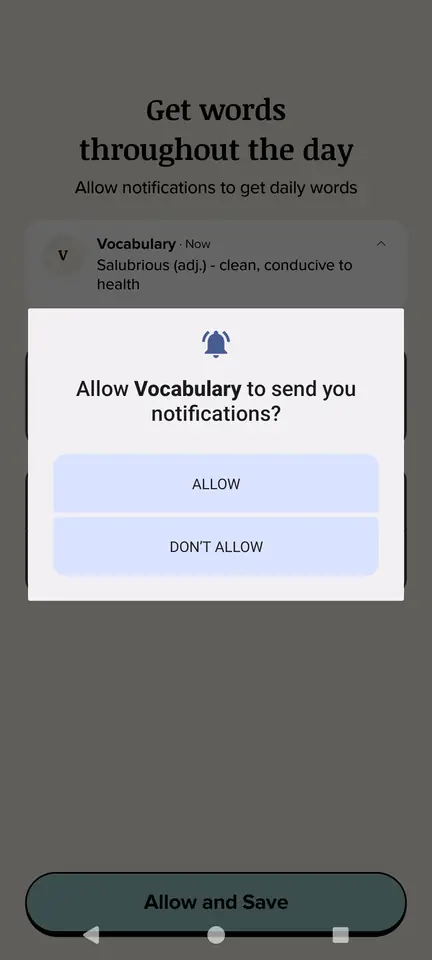 14 Permissions · tap “Allow”
Allow Vocabulary to send you notifications? — ALLOW
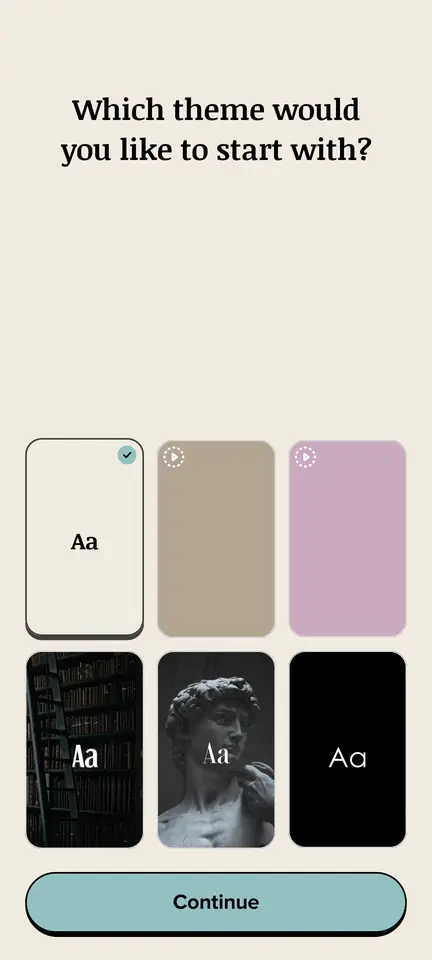 15 Onboarding · tap “Continue”
Which theme would you like to start with? — Continue
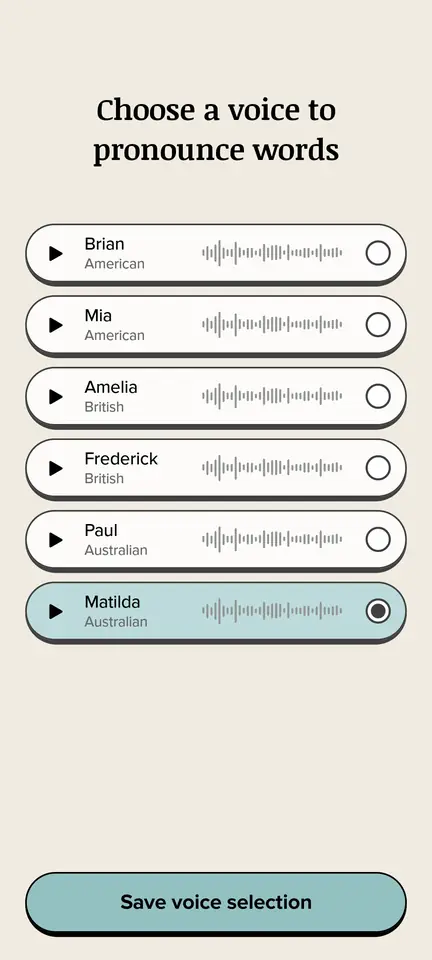 16 Onboarding · tap “Save voice selection”
Choose a voice to pronounce words — Brian
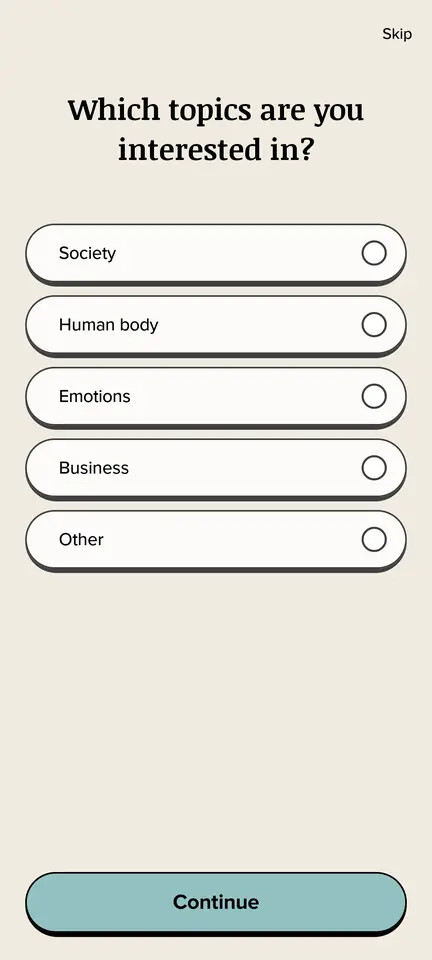 17 Onboarding · tap “Society”
Skip — Which topics are you interested in?
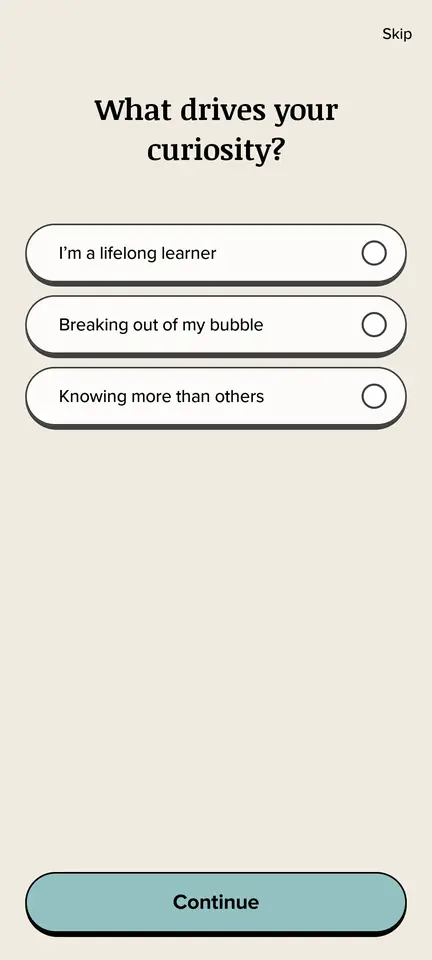 18 Onboarding · tap “I’m a lifelong learner”
Skip — What drives your curiosity?
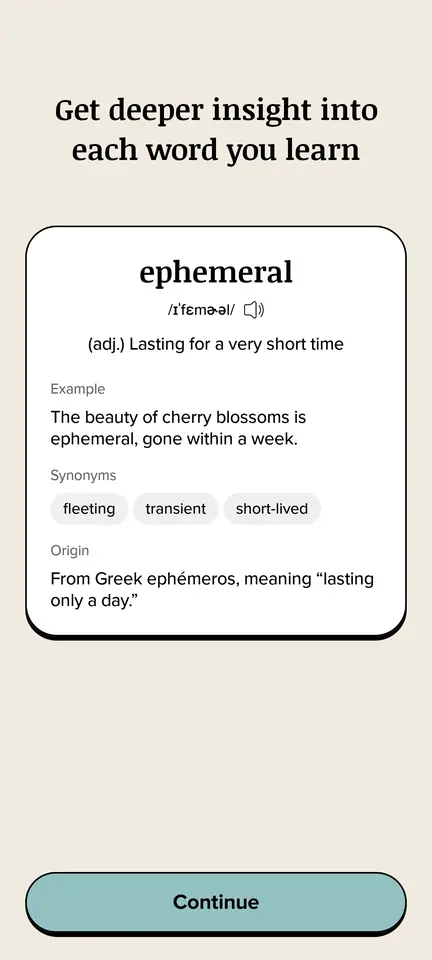 19 Onboarding · tap “Continue”
Get deeper insight into each word you learn — ephemeral
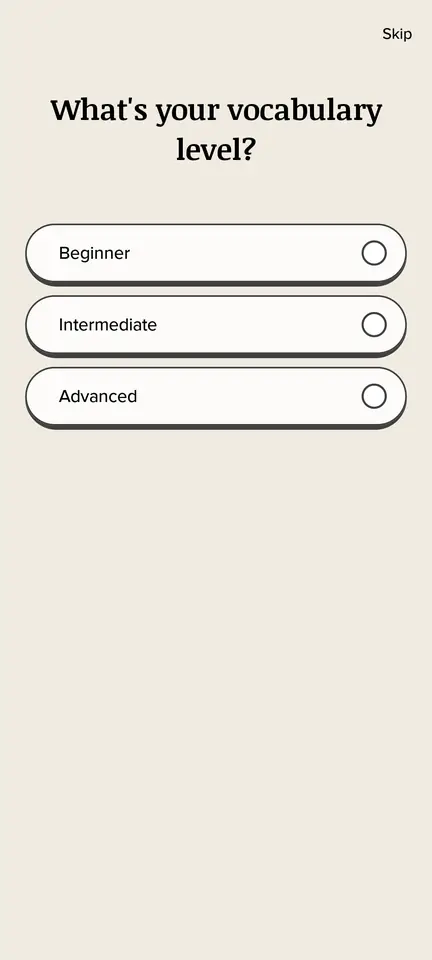 20 Onboarding · tap “Beginner”
Skip — What's your vocabulary level?
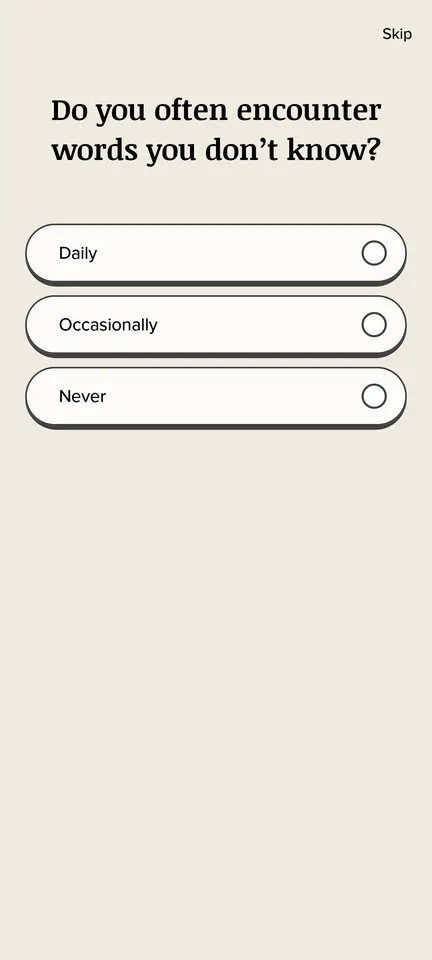 21 Onboarding · tap “Skip”
Skip — Do you often encounter words you don’t know?
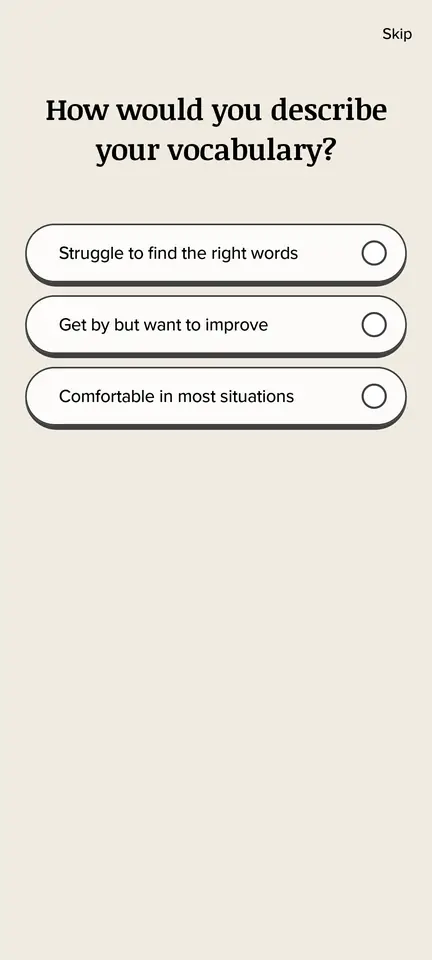 22 Onboarding · tap “Struggle to find the right words”
Skip — How would you describe your vocabulary?
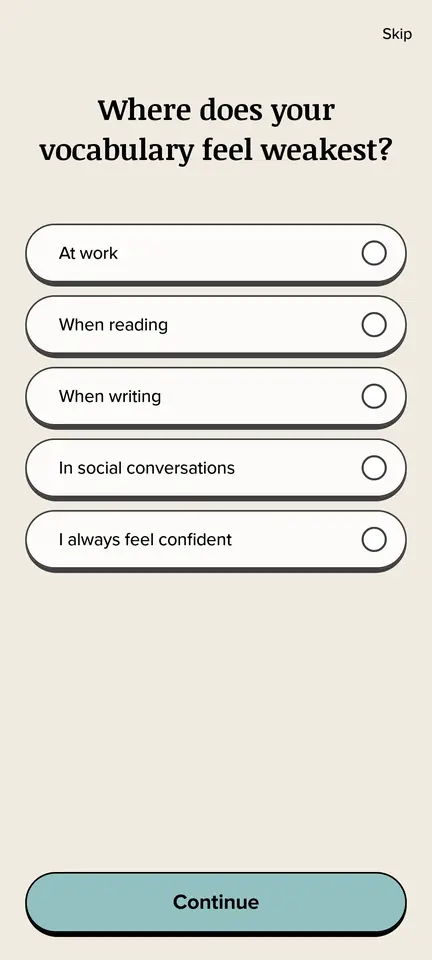 23 Onboarding · tap “Continue”
Skip — Where does your vocabulary feel weakest?
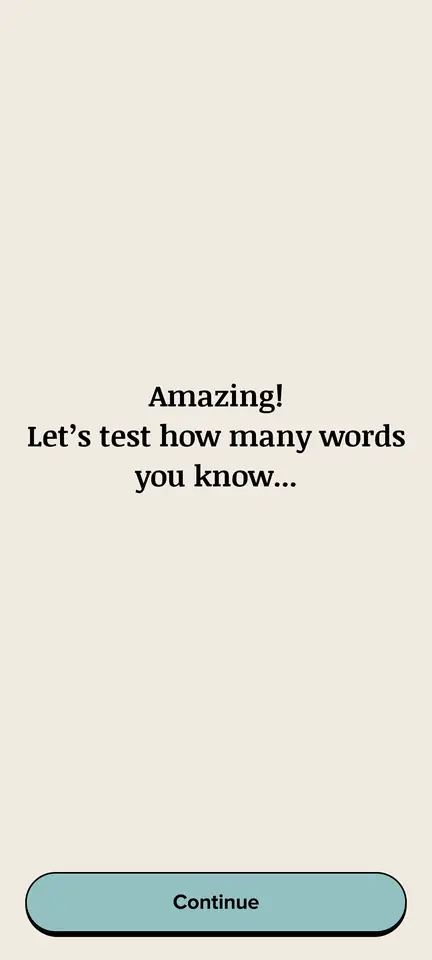 24 Onboarding · tap “Continue”
Amazing! Let’s test how many words you know... — Continue
 25 Onboarding · tap “Continue”
Beginner words — Select all the ones you know
 26 Onboarding · tap “Continue”
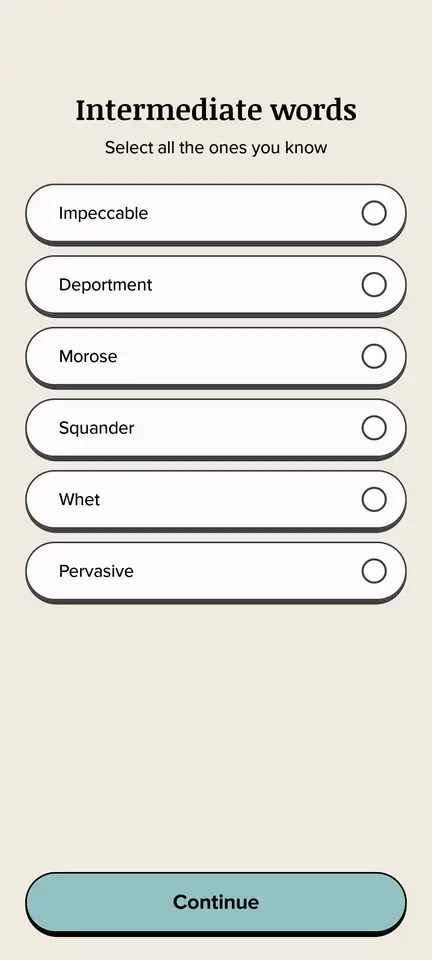
Intermediate words — Select all the ones you know
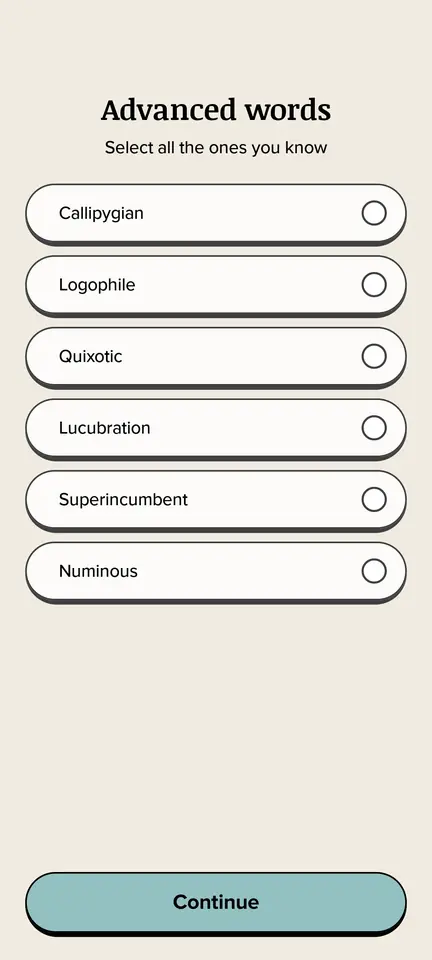
 27 Onboarding · tap “Continue”
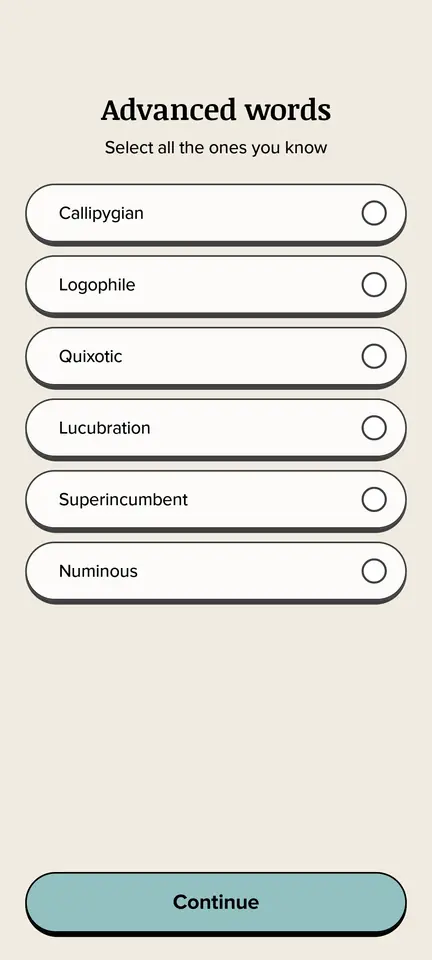
Advanced words — Select all the ones you know
 28 Onboarding · tap “Continue”
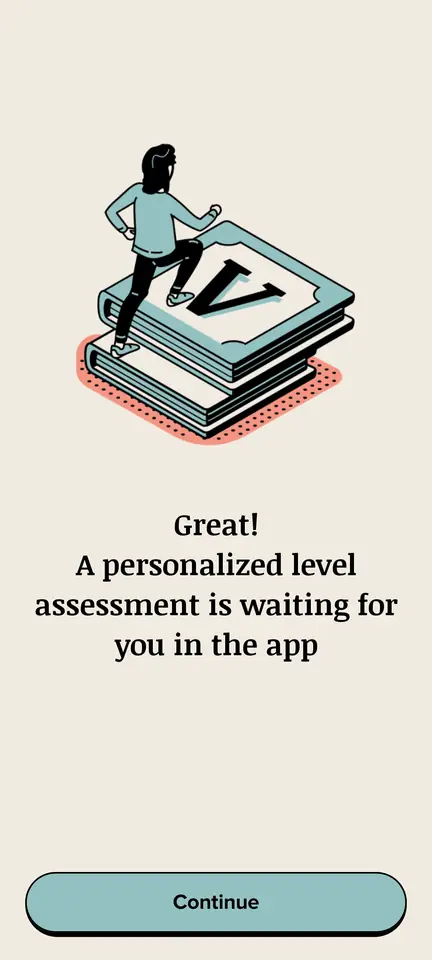
Great! A personalized level assessment is waiting for you in the app — Continue
 29 Onboarding
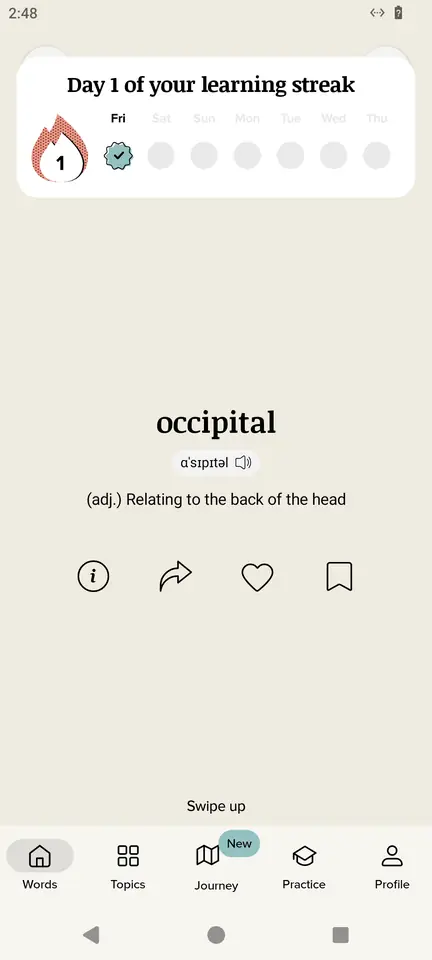
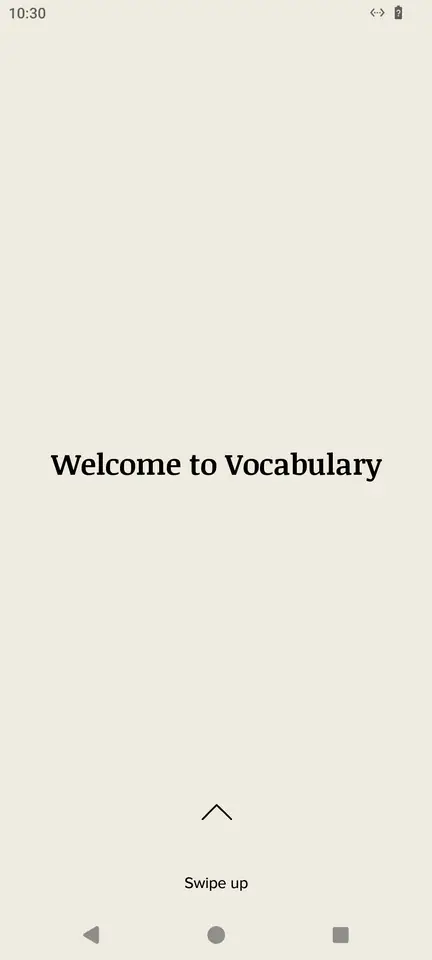
Welcome to Vocabulary — Swipe up
What Vocabulary's onboarding flow does
- 29 screens in order, opening on “Expand your Vocabulary in 1 minute a day” and ending at “Welcome to Vocabulary”.
- Taps along the way: “Get started” → “Tik tok” → “Continue” → “25 to 34” → “Skip” → “What do you want to be…”….
- Includes a system permission prompt inside the flow.
- Gives users an exit: a “Skip” option.
Read the step-by-step UX teardown of this flow →
Captured on a real Android device · last updated 2026-11-14