Snackbar: definition and 3 real Android examples
A snackbar is a brief message that appears at the bottom of the screen to confirm what just happened — “Removed from bag” — optionally with one action such as Undo. It disappears on its own after a few seconds.
Also called: toast, toast message, inline notification
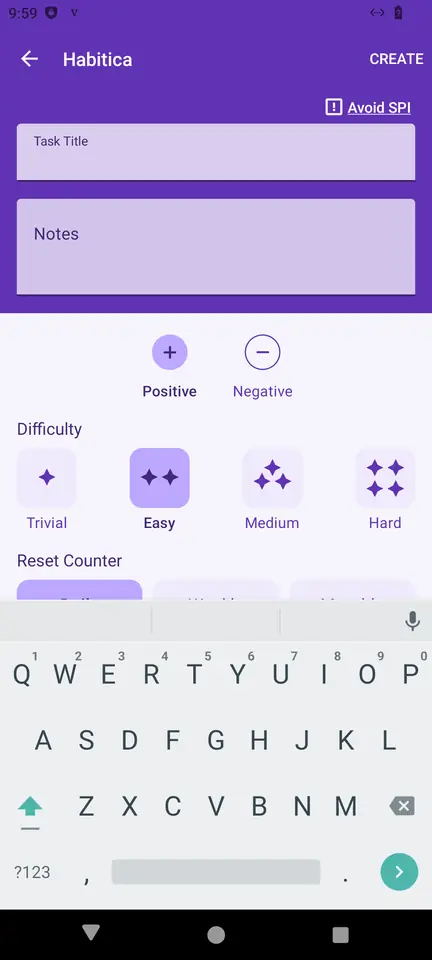
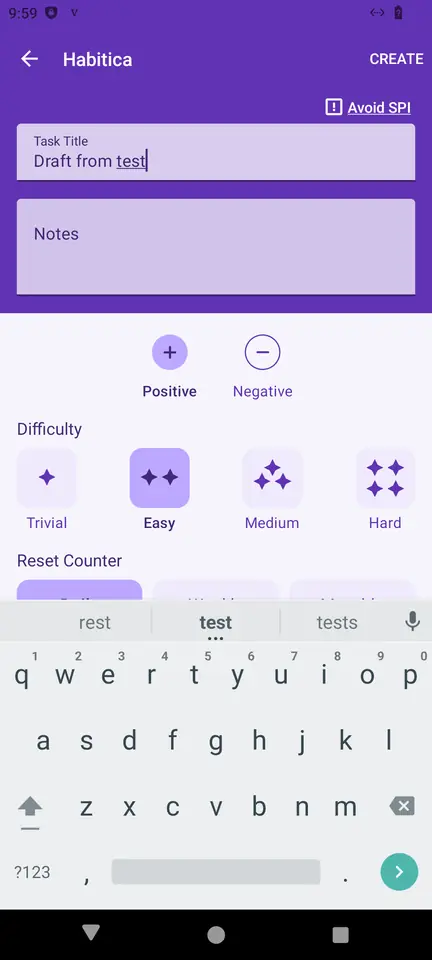
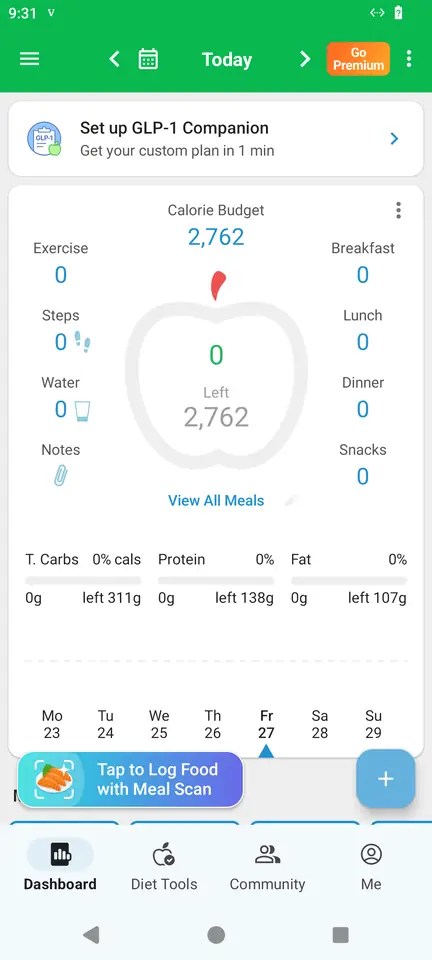
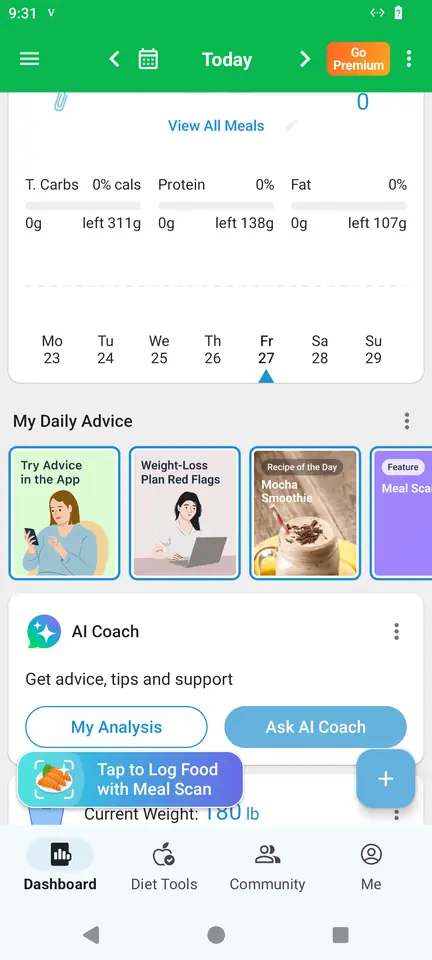
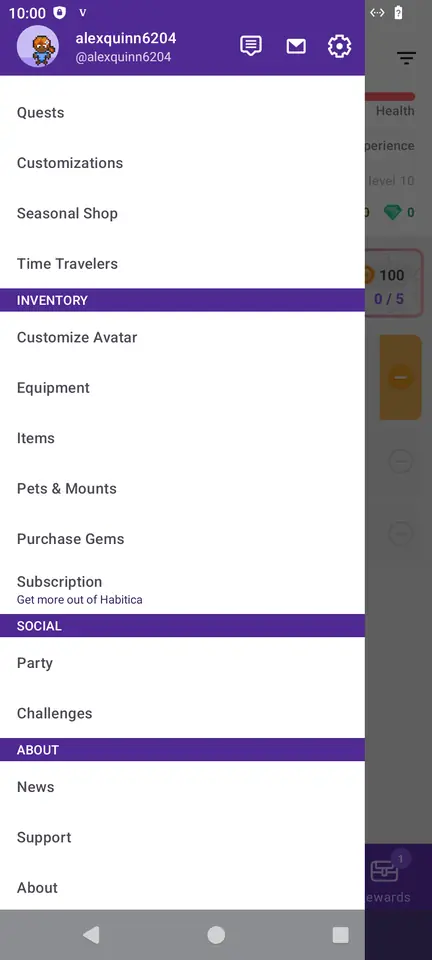
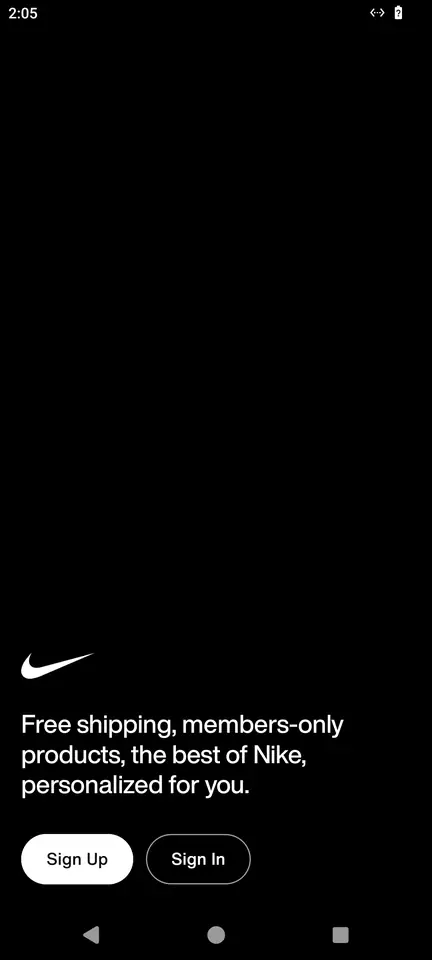
Snackbar examples, highlighted on 3 Android apps
The orange outline marks the snackbar on each real screen, located from the app's own Android view hierarchy.
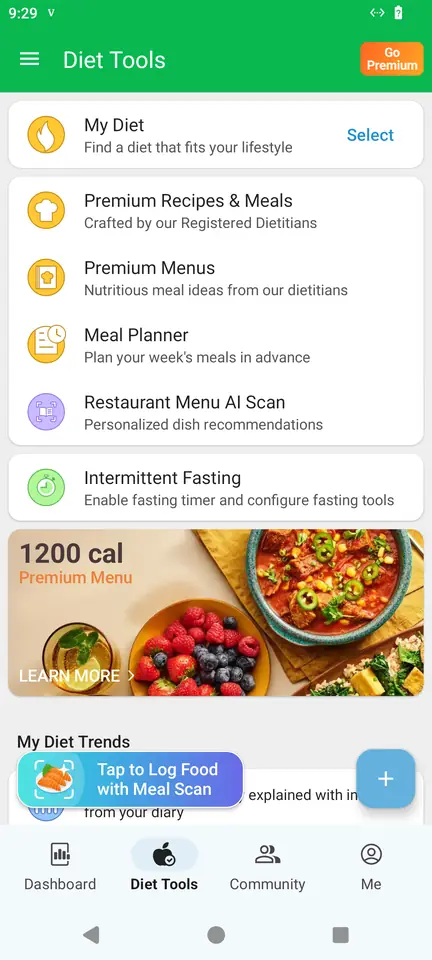
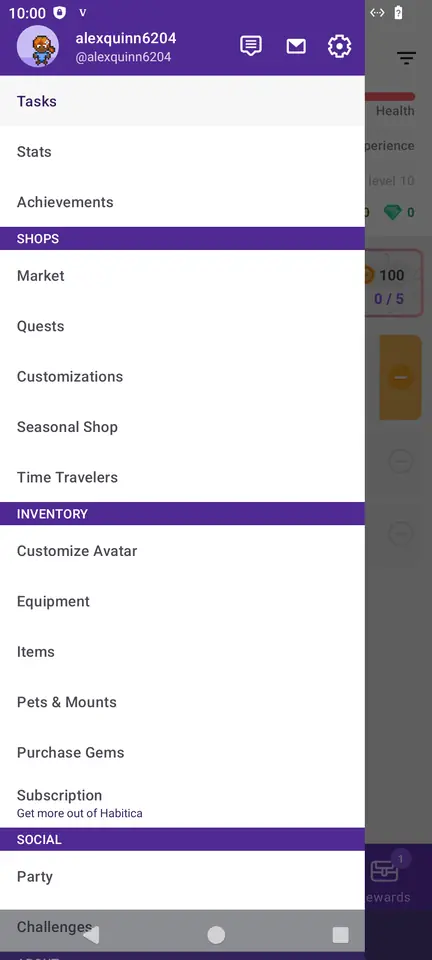
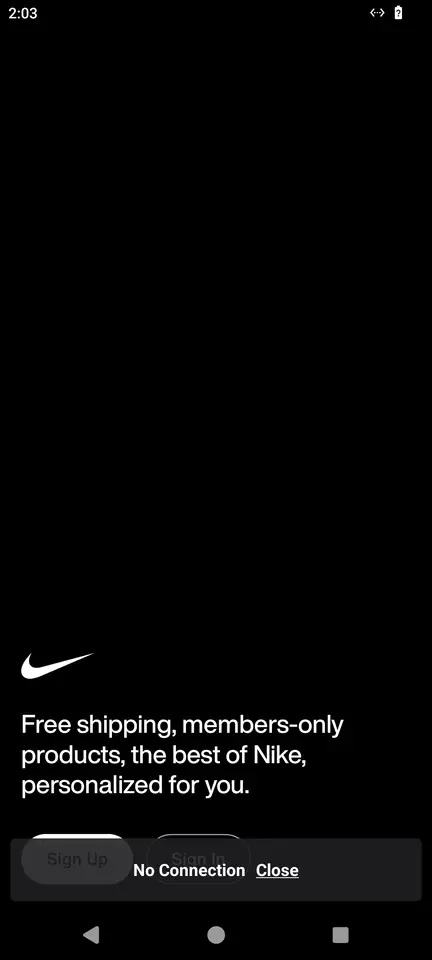
On Android
Snackbar (Material) in Views, Snackbar / SnackbarHost in Compose; the older Toast cannot hold an action.
Best practices
- Keep it to one line and at most one action.
- Use it for low-priority confirmations; use a dialog when the user must decide.
- Offer Undo for destructive actions instead of asking “Are you sure?”.
- Show it above the tab bar or FAB, not under it.
Where it shows up
Screens showing the component, by flow step type.
By app category
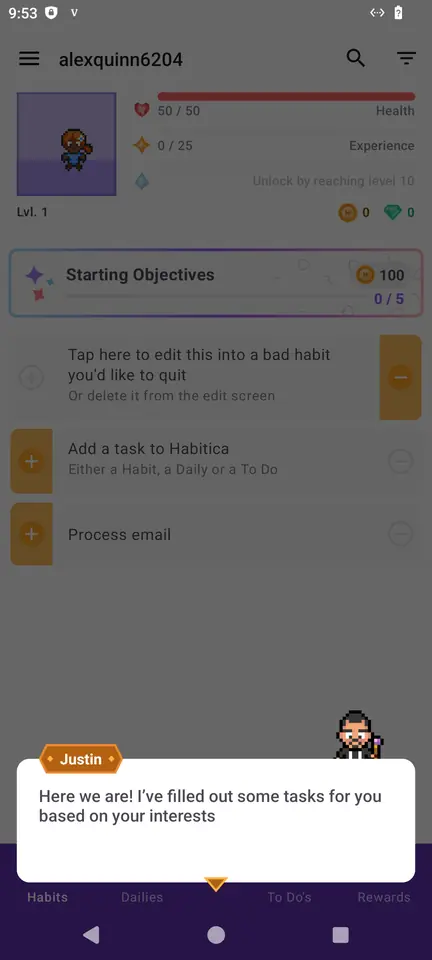
Apps showing the component, by category · 3 of 256 apps in the library.
FAQ
What is a snackbar?
A snackbar is a brief message that appears at the bottom of the screen to confirm what just happened — “Removed from bag” — optionally with one action such as Undo. It disappears on its own after a few seconds.
What is a snackbar called on Android?
Snackbar (Material) in Views, Snackbar / SnackbarHost in Compose; the older Toast cannot hold an action. It is also known as toast, toast message and inline notification.
Which Android apps use a snackbar?
In the UI Lane library, 3 of 256 Android apps show a snackbar on the screens we captured, including MyNetDiary, Habitica and Nike.
How do I design a good snackbar?
Keep it to one line and at most one action. Use it for low-priority confirmations; use a dialog when the user must decide. Offer Undo for destructive actions instead of asking “Are you sure?”.
Detected in the view hierarchy of screens captured on real Android devices · last updated 2026-11-14