Loading spinner: definition and 14 real Android examples
A loading spinner is a small rotating circle that tells users the app is busy and has not frozen — while content loads or an action completes.
Also called: circular progress indicator, activity indicator, loading indicator
Loading spinner examples, highlighted on 14 Android apps
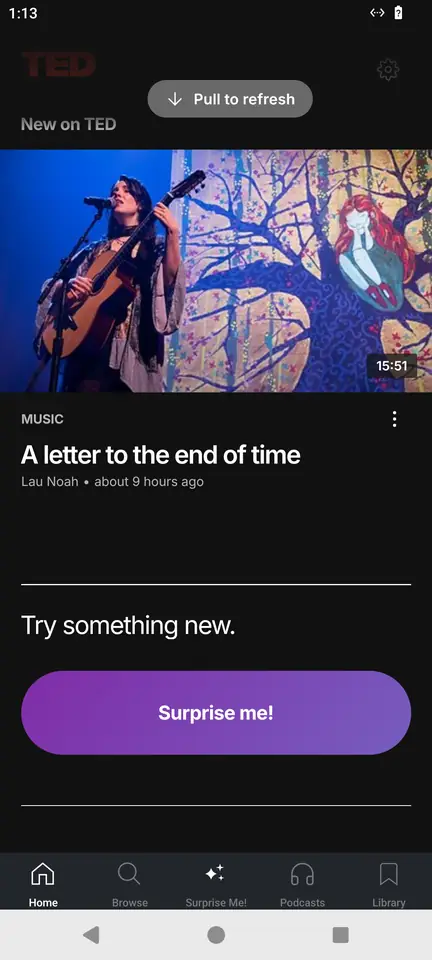
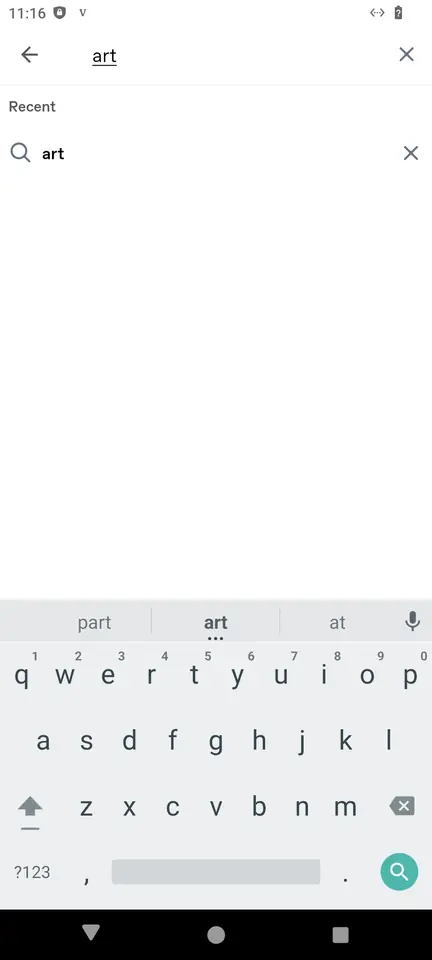
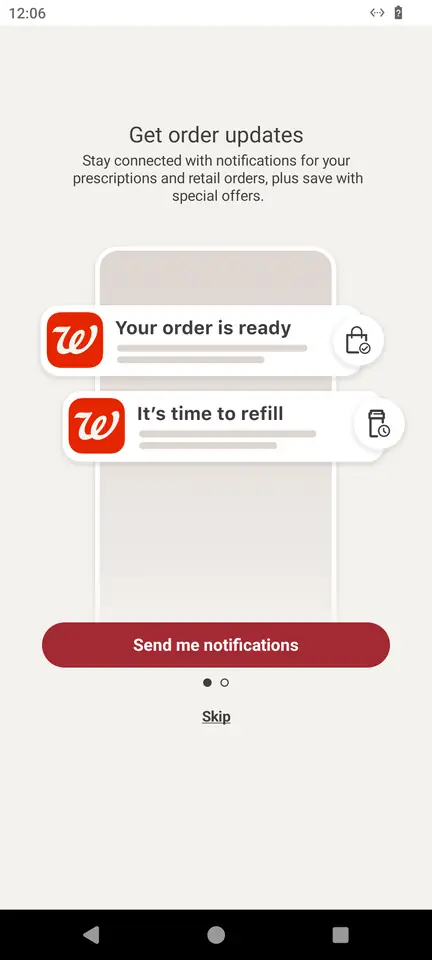
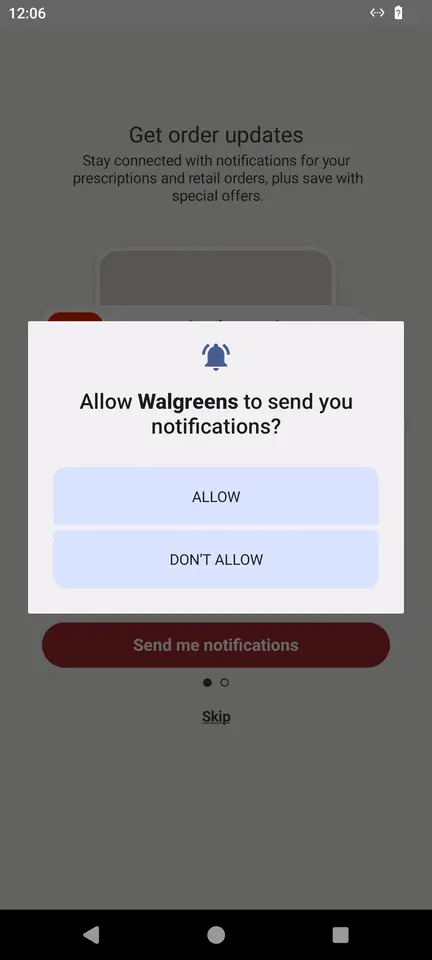
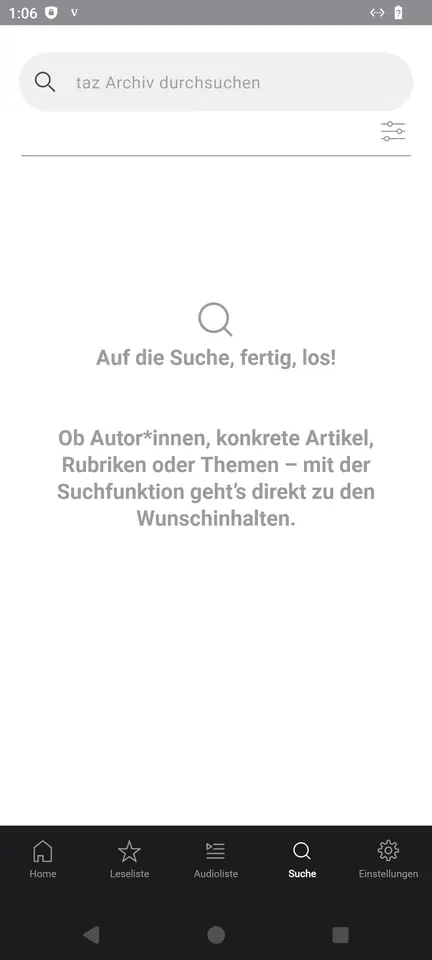
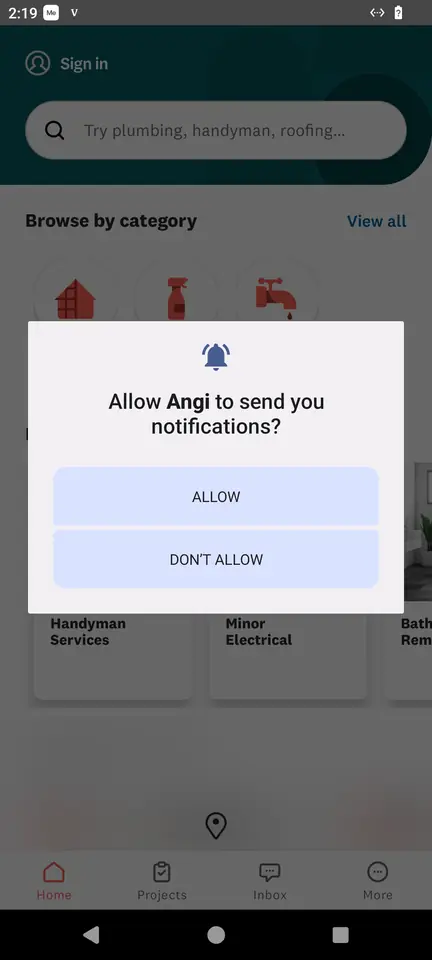
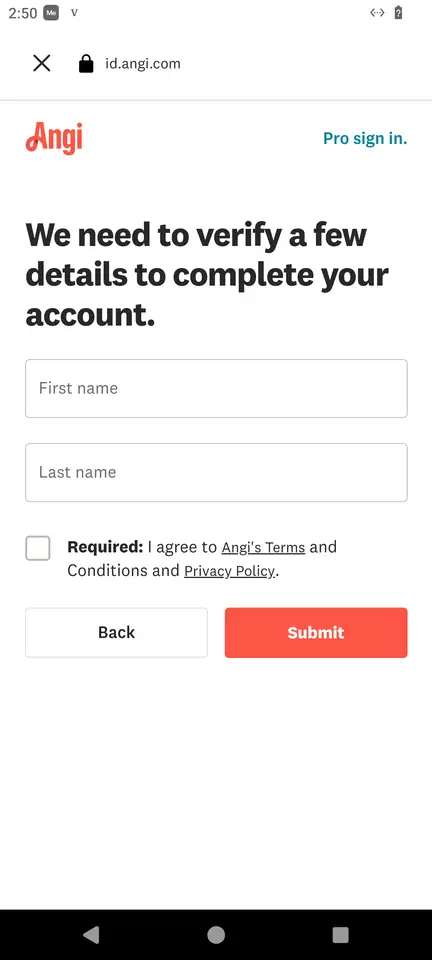
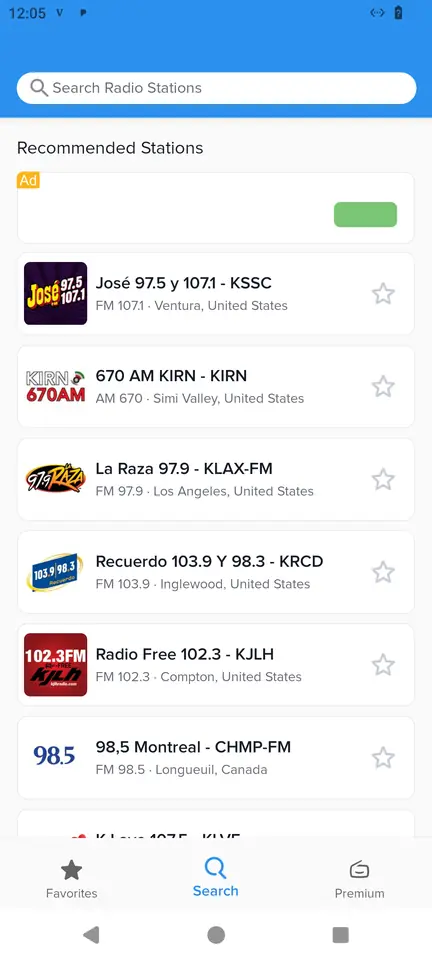
The orange outline marks the loading spinner on each real screen, located from the app's own Android view hierarchy.
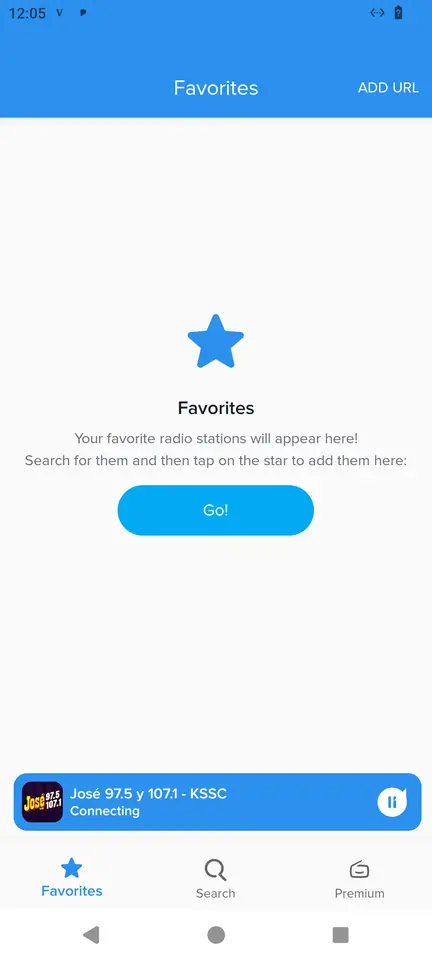




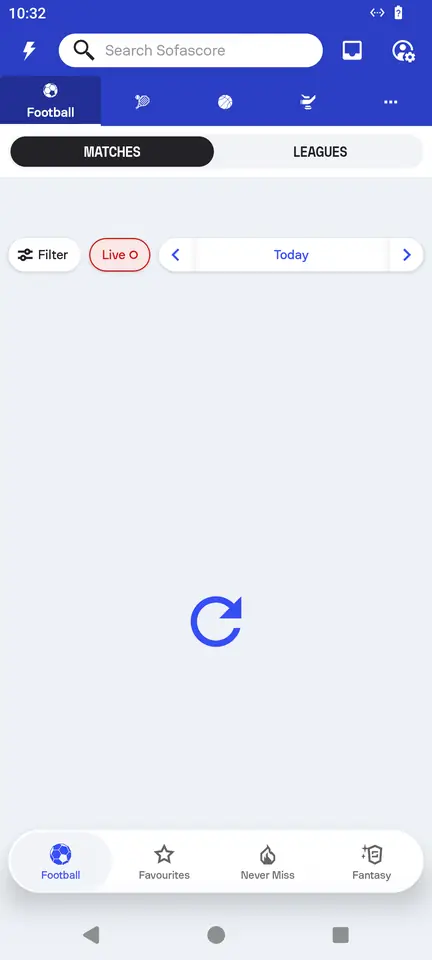


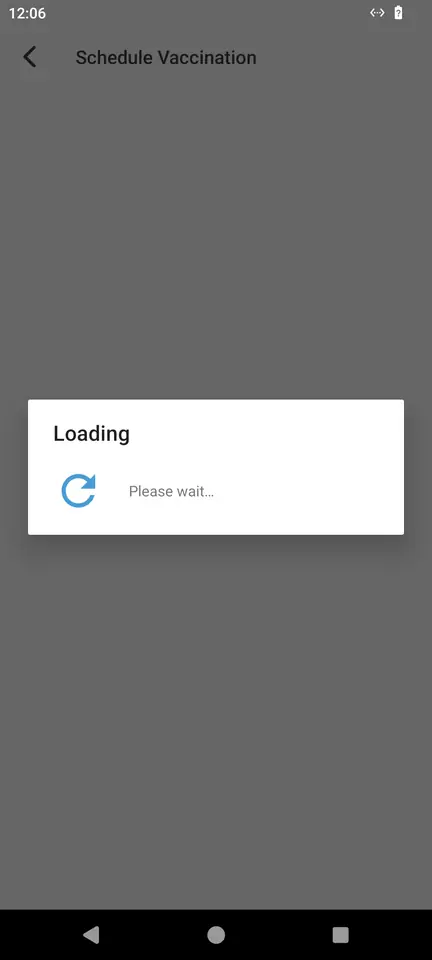
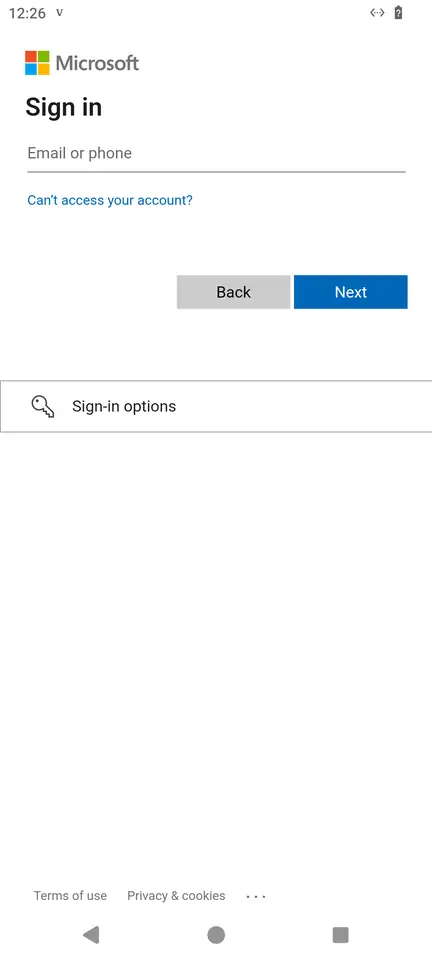
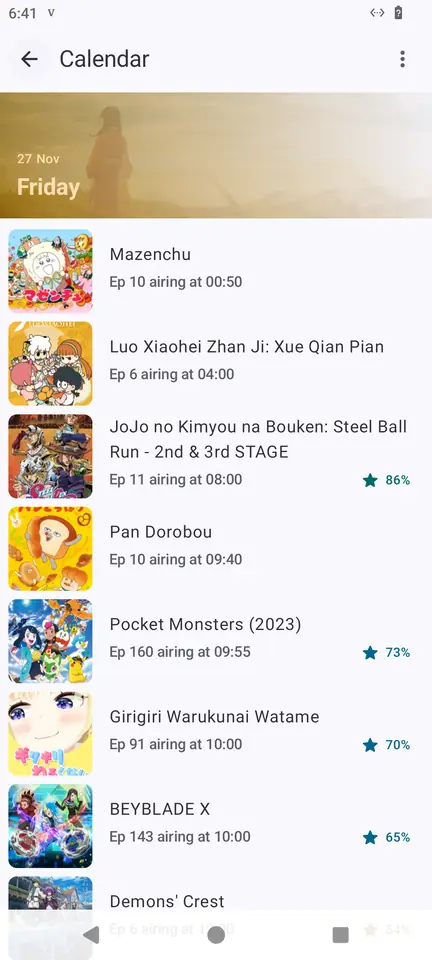
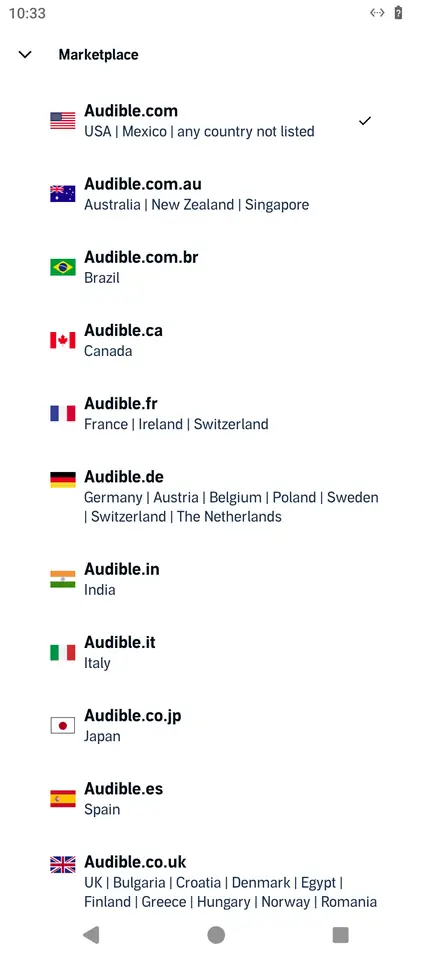
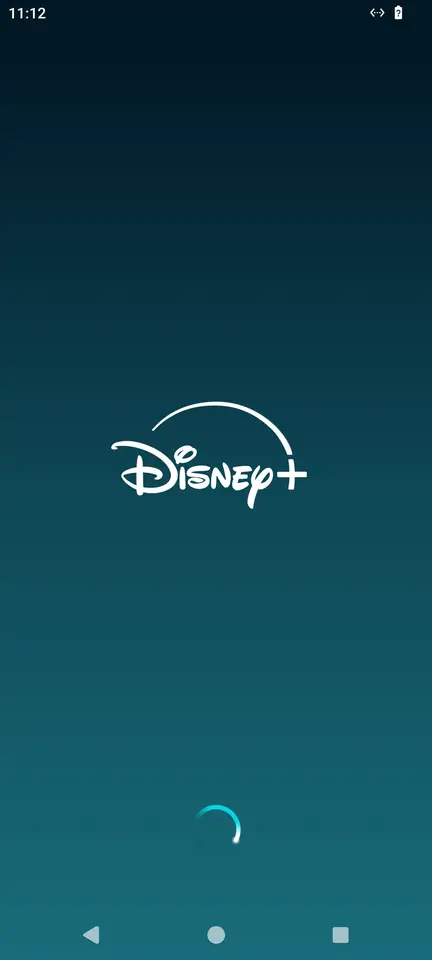
On Android
ProgressBar (indeterminate, circular) or CircularProgressIndicator in Views; CircularProgressIndicator in Compose.
Best practices
- Show a spinner only after a short delay (≈300 ms) to avoid flicker.
- Use skeleton placeholders instead for content that takes a while.
- Spin inside the element that is loading (a button, a list) rather than over the whole screen.
- Show what is happening if it takes more than a few seconds.
Where it shows up
Screens showing the component, by flow step type.
By app category
Apps showing the component, by category · 14 of 246 apps in the library.
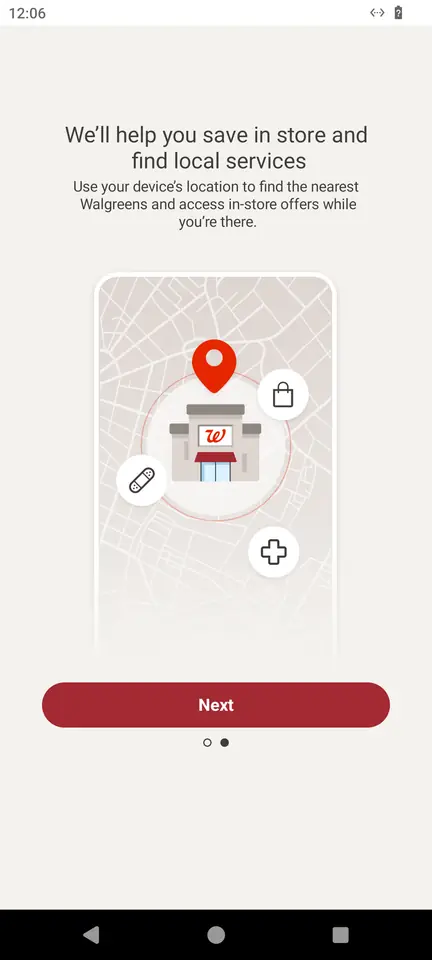
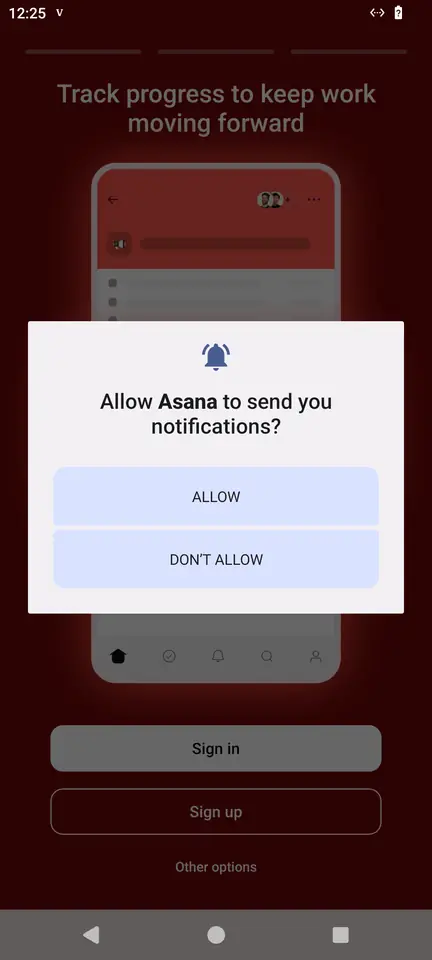
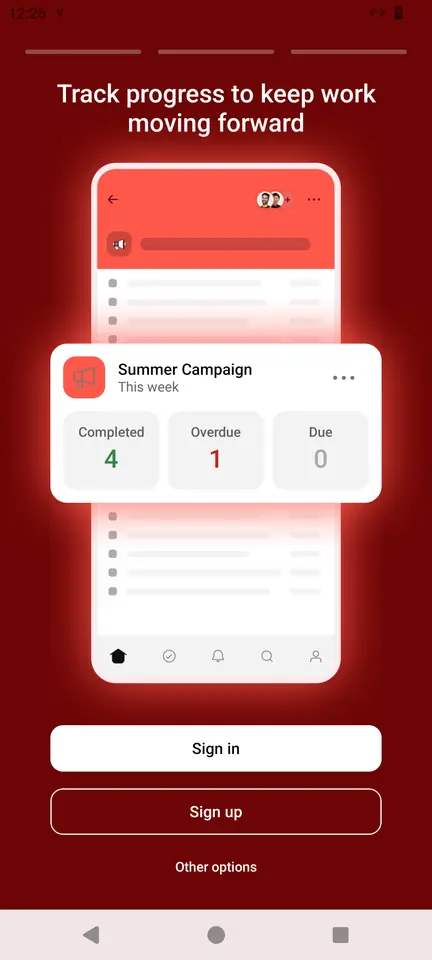
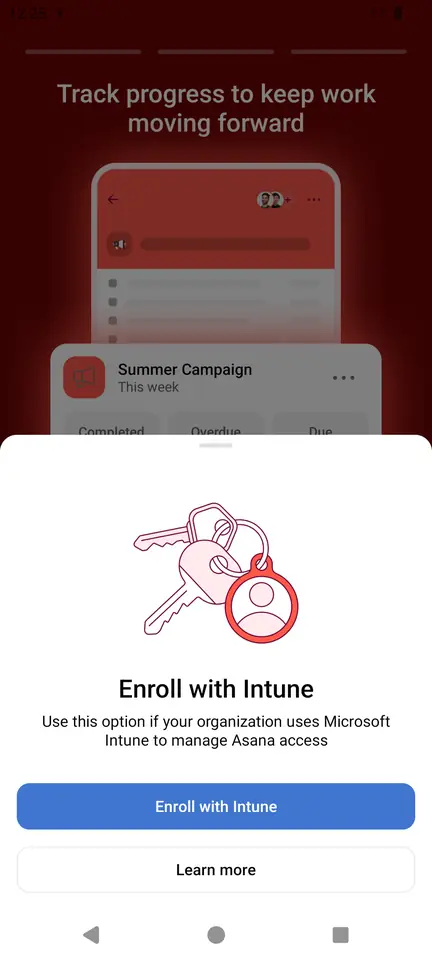
Full flows with loading spinners










FAQ
What is a loading spinner?
A loading spinner is a small rotating circle that tells users the app is busy and has not frozen — while content loads or an action completes.
What is a loading spinner called on Android?
ProgressBar (indeterminate, circular) or CircularProgressIndicator in Views; CircularProgressIndicator in Compose. It is also known as circular progress indicator, activity indicator and loading indicator.
Which Android apps use a loading spinner?
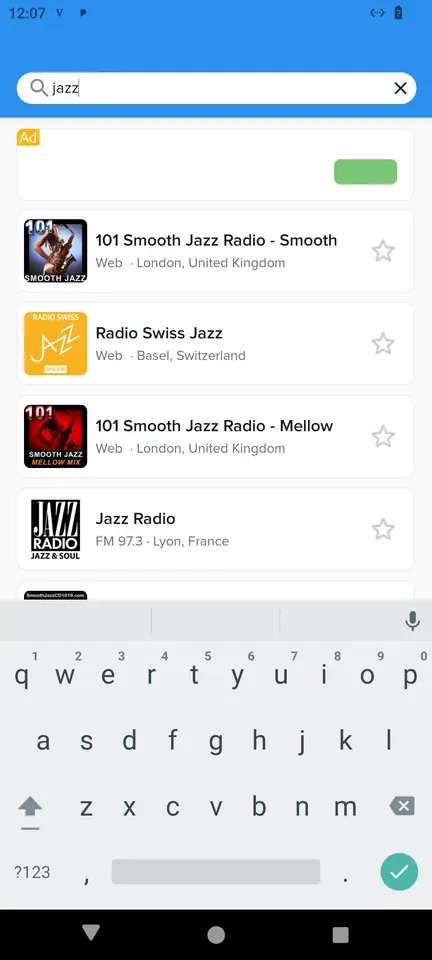
In the Flowtape library, 14 of 246 Android apps show a loading spinner on the screens we captured, including Simple Radio, Tumblr, TED, Udemy, TickTick and Sofascore.
How do I design a good loading spinner?
Show a spinner only after a short delay (≈300 ms) to avoid flicker. Use skeleton placeholders instead for content that takes a while. Spin inside the element that is loading (a button, a list) rather than over the whole screen.
Detected in the view hierarchy of screens captured on real Android devices · last updated 2026-11-14