Notification badge: definition and 25 real Android examples
A badge is a small dot or number attached to an icon — usually a tab or the bell — that signals new or unread items.
Also called: notification badge, count badge, notification dot
Badge examples, highlighted on 25 Android apps
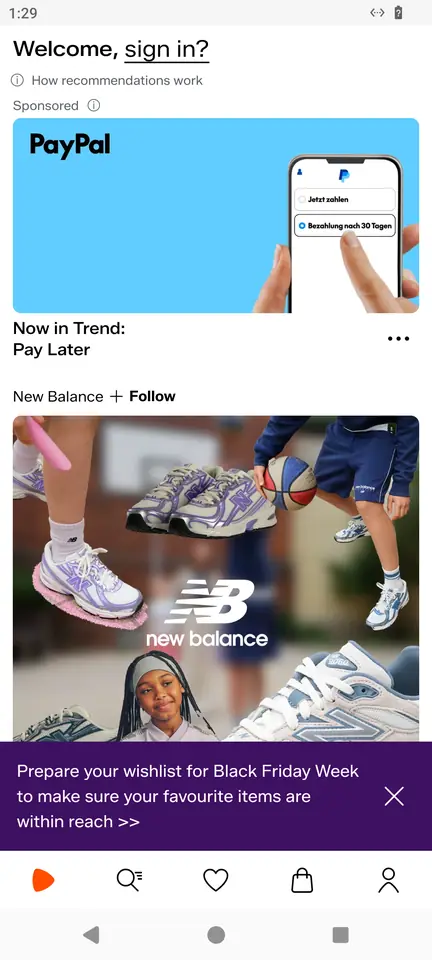
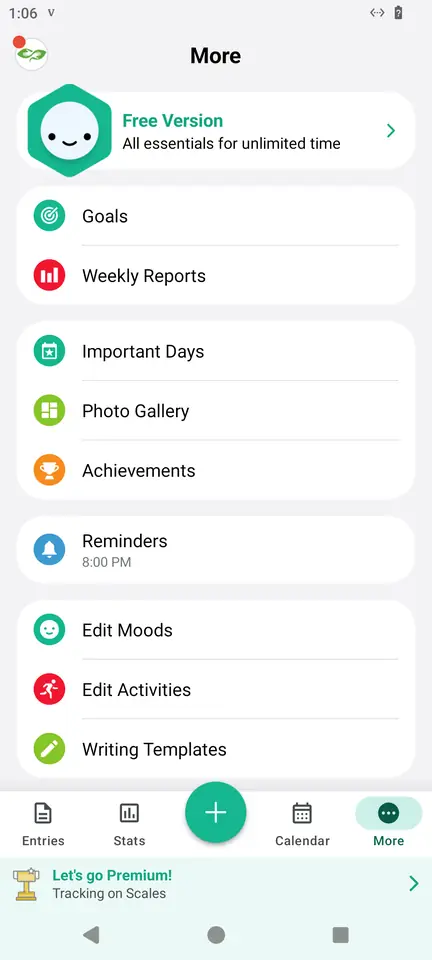
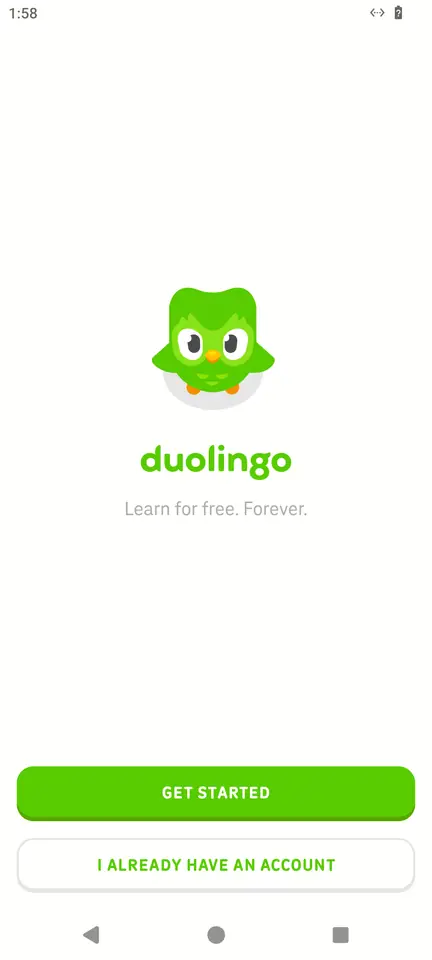
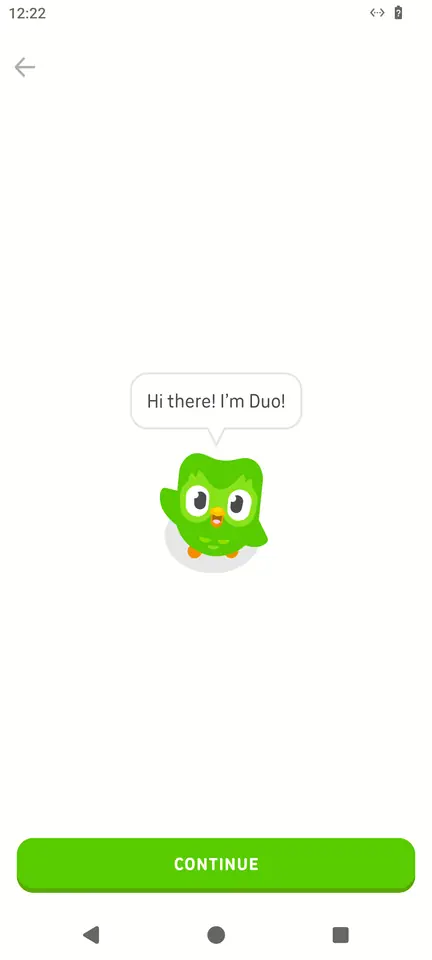
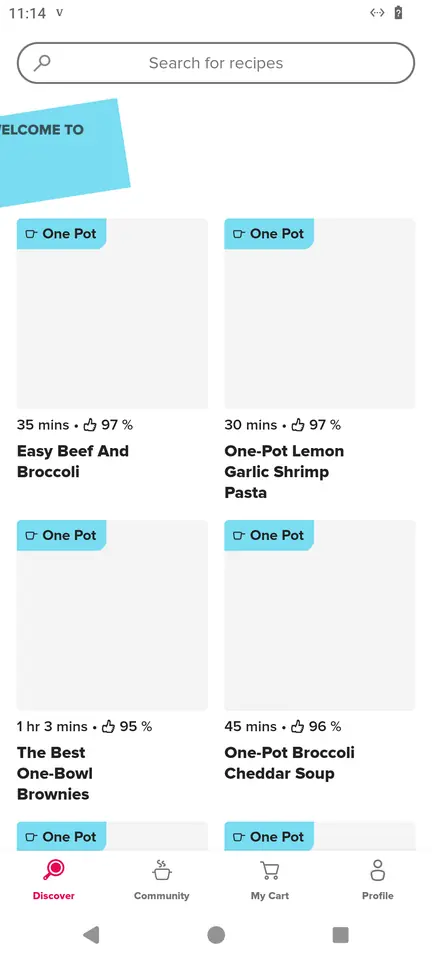
The orange outline marks the badge on each real screen, located from the app's own Android view hierarchy.
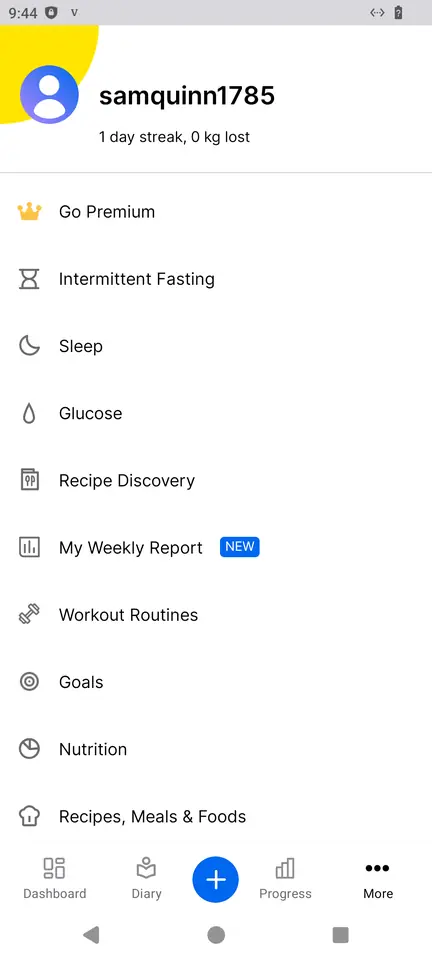
NEW

New

Bestseller

Easy
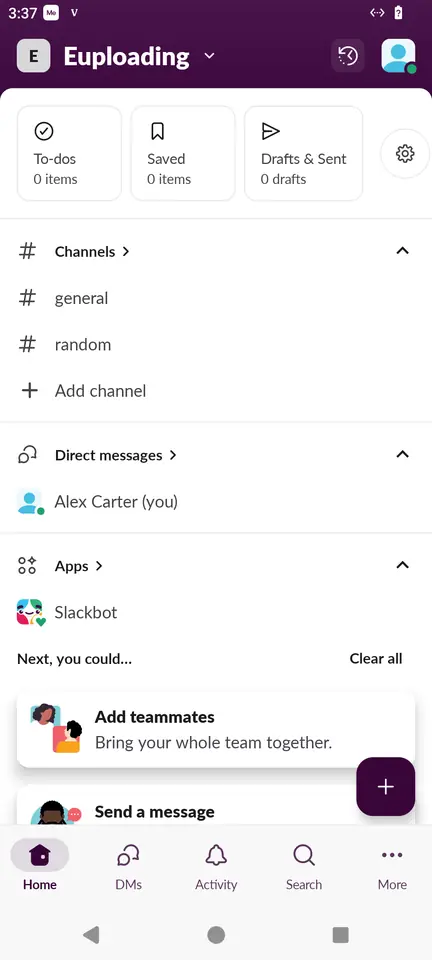
Online

SPONSORED
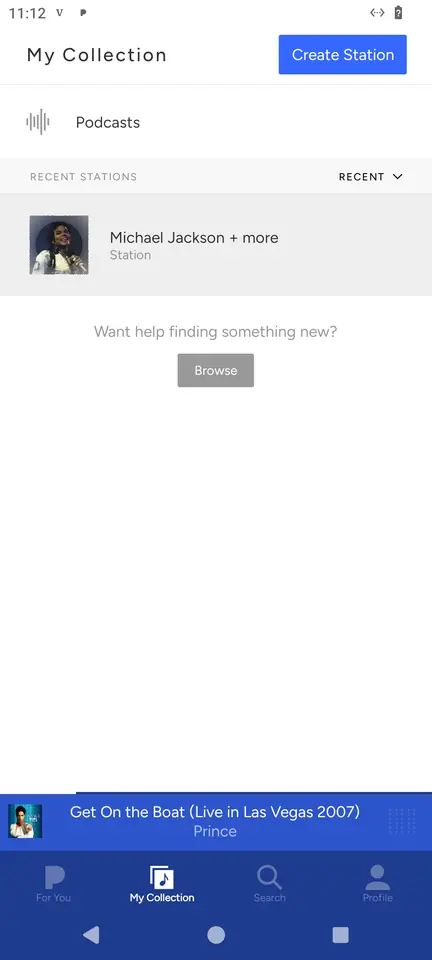
empty badge

Penzu Pro

AD


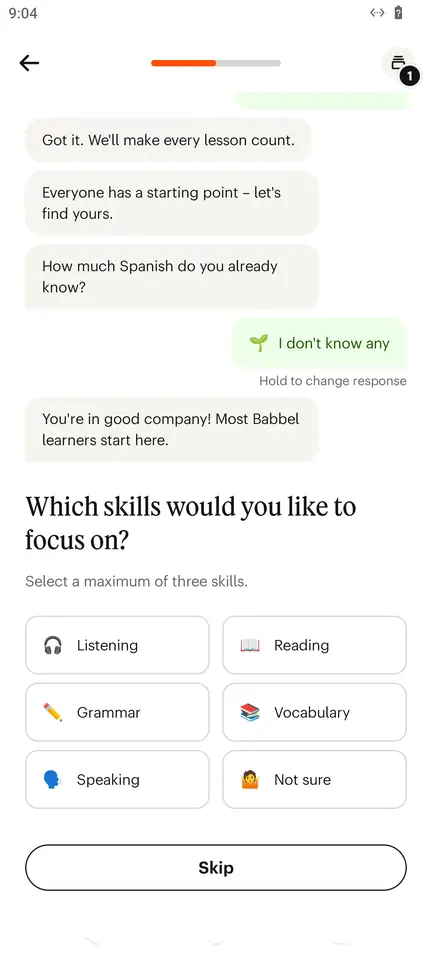
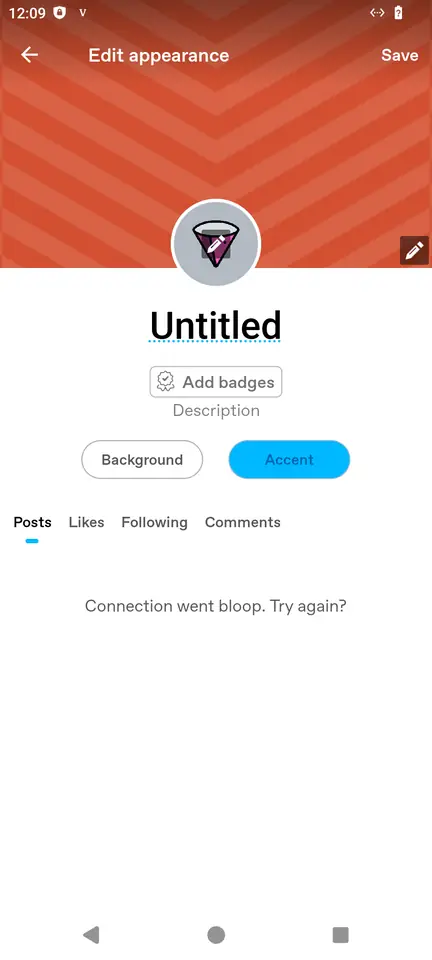

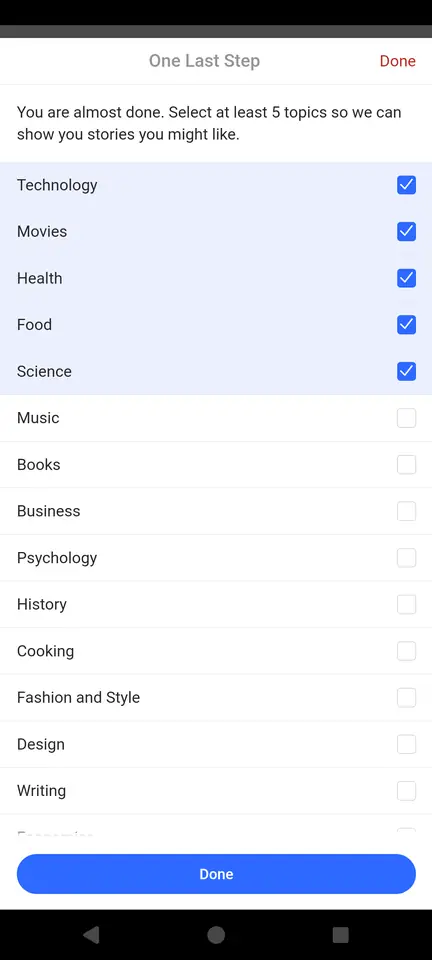
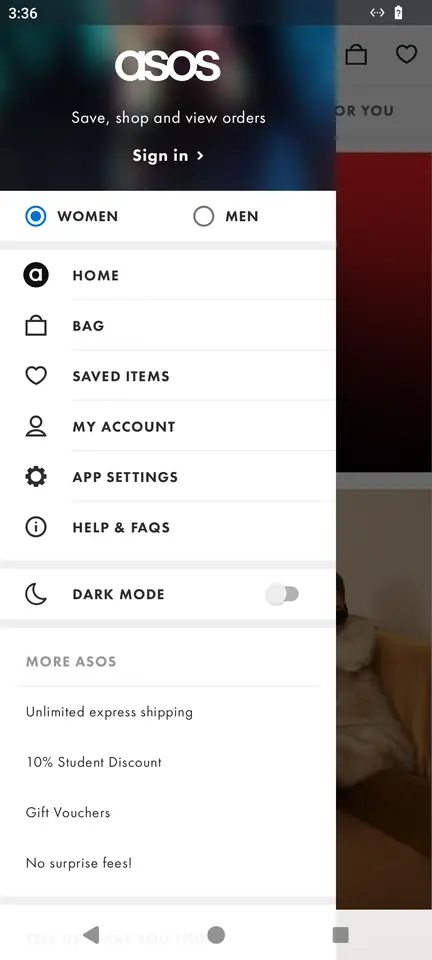
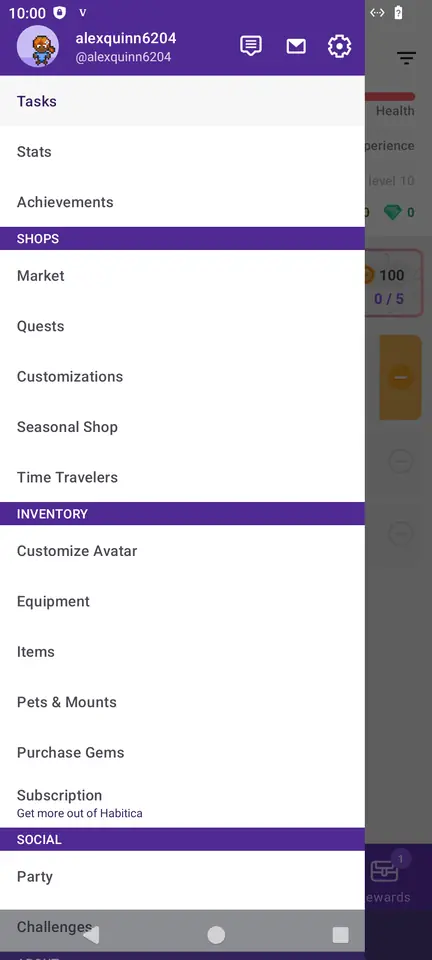






On Android
BadgeDrawable / BadgeUtils on navigation items in Views; BadgedBox + Badge in Compose.
Best practices
- Show a number only when the count matters; otherwise a dot is enough.
- Cap large counts (“99+”).
- Clear the badge as soon as the user has seen the content.
- Do not badge every tab; it stops meaning anything.
Where it shows up
Screens showing the component, by flow step type.
By app category
Apps showing the component, by category · 25 of 246 apps in the library.
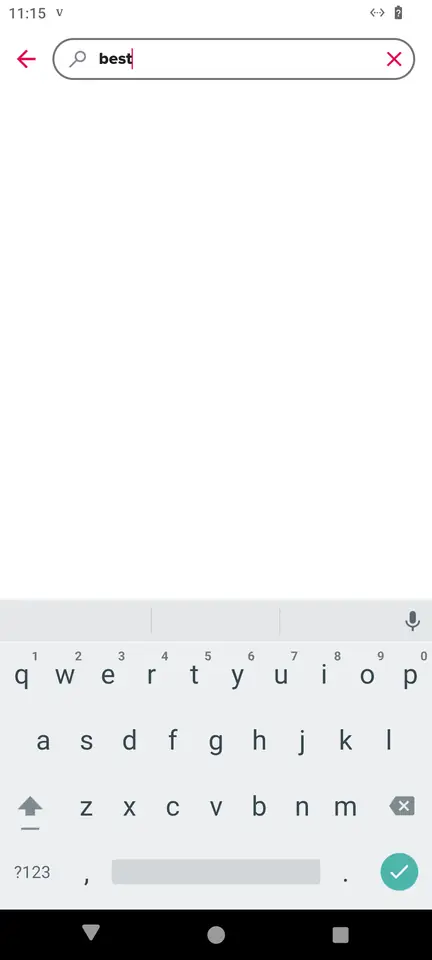
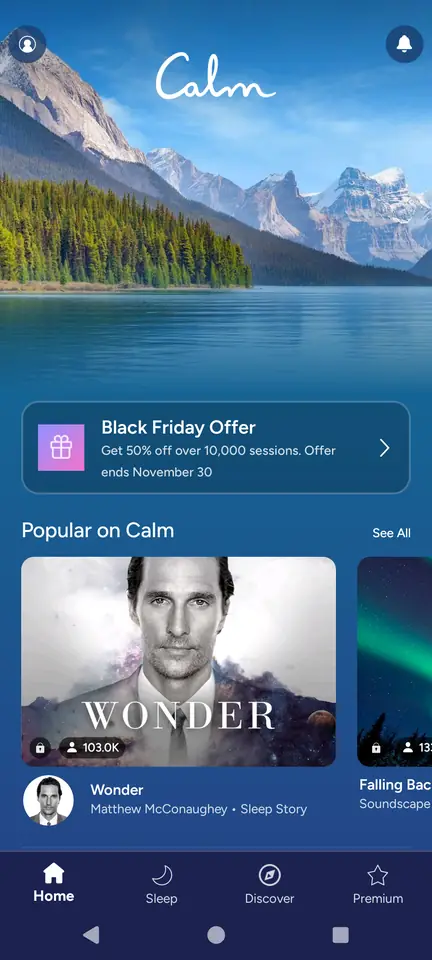
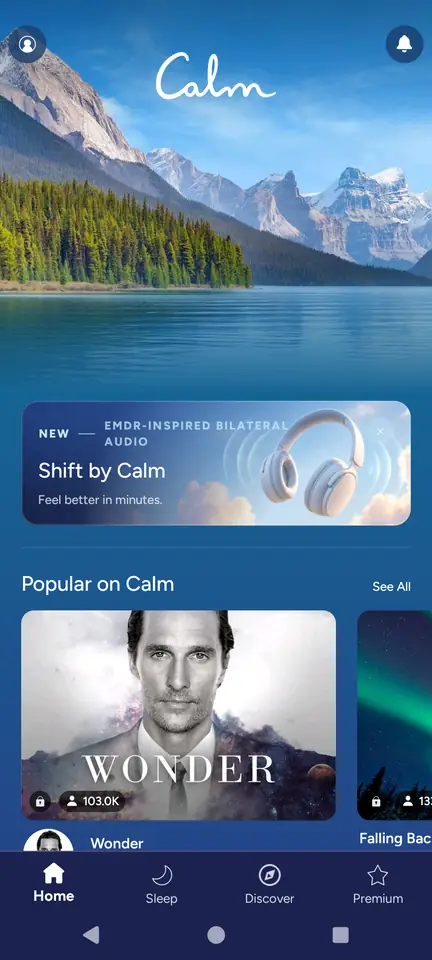
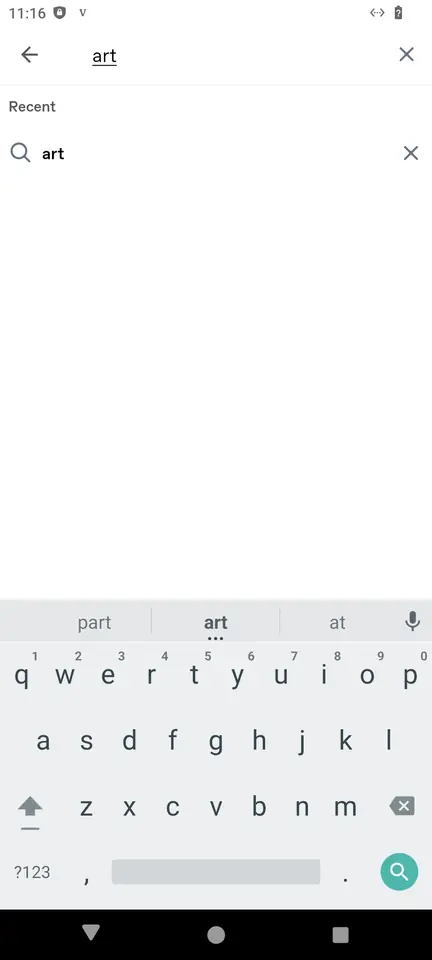
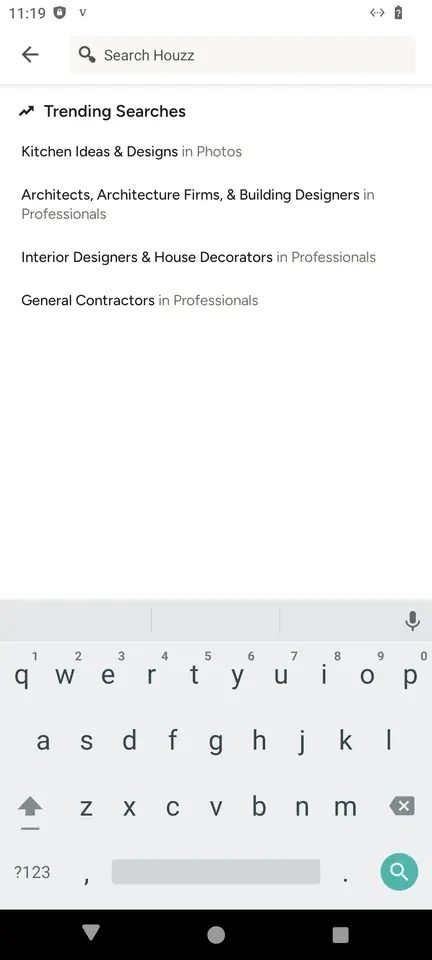
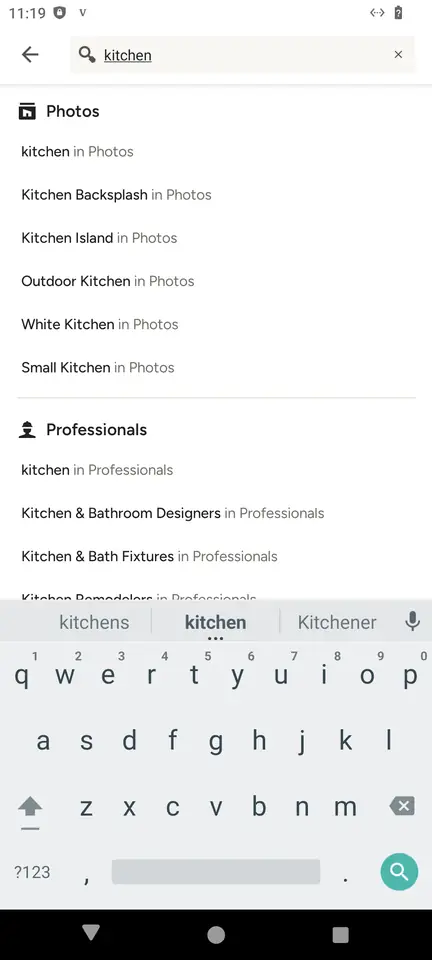
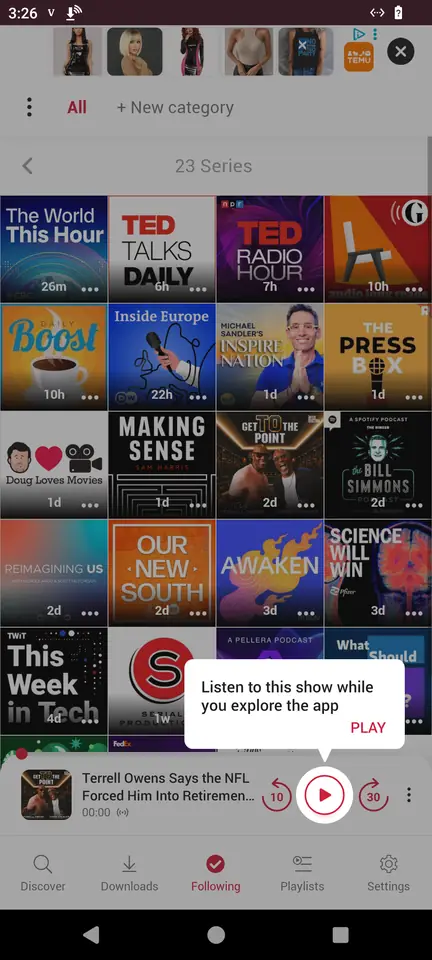
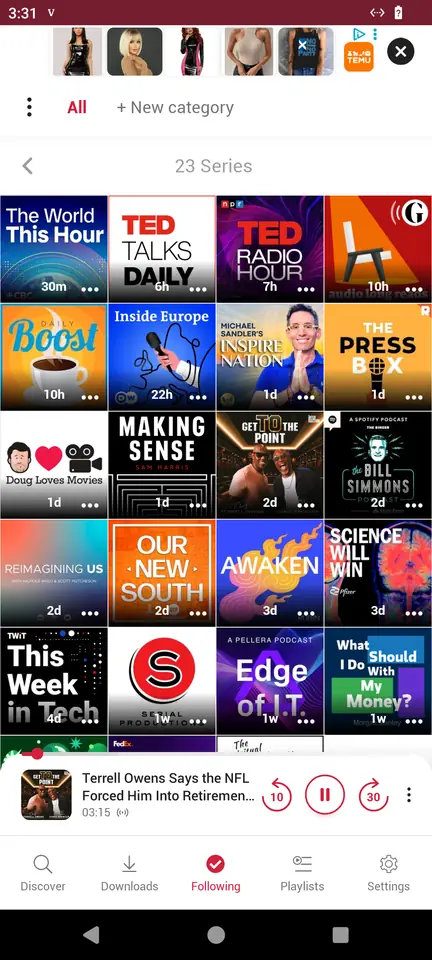
Full flows with badges











FAQ
What is a notification badge?
A badge is a small dot or number attached to an icon — usually a tab or the bell — that signals new or unread items.
What is a badge called on Android?
BadgeDrawable / BadgeUtils on navigation items in Views; BadgedBox + Badge in Compose. It is also known as notification badge, count badge and notification dot.
Which Android apps use a badge?
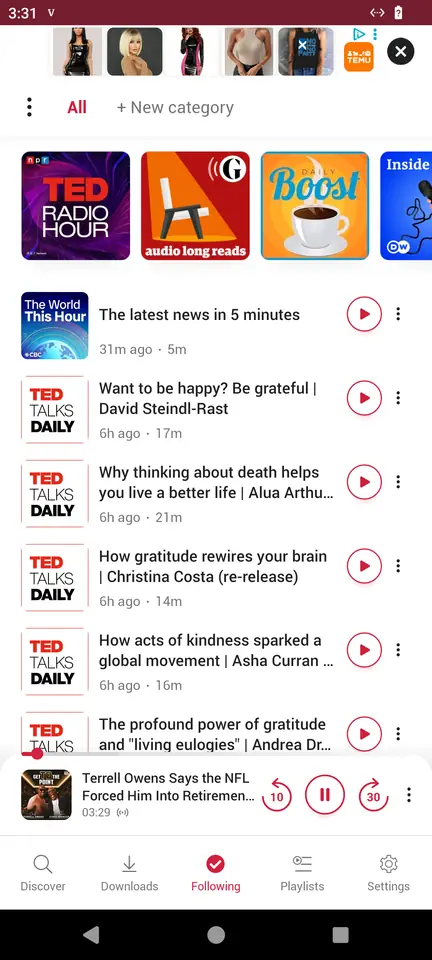
In the Flowtape library, 25 of 246 Android apps show a badge on the screens we captured, including MyFitnessPal, Calm, Udemy, Tasty, Slack and Player FM.
How do I design a good badge?
Show a number only when the count matters; otherwise a dot is enough. Cap large counts (“99+”). Clear the badge as soon as the user has seen the content.
Detected in the view hierarchy of screens captured on real Android devices · last updated 2026-11-14