Onboarding flow · Bleacher Report · Android
Bleacher Report onboarding flow
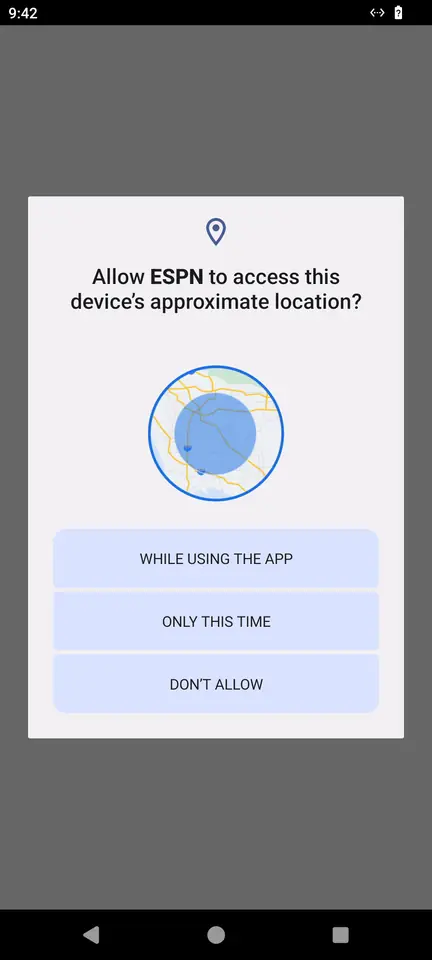
Every screen of Bleacher Report's onboarding flow on Android, in order: 8 steps, recorded on a real device. Bleacher Report's onboarding opens on a privacy-consent screen, reaches the account ask at step 7 of 8 and requests a system permission at step 6. At 8 screens it is the joint 25th-longest of the 152 onboarding flows in the library (median 4). A skip option appears on 1 screen.
Welcome screenSkip buttonPermission primingGuest modeCookie consent bannerRegistration wallTerms and conditions agreement
UI components:
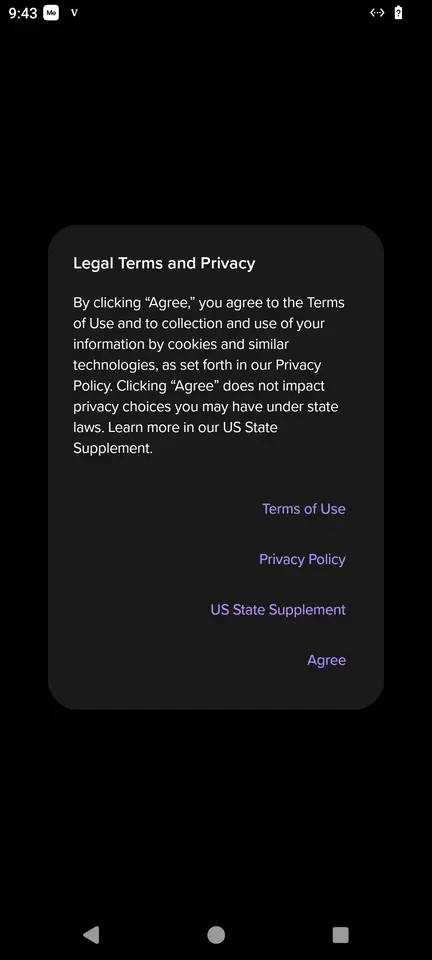 01 Onboarding · tap “Agree”
Legal Terms and Privacy — Terms of Use
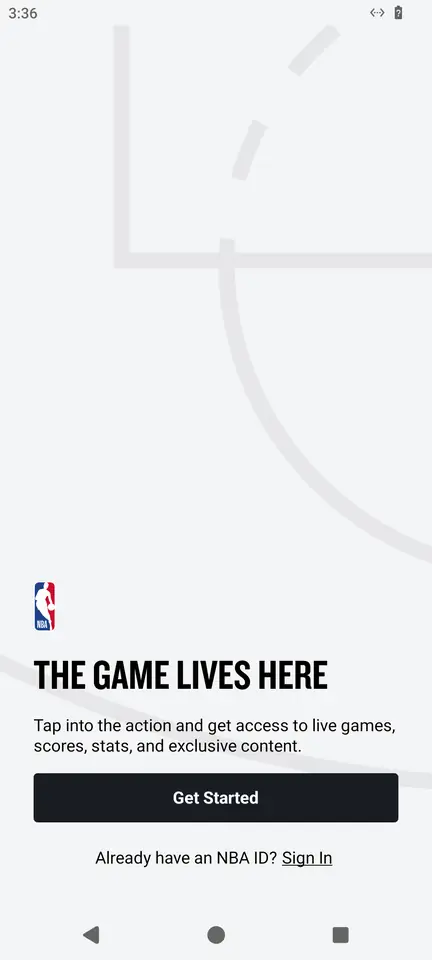
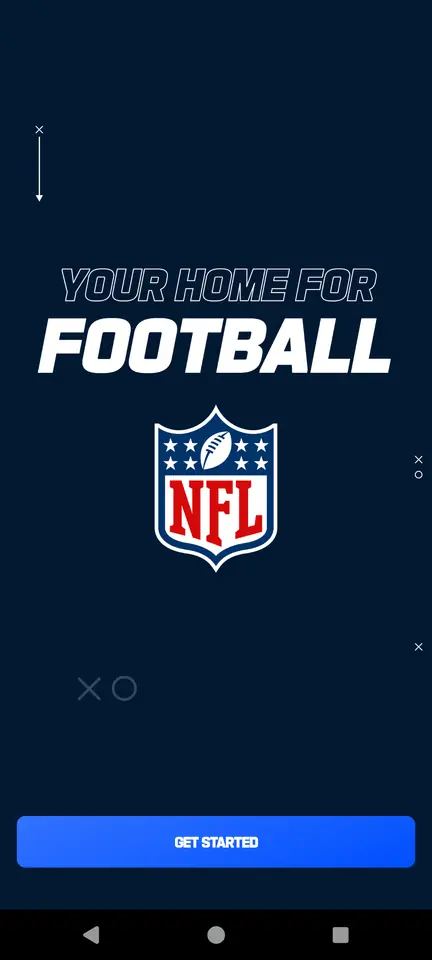
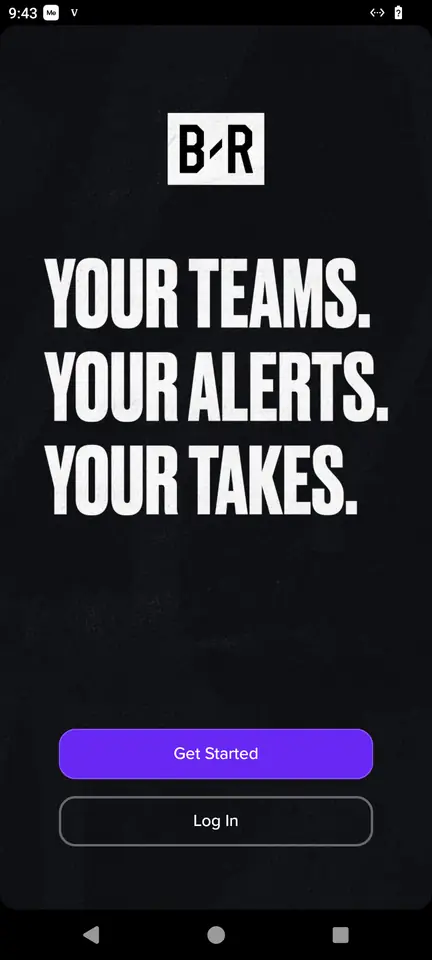 02 Onboarding · tap “Get Started”
Get Started — Log In
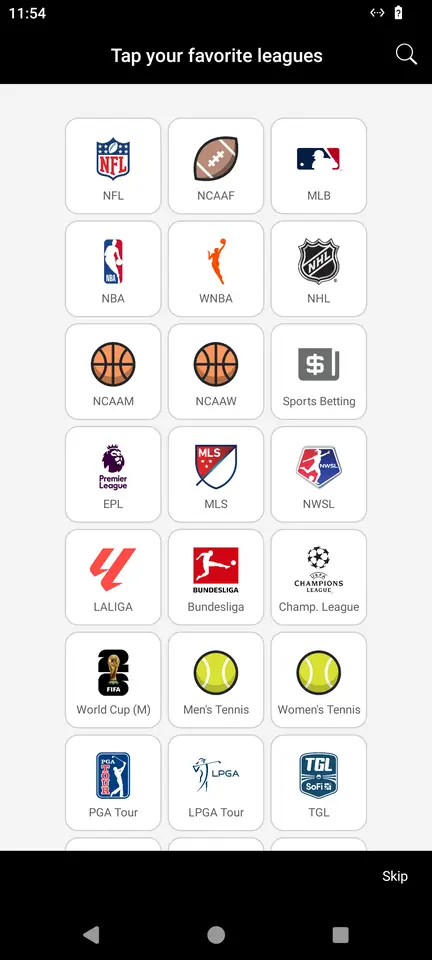
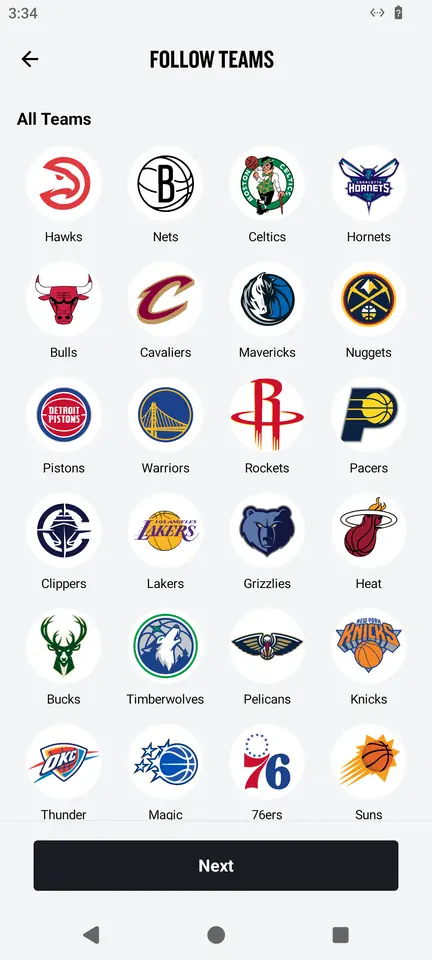
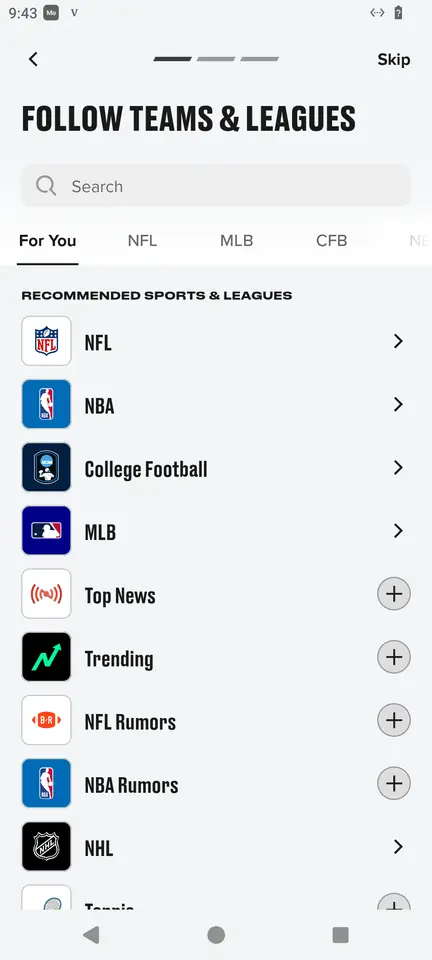 03 Onboarding · tap “Tennis logo logo Tennis”
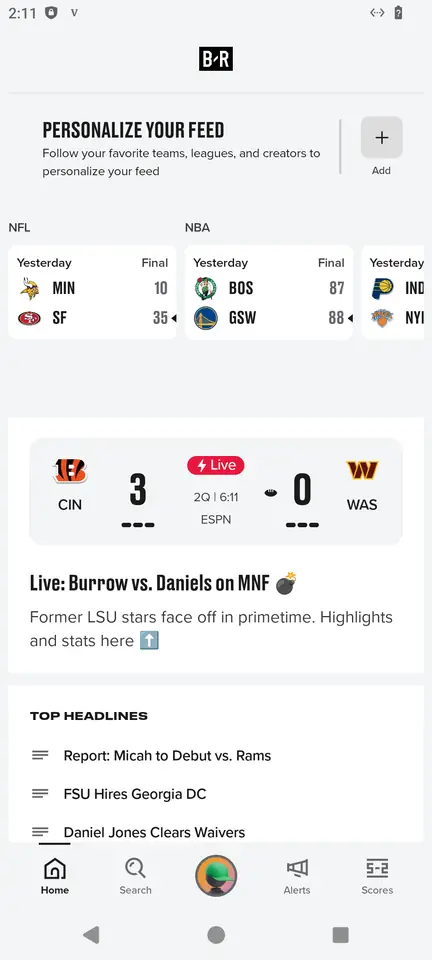
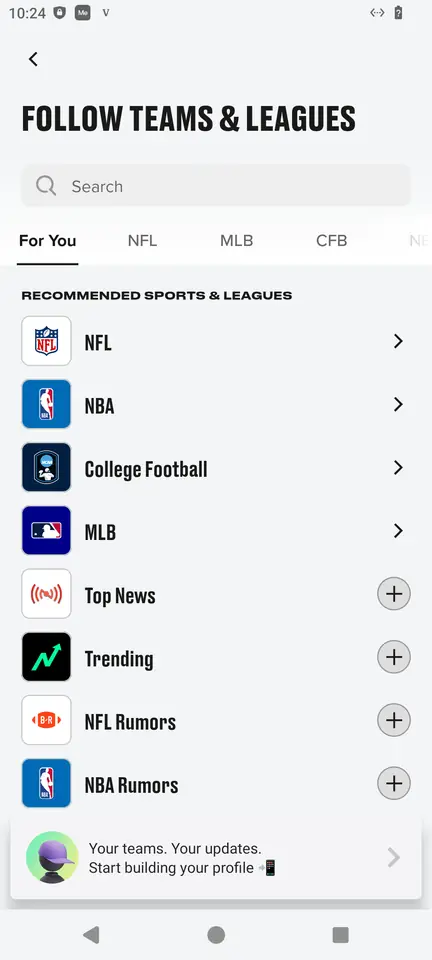
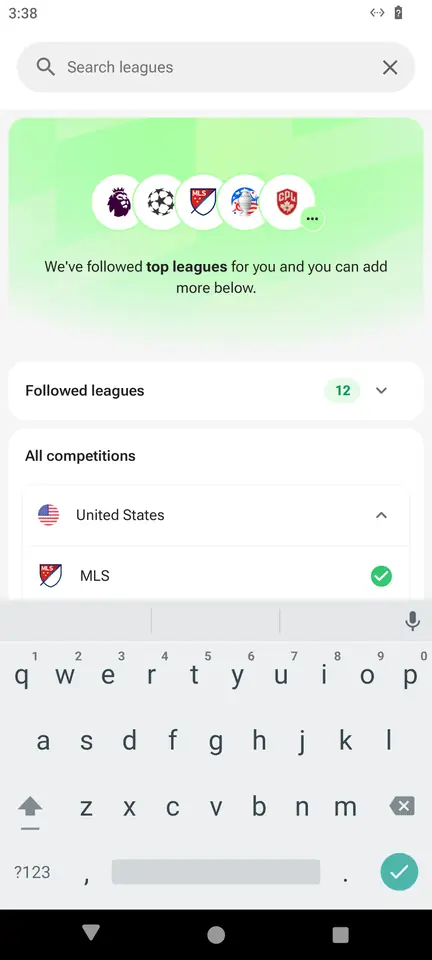
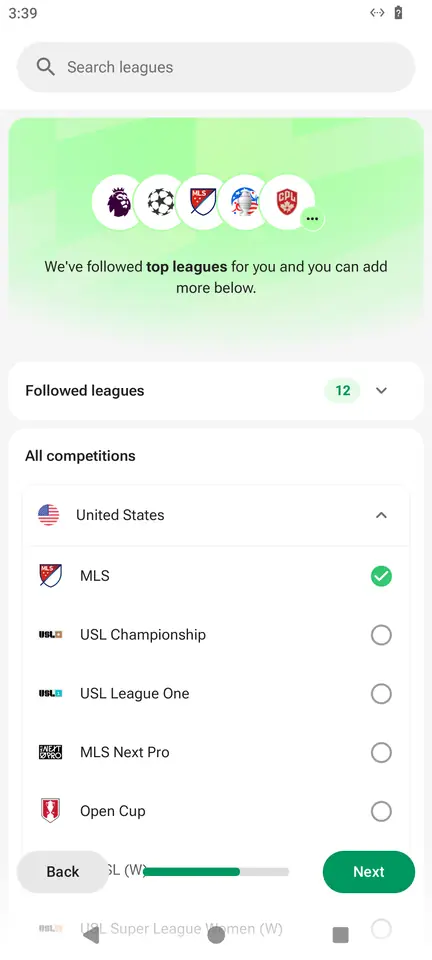
FOLLOW TEAMS & LEAGUES — Search
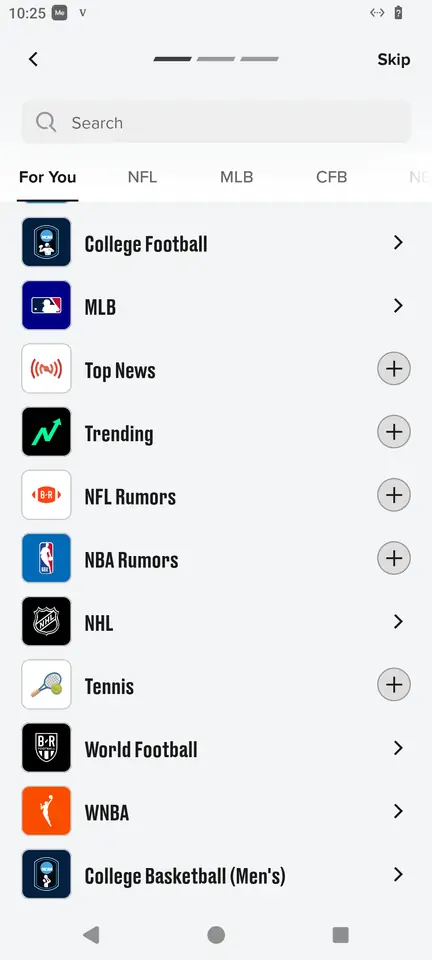 04 Onboarding · tap “WNBA logo logo WNBA”
NFL logo logo — NFL
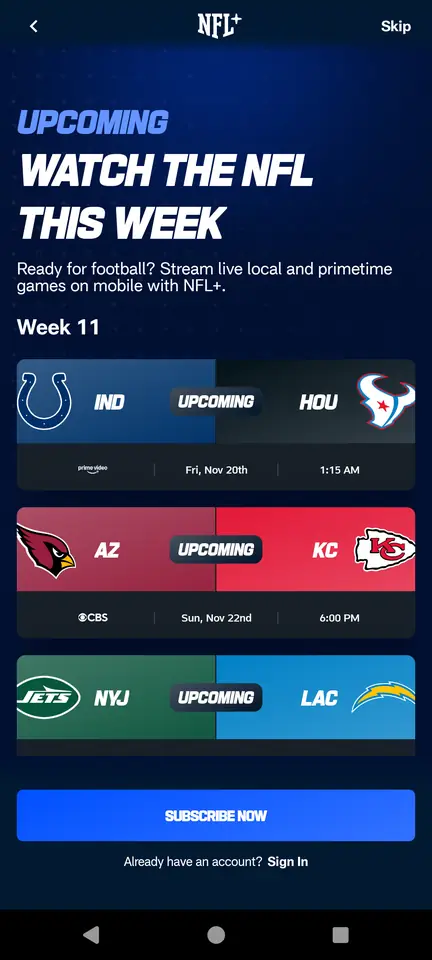
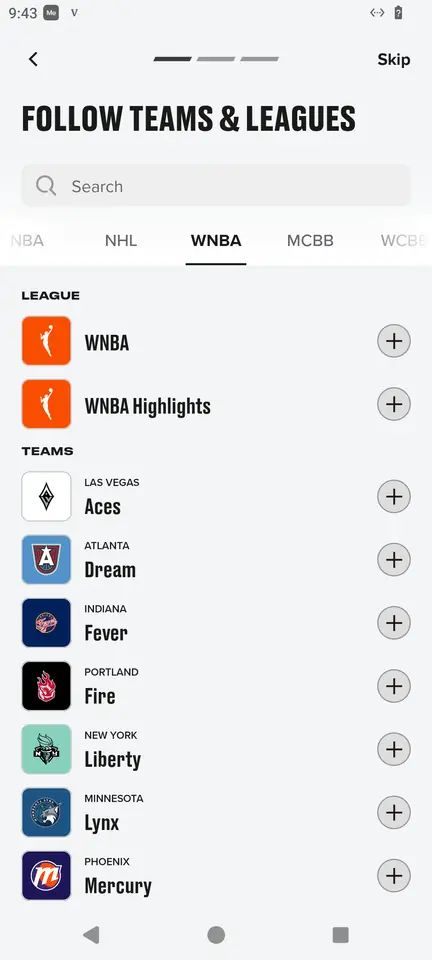 05 Onboarding · tap “Skip”
FOLLOW TEAMS & LEAGUES — Search
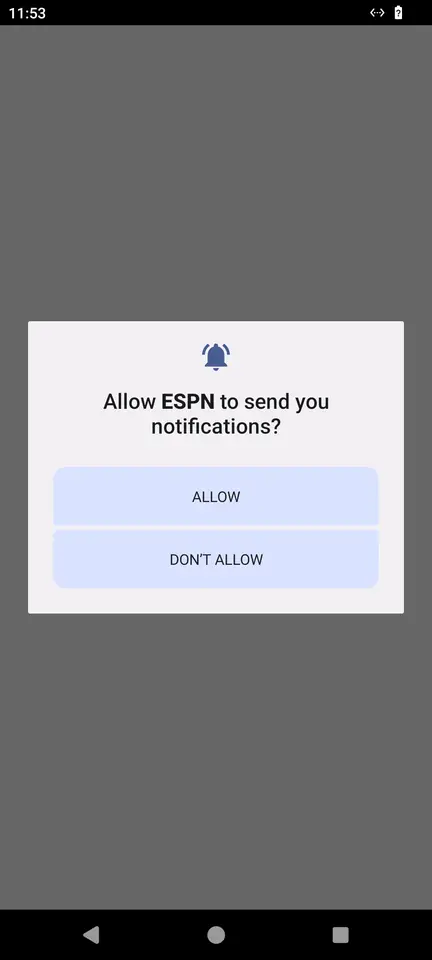
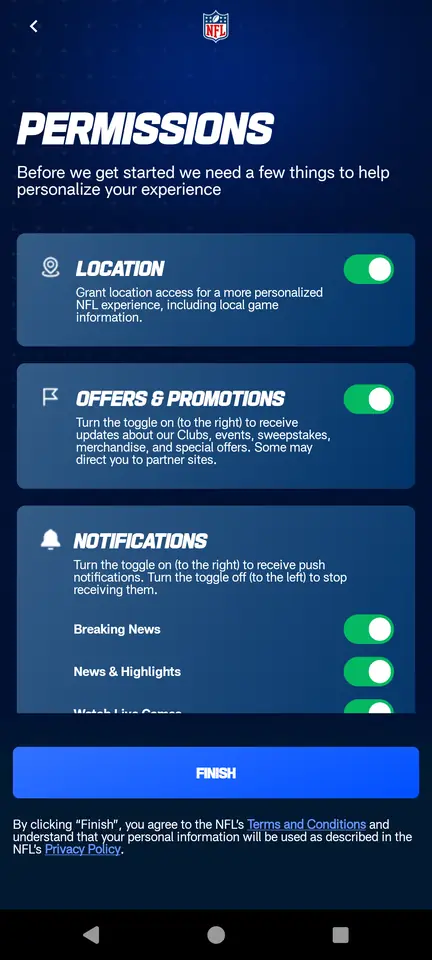
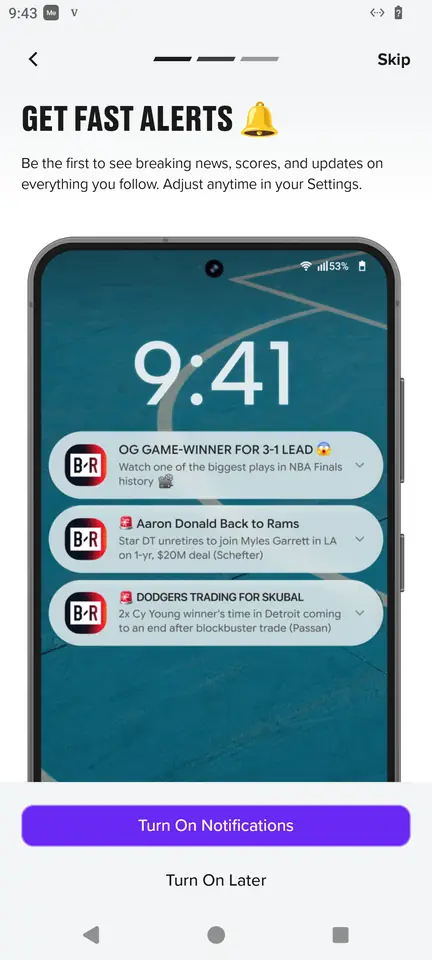 06 Onboarding · tap “Turn On Later”
GET FAST ALERTS 🔔 — Navigate back
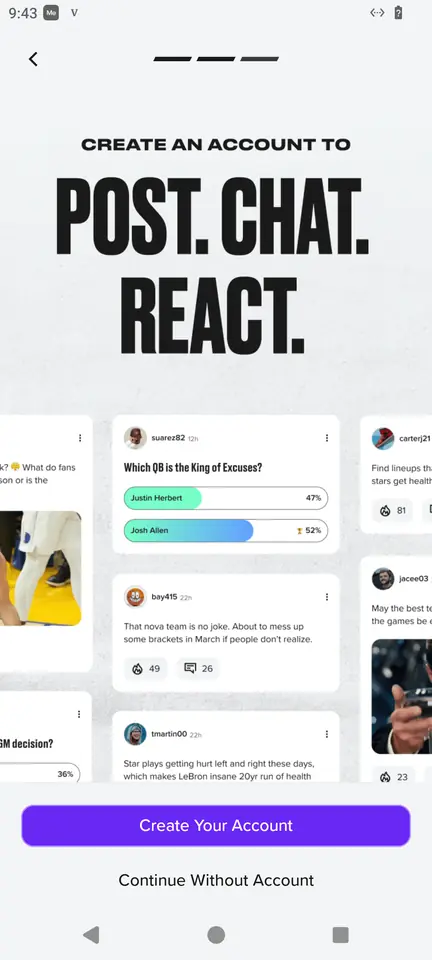 07 Onboarding · tap “Create Your Account”
Navigate back — Create Your Account
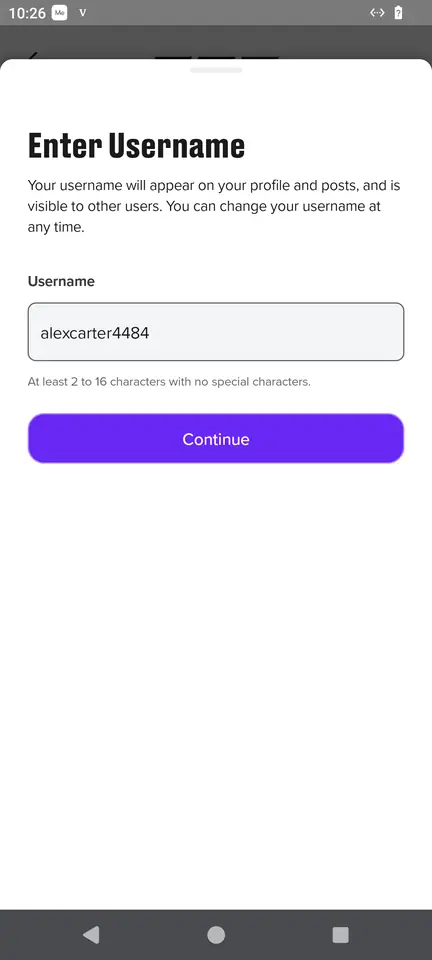 08 Onboarding
Close sheet — Enter Username
What Bleacher Report's onboarding flow does
- 8 screens in order, opening on “Legal Terms and Privacy” and ending at “Close sheet”.
- Taps along the way: “Agree” → “Get Started” → “Tennis logo logo Tennis” → “WNBA logo logo WNBA” → “Skip” → “Turn On Later”….
- Gives users an exit: a “Skip” option.
Read the step-by-step UX teardown of this flow →
Captured on a real Android device · last updated 2026-11-14