Pricing plans: 26 real Android examples
A pricing or subscription screen presents the app's paid plans — price, billing period, trial and what is included — and asks the user to subscribe. On Android the purchase itself runs through Google Play Billing.
Pricing plans examples from 26 Android apps
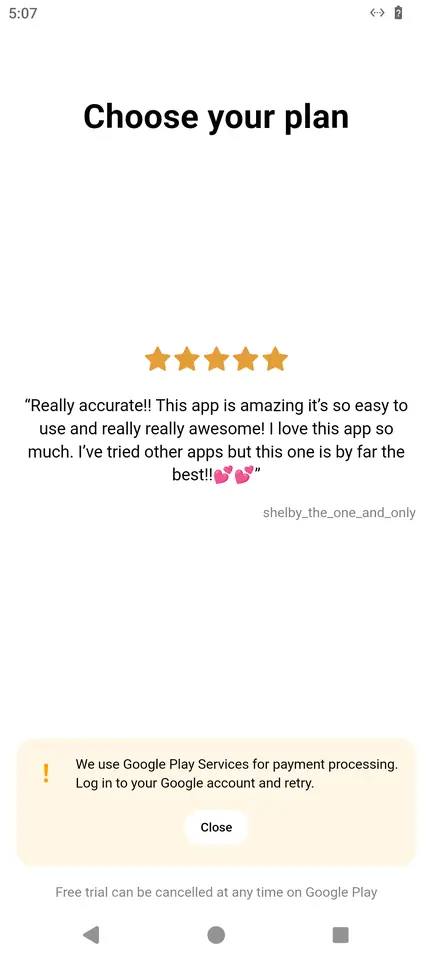
Choose your plan
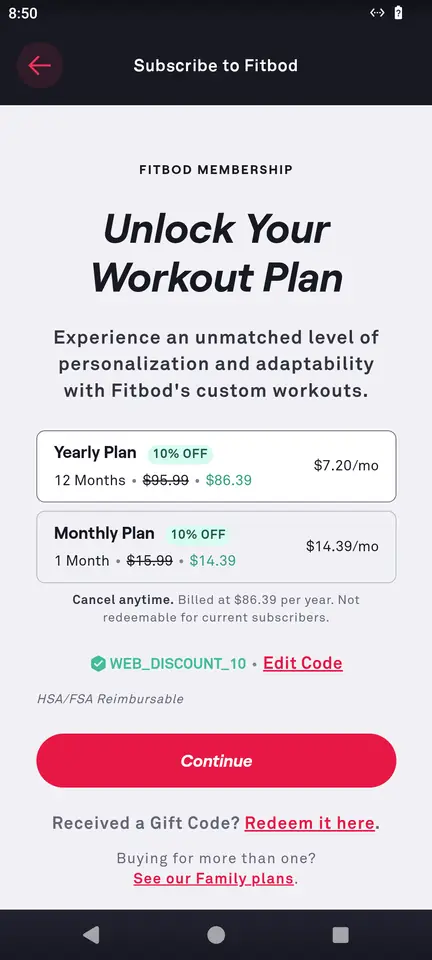
Subscribe to Fitbod
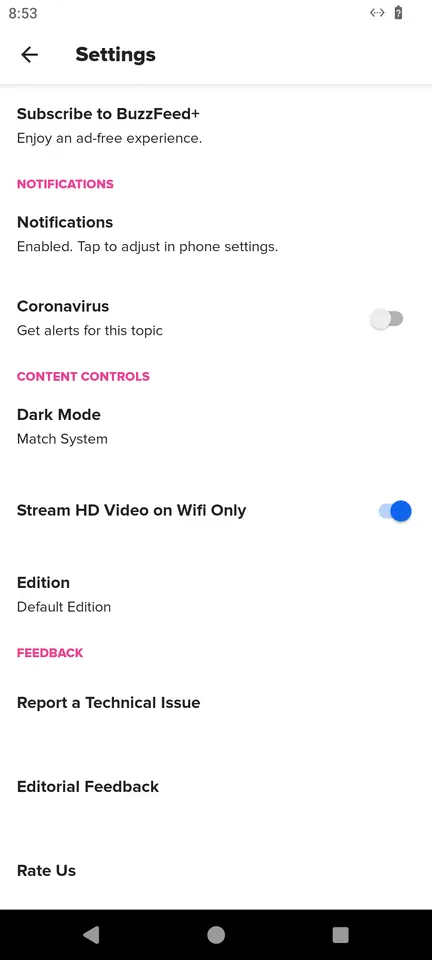
Subscribe to BuzzFeed+
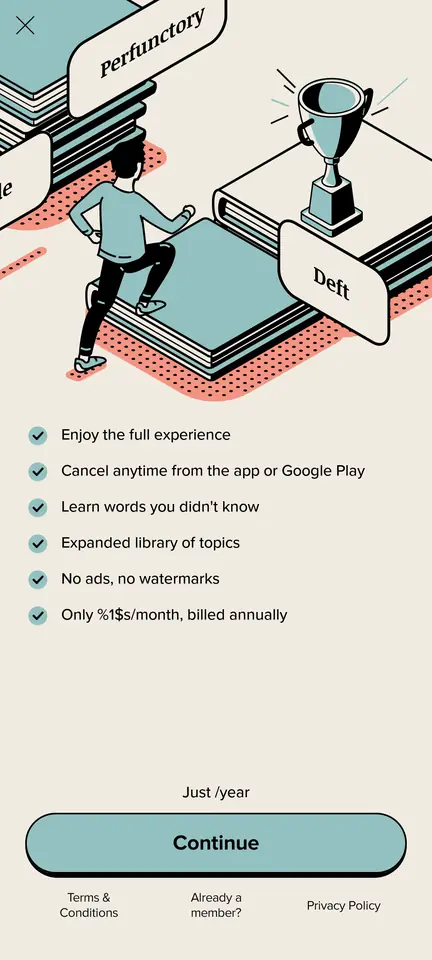
Only %1$s/month, billed annually
Choose a Plan
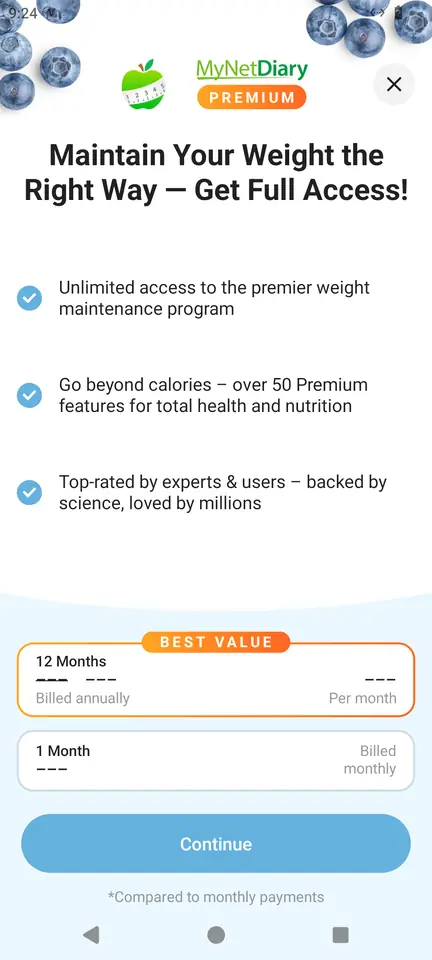
Billed annually
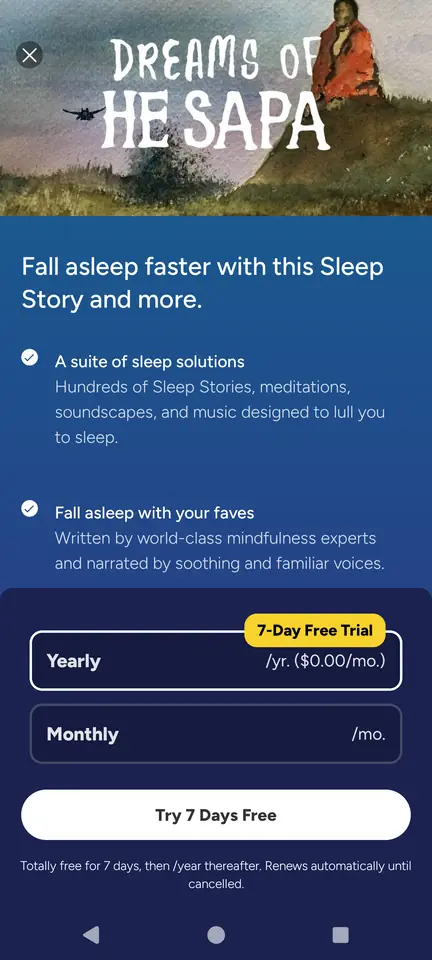
/yr. ($0.00/mo.)
Subscribe
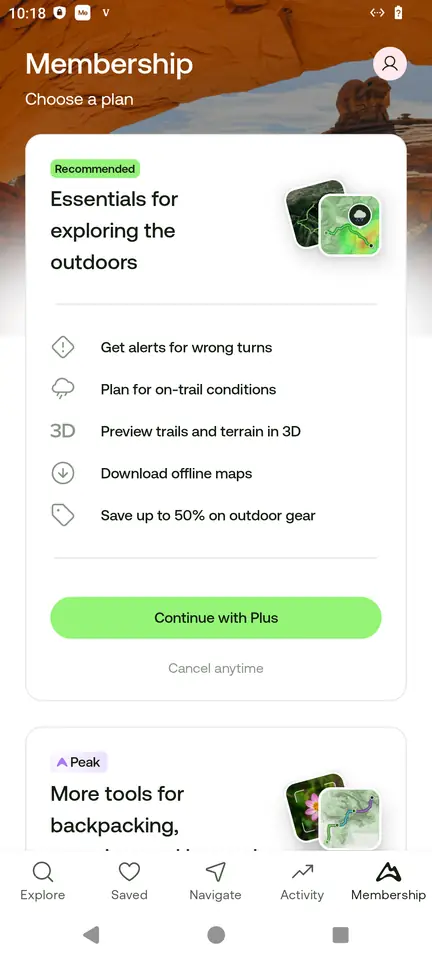
Choose a plan
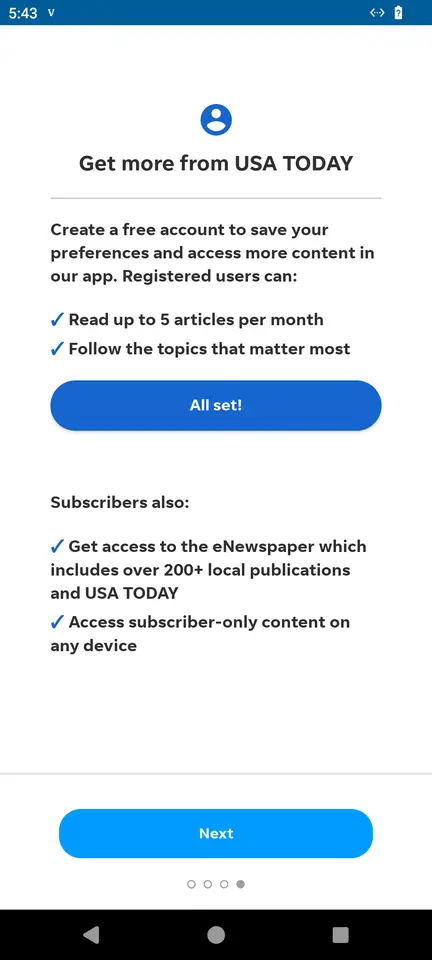
✓ Read up to 5 articles per month ✓ Follow the topics that matter most
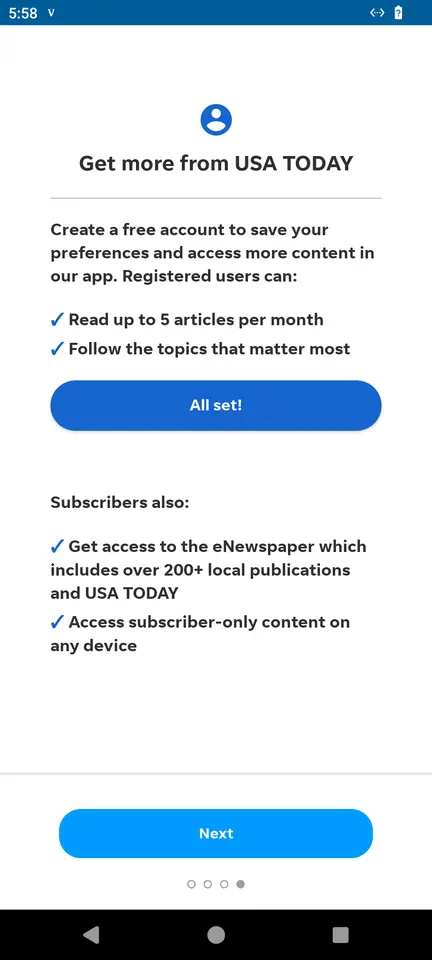
✓ Read up to 5 articles per month ✓ Follow the topics that matter most
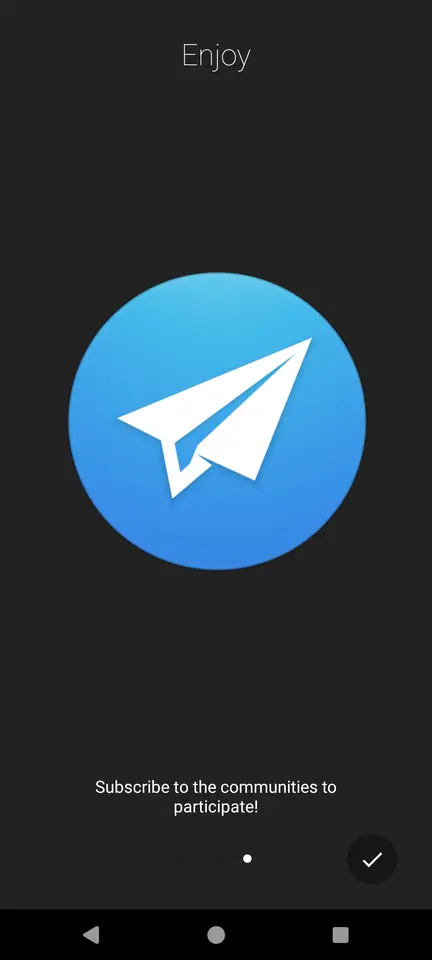
Subscribe to the communities to participate!
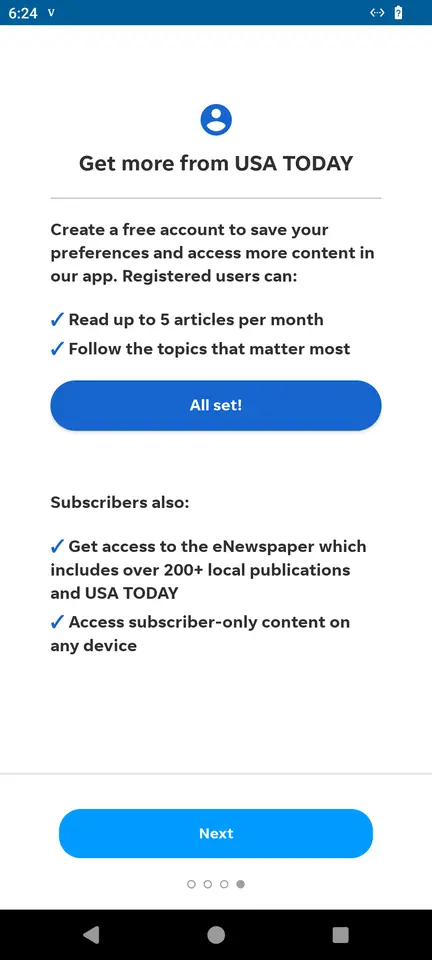
✓ Read up to 5 articles per month ✓ Follow the topics that matter most
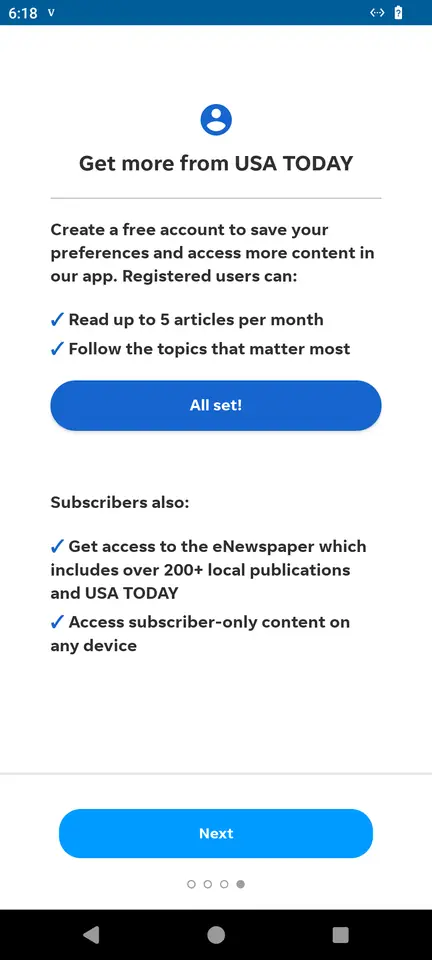
✓ Read up to 5 articles per month ✓ Follow the topics that matter most
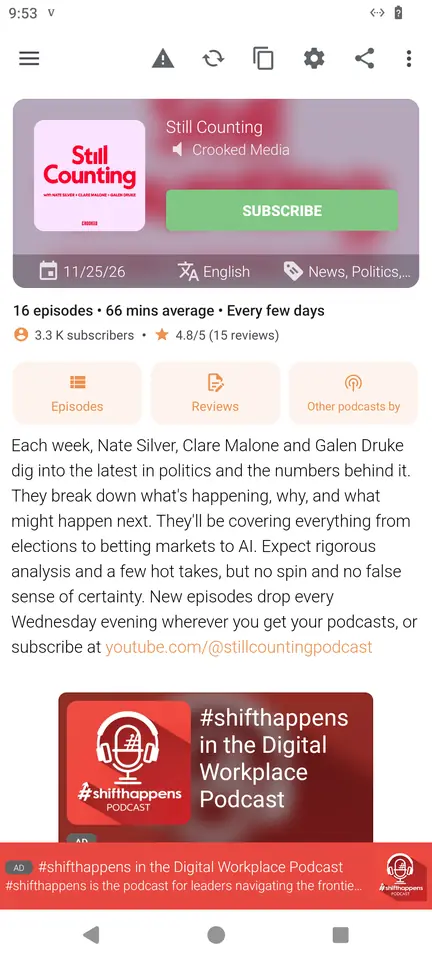
SUBSCRIBE
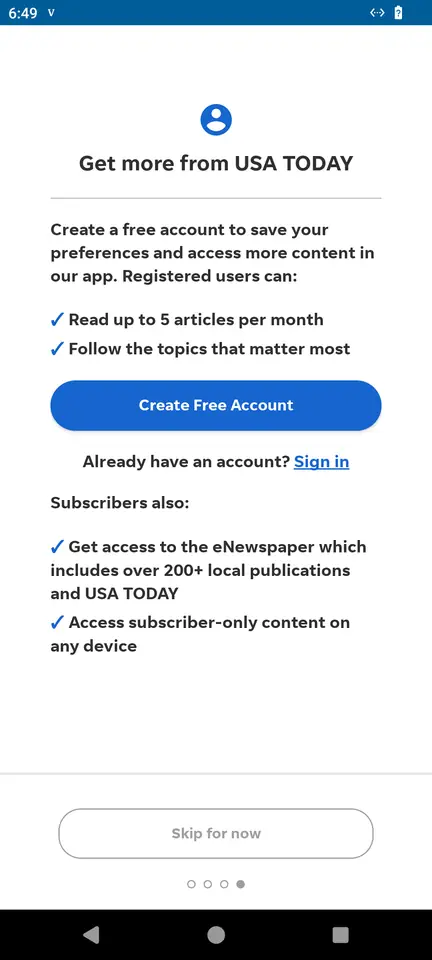
✓ Read up to 5 articles per month ✓ Follow the topics that matter most
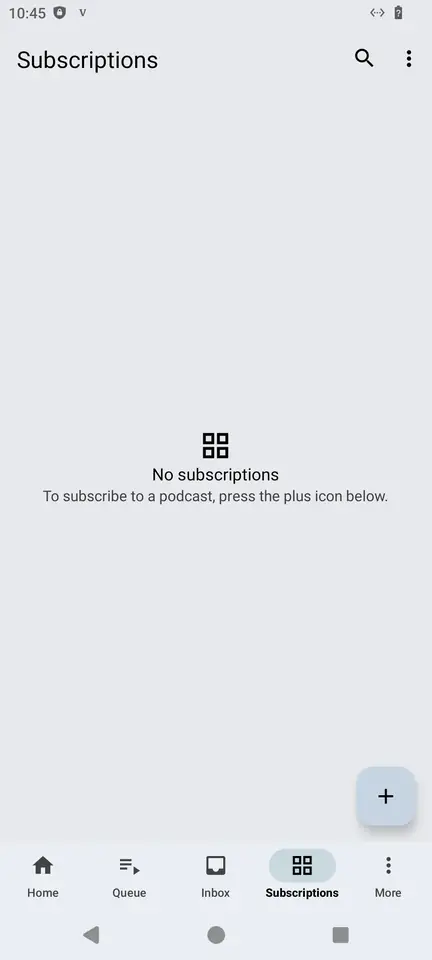
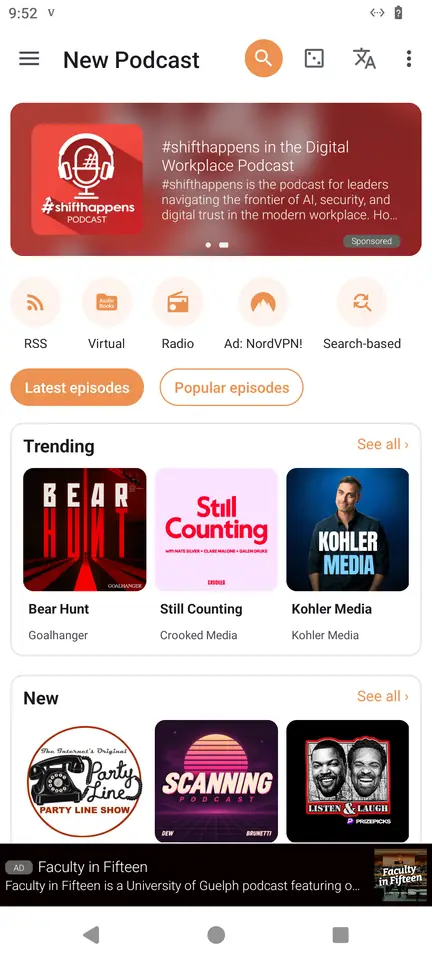
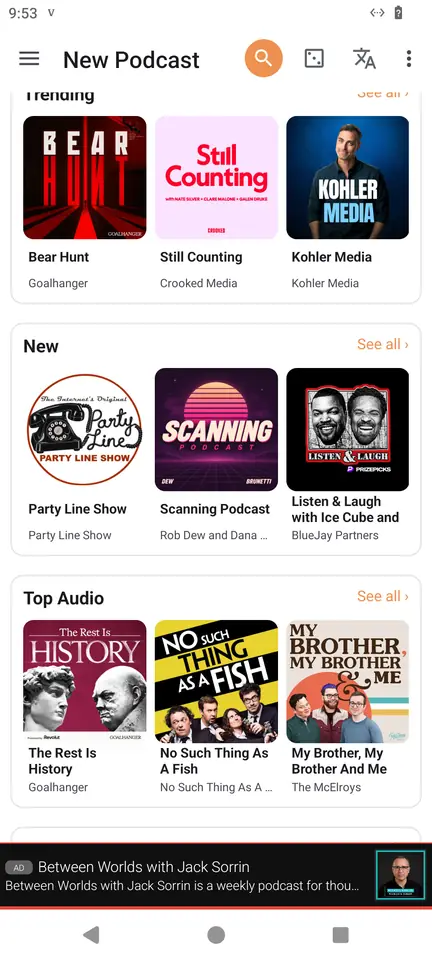
To subscribe to a podcast, press the plus icon below.
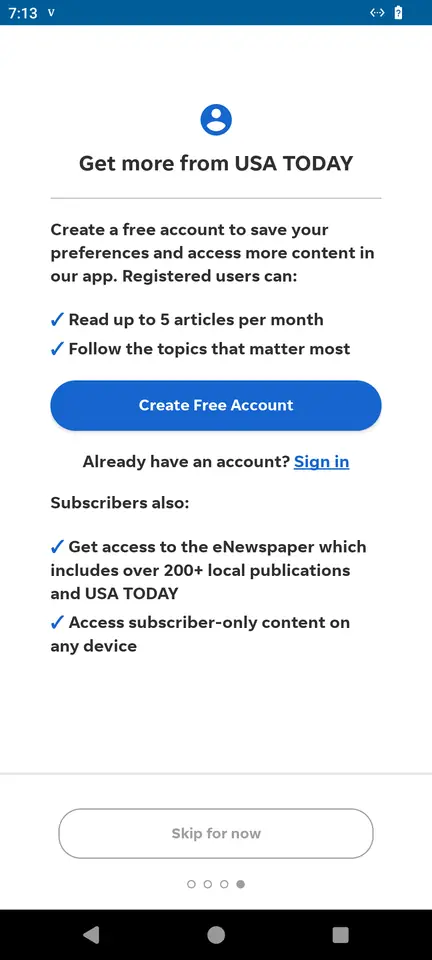
✓ Read up to 5 articles per month ✓ Follow the topics that matter most
✓ Read up to 5 articles per month ✓ Follow the topics that matter most
✓ Read up to 5 articles per month ✓ Follow the topics that matter most
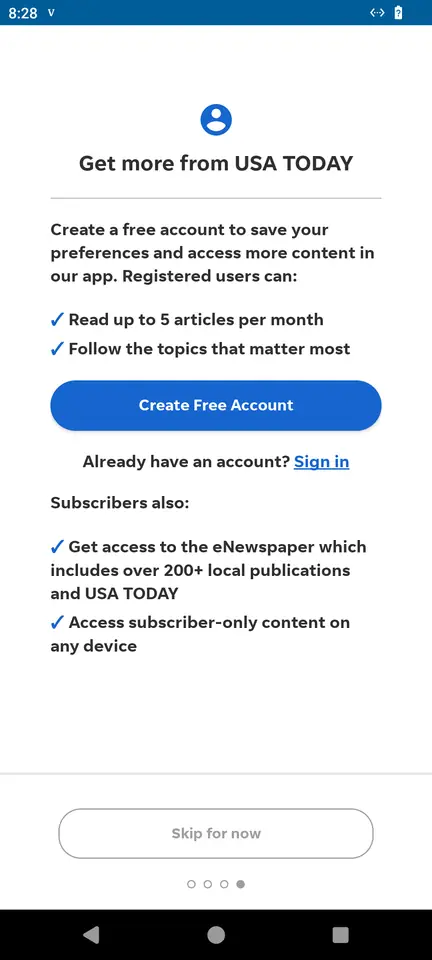
✓ Read up to 5 articles per month ✓ Follow the topics that matter most
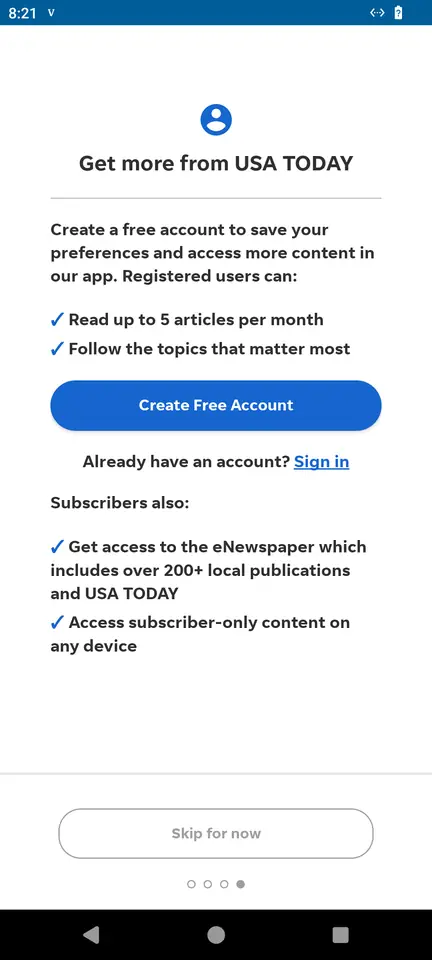
✓ Read up to 5 articles per month ✓ Follow the topics that matter most
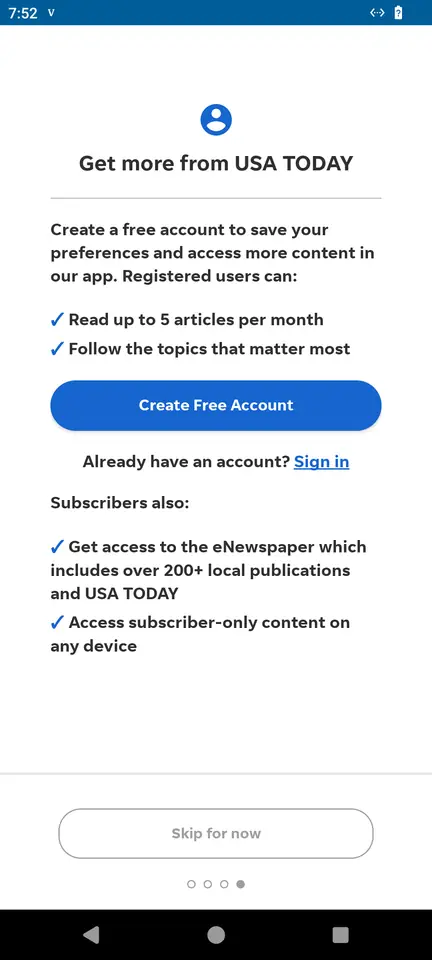
✓ Read up to 5 articles per month ✓ Follow the topics that matter most
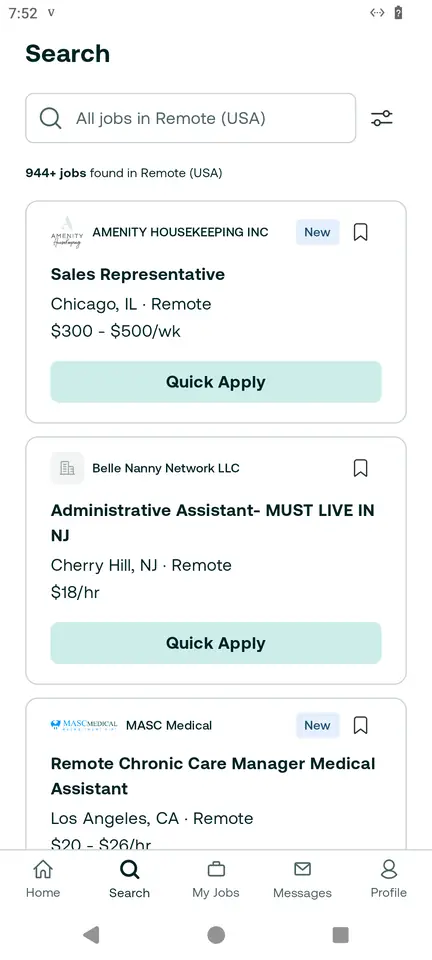
$300 - $500/wk
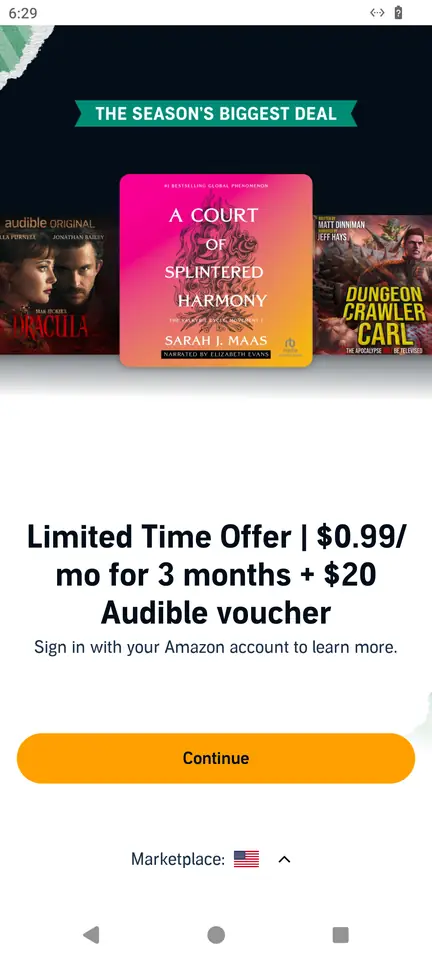
Limited Time Offer | $0.99/mo for 3 months + $20 Audible voucher
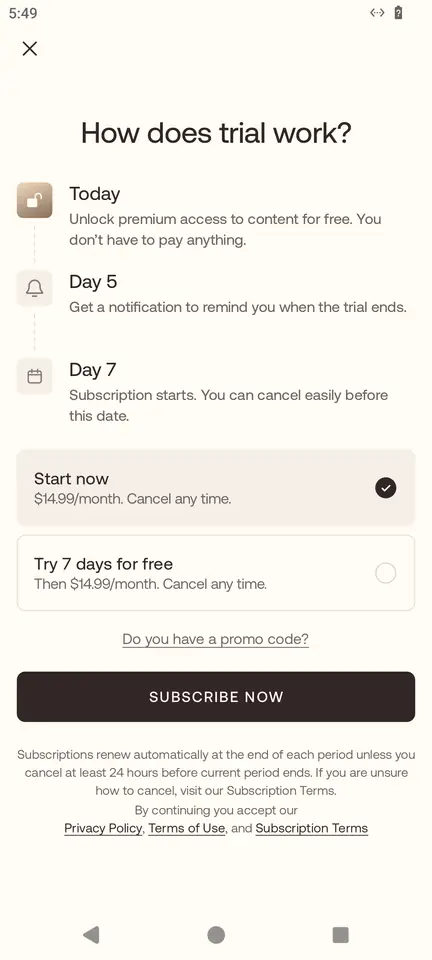
Why it works
- It is where free users convert into revenue.
- Plan framing (monthly vs yearly, trial length) strongly shapes what people pick.
- Clear pricing reduces refunds and Play Store complaints.
Best practices
- Show the full price and billing period, not only a per-week figure.
- Highlight one recommended plan and say why.
- State trial length and when billing starts in plain words.
- Make it easy to close the paywall and keep using the free tier.
How real apps word it
The exact UI copy, as it appears on screen in each app.
Choose a plan
AllTrailsTo subscribe to a podcast, press the plus icon below.
AntennaPod✓ Read up to 5 articles per month ✓ Follow the topics that matter most
Asbury Park PressLimited Time Offer | $0.99/mo for 3 months + $20 Audible voucher
AudibleSubscribe to BuzzFeed+
BuzzFeed/yr. ($0.00/mo.)
CalmSubscribe to Fitbod
FitbodChoose your plan
FloBilled annually
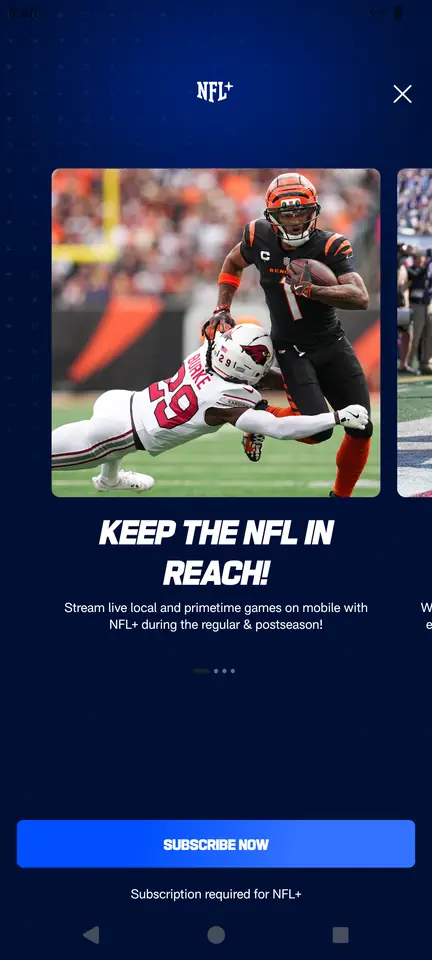
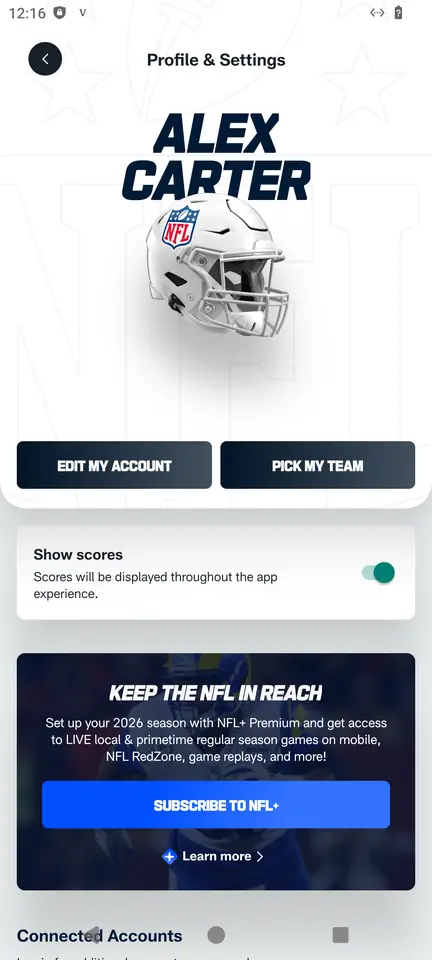
MyNetDiarySUBSCRIBE TO NFL+
NFLSUBSCRIBE TO WATCH
NFLSubscribe to the communities to participate!
Omni NotesSUBSCRIBE
Podcast AddictOnly %1$s/month, billed annually
Vocabulary
Where it shows up
Screens showing the pattern, by flow step type.
By app category
Apps showing the pattern, by category · 26 of 246 apps in the library.
Full flows that include a pricing plans screen
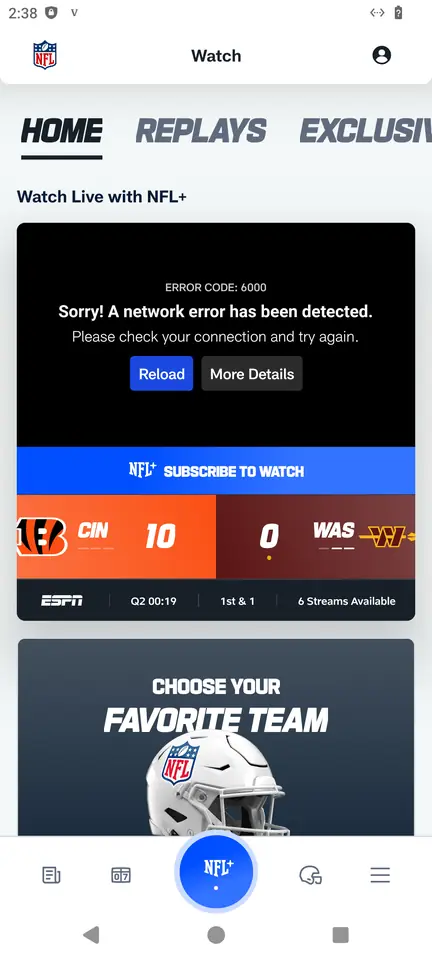
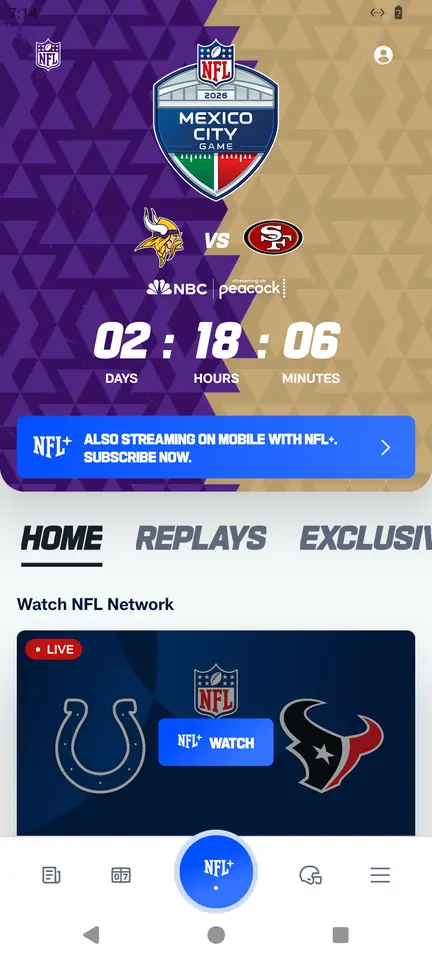
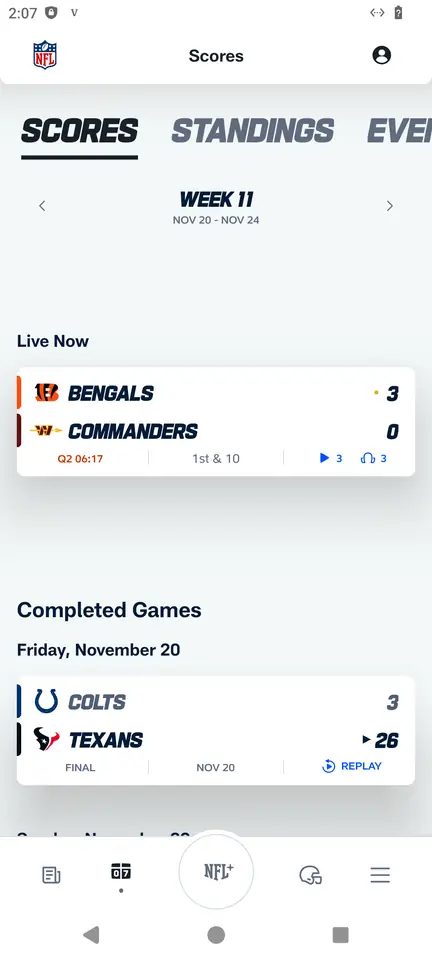
NFL · Home & browsing
12 screens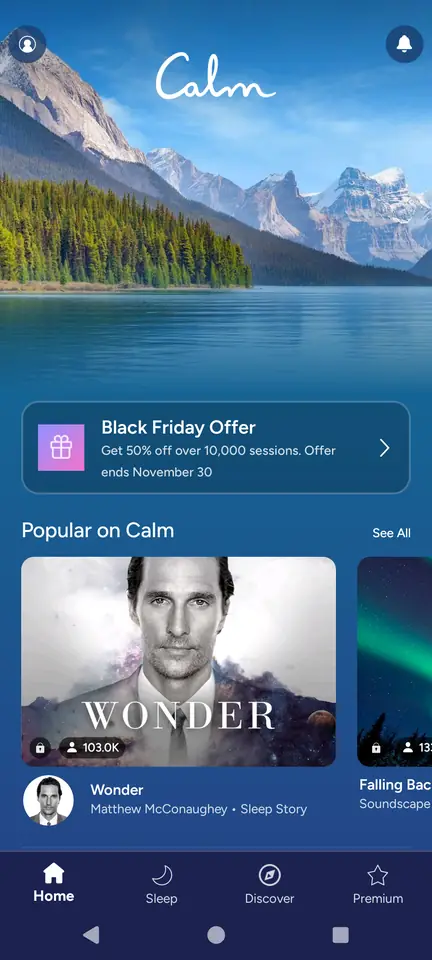
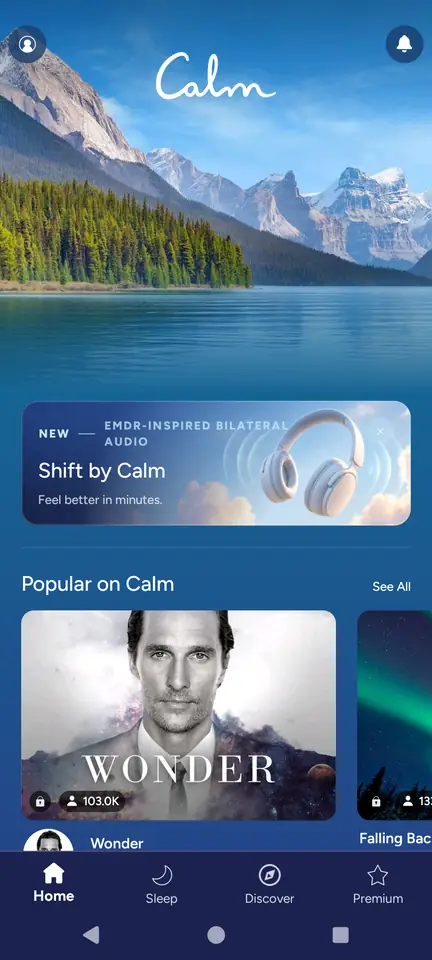
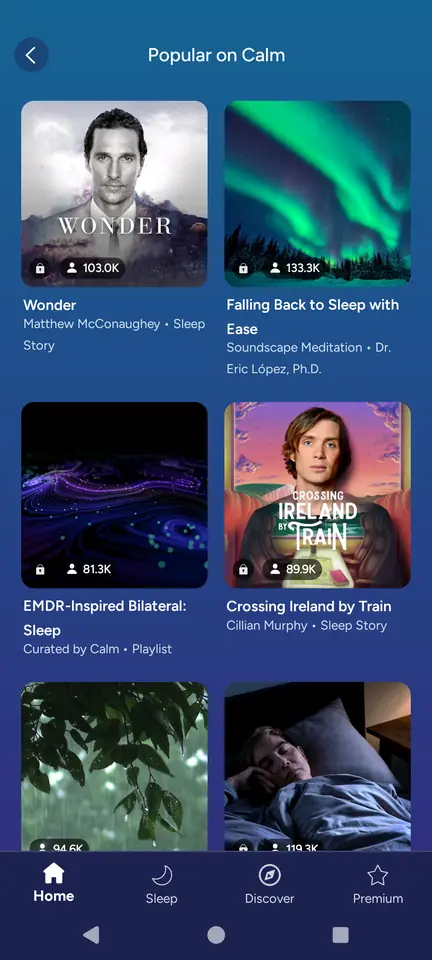
Calm · Home & browsing
11 screens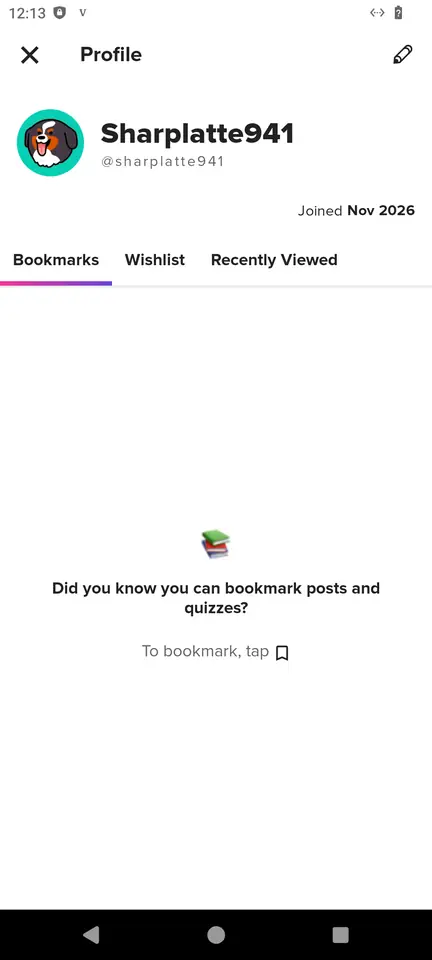
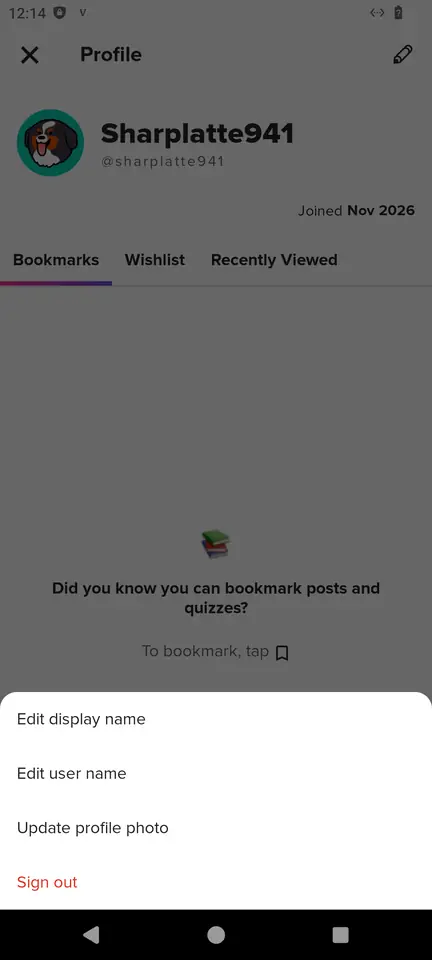
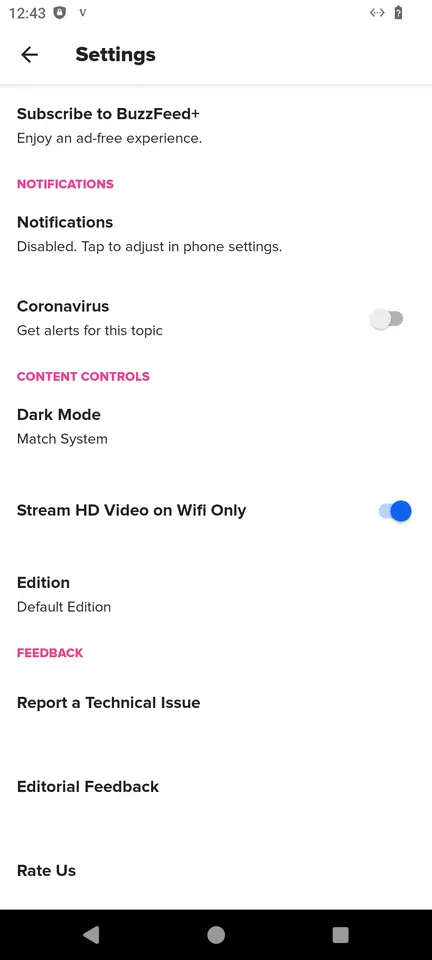
BuzzFeed · Settings
9 screens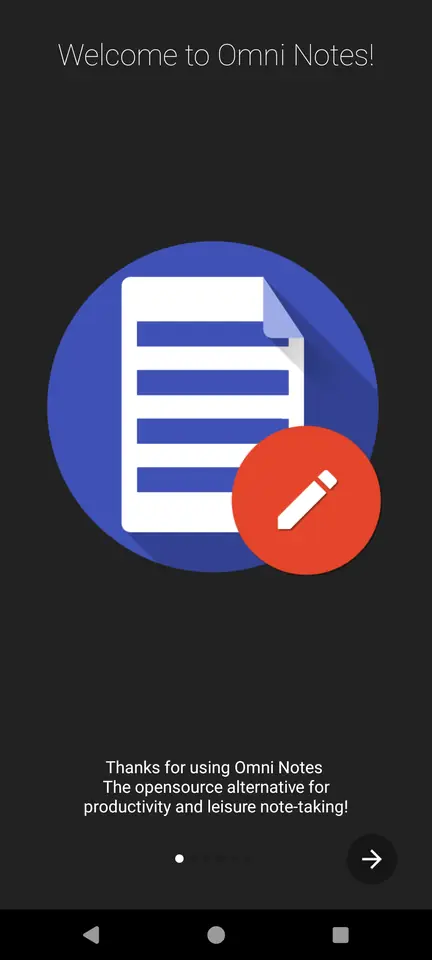
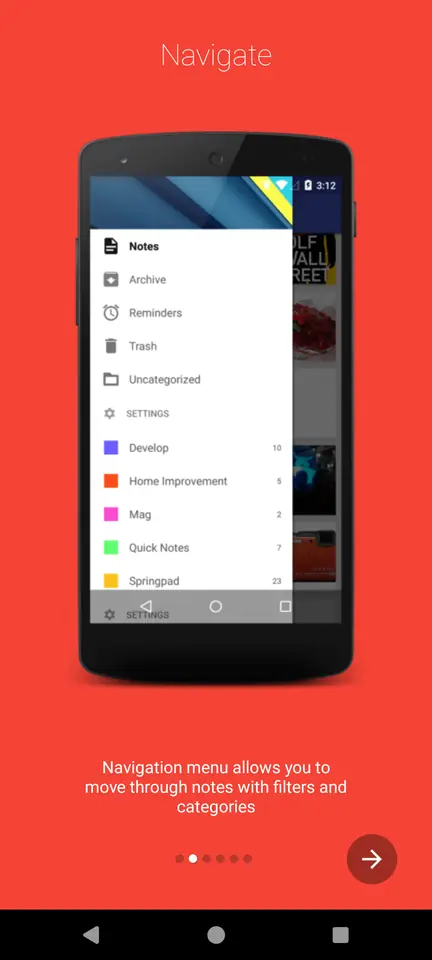
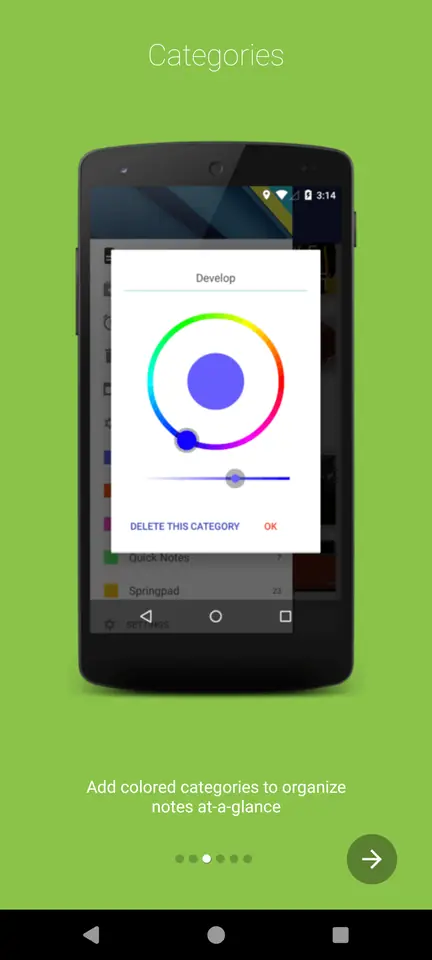
Omni Notes · Onboarding
7 screens
TickTick · Home & browsing
6 screens
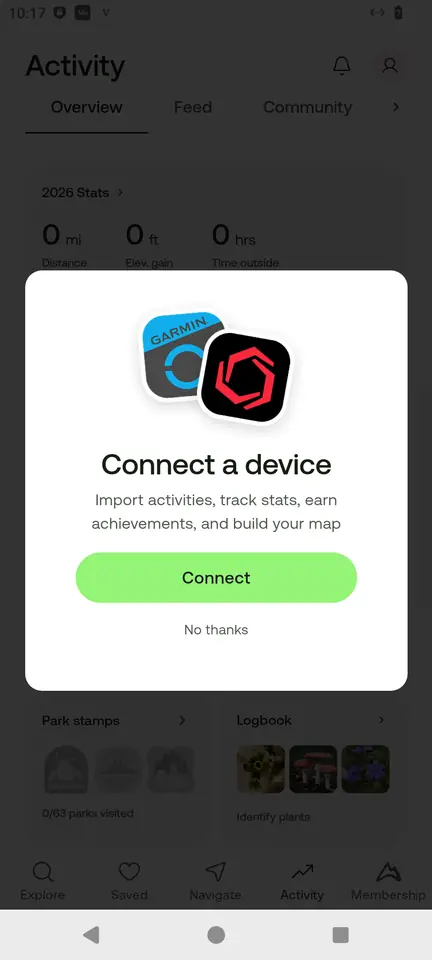
AllTrails · Home & browsing
4 screens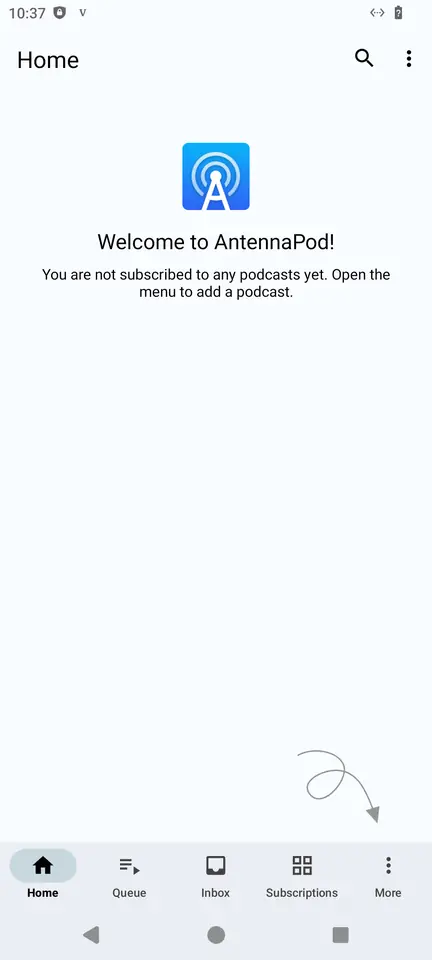
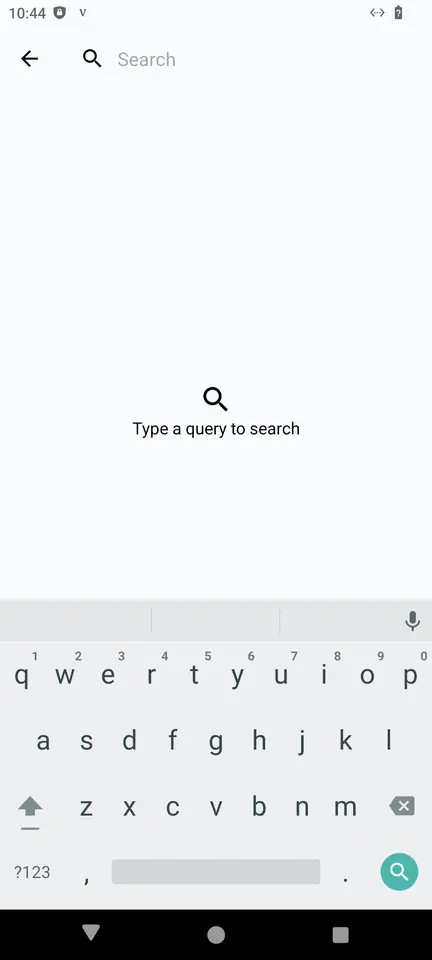
AntennaPod · Home & browsing
4 screens
NFL · Settings
4 screens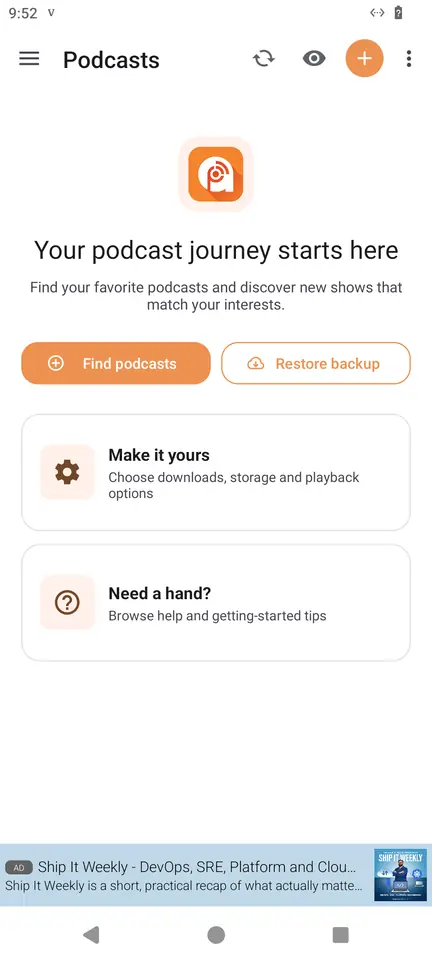
Podcast Addict · Home & browsing
4 screensFAQ
What is a pricing plans screen?
A pricing or subscription screen presents the app's paid plans — price, billing period, trial and what is included — and asks the user to subscribe. On Android the purchase itself runs through Google Play Billing.
Which Android apps use a pricing plans screen?
In the Flowtape library, 26 of 246 Android apps show this pattern, including Flo, Fitbod, BuzzFeed, Vocabulary, NFL and MyNetDiary. It is most common in books & reading apps.
How do I design a good pricing plans screen?
Show the full price and billing period, not only a per-week figure. Highlight one recommended plan and say why. State trial length and when billing starts in plain words.
Detected on screens captured on real Android devices · last updated 2026-11-14