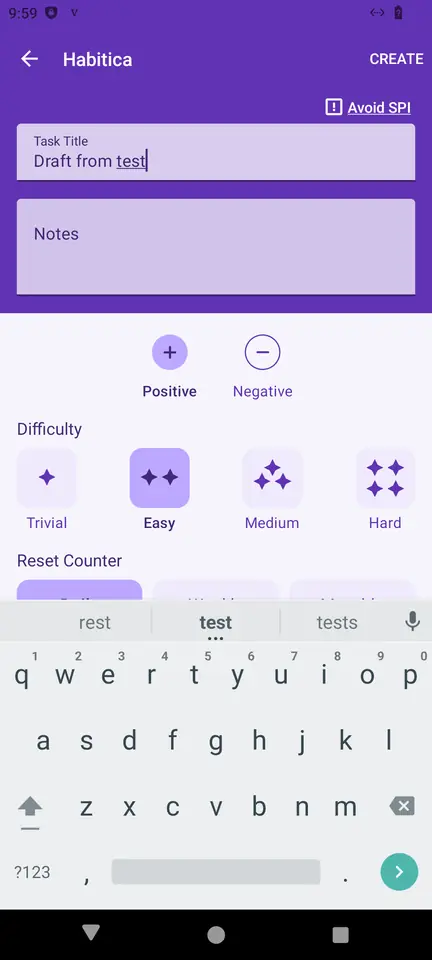
Home & browsing flow · TickTick · Android
TickTick home & browsing screens
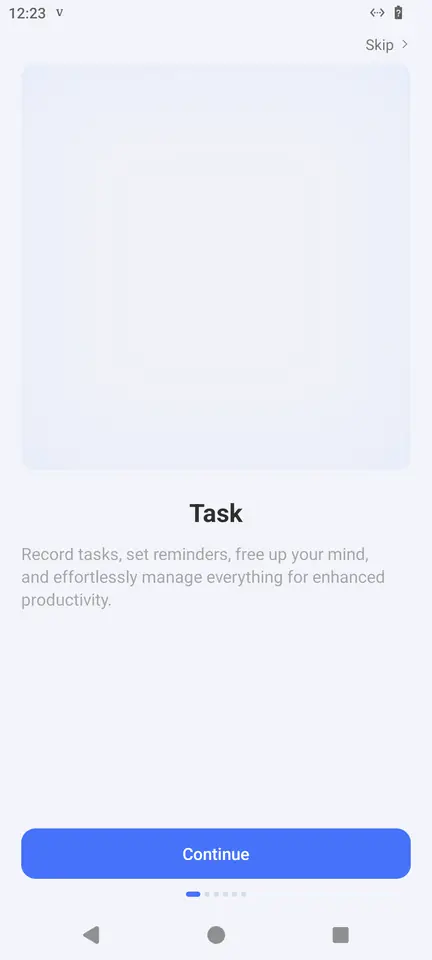
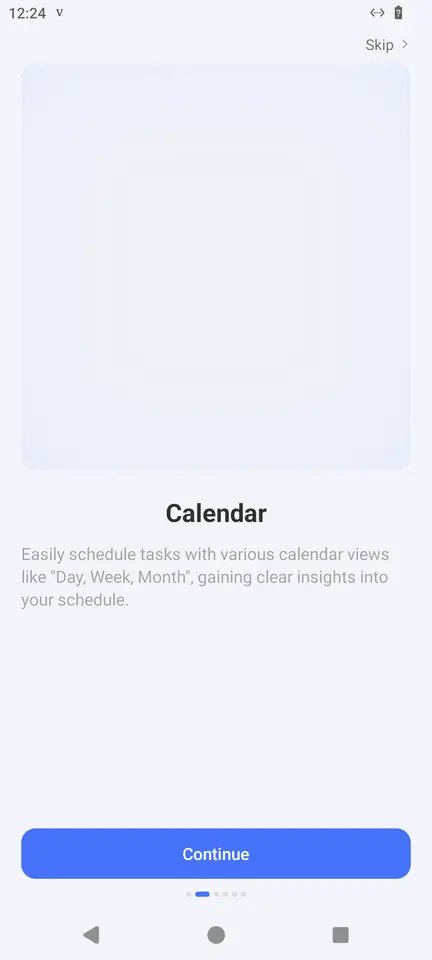
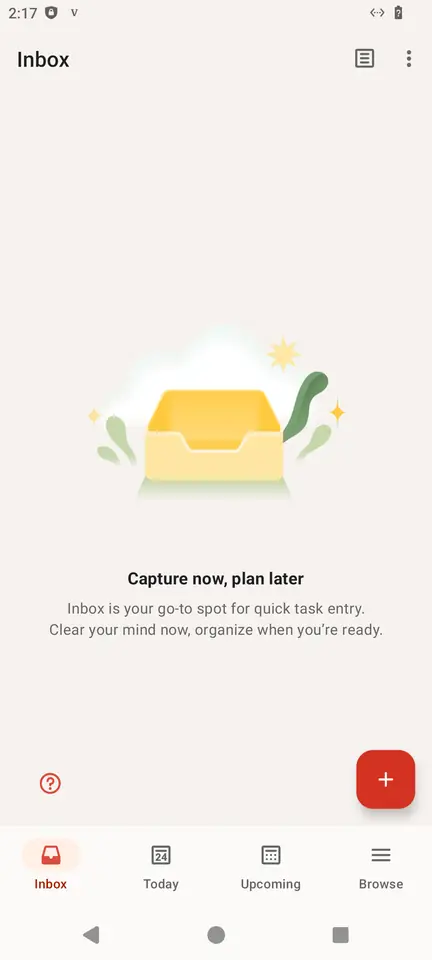
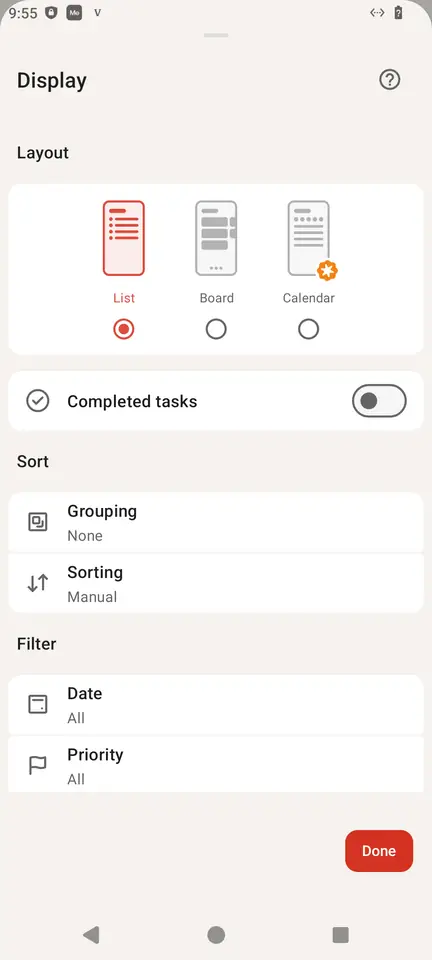
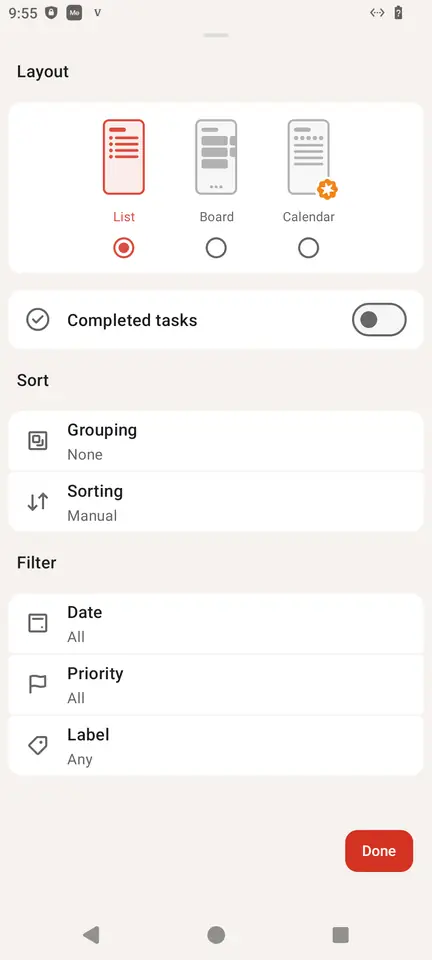
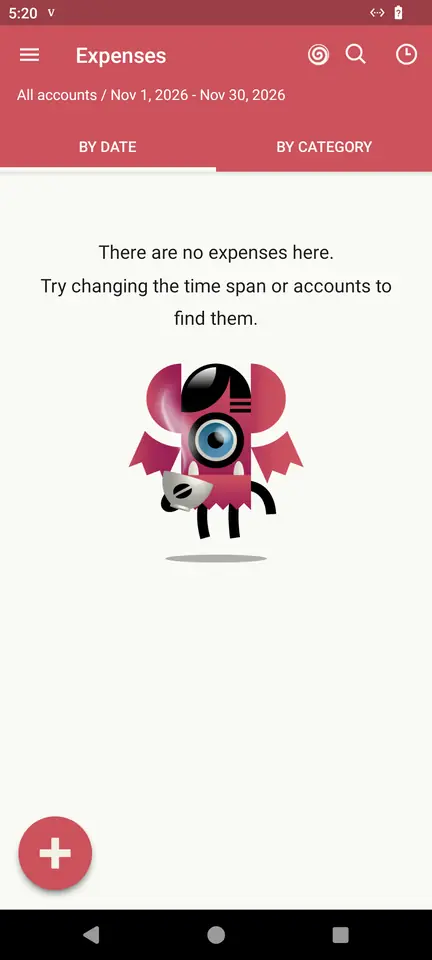
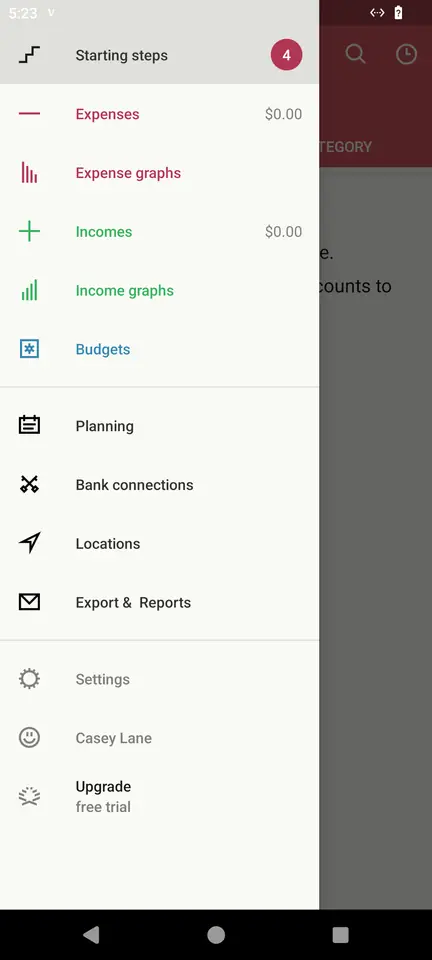
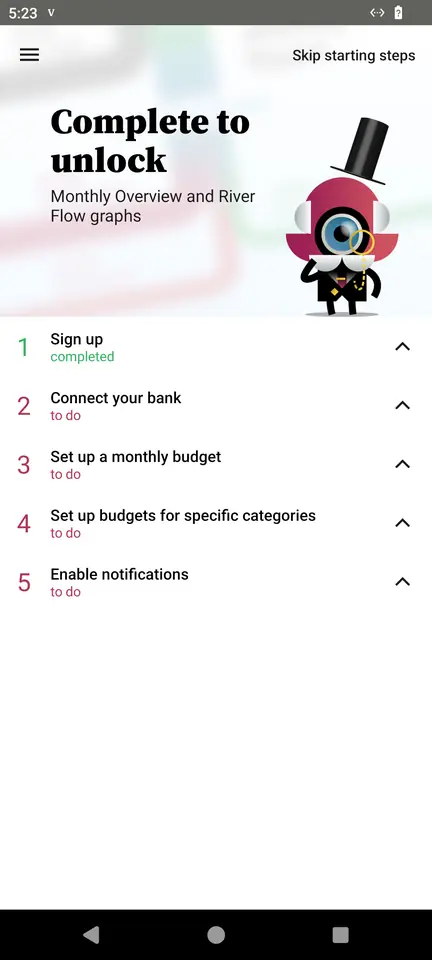
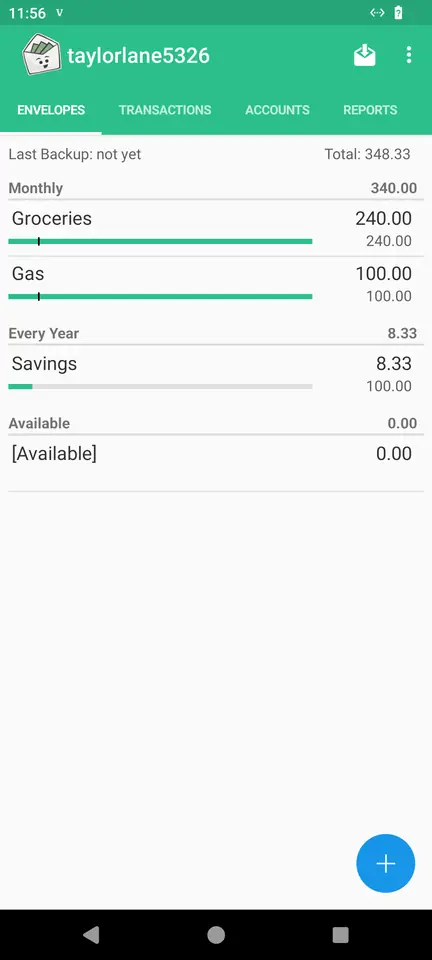
Every screen of TickTick's home & browsing screens on Android, in order: 6 steps, recorded on a real device. TickTick's home & browsing flow walks through 6 screens, including “No tasks”, “Inbox is a temporary hub”, “Try subscribing to local calendars…” and “What would you like to do?”. Along the way it stops for an offer at step 3 and a question at step 4. The screens are built around chips (5 screens).
UI components:
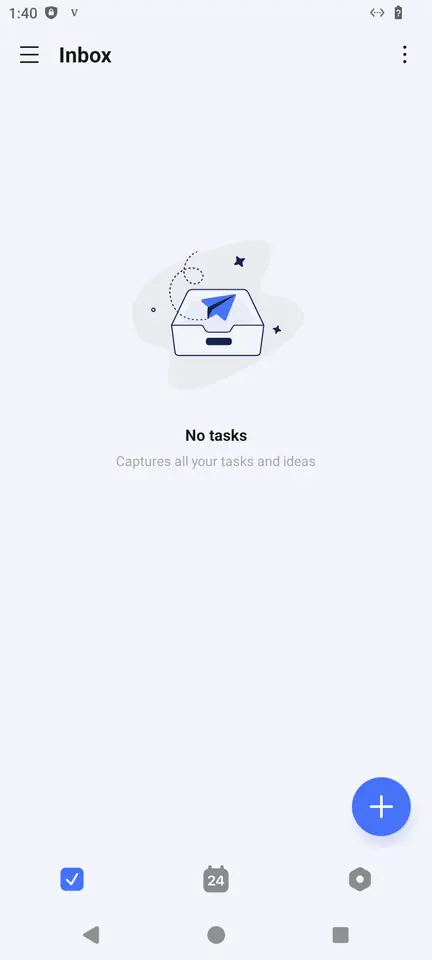 01 Home & browsing
Inbox — No tasks
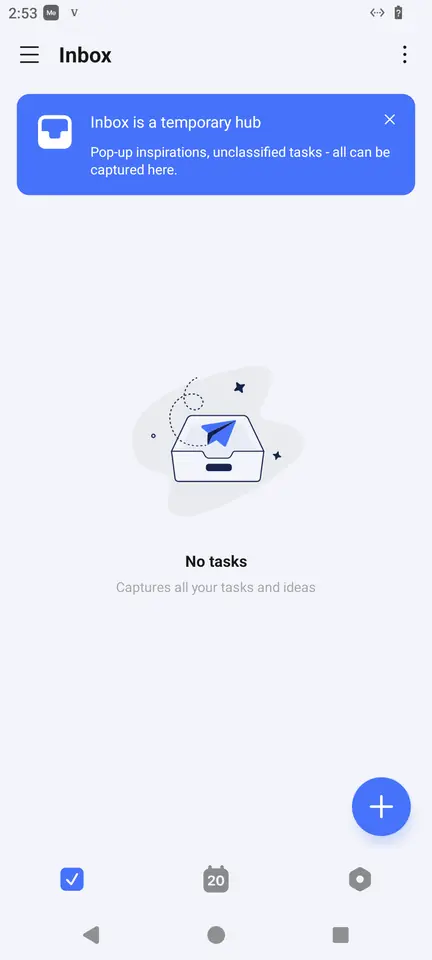 02 Home & browsing
Inbox — No tasks
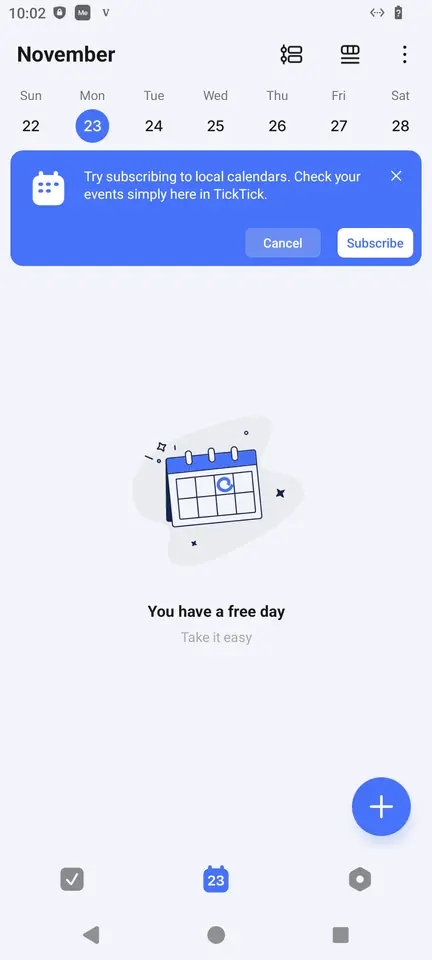 03 Home & browsing
November — You have a free day
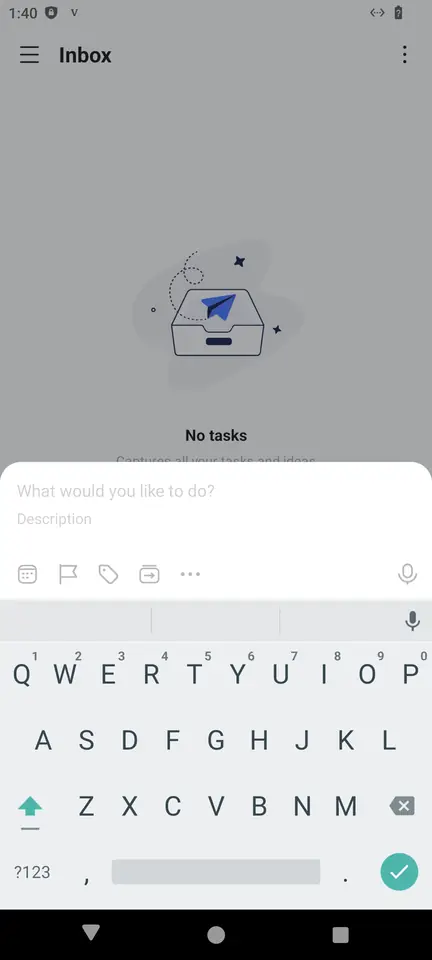 04 Home & browsing
Inbox — No tasks
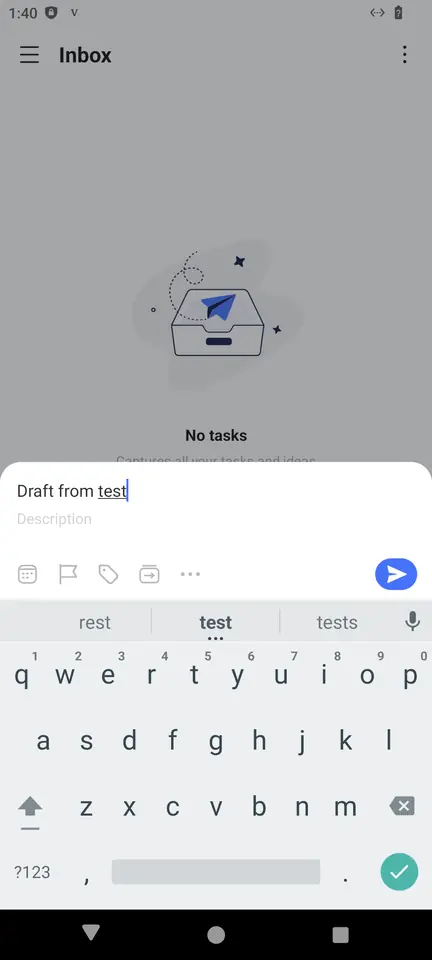 05 Home & browsing
Inbox — No tasks
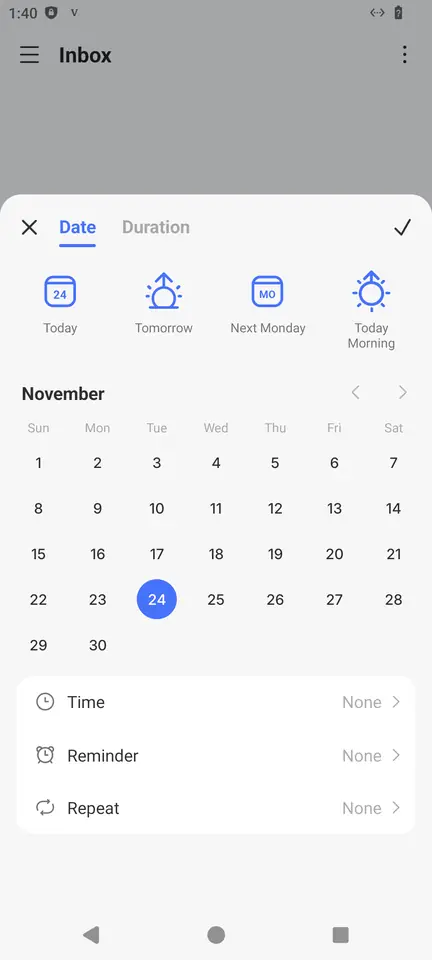 06 Home & browsing
Date — Duration
What TickTick's home & browsing screens does
- 6 screens in order, opening on “No tasks” and ending at “Duration”.
Captured on a real Android device · last updated 2026-11-14