Home & browsing flow · ZipRecruiter · Android
ZipRecruiter home & browsing screens
Every screen of ZipRecruiter's home & browsing screens on Android, in order: 4 steps, recorded on a real device. ZipRecruiter's home & browsing flow walks through 4 screens, including “Notifications”, “Text field”, “944+ jobs found in Remote (USA)” and “Cherry Hill, NJ · Remote”. Along the way it stops for an offer at step 3. The screens are built around tab bars (3 screens) and a search bar.
UI components:
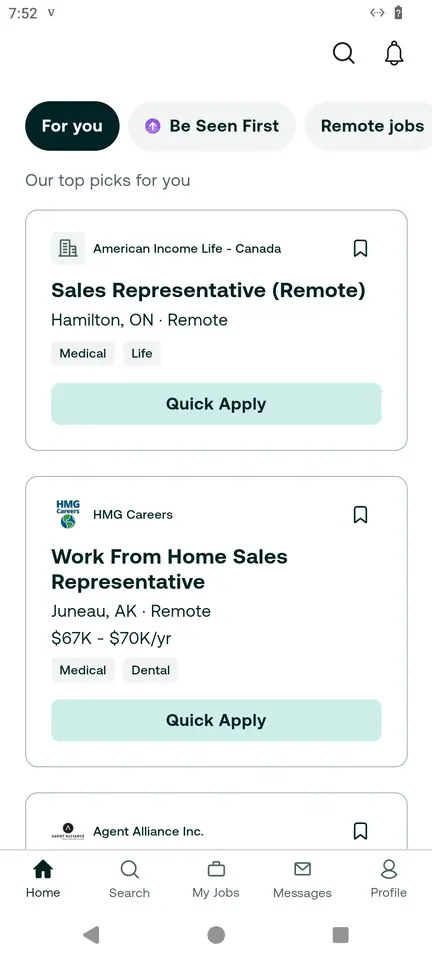 01 Home & browsing
Search — Notifications
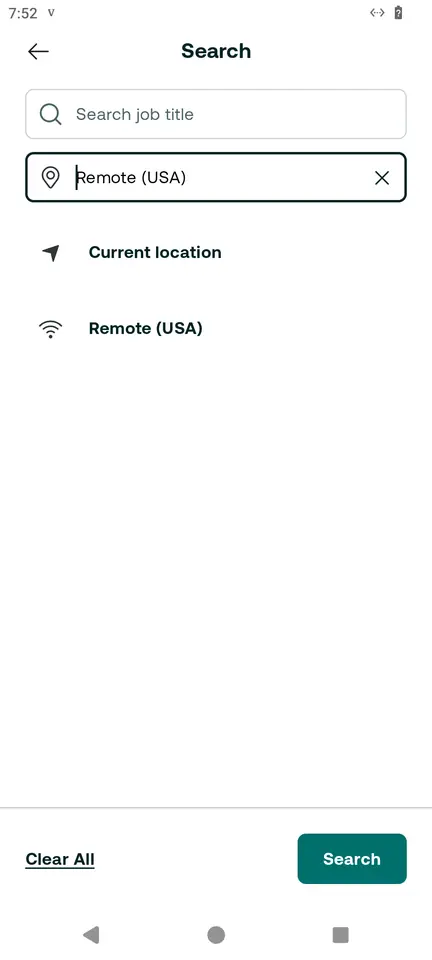 02 Home & browsing
Back — Search
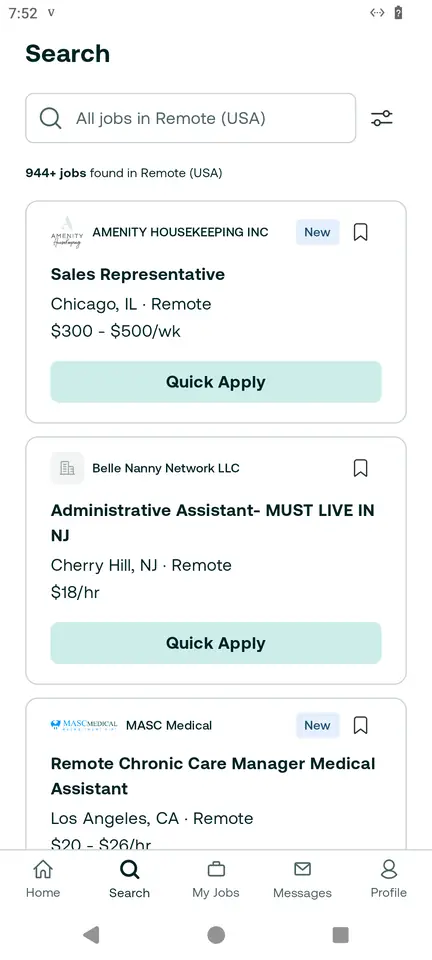 03 Home & browsing
944+ jobs found in Remote (USA) — AMENITY HOUSEKEEPING INC
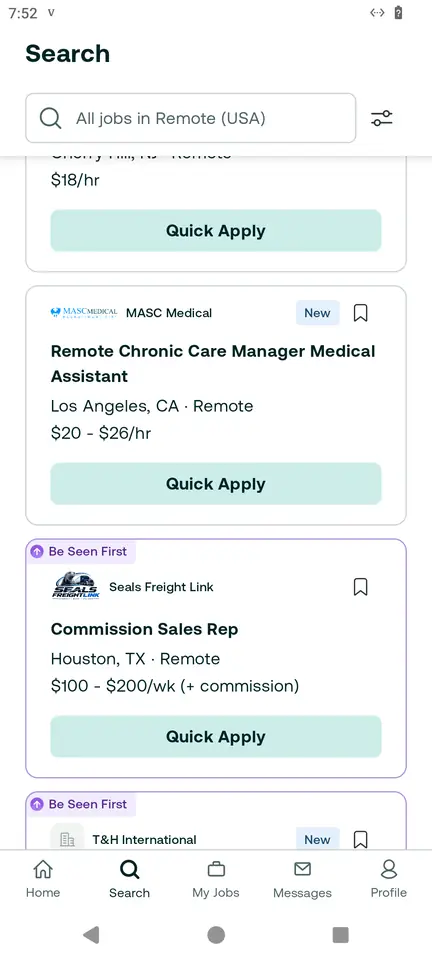 04 Home & browsing
Cherry Hill, NJ · Remote — $18/hr
What ZipRecruiter's home & browsing screens does
- 4 screens in order, opening on “Search” and ending at “Cherry Hill, NJ · Remote”.
- Shows pricing on screen: “$300 - $500/wk”.
Captured on a real Android device · last updated 2026-11-14