Gametime UX teardown: the home & browsing screens
A screen-by-screen UX teardown of Gametime's home & browsing screens on Android: what each of its 9 steps is for, where it asks for commitment, and what other streaming & entertainment apps do differently. Every screen and quote is from our own capture on a real device.
The short version
Shape: Content → Paywall → Content → Paywall ×2 → Content ×3 → Paywall.
- 9 screens — longer than the median home & browsing flow in the library (4 screens across 143 other apps).
- Shows a paywall or offer at step 2: “$0”.
- Built from chip (4 screens) and slider (3 screens) — the most common components we detected in the flow.
Step by step
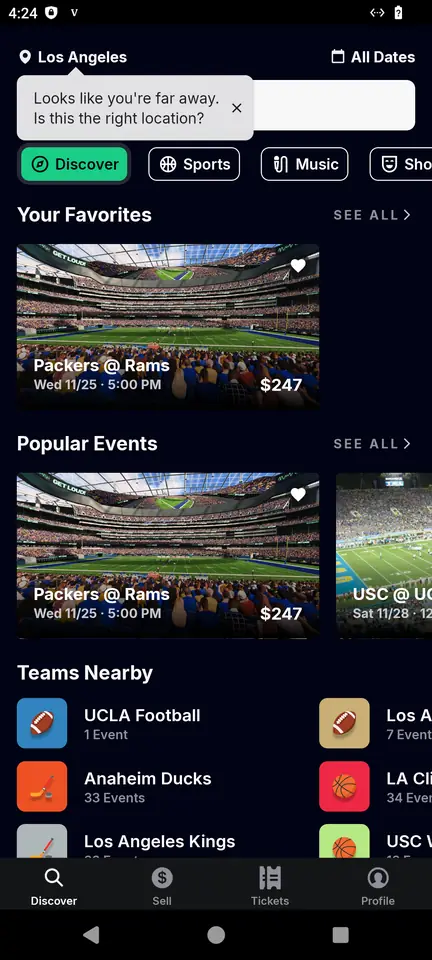
“Los Angeles”
This screen shows the product itself. On screen: All Dates
, Search Gametime
.
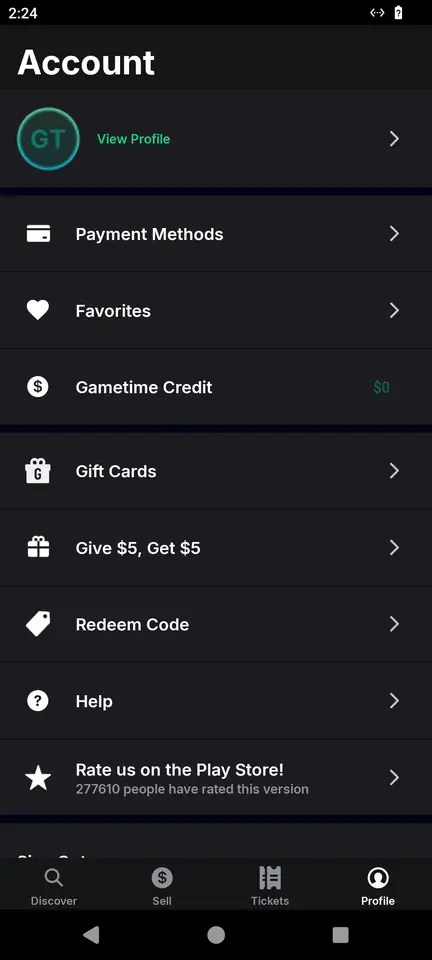
“Account”
This screen puts a price or a trial offer on screen. On screen: GT
, View Profile
.
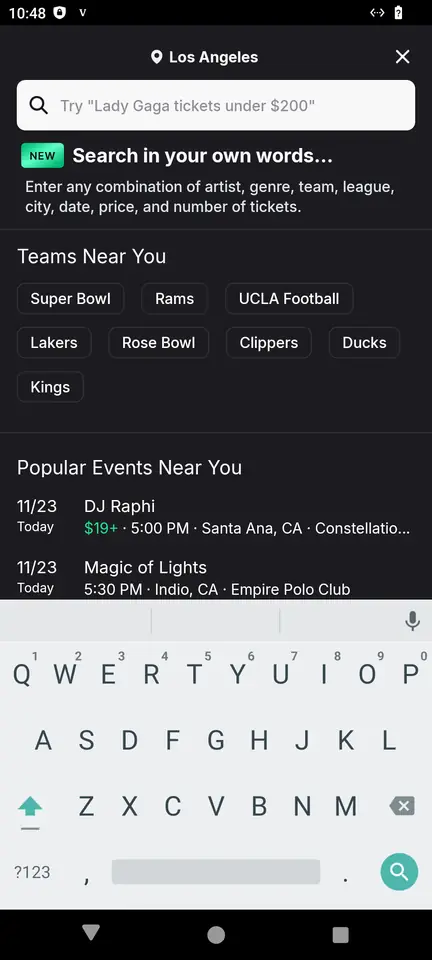
“Search in your own words...”
This screen shows the product itself. On screen: Los Angeles
, Try "What's happening near me tonight"
.
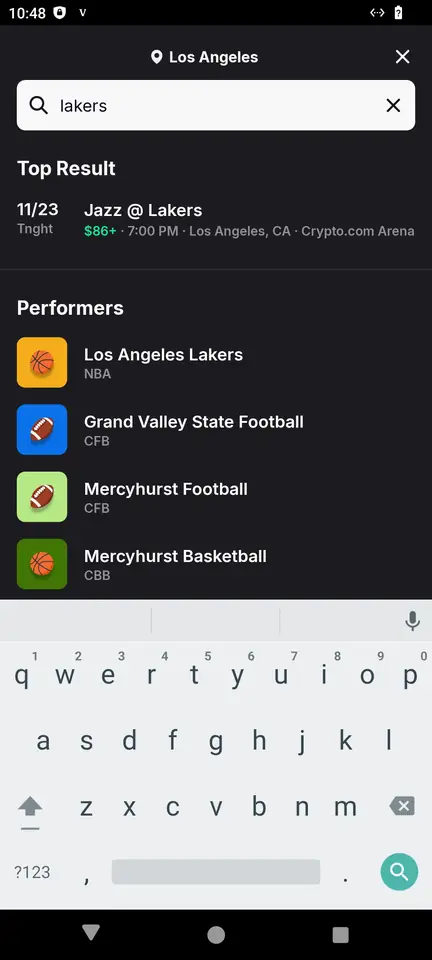
“lakers”
This screen puts a price or a trial offer on screen. On screen: Los Angeles
, Top Result
.
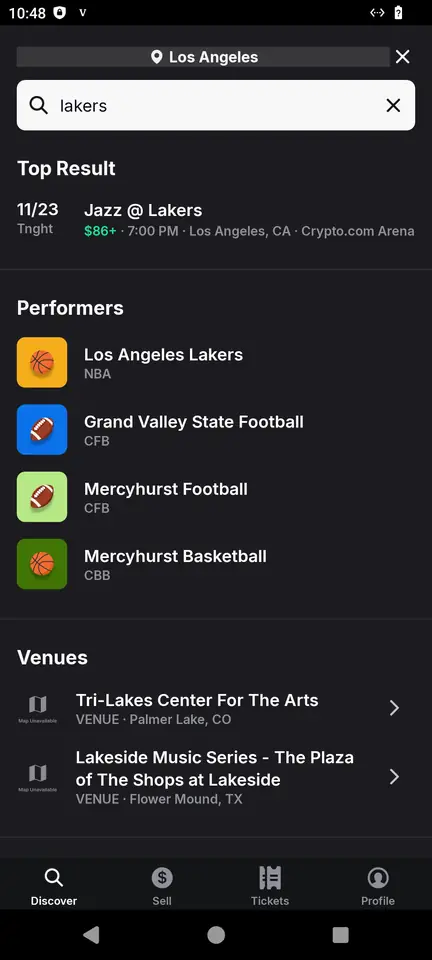
“Los Angeles”
This screen puts a price or a trial offer on screen. On screen: lakers
, Top Result
.
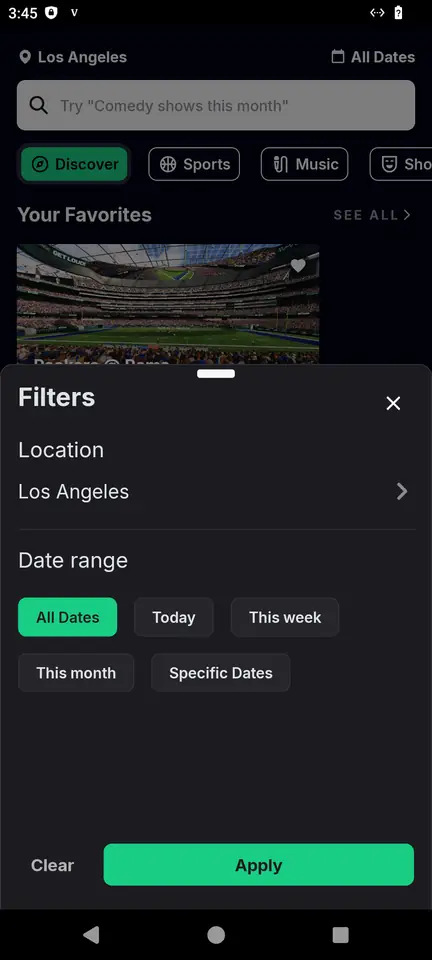
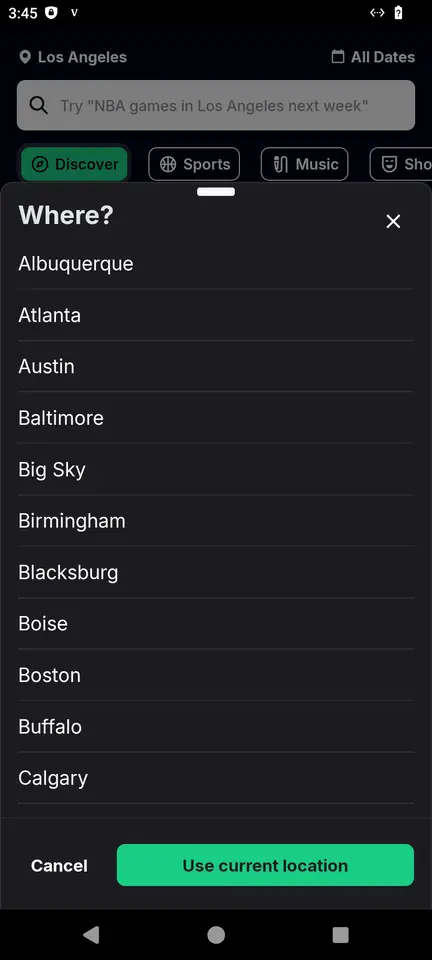
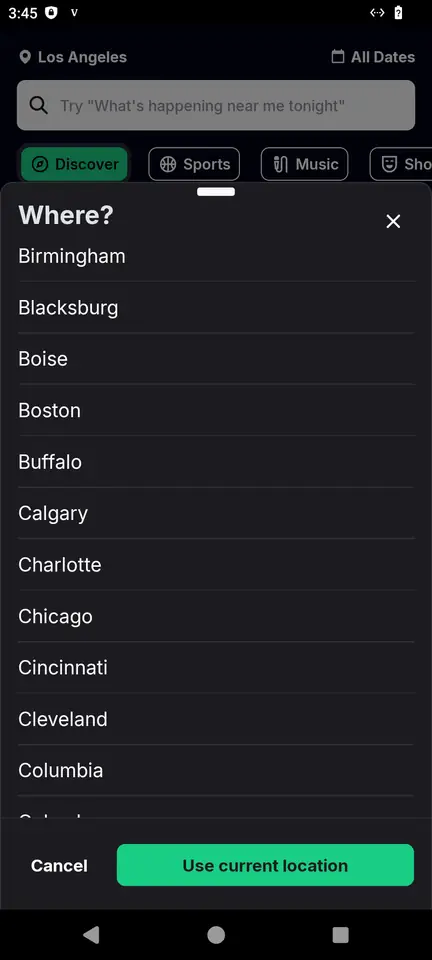
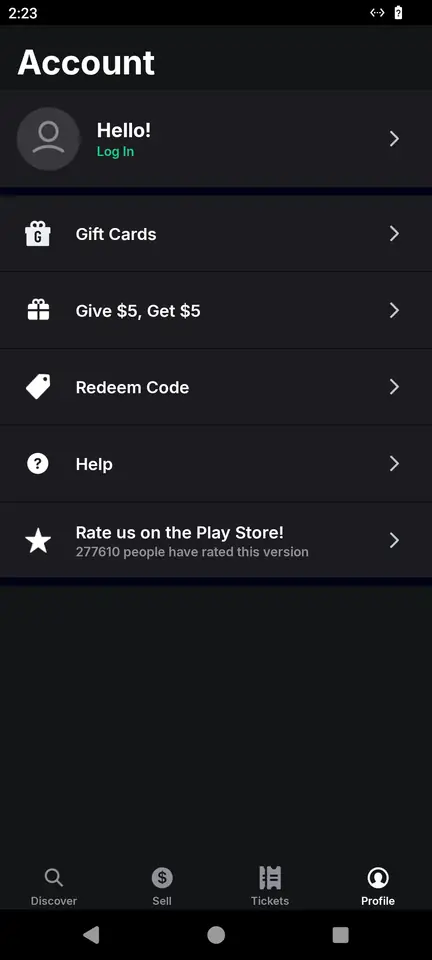
“Account”
This screen puts a price or a trial offer on screen. On screen: LoginButton
, Hello!
.
What to steal from Gametime
- Keep every step single-purpose: each of Gametime's 9 screens does one job (content and paywall).
UI components in this flow
Other Gametime flows
As an X thread
- 1/ How Gametime handles its home & browsing flow on Android: 9 screens, step by step. A UX teardown 🧵
- 2/ The shape of the flow: Content → Paywall → Content → Paywall ×2 → Content ×3 → Paywall.
- 3/ Step 1 — content: “Los Angeles”. It shows the product itself.
- 4/ Step 2 — paywall: “Account”. It puts a price or a trial offer on screen.
- 5/ Step 3 — content: “Search in your own words...”. It shows the product itself.
- 6/ Shows a paywall or offer at step 2: “$0”.
- 7/ Built from chip (4 screens) and slider (3 screens) — the most common components we detected in the flow.
- 8/ What to steal — Keep every step single-purpose: each of Gametime's 9 screens does one job (content and paywall).
- 9/ Every screen, in order, free: https://flowtape.ai/teardown/gametime/
FAQ
How many screens is Gametime's home & browsing screens?
We captured 9 screens of Gametime's home & browsing screens on a real Android device. Its shape: Content → Paywall → Content → Paywall ×2 → Content ×3 → Paywall.
What UI patterns does Gametime use?
Across the 13 Gametime screens in the library we detected skip button, permission priming, search bar and promo banner.
What can designers learn from Gametime's home & browsing screens?
Keep every step single-purpose: each of Gametime's 9 screens does one job (content and paywall).
Captured on a real Android device · last updated 2026-11-14