Home & browsing flow · Bleacher Report · Android
Bleacher Report home & browsing screens
Every screen of Bleacher Report's home & browsing screens on Android, in order: 15 steps, recorded on a real device. Bleacher Report's home & browsing flow walks through 15 screens, including “PERSONALIZE YOUR FEED”, “Dismiss banner”, “FOLLOW TEAMS & LEAGUES” and “NO RESULT FOUND FOR 'DRAFT FROM TEST'”. Along the way it stops for a question at step 1 and a permission request at step 9. The screens are built around a search bar.
UI components:
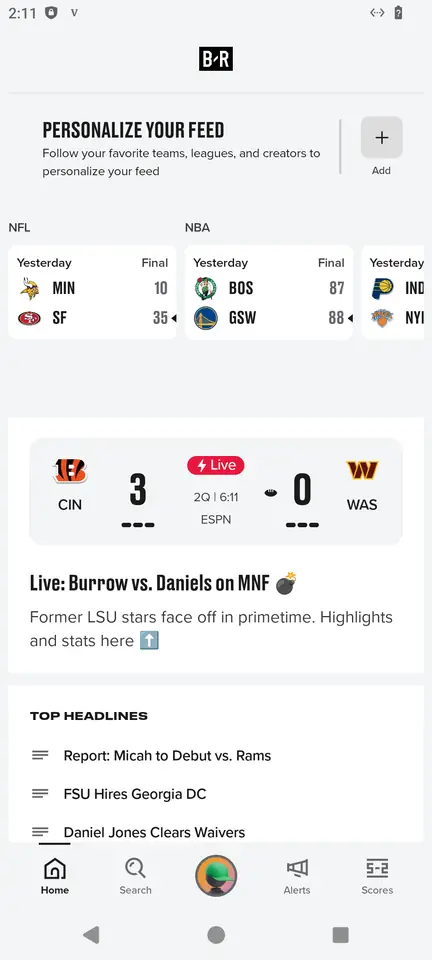 01 Home & browsing
PERSONALIZE YOUR FEED — Follow your favorite teams, leagues, and creators to personalize your feed
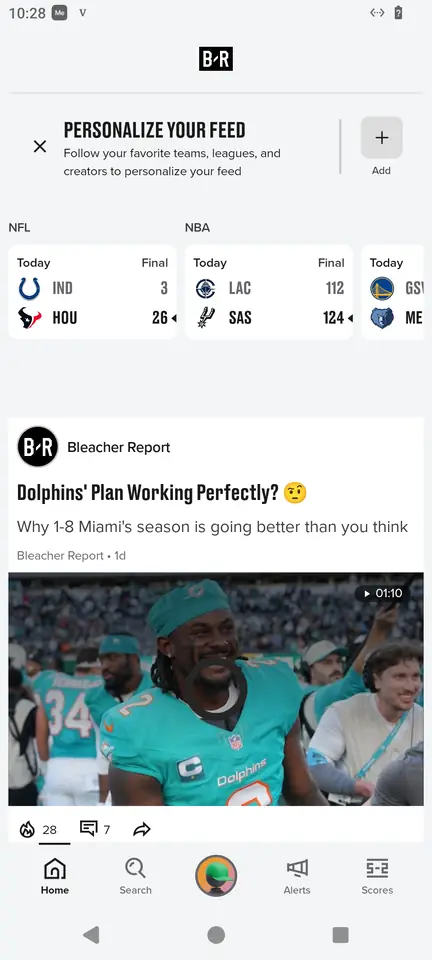 02 Home & browsing
Dismiss banner — PERSONALIZE YOUR FEED
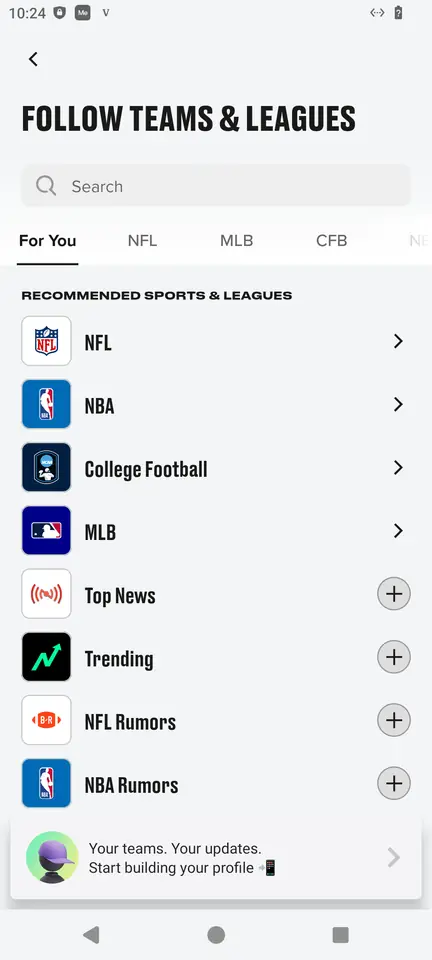 03 Home & browsing
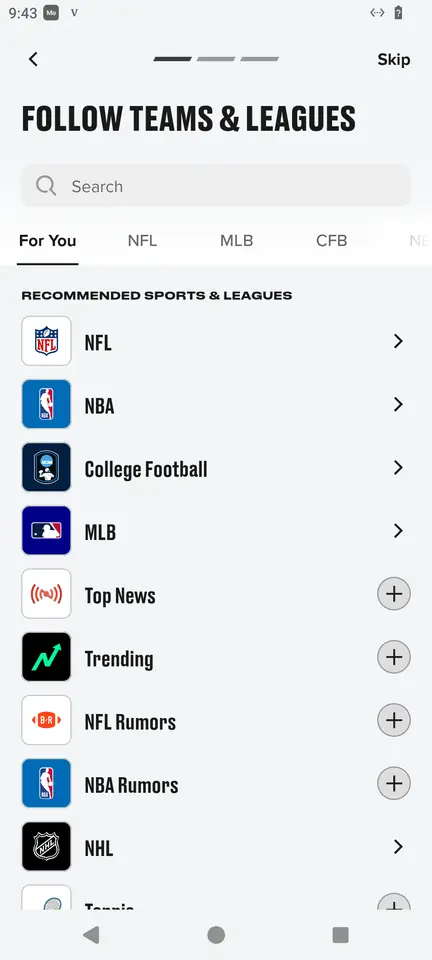
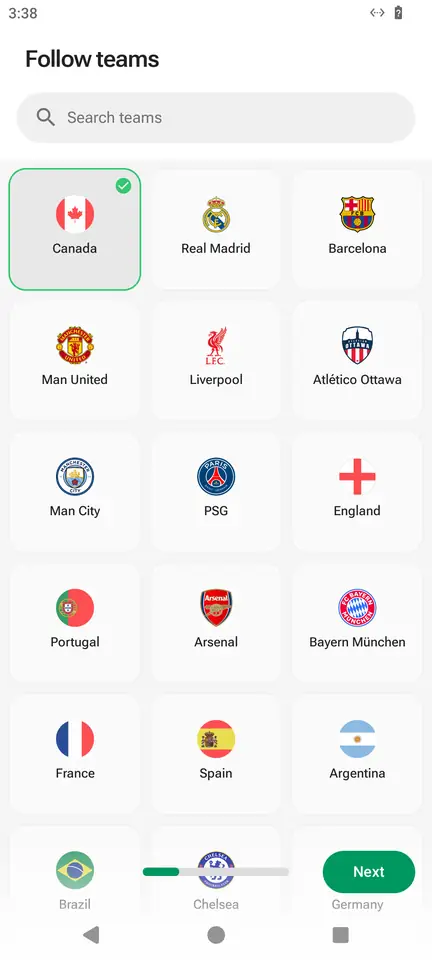
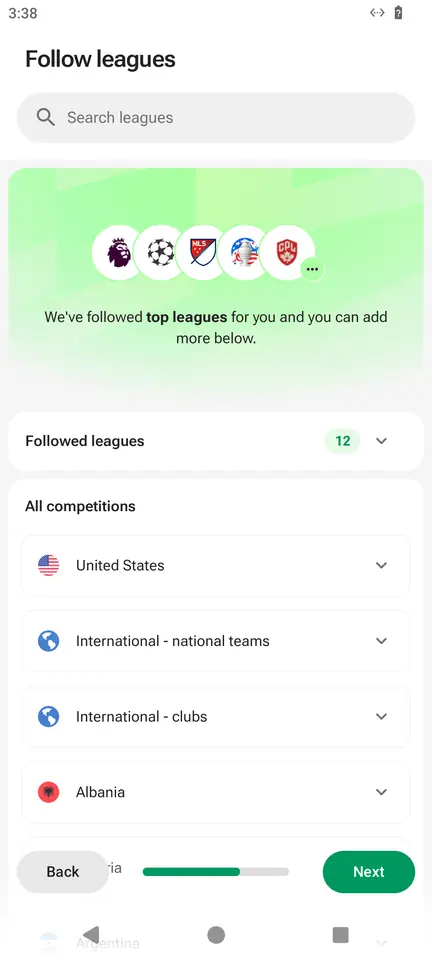
FOLLOW TEAMS & LEAGUES — Search
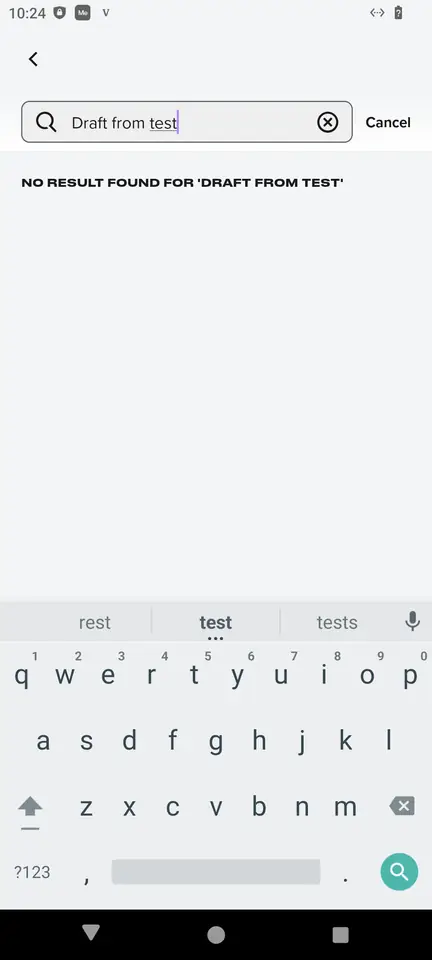 04 Home & browsing
NO RESULT FOUND FOR 'DRAFT FROM TEST' — Draft from test
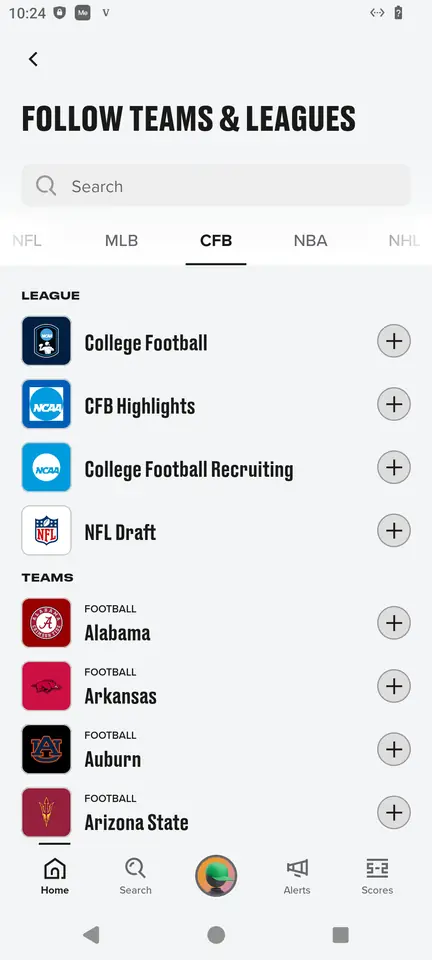 05 Home & browsing
FOLLOW TEAMS & LEAGUES — Search
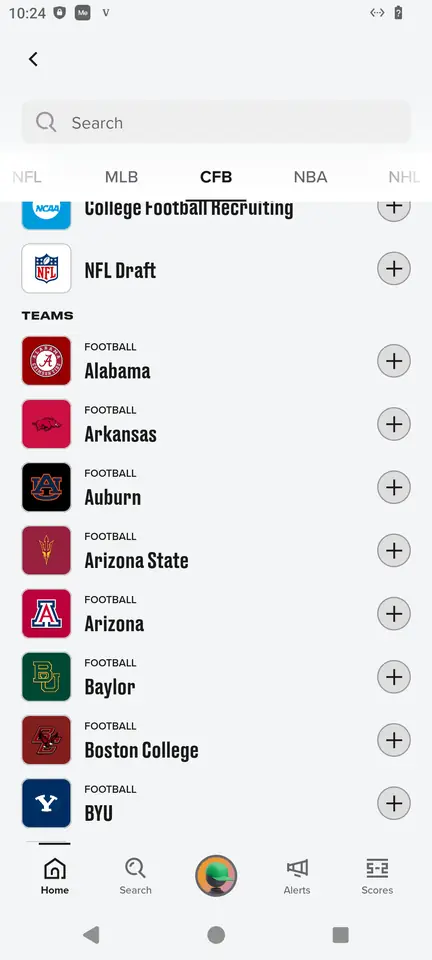 06 Home & browsing
College Football logo logo — College Football
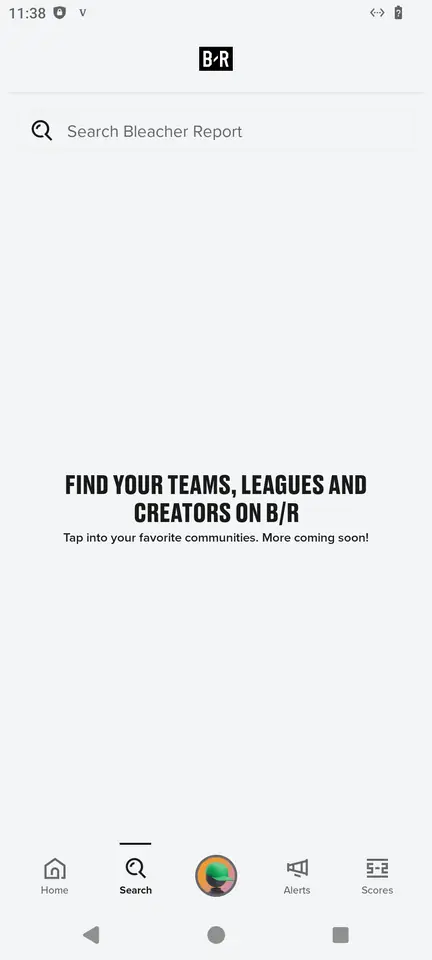 07 Home & browsing
FIND YOUR TEAMS, LEAGUES AND CREATORS ON B/R — Tap into your favorite communities. More coming soon!
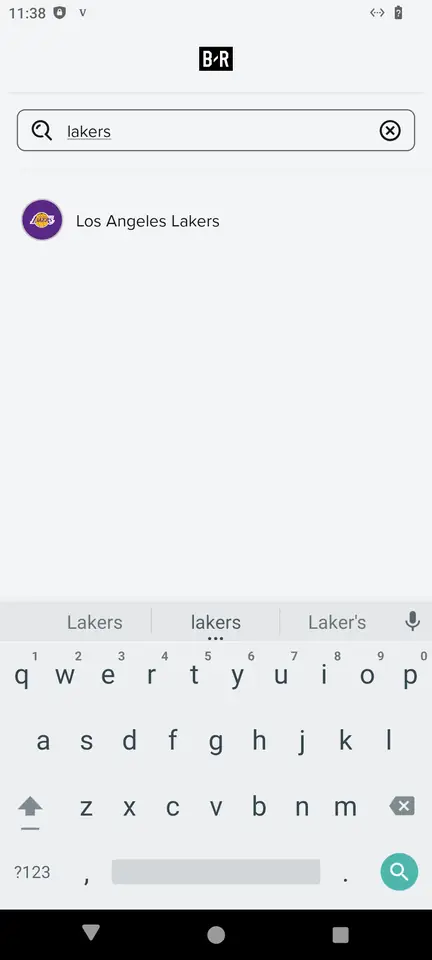 08 Home & browsing
Los Angeles Lakers — Bleacher Report Logo
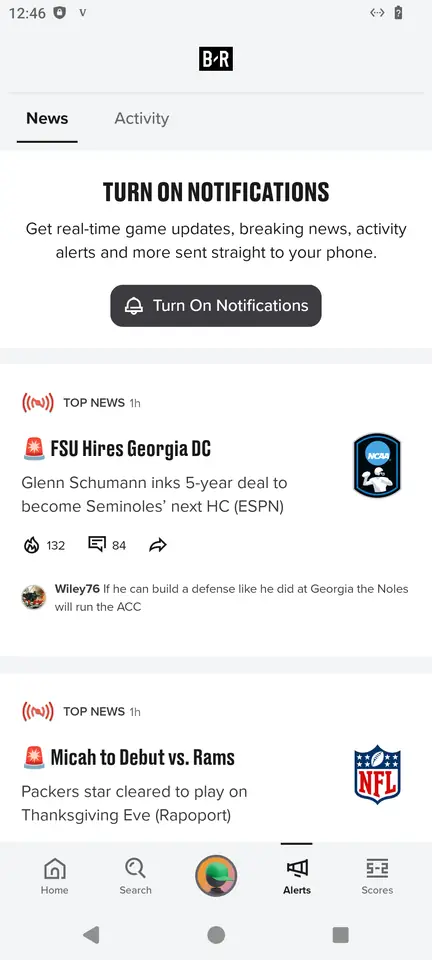 09 Home & browsing
TURN ON NOTIFICATIONS — TOP NEWS
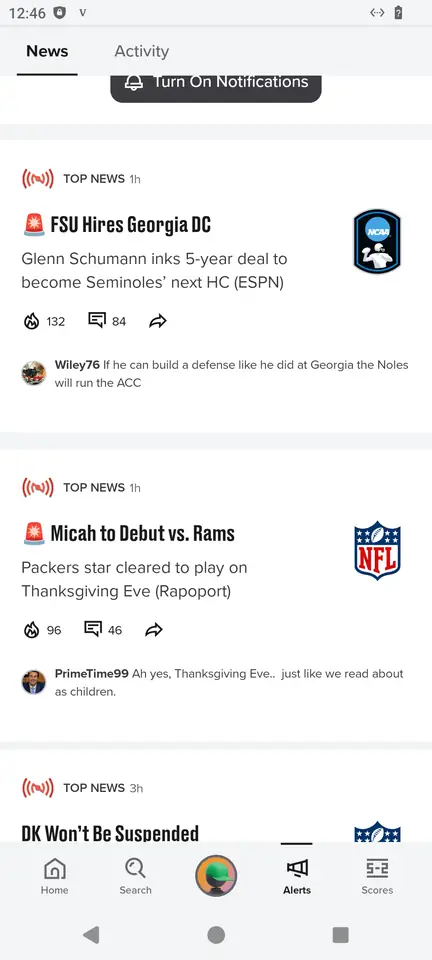 10 Home & browsing
Turn On Notifications — TOP NEWS
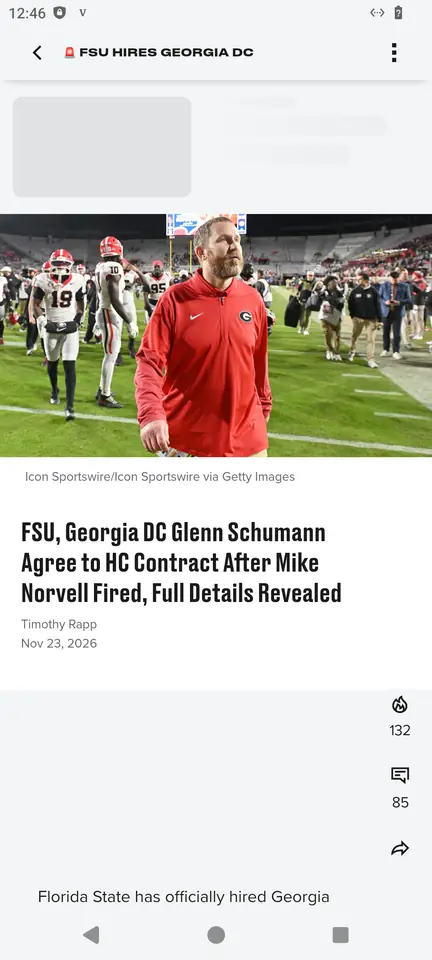 11 Home & browsing
FIRE — 132
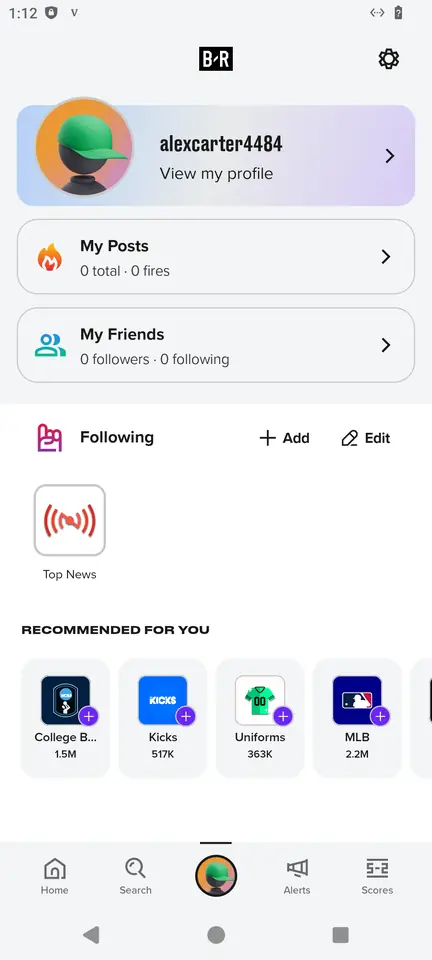 12 Home & browsing
Bleacher Report Logo — Profile
 13 Home & browsing
NO POSTS YET — You haven't shared any takes yet
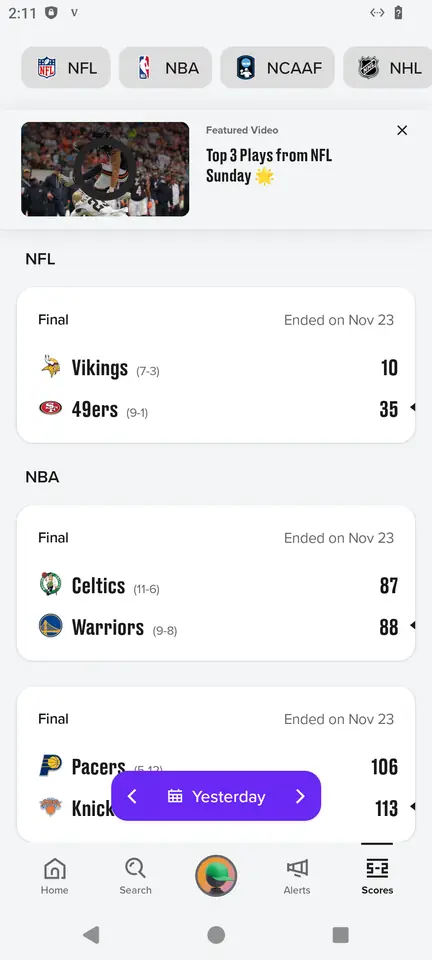 14 Home & browsing
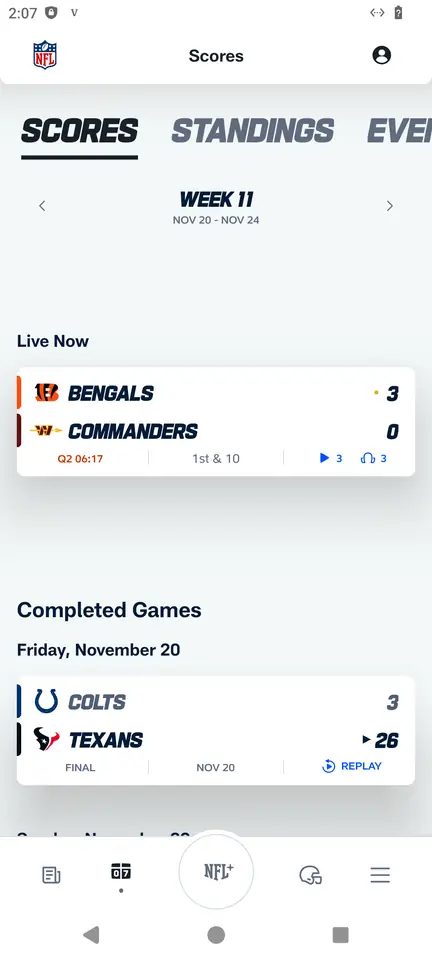
NFL — Final
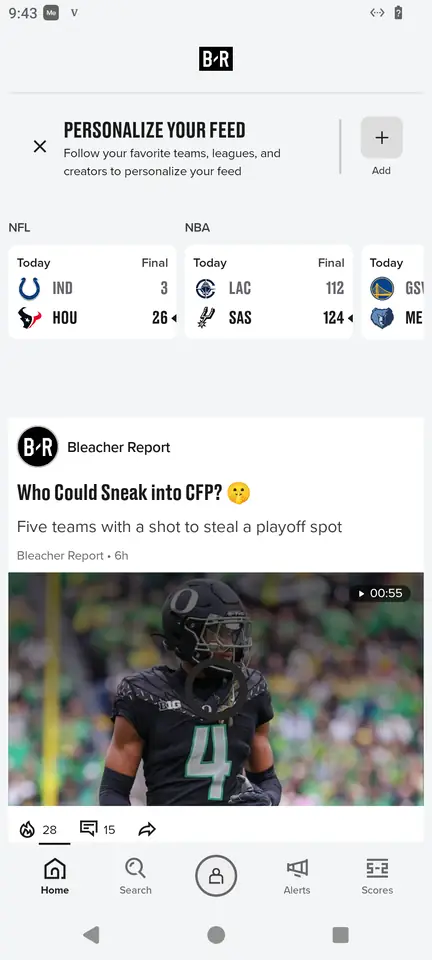 15 Home & browsing
Dismiss banner — PERSONALIZE YOUR FEED
What Bleacher Report's home & browsing screens does
- 15 screens in order, opening on “PERSONALIZE YOUR FEED” and ending at “Dismiss banner”.
Captured on a real Android device · last updated 2026-11-14