Home & browsing flow · FotMob · Android
FotMob home & browsing screens
Every screen of FotMob's home & browsing screens on Android, in order: 13 steps, recorded on a real device. FotMob's home & browsing flow walks through 13 screens, including “Football is better with FotMob”, “Follow teams”, “We've followed top leagues for you and…” and “Follow players”. The screens are built around bottom sheets (5 screens), cards (2 screens) and a search bar.
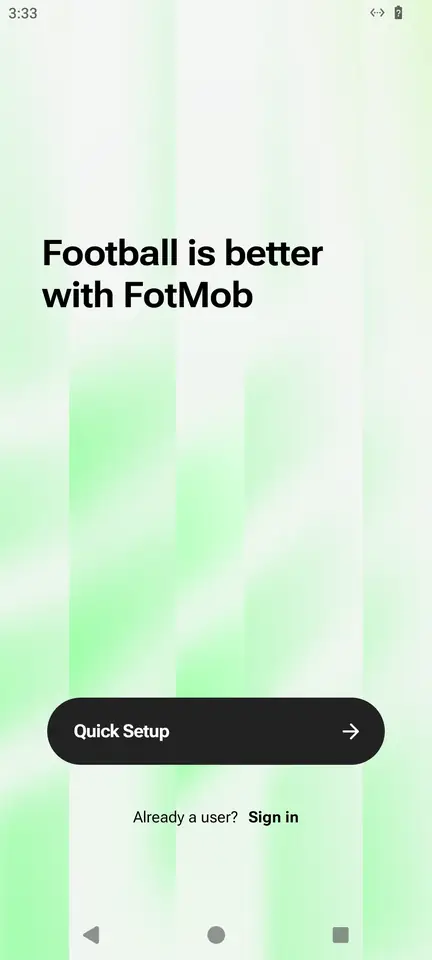 01 Onboarding
Football is better with FotMob — Quick Setup
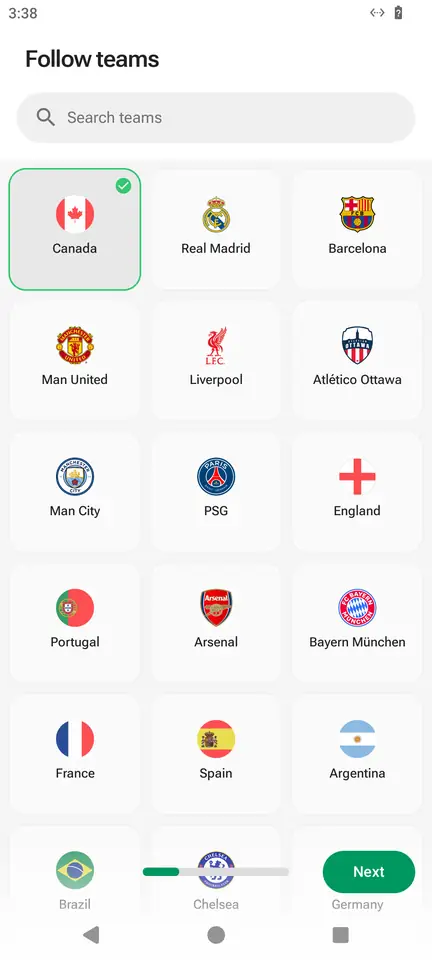 02 Home & browsing
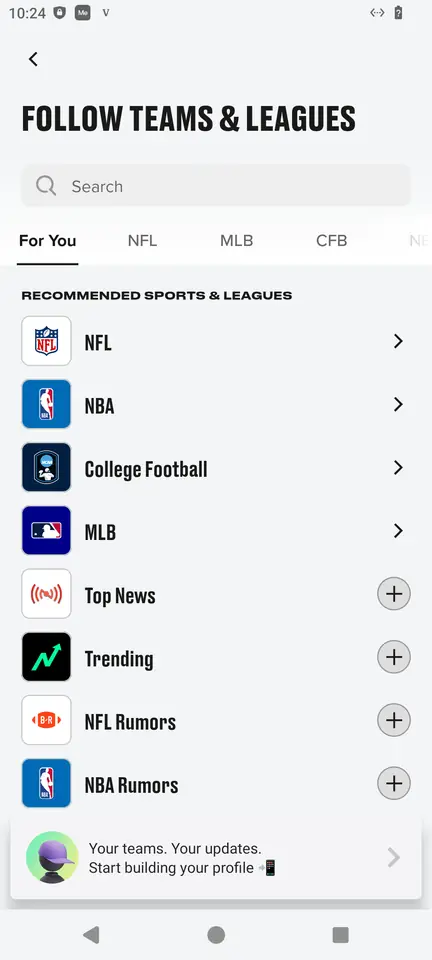
Follow teams — Search teams
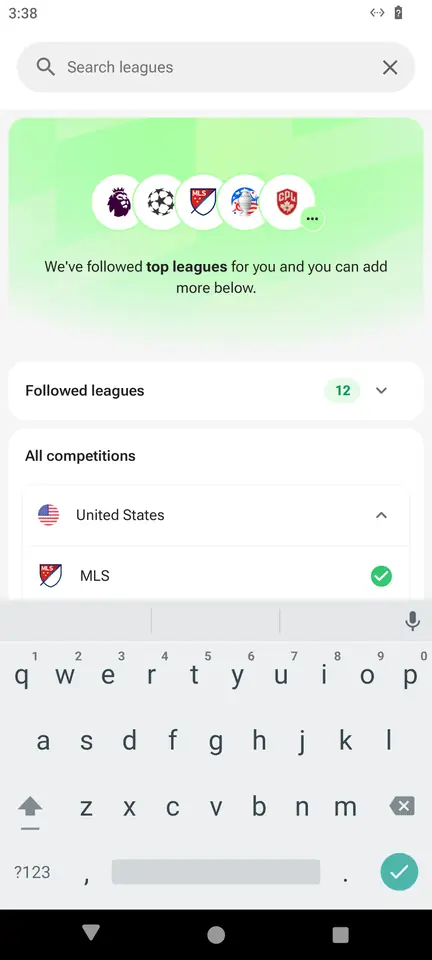
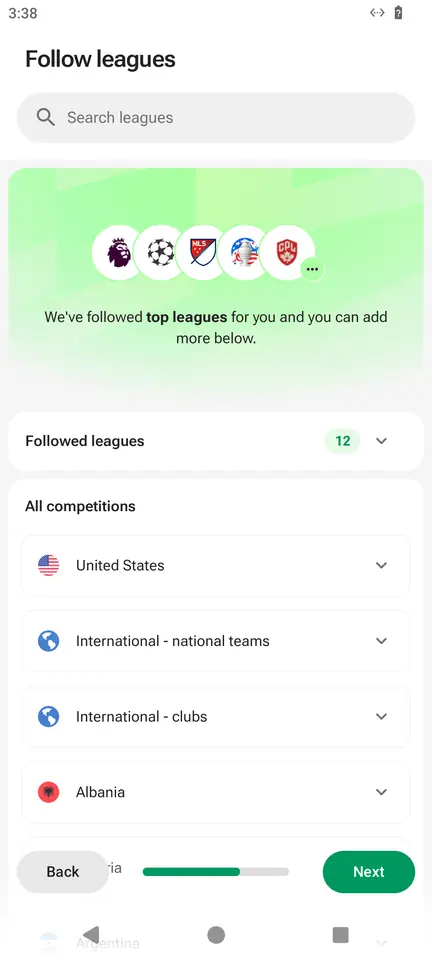 03 Home & browsing · tap “Search leagues”
Follow leagues — Search leagues
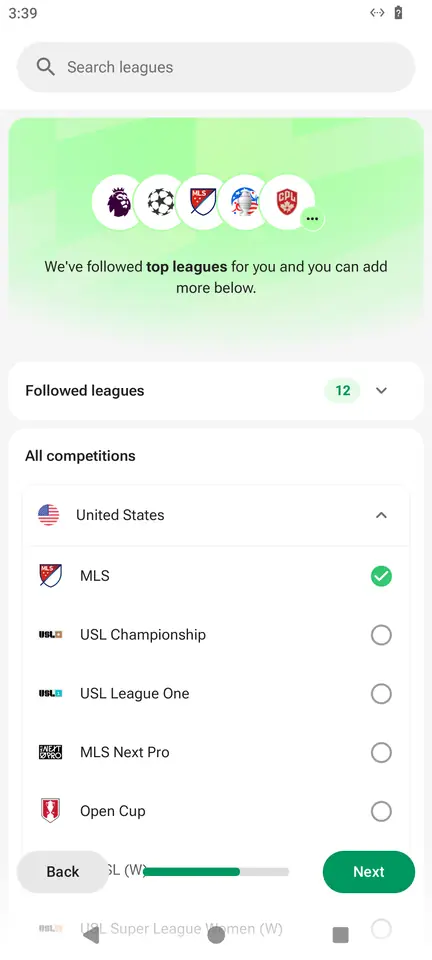
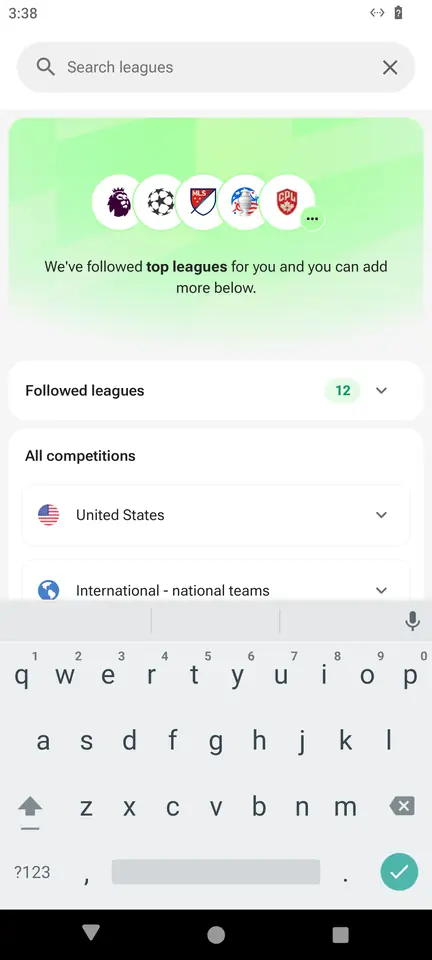 04 Home & browsing · tap “United States”
Search leagues — Clear
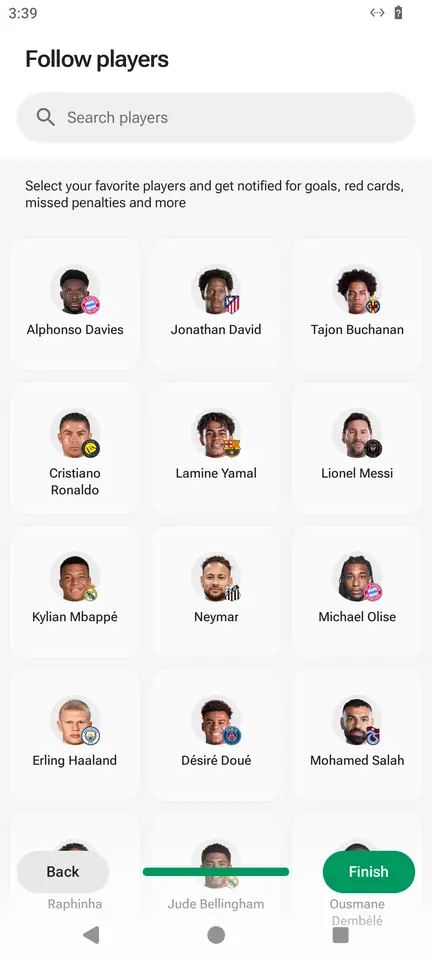 05 Home & browsing · tap “Search players”
Follow players — Search players
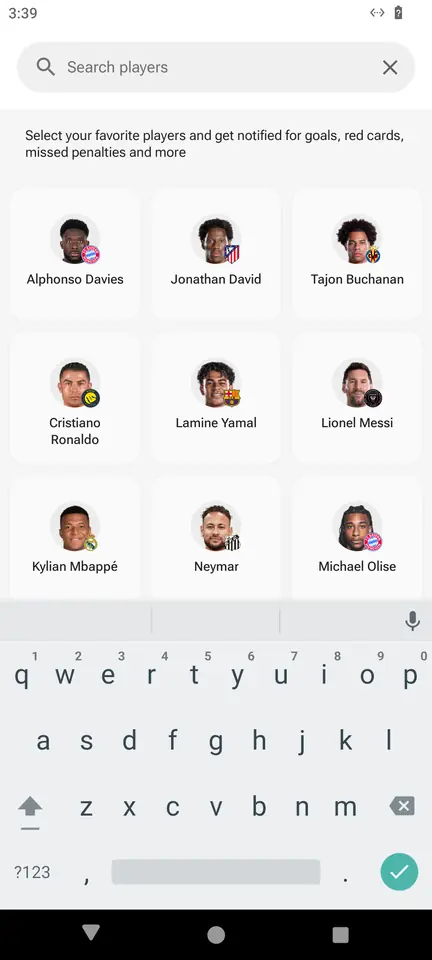 06 Home & browsing · tap “Finish”
Search players — Clear
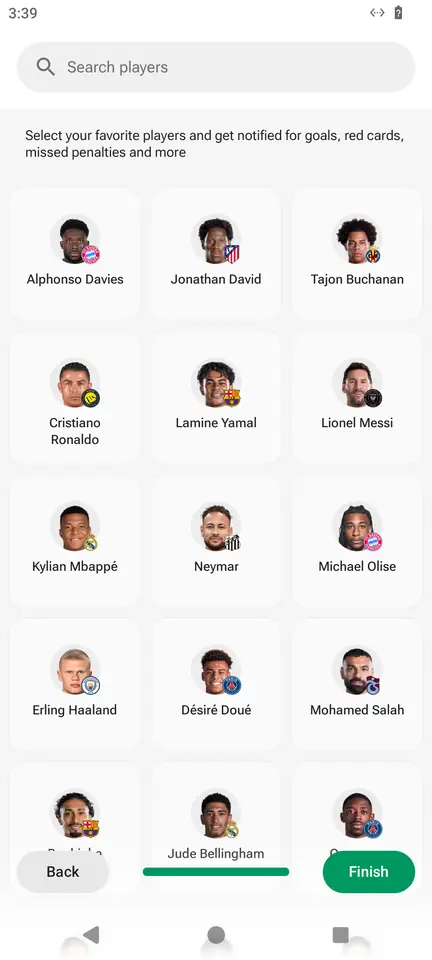 07 Home & browsing
Search players — Alphonso Davies
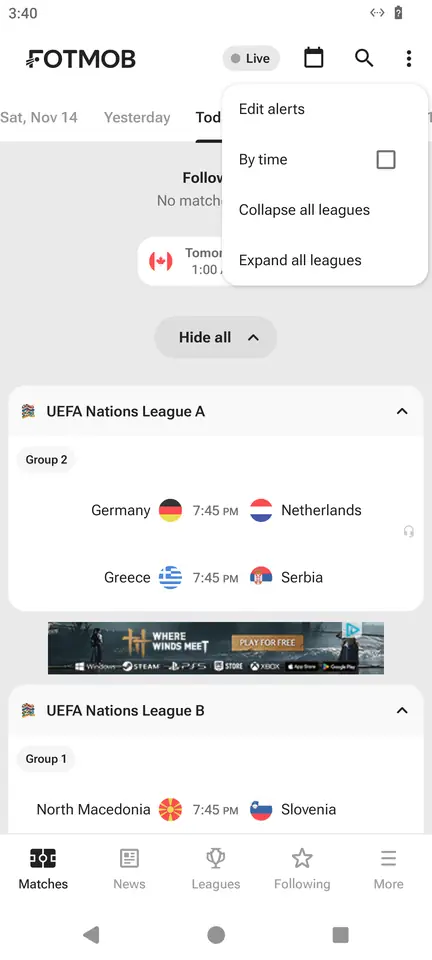 08 Home & browsing
Edit alerts — By time
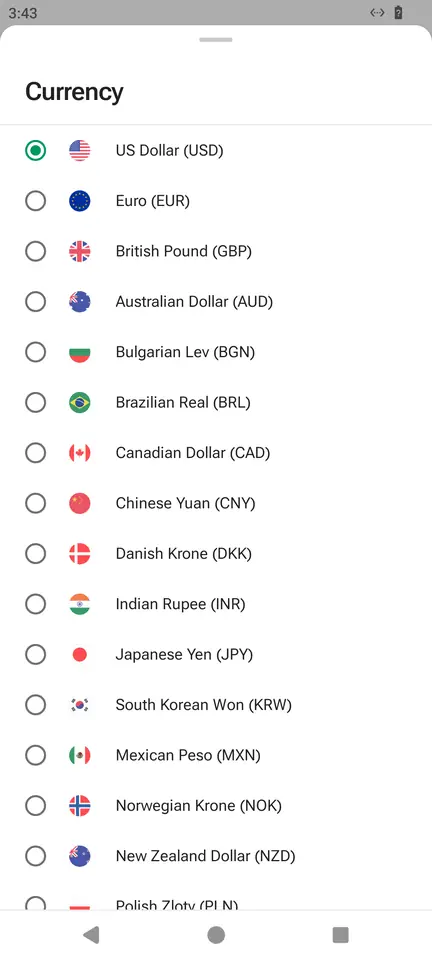 09 Home & browsing
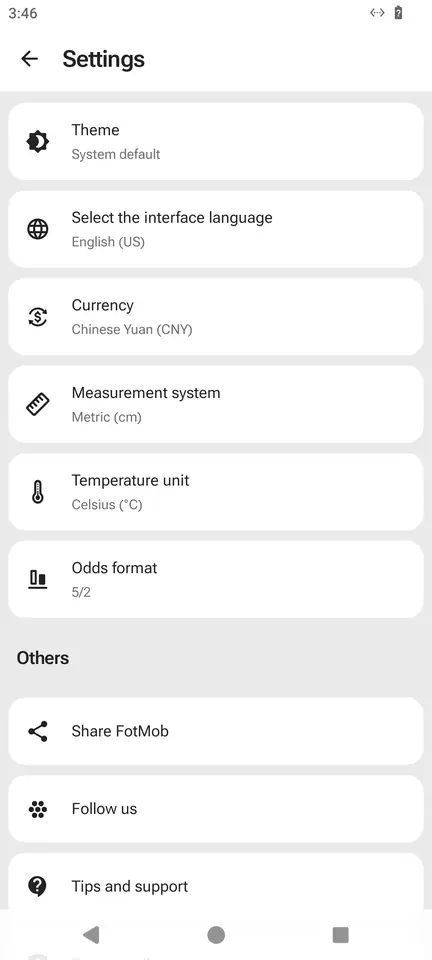
Currency — US Dollar (USD)
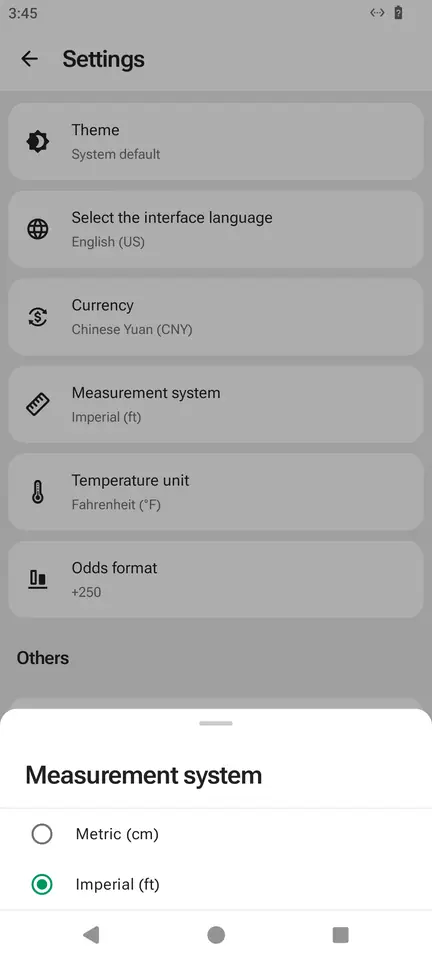 10 Home & browsing · tap “Metric (cm)”
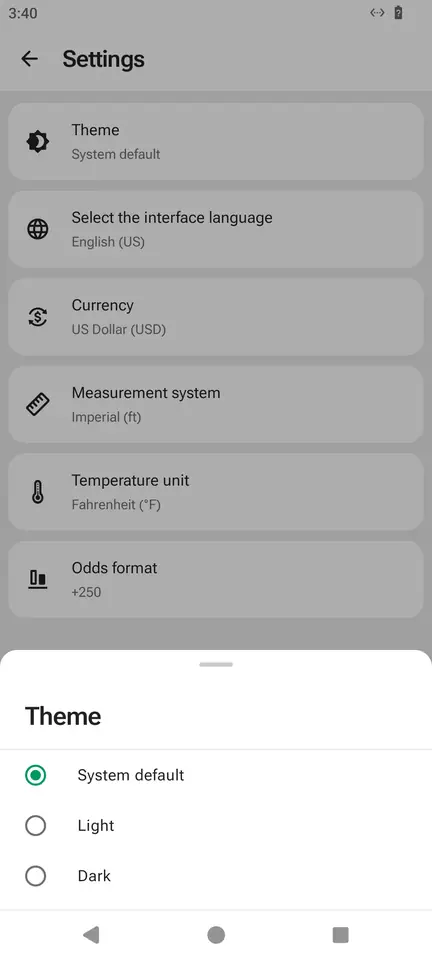
Measurement system — Metric (cm)
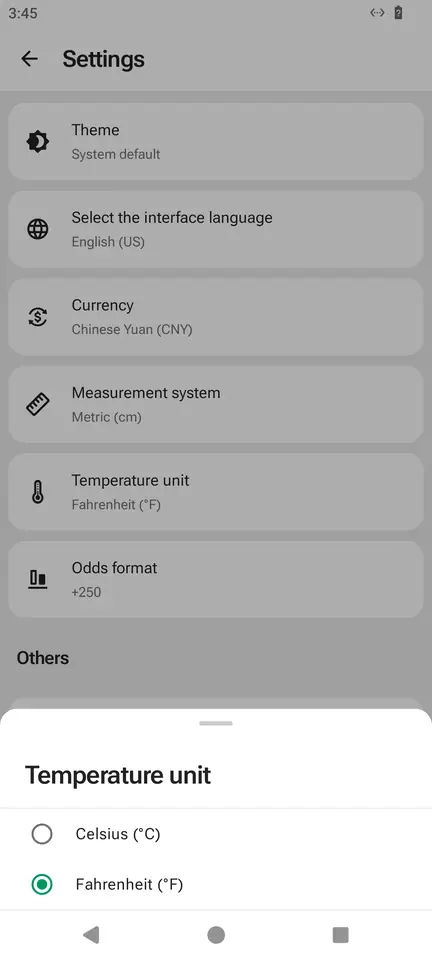 11 Home & browsing · tap “Celsius (°C)”
Temperature unit — Celsius (°C)
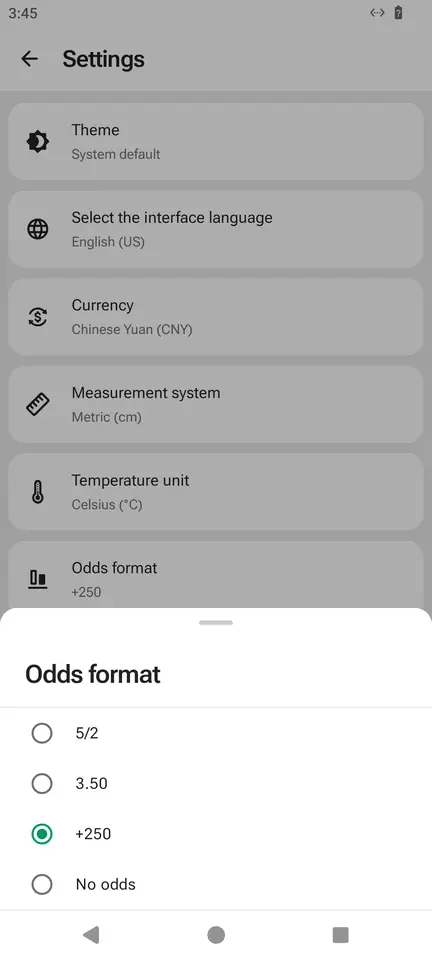 12 Home & browsing · tap “5/2”
Odds format — 5/2
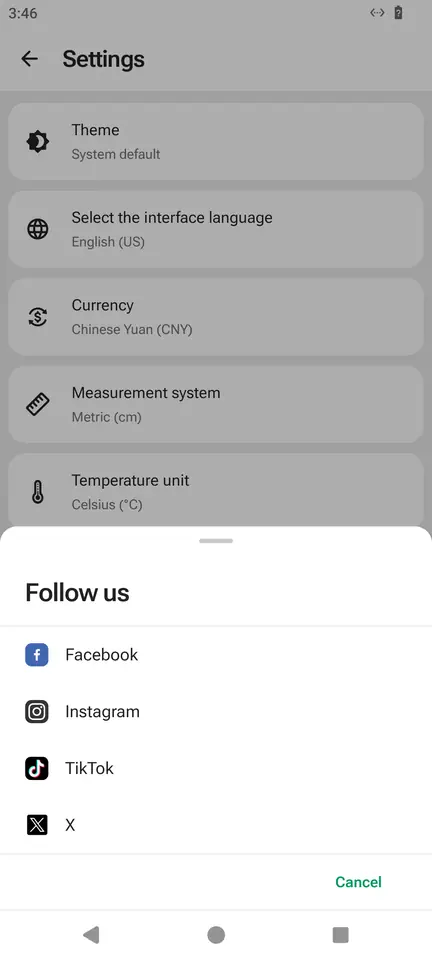 13 Home & browsing
Follow us — Facebook
What FotMob's home & browsing screens does
- 13 screens in order, opening on “Football is better with FotMob” and ending at “Follow us”.
- Taps along the way: “Search leagues” → “United States” → “Search players” → “Finish” → “Metric (cm)” → “Celsius (°C)”….
- Shows a step counter (“5/2”) so users always know how far along they are.
Read the step-by-step UX teardown of this flow →
Captured on a real Android device · last updated 2026-11-14