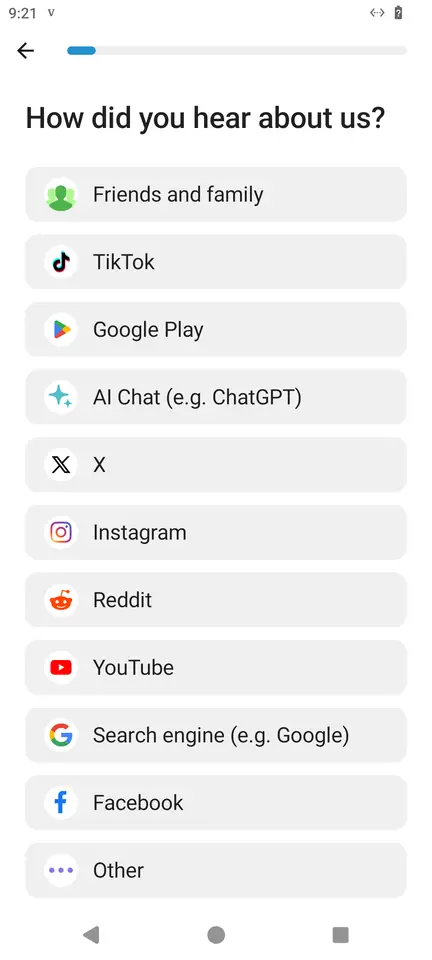
Onboarding flow · FitOn · Android
FitOn onboarding flow
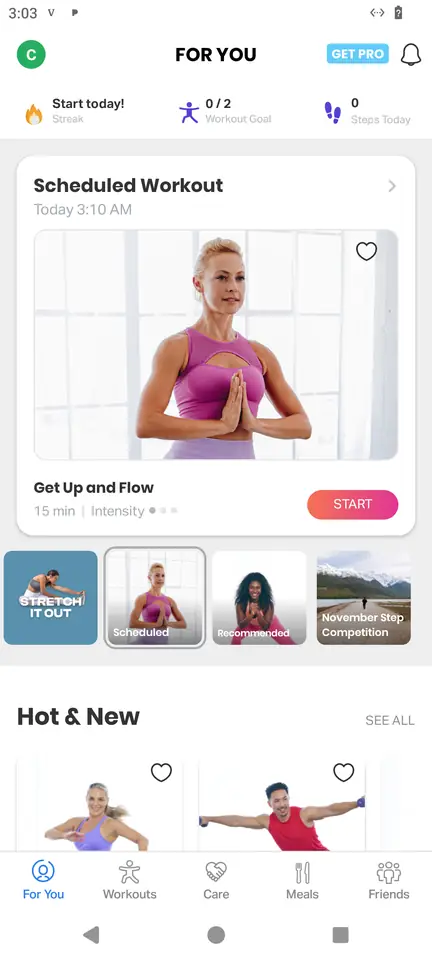
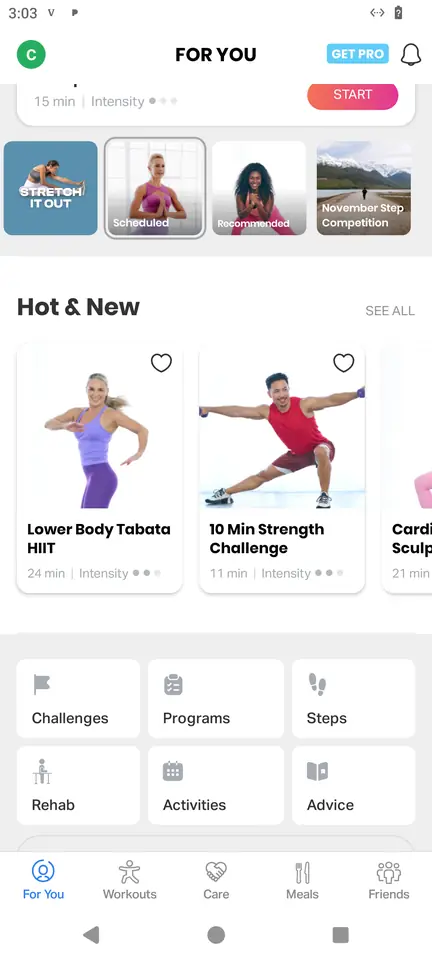
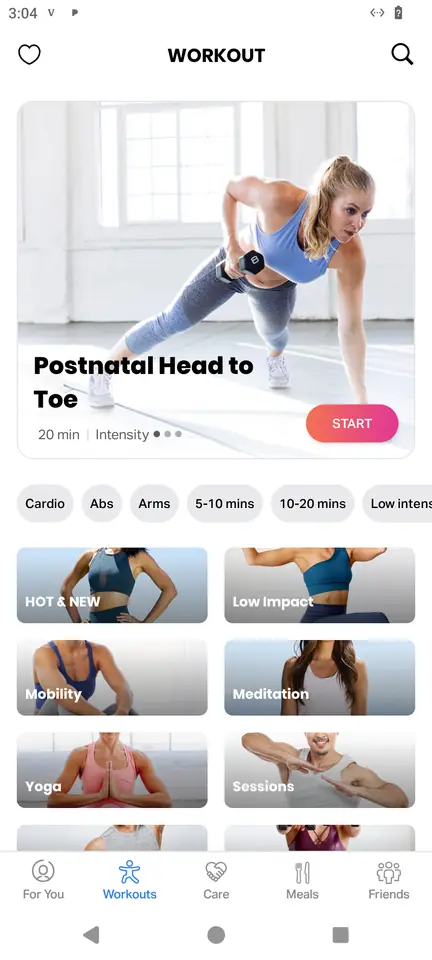
Every screen of FitOn's onboarding flow on Android, in order: 7 steps, recorded on a real device. FitOn's onboarding asks 5 questions about the user and reaches the account ask at step 1 of 7. At 7 screens it is the joint 37th-longest of the 152 onboarding flows in the library (median 4). We detected no progress indicator and no skip option.
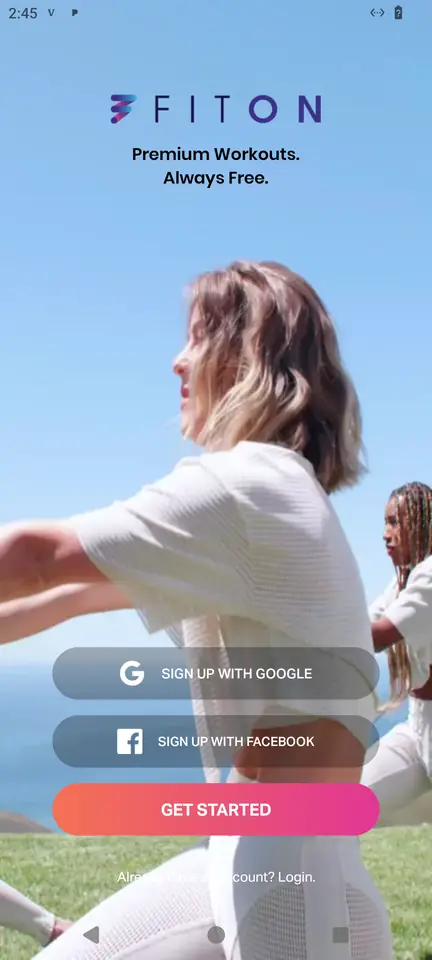 01 Onboarding
Premium Workouts. Always Free. — SIGN UP WITH GOOGLE
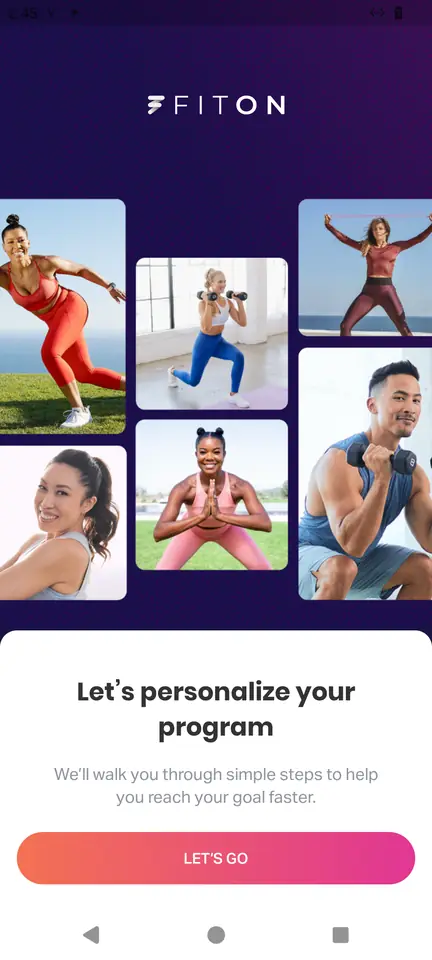 02 Onboarding
Let’s personalize your program — We’ll walk you through simple steps to help you reach your goal faster.
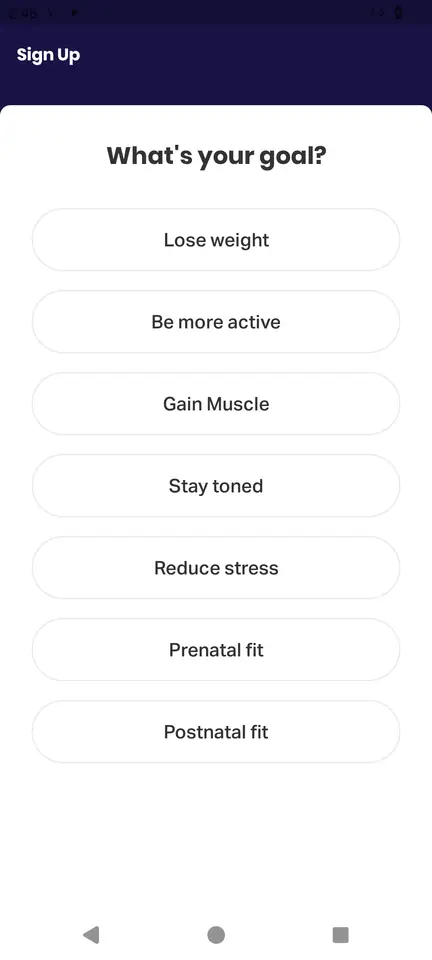 03 Onboarding
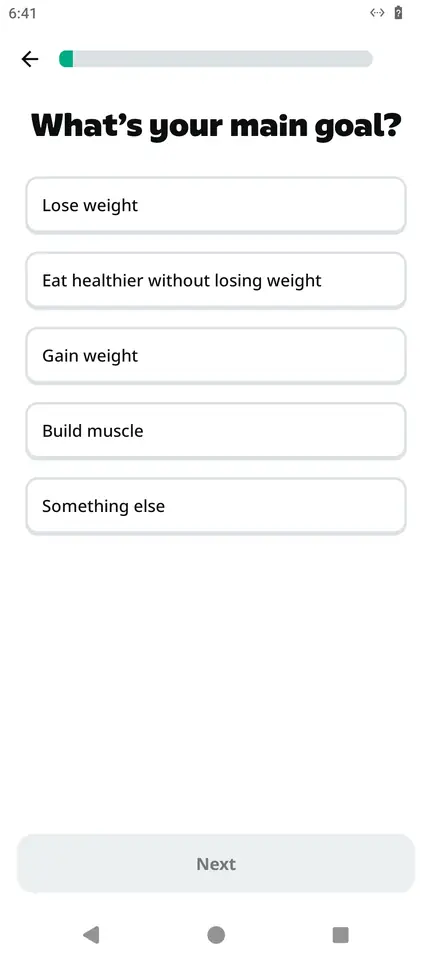
Sign Up — What's your goal?
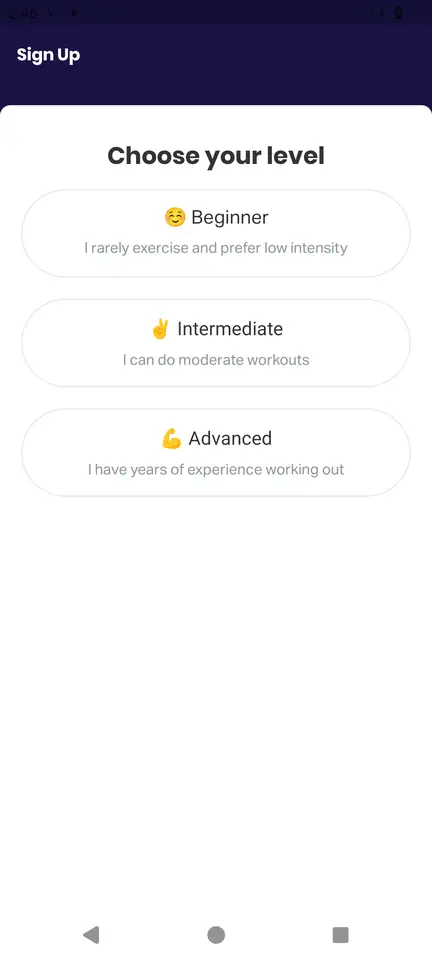 04 Onboarding
Sign Up — Choose your level
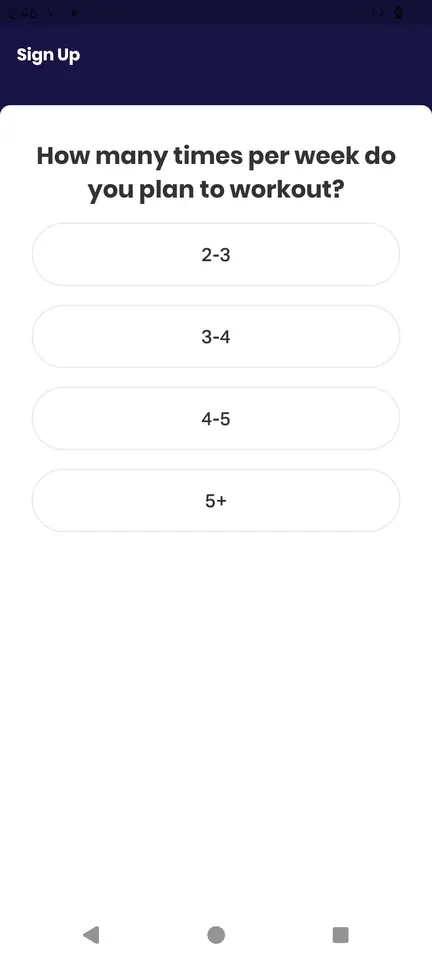 05 Onboarding
Sign Up — How many times per week do you plan to workout?
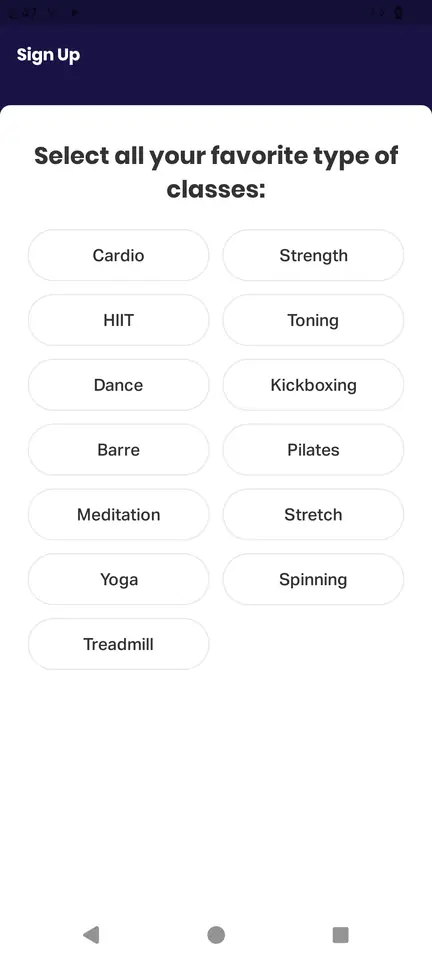 06 Onboarding
Sign Up — Select all your favorite type of classes:
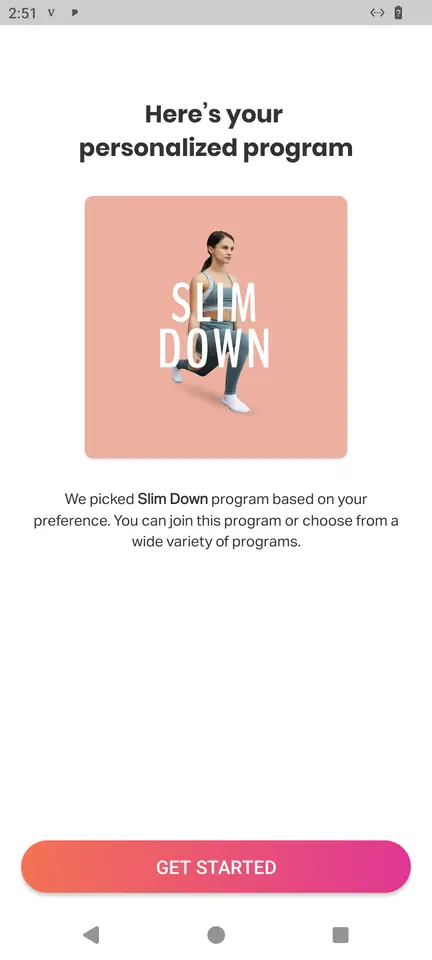 07 Onboarding
Here’s your personalized program — GET STARTED
What FitOn's onboarding flow does
- 7 screens in order, opening on “Premium Workouts. Always Free.” and ending at “Here’s your personalized program”.
- Offers 2 sign-in options: Facebook, Google.
Read the step-by-step UX teardown of this flow →
Captured on a real Android device · last updated 2026-11-14